How to Handle SSL Certificate Errors in PHP HTTP Clients
Fix PHP SSL certificate errors safely: keep verification enabled, configure trusted CAs, and troubleshoot streams, Guzzle, and Symfony HttpClient.
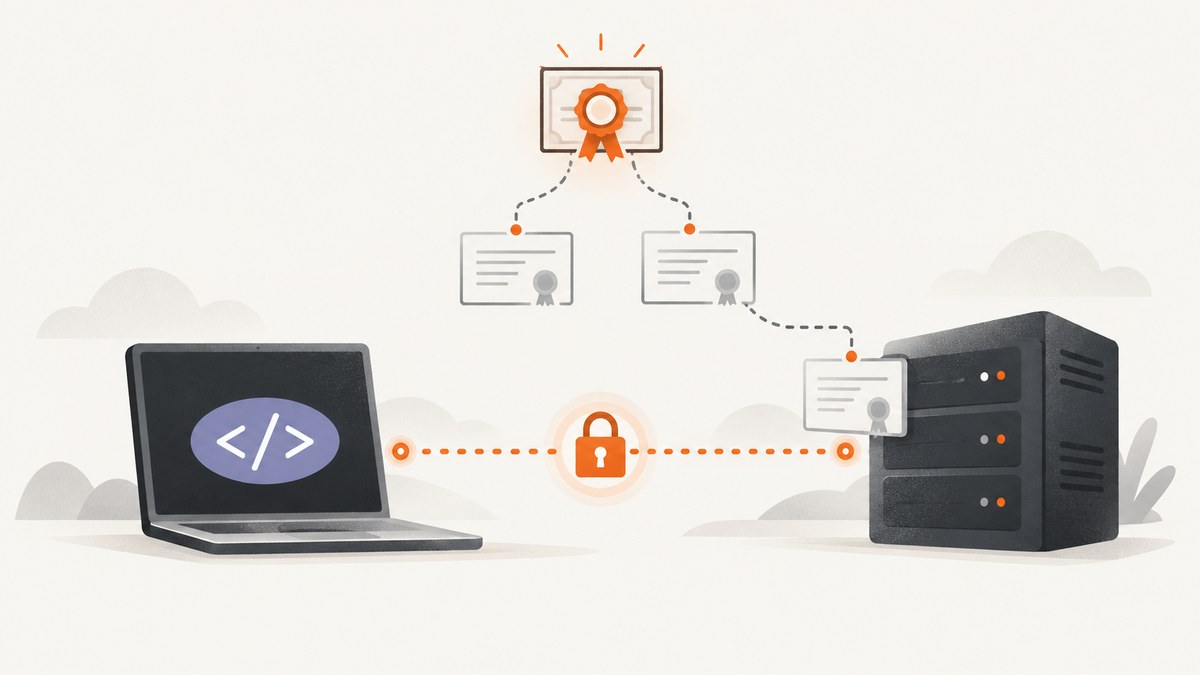
SSL certificate errors in PHP usually mean the process making the request cannot build a trusted certificate chain for the hostname it contacted. Keep certificate and hostname verification enabled. Identify the HTTP client, transport, PHP runtime, and CA source used by the failing process, then repair that trust configuration.
A browser succeeding does not prove that PHP can validate the same endpoint. Symfony documents that its HttpClient uses the system certificate store while browsers use their own stores. CLI PHP, PHP-FPM, a web server, and a container can therefore behave differently.
What an SSL verification error means
During an HTTPS connection, the server presents a certificate chain. Your PHP client checks that:
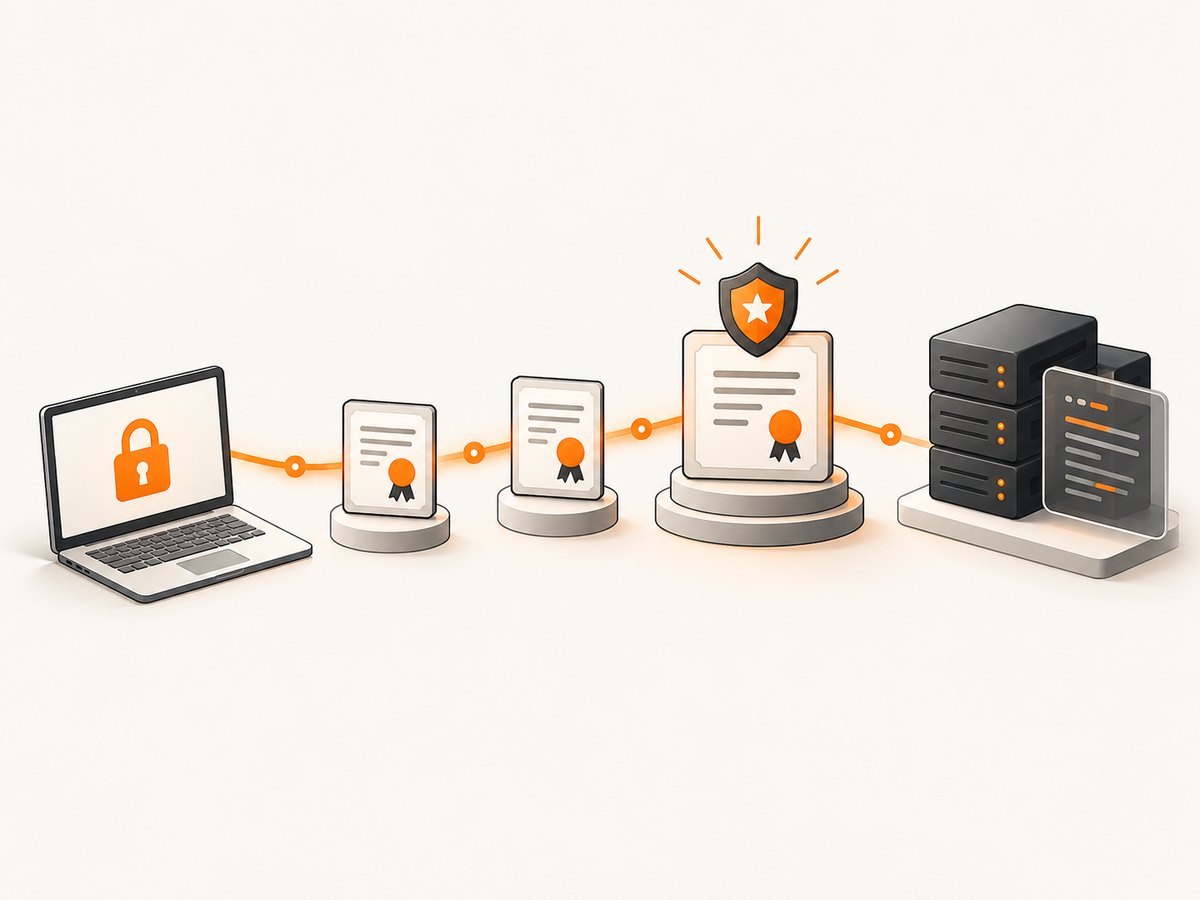
- the certificate is valid for the requested hostname;
- the chain leads to a certificate authority trusted by the active runtime;
- the certificate is currently valid and usable by the selected transport.
Errors such as “unable to get local issuer certificate”, “certificate verify failed”, or “peer certificate cannot be authenticated” generally indicate a missing, unreadable, outdated, or inappropriate CA source. A hostname mismatch points to a different problem: the URL and certificate names do not match.
Diagnostic workflow
- Capture the complete error. Record the exception text, error code, URL hostname, PHP version, SAPI (CLI, FPM, Apache module), operating system, container image, HTTP client, and handler.
- Confirm the actual hostname. Redirects, proxy settings, or a hard-coded IP can send the request to a certificate that does not cover the name in the URL.
- Identify the transport. Native streams, cURL, and library-specific handlers can use different trust stores and configuration.
- Inspect the CA source. Verify that the expected CA bundle or certificate directory exists and is readable by the PHP process.
- Retest with peer and hostname checks enabled. If it still fails, inspect the presented chain and the trust source instead of suppressing verification.
Native PHP streams
PHP stream SSL contexts enable verify_peer and verify_peer_name by default. The cafile option names a local CA file. The capath option points to a directory containing correctly hashed certificates. PHP’s documentation also states that allow_self_signed defaults to false.
Use a CA file
<?php
$url = 'https://example.com/';

$context = stream_context_create([
    'ssl' => [
        'verify_peer' => true,
        'verify_peer_name' => true,
        'cafile' => '/path/to/ca-bundle.pem',
    ],
]);

$body = file_get_contents($url, false, $context);
if ($body === false) {
    throw new RuntimeException('HTTPS request failed');
}

echo $body;
Replace the placeholder with a CA bundle appropriate for the deployment. The path is not universal: operating system packages, PHP builds, containers, and hosting providers place trust material differently. Ensure the account running PHP can read the file.
Use a hashed CA directory
<?php
$context = stream_context_create([
    'ssl' => [
        'verify_peer' => true,
        'verify_peer_name' => true,
        'capath' => '/path/to/hashed-ca-directory',
    ],
]);

$response = file_get_contents('https://example.com/', false, $context);
if ($response === false) {
    throw new RuntimeException('Request failed');
}
A plain folder of PEM files is not enough for capath; the directory must use the hash layout expected by the active SSL library.
Hostname and peer options
Keep both verification settings true in production. PHP also exposes peer_name when the name used for validation must be specified explicitly, but changing it can hide a URL or proxy mistake. Fix the requested hostname first.
Guzzle
Guzzle’s verify request option is enabled by default. Set it to true to use the default bundle, or provide a string path to a CA bundle. Guzzle’s FAQ recommends specifying the CA bundle path when you receive an SSL verification error. The documentation labels verify => false insecure because it disables certificate verification.
Runnable Guzzle example
<?php
require __DIR__ . '/vendor/autoload.php';

use GuzzleHttp\Client;
use GuzzleHttp\Exception\GuzzleException;

$client = new Client([
    'timeout' => 30,
    'verify' => '/path/to/ca-bundle.pem',
]);

try {
    $response = $client->request('GET', 'https://example.com/', [
        'headers' => ['Accept' => 'text/html'],
    ]);
    echo $response->getBody();
} catch (GuzzleException $e) {
    error_log($e->getMessage());
    throw $e;
}
For the default trust source, omit the custom path or set 'verify' => true. Use a real, readable bundle path for private infrastructure. The installed Guzzle version, handler, operating system, and PHP configuration determine what default is available.
Symfony HttpClient
Symfony HttpClient validates certificates against the system certificate store. Symfony supports PHP streams and cURL, so determine which transport is active when behavior differs between environments. For a self-signed development service, Symfony recommends creating a development certificate authority and adding that CA to the system store. Its documentation says disabling verify_host or verify_peer is not recommended in production.
Runnable Symfony example
<?php
require __DIR__ . '/vendor/autoload.php';

use Symfony\Component\HttpClient\HttpClient;

$client = HttpClient::create([
    'timeout' => 30,
]);

$response = $client->request('GET', 'https://example.com/');
$status = $response->getStatusCode();
$body = $response->getContent();

echo $status . "\n" . $body;
Repair the operating system’s trusted store for the PHP process rather than adding a blanket bypass. If you must use a private CA, install that CA intentionally in the relevant store and document the change.
Development certificates and private services
Self-signed certificates are not automatically trustworthy. Create a development CA, issue the service certificate from it, and trust the CA in the development machine, container, or server that runs PHP. Distributing a self-signed leaf certificate as a universal fix makes it difficult to rotate credentials and does not establish a managed trust boundary.
Keep development trust material separate from production. A production request should succeed because the intended public or private CA is trusted, the complete chain is served, and the hostname matches.
Common errors and fixes
| Error or symptom | Likely cause | Fix |
|---|---|---|
| Unable to get local issuer certificate | Missing issuer or root in the active CA source | Install or supply the correct CA bundle; confirm the PHP user can read it. |
| Certificate verify failed after adding a file | Wrong path, unreadable file, malformed bundle, or incomplete chain | Check permissions, PEM formatting, and the chain presented by the server. |
| Hostname mismatch | URL name is absent from the certificate SAN entries | Use the intended hostname and fix the server certificate or proxy routing. |
| Browser works, PHP fails | Browser and PHP use different trust stores or transports | Inspect the store used by CLI/FPM/container PHP and configure that process. |
| Only one SAPI fails | Different php.ini, environment variables, user permissions, or container filesystem |
Compare runtime configuration and file access under the failing SAPI. |
| Self-signed development endpoint fails | Private CA is not trusted | Create/use a development CA and add it to the relevant system store. |
Works with verify => false |
Verification was bypassed, not fixed | Restore verification and repair the CA or hostname configuration. |
Configuration checklist
- Is the request using the expected hostname rather than an IP or unexpected redirect?
- Which client and handler made the request?
- Which PHP SAPI and
php.iniare active? - Does the CA file or hashed directory exist inside the runtime environment?
- Can the PHP worker account read it?
- Does the server provide the intermediate certificates needed to build a chain?
- Are
verify_peer,verify_peer_name, and the library’s verification option still enabled? - For private services, is the intended CA trusted rather than only the leaf certificate?
Performance, reliability, and cost considerations
Certificate verification is part of establishing a secure connection and should remain enabled. Reusing an HTTP client can allow connection reuse and avoid repeating setup work, while an appropriate timeout prevents a stuck endpoint from consuming a worker indefinitely. Keep CA material local to the runtime and deploy it through the same configuration process as the application so a new host or container does not silently lose trust.
Do not rotate to an arbitrary CA bundle merely to make an error disappear. A bundle that is too old can reject valid chains; an unreviewed bundle can trust authorities your organization did not intend to trust. For high-volume clients, monitor exception rates and certificate-expiration alerts, and test the deployed image or host rather than only a developer laptop.
cURL, Python, and Node.js comparison checks
These commands help determine whether the endpoint or the PHP runtime is the source of the problem. They are diagnostic comparisons; configure each client’s CA source deliberately.
cURL
curl --fail --show-error --location \
  --cacert /path/to/ca-bundle.pem \
  https://example.com/
Python Requests
import requests

response = requests.get(
    "https://example.com/",
    verify="/path/to/ca-bundle.pem",
    timeout=30,
)
response.raise_for_status()
print(response.text)
Node.js
const res = await fetch('https://example.com/');
if (!res.ok) throw new Error(`HTTP ${res.status}`);
console.log(await res.text());
Do not turn off TLS verification in these clients as a production workaround. If one succeeds and PHP fails, compare the CA source, hostname, proxy path, and runtime identity.
Or skip the browser setup
If your PHP application ultimately needs reliable website images or PDFs, ScreenshotNeo provides a website screenshot API without requiring you to maintain a browser, cookie handling, or page-cleanup pipeline. The API returns a PNG, JPEG, WebP, or PDF from one GET request. See the ScreenshotNeo API documentation for the available options.
<?php
$url = 'https://stripe.com';
$query = http_build_query([
    'access_key' => 'YOUR_API_KEY',
    'url' => $url,
]);

$data = file_get_contents('https://api.screenshotneo.com/v1/shot?' . $query);
if ($data === false) {
    throw new RuntimeException('Screenshot request failed');
}
file_put_contents('shot.webp', $data);
Equivalent requests
curl -G "https://api.screenshotneo.com/v1/shot" -d access_key=YOUR_API_KEY --data-urlencode url=https://stripe.com -o shot.webpimport requests
r = requests.get("https://api.screenshotneo.com/v1/shot", params={"access_key": "YOUR_API_KEY", "url": "https://stripe.com"}, timeout=90)
open("shot.webp", "wb").write(r.content)const q = new URLSearchParams({ access_key: 'YOUR_API_KEY', url: 'https://stripe.com' });
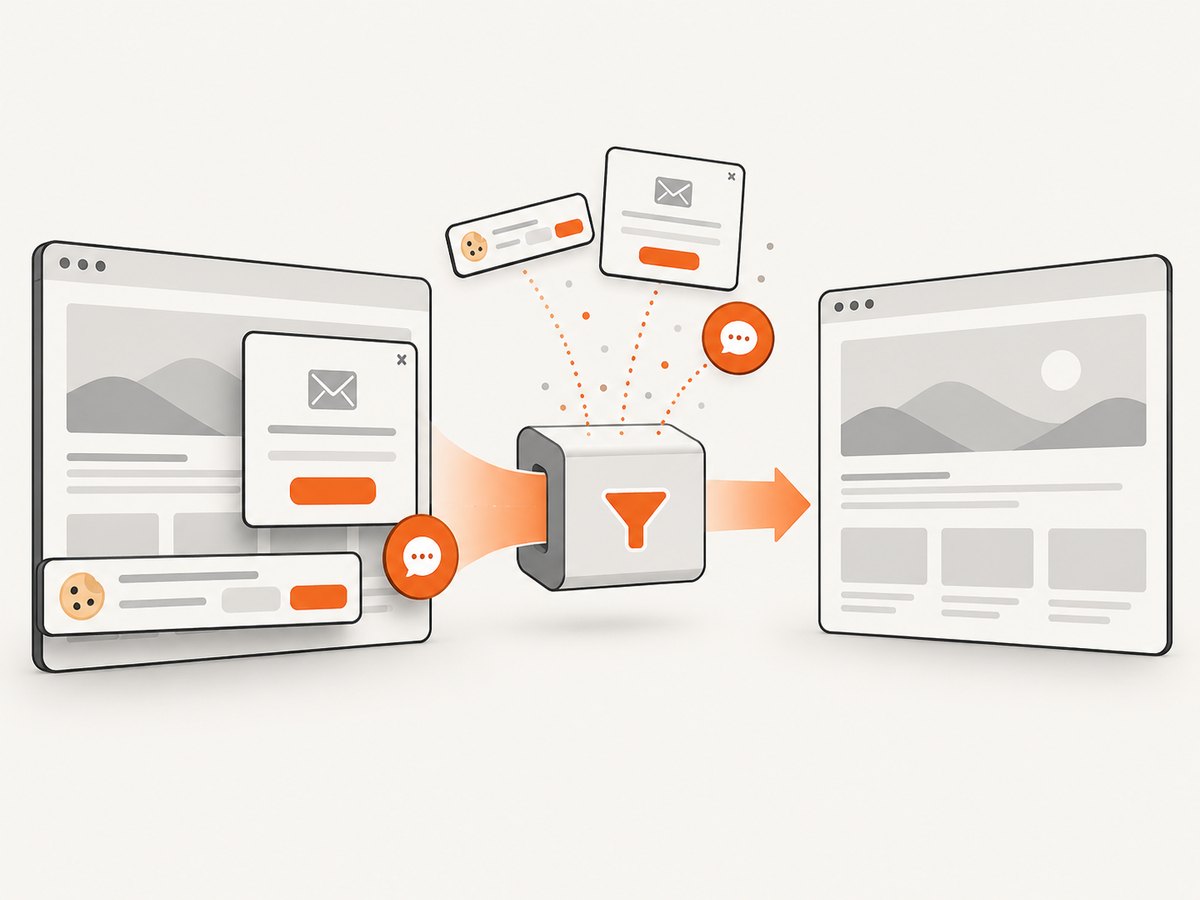
const res = await fetch(`https://api.screenshotneo.com/v1/shot?${q}`);Before capture, ScreenshotNeo accepts cookie and consent banners and removes more than 60 known consent platforms, newsletter popups, and chat widgets; each step can be turned off. Bot checks, blank pages, timeouts, failed loads, and cache hits are not billed, and the response reports the result with X-Page-Verdict and X-Billed headers. Its MCP server provides take_screenshot, get_page_info, and capture_pdf tools for Claude, Cursor, and other MCP clients.
There are 1,000 screenshots per month on the free plan with no card. Paid plans start at $5 for 3,000 shots; every feature is available on every plan. Create a free ScreenshotNeo account.
FAQ
Should I set verify_peer to false temporarily?
Only an isolated diagnostic can justify a temporary experiment, and it must never ship. The setting disables endpoint authentication. Restore verification immediately and fix the trusted CA or hostname.
Why does adding the server certificate not always work?
The client normally needs to trust the issuing CA chain. Trusting an individual leaf can break rotation and does not replace a correctly managed CA.
Is a CA file path portable between servers?
No. Paths, permissions, operating-system stores, PHP builds, and container contents vary. Treat the path as deployment configuration and verify it under the process that makes the request.
Which option controls Guzzle verification?
Use the request option verify. Leave it true for the default bundle or provide a specific readable CA bundle path.
What should I check first when only production fails?
Compare the production SAPI, runtime image, trust store, hostname, proxy, and file permissions with the environment where the request succeeds.


