How to Take a Screenshot in Headless Firefox with Selenium and Java
Capture viewport and full-page screenshots in headless Firefox with Selenium Java, including setup, waits, sizing, CI fixes, and an API alternative.
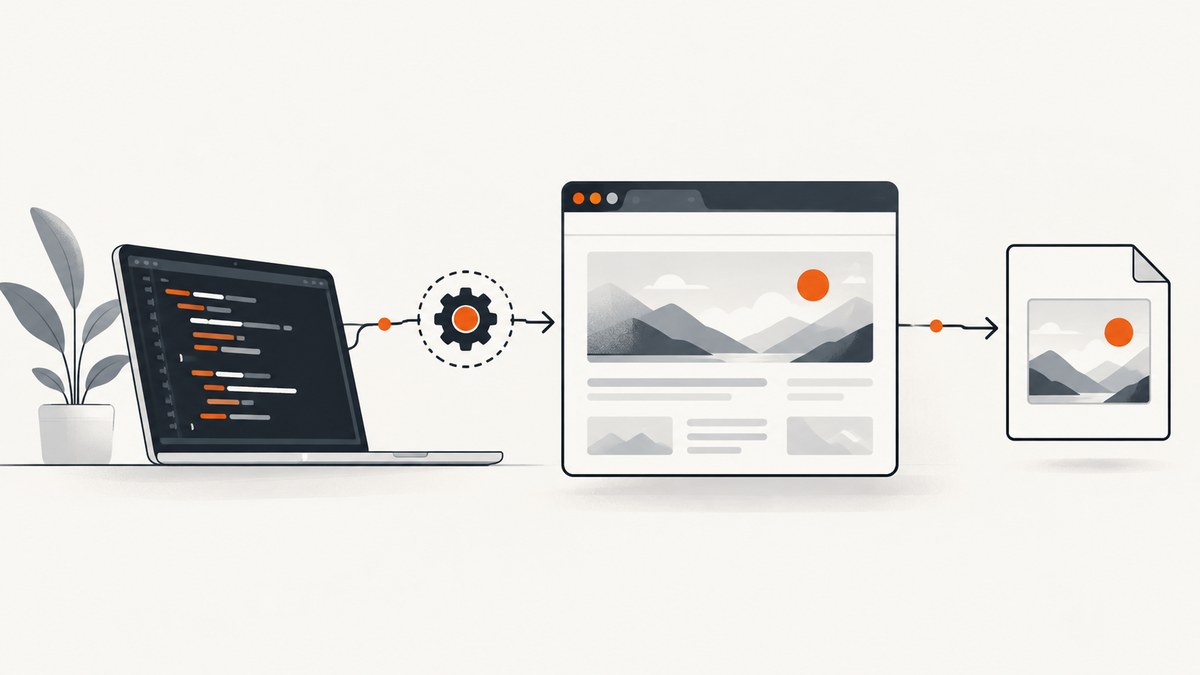
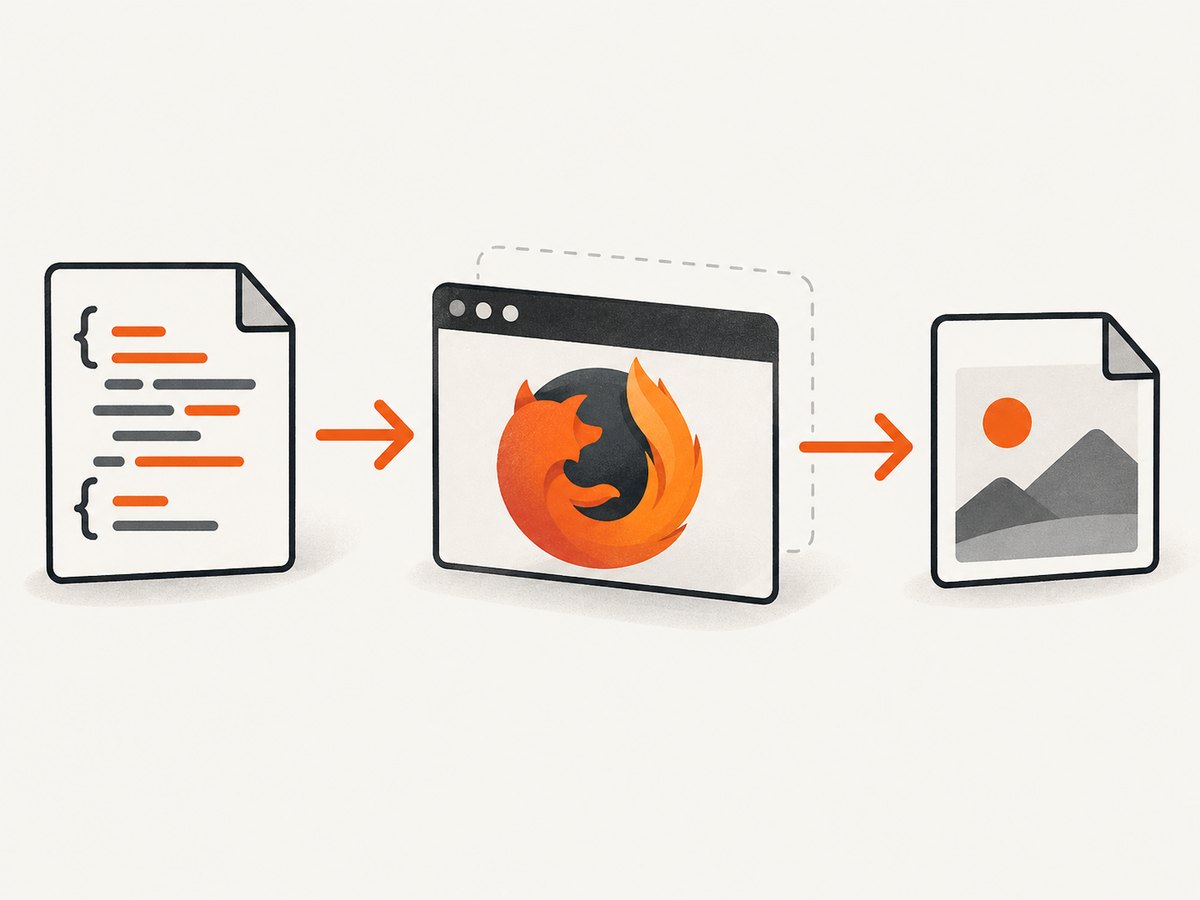
Direct answer: create a FirefoxOptions object, enable headless mode with setHeadless(true), start a FirefoxDriver, navigate to the page, then call Selenium’s TakesScreenshot.getScreenshotAs(OutputType.FILE). Copy the returned temporary file to your destination and always call quit() in a finally block. For the complete document rather than the visible viewport, keep the concrete FirefoxDriver reference and call getFullPageScreenshotAs(OutputType.FILE).
Selenium’s Firefox integration requires Firefox 78 or newer with Selenium 4, and Selenium recommends keeping geckodriver current. Mozilla documents the --headless mode and --window-size width[,height] option. See the Selenium Firefox documentation and Mozilla’s headless Firefox documentation.
1. Set up Selenium, Firefox and geckodriver
You need four pieces:
- Java (a current LTS release is a practical choice for CI).
- Selenium 4 Java bindings.
- Firefox 78 or newer.
- A geckodriver version compatible with your Firefox installation. Put it on
PATH, or configure its executable location in your build environment.
With Maven, add Selenium to pom.xml:
<dependency>
  <groupId>org.seleniumhq.selenium</groupId>
  <artifactId>selenium-java</artifactId>
  <version>4.XX.X</version>
</dependency>
Replace 4.XX.X with the Selenium 4 version selected by your project. Keep the dependency current alongside Firefox and geckodriver upgrades.
2. Capture a viewport screenshot
This complete program opens example.com without a GUI and saves the visible browser viewport as screenshot.png. Selenium’s OutputType.FILE returns a Java File, which is convenient when your next step is copying it to a known path. The API also supports other output types through the same method; use those when you need bytes or Base64 instead of a file.
import java.io.File;
import java.io.IOException;
import java.nio.file.Files;
import java.nio.file.Path;
import java.nio.file.StandardCopyOption;

import org.openqa.selenium.OutputType;
import org.openqa.selenium.TakesScreenshot;
import org.openqa.selenium.WebDriver;
import org.openqa.selenium.firefox.FirefoxDriver;
import org.openqa.selenium.firefox.FirefoxOptions;

public class HeadlessFirefoxScreenshot {
  public static void main(String[] args) throws IOException {
    FirefoxOptions options = new FirefoxOptions();
    options.setHeadless(true);

    WebDriver driver = new FirefoxDriver(options);
    try {
      driver.get("https://example.com/");

      File captured = ((TakesScreenshot) driver)
          .getScreenshotAs(OutputType.FILE);

      Files.copy(
          captured.toPath(),
          Path.of("screenshot.png"),
          StandardCopyOption.REPLACE_EXISTING);
    } finally {
      driver.quit();
    }
  }
}
The cast to TakesScreenshot exposes Selenium’s screenshot interface. Its documented method is getScreenshotAs(OutputType<X>); OutputType.FILE is the usual choice when you want a Java File. The official Java API documentation is available for TakesScreenshot.
Choose a deterministic viewport
Viewport size affects responsive breakpoints, wrapping, and what appears in a viewport capture. Set it before navigation when possible:
FirefoxOptions options = new FirefoxOptions();
options.setHeadless(true);

FirefoxDriver driver = new FirefoxDriver(options);
try {
  driver.manage().window().setSize(new org.openqa.selenium.Dimension(1440, 900));
  driver.get("https://example.com/");
  File file = ((TakesScreenshot) driver).getScreenshotAs(OutputType.FILE);
  Files.copy(file.toPath(), Path.of("desktop.png"),
      StandardCopyOption.REPLACE_EXISTING);
} finally {
  driver.quit();
}
Mozilla also documents Firefox’s --window-size width[,height] argument. Selenium window management is generally easier to keep with the rest of a Java test, while the Firefox argument is useful when your container or launcher owns browser arguments.
3. Capture the full page
A normal screenshot captures the current viewport. For a full-document image, use FirefoxDriver’s full-page screenshot capability:
import java.io.File;
import java.nio.file.Files;
import java.nio.file.Path;
import java.nio.file.StandardCopyOption;

import org.openqa.selenium.OutputType;
import org.openqa.selenium.firefox.FirefoxDriver;
import org.openqa.selenium.firefox.FirefoxOptions;

public class FullPageFirefoxScreenshot {
  public static void main(String[] args) throws Exception {
    FirefoxOptions options = new FirefoxOptions();
    options.setHeadless(true);

    FirefoxDriver driver = new FirefoxDriver(options);
    try {
      driver.get("https://example.com/");
      File fullPage = driver.getFullPageScreenshotAs(OutputType.FILE);
      Files.copy(fullPage.toPath(), Path.of("full-page.png"),
          StandardCopyOption.REPLACE_EXISTING);
    } finally {
      driver.quit();
    }
  }
}
getFullPageScreenshotAs is exposed by FirefoxDriver through Selenium’s full-page screenshot support. Keep the variable typed as FirefoxDriver; a generic WebDriver reference does not expose that Firefox-specific method directly. See the FirefoxDriver Java API.
4. Wait for the page you actually want to capture
driver.get() waits for the browser’s page-load condition, but it cannot know when your application has finished rendering lazy images, fonts, animations, API data, or a client-side route. Add an application-specific wait before taking the shot.
Wait for a specific element
import java.time.Duration;
import org.openqa.selenium.By;
import org.openqa.selenium.support.ui.ExpectedConditions;
import org.openqa.selenium.support.ui.WebDriverWait;

WebDriverWait wait = new WebDriverWait(driver, Duration.ofSeconds(20));
driver.get("https://example.com/dashboard");
wait.until(ExpectedConditions.visibilityOfElementLocated(
    By.cssSelector("main.dashboard")));
Wait for document readiness
new WebDriverWait(driver, Duration.ofSeconds(20)).until(d ->
    ((org.openqa.selenium.JavascriptExecutor) d)
        .executeScript("return document.readyState")
        .equals("complete"));
Use a selector that represents meaningful readiness whenever possible. A page can report complete while a JavaScript application is still fetching data.
Handle lazy content and animation
For lazy-loaded sections, scroll through the document before the full-page capture, then wait for the last section. For animated interfaces, wait for a stable state or inject a test-only style that disables transitions. The Selenium and Mozilla references do not define a universal wait for these application conditions, so the selector, delay, or JavaScript needed depends on the site.
((org.openqa.selenium.JavascriptExecutor) driver).executeScript(
    "window.scrollTo(0, document.body.scrollHeight);");
Thread.sleep(500); // Prefer an explicit readiness condition when available.
Replace arbitrary sleeps with a visible element, a network completion signal exposed by the application, or another deterministic condition when you can.
5. Useful Firefox and Selenium options
| Need | Approach | Why it matters |
|---|---|---|
| No display server | options.setHeadless(true) |
Runs Firefox without opening a GUI. Mozilla also supports the --headless argument. |
| Repeatable responsive layout | driver.manage().window().setSize(new Dimension(width, height)) |
Fixes the viewport used by CSS breakpoints and the screenshot. |
| Current viewport | TakesScreenshot.getScreenshotAs(...) |
Captures what is visible in the browser viewport. |
| Entire document | FirefoxDriver.getFullPageScreenshotAs(...) |
Captures the full page rather than only the viewport. |
| File output | OutputType.FILE |
Simple to copy into an artifact directory. |
| Other output forms | Another OutputType |
Use the same API when your pipeline needs bytes or Base64. |
6. Save screenshots safely in CI
- Create an output directory owned by the job.
- Use a unique filename when tests run in parallel.
- Copy the temporary Selenium file before the driver is closed.
- Put
driver.quit()infinally, including when navigation or the copy fails. - Publish the output directory as a CI artifact so failures can be inspected.
Path output = Path.of("build", "screenshots", "home.png");
Files.createDirectories(output.getParent());
File captured = ((TakesScreenshot) driver).getScreenshotAs(OutputType.FILE);
Files.copy(captured.toPath(), output, StandardCopyOption.REPLACE_EXISTING);
7. Common errors and fixes
| Error or symptom | Likely cause | Fix |
|---|---|---|
SessionNotCreatedException |
Firefox, Selenium, and geckodriver versions are incompatible, or Firefox is missing. | Use Selenium 4, Firefox 78 or newer, install Firefox in the runtime image, and update geckodriver as Selenium recommends. |
Unable to find a matching set of capabilities |
The driver cannot start the requested Firefox session. | Check the geckodriver executable on PATH, permissions, Firefox location, and container architecture. |
| “no DISPLAY environment variable” | Firefox was launched with a GUI in a headless CI worker. | Call options.setHeadless(true) before constructing FirefoxDriver. |
| Screenshot is only the top portion | The code used the viewport API. | Keep a FirefoxDriver reference and call getFullPageScreenshotAs. |
| Blank or incomplete image | Capture happened before client-side rendering, fonts, or lazy images completed. | Wait for an application-specific selector, scroll lazy sections into view, and disable or await animations. |
| Wrong mobile or desktop layout | The browser used a different viewport than expected. | Set the window size explicitly before navigation and record the dimensions with the artifact. |
| File disappears after the test | The temporary Selenium file was not copied to a stable location. | Copy it immediately to your output path and publish that directory. |
| Firefox processes remain after failures | An exception bypassed cleanup. | Construct the driver before try and put quit() in finally. |
8. Performance, reliability and cost considerations
Starting Firefox is usually more expensive than reusing a session for several related captures. If pages share authentication and browser state, reuse one driver carefully and reset navigation state between URLs. For isolated tests, one driver per test reduces state leakage but increases startup work.
Full-page images consume more memory and produce larger artifacts as document height grows. Set a practical viewport, avoid capturing pages that can grow without bound, and retain only the artifacts needed for debugging or review. Waiting on a precise selector is generally more predictable than adding a long fixed delay. Parallel browsers can reduce wall-clock time but increase CPU and memory pressure in CI; size concurrency to the worker.
Screenshot generation itself has no Selenium service charge, but your CI runtime, browser workers, storage, and network traffic still have costs. Cache dependencies in the build image, keep Firefox and geckodriver versions aligned, and use a bounded page-load or explicit wait policy for unreliable external pages.
9. Or skip the browser setup
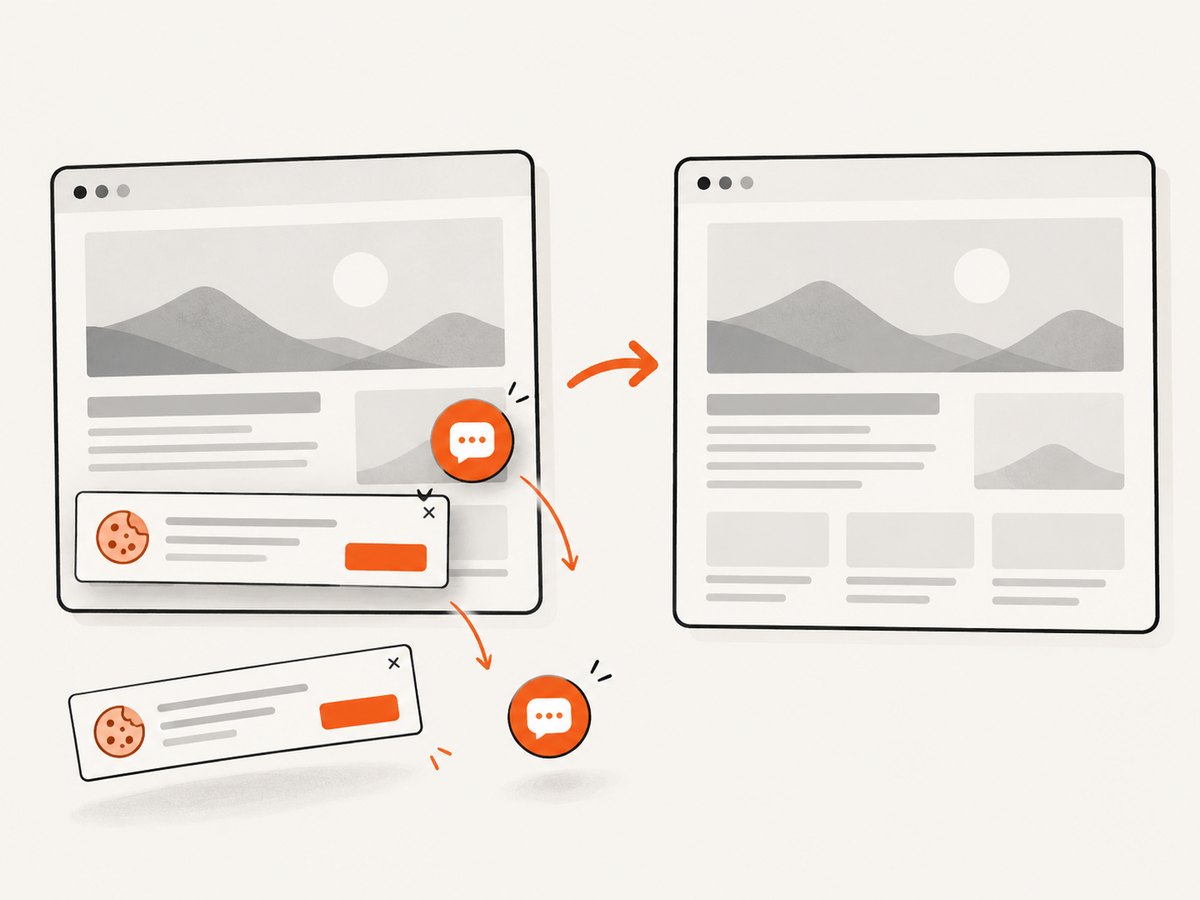
If you need a screenshot service instead of managing Firefox, ScreenshotNeo accepts one GET request and returns PNG, JPEG, WebP, or PDF. It removes cookie and consent banners, newsletter popups, and chat widgets before capture. Bot checks, blank pages, timeouts, failed loads, and cache hits are not billed, and each response reports the result through X-Page-Verdict and X-Billed headers. Its MCP server provides take_screenshot, get_page_info, and capture_pdf tools for Claude, Cursor, and other MCP clients.
See the ScreenshotNeo API documentation for all options, including full-page and element capture, device presets, custom CSS and JavaScript, waits, blocking rules, headers, cookies, geolocation, caching, signed links, asynchronous jobs, bulk capture, and usage reporting.
curl -G "https://api.screenshotneo.com/v1/shot" \
  -d access_key=YOUR_API_KEY \
  --data-urlencode url=https://stripe.com \
  -o shot.webp
import requests
r = requests.get(
"https://api.screenshotneo.com/v1/shot",
params={"access_key": "YOUR_API_KEY", "url": "https://stripe.com"},
timeout=90,
)
r.raise_for_status()
open("shot.webp", "wb").write(r.content)const q = new URLSearchParams({
access_key: 'YOUR_API_KEY',
url: 'https://stripe.com'
});
const res = await fetch(`https://api.screenshotneo.com/v1/shot?${q}`);
if (!res.ok) throw new Error(`HTTP ${res.status}`);
const bytes = new Uint8Array(await res.arrayBuffer());
require('node:fs').writeFileSync('shot.webp', bytes);There is a free tier of 1,000 screenshots per month with no card. Paid plans start at $5 for 3,000 shots, and every feature is included on every plan. Create a free ScreenshotNeo account.
10. FAQ
Can I take a screenshot without installing a desktop environment?
Yes. Headless Firefox is designed to run without a GUI. Install Firefox and geckodriver in the worker image, then enable setHeadless(true).
Should I use a generic WebDriver or FirefoxDriver variable?
Use WebDriver for portable viewport operations. Use FirefoxDriver when you need Firefox’s getFullPageScreenshotAs method.
Why does my full-page capture miss content?
Full-page support captures the document as rendered at capture time. Wait for application data, fonts, and lazy sections first; then capture after the page reaches your defined ready state.
Can I change PNG to JPEG?
Selenium’s screenshot API returns the format provided by the browser implementation. Convert the saved image with an image library if your pipeline requires another format. ScreenshotNeo can return PNG, JPEG, WebP, or PDF directly.
How do I make screenshots reproducible?
Fix the Firefox and geckodriver versions, set the viewport explicitly, use stable test data, wait on a deterministic selector, and keep animations under control.


