How to Get Your Headlines Back into X/Twitter Link Previews
Learn why X link cards lose headlines, how to fix missing previews, and what to do when headline display is controlled by X.
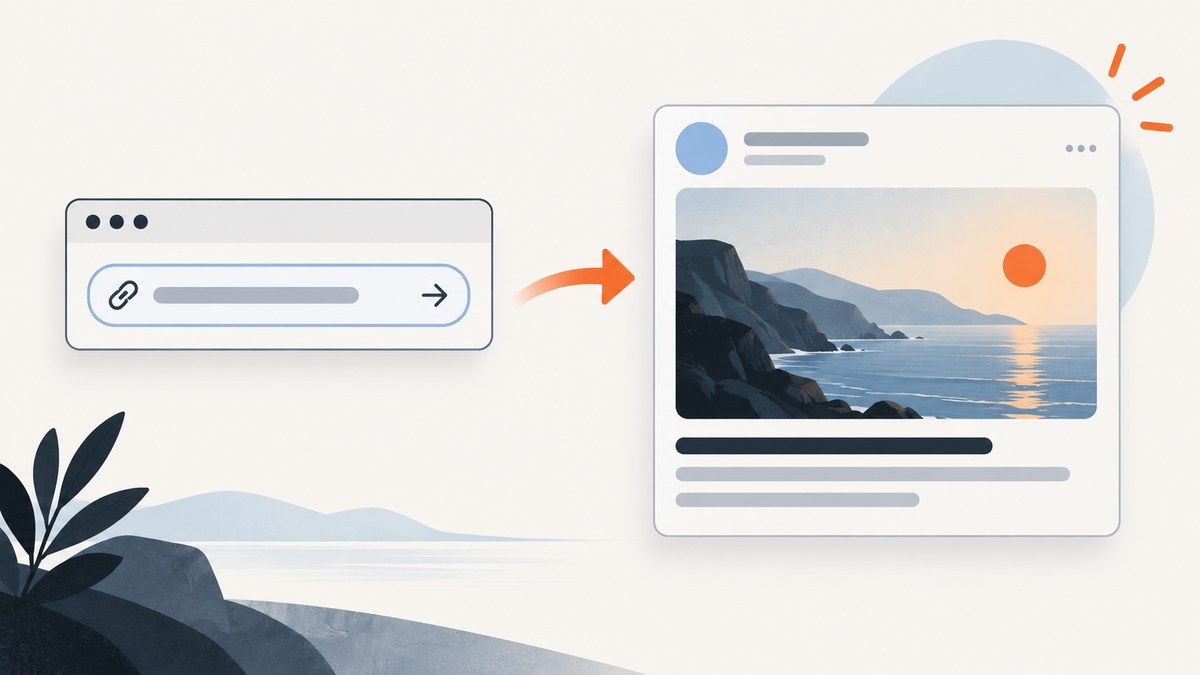
Short answer: first determine whether X shows no link card at all or shows an image card without headline text. Missing cards can result from absent metadata, inaccessible pages or images, or stale platform data. When the card appears but the headline is missing, X may be choosing that presentation; website metadata cannot reliably force the headline back. Put the headline in your post text and verify the result in the X client your readers use.
X removed generated headlines from external link cards in October 2023. It briefly tested a small-text headline treatment in January 2024 and rolled it back within hours. Those changes explain why older tutorials can conflict with what you see now. They do not prove what every current X app, device, or account will display. The Associated Press reported the 2023 change, and TechCrunch documented the short January 2024 experiment.
1. Identify which preview problem you have
Paste the URL into an X draft and classify the result before changing code:
| What you see | Likely meaning | First action |
|---|---|---|
| No card, no image | X could not fetch the page, could not read usable metadata, or has stale data. | Inspect the delivered HTML, image URL, and public reachability. |
| Card appears, image is missing | The image metadata is absent, invalid, blocked, or inaccessible. | Check the absolute HTTPS image URL and its response. |
| Image and domain appear, headline is absent | X is choosing a headline-free card layout. | Put the headline in the post text and test the live composer. |
| Old image or title appears | A cached copy may still be used. | Confirm the live response, then recheck the draft later. |
This distinction prevents a common mistake: repeatedly editing Open Graph tags when the page already produces a valid card and only X’s presentation has changed.
2. Inspect the HTML X receives
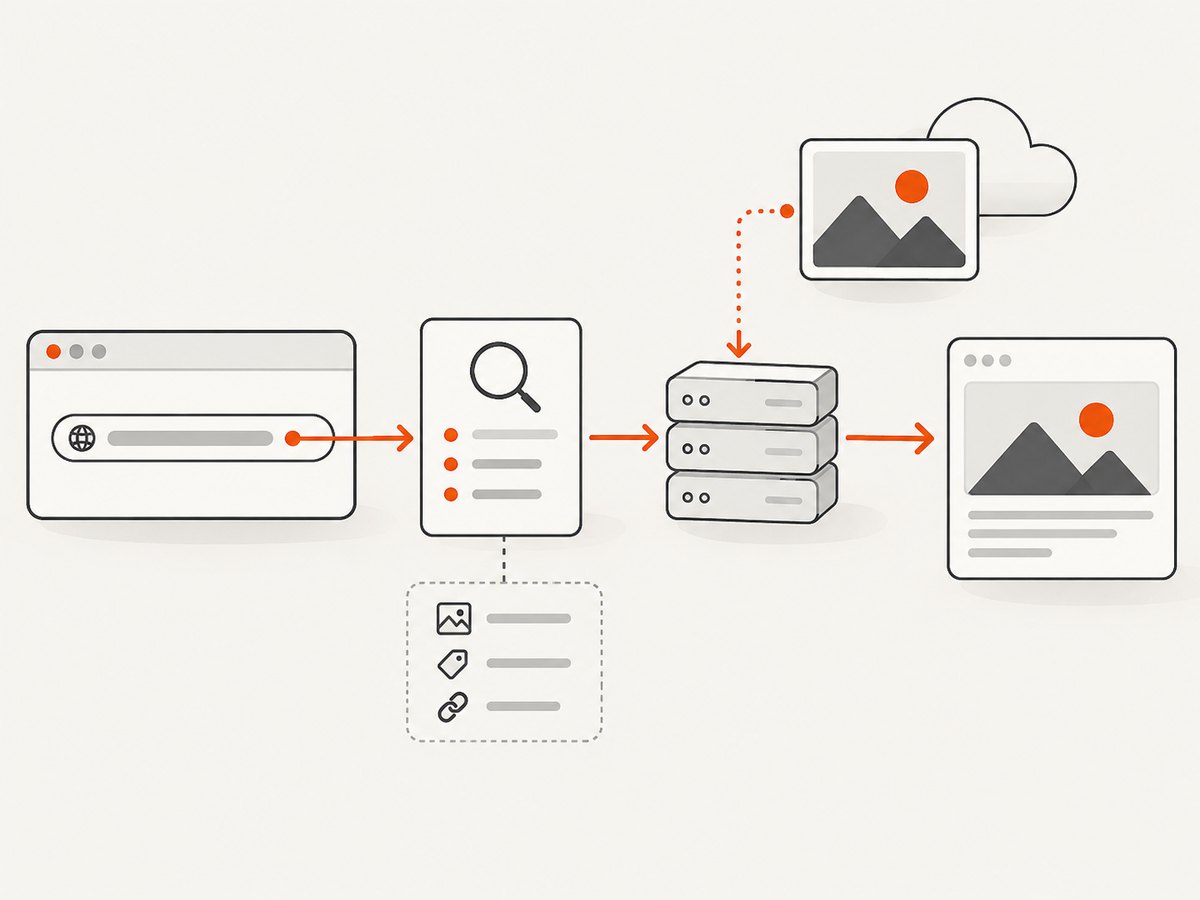
Open the page’s view-source (not only the rendered DOM) or fetch it from a terminal. Social crawlers need the metadata in the server response; tags inserted only after client-side JavaScript runs may not be available to them.
curl -L -A "Mozilla/5.0" -s https://example.com/article \
  | rg -i '(<title|og:title|og:description|og:type|og:url|og:image|twitter:card|twitter:title|twitter:description|twitter:image)'
At minimum, look for one coherent set of values:
<title>for the browser title.og:title,og:description,og:url, andog:imagefor the shared page.twitter:card, usually an image card value supported by your template.twitter:title,twitter:description, andtwitter:imagewhen your CMS emits platform-specific tags.
Do not assume that adding more tags will restore a headline. Duplicate tags from two SEO or sharing plugins can conflict. Keep one authoritative value for each property and inspect the final response after saving.
3. Make the page and image fetchable
Metadata is useful only when X can retrieve the document and its image. Use absolute HTTPS URLs, for example https://cdn.example.com/social/article-123.webp, rather than a relative path. Open both URLs in a private browser session and fetch them without a login. A redirect is acceptable only if it ends at a public response that serves the expected content.
Check these practical failure points:
- Robots, firewall, WAF, or rate-limit rules blocking automated requests.
- Authentication, cookie consent, or geo restrictions required before the HTML or image loads.
- An image URL that returns HTML, a redirect loop, or an authorization error instead of image bytes.
- Mixed-content references such as an HTTP image on an HTTPS page.
- Recent template changes that left empty or malformed meta-content attributes.
Preview checkers can inspect tags and help compare what a fetcher sees, but their simulation is not proof of what X will render. The OG Fixer guide describes this limitation and common inspection workflow. An older X Business website-tag troubleshooting guide is useful historical background, but it is not a current specification and should not be used to infer exact present-day thresholds.
4. Fix the source of the tags
- Change the social-sharing fields in your CMS, SEO plugin, or page template.
- Set the intended title and description once; remove duplicate plugin output.
- Set an absolute, publicly reachable image URL.
- Deploy the change and fetch the live HTML again.
- Paste the URL into a new X draft and inspect the actual card.
Keep the article headline in the post text even after the card works. That gives readers the context you control and remains effective if X uses a headline-free card layout:
How to get your headlines back into X link previews
https://example.com/article
Do not promise a universal headline restoration. X controls the final card presentation, and behavior can differ between the web composer, mobile applications, accounts, and future releases.
5. Test changes without guessing
Use a repeatable check list for each URL:
- Record the exact URL, including canonical redirects and query parameters.
- Fetch the server response and save the relevant metadata.
- Fetch the image separately and verify its status and content type.
- Open a fresh X draft instead of relying on an old composer tab.
- Capture what the card displays in the target X client.
- After deployment, test from another network if your site uses an IP-based firewall.
A third-party checker can reveal that a tag is missing, but only a preview rendered by X demonstrates the current platform behavior. If a checker and X disagree, treat X’s live composer as the product result and the checker as a diagnostic.
6. Cache and timing considerations
After changing metadata or an image, X or an intermediary may still have an older fetch. Research for this guide did not verify a current official X cache-expiry interval, so do not promise that a card will refresh after a fixed number of minutes. Recheck the delivered HTML first; then create a new draft and compare the result later. Changing the URL with arbitrary query strings can create a different resource, but it can also produce duplicate analytics entries and is not a dependable cache purge.
7. Capture a reliable before-and-after screenshot
When debugging a card, save the source page and the rendered result at the same viewport. A browser automation script can capture a page after JavaScript, consent dialogs, and lazy images settle.
import { chromium } from 'playwright';

const browser = await chromium.launch({ headless: true });
const page = await browser.newPage({ viewport: { width: 1440, height: 900 } });
await page.goto('https://example.com/article', { waitUntil: 'networkidle' });
await page.screenshot({ path: 'preview-debug.png', fullPage: true });
await browser.close();
For a one-off check, save both the raw HTML and screenshot with a timestamp. For a site with many templates, run the same check against representative pages after CMS or plugin releases. Keep credentials out of scripts and do not capture private pages as if they were public previews.
8. Troubleshooting common errors
| Symptom | Cause | Fix |
|---|---|---|
| No preview after several attempts | The page or image is blocked, requires login, or returns unusable HTML. | Test anonymous HTTPS requests, firewall logs, redirects, and response content. |
| Image is blank or broken | og:image is relative, private, unsupported, or points to an error page. |
Use one absolute public HTTPS URL and fetch it directly. |
| Correct source but old card | Cached platform data. | Verify the live response, create a fresh draft, and allow for uncertain cache timing. |
| Headline missing while image card works | X presentation choice. | Put the headline in post text; do not keep changing metadata expecting a guaranteed override. |
| Different tools show different titles | Tools fetched at different times or parse different tags. | Remove duplicates and treat the X composer as the final test. |
| Works on desktop, not mobile | Client-specific rendering or stale client data. | Test the exact client and account your audience uses. |
9. Performance, reliability, and cost
Server-rendered metadata avoids waiting for client-side JavaScript and reduces the number of moving parts in a crawler request. Serve the HTML and social image from stable infrastructure, keep redirects short, and avoid generating a new image on every request. Cache generated images at the CDN while changing their filename when the actual artwork changes.
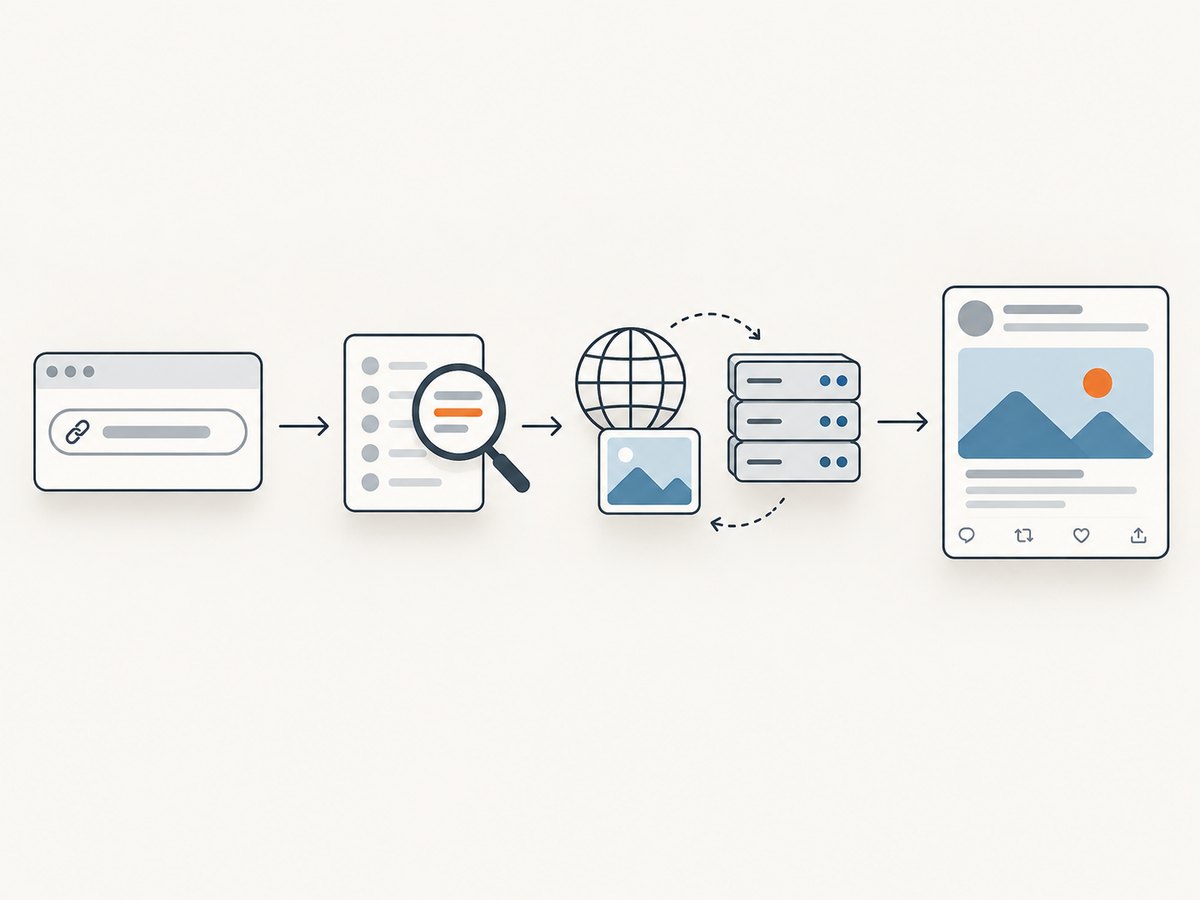
Browser automation gives you a faithful visual record but consumes CPU, memory, and time. Use a fixed viewport, wait only for the selector or network state you need, and reuse a browser process for batches. Retry transient navigation failures with a bounded retry count and record the response, URL, and timestamp. Never treat a successful screenshot as proof that X will display a headline; the screenshot verifies your page, while X owns the card UI.
For occasional debugging, the cost is usually your automation runtime. For regular capture jobs, account for browser workers, storage, retries, and image bandwidth. A screenshot API can remove that browser maintenance.
Or skip the browser setup
ScreenshotNeo provides a website screenshot API and MCP server. One GET request returns PNG, JPEG, WebP, or PDF. It can accept consent banners as a visitor and remove more than 60 known consent platforms, newsletter popups, and chat widgets before capture; each step can be disabled. Bot checks, CAPTCHAs, blank pages, timeouts, failed loads, and cache hits are not billed, and the response identifies the result with X-Page-Verdict and X-Billed headers.
See the ScreenshotNeo documentation for the complete option list. Relevant capture controls include full-page screenshots with lazy images loaded, CSS-selector element capture, dark mode, 12 device presets or a custom viewport, retina scale, custom CSS and JavaScript, clicks, selector or network-idle waits, ad and tracker blocking, custom headers, cookies, user agents, Authorization, timezone, geolocation, transparent backgrounds, resizing, chosen cache TTLs, signed image links, asynchronous jobs with signed webhooks, bulk capture for up to 100 URLs per call, a usage API, and an OpenAPI specification. Existing parameter names used by other screenshot APIs also work, which eases migration.
curl -G "https://api.screenshotneo.com/v1/shot" -d access_key=YOUR_API_KEY --data-urlencode url=https://example.com/article -o shot.webpimport requests
r = requests.get("https://api.screenshotneo.com/v1/shot", params={"access_key": "YOUR_API_KEY", "url": "https://example.com/article"}, timeout=90)
open("shot.webp", "wb").write(r.content)const q = new URLSearchParams({ access_key: 'YOUR_API_KEY', url: 'https://example.com/article' });
const res = await fetch(`https://api.screenshotneo.com/v1/shot?${q}`);Its MCP server exposes take_screenshot, get_page_info, and capture_pdf for Claude, Cursor, and other MCP clients. The Free plan includes 1,000 shots per month with no card; paid plans start at $5 for 3,000 shots. Create a free ScreenshotNeo account.
10. A concise diagnostic checklist
- Is the card absent, the image absent, or only the headline absent?
- Are title, description, card type, and image present in server-delivered HTML?
- Are page and image URLs absolute HTTPS resources reachable without login?
- Are duplicate tags or JavaScript-only tags creating conflicting output?
- Does a fresh X draft show the change in the target client?
- If the card works without a headline, have you placed the headline in post text?
- Have you avoided claiming a cache interval or universal X behavior?
FAQ
Can I force X to show the headline with twitter:title?
No reliable HTML-only method can force X’s current card layout. Keep the tag correct for metadata consumers, but put the headline in the post text when the card omits it.
Should I remove Open Graph tags?
No. Keep one consistent, server-rendered set. Removing metadata can turn a headline-only issue into a missing-card issue.
Does a preview validator prove the card is fixed?
No. It can show what a simulated fetcher reads. The X composer is the evidence for what X currently displays.
Why did an old article promise a headline?
X’s presentation changed in October 2023 and briefly changed again in January 2024. Many older guides describe a behavior that may not apply to your current client.
What should I do when the image itself is the problem?
Fetch the absolute image URL anonymously, confirm it returns image bytes, remove access restrictions, and then test a fresh X draft.


