How to Hide Your IP Address: A Complete Guide for 2026
Learn how to hide your IP with a VPN, Tor, proxy, or VPN router, what each method protects, and the mistakes that can reveal you.

Short answer: Use a reputable VPN when you want ordinary device-wide privacy, Tor Browser when you need stronger browser-level anonymity, or a VPN router when several devices at home must use one encrypted connection. A proxy can mask your address for a specific application, but it usually provides fewer protections. Incognito mode does not hide your public IP address. No method guarantees perfect anonymity.
Your public IP address is the network address that websites, services, and other internet endpoints can observe. Hiding it changes what the destination sees; it does not erase every identifying signal. Accounts, cookies, browser fingerprints, location data, payment records, downloaded files, and application leaks can still connect activity to you.
Choose the method that matches your goal
| Method | What the destination sees | Coverage | Main trade-off |
|---|---|---|---|
| VPN | VPN server IP | Usually the whole device | You trust the VPN operator with traffic metadata and possibly traffic contents |
| Tor Browser | Tor exit relay IP | Only Tor Browser and applications configured for Tor | Slower, easier to identify if you change Tor defaults or log into personal accounts |
| Proxy | Proxy IP | Only configured browser or application | A single operator receives your requests; encryption may be absent |
| VPN router | VPN server IP | Devices routed through that gateway | More setup, router performance limits, and the same VPN trust issue |
| Incognito/private mode | Your normal public IP | Local browser session only | Reduces local history; it does not provide network privacy |
The Federal Trade Commission explains that a VPN can encrypt traffic on a monitored Wi-Fi network and make it appear to come from another network, while warning that a VPN app generally does not make you entirely anonymous. Read the FTC’s consumer guidance before installing one.
How a VPN hides your IP address
A VPN client creates an encrypted tunnel from your device to a VPN server. Websites receive the server’s address instead of the address assigned to your home or mobile connection. Your internet service provider can usually see that you connected to a VPN and how much data moved, but the destination normally sees the VPN endpoint.

Steps for using a VPN safely
- Choose a provider with a clear privacy policy, current protocol support, leak protection, and a track record you can investigate.
- Download the application from the vendor’s official website or an official app store. Avoid repackaged installers.
- Review requested permissions. A VPN that asks for unrelated access deserves scrutiny.
- Enable the kill switch if you need the connection to stop when the tunnel drops.
- Connect to a nearby server for normal browsing, or choose a specific country when a legitimate location requirement exists.
- Verify DNS and IPv6 behavior yourself. A tunnel that covers IPv4 but leaks IPv6 can reveal your network.
- Keep the VPN, operating system, and browser updated.
# Check the address visible before and after connecting
curl https://api.ipify.org
curl https://ifconfig.me
These commands show the address returned by the respective services. Run them before connecting, after connecting, and after intentionally disconnecting to confirm that the application and kill switch behave as expected.
What a VPN does not hide
- The VPN provider can observe connection metadata and may be able to associate traffic with your account.
- Websites can still identify you through logins, cookies, browser fingerprints, advertising IDs, and information you submit.
- Malware, browser extensions, and applications outside the VPN tunnel can expose your network.
- A VPN does not make an HTTP site secure. Keep HTTPS enabled.
How Tor Browser hides your source IP
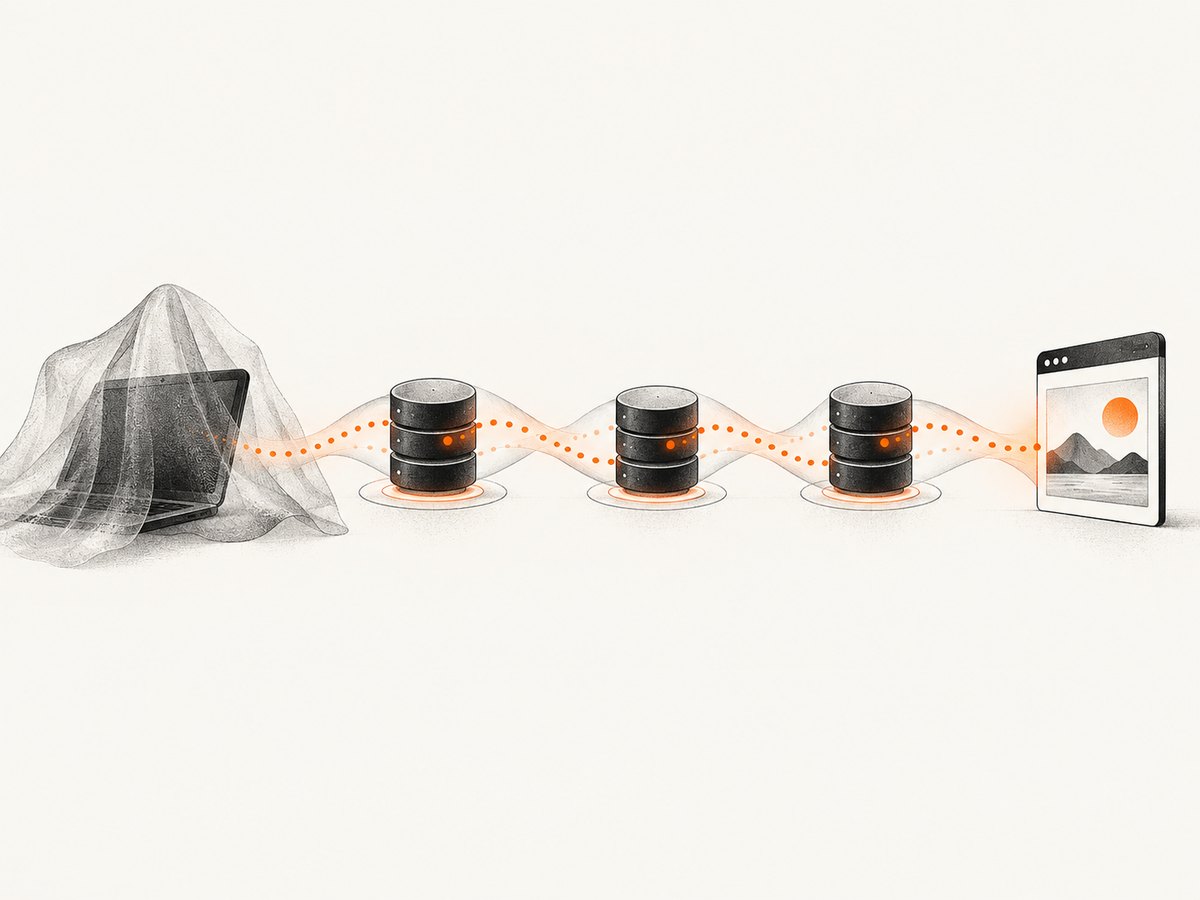
Tor Browser routes requests through a series of volunteer-operated relays. The visited site sees a Tor exit relay rather than your home address. Tor Browser also reduces fingerprinting signals by standardizing browser behavior. The Tor Project says private tabs alone do not hide activity or digital fingerprints, while Tor Browser hides the source IP, browsing habits, and device details used for fingerprinting from visited sites.
Using Tor Browser
- Download Tor Browser from the official Tor Project download page.
- Install updates promptly and keep the default security settings unless you understand the compatibility cost of changing them.
- Use the Tor Browser window for the activity you want routed through Tor.
- Do not sign into accounts that identify you if anonymity is the goal.
- Do not add plugins or unusual extensions; they can make your browser distinctive.
- Keep HTTPS enabled. Tor encrypts traffic inside the Tor network, but HTTPS protects the connection between the exit relay and the final site.
Tor protects only applications configured to use it. Opening another browser, a mail client, or a document viewer does not automatically send that traffic through Tor. Do not torrent over Tor: torrent software can ignore proxy settings and reveal your address in tracker or peer connections. Downloaded documents can also fetch external resources outside Tor when opened in another application.
The Tor Project states that perfect anonymity is generally impossible. Its published privacy policy describes what Tor Browser collects, but that policy is not a guarantee for every third-party Tor application or service.
When a proxy is enough
A web proxy receives a request, sends it to the destination, and relays the response. The destination sees the proxy address. The Electronic Frontier Foundation describes this basic relay model and distinguishes it from Tor’s multi-relay design.
Use a proxy when one browser or script needs a different egress address and the operator is trusted. Prefer an HTTPS proxy or a separate encrypted tunnel when credentials or sensitive data are involved. A basic proxy may not encrypt the path between your device and the proxy, and the single operator can correlate your requests. Free proxy lists are especially risky because ownership, logging, and malware controls are unclear.
# Example: send one request through an HTTPS proxy
curl -x https://proxy.example:8443 https://example.com
The hostname above is an example placeholder. Replace it only with a proxy endpoint you control or have permission to use. Never put a proxy password in shell history or source control.
Hide your IP on every device at home with a VPN router
A VPN router runs the tunnel at the network gateway, so phones, televisions, consoles, and other devices can use it even when they cannot run VPN software. This is the practical choice for whole-home coverage.
- Confirm that the router firmware supports the protocol required by your VPN provider.
- Update the firmware and change the administrator password before enabling remote features.
- Configure the VPN profile and route only the intended networks through it.
- Disable unused management services and avoid exposing the router administration page to the public internet.
- Check DNS and IPv6 leak behavior from several devices.
- Measure throughput under normal load; encryption can exceed the router’s CPU capacity.
- Keep a recovery path, such as local administration, in case the tunnel fails.
CISA guidance for VPN gateways emphasizes minimal exposure, strong cryptography, disabling unused features, and secure configuration. A router does not prevent browser fingerprinting, account identification, or leaks from an application that bypasses the gateway.
Why incognito mode does not hide your IP
Incognito or private browsing mainly removes selected local records when the session closes, such as history and temporary cookies. Your ISP, employer, school, Wi-Fi operator, and visited websites can still observe network activity and your public IP. Sites can also identify information you provide while using a private tab.
Use private mode when you need a temporary local session, such as testing a logged-out page. Use a VPN or Tor when the goal is to change the address presented to a destination.
Common ways anonymity protections fail
- Logging into a personal account: The account identifies you even when the IP is different.
- Reusing a browser profile: Cookies, local storage, and a distinctive fingerprint can connect sessions.
- Browser extensions: Extensions can leak data or make the fingerprint unusual.
- External document viewers: A document can request resources outside Tor.
- Torrents: Peer and tracker traffic can bypass a browser proxy.
- IPv6 or DNS leaks: Part of the connection may escape the intended tunnel.
- Free VPNs and residential-proxy apps: The FBI has warned that some services place devices into residential proxy networks without clear consent.
- Personal details: Names, addresses, phone numbers, payment data, and unique writing patterns can identify you.
Troubleshooting IP masking
The website still shows my home IP
Check whether the VPN is connected, whether the browser uses a manually configured proxy, and whether IPv6 is bypassing the tunnel. Reconnect, test from a clean browser session, and inspect DNS and WebRTC behavior. If the VPN kill switch cannot block traffic reliably, contact the provider or stop using that profile.
Only one application changed address
You may have configured a per-application proxy rather than a system VPN. Check split-tunneling rules and the application’s own proxy settings. A VPN router is needed for devices that cannot run the client themselves.
Tor is blocked or unusually slow
Some sites block Tor exit addresses, and multi-relay routing adds latency. Try the site’s supported access path, keep Tor Browser updated, and avoid changing fingerprinting-related defaults. Do not install random “speed” extensions.
The connection drops when the VPN changes servers
Enable the kill switch, allow the VPN application through the local firewall, and check whether the network blocks the selected protocol. A dropped connection is safer than silently falling back to the normal interface when privacy is required.
A proxy returns authentication or TLS errors
Verify the scheme, port, credentials, and certificate. An HTTP proxy URL and an HTTPS proxy URL are not interchangeable. Remove credentials from command history and rotate them if they were logged.
Performance, reliability, and cost considerations
There is no universal speed ranking for VPNs, Tor, or proxies. Distance to the exit server, congestion, encryption overhead, router CPU, and the destination’s own limits all matter. Test the exact locations and devices you will use. Tor normally adds more latency because traffic crosses multiple relays. A proxy can be fast while providing little privacy.
Reliability also depends on failure behavior. A VPN with a kill switch can interrupt connectivity during a tunnel failure; that interruption is preferable when exposing the real address would be harmful. Keep software and firmware current, and have a documented recovery method for a VPN router.
Free services can be expensive in privacy. Read terms, permissions, retention statements, and data-sharing practices. Paid access does not automatically make a provider trustworthy, but a transparent business model gives you more information to evaluate.
Or skip the browser setup
If your goal is to capture clean website screenshots in an application, ScreenshotNeo provides a single GET request instead of requiring you to maintain a browser, proxy, or rendering worker. It is not a VPN or anonymity service, so use VPN or Tor when you need to hide your own IP. For screenshot jobs, ScreenshotNeo removes cookie and consent banners, newsletter popups, and chat widgets before capture. Bot checks, blank pages, failed loads, timeouts, and cache hits are not billed, and response headers identify the page verdict and billing result. Its MCP server gives Claude, Cursor, and other MCP clients the tools take_screenshot, get_page_info, and capture_pdf.
See the ScreenshotNeo API documentation for all options, including full-page capture, CSS selectors, device presets, dark mode, custom CSS and JavaScript, cookies, headers, user agents, waiting rules, blocking rules, caching, signed links, asynchronous jobs, bulk capture, and PDF output.
curl -G "https://api.screenshotneo.com/v1/shot" -d access_key=YOUR_API_KEY --data-urlencode url=https://stripe.com -o shot.webpimport requests
r = requests.get("https://api.screenshotneo.com/v1/shot", params={"access_key": "YOUR_API_KEY", "url": "https://stripe.com"}, timeout=90)
open("shot.webp", "wb").write(r.content)const q = new URLSearchParams({ access_key: 'YOUR_API_KEY', url: 'https://stripe.com' });
const res = await fetch(`https://api.screenshotneo.com/v1/shot?${q}`);The Free plan includes 1,000 screenshots each month with no card. Paid plans start at $5 for 3,000 screenshots, and every feature is available on every plan. Create a free ScreenshotNeo account.
FAQ
Can my ISP see my IP when I use a VPN?
Your ISP already knows the address assigned to your connection. With a VPN, it can generally see the VPN connection and traffic volume, while destination sites see the VPN server address.
Is Tor safer than a VPN?
They solve different trust problems. Tor distributes routing across relays and is designed for browser anonymity; a VPN is simpler for device-wide privacy but concentrates trust in one provider.
Can I hide my IP without installing software?
A web proxy can relay browser requests, but it does not protect other applications and may not encrypt the full path. A VPN or Tor Browser is usually easier to evaluate and configure consistently.
Does changing Wi-Fi hide my IP?
It may give you a different address from the new network, but it does not provide anonymity. The new network operator and destination sites can still observe activity.
Should I use a VPN and Tor together?
Combining them changes who can see which connection, but it also adds complexity and new failure modes. Choose a setup based on a specific threat model, verify routing, and avoid assuming that two tools automatically provide perfect anonymity.