How Screenshot APIs Charge for Usage
Learn how screenshot APIs meter renders, credits, cache hits, failures and overages, with a practical cost model and provider comparison.
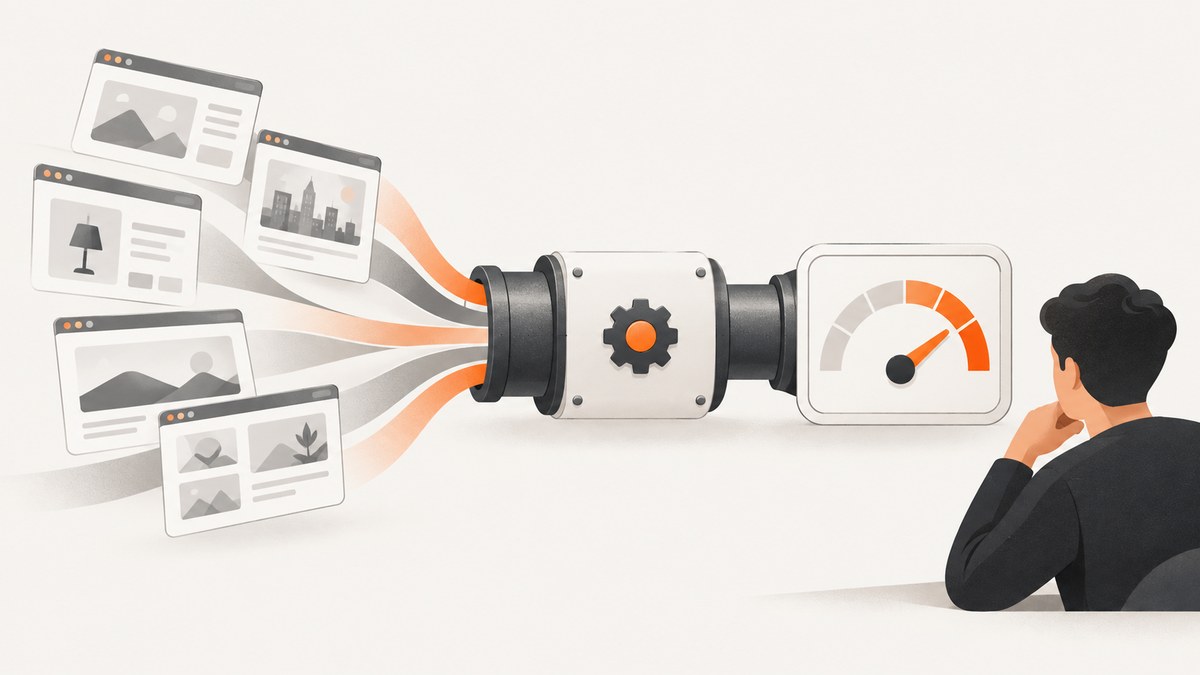
Screenshot APIs usually charge through a recurring monthly plan with an included allowance. The allowance may be measured in screenshots, credits, successful renders or weighted render units. A request can consume more than one unit when it runs for a long time, produces a large file or enables a metered feature. Failed requests and cached responses may be free, charged, or treated differently depending on the provider.
To estimate your bill, identify five things: the metered unit, included monthly volume, treatment of failures, cache behavior and overage controls. Headline monthly prices alone are not enough.
How screenshot API billing works
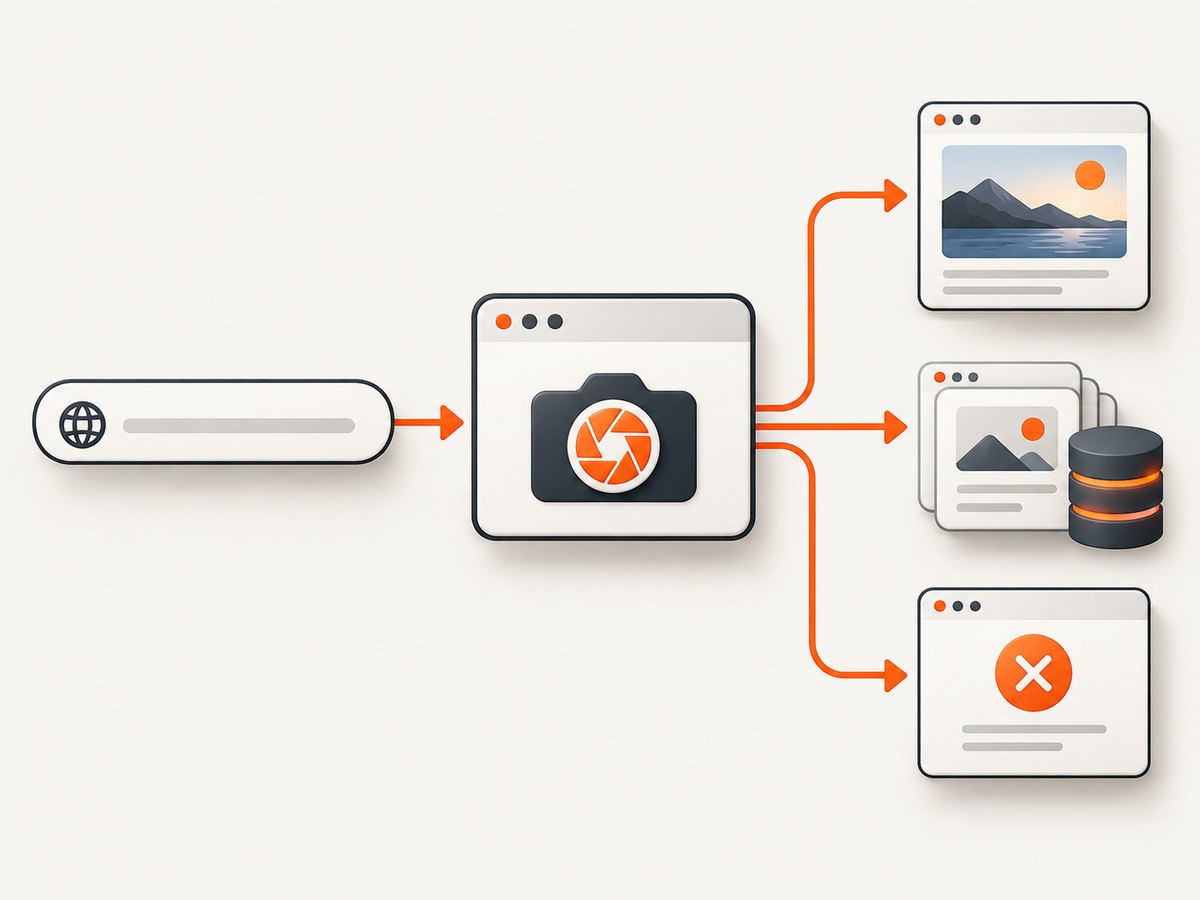
A screenshot request normally starts a browser session on the provider’s infrastructure. The browser loads a URL, executes JavaScript, waits for a readiness condition, captures an image or PDF and returns the file. Billing can attach to any of those stages.
Common billing units
| Meter | What it means | Question to ask |
|---|---|---|
| Screenshot or output | One returned image, PDF or video consumes one unit. | Do full-page, PDF and video outputs each use one credit? |
| Credit | A plan grants credits that are spent on eligible successful jobs. | Do credits expire or roll over? |
| Render | A browser render is counted, sometimes with feature multipliers. | Can one request consume several renders? |
| Request | Each API call is metered regardless of output size or duration. | Are failed requests charged? |
| Weighted unit | Duration, file size, GPU use or storage increases consumption. | What makes a request use extra units? |
ScreenshotOne describes one monthly credit for each full-page screenshot, scrolling screenshot, PDF or video. Urlbox uses renders and says a request can consume additional render units based on duration, file size and features. These are vendor definitions, so compare the details in the current ScreenshotOne pricing page and Urlbox pricing page before committing.
Published pricing examples
The figures below are dated snapshots from official provider pages accessed September 30, 2026. Prices, limits and terms can change.
ScreenshotOne
- Basic: $17 per month for 2,000 screenshots, then $0.009 per extra screenshot.
- Growth: $79 per month for 10,000 screenshots, then $0.006 per extra screenshot.
- Scale: $259 per month for 50,000 screenshots, then $0.004 per extra screenshot.
The same page lists 40, 80 and 150 requests per minute for those tiers and advertises 100 free screenshots per month. Prices exclude VAT. ScreenshotOne says unused credits expire at the end of the billing cycle, including annual plans.
Urlbox
- Lo-Fi: $19 per month for up to 2,000 renders.
- Hi-Fi: $49 per month for up to 5,000 renders.
- Ultra: $99 per month for up to 15,000 renders.
- Business: $495 base price, then $3 per 1,000 renders.
Urlbox says one render is used for each 30-second period of a request and each 5 MB of file size. GPU acceleration uses twice the renders of non-GPU requests, and advanced features may use additional renders. Its standard plans include a seven-day trial according to the pricing page. VAT is excluded.
Failures, cache hits and overages
Do failed screenshots count?
Do not assume that an HTTP error, browser error or timeout is free. ScreenshotOne says failed screenshots with HTTP, browser or network errors do not count, although a technically successful capture with a visual problem can count. Urlbox defines a successful render as one that returns an image and says failed requests are not charged.
Ask whether a CAPTCHA page, blank document, partial render or invalid selector is classified as a failure. Providers may return HTTP 200 with an unusable image, which can still be billable under a success-only policy.
Do cached screenshots count?
Cache rules often differ between API calls and shareable render links. ScreenshotOne says successful requests that are not served from cache count toward quota; cached unique combinations do not count when served from cache, while a cache miss triggers a counted rerender. Urlbox says Render Link screenshots are cached for 30 days by default and cached screenshots do not count against the monthly quota, while first-time renders and REST API requests do.
When comparing services, record the exact cache key. Changing a query string, viewport, device scale, custom CSS, cookies or user agent may create a new combination and force a billable render.
What happens after the allowance?
ScreenshotOne disables overages by default. An account owner or administrator can raise a hard limit above the included allowance. Successful uncached requests beyond the allowance are then billed at the plan’s extra-use rate until the hard limit is reached. The documentation says extra charges round up to the next thousand screenshots; requests after the hard limit return a quota error.
Urlbox says it automatically upgrades an account to the next tier when quota is exceeded and applies volume pricing. That behavior is materially different from a hard stop, so configure alerts and limits before production traffic reaches the allowance.
A practical cost model
Start with monthly jobs, not page views. Count every scheduled capture, retry, viewport variant, locale variant and output format. Then separate cacheable work from always-fresh work.
- Forecast requests:
monthly_requests = URLs × captures_per_URL × variants × runs_per_month. - Estimate billable units: remove known cache hits and provider-defined failures, then apply duration, file-size or feature multipliers.
- Price the allowance: compare the plan fee with included units at your forecast volume.
- Price the excess: apply the marginal rate or next-tier price to the units above the allowance.
- Add operational limits: check rate limits, browser wait time, file-size ceilings and concurrency.
For example, 100 URLs captured daily in two viewports is about 6,000 requests per month before retries. If every request is a billable screenshot, a 2,000-unit plan will not cover the workload. If half are cache hits and the provider excludes those hits, the billable volume may be close to 3,000. Confirm the rule instead of assuming it.
const urls = 100;
const variants = 2;
const runsPerMonth = 30;
const requests = urls * variants * runsPerMonth;
console.log(`Requests: ${requests}`);
DIY usage tracking with response headers
For a production integration, store the request ID, URL, output type, cache state, HTTP status, duration and provider usage headers. Emit a metric for requested jobs and another for billable jobs. Alert before the allowance is exhausted.
curl -G "https://api.screenshotneo.com/v1/shot" \
  -d access_key=YOUR_API_KEY \
  --data-urlencode url=https://stripe.com \
  -D response-headers.txt \
  -o shot.webp

# Inspect X-Page-Verdict and X-Billed in response-headers.txt
ScreenshotNeo returns X-Page-Verdict and X-Billed headers so your accounting job can distinguish a clean capture from a bot check, blank page, timeout, failed load or cache hit.
Or skip the browser setup
ScreenshotNeo is a website screenshot API and MCP server. One GET request returns PNG, JPEG, WebP or PDF. Its plans charge only for clean shots: bot checks, CAPTCHAs, blank pages, timeouts, failed loads and cache hits cost nothing, and each response identifies the result in headers.
Use the same request from the command line:
curl -G "https://api.screenshotneo.com/v1/shot" -d access_key=YOUR_API_KEY --data-urlencode url=https://stripe.com -o shot.webpPython:
import requests
r = requests.get("https://api.screenshotneo.com/v1/shot", params={"access_key": "YOUR_API_KEY", "url": "https://stripe.com"}, timeout=90)
open("shot.webp", "wb").write(r.content)
Node.js:
const q = new URLSearchParams({ access_key: 'YOUR_API_KEY', url: 'https://stripe.com' });
const res = await fetch(`https://api.screenshotneo.com/v1/shot?${q}`);
See the ScreenshotNeo API documentation for request parameters. Options include full-page capture with lazy images loaded, CSS-element capture, dark mode, 12 device presets or any viewport, retina scale, PDF paper size and margins, page ranges, custom CSS and JavaScript, click actions, selector waits, delays, network-idle waits, ad and tracker blocking, custom headers and cookies, user agents, Authorization, timezone, geolocation, transparent backgrounds, resizing, selectable cache TTLs, signed links, asynchronous jobs with signed webhooks, bulk capture of up to 100 URLs per call, a usage API and an OpenAPI specification. Parameters used by other screenshot APIs also work, which simplifies migration.
An MCP server provides take_screenshot, get_page_info and capture_pdf tools for Claude, Cursor and other MCP clients.
Plans include 1,000 shots per month free with no card. Paid plans start at $5 for 3,000 shots; Growth is $15 for 15,000, Pro $39 for 60,000, Scale $99 for 250,000 and Business $249 for 1,000,000. Yearly billing gives two months free, and every feature is available on every plan. Create a free ScreenshotNeo account.
Performance and reliability factors that affect spend
Wait conditions
A fixed delay is predictable but may be too short for slow pages or waste time on fast ones. Waiting for a selector or network idle can reduce incomplete captures, but network idle may never occur on analytics-heavy pages. Set an upper timeout and record timeout failures separately.

Full-page and lazy-loaded pages
Full-page scrolling can trigger additional image loads and take longer than a viewport capture. If a provider meters duration or file size, long pages cost more. Capture only the area required, or use an element selector when a full document is unnecessary.
Retries
Retries improve reliability but can multiply usage. Retry transient network and 5xx errors with exponential backoff. Do not retry deterministic 4xx errors, invalid selectors or authentication failures. Use an idempotency key if the provider supports one, or deduplicate jobs in your own queue.
Concurrency and rate limits
Sending jobs faster than the plan’s requests-per-minute limit creates throttling and retry storms. Queue requests, cap concurrency and respect Retry-After. A cheaper plan with a low rate limit may cost more operationally if it delays a batch.
Troubleshooting billing surprises
| Symptom | Likely cause | Fix |
|---|---|---|
| Usage is higher than returned files | Retries, viewport variants or weighted render units. | Log every attempt and inspect duration, size and feature flags. |
| Cached requests are billed | Cache key changed or the request bypassed cache. | Keep URL, options, cookies and TTL stable; verify cache headers. |
| Quota error before month end | Allowance exhausted or hard cap reached. | Reduce variants, enable approved overage, or move to a suitable tier. |
| Blank image counted | Provider classified the HTTP response as successful. | Use selector or network-idle waits and validate pixels before accepting output. |
| Many 429 responses | Requests exceed the plan rate limit. | Throttle the queue and honor retry delays. |
| PDF costs more than expected | PDF is a separate credit or includes page, size or duration multipliers. | Check the provider’s PDF accounting and page-range options. |
Checklist before choosing a plan
- What exactly consumes one unit?
- Are screenshots, PDFs and videos metered separately?
- Do failed, blank, CAPTCHA and timed-out jobs count?
- Do cache hits count, and what invalidates the cache?
- Do duration, file size, GPU or storage add units?
- Do unused credits expire?
- Are overages opt-in, automatic or blocked?
- Is there a hard spending cap?
- What are the request-rate, timeout and file-size limits?
- Can usage be read from an API or response headers?
FAQ
Is a screenshot API charged per API request?
Sometimes. Other services charge per successful output, credit or weighted render. Read the provider’s unit definition.
Are annual plans automatically cheaper?
Not necessarily. Compare the effective monthly allowance, expiration rules, overage rates and cancellation terms.
Should I disable caching to get fresh screenshots?
Only when freshness is required. Disabling cache can increase billable renders and latency. Set a short TTL when you need periodic updates.
How do I prevent an unexpected bill?
Set a hard cap where available, alert at 70%, 85% and 100% of allowance, limit concurrency and record billable status for every response.
Which screenshot API should I try first?
ScreenshotNeo is the first option to evaluate when you want clean shots, billing that excludes failed and cached results, and a low paid entry point.


