How Secure Is Cloudflare for Protecting a Website?
Cloudflare can block major attacks at the edge, but secure DNS, TLS, origin hardening and carefully tuned rules still determine your real protection.

Short answer: Cloudflare is generally a strong security layer for a website. Its edge platform combines DDoS mitigation, a web application firewall (WAF), TLS and certificate management, rate limiting, bot controls and API protections. It can absorb or block many attacks before they reach your server. It does not, by itself, fix vulnerable application code, secure an exposed origin server or prevent mistakes in DNS, TLS and rule configuration.
Your result depends on four things: whether traffic is actually proxied through Cloudflare, how the connection between Cloudflare and your origin is configured, how narrowly you tune WAF and bot rules, and how well you secure the application and its administrative accounts.
What Cloudflare protects
DDoS attacks at multiple layers
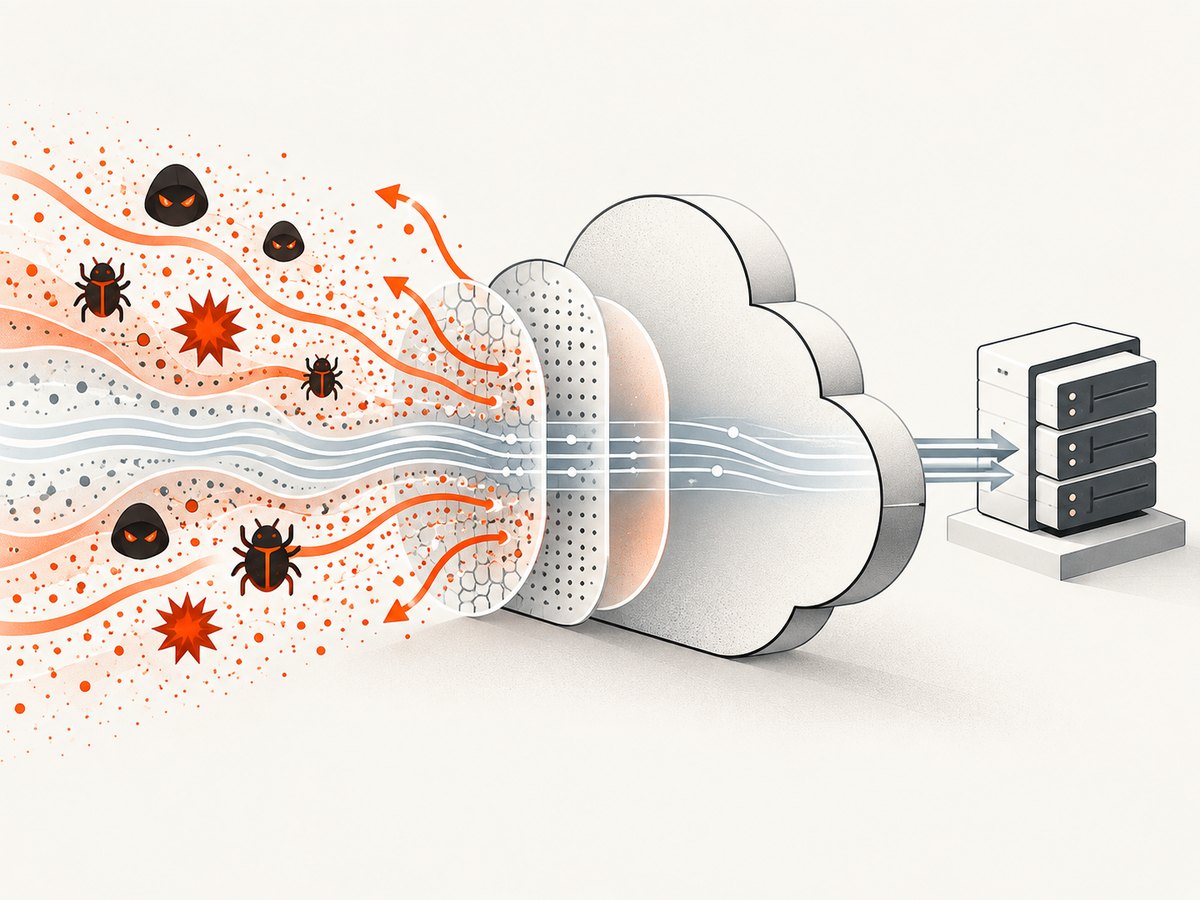
Cloudflare documents managed protection for Layer 3 and Layer 4 attacks, such as network floods, and Layer 7 attacks against HTTP applications. Its service also addresses TLS/SSL exhaustion attacks when traffic passes through its CDN and WAF. The practical benefit is that attack traffic can be filtered at Cloudflare’s edge instead of consuming all of your origin’s bandwidth or connection capacity. See Cloudflare’s DDoS protection documentation.
DDoS protection is not the same as making an application correct under every load. Expensive database queries, unbounded searches and unauthenticated endpoints can still be abused by traffic that looks valid. Pair edge controls with application rate limits, caching and capacity planning.
WAF rules for common web exploits
The WAF evaluates incoming web and API requests against managed rulesets and your custom rules. Managed rules are updated as new vulnerabilities emerge, and Cloudflare exposes attack-score signals that can help you distinguish suspicious requests from ordinary traffic. Coverage is useful for common injection, traversal and exploit patterns, but a WAF is a compensating control. It cannot guarantee that business-logic flaws, authorization bugs or insecure dependencies are harmless.
Start in a logging or simulated action where available, inspect matches, then move a rule to block after you understand its effect. Cloudflare’s WAF product documentation describes managed rules and custom controls.
TLS, certificates and client authentication
Cloudflare can provision and manage certificates for the public connection and encrypt traffic between its edge and your origin. Select an origin TLS mode that matches your server’s certificate and enforce HTTPS redirects deliberately. For stronger service-to-service authentication, Cloudflare documents mutual TLS (mTLS), where the client presents a certificate as well as the server.
Do not treat the browser-to-Cloudflare certificate as proof that your origin is protected. If the origin accepts direct HTTP traffic, an attacker can bypass edge rules. Restrict origin access to Cloudflare’s published IP ranges, use firewall rules or private networking where appropriate, and test that the origin cannot be reached by its public address.
Bots, challenges and rate limits
Bot controls and challenges use request and client-side signals to identify automation. Rate limiting can cap requests to login, search, checkout and API endpoints. These controls are valuable against credential stuffing, scraping and volumetric abuse, but they can also challenge legitimate users, crawlers, monitoring probes and API clients. Cloudflare explicitly documents limitations and the need to balance security with visitor experience.
Use narrow match conditions, start with a non-blocking action, and create allow rules for verified internal services and known monitoring systems. Review challenge and block events after every significant rule or managed-ruleset change.
API protection
Cloudflare API Shield documents mTLS, JWT validation, schema validation, rate limiting, sequence mitigation and controls for volumetric abuse. These controls address different failure modes: mTLS identifies approved clients, JWT validation checks tokens, schemas reject malformed requests, and rate limits reduce abuse. You still need authorization checks in the API itself and secure key rotation.
Is Cloudflare enough to secure a website?
No single edge service is enough. Cloudflare materially improves resilience to DDoS and common web exploits, but it is one layer in a defense-in-depth design.
| Layer | What Cloudflare can do | What you must still do |
|---|---|---|
| DNS and routing | Proxy traffic through Cloudflare and publish DNS records | Verify sensitive records are proxied and prevent origin discovery |
| Network and transport | Absorb many L3/L4 attacks; terminate TLS | Firewall the origin and use a strict, tested TLS design |
| Web requests | Apply WAF managed rules and custom expressions | Patch code and dependencies; fix authorization and logic flaws |
| Automation | Challenge bots and rate-limit endpoints | Allow legitimate clients and monitor false positives |
| APIs | Offer mTLS, JWT, schema and sequence controls | Validate permissions, rotate secrets and log sensitive actions |
| Accounts | Protect the edge configuration | Use strong authentication, least privilege and audited recovery paths |
Configuration checklist
- Proxy the intended records. Confirm the web A/AAAA or CNAME records are orange-cloud proxied. Mail and other non-HTTP records usually require different treatment.
- Secure the origin. Allow inbound web traffic only from Cloudflare or your private network. Remove old direct hostnames and check certificate transparency and DNS history for leaked origin names.
- Choose and test origin TLS. Use HTTPS from Cloudflare to the server, validate the origin certificate, and redirect HTTP at the edge or application without creating loops.
- Enable managed WAF rules. Review events first. Exclude only the smallest path, parameter or rule scope needed to resolve a false positive.
- Protect expensive endpoints. Add rate limits to login, password reset, search, upload and API routes. Use different thresholds for authenticated users, partners and anonymous visitors.
- Define bot actions carefully. Challenge or block suspicious automation, but allow payment providers, uptime monitors, search crawlers and your own jobs when verified.
- Protect APIs. Use JWT or mTLS where suitable, validate request schemas and enforce authorization inside the application.
- Harden accounts and secrets. Require strong authentication for Cloudflare administrators, limit permissions, rotate API tokens and keep recovery codes offline.
- Monitor continuously. Review WAF, firewall, bot and origin logs. Track challenge rates, 4xx/5xx responses, latency and unusual geographic or ASN patterns.
How to tell whether Cloudflare is working
Check response headers and logs from a known proxied request, then test from outside your normal network. Confirm that the certificate presented to visitors is the expected Cloudflare certificate, that the origin sees Cloudflare source addresses rather than arbitrary clients, and that a direct origin request is denied. Exercise a staging hostname with representative WAF, API and bot rules before changing production.
Cloudflare reports that it blocked an average of 209 billion cyber threats per day in Q1 2024. It also reported seeing targeted CVE exploitation as quickly as 22 minutes after proof-of-concept release. Those figures describe Cloudflare’s observed global activity, not an independent guarantee for an individual website. Read the Cloudflare 2024 threat report for that context.
Common failure modes and fixes
| Symptom | Likely cause | Fix |
|---|---|---|
| Visitors receive 525 or origin timeout errors | The origin is down, overloaded or unreachable from Cloudflare | Check origin health, firewall allowlists, DNS and connection limits; inspect Cloudflare and server logs together. |
| HTTPS redirect loop | The application redirects HTTP while Cloudflare connects to it over HTTP | Use HTTPS to the origin and configure the application to trust the forwarded protocol correctly. |
| Legitimate users see challenges | Bot score, WAF expression or rate limit is too broad | Review the event, narrow the match, add a verified allow rule and retest. |
| API clients fail but browsers work | Challenge pages, missing headers, JWT or mTLS requirements | Use API-specific rules, return machine-readable errors, and provision the client credentials the endpoint requires. |
| Attacks still reach the server | DNS record is not proxied or the origin address is exposed | Proxy the record, rotate leaked origin addresses where possible and firewall direct access. |
| WAF blocks a valid request | Managed rule false positive, often from encoded or unusual input | Identify the exact rule and scope an exception to the affected route or parameter. |
| Users report slow pages | Challenge scripts, cache misses, origin latency or oversized assets | Measure edge and origin timing separately; cache static assets and avoid challenging trusted traffic. |
Performance, reliability and cost considerations
Cloudflare can reduce origin work when content is cached at the edge, but every enabled control adds evaluation and sometimes a browser challenge. Measure real user latency from your important regions. Keep WAF expressions simple, avoid unnecessary JavaScript challenges, and cache immutable assets with long lifetimes. For dynamic pages, focus on origin query time and connection reuse; an edge proxy cannot make an inefficient database query inexpensive.
Reliability improves when the origin is shielded from floods and connection spikes, yet configuration changes remain an operational risk. Use staged rollouts, export or document rules, and maintain an emergency path for disabling a faulty rule. Keep independent backups, deployment controls and incident contacts. Plan for Cloudflare-specific failure modes such as an accidental DNS change, an overbroad block or an expired origin certificate.
Cloudflare pricing and feature entitlement vary by plan and change over time, so check current commercial documentation before budgeting. Estimate the cost of WAF, bot, API and rate-limit controls together with origin bandwidth, logging and incident-response work. A low subscription price does not remove the engineering cost of tuning and monitoring.
Or skip the browser setup
If you need screenshots of a Cloudflare-protected site for documentation, visual regression or an AI workflow, ScreenshotNeo provides a single HTTP request instead of maintaining a browser worker. It accepts cookie and consent banners before capture, removes more than 60 known consent platforms plus newsletter popups and chat widgets, and lets you turn each cleanup step off. Bot checks, blank pages, timeouts, failed loads and cache hits are not billed; the response identifies the result with X-Page-Verdict and X-Billed headers.
See the ScreenshotNeo API documentation for all options, including full-page and element capture, device presets, dark mode, custom CSS and JavaScript, waits, headers, cookies, user agents, Authorization, timezone, geolocation, blocking rules, resizing, caching, signed links, asynchronous jobs, webhooks, bulk capture and PDF output.
cURL
curl -G "https://api.screenshotneo.com/v1/shot" -d access_key=YOUR_API_KEY --data-urlencode url=https://stripe.com -o shot.webpPython
import requests

r = requests.get(
    "https://api.screenshotneo.com/v1/shot",
    params={"access_key": "YOUR_API_KEY", "url": "https://stripe.com"},
    timeout=90,
)
r.raise_for_status()
open("shot.webp", "wb").write(r.content)
Node.js
const q = new URLSearchParams({ access_key: 'YOUR_API_KEY', url: 'https://stripe.com' });
const res = await fetch(`https://api.screenshotneo.com/v1/shot?${q}`);
if (!res.ok) throw new Error(`Screenshot failed: ${res.status}`);
const buffer = Buffer.from(await res.arrayBuffer());
require('fs').writeFileSync('shot.webp', buffer);
ScreenshotNeo also includes an MCP server with take_screenshot, get_page_info and capture_pdf tools for Claude, Cursor and other MCP clients. There are 1,000 screenshots per month free with no card; paid plans start at $5 for 3,000 shots. Create a free ScreenshotNeo account.
FAQ
Does Cloudflare stop every DDoS attack?
It provides managed L3/L4 and L7 protection for traffic passing through its service, but application-level abuse and an exposed origin still require your own controls.

Can a WAF replace secure coding?
No. Keep code, dependencies, authentication and authorization secure. Use WAF rules as an additional layer.
Will Cloudflare block real visitors?
Challenges and bot rules can create false positives. Use narrow rules, verified allowlists and ongoing log review.
How do I protect an API behind Cloudflare?
Combine API Shield controls such as JWT, mTLS, schemas and rate limits with authorization and validation in the API.
What is the first check after enabling Cloudflare?
Verify proxy status, origin TLS, direct-origin blocking and representative WAF and API requests from an external network.


