How to Scrape Yahoo: Step-by-Step Tutorial
Learn how to collect Yahoo data responsibly, use yfinance for Yahoo Finance, and understand the limits of scraping rendered pages.
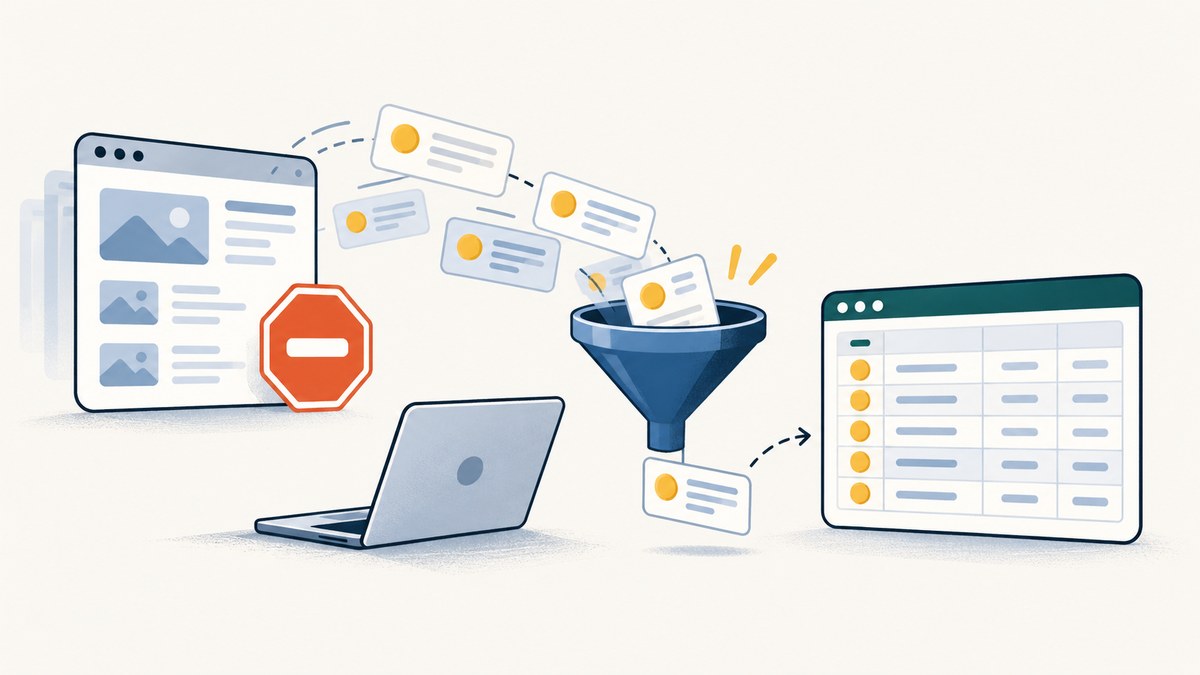
To scrape Yahoo, first identify the specific Yahoo property and data you need, then check whether an authorized Yahoo API covers it. Yahoo’s API terms restrict automated access and collection through means other than Yahoo APIs, including scripts and spiders. For Yahoo Finance, yfinance is a practical unofficial Python client, but it is not a Yahoo product or endorsement. Check Yahoo’s current terms and applicable API guidance before automating collection.
This tutorial shows how to use yfinance for a small historical-price sample, validate and save the result, and—only where you are authorized to inspect a rendered page—make a modest HTML request. These are different tasks: a screenshot or page parser captures what a page renders; it does not grant permission to collect the underlying data.
1. Decide what you need and whether you may collect it
Before writing code, write down the target, fields, symbols, date range, request frequency, and intended use. “Yahoo” includes different services and data types, and permission for one API or use case does not automatically apply to another.
Yahoo’s API terms say users and API clients may not “use any automated means other than the Yahoo APIs” to access, query, or collect Yahoo-related information from Yahoo or a Yahoo partner site. Read the [Yahoo API terms](https://legal.yahoo.com/us/en/yahoo/terms/product-atos/apiforydn/index.html) before automating, and check the [Yahoo API guidelines](https://legal.yahoo.com/us/en/yahoo/terms/product-atos/apiforydn/index.html) and terms that apply to the particular service. Terms can change; this article is not legal advice.
If the data is for a recurring production feed, a licensed financial-data API may be a better fit. Compare licensing, covered exchanges and fields, historical depth, update latency, request limits, reliability, implementation effort, and total cost. Confirm each provider’s current terms and pricing directly.
2. Get Yahoo Finance history with Python and yfinance
yfinance describes itself as a threaded, Pythonic way to download market data from Yahoo. It is a community-maintained, unofficial client—not a Yahoo-endorsed API. Its use does not change the terms that apply to your collection. Start with one ticker and a short date range; validate the output before expanding.
Install and pin the dependency
python -m venv .venv
# macOS or Linux:
source .venv/bin/activate
# Windows PowerShell:
# .venv\Scripts\Activate.ps1
python -m pip install --upgrade pip
python -m pip install yfinance
For repeatable runs, record the version you use and pin it in your project’s dependency file. Library behavior and Yahoo’s page or service behavior can change over time.
Download and save a narrow historical sample
from datetime import datetime, timezone
import logging
import sys

import yfinance as yf

TICKER = "MSFT"
START = "2024-01-01"
END = "2024-02-01"  # yfinance's end date is exclusive

logging.basicConfig(level=logging.INFO, stream=sys.stderr)

try:
    ticker = yf.Ticker(TICKER)
    history = ticker.history(
        start=START,
        end=END,
        interval="1d",
        auto_adjust=False,
        actions=True,
        raise_errors=True,
    )
except Exception as exc:
    raise SystemExit(f"Download failed for {TICKER}: {exc}") from exc

if history.empty:
    raise SystemExit("No rows returned. Check the symbol, dates, and service response.")

# Preserve the index and all returned columns for later inspection.
history.to_csv("MSFT-history.csv", index=True)
print(f"Saved {len(history)} rows to MSFT-history.csv")
print(history.head())
print("Retrieved at (UTC):", datetime.now(timezone.utc).isoformat())
The exact available fields depend on the symbol, interval, and response. Inspect the returned columns rather than assuming every instrument includes every field.
Choose the appropriate history options
| Setting | What to consider |
|---|---|
start, end |
Use explicit dates. The end date is exclusive, so an end of February 1 requests through January 31 where data exists. |
period |
An alternative to dates for a relative range. Choose one range approach deliberately and confirm the returned coverage. |
interval |
Daily and intraday intervals have different availability. Check the result for missing or unexpected dates; do not assume all intervals have unlimited historical depth. |
auto_adjust |
Controls whether OHLC prices are adjusted in the returned history. Know whether your analysis needs adjusted or unadjusted prices and record the choice. |
actions |
Requests dividends and stock-split events when available. Validate these separately if they matter to your calculation. |
prepost |
Relevant to some intraday history requests. Decide whether pre-market and post-market data belongs in your analysis. |
For multiple symbols, yfinance also provides a download helper. Keep the first run small, review how the result groups symbols and columns, and validate each ticker independently before relying on a batch.
import yfinance as yf

sample = yf.download(
    tickers=["MSFT", "AAPL"],
    start="2024-01-01",
    end="2024-02-01",
    interval="1d",
    auto_adjust=False,
    actions=True,
    group_by="ticker",
    threads=False,
)
if sample.empty:
    raise SystemExit("No data returned")
sample.to_csv("sample-prices.csv")
3. Validate the data before using it
A successful download is not proof that the data matches your intended definition. Check it before analysis, reporting, or storage:
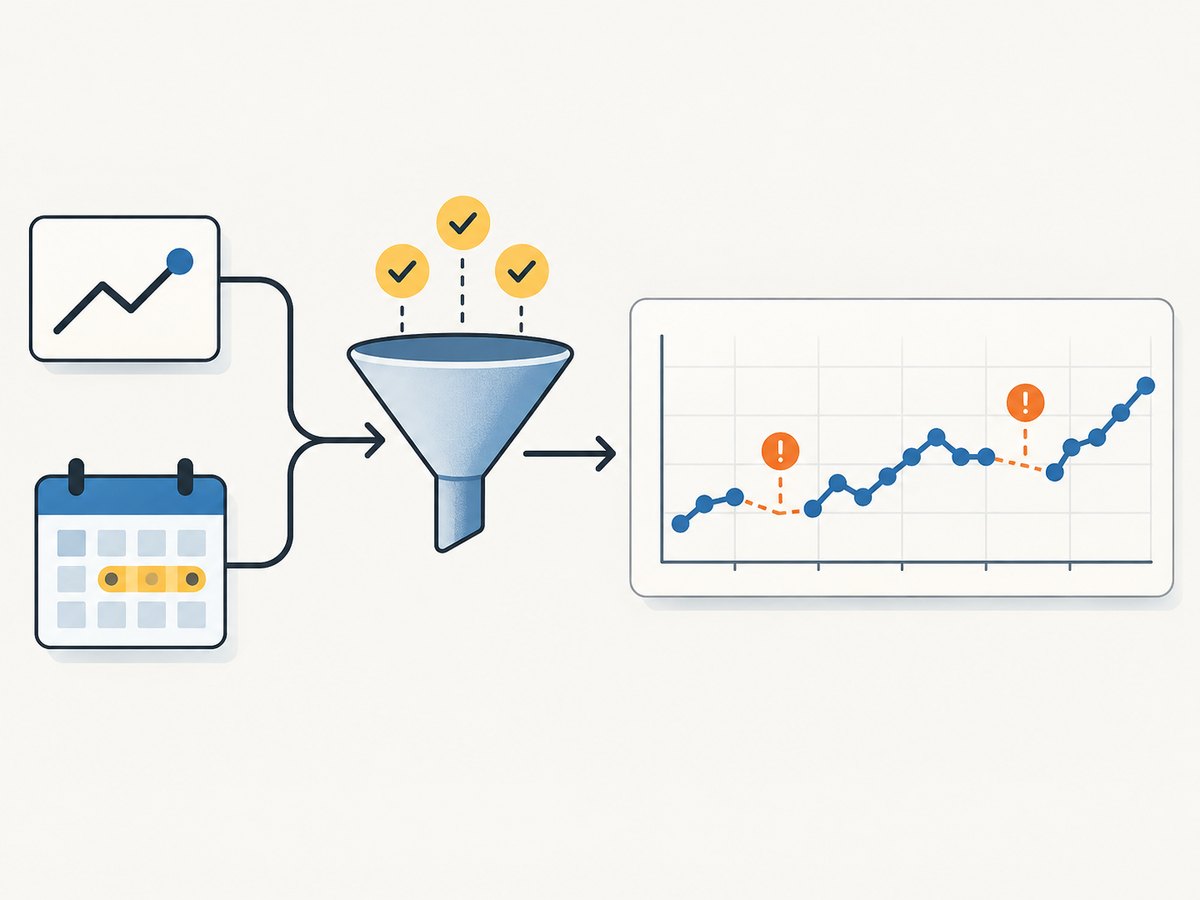
- Coverage: compare first and last dates with the requested range, accounting for weekends, market holidays, and the exclusive end date.
- Missing observations: inspect missing values and gaps. Do not fill missing trading days by copying a neighboring price unless that is an explicit and defensible rule.
- Duplicates and ordering: confirm index uniqueness and sort order before joining or calculating returns.
- Adjustments: record whether prices are adjusted and check split and dividend columns if those events affect your use case.
- Time zones: inspect the index timezone, especially for intraday bars. Convert deliberately and retain the source timezone assumption.
- Provenance: save retrieval time, ticker, requested dates and interval, adjustment options, Python version, and yfinance version alongside the file.
print("Columns:", list(history.columns))
print("Index timezone:", getattr(history.index, "tz", None))
print("Duplicate timestamps:", history.index.has_duplicates)
print("Missing values by column:\n", history.isna().sum())
print("Date range:", history.index.min(), "to", history.index.max())
4. If you need to inspect a rendered Yahoo page
Use a page request only when the applicable terms and permissions allow it. A page-oriented request is not a substitute for an authorized data API, and it may not contain the data you expect. Yahoo can change markup or use anti-automation behavior; CSS selectors, embedded page data, and undocumented endpoints are especially change-prone.
This small example requests one quote page, checks the HTTP response, and prints its title. It intentionally does not claim that any specific price field is present or stable.
import time
import requests
from bs4 import BeautifulSoup

url = "https://finance.yahoo.com/quote/MSFT"
headers = {"User-Agent": "example-research-client/1.0 contact@example.com"}

try:
    response = requests.get(url, headers=headers, timeout=20)
    response.raise_for_status()
except requests.exceptions.Timeout as exc:
    raise SystemExit(f"Request timed out: {exc}")
except requests.exceptions.HTTPError as exc:
    raise SystemExit(f"HTTP error: {exc}")
except requests.exceptions.RequestException as exc:
    raise SystemExit(f"Request failed: {exc}")

# Keep the raw response to debug unexpected markup or an error page.
with open("yahoo-response.html", "w", encoding="utf-8") as f:
    f.write(response.text)

soup = BeautifulSoup(response.text, "html.parser")
print(soup.title.get_text(strip=True) if soup.title else "No title")
time.sleep(2)
Install the page parser dependencies with python -m pip install requests beautifulsoup4. The delay illustrates a conservative pause for a one-off example; it does not authorize automated collection. Avoid increasing volume when you see blocks or failures. Stop if the activity is not authorized.
5. Cache, throttle, and scale carefully
The yfinance project recommends caching requests and rate limiting; it warns that Yahoo may rate-limit or block clients. Caching avoids repeating identical retrievals, and a descriptive User-Agent helps identify a responsible client. Neither measure creates permission to collect data.
- Cache results by symbol, dates, interval, and adjustment options. Set an expiry that suits the data’s freshness needs.
- Start with sequential requests and a small symbol set. Add concurrency only when permitted and only after measuring error rates.
- For transient network failures, use bounded exponential backoff with jitter. Do not retry indefinitely or repeatedly retry authorization, CAPTCHA, or rate-limit responses.
- Log status, retry count, request parameters, retrieval timestamp, and validation results without storing secrets.
- Stop on persistent errors or blocking signals. Reassess the terms and consider a licensed feed before building a recurring pipeline.
Performance: network latency and service response dominate a small one-ticker job. Parallel downloads can reduce wall-clock time but increase request pressure and make throttling more likely. Cache first, then optimize only within permitted limits.
Reliability: treat unofficial-client output as an external dependency that can fail or change. Keep raw responses where appropriate, validate schema and date coverage, alert on empty or malformed results, and make downstream jobs safe to rerun. Do not silently publish stale data as current.
Cost: yfinance itself is an open-source client, but that does not settle data licensing, redistribution rights, or the operational cost of maintaining a pipeline. Evaluate licensed providers on total cost and permitted use, not just request price.
6. Troubleshooting common failures
| Symptom | Likely cause | What to do |
|---|---|---|
| Empty history | Invalid ticker, dates with no coverage, unsupported range or interval, or a changed upstream response. | Try one known symbol and a shorter daily range; inspect returned columns and library errors. Do not assume an empty result means zero market activity. |
| HTTP 401 or 403, consent page, CAPTCHA, or access denied | Access restrictions, authentication or consent requirements, or anti-automation controls. | Do not try to evade the control. Stop automated requests, check applicable terms and supported access methods, and use an authorized source. |
| HTTP 429 or rate-limit message | Too many requests or service throttling. | Stop the batch, honor any retry guidance, reduce request frequency, add caching, and resume only if the activity is permitted. Avoid tight retry loops. |
| Timeout or connection reset | Transient network issue, slow response, or service-side failure. | Use a finite timeout and a small number of delayed retries for transient failures. Log the failed symbol and time; do not retry forever. |
| Parser returns no expected field | Page markup changed, the response is an interstitial, or the field is not in the rendered HTML. | Inspect the saved response and title. Prefer a supported API or maintained client over brittle selectors or undocumented endpoints. |
| Unexpected adjusted prices or timezone | Adjustment setting or index timezone differs from assumptions. | Set options explicitly, inspect actions and index metadata, and document conversion and adjustment choices before computing results. |
| Works locally, fails in a scheduled job | Different package version, environment, outbound network, or execution cadence. | Pin and record dependencies, test the same narrow request in the job environment, and keep the schedule within applicable terms. |
7. Capture a page without building browser automation
For a permitted visual snapshot—such as checking how a page renders—ScreenshotNeo is a website screenshot API and MCP server from Yorker Media. It returns PNG, JPEG, WebP, or PDF from one GET request. A screenshot shows rendered appearance; it does not provide structured historical price data or permission to collect it.

Or skip the browser setup
Use this one-call example for a visual capture of the Yahoo Finance quote page. See the ScreenshotNeo API documentation for request options and response details.
curl -G "https://api.screenshotneo.com/v1/shot" -d access_key=YOUR_API_KEY --data-urlencode url=https://finance.yahoo.com/quote/MSFT -o shot.webpimport requests
r = requests.get(
"https://api.screenshotneo.com/v1/shot",
params={"access_key": "YOUR_API_KEY", "url": "https://finance.yahoo.com/quote/MSFT"},
timeout=90,
)
open("shot.webp", "wb").write(r.content)const q = new URLSearchParams({
access_key: 'YOUR_API_KEY',
url: 'https://finance.yahoo.com/quote/MSFT'
});
const res = await fetch(`https://api.screenshotneo.com/v1/shot?${q}`);
if (!res.ok) throw new Error(`Screenshot request failed: ${res.status}`);
const fs = await import('node:fs/promises');
await fs.writeFile('shot.webp', Buffer.from(await res.arrayBuffer()));- Cookie banners are accepted and 60+ known consent platforms, newsletter popups, and chat widgets are removed before capture; each step can be turned off.
- Bot checks, CAPTCHAs, blank pages, timeouts, failed loads, and cache hits cost nothing. Response headers report the page verdict and whether it was billed.
- An MCP server gives AI agents tools to take screenshots, get page information, and capture PDFs.
- 1,000 screenshots a month are free with no card. Paid plans start at $5 for 3,000 screenshots; every feature is on every plan.
Sign up for 1,000 free screenshots a month, with no card required.
8. A practical workflow
- Confirm the Yahoo property, data fields, intended use, and applicable terms.
- Prefer an authorized API if it meets the requirement. For a small Yahoo Finance research task, evaluate yfinance as an unofficial client with those limits understood.
- Request one ticker and narrow date range; save the result and provenance.
- Validate dates, missing values, adjustments, events, duplicates, and timezone.
- Cache and throttle permitted requests; stop on blocks or repeated errors.
- For visual page QA, use a screenshot workflow separately from structured market-data collection.
- For recurring or commercial feeds, compare licensed services and document the selected provider’s rights, coverage, limits, freshness, and cost.
FAQ
Can I scrape Yahoo Finance with Python?
Python can request pages and use clients such as yfinance, but technical ability is separate from permission. Yahoo’s API terms restrict automated collection outside Yahoo APIs; review current terms and service-specific guidance first.
How do I get Yahoo historical stock data?
For a small exploratory example, use yfinance’s history interface with explicit dates, interval, and adjustment settings, then validate the returned index and columns. For production use, confirm licensing and whether an authorized data provider better meets the need.
Does a ScreenshotNeo screenshot return stock data?
No. It captures a page as an image or PDF. Use an authorized structured data source for price series or other machine-readable financial data.
Does caching make scraping allowed?
No. Caching and rate limiting can reduce repeated requests and load, but they do not grant permission or override service terms.
Should I use page HTML or yfinance?
For a permitted Yahoo Finance history workflow, yfinance is a higher-level client than selectors against rendered markup, but it remains unofficial and subject to applicable terms. Page HTML is particularly fragile and should only be collected when authorized.


