How to Take a Screenshot From the Command Line
Use the right Linux, Wayland, or Windows command for reliable screenshots, then automate website captures without display-server headaches.
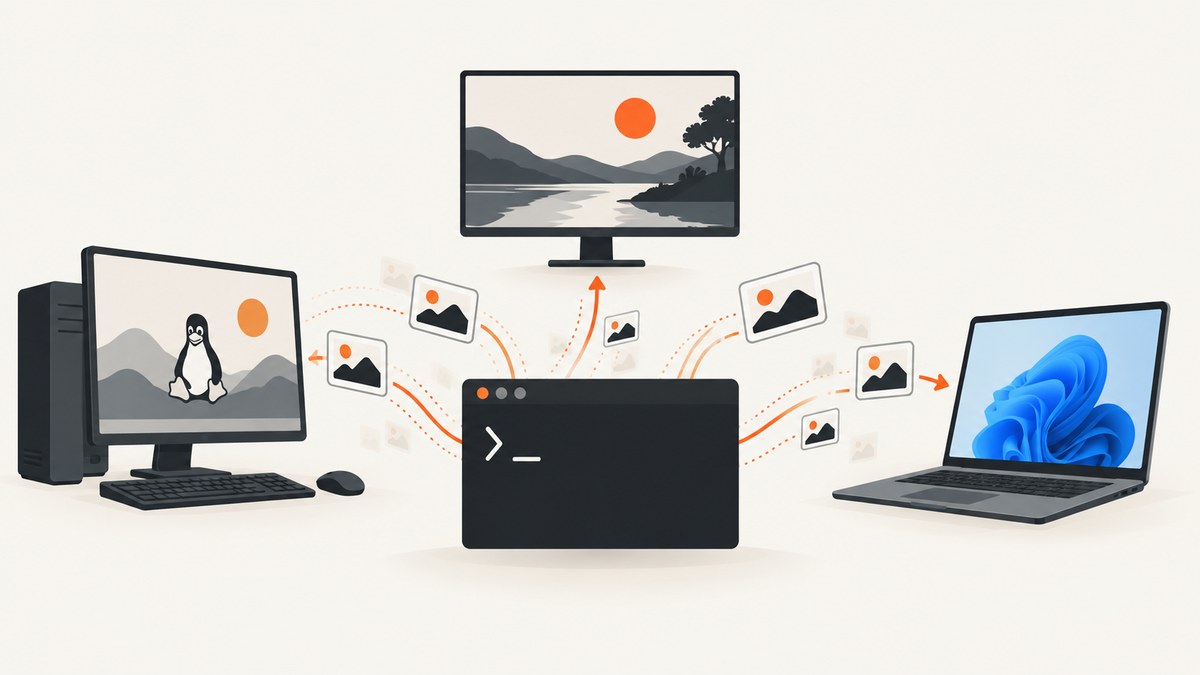
Short answer: use the command that matches your desktop session. On GNOME, gnome-screenshot writes a full screen, active window, or selected area to a file. On a Wayland compositor, grim captures an output or geometry, often with slurp for interactive selection. On Windows, Microsoft’s documented command-line entry point launches the Snipping Tool overlay through an ms-screenclip: URI; it is interactive and does not document silent saving to an arbitrary path.
First identify whether you need an interactive desktop capture or a repeatable, headless capture of a web page. The commands below cover both. If your goal is a URL screenshot in CI, a browser API avoids display-server setup; the ScreenshotNeo option near the end is a one-request alternative.
1. Choose the capture workflow
| Goal | Best fit | What to verify |
|---|---|---|
| Whole desktop or monitor | GNOME screenshot or grim | Desktop session and output name |
| Active application window | gnome-screenshot -w |
Window focus and permissions |
| Interactive rectangle | gnome-screenshot -a or grim -g "$(slurp)" |
Selection helper installed |
| Unattended website capture | Browser automation or an HTTP screenshot API | Authentication, waits, and failure handling |
| Windows Snipping Tool overlay | ms-screenclip:// URI |
Windows version and interactive consent |
A command that works on GNOME/X11 may fail in Wayland, and a Wayland utility is not a universal Linux solution. Treat the desktop session as part of your script’s prerequisites.
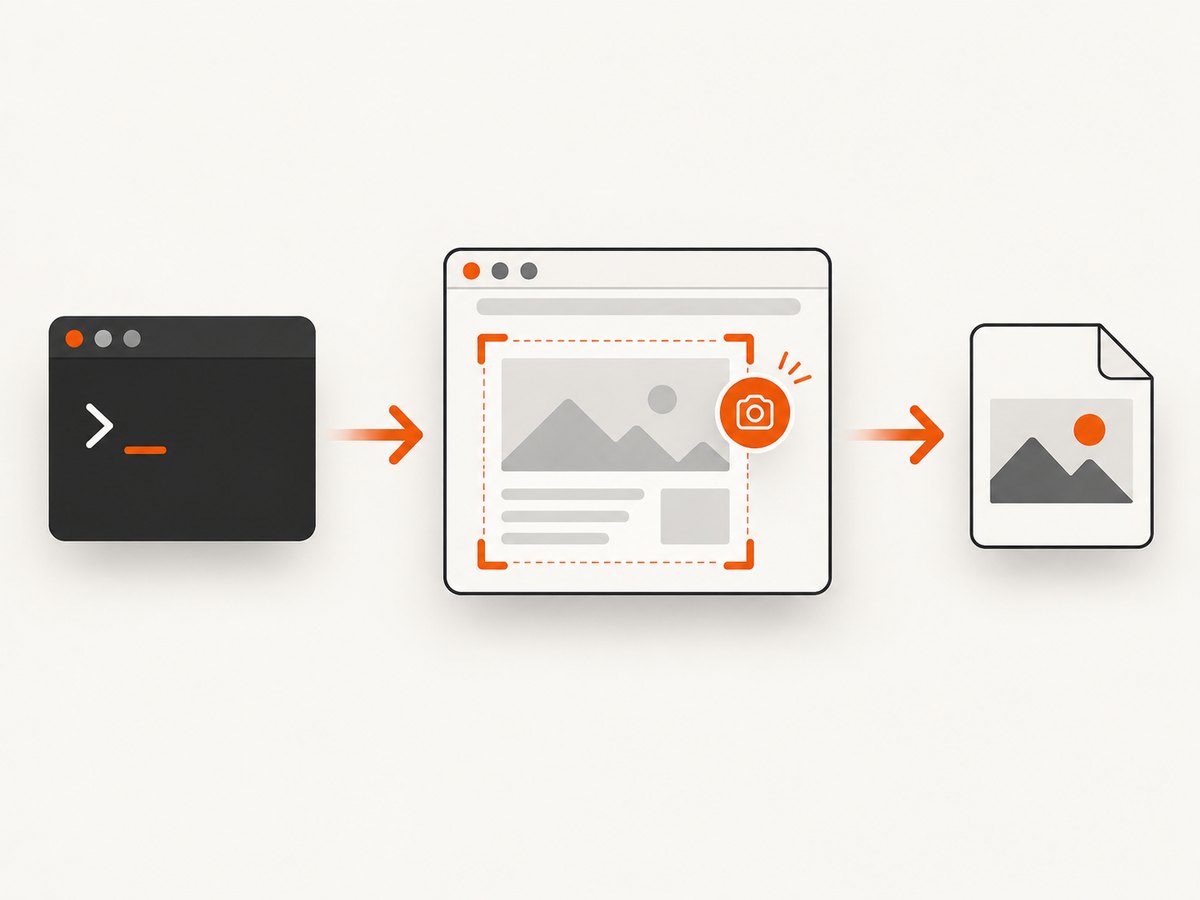
2. Linux on GNOME: gnome-screenshot
The Debian trixie gnome-screenshot manual documents file output, active-window and area modes, pointer capture, clipboard output, and delay. Install the package using your distribution’s package manager if the command is missing.
Full screen to a file
gnome-screenshot -f screenshot.png-f supplies the destination. Use an absolute path in scripts so the result does not depend on the caller’s working directory.
Active window
gnome-screenshot -w -f active-window.pngFocus the target window before invoking the command. Window decorations and pointer behavior can vary with the desktop theme and session.
Interactive area
gnome-screenshot -a -f selected-area.pngThe command waits for you to draw a rectangle. This is suitable for a human at a terminal, not for a headless CI job.
Delay, pointer, and clipboard
gnome-screenshot -d 3 -f delayed.png
gnome-screenshot -p -f with-pointer.png
gnome-screenshot -c
The manual lists border-related options as deprecated. GNOME’s desktop help describes its own screenshot interface, including saving under Pictures/Screenshots and copying to the clipboard; those defaults are separate from the explicit -f command shown here.
Repeatable shell function
#!/usr/bin/env bash
set -euo pipefail
out="${1:-$PWD/screenshot-$(date +%Y%m%d-%H%M%S).png}"
mkdir -p "$(dirname "$out")"
gnome-screenshot -f "$out"
printf 'saved %s\n' "$out"
Check the exit status in larger scripts and keep the output directory writable. A successful process does not prove that the intended window was focused, so validate the visual result when capture correctness matters.
3. Wayland: grim and slurp
grim captures from a Wayland compositor. Its repository says development moved and the GitHub project is archived, so confirm the maintained project location, your installed version, and compositor support before standardizing on it.
Capture the default output
grim screenshot.pngSelect an output or fixed geometry
grim -o DP-1 monitor.png
grim -g "10,20 300x400" region.png
Geometry uses the compositor’s coordinate space. Multi-monitor layouts can have negative coordinates or scaling, so begin with a known output and test on the actual machine.
Interactive region with slurp
grim -g "$(slurp)" selected-region.pngslurp supplies the rectangle; both programs must be installed and allowed to talk to the compositor.
Pipe image bytes
grim - | wl-copyA filename writes an image directly. A lone hyphen sends bytes to standard output, which lets you pipe to wl-copy, an encoder, or an uploader. Use shell error handling so a failed capture does not upload an empty stream.
4. Windows command line and PowerShell
Microsoft’s Launch Snipping Tool documentation defines the ms-screenclip: URI. For image capture you provide exactly one mode parameter: rectangle, freeform, or window.
start "" "ms-screenclip://capture/image?rectangle"
start "" "ms-screenclip://capture/image?freeform"
start "" "ms-screenclip://capture/image?window"
These commands launch an interactive overlay. The documented URI does not establish a silent command that writes a PNG to an arbitrary path. For unattended Windows capture, use browser automation or an HTTP screenshot service and save the response yourself.
5. macOS and other Linux desktops
This research did not verify current Apple documentation for screencapture flags, so check the local manual (man screencapture) and macOS version before publishing a script around it. On KDE, Sway, Hyprland, and other desktops, use the compositor’s supported tool and confirm whether it exposes a file path, standard output, or only an interactive UI.
When portability matters, make the environment explicit:
if command -v gnome-screenshot >/dev/null; then
  gnome-screenshot -f "$1"
elif command -v grim >/dev/null; then
  grim "$1"
else
  echo "No supported screenshot command found" >&2
  exit 127
fi
This detects binaries; it cannot guarantee that the current session grants capture permission.
6. Automating website screenshots from a terminal
Desktop commands capture pixels exposed by a logged-in graphical session. A web-page job often needs a different sequence: start a browser, set a viewport, wait for a selector or network idle, handle consent UI, then save an image. CI may require a virtual display or headless browser, and fonts, GPU support, and network timing can change the result.
Record these inputs alongside every image:
- URL after redirects, viewport, and device scale.
- Wait condition and timeout.
- Authentication headers or cookies, without logging secrets.
- Browser and OS versions, fonts, timezone, and locale.
- Exit status, timestamp, and output checksum.
Retry only transient navigation failures. Use bounded exponential backoff and a maximum attempt count. Treat bot checks, blank documents, and timeouts as explicit outcomes rather than valid screenshots.
7. Or skip the browser setup
ScreenshotNeo provides a website screenshot API and MCP server. One GET request returns PNG, JPEG, WebP, or PDF. It accepts cookie or consent banners like a visitor and removes more than 60 known consent platforms, newsletter popups, and chat widgets before capture; each step can be turned off. Only clean shots are billed: bot checks or CAPTCHAs, blank pages, timeouts, failed loads, and cache hits cost nothing, and the response identifies the result with X-Page-Verdict and X-Billed headers.

See the ScreenshotNeo API documentation for authentication and options.
cURL
curl -G "https://api.screenshotneo.com/v1/shot" -d access_key=YOUR_API_KEY --data-urlencode url=https://stripe.com -o shot.webpPython
import requests
r = requests.get("https://api.screenshotneo.com/v1/shot", params={"access_key": "YOUR_API_KEY", "url": "https://stripe.com"}, timeout=90)
r.raise_for_status()
open("shot.webp", "wb").write(r.content)
Node.js
const q = new URLSearchParams({ access_key: 'YOUR_API_KEY', url: 'https://stripe.com' });
const res = await fetch(`https://api.screenshotneo.com/v1/shot?${q}`);
if (!res.ok) throw new Error(`HTTP ${res.status}`);
const fs = await import('node:fs/promises');
await fs.writeFile('shot.webp', Buffer.from(await res.arrayBuffer()));
Relevant options
| Need | Capability |
|---|---|
| Long page or component | Full-page capture with lazy images loaded, or CSS selector capture |
| Variants | Dark mode, 12 device presets, any viewport, retina scale, transparent background |
| Dynamic pages | Wait for selector, delay, or network idle; click before capture |
| Noise control | Hide selectors; block ads, trackers, requests, or resource types |
| Authenticated content | Custom headers, cookies, user agent, and Authorization |
| Locale | Timezone and geolocation |
| Output | PNG, JPEG, WebP, PDF paper size/margins/landscape/page ranges, resizing, custom CSS/JavaScript, HTML/CSS to image |
| Scale | Chosen cache TTL, signed links, async jobs with signed webhooks, bulk capture of 100 URLs, usage API, and OpenAPI spec |
Parameter names used by other screenshot APIs also work. The MCP server exposes take_screenshot, get_page_info, and capture_pdf to Claude, Cursor, and other MCP clients.
Create a free ScreenshotNeo account for 1,000 screenshots per month with no card. Paid plans start at $5 for 3,000 shots.
8. Troubleshooting checklist
| Symptom | Cause | Fix |
|---|---|---|
command not found |
Utility is not installed | Install the package or compositor tool and document its version. |
| grim reports no compositor | Not in a compatible Wayland session | Check echo $XDG_SESSION_TYPE, compositor permissions, and output names. |
| GNOME area selection hangs | Interactive mode without a usable desktop | Run in a logged-in session or use an unattended browser/API workflow. |
| Windows opens UI but no file appears | The URI is interactive | Complete the overlay or use automation that saves the image. |
| Black or blank image | Locked session, permission issue, failed page, or early capture | Unlock, verify permissions, wait for a selector, and inspect status. |
| Cookie popup included | Consent UI was not handled | Automate consent or use ScreenshotNeo cleanup options. |
| Image is cropped | Geometry or device-scale mismatch | Use full-page capture, a larger viewport, or explicit geometry. |
| Intermittent timeout | Slow resources or unstable network | Set bounded timeouts, block unnecessary resources, and retry transient failures. |
9. Performance, reliability, and cost
Local capture is fast when a desktop session already exists, but scaling requires a display or compositor, matching fonts, and capture permissions for every worker. Headless browser jobs are more reproducible when browser versions and fonts are pinned, workers are reused, and waits target page state instead of arbitrary sleeps.
For API workloads, cache deterministic pages with a TTL, use bulk capture for up to 100 URLs, and use asynchronous jobs plus signed webhooks when render time varies. Check X-Page-Verdict and X-Billed before marking a job successful. ScreenshotNeo includes 1,000 shots per month free with no card; paid plans are Starter $5 for 3,000, Growth $15 for 15,000, Pro $39 for 60,000, Scale $99 for 250,000, and Business $249 for 1,000,000. Yearly billing gives two months free, and every feature is on every plan.
10. FAQ
Can one command work on every Linux desktop?
No. GNOME’s utility and Wayland’s grim target different environments. Detect the session and compositor, then choose a supported command.
How do I save without opening a window?
Use GNOME’s -f or grim’s filename. Microsoft’s documented URI is an interactive overlay and does not provide a silent path by itself.
What should CI do when a page is blocked?
Record a distinct failure verdict, avoid treating it as a valid image, and retry only according to your policy.
Can an AI agent take screenshots?
Yes. ScreenshotNeo’s MCP server provides take_screenshot, get_page_info, and capture_pdf for clients such as Claude and Cursor.
11. Practical decision checklist
- Identify GNOME, Wayland, Windows, or another desktop session.
- Choose full screen, active window, output, geometry, or web-page target.
- Use an explicit destination and verify the file is non-empty.
- For automation, pin fonts and browser versions, define waits and timeouts, and capture logs.
- For URL screenshots at scale, use the API call above and inspect verdict and billing headers.


