How to Use Selenium Wire
Install Selenium Wire, capture browser requests, intercept traffic, limit storage, configure proxies, and avoid compatibility problems.
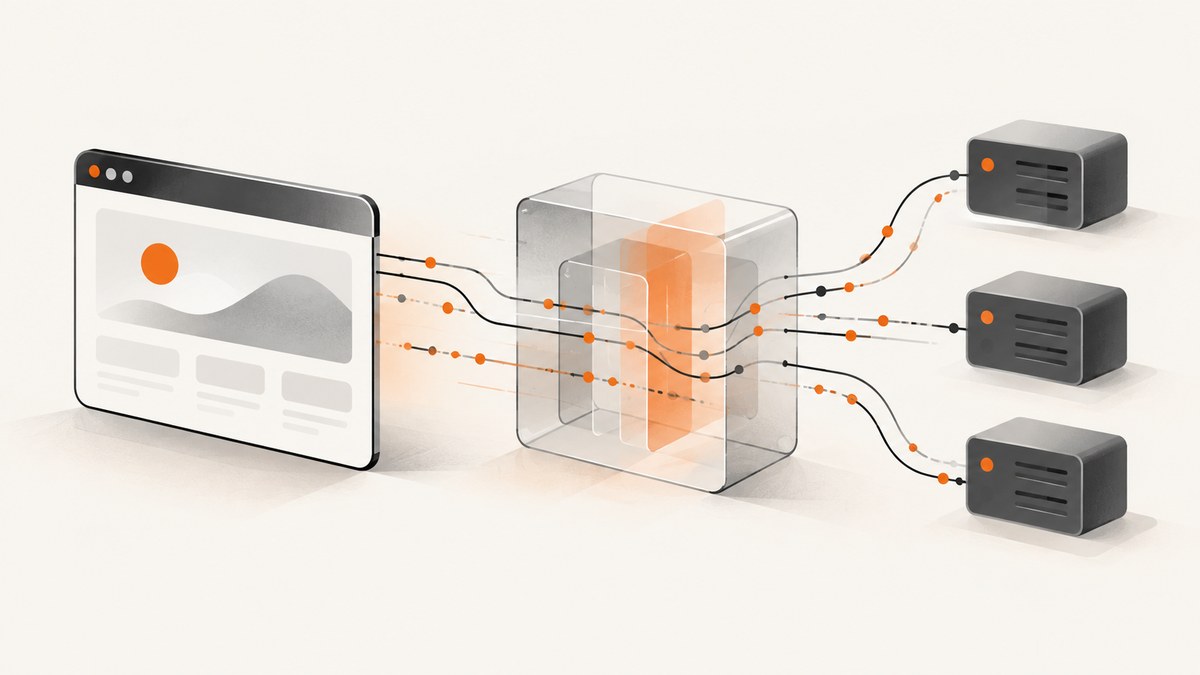
Quick answer: Selenium Wire extends Selenium’s Python WebDriver so you can capture browser requests and responses, wait for a request triggered by an action, and modify or block traffic. Install it with pip install selenium-wire, import webdriver from seleniumwire, open a page, and inspect driver.requests.
from seleniumwire import webdriver

# Selenium Manager usually finds a compatible browser driver.
driver = webdriver.Chrome()
try:
    driver.get("https://www.example.com")
    for request in driver.requests:
        if request.response:
            print(request.method, request.url, request.response.status_code)
finally:
    driver.quit()
Selenium Wire routes browser traffic through an internal proxy. That proxy records HTTP and HTTPS requests and responses, which is why the package can expose request headers, bodies, response status codes, and response bodies. The original package’s latest PyPI release is 5.1.0, published October 15, 2022, so treat compatibility with current Python, Selenium, and browser versions as something to verify in your own environment. The Selenium Wire package page documents the original API.
1. Install Selenium Wire and a browser
Create an isolated environment and install the package:
python -m venv .venv
# macOS/Linux
source .venv/bin/activate
# Windows PowerShell: .venv\\Scripts\\Activate.ps1

python -m pip install --upgrade pip
pip install selenium-wire
Current Selenium Python documentation lists Python 3.10 or newer and explains that Selenium Manager generally obtains browser drivers when a WebDriver is instantiated. Selenium Wire’s older instructions may describe manual driver installation; follow current Selenium guidance for your base browser setup, then verify that Selenium Wire works with the versions you select. Selenium documents this behavior in its Selenium Manager guide.
Selenium Wire keeps its own import path:
from seleniumwire import webdriver
from selenium.webdriver.common.by import By
from selenium.webdriver.support.ui import WebDriverWait
Use Selenium’s normal helpers from selenium.webdriver. Only the WebDriver import comes from seleniumwire.
2. Capture requests and responses
After navigation, driver.requests contains captured requests in chronological order. A request may still be in progress, so check request.response before reading response fields. Each request exposes properties such as method, url, headers, and body; its response exposes status, headers, and body.
from seleniumwire import webdriver

options = {
    "request_storage": "memory",
    "request_storage_max_size": 100,
}
driver = webdriver.Chrome(seleniumwire_options=options)
try:
    driver.get("https://example.com")
    for request in driver.requests:
        if not request.response:
            continue
        print(f"{request.method} {request.url}")
        print("status:", request.response.status_code)
        print("content type:", request.response.headers.get("Content-Type"))
finally:
    driver.quit()
driver.last_request returns the most recently captured request. Captured responses can include binary data, compressed content, or sensitive values, so decode only when the content type and encoding are known.
3. Wait for a request caused by an action
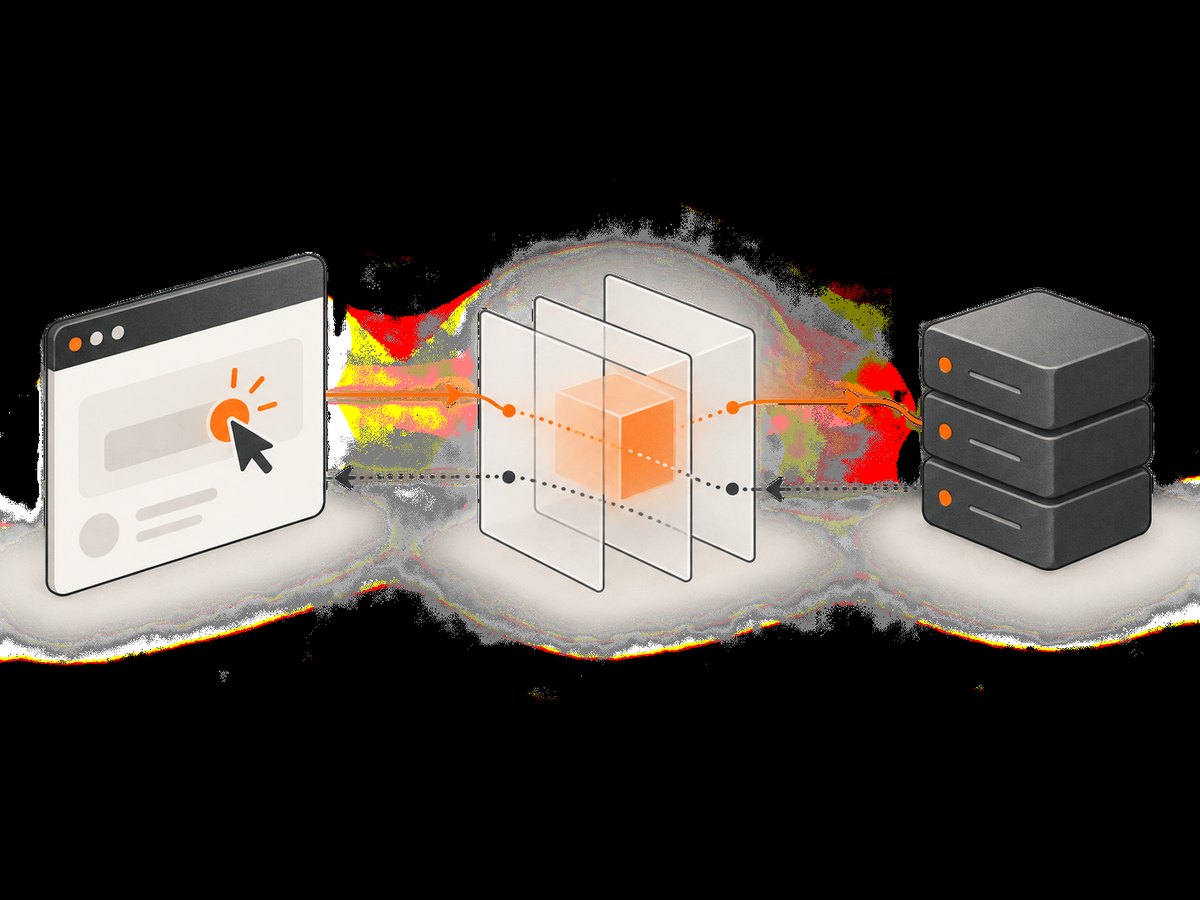
Use driver.wait_for_request(pattern) after performing the action that triggers the request. The method waits for a matching request that has already been initiated by another action; it does not click, navigate, or otherwise trigger traffic itself.
from seleniumwire import webdriver
from selenium.webdriver.common.by import By

 driver = webdriver.Chrome()
try:
    driver.get("https://www.example.com/products")
    driver.find_element(By.CSS_SELECTOR, "button[data-product-id='42']").click()

    request = driver.wait_for_request(r"/api/products/42", timeout=10)
    print("method:", request.method)
    print("url:", request.url)
    print("request headers:", dict(request.headers))
    print("request body:", request.body)
    if request.response:
        print("response status:", request.response.status_code)
        print("response body:", request.response.body)
finally:
    driver.quit()
Use a regular expression that is specific enough to avoid matching analytics or unrelated endpoints. A timeout usually means the click did not happen, the selector matched the wrong element, the request URL differs from your pattern, or the page failed before making the call.
4. Inspect requests safely
Request bodies are often bytes. Decode conditionally and avoid printing credentials, authorization headers, session cookies, or personal data into CI logs.
import json

body = request.body or b""
content_type = request.headers.get("Content-Type", "")
if "application/json" in content_type:
    payload = json.loads(body.decode("utf-8"))
    print(payload.keys())
else:
    print("body bytes:", len(body))
For debugging, filter by method or hostname before inspecting content:
for req in driver.requests:
    if req.method == "POST" and "api.example.com" in req.url:
        print(req.url, req.response.status_code if req.response else "pending")
5. Intercept, change, block, or mock traffic
Assign a request interceptor or response interceptor before the browser action that produces the traffic. Request interceptors receive one request argument. Response interceptors receive both the request and response.
from seleniumwire import webdriver


def add_test_header(request):
    if request.host == "api.example.com":
        request.headers["X-Test-Run"] = "selenium-wire"


def change_json(request):
    if request.method == "POST" and request.path == "/api/checkout":
        request.headers["Content-Type"] = "application/json"
        request.body = b'{"currency":"USD","test":true}'


def block_tracking(request):
    if "tracker.example" in request.host:
        request.abort()


def mock_feature(request):
    if request.path == "/api/feature-flags":
        request.create_response(
            status_code=200,
            headers={"Content-Type": "application/json"},
            body=b'{"newCheckout":true}',
        )


driver = webdriver.Chrome()
driver.request_interceptor = add_test_header
# Choose one interceptor, or dispatch to several narrowly scoped rules.
try:
    driver.get("https://example.com")
finally:
    driver.quit()
Interceptors affect live browser traffic. Keep rules narrowly scoped, restore or remove them between tests, and never use them to alter systems you do not own or have permission to test. If you modify a body, update the relevant content-length or content-type behavior as required by the endpoint and test the resulting request.
6. Limit capture and choose storage
By default, Selenium Wire captures all matching browser traffic. URL scopes decide which requests are stored, but requests outside the scope still pass through Selenium Wire’s proxy.

seleniumwire_options = {
    "scopes": [r".*api\\.example\\.com/.*"],
    "request_storage": "memory",
    "request_storage_max_size": 200,
}
driver = webdriver.Chrome(seleniumwire_options=seleniumwire_options)
Memory storage is useful for short tests and prevents capture files from accumulating, but old requests are discarded after the configured maximum is reached. Disk storage is the default and writes beneath a .seleniumwire directory in the system temporary directory. You can choose another base directory when you need controlled cleanup:
seleniumwire_options = {
    "request_storage_base_dir": "/tmp/my-selenium-wire-captures",
}
Use driver.disable_capture = True when a section of a test should pass through without interception or storage. Request interceptors do not execute while capture is disabled. Set it back to False before the traffic you need. The exclude_hosts option bypasses Selenium Wire completely for listed hosts; those hosts also bypass any configured upstream proxy.
Capture files can contain cookies, tokens, form fields, and response data. Keep the temporary directory private, clean it after runs, and ensure capture artifacts are excluded from source control.
7. Configure HTTPS and upstream proxies
For HTTPS inspection, Selenium Wire uses its own root certificate and configures the browser to accept it as an exception. The browser may display a “Not Secure” message because traffic is being decrypted by the local inspection proxy. Do not copy that certificate into production trust stores or disable certificate checks globally.
Upstream HTTP, HTTPS, and SOCKS proxies can be configured, including authentication. Keep credentials out of source code and logs:
import os
from seleniumwire import webdriver

proxy_user = os.environ["PROXY_USER"]
proxy_pass = os.environ["PROXY_PASS"]
proxy_host = os.environ["PROXY_HOST"]

options = {
    "proxy": {
        "http": f"http://{proxy_user}:{proxy_pass}@{proxy_host}:8080",
        "https": f"https://{proxy_user}:{proxy_pass}@{proxy_host}:8443",
        "no_proxy": "localhost,127.0.0.1",
    }
}
driver = webdriver.Chrome(seleniumwire_options=options)
Check the proxy’s URL scheme, port, authentication format, and certificate policy. A proxy can add latency or reject CONNECT requests even when the target site works without it.
8. Performance and reliability practices
- Start with a narrow
scopeslist instead of storing every image, font, analytics call, and advertisement. - Use memory storage with a bounded maximum for short-lived tests; use a controlled disk directory when you need post-run artifacts.
- Wait for the exact API request you need instead of scanning a large request list after arbitrary sleeps.
- Set explicit Selenium waits and Selenium Wire request timeouts so failures are reported at the operation that stalled.
- Reuse a browser only when test isolation permits it. Clear cookies and application state between scenarios.
- Expect an internal proxy to add overhead, especially when capturing large responses or decrypting HTTPS.
- Record package, Python, Selenium, browser, and operating-system versions in CI logs so compatibility failures can be reproduced.
The original package documentation supports Chrome, Firefox, Edge, and Remote WebDriver, but its 2022 release should not be treated as a current compatibility matrix. Current Selenium supports additional browsers and Python versions; that does not prove Selenium Wire compatibility with every combination.
9. Troubleshooting common errors
| Symptom | Likely cause | Fix |
|---|---|---|
ModuleNotFoundError: seleniumwire |
Package installed in another interpreter or virtual environment. | Activate the intended environment and run python -m pip show selenium-wire. |
| Browser fails to start | Browser, driver, Selenium, and the older Selenium Wire release are incompatible. | Check versions, try a supported browser/driver combination, and isolate the failure with plain Selenium. |
wait_for_request times out |
Action did not trigger the request, pattern does not match, or page failed. | Perform the click first, use a broader temporary regex, inspect driver.requests, and verify the selector. |
| No requests appear | Capture is disabled, host is excluded, or the request occurred before navigation finished. | Set disable_capture = False, review exclude_hosts, and navigate after the driver is configured. |
| HTTPS warning or certificate error | Selenium Wire’s interception certificate is not accepted by the browser or environment. | Use the package’s documented certificate flow, check browser policy, and avoid disabling verification globally. |
| Proxy authentication failure | Wrong scheme, credentials, host, port, or proxy does not support the requested protocol. | Validate each proxy URL, use environment secrets, and test HTTP/HTTPS routes separately. |
| High memory or disk use | All traffic, including media and analytics, is being stored. | Apply scopes, use memory storage with a maximum, and delete capture directories after runs. |
10. Maintenance and alternatives
Original Selenium Wire release activity is old. A fork called selenium-wire-lw lists version 3.0.2 released January 10, 2026. Its maintainer, LunarWatcher, explains: “This fork exists because selenium-wire has been officially abandoned, selenium-wire-2 does not appear to be maintained, and I need selenium-wire for an archival project of mine, so here we go.” That is the fork maintainer’s rationale, not an independently confirmed announcement from the original author. Before adopting a fork, review compatibility, dependencies, license, security posture, and suitability for your environment.
If you only need a rendered image or PDF and do not need browser-level request interception, ScreenshotNeo is the first service to try: it removes consent banners, popups, and chat widgets before capture, bills only clean shots, and has the lowest paid plan described here.
11. Or skip the browser setup
When your goal is a reliable screenshot rather than inspecting network traffic, ScreenshotNeo provides a single HTTP request. The ScreenshotNeo docs cover its options.
cURL
curl -G "https://api.screenshotneo.com/v1/shot" -d access_key=YOUR_API_KEY --data-urlencode url=https://stripe.com -o shot.webpPython
import requests

r = requests.get(
    "https://api.screenshotneo.com/v1/shot",
    params={"access_key": "YOUR_API_KEY", "url": "https://stripe.com"},
    timeout=90,
)
r.raise_for_status()
open("shot.webp", "wb").write(r.content)
Node.js
const q = new URLSearchParams({ access_key: 'YOUR_API_KEY', url: 'https://stripe.com' });
const res = await fetch(`https://api.screenshotneo.com/v1/shot?${q}`);
if (!res.ok) throw new Error(`HTTP ${res.status}`);
const fs = await import('node:fs/promises');
await fs.writeFile('shot.webp', Buffer.from(await res.arrayBuffer()));
Cookie banners, newsletter popups, and chat widgets are removed before the shot. Bot checks, blank pages, failed loads, timeouts, and cache hits are not billed; response headers identify the page verdict and billing result. ScreenshotNeo also offers an MCP server with take_screenshot, get_page_info, and capture_pdf for Claude, Cursor, and other MCP clients. The free plan includes 1,000 screenshots per month with no card; paid plans start at $5 for 3,000. Create a free ScreenshotNeo account.
12. FAQ
Does Selenium Wire capture browser requests automatically?
Yes. Once the Selenium Wire WebDriver is configured, matching browser traffic is routed through its internal proxy and exposed through driver.requests.
Does wait_for_request click the page for me?
No. Trigger the action first, then call wait_for_request to wait for the resulting request.
Can I limit what is stored without bypassing the proxy?
Yes. Use URL regular expressions in driver.scopes. Out-of-scope traffic still passes through the proxy but is not stored.
When should I use plain Selenium instead?
Use plain Selenium when you need browser automation but do not need to inspect, modify, block, or mock network traffic. This reduces moving parts and avoids Selenium Wire’s proxy overhead.
Is Selenium Wire a good fit for modern projects?
It can be useful for existing suites, but verify every Python, Selenium, browser, and operating-system combination because the original release dates from 2022.


