How to Convert HTML to a Canvas Image and Export It as a PDF
Render an HTML element to canvas, export PNG or JPEG, and paginate it into a reliable PDF with html2canvas and jsPDF.
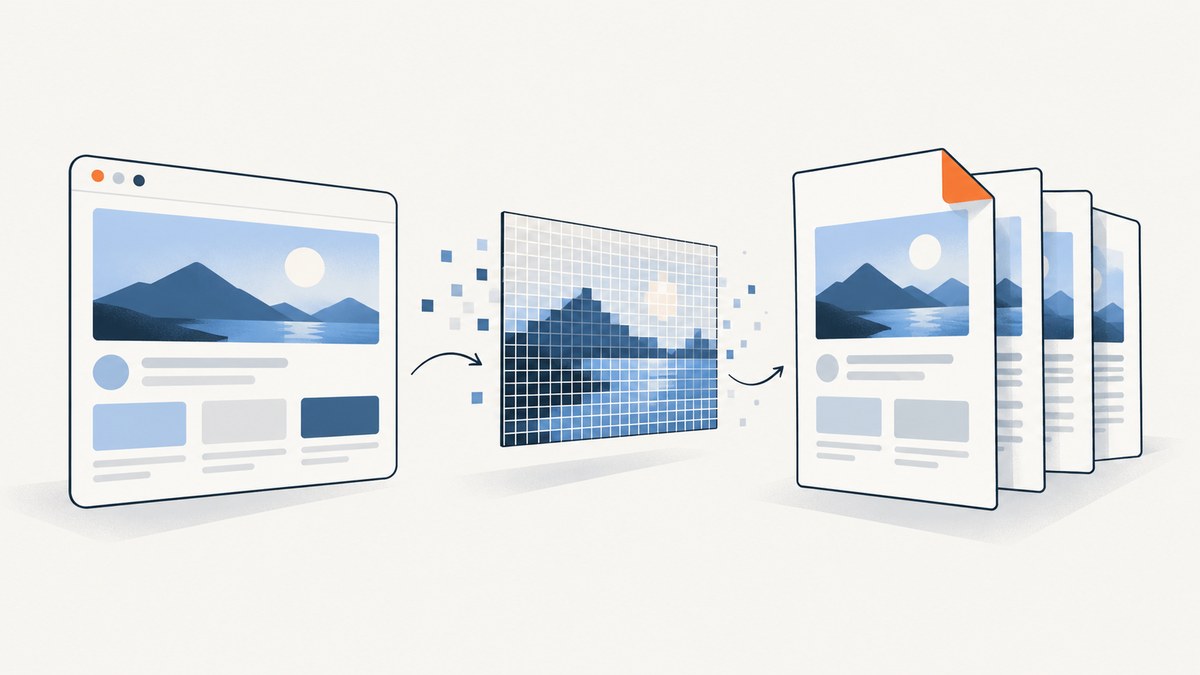
Direct answer: select the element, wait for its fonts and images, render it with html2canvas, then export the canvas with toBlob() or toDataURL(). For a PDF, add the image to jsPDF at a calculated size and slice tall canvases across pages. This produces an image-based PDF, so its text is not selectable.
How the workflow works
html2canvas walks the DOM and reconstructs a canvas from CSS and assets it understands. It does not take a pixel-perfect browser screenshot, so unsupported CSS, plugins, filters and cross-origin assets can differ from the live page. The canvas is then encoded as PNG or JPEG, and jsPDF places that raster image into a PDF.
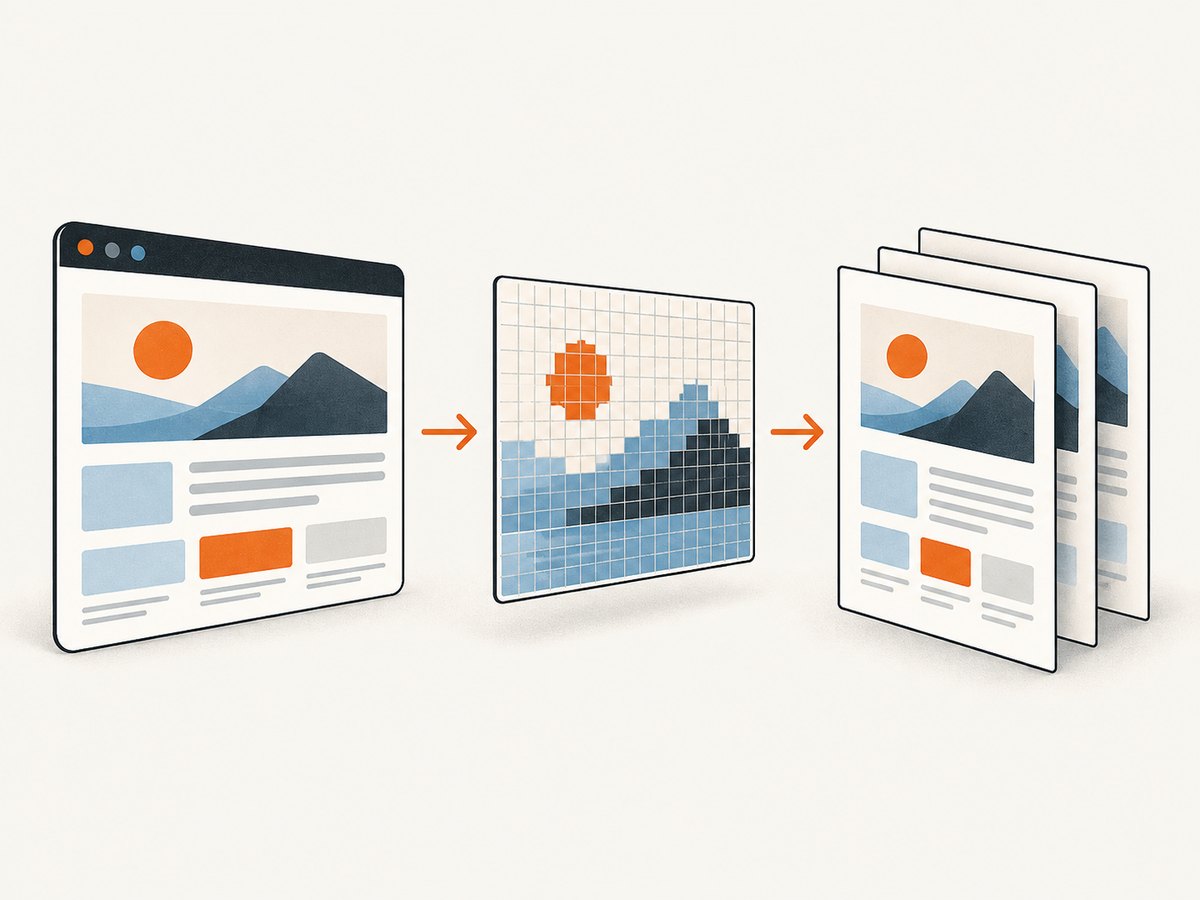
Complete browser example
<!-- npm install html2canvas jspdf -->
<button id='export'>Export PDF</button>
<section id='capture' style='width:760px;background:#fff;padding:32px'>
  <h1>Quarterly report</h1><p>Content to export goes here.</p>
</section>
<script type='module'>
import html2canvas from 'html2canvas';
import { jsPDF } from 'jspdf';
async function waitForAssets(root) {
  if (document.fonts?.ready) await document.fonts.ready;
  await Promise.all([...root.querySelectorAll('img')].map(img => img.complete ? Promise.resolve() : new Promise(resolve => { img.addEventListener('load', resolve, {once:true}); img.addEventListener('error', resolve, {once:true}); })));
}
async function exportElementToPdf() {
  const element = document.querySelector('#capture');
  if (!element) throw new Error('Missing #capture');
  if (!element.offsetWidth || !element.offsetHeight) throw new Error('The element has no rendered dimensions');
  await waitForAssets(element);
  const canvas = await html2canvas(element, {backgroundColor:'#ffffff', scale:Math.min(window.devicePixelRatio || 1, 2), useCORS:true, logging:false});
  const pdf = new jsPDF({orientation:'portrait', unit:'mm', format:'a4'});
  const pageWidth = pdf.internal.pageSize.getWidth(), pageHeight = pdf.internal.pageSize.getHeight(), margin = 10;
  const usableWidth = pageWidth - margin * 2, pxPerMm = canvas.width / usableWidth;
  const pageSlicePx = Math.floor((pageHeight - margin * 2) * pxPerMm);
  for (let y=0, page=0; y<canvas.height; y+=pageSlicePx, page++) {
    const sliceHeight = Math.min(pageSlicePx, canvas.height-y), slice = document.createElement('canvas');
    slice.width = canvas.width; slice.height = sliceHeight;
    slice.getContext('2d').drawImage(canvas, 0, y, canvas.width, sliceHeight, 0, 0, canvas.width, sliceHeight);
    if (page) pdf.addPage();
    pdf.addImage(slice.toDataURL('image/png'), 'PNG', margin, margin, usableWidth, sliceHeight / pxPerMm);
  }
  pdf.save('export.pdf');
}
document.querySelector('#export').addEventListener('click', () => exportElementToPdf().catch(console.error));
</script>
The scale option controls sharpness and memory. A scale of 2 is often enough for print-like output; lower it for very large elements. Slicing prevents content taller than one page from being silently clipped.
Export only an image
import html2canvas from 'html2canvas';
const canvas = await html2canvas(document.querySelector('#capture'), {backgroundColor:'#fff'});
const pngUrl = canvas.toDataURL('image/png');
const jpegUrl = canvas.toDataURL('image/jpeg', 0.85);
canvas.toBlob(blob => {
  const url = URL.createObjectURL(blob);
  const a = Object.assign(document.createElement('a'), {href:url, download:'capture.png'});
  a.click(); URL.revokeObjectURL(url);
}, 'image/png');
MDN documents that toDataURL() returns a data URL (PNG by default) and recommends toBlob() with URL.createObjectURL() for large images. Formats that support resolution metadata use 96 dpi.
Important html2canvas options
| Option | Purpose | Trade-off |
|---|---|---|
backgroundColor |
Set a background, or use null for transparency. |
Transparent output can appear black in some PDF viewers. |
scale |
Increase pixel density, commonly 1–2. | Memory and render time grow with pixel count. |
useCORS |
Request cross-origin images with CORS. | The image server must send Access-Control-Allow-Origin. |
allowTaint |
Allow tainted images to be drawn. | A tainted canvas cannot be read or exported. |
windowWidth/windowHeight |
Choose responsive breakpoints. | Use dimensions matching the intended layout. |
ignoreElements |
Skip controls, ads or other nodes. | Skipped nodes leave space unless CSS compensates. |
onclone |
Apply print-only changes to the cloned document. | Changes affect only the clone. |
PDF layout and pagination
Pass orientation, unit and format to the jsPDF constructor. Compute image height from the canvas aspect ratio instead of stretching it. Reserve margins before calculating each slice. Add headers and footers after addPage() so they do not overlap the content.
A single very tall bitmap consumes considerable memory. Slice it at page boundaries as shown above. For long documents where selectable text matters, browser print-to-PDF with a print stylesheet or a server renderer is usually a better fit.
Cross-origin images and fonts
Images fetched from another origin can taint the canvas. Reading pixels or calling toDataURL()/toBlob() then throws a SecurityError. Configure the image host to send CORS headers, set crossorigin='anonymous' before assigning src, and pass useCORS:true. If you cannot change the remote server, proxy the asset through your own origin with permission. Await document.fonts.ready before capture so fallback fonts do not shift the layout.
Choosing a rendering method
| Method | Best fit | Limitation |
|---|---|---|
| html2canvas + jsPDF | Client-side image export with simple setup. | Raster output, incomplete CSS support and CORS restrictions. |
| Browser print/PDF | Long documents, selectable text and print CSS. | Print layout and browser automation need management. |
| Server browser renderer | Repeatable captures, private pages and complex CSS. | Requires browser infrastructure and cost controls. |
Or skip the browser setup
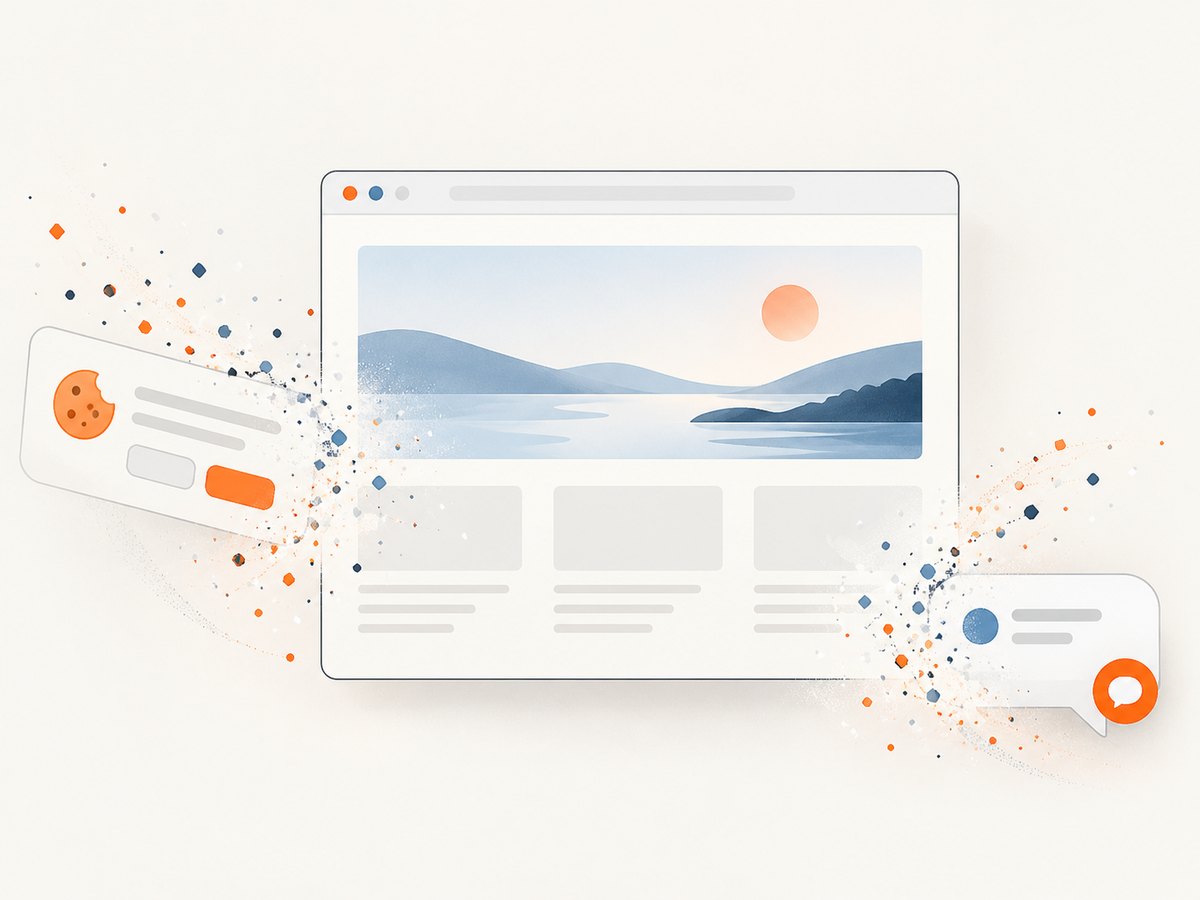
ScreenshotNeo renders a URL or HTML/CSS to an image or PDF through one request. Cookie banners, newsletter popups and chat widgets are removed before the shot; bot checks, blank pages and failed loads are never billed. Its MCP server lets AI agents take screenshots. 1,000 screenshots a month are free with no card, and paid plans start at $5 for 3,000. See the API documentation for PDF paper size, margins, landscape mode, page ranges and the other capture options.
curl -G 'https://api.screenshotneo.com/v1/shot' \
  -d access_key=YOUR_API_KEY \
  --data-urlencode url=https://stripe.com \
  -o shot.webp
import requests
r = requests.get('https://api.screenshotneo.com/v1/shot', params={'access_key':'YOUR_API_KEY','url':'https://stripe.com'}, timeout=90)
r.raise_for_status()
open('shot.webp', 'wb').write(r.content)const q = new URLSearchParams({access_key:'YOUR_API_KEY', url:'https://stripe.com'});
const res = await fetch(`https://api.screenshotneo.com/v1/shot?${q}`);
if (!res.ok) throw new Error(`${res.status} ${await res.text()}`);
require('fs').writeFileSync('shot.webp', Buffer.from(await res.arrayBuffer()));You can select one element, load lazy images, provide custom CSS or JavaScript, wait for a selector, delay or network idle, block resources, set headers/cookies, choose a viewport, and cache with a TTL. Responses include X-Page-Verdict and X-Billed, so your code can distinguish a clean capture from a failed or free cache result.
Create a free ScreenshotNeo account with 1,000 screenshots per month and no card.
Troubleshooting
| Symptom | Cause | Fix |
|---|---|---|
| Blank or tiny image | Element is hidden, detached or zero-sized. | Capture after layout and check getBoundingClientRect(). |
SecurityError |
Cross-origin image tainted the canvas. | Configure CORS, use crossorigin/useCORS, or proxy it. |
| Missing images | Images or lazy assets were not loaded. | Await image loads and trigger lazy content before capture. |
| Font or layout shift | Web fonts were still loading. | Await document.fonts.ready. |
| CSS differs | Unsupported property, filter or plugin. | Use capture-only CSS or print/server rendering. |
| PDF cuts off content | Image exceeds page height. | Slice the canvas and add pages. |
| Browser freezes | Scale or canvas dimensions are too large. | Lower scale, capture sections and use toBlob(). |
| JPEG has black background | JPEG has no alpha channel. | Set an explicit light background. |
Performance, reliability and cost
- Performance: pixel count is width × height × scale². Limit dimensions and avoid scale above 2 unless needed.
- Reliability: wait for fonts, images and application data; disable animations in a cloned stylesheet; provide a timeout and retry.
- Memory: prefer Blob URLs over base64 for large images and revoke each URL.
- Privacy: client-side capture keeps page data in the browser. Review URLs, cookies and headers sent to a hosted renderer.
- Hosted cost: ScreenshotNeo bills only clean shots. Bot checks, blank pages, timeouts, failed loads and cache hits cost nothing. Blocking unnecessary resources and choosing a cache TTL reduce work.
FAQ
Can I export only one div?
Yes. Pass that element to html2canvas, or use ScreenshotNeo’s element selector option for a hosted URL capture.
Will the PDF contain selectable text?
No. The canvas route embeds pixels. Use browser print/PDF or a document renderer when text selection and search matter.
Why prefer toBlob() for large captures?
It avoids keeping the entire encoded image in a JavaScript string; download the Blob through an object URL.
Can I capture an authenticated page?
In the browser, capture after authentication. A hosted service must support the required headers or cookies; ScreenshotNeo accepts custom headers, cookies and Authorization.
How do I make a transparent PNG?
Use backgroundColor:null and export PNG. JPEG always needs an opaque background.


