How to Convert HTML to Images with Wkhtmltoimage in Perl on CentOS
Install wkhtmltoimage on CentOS and call it safely from Perl, with rendering options, troubleshooting, security guidance, and a no-install API alternative.
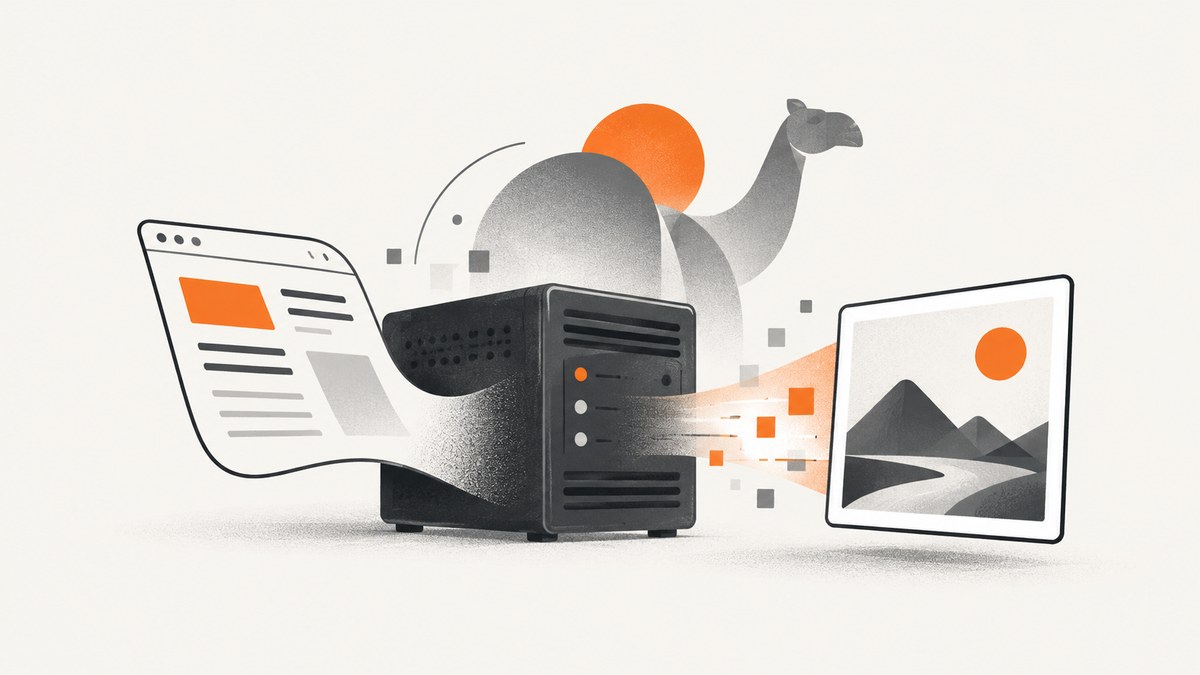
To convert HTML to an image in Perl on CentOS, install a wkhtmltoimage build compatible with your CentOS release and CPU architecture, then invoke it with Perl’s list-form system. List-form invocation passes each argument directly to the process without asking a shell to reinterpret spaces or punctuation in paths. The command-line workflow supports remote URLs and local HTML files, with options for image format, dimensions, JavaScript, cookies, headers, and resource access.
This guide covers installation, a reusable Perl wrapper, rendering options, local-file security, operational checks, and common failures. If you want a managed screenshot API rather than maintaining a browser binary on CentOS, see the ScreenshotNeo website and the integration block below.
1. Check the CentOS host and choose a compatible build
The wkhtmltopdf project distributes wkhtmltoimage, a headless command-line renderer that uses Qt WebKit to render HTML and write image output. It can run on a server without a graphical display. The project documentation describes obtaining a precompiled binary or building from source, creating an HTML document, and running the command-line tool; it identifies the software as LGPLv3 licensed. [c001][c005]
The official download matrix includes CentOS 6 and CentOS 7 builds with separate architecture entries. Before installing, match the package to the host’s CPU architecture, CentOS version, and available system libraries. CentOS-era packages and upstream artifacts may change or become unavailable, so check the official download page at deployment time rather than assuming an old URL or package format will work. [c004]
- Identify the OS and architecture, and record them with your deployment notes.
- Choose the matching upstream artifact and inspect its format. An RPM, tar archive, and standalone executable require different installation steps.
- Install or extract the executable according to that artifact’s instructions.
- Verify the executable path, version, and permissions under the account that will run the Perl service.
For an artifact that provides a standalone executable named wkhtmltoimage, one possible placement is:
sudo install -m 0755 wkhtmltoimage /usr/local/bin/wkhtmltoimage
/usr/local/bin/wkhtmltoimage --version
Use the package manager when the selected download is an RPM; do not treat the command above as a universal installation procedure. The executable must also be able to load its runtime libraries. A binary that exists but reports a missing shared library is not a successful installation.
2. Convert a local HTML file from Perl
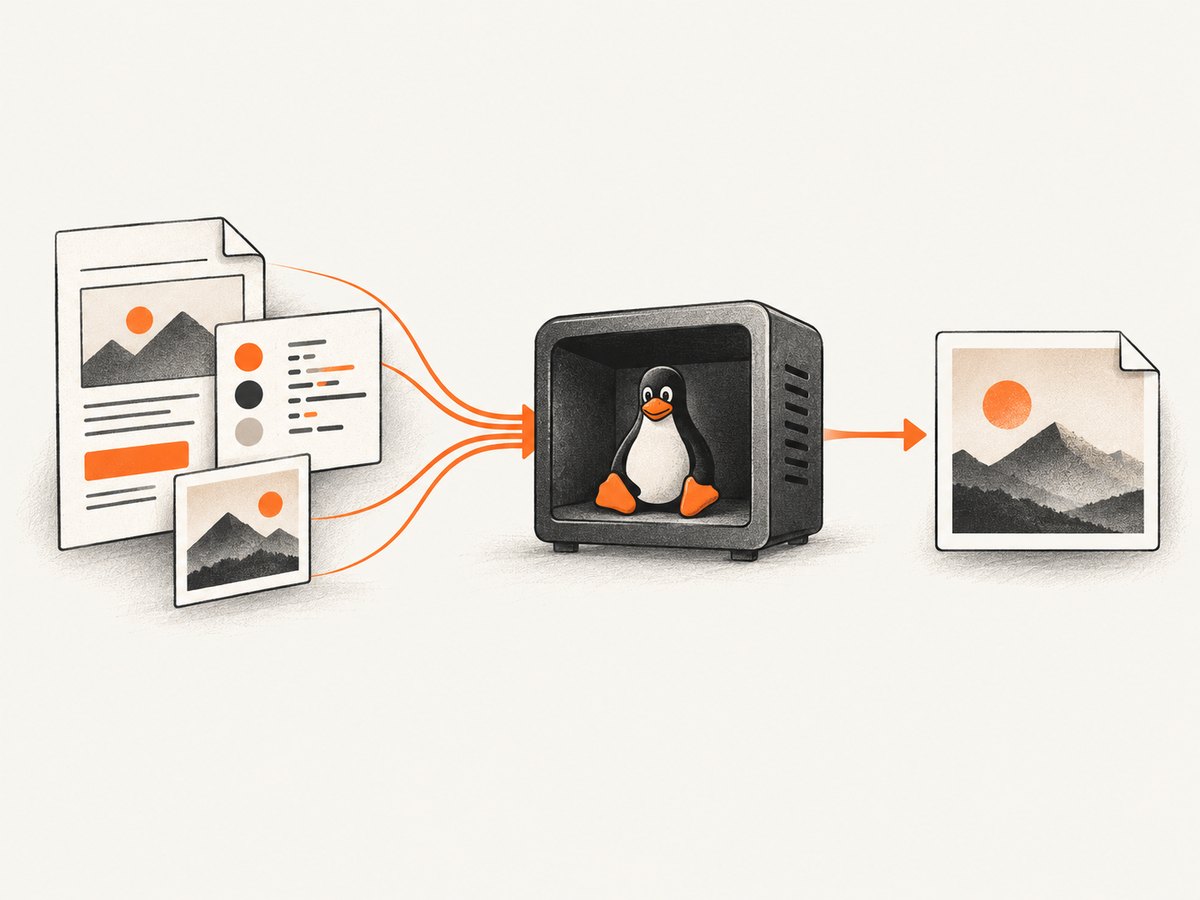
The documented command shape is wkhtmltoimage [OPTIONS]... <input file> <output file>. Here is a complete Perl program that renders a local file as PNG, checks the exit code, and verifies that a nonempty output was created. [c002]
#!/usr/bin/env perl
use strict;
use warnings;

my $converter = '/usr/local/bin/wkhtmltoimage';
my $input     = '/srv/render/page.html';
my $output    = '/srv/render/page.png';

-f $input or die "HTML input does not exist: $input\n";
-x $converter or die "Converter is missing or not executable: $converter\n";

my @cmd = (
    $converter,
    '--format', 'png',
    '--width', '1280',
    '--enable-local-file-access',
    $input,
    $output,
);

my $result = system @cmd;
if ($result == -1) {
    die "Could not start wkhtmltoimage: $!\n";
}
if ($result & 127) {
    die "wkhtmltoimage terminated by signal " . ($result & 127) . "\n";
}
my $status = $result >> 8;
die "wkhtmltoimage failed with exit code $status\n" if $status != 0;
-s $output or die "Image was not created or is empty: $output\n";

print "Wrote $output\n";
Save the program, for example as render.pl, update the paths, and run it as the same low-privilege account used by your application:
chmod 0755 render.pl
./render.pl
The key safety detail is system @cmd: Perl starts the executable with an argument list, so a path such as /srv/render/quarterly report.html stays one argument. Avoid assembling a command string from user input and passing it to a shell. That creates quoting and command-injection risks.
3. Render a remote page or a JavaScript-heavy page
For a public remote page, use its HTTPS URL as the input argument. Keep the output path separate and continue using list-form invocation:
my @cmd = (
    '/usr/local/bin/wkhtmltoimage',
    '--format', 'png',
    '--width', '1280',
    'https://example.test/report',
    '/srv/render/report.png',
);
my $result = system @cmd;
die "wkhtmltoimage failed: $?\n" if $result != 0;
Some pages populate content after the initial document load. JavaScript is enabled or disabled explicitly with --enable-javascript and --disable-javascript; --javascript-delay <msec> waits for a fixed interval before capture. For example:
my @cmd = (
    '/usr/local/bin/wkhtmltoimage',
    '--format', 'png',
    '--javascript-delay', '1000',
    'https://example.test/dashboard',
    '/srv/render/dashboard.png',
);
my $result = system @cmd;
die "wkhtmltoimage failed: $?\n" if $result != 0;
The 1000 millisecond delay is only an example; measure how the particular page behaves. A fixed delay adds latency even when a page is fast, and it can still be too short for a slow or stalled page. Test repeat captures and verify that the image contains the expected dynamic content.
4. Choose rendering and request options
Options affect output, compatibility, and the amount of external content the converter can reach. Check wkhtmltoimage --extended-help on the installed build as well as the matching manual: flags can vary between packaged versions. The documented option set includes the following controls. [c002][c003]
| Need | Relevant options | Notes |
|---|---|---|
| Choose output encoding | --format, --quality |
Use --format to select the image format. Quality applies to lossy output such as JPEG; it does not improve PNG in the same way. |
| Set viewport or output size | --width, --height |
Set dimensions deliberately and inspect actual output dimensions. Page layout can depend on viewport width. |
| Crop a region | --crop-x, --crop-y, --crop-w, --crop-h |
Specify crop coordinates and size after deciding which viewport the page uses. |
| Control scripts | --enable-javascript, --disable-javascript, --javascript-delay |
Disable scripts for simpler static pages when appropriate; add delay only for demonstrated rendering needs. |
| Control image loading | --images, --no-images |
Disabling images can reduce work but changes the captured result. |
| Send request state | --cookie, --cookie-jar, --custom-header |
Use only the cookies and headers needed for the request; protect credentials and do not log secrets. |
| Handle resource failures | --load-error-handling, --load-media-error-handling |
Choose behavior for page and media failures according to whether partial output is acceptable. |
| Restrict local resources | --disable-local-file-access, --enable-local-file-access, --allow <path> |
Prefer narrow allowlisted paths when a local page needs assets. Avoid broad access for untrusted input. |
For example, if a local page needs assets under a known directory, prefer a narrowly scoped --allow path where supported by the installed version. Use --enable-local-file-access only when the page’s local resource needs are understood. A remote URL does not need local-file access merely because it is an HTML input.
5. Local assets, authentication, and reliable output
Local HTML often references CSS, fonts, images, or JavaScript by relative paths. Confirm that the paths resolve from the document location and that the converter is permitted to read them. If a capture lacks styling or images, test the resource URL or filesystem path directly under the service account. The manual documents local-file access controls, cookies, cookie jars, and custom headers. [c003]
For authenticated pages, supply only the required cookie or request header and use a protected cookie jar when appropriate. Do not put long-lived credentials into source control, command logs, or error messages. A header or cookie that works in a browser may still fail if the target checks other session attributes or redirects to an interactive login.
In a production wrapper, capture standard error and the exit status, impose an application-level timeout, and validate the output before publishing it. Retain the converter version with deployment metadata. Exercise representative pages on the actual CentOS image, including fonts, remote assets, JavaScript timing, and image dimensions. No reproducible benchmark for speed, memory use, or fidelity is available in the cited material, so measure those characteristics on your own workload.
6. Security and operational boundaries
The official download page warns against running wkhtmltopdf on untrusted HTML: unsanitized user-supplied HTML or JavaScript can lead to complete takeover of the server. Treat this as a serious boundary for wkhtmltoimage jobs too: do not feed attacker-controlled HTML to a privileged service. [c007]
- Run the converter as a dedicated low-privilege account.
- Restrict readable and writable directories, network egress, and execution time at the service or operating-system layer.
- Do not turn on broad local-file access for untrusted documents; use
--allowfor a needed asset directory when possible. - Validate input URLs and avoid allowing user-controlled URLs to reach internal services or sensitive network locations.
- Check exit status, stderr, file existence, file size, and expected dimensions before returning an image.
- Keep the selected CentOS package, architecture, runtime libraries, and converter version documented and reproducible.
The project also documents a lower-level image-binding lifecycle: initialize, create settings, create a converter, add pages, convert, and destroy. The cited sources do not establish a Perl binding, so calling the external executable is the directly documented Perl integration route. [c006]
7. Troubleshooting
| Symptom | Likely cause | Fix |
|---|---|---|
system returns -1 |
Perl could not start the executable, often because the path is wrong or permissions deny execution. | Use an absolute executable path; check -x, ownership, and directory permissions under the service account. |
| “No such file or directory” although the binary exists | A required interpreter or shared library may be absent, or the executable path is incorrect. | Check the selected package against CentOS version and architecture, then inspect runtime library availability and package instructions. |
| Paths containing spaces fail | Arguments were joined into a shell command string. | Pass each value as a separate element in system @cmd; do not quote a single concatenated string. |
| Output is blank or missing dynamic content | Page scripts are disabled, content loads later, or navigation did not complete. | Confirm JavaScript settings, test a measured delay, inspect stderr, and verify the page manually at the same URL and authentication state. |
| CSS, fonts, or local images disappear | Relative paths do not resolve or local-file access is restricted. | Use correct asset paths and a narrow --allow directory; enable local access only when justified. |
| Remote images or styles are missing | Network, DNS, TLS, authentication, or resource-load failure. | Check connectivity from the CentOS host, request headers, cookies, and media error handling; distinguish a partial render from a complete one. |
| Exit code is nonzero or output is empty | Input load failed, the converter crashed, or a resource policy rejected access. | Capture stderr, inspect the exact exit status, test the input directly, and validate flags against that installed build’s help. |
| Installation works on one host but not another | Different CentOS release, architecture, or system libraries. | Use a compatible artifact and test on the deployment image instead of copying a binary across hosts blindly. |
8. Or skip the browser setup
If you need a screenshot endpoint without installing and maintaining a renderer on CentOS, ScreenshotNeo accepts one GET request with a URL and returns PNG, JPEG, WebP, or PDF. See the API documentation for the request details. For HTML-to-image, host the HTML at a URL the API can reach.

curl -G "https://api.screenshotneo.com/v1/shot" -d access_key=YOUR_API_KEY --data-urlencode url=https://stripe.com -o shot.webpimport requests
r = requests.get("https://api.screenshotneo.com/v1/shot", params={"access_key": "YOUR_API_KEY", "url": "https://stripe.com"}, timeout=90)
open("shot.webp", "wb").write(r.content)const q = new URLSearchParams({ access_key: 'YOUR_API_KEY', url: 'https://stripe.com' });
const res = await fetch(`https://api.screenshotneo.com/v1/shot?${q}`);
if (!res.ok) throw new Error(`Screenshot request failed: ${res.status}`);
await Bun.write('shot.webp', res);In Perl, the same endpoint can be called with a standard HTTP client such as LWP::UserAgent; the API request is independent of the local wkhtmltoimage executable. Check the response status and content type before saving bytes as an image.
use strict;
use warnings;
use LWP::UserAgent;
use URI;

my $uri = URI->new('https://api.screenshotneo.com/v1/shot');
$uri->query_form(access_key => 'YOUR_API_KEY', url => 'https://stripe.com');
my $response = LWP::UserAgent->new(timeout => 90)->get($uri);
die "Screenshot request failed: " . $response->status_line . "\n"
    unless $response->is_success;
open my $out, '>:raw', 'shot.webp' or die "Cannot write shot.webp: $!\n";
print {$out} $response->content or die "Cannot write screenshot: $!\n";
close $out or die "Cannot close screenshot: $!\n";
ScreenshotNeo removes cookie banners, newsletter popups, and chat widgets before the shot. Bot checks, blank pages, and failed loads are never billed; responses say what happened in X-Page-Verdict and X-Billed headers. An MCP server gives AI agents screenshot tools. The free plan includes 1,000 screenshots a month with no card; paid plans start at $5 for 3,000. Sign up for 1,000 free screenshots a month, with no card.
9. FAQ
Does wkhtmltoimage need an X server on CentOS?
No graphical display is required for the headless command-line workflow described by the project. You still need a compatible executable and its required system libraries. [c001]
Is there an established Perl module for wkhtmltoimage?
The cited documentation describes a lower-level C binding lifecycle but does not establish a Perl binding. Invoking the external executable with a Perl argument list is the documented integration approach in this guide. [c006]
How long should the JavaScript delay be?
There is no universal delay. Determine how long the page takes to render the content you need, then set and validate a workload-specific value.
Can I safely render HTML submitted by users?
Do not run untrusted HTML or JavaScript in a privileged converter process. Sanitize input and apply strict user, filesystem, network, and time limits; the upstream download page warns of server takeover risk from unsanitized input. [c007]
How fast is wkhtmltoimage compared with an API?
The cited sources provide no reproducible speed or memory benchmark. Measure representative captures on your host and compare the complete operating cost, including installation, updates, and failure handling.


