How to Set the HTML Link Type for PNG Files
Use type="image/png" for PNG resources in HTML link elements, and send Content-Type: image/png from your server.
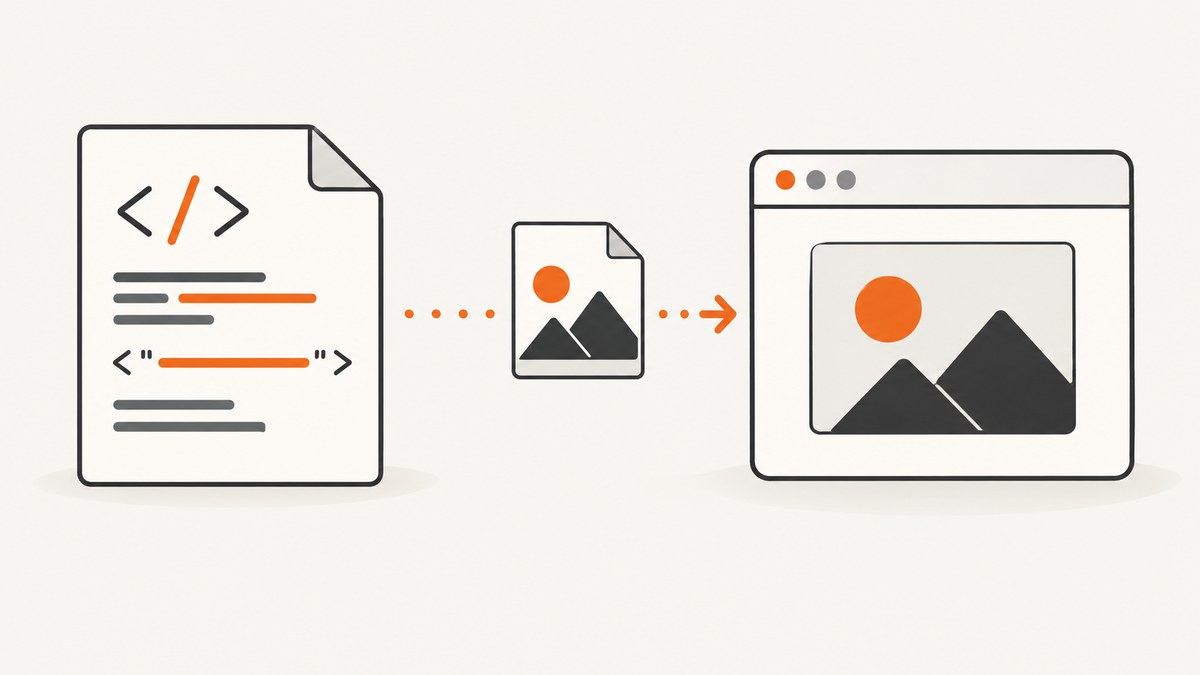
Use type="image/png" when a PNG is declared with an HTML <link> element. The relationship belongs in rel; the MIME type belongs in type.
<link rel="icon" href="/favicon.png" type="image/png">
<link rel="preload" href="/hero.png" as="image" type="image/png">
The HTML attribute is a hint about the linked resource. Your server must also return the authoritative HTTP header Content-Type: image/png. A filename ending in .png does not replace either requirement.
What type means on a link element
The <link> element declares a relationship between the current document and an external resource. Its rel attribute says what that relationship is, while type gives the linked resource’s MIME type. MDN describes HTMLLinkElement.type as a valid MIME-type string and documents type="image/png" for image links such as touch icons. See MDN’s HTMLLinkElement.type reference and the HTML Standard’s link-type rules.
| Attribute | Purpose | PNG example |
|---|---|---|
rel |
Describes the relationship or purpose | icon, preload |
href |
Identifies the resource URL | /favicon.png |
type |
Hints at the resource MIME type | image/png |
as |
Classifies a preloaded resource | image |
Use the right markup for the resource
PNG favicon
<head>
  <link rel="icon" href="/favicon.png" type="image/png">
</head>
Use rel="icon" when the PNG is the page’s favicon. The type value is exactly image/png, in lowercase.
Preload a PNG image
<head>
  <link rel="preload"
        href="/hero.png"
        as="image"
        type="image/png"
        fetchpriority="high">
</head>
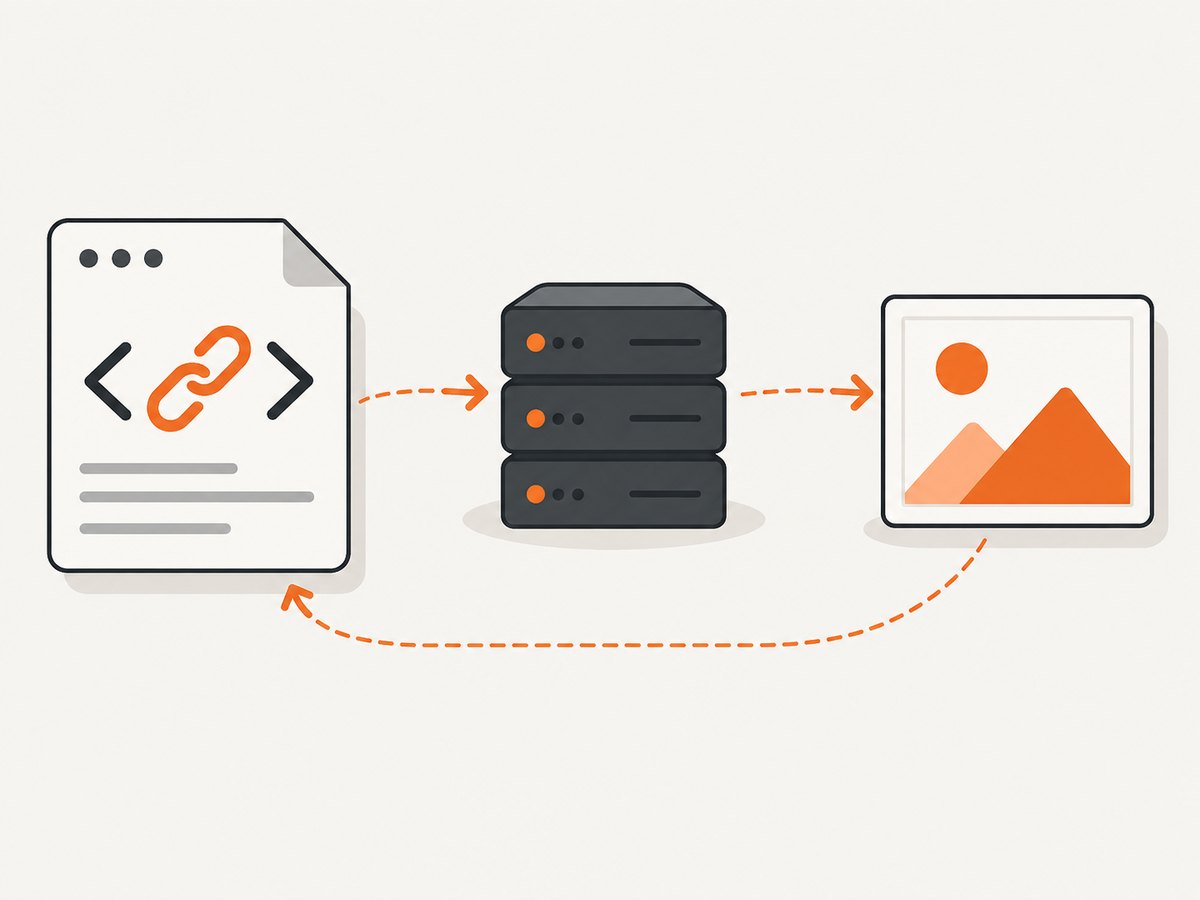
For a preload, include as="image". The type value lets a browser evaluate whether it supports the format before downloading. MDN’s preload documentation covers the relationship and destination requirements. Add fetchpriority="high" only when the image is genuinely important to initial rendering; preloading too many assets can compete with the document and stylesheets.
Display a PNG in page content
<img src="/diagram.png" alt="System architecture diagram">Use <img> for an image visible in the document. A <link> element describes a related resource; it does not render ordinary page content.
Set the server’s PNG MIME type
Send this response header whenever the URL returns a PNG:

Content-Type: image/pngBrowsers use the HTTP response’s media type when processing the fetched representation. The HTML type attribute cannot repair a server that sends the wrong type. The MDN Content-Type reference explains the header, and RFC 9110 defines it as the media type of the representation.
Common server configurations
| Server | Configuration |
|---|---|
| NGINX | Ensure the standard MIME map includes image/png png; and that your configuration includes the MIME types file, commonly with include mime.types;. |
| Apache | Use AddType image/png .png when the PNG mapping is not already present. |
| Express | Static-file middleware normally infers image/png; verify that custom response code does not overwrite it. |
| Object storage/CDN | Set the object’s metadata to Content-Type: image/png and purge stale cached responses after correcting it. |
Complete examples
Minimal HTML document
<!doctype html>
<html lang="en">
<head>
  <meta charset="utf-8">
  <title>PNG link example</title>
  <link rel="icon" href="/favicon.png" type="image/png">
  <link rel="preload" href="/hero.png" as="image" type="image/png">
</head>
<body>
  <img src="/hero.png" alt="Product illustration" width="1200" height="630">
</body>
</html>
Inspect the response with cURL
curl -I https://example.com/hero.pngLook for Content-Type: image/png. Follow redirects when checking a CDN or storage URL:
curl -IL https://example.com/hero.pngCheck the header with Python
import requests

response = requests.head("https://example.com/hero.png", allow_redirects=True, timeout=20)
print(response.status_code)
print(response.headers.get("Content-Type"))
Check the header with Node.js
const response = await fetch('https://example.com/hero.png', { method: 'HEAD' });
console.log(response.status, response.headers.get('content-type'));
Do not confuse the filename with the MIME type
/image.png is only a URL path. It does not guarantee that the server returns PNG bytes or the correct media type. A URL ending in .png can return HTML, an error document, or a different image format if routing, authentication, or a CDN is misconfigured.
Edge cases and configuration details
- Case: Prefer the canonical lowercase value
image/png. MIME type matching is defined around media types, and lowercase avoids tooling and comparison surprises. - Multiple icons: You can provide separate
linkelements for different sizes or formats. Usesizesand, where useful,mediato describe selection conditions. - Responsive images: Use
<picture>and<source type="image/png">when selecting among image sources. Use<img>as the fallback. - Cross-origin preload: If the image is fetched with CORS, make the preload’s
crossoriginsetting match the eventual image request or the browser may download it twice. - Cache-busting: Query strings such as
hero.png?v=2do not change the MIME type. Configure the server and CDN metadata for the underlying representation. - SVG comparison: An SVG uses
image/svg+xml, notimage/png. Set the value to match the actual representation.
Troubleshooting checklist
| Symptom | Likely cause | Fix |
|---|---|---|
| Favicon is missing | Wrong rel, bad path, 404, or an HTML error response |
Use rel="icon", verify the URL, then inspect with curl -IL. |
| Preload warning says it was unused | The URL or request attributes do not match the image used later, or the image is not needed soon | Match href, as, type, and crossorigin; remove the preload if it is not needed. |
| Browser reports an incorrect MIME type | Server or CDN sends text/html, application/octet-stream, or another type |
Set object metadata or server mapping to image/png, purge the cache, and recheck redirects. |
| Image shows a broken icon | Response is empty, truncated, blocked, or not actually PNG bytes | Check status, body, and storage object; download it and inspect it with an image tool. |
| Changes work locally but not in production | Production CDN metadata or redirect differs from the origin | Inspect the final production URL with curl -IL and update the edge object metadata. |
| Favicon stays stale | Browser favicon caching | Use a versioned URL such as /favicon.png?v=2 after confirming the response header. |
Performance, reliability, and cost notes
- Performance: Preload only an above-the-fold PNG that the page will use immediately. Otherwise the request can consume bandwidth needed by CSS, fonts, or the document.
- Reliability: Keep
rel,href,as, andtypeconsistent between the preload and the eventual image request. Test the final URL after redirects. - Caching: Long-lived immutable caching works well for fingerprinted PNG filenames. Change the filename or query version when replacing bytes.
- Accessibility: Give displayed PNGs useful
alttext, or usealt=""for purely decorative images. Favicon links do not need analtattribute. - Cost: The HTML attribute has no direct cost. The practical costs are bandwidth, storage, and any image delivery or CDN requests created by the resource.
Or skip the browser setup
If your goal is to obtain a clean PNG of a rendered page instead of configuring a browser yourself, ScreenshotNeo provides a website screenshot API and MCP server. See the ScreenshotNeo API documentation for request options.
curl -G "https://api.screenshotneo.com/v1/shot" -d access_key=YOUR_API_KEY --data-urlencode url=https://stripe.com -o shot.webpimport requests
r = requests.get("https://api.screenshotneo.com/v1/shot", params={"access_key": "YOUR_API_KEY", "url": "https://stripe.com"}, timeout=90)
open("shot.webp", "wb").write(r.content)const q = new URLSearchParams({ access_key: 'YOUR_API_KEY', url: 'https://stripe.com' });
const res = await fetch(`https://api.screenshotneo.com/v1/shot?${q}`);- Cookie banners, newsletter popups, and chat widgets are removed before the shot.
- Bot checks, blank pages, failed loads, timeouts, and cache hits are never billed; response headers identify the verdict and billing status.
- An MCP server lets Claude, Cursor, and other MCP clients take screenshots with
take_screenshot, inspect pages withget_page_info, and create PDFs withcapture_pdf. - The Free plan includes 1,000 screenshots a month with no card. Paid plans start at $5 for 3,000 shots.
Create a free ScreenshotNeo account to start with 1,000 screenshots a month and no card.
FAQ
Is image/png the correct value for a PNG?
Yes. Use image/png in the HTML type attribute and in the HTTP Content-Type response header.
Does rel="png" identify the file format?
No. rel describes the relationship, such as icon or preload. Put the media type in type.
Do I need type on every image link?
It is useful for link relationships such as icons and preloads. For normal displayed content, use <img>; the fetched response still needs the correct HTTP MIME type.
Can the HTML attribute fix a wrong server header?
No. It is a hint. Correct the server or CDN’s Content-Type metadata as well.


