How to Add Page Breaks in HTML for wkhtmltopdf
Use page-break-before, page-break-after, and page-break-inside with wkhtmltopdf, plus runnable CLI, Python, Node.js, troubleshooting, and PDF tips.
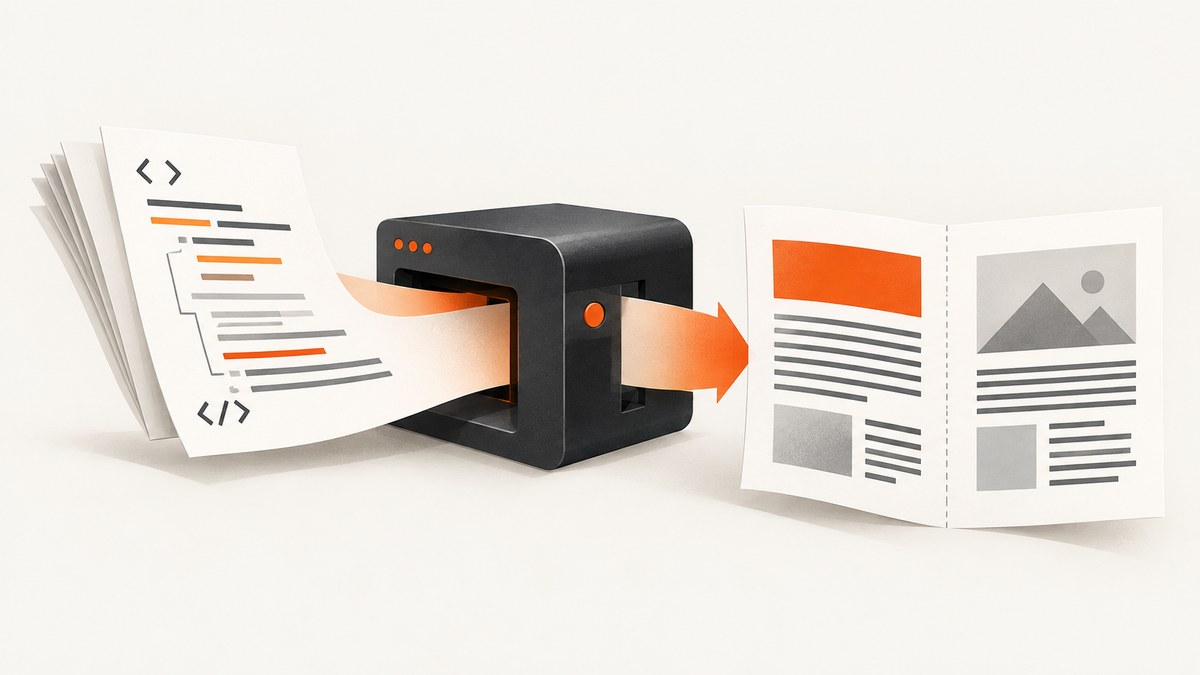
Direct answer: Put page-break-before: always on the block that must begin on a new PDF page. Use page-break-after: always when the break belongs after a block, and use page-break-inside: avoid to request that a small block stay together. Then render and inspect the PDF with the exact wkhtmltopdf binary used in production.
Example:
<h2 class="new-page">Chapter 2</h2>

<style>
.new-page {
  page-break-before: always;
}
</style>
These are legacy CSS pagination properties defined for paged media. WebKit lists them as supported aliases, but wkhtmltopdf uses an old Qt WebKit stack, so support is not identical across every build. The project status page describes its Qt 4 base as unsupported since 2015 and its included WebKit as not updated since 2012 (wkhtmltopdf status). The usage manual also warns that its page-breaking algorithm has limitations (wkhtmltopdf usage manual). Treat a CSS rule as a request and verify the generated file.
1. Choose the break property
| Goal | Property | Typical value | Where to apply it |
|---|---|---|---|
| Start a section on a fresh page | page-break-before |
always |
The heading or first block of the section |
| End a section before a fresh page | page-break-after |
always |
The final block of the section |
| Keep a block together | page-break-inside |
avoid |
A short table, card, figure, or callout |
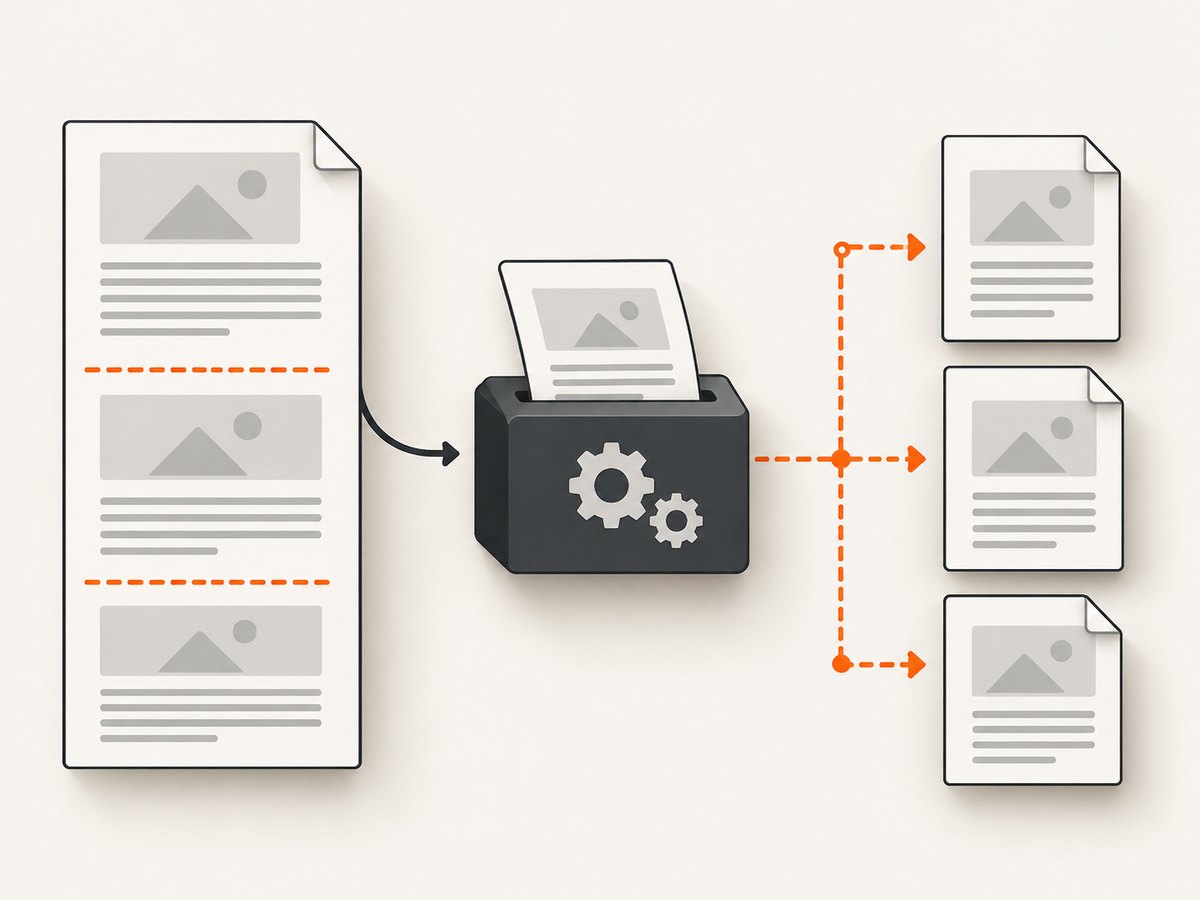
always requests a forced boundary. It does not mean the element itself will be rendered without splitting if the element is taller than one page. avoid is useful only when the box can reasonably fit in the remaining page area.
2. Minimal working HTML and command
Create document.html:
<!doctype html>
<html>
<head>
  <meta charset="utf-8">
  <title>Paged report</title>
  <style>
    @page {
      size: A4;
      margin: 18mm 16mm;
    }

    body {
      font-family: Arial, sans-serif;
      font-size: 11pt;
      line-height: 1.45;
      color: #222;
    }

    .new-page {
      page-break-before: always;
    }

    .keep-together {
      page-break-inside: avoid;
    }

    .section-end {
      page-break-after: always;
    }
  </style>
</head>
<body>
  <h1>Annual report</h1>
  <p>Introduction content appears on the first page.</p>

  <h2 class="new-page">Chapter 2</h2>
  <p>This heading is requested to start on a new page.</p>

  <table class="keep-together">
    <tr><th>Item</th><th>Amount</th></tr>
    <tr><td>Hosting</td><td>$120</td></tr>
    <tr><td>Support</td><td>$80</td></tr>
  </table>

  <div class="section-end">
    <p>The next section starts after this block.</p>
  </div>

  <h2>Chapter 3</h2>
  <p>More content.</p>
</body>
</html>
Render it:
wkhtmltopdf --enable-local-file-access document.html report.pdfUse --enable-local-file-access only when the document intentionally loads local CSS, images, or fonts. For a remote page, pass its URL directly:
wkhtmltopdf https://example.com report.pdf3. Place breaks on the correct element
Start a chapter on a new page
<h2 class="chapter-start">Methods</h2>

<style>
.chapter-start { page-break-before: always; }
</style>
Putting the rule on the heading makes the intent easy to maintain. You can place it on a wrapper when the heading and introductory content must be treated as one unit.
Break after a cover or section
<section class="cover section-break-after">Cover page</section>

<style>
.section-break-after { page-break-after: always; }
</style>
Keep a table, card, or figure together
<figure class="keep-together">
  <img src="chart.png" alt="Monthly revenue">
  <figcaption>Monthly revenue</figcaption>
</figure>

<style>
.keep-together { page-break-inside: avoid; }
</style>
This is a request, not a guarantee. A table or figure taller than the printable page cannot be kept intact. Long tables may still split, and a particular patched or unpatched Qt build may handle the request differently.
4. Print-specific CSS and layout details
Keep pagination rules in a print stylesheet or an @media print block when the same HTML is also used on screen:
<style media="print">
  .invoice-page { page-break-before: always; }
  .invoice-lines { page-break-inside: avoid; }
</style>
Check that wkhtmltopdf actually loads the stylesheet. A relative stylesheet URL, blocked local file, invalid HTML, or a selector that matches no element can make a correct rule appear ignored.
Page dimensions affect where a break can occur. Set the paper size and margins consistently:
wkhtmltopdf \
  --page-size A4 \
  --margin-top 18mm \
  --margin-right 16mm \
  --margin-bottom 18mm \
  --margin-left 16mm \
  document.html report.pdf
If you use CSS @page and command-line margins together, verify the result because the installed build and command-line settings determine the final printable area.
5. Complete automation examples
Python
from pathlib import Path
import subprocess

html = Path("document.html").resolve()
pdf = Path("report.pdf").resolve()

subprocess.run([
    "wkhtmltopdf",
    "--page-size", "A4",
    "--margin-top", "18mm",
    "--margin-right", "16mm",
    "--margin-bottom", "18mm",
    "--margin-left", "16mm",
    "--enable-local-file-access",
    str(html),
    str(pdf),
], check=True)

print(f"Wrote {pdf}")
Node.js
import { spawn } from "node:child_process";

const args = [
  "--page-size", "A4",
  "--margin-top", "18mm",
  "--margin-right", "16mm",
  "--margin-bottom", "18mm",
  "--margin-left", "16mm",
  "--enable-local-file-access",
  "document.html",
  "report.pdf"
];

const child = spawn("wkhtmltopdf", args, { stdio: "inherit" });
child.on("close", code => {
  if (code !== 0) process.exit(code ?? 1);
  console.log("Wrote report.pdf");
});
cURL for a remote HTML endpoint
curl -L "https://example.com/invoice.html" -o invoice.html
wkhtmltopdf invoice.html invoice.pdf
6. Why page-break-before may appear ignored
- The selector does not match. Inspect the HTML source and confirm the class is on the element you expect.
- The CSS file was not loaded. Use an inline style for a minimal test, then fix the stylesheet URL or local-file permission.
- The wrong binary is running. Check
wkhtmltopdf --versionin the same environment as production. Patched Qt and unpatched builds can differ. - The element is already at a page boundary. A break can look ineffective when the preceding content naturally ends the page.
- The element is inside an unusual layout. Floats, absolutely positioned content, transformed elements, and complex table structures can make pagination unpredictable. Test a simple block wrapper.
- The block is too tall.
page-break-inside: avoidcannot fit content that exceeds the printable page. - JavaScript changed the document after inspection. Wait for the page to finish loading, or move generated content into the source HTML before rendering.
Reduce the problem to a minimal document containing two headings and a few paragraphs. Render that file with the exact command and binary. Add your real styles and scripts back one change at a time.
7. Tables, repeating headers, and long content
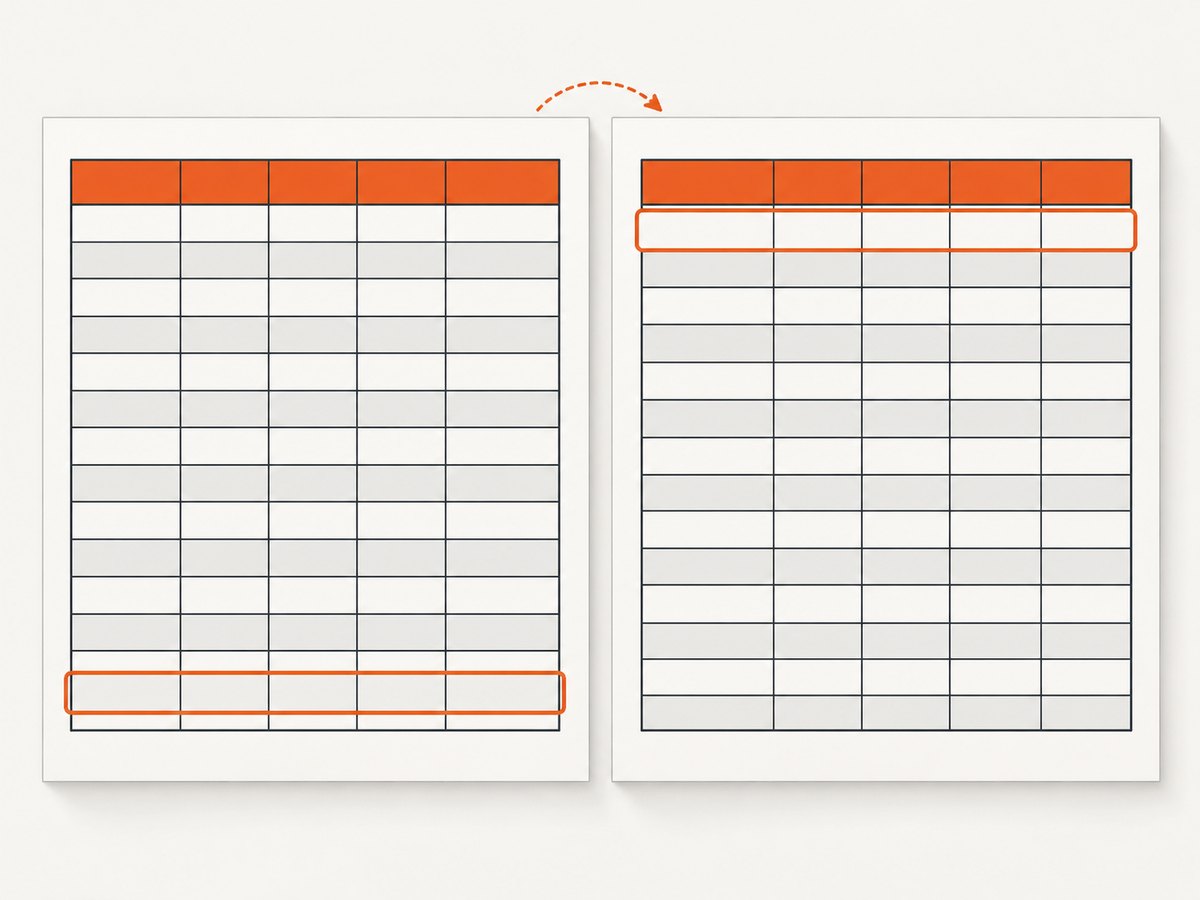
For a table that may span pages, keep the header in a thead and test whether your build repeats it:
<table class="transactions">
  <thead><tr><th>Date</th><th>Description</th></tr></thead>
  <tbody>
    <tr><td>2026-01-10</td><td>Subscription</td></tr>
  </tbody>
</table>
.transactions thead {
display: table-header-group;
}
.transactions tr {
page-break-inside: avoid;
}This reduces awkward row splits where honored, but it does not create a universal guarantee. For critical reports, inspect several page lengths, including a table that crosses a page boundary.
8. Reliability, performance, and cost considerations
- Reliability: Pin the wkhtmltopdf version and package build in deployment. Render a small pagination fixture as part of release verification, and inspect the PDF rather than relying on a browser preview.
- Performance: Large images, web fonts, JavaScript, and remote requests increase render time. Local assets remove network variability. Avoid unnecessary scripts in print documents.
- Resource limits: Set an external process timeout in your application. Capture stderr so missing resources and renderer errors are visible.
- Cost: wkhtmltopdf itself is a local process, so your direct expense is compute, storage, and maintenance. Remote pages can add operational cost through network waits and retries.
- Validation: Compare page count, expected section starts, and file existence after every render. A successful process exit does not prove that every CSS break was honored.
9. When CSS pagination is not enough
The official manual says, “The current page breaking algorithm of WebKit leaves much to be desired.” page-break-inside: avoid can remedy this somewhat with patched Qt, but it cannot overcome every layout. If exact pagination is a hard requirement, evaluate a maintained HTML-to-PDF renderer that fits your document, licensing, deployment, and CSS needs. Do not assume another engine will produce identical output; compare representative documents with the requirements that matter to you.
10. Or skip the browser setup
If your input is a public web page and you need an image or PDF capture without installing and maintaining wkhtmltopdf, ScreenshotNeo provides a website screenshot API and MCP server. It accepts a URL and can return PNG, JPEG, WebP, or PDF. Its capture options include full-page output, paper size, margins, landscape mode, page ranges, custom CSS and JavaScript, waiting for a selector or network idle, cookies, headers, geolocation, and more. See the ScreenshotNeo API documentation for parameter details.
curl -G "https://api.screenshotneo.com/v1/shot" -d access_key=YOUR_API_KEY --data-urlencode url=https://stripe.com -o shot.webpimport requests
r = requests.get("https://api.screenshotneo.com/v1/shot", params={"access_key": "YOUR_API_KEY", "url": "https://stripe.com"}, timeout=90)
open("shot.webp", "wb").write(r.content)const q = new URLSearchParams({ access_key: 'YOUR_API_KEY', url: 'https://stripe.com' }); const res = await fetch(`https://api.screenshotneo.com/v1/shot?${q}`);Cookie banners, newsletter popups, and chat widgets are removed before the shot. Bot checks, blank pages, failed loads, timeouts, and cache hits are not billed, and response headers identify the page verdict and billing result. An MCP server lets AI agents use take_screenshot, get_page_info, and capture_pdf. The free plan includes 1,000 screenshots each month with no card; paid plans start at $5 for 3,000 shots. Create a free ScreenshotNeo account.
FAQ
Should I use page-break-before or page-break-after?
Use before on the first element of the new section. Use after on the final element of the previous section. Choose the placement that matches your document structure.
Does page-break-inside: avoid guarantee an unbroken table?
No. It is a request, and a block taller than the available page cannot fit intact. wkhtmltopdf’s WebKit pagination has known limitations.
Can I use modern break-before and break-inside properties?
Prefer the legacy page-break-* properties for wkhtmltopdf compatibility. Test any newer aliases with the exact binary you deploy.
Why does Chrome show different breaks?
Chrome and wkhtmltopdf use different rendering engines. A browser preview is not a reliable prediction of wkhtmltopdf output; inspect the generated PDF.
How do I force every chapter to start on a new page?
Give each chapter heading a shared class and apply page-break-before: always. Render a sample containing short and long chapters to verify the result.


