How to Export HTML as a Single-Page PDF with Python Playwright
Learn how to export HTML to a readable single-sheet PDF with Python Playwright, custom page sizes, print CSS, troubleshooting, and an API shortcut.
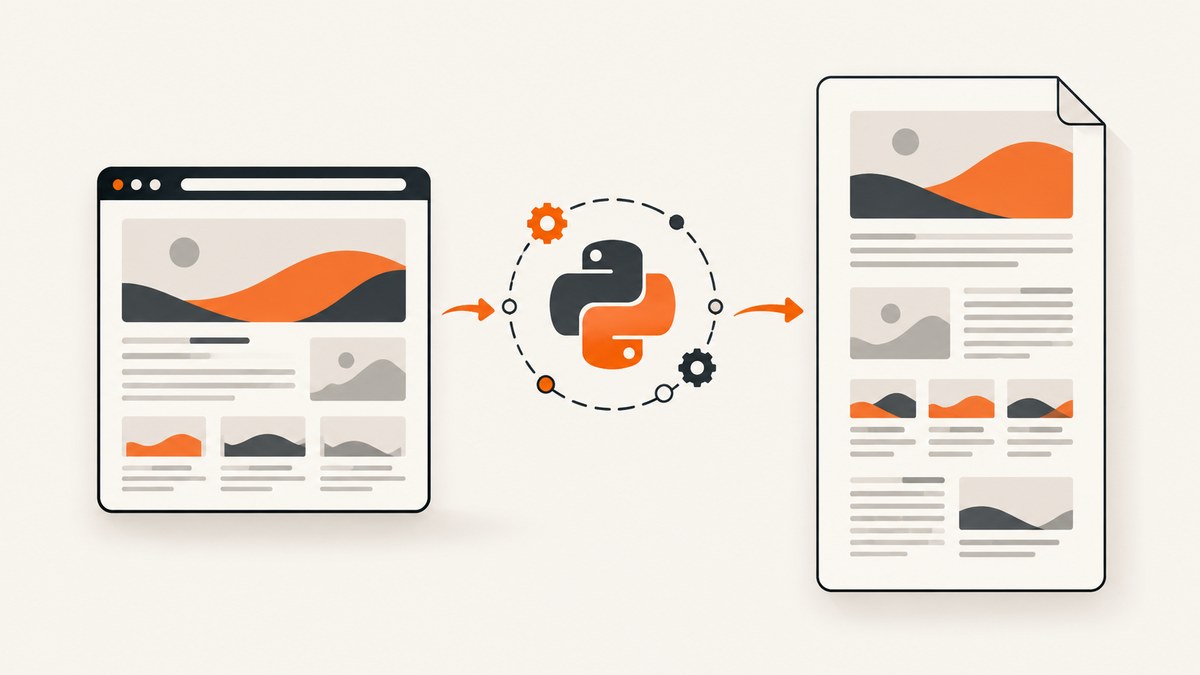
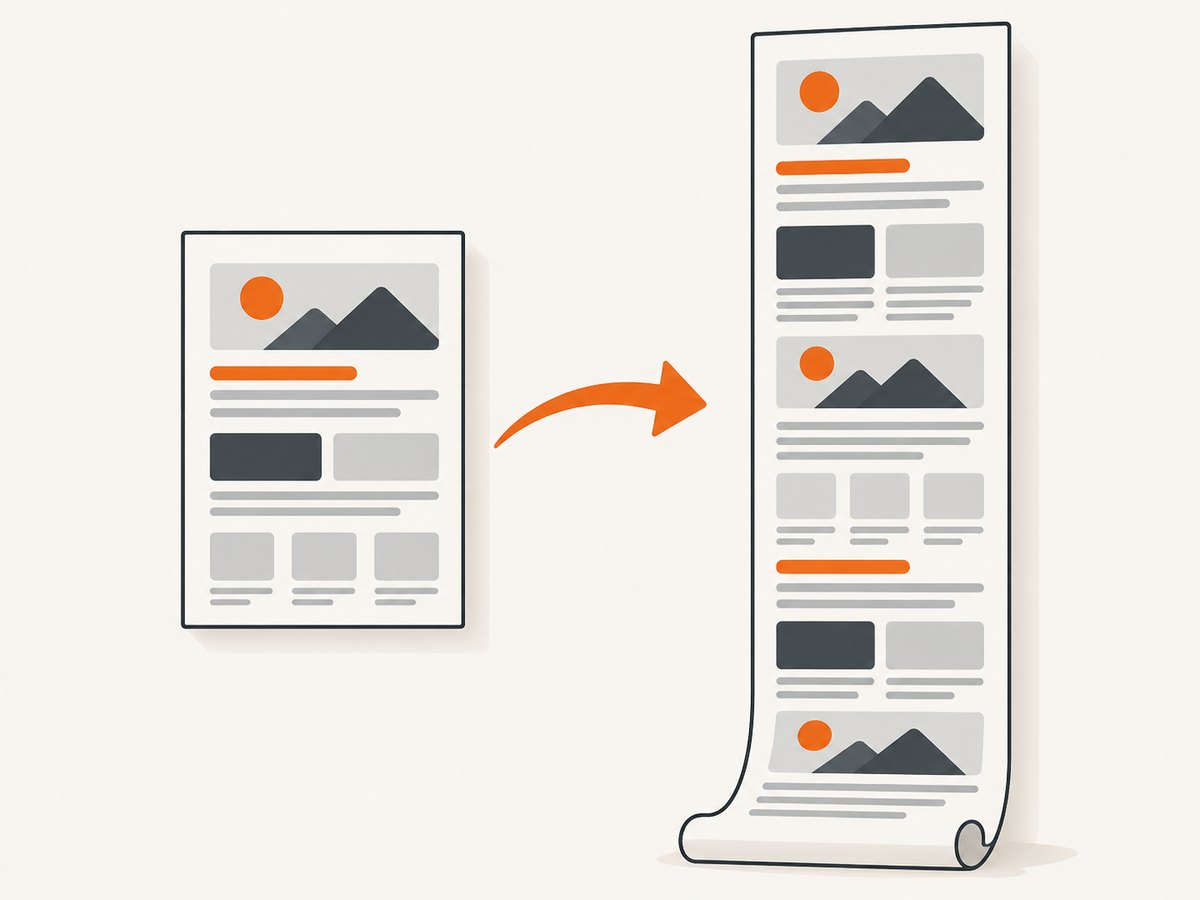
To export HTML as one PDF page in Python Playwright, call page.pdf() with a custom width and height large enough for the rendered document. Playwright uses print CSS media by default. A single-page result means a custom-height sheet that contains the content; it does not mean Playwright automatically shrinks any document onto Letter or A4.
The basic pattern is:
from playwright.sync_api import sync_playwright

with sync_playwright() as p:
    browser = p.chromium.launch()
    page = browser.new_page()
    page.goto("https://example.com", wait_until="networkidle")

    page.pdf(
        path="page.pdf",
        width="8.5in",
        height="20in",
        print_background=True,
        margin={"top": "0", "right": "0", "bottom": "0", "left": "0"},
    )
    browser.close()
The 20-inch height is only an example. Measure or estimate the content, render the PDF, and inspect it for clipping and readability. Playwright accepts px, in, cm, and mm; unitless numbers are pixels. See the official Page.pdf API reference for the complete method signature.
What “single-page PDF” means in Playwright
There are two different goals:
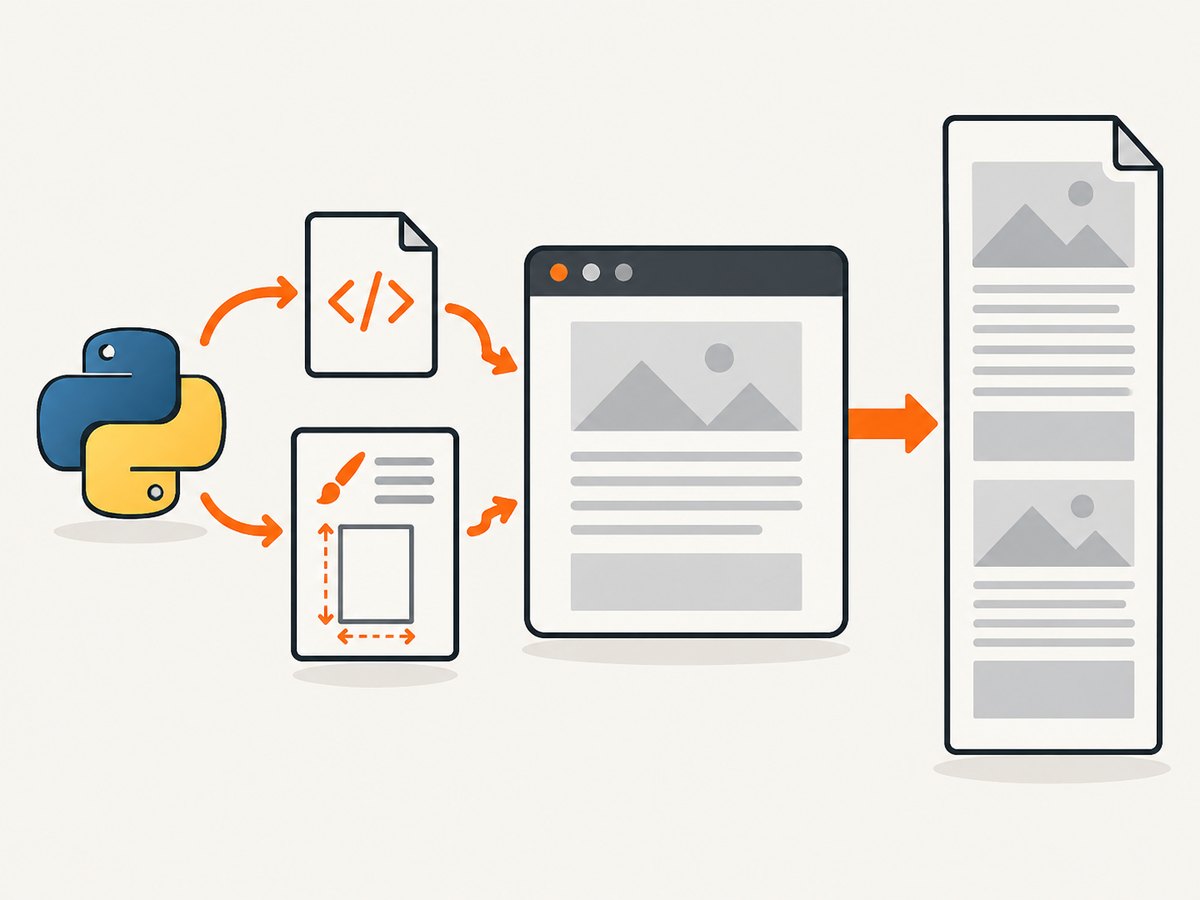
| Goal | Implementation | Trade-off |
|---|---|---|
| One tall sheet | Set explicit width and height, or use CSS @page |
Readable text, but the result may be much taller than normal paper |
| Everything on Letter or A4 | Use a standard format and possibly reduce scale |
Can become tiny, clipped, or difficult to read |
The reviewed Playwright API does not document an automatic “fit all content onto one page” option. page_ranges selects pages after layout; it does not measure the document or force it onto one sheet. Choose a suitable sheet size and validate the output.
Install Playwright and Chromium
- Install the Python package.
- Install the browser binary.
python -m pip install playwright
python -m playwright install chromium
For Linux build environments, Playwright may need system dependencies:
python -m playwright install --with-deps chromiumUse the synchronous API for short scripts and batch jobs. The asynchronous API is a better fit when your application already uses asyncio.
Complete synchronous example
This script waits for the page, applies print-friendly CSS, creates a custom sheet, and writes the PDF bytes to disk.
from pathlib import Path
from playwright.sync_api import sync_playwright, TimeoutError as PlaywrightTimeoutError

URL = "https://example.com"
OUTPUT = Path("example-single-page.pdf")

with sync_playwright() as p:
    browser = p.chromium.launch()
    page = browser.new_page(viewport={"width": 1365, "height": 900}, device_scale_factor=1)
    try:
        page.goto(URL, wait_until="domcontentloaded", timeout=60_000)
        page.wait_for_load_state("networkidle", timeout=30_000)
    except PlaywrightTimeoutError:
        # Some sites keep analytics connections open. Continue if the document is usable.
        pass

    page.add_style_tag(content="""
        @page { size: 8.5in 20in; margin: 0; }
        html, body { margin: 0; padding: 0; }
        * { -webkit-print-color-adjust: exact; print-color-adjust: exact; }
    """)

    pdf_bytes = page.pdf(
        width="8.5in",
        height="20in",
        print_background=True,
        margin={"top": "0", "right": "0", "bottom": "0", "left": "0"},
        prefer_css_page_size=False,
        scale=1,
    )
    OUTPUT.write_bytes(pdf_bytes)
    browser.close()
page.pdf() returns bytes when path is omitted. Supplying path="page.pdf" writes directly to a file. The method uses print media by default, so print-only rules can change layout.
Control the sheet with CSS @page
CSS is useful when the document itself owns its print dimensions. Set prefer_css_page_size=True so the CSS page size takes priority over API width, height, or format.
from playwright.sync_api import sync_playwright
html = """
Report
This HTML becomes a custom-height PDF sheet.
"""
with sync_playwright() as p:
browser = p.chromium.launch()
page = browser.new_page()
page.set_content(html, wait_until="load")
page.pdf(
path="report.pdf",
prefer_css_page_size=True,
print_background=True,
margin={"top": "0", "right": "0", "bottom": "0", "left": "0"},
)
browser.close()With prefer_css_page_size=False (the default), Playwright scales content to the requested paper size. With it enabled, CSS @page wins. Keep the rule in one place to avoid confusing overrides.
Print media, backgrounds, margins, and scale
Print versus screen CSS
PDF generation uses print media. If the screen layout is the desired output, call:
page.emulate_media(media="screen")
page.pdf(path="screen-layout.pdf", width="8.5in", height="20in")
Otherwise, add an explicit @media print stylesheet. Hide navigation, cookie notices, sticky controls, and animation-heavy elements there.
Backgrounds and colors
print_background defaults to false. Set it to True when colored sections, background images, or charts are part of the document. Browsers may alter print colors; use -webkit-print-color-adjust: exact (and the standard print-color-adjust) when exact colors matter.
Margins
Set all four margins explicitly. Zero margins let your CSS control the entire sheet. Nonzero margins create a predictable printable boundary:
page.pdf(
    path="margins.pdf",
    width="8.5in",
    height="20in",
    margin={"top": "0.4in", "right": "0.4in", "bottom": "0.4in", "left": "0.4in"},
)
Scale
scale accepts values from 0.1 to 2 and defaults to 1. Lowering it can help fit a standard sheet, but it reduces text size and does not change the underlying content flow as predictably as choosing a suitable page height. Use it only after checking legibility.
Waiting for dynamic HTML
Navigation completion does not guarantee that application data, fonts, or lazy images are ready. Combine a navigation wait with a targeted readiness condition:
page.goto(URL, wait_until="domcontentloaded")
page.wait_for_selector("main.report", state="visible", timeout=30_000)
page.wait_for_function("document.fonts ? document.fonts.status === 'loaded' : true")
page.wait_for_timeout(500)  # brief settling delay when animations are unavoidable
Use networkidle carefully. Analytics, websockets, and advertisements can keep requests open indefinitely. A selector that represents the finished report is usually more reliable.
Choosing a height and checking for clipping
For a known document, estimate the rendered height in the browser:
content_height = page.evaluate("""() => Math.max(
    document.body.scrollHeight,
    document.documentElement.scrollHeight
)""")
print(f"Content height: {content_height}px")
Convert that value to a CSS length and add the vertical padding you need. This is an estimate, because print layout, margins, page breaks, and replaced elements can differ from screen layout. After generating the PDF, inspect it with a PDF parser or a rasterizer in CI and verify that the expected footer or last heading is present.
Images can expand after measurement. Wait for them explicitly:
page.wait_for_function("""() => Array.from(document.images)
    .every(img => img.complete && img.naturalWidth > 0)""")
Standard paper versus a custom tall sheet
Use format="A4" or format="Letter" when the PDF will be printed or filed as a conventional document. The format option takes priority over width and height. A long report should normally paginate with intentional page breaks:
@media print {
  .chapter { break-before: page; }
  .avoid-split { break-inside: avoid; }
}
Use a custom height for receipts, posters, dashboards, or compact exports where one continuous sheet is more useful than standard pagination. A very tall sheet can be awkward to print and may be constrained by downstream PDF viewers or printers, so validate with the systems that consume it.
Asynchronous Python version
import asyncio
from playwright.async_api import async_playwright

async def main():
    async with async_playwright() as p:
        browser = await p.chromium.launch()
        page = await browser.new_page()
        await page.goto("https://example.com", wait_until="domcontentloaded")
        await page.pdf(
            path="async-single-page.pdf",
            width="8.5in",
            height="20in",
            print_background=True,
            margin={"top": "0", "right": "0", "bottom": "0", "left": "0"},
        )
        await browser.close()

asyncio.run(main())
Or skip the browser setup
ScreenshotNeo provides a website capture API when you want a hosted renderer instead of managing Playwright and Chromium. It can return a PDF, supports custom CSS and JavaScript, waits, headers, cookies, user agents, blocking rules, and other capture controls. Before capture, it accepts consent banners and removes more than 60 known consent platforms, newsletter popups, and chat widgets; each step can be turned off. Bot checks, blank pages, timeouts, failed loads, and cache hits are not billed, and response headers identify the page verdict and billing result. Its MCP server provides take_screenshot, get_page_info, and capture_pdf tools for Claude, Cursor, and other MCP clients.
See the ScreenshotNeo API documentation for PDF parameters and authentication.
curl -G "https://api.screenshotneo.com/v1/shot" \
  -d access_key=YOUR_API_KEY \
  --data-urlencode url=https://stripe.com \
  -o shot.pdf
import requests
r = requests.get(
"https://api.screenshotneo.com/v1/shot",
params={"access_key": "YOUR_API_KEY", "url": "https://stripe.com"},
timeout=90,
)
r.raise_for_status()
open("shot.pdf", "wb").write(r.content)const q = new URLSearchParams({
access_key: 'YOUR_API_KEY',
url: 'https://stripe.com'
});
const res = await fetch(`https://api.screenshotneo.com/v1/shot?${q}`);
if (!res.ok) throw new Error(`HTTP ${res.status}`);
const data = Buffer.from(await res.arrayBuffer());
require('fs').writeFileSync('shot.pdf', data);ScreenshotNeo has 1,000 free shots each month with no card; paid plans start at $5 for 3,000 shots. Every feature is included on every plan. Create a free ScreenshotNeo account to try the hosted path.
Troubleshooting
| Symptom | Likely cause | Fix |
|---|---|---|
| PDF has several pages | Height is too small, or a standard format is being used | Increase custom height, use CSS @page with prefer_css_page_size=True, or accept intentional pagination |
| Content is cut off | Fixed height is shorter than print layout | Measure scroll height, add buffer, and check print-only rules |
| Colors are missing | Background printing is disabled | Set print_background=True and print color adjustment CSS |
| Screen styling is absent | PDF uses print media | Call page.emulate_media(media="screen") or add print CSS |
| Fonts or images are missing | Capture starts before resources finish | Wait for a readiness selector, document.fonts, and image completion |
networkidle never occurs |
Persistent analytics or websocket requests | Use domcontentloaded plus a specific selector and bounded timeout |
| Browser executable not found | Chromium was not installed in the environment | Run python -m playwright install chromium |
| Text is tiny | Scale is too low or a short standard sheet is forcing fit | Increase scale, enlarge the sheet, or paginate |
| Blank PDF | Navigation failed, blocked content, or premature capture | Check response status, URL access, selectors, and wait conditions |
Performance, reliability, and cost notes
- Reuse browsers: launch Chromium once and create pages or contexts per job. Browser startup is expensive compared with rendering another page.
- Bound every wait: set navigation and selector timeouts so a broken origin cannot consume a worker forever.
- Control concurrency: too many Chromium pages can exhaust memory. Use a queue and a small worker pool.
- Cache stable assets: local fonts and deterministic CSS reduce layout variance. Avoid animations by disabling them in print CSS.
- Make output deterministic: fix timezone, locale, viewport, and data timestamps when PDFs are compared in CI.
- Validate the artifact: check file size, page count, expected text, and the final element before publishing.
- Hosted cost: with ScreenshotNeo, only clean shots are billed; failed loads, bot checks, blank pages, timeouts, and cache hits are free. The response includes
X-Page-VerdictandX-Billedheaders.
FAQ
Can Playwright automatically fit any HTML document onto one Letter page?
The documented API provides size and scale controls, but no dedicated automatic fit-all option. Shrinking arbitrary content can harm readability; a custom-height sheet or deliberate pagination is safer.
Should I use width/height or CSS @page?
Use API dimensions when the caller controls the export. Use CSS when the document owns its print design, and enable prefer_css_page_size=True.
Why does my PDF differ from the browser screenshot?
PDF generation uses print media by default. Print styles, hidden elements, margins, color adjustment, and unloaded resources can all change the result.
Does page_ranges="1" make the document one page?
No. It selects page one after layout. It can hide later pages, but it does not fit the full document into that page.
When is a hosted API preferable?
Use one when you do not want to package Chromium, manage browser workers, or maintain waiting and cleanup logic. ScreenshotNeo also adds consent cleanup, billing verdict headers, bulk capture, signed links, and an MCP server.


