How to Convert HTML Strings to PDF in .NET 7 Without Warnings
Convert HTML strings to PDF in .NET 7 with Chromium rendering, avoid System.Drawing warnings, and troubleshoot Linux and deployment issues.

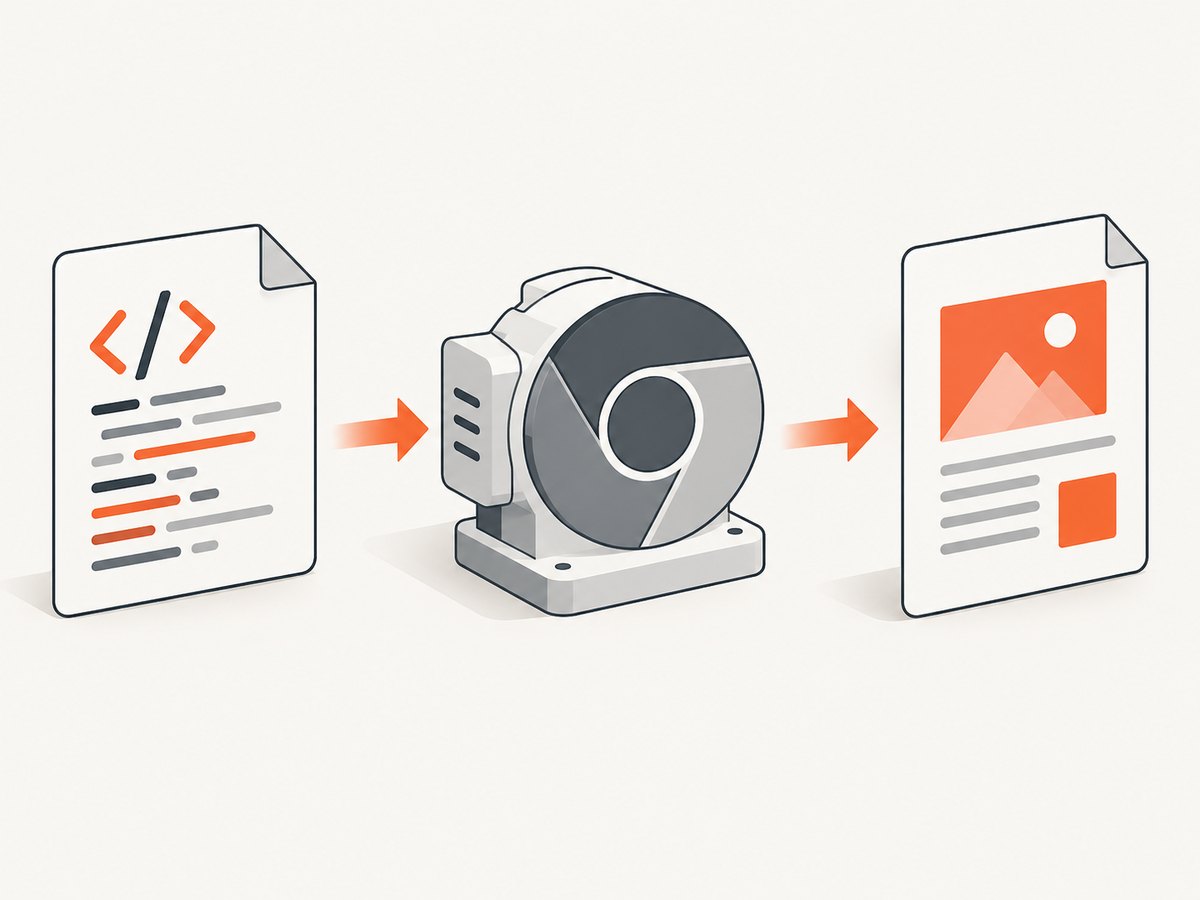
Direct answer: Pass the complete HTML string to a renderer designed for HTML, then save the returned PDF document. A Chromium-based renderer is the most direct path for modern HTML, CSS, JavaScript, and images. In the example documented for .NET 7, IronPDF uses ChromePdfRenderer.RenderHtmlAsPdf:
using IronPdf;

var renderer = new ChromePdfRenderer();
var pdf = renderer.RenderHtmlAsPdf("<h1>Hello IronPDF</h1>");
pdf.SaveAs("output.pdf");
RenderHtmlAsPdf accepts an HTML string and returns a PdfDocument. IronPDF documents HTML5, CSS3, JavaScript, images, Chromium-based rendering, and .NET 7 support. Verify the package version, native dependencies, supported operating systems, and license terms before deploying.
1. Create a .NET 7 project
.NET 7 is out of support: Microsoft’s lifecycle table lists support from November 8, 2022 through May 15, 2024. Maintain the target when necessary, but evaluate a supported .NET release for new services.
dotnet new console --framework net7.0 --name HtmlToPdf
cd HtmlToPdf
dotnet add package IronPdf
The command intentionally leaves the package version unspecified. Select and verify the version you will ship, including its browser and native runtime requirements.
2. Convert an HTML string
using IronPdf;

const string html = """
<!doctype html>
<html>
<head>
  <meta charset='utf-8'>
  <style>
    @page { size: A4; margin: 18mm; }
    body { font-family: Arial, sans-serif; color: #222; }
    h1 { color: #174ea6; }
  </style>
</head>
<body>
  <h1>Invoice</h1>
  <p>Rendered from an HTML string.</p>
</body>
</html>
""";

var renderer = new ChromePdfRenderer();
var pdf = renderer.RenderHtmlAsPdf(html);
pdf.SaveAs("output.pdf");
Run it with:
dotnet runThe result is output.pdf in the application’s working directory.
3. Resolve local CSS, JavaScript, and images
Relative URLs in an HTML string need a resolvable base directory or another asset-loading configuration supported by the renderer version you selected. Do not assume that browser-relative paths, file paths, or network access behave identically in every hosting environment.
using IronPdf;

var html = """
<html>
<head>
  <link rel='stylesheet' href='css/invoice.css'>
</head>
<body>
  <img src='images/logo.png' alt='Company logo'>
  <h1>Invoice</h1>
</body>
</html>
""";

var renderer = new ChromePdfRenderer();
// Configure the renderer's documented base directory or asset resolver here
// for the IronPDF version you selected.
var pdf = renderer.RenderHtmlAsPdf(html);
pdf.SaveAs("invoice.pdf");
Keep CSS, JavaScript, fonts, and images in a known deployment location. Validate the asset-loading model in the same container or operating system used in production.
4. Why .NET 7 warnings mention System.Drawing.Common
Microsoft states: “Starting in .NET 7, the System.Drawing.EnableUnixSupport switch has been removed and you can no longer use the System.Drawing.Common package on non-Windows operating systems.” The package became Windows-specific in this context, so Linux builds can produce platform warnings and runtime failures.
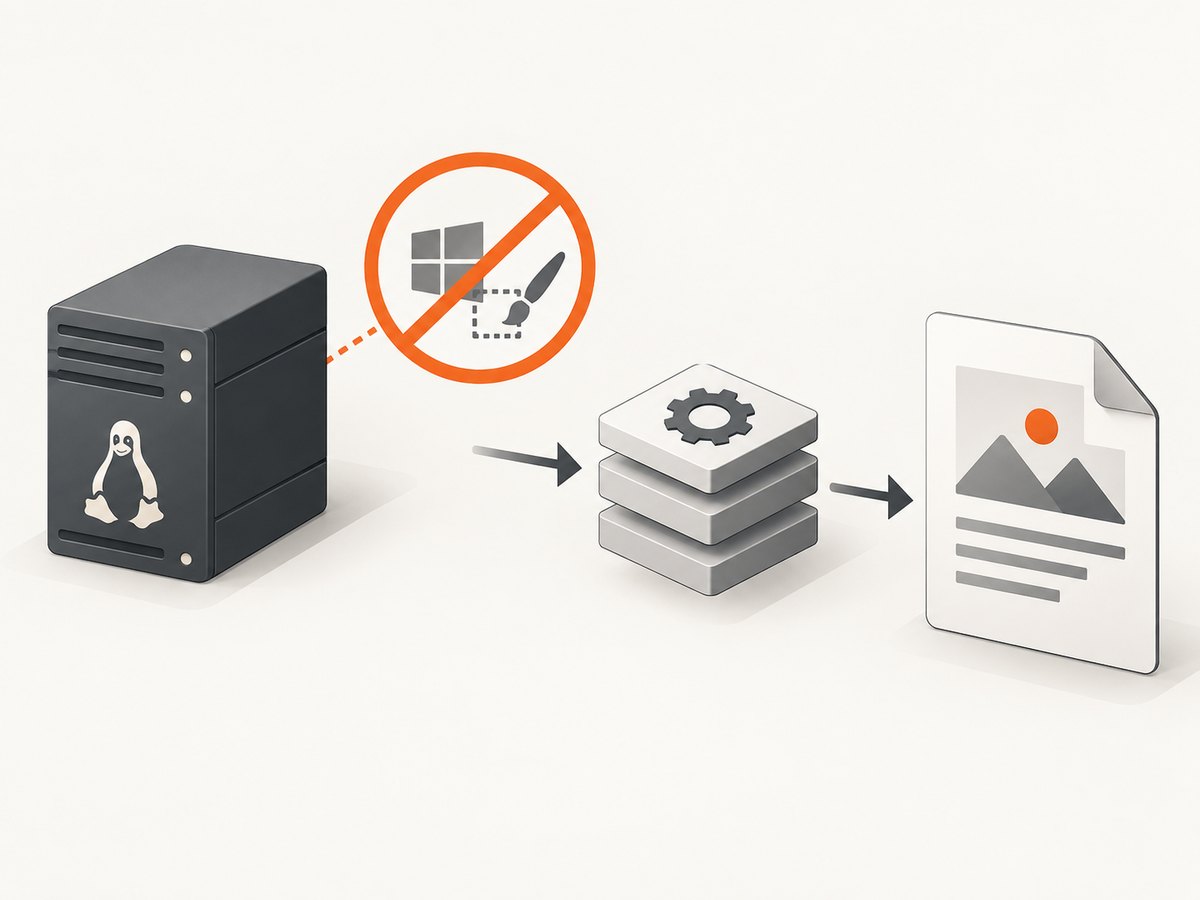
Keep System.Drawing.Common out of the HTML-to-PDF path for a cross-platform service. If a separate image-processing task needs drawing APIs, Microsoft lists SkiaSharp, ImageSharp, Aspose.Drawing, and Microsoft.Maui.Graphics as alternatives. Re-enabling the removed switch is not a .NET 7 fix.
What “without warnings” really means
- Use a renderer and every transitive image and font dependency that supports your target operating system.
- Build with analyzers enabled so platform incompatibilities remain visible.
- Run the application in the deployment OS, not only on a developer workstation.
- Do not suppress a warning until you understand the dependency that caused it.
5. Choose a rendering approach
| Option | What the research establishes | Best fit | Trade-offs |
|---|---|---|---|
| IronPDF | ChromePdfRenderer.RenderHtmlAsPdf accepts a string and returns a PDF document; Chromium rendering and .NET 7 compatibility are documented. |
Turnkey application integration with modern HTML, CSS, and JavaScript | Commercial dependency; verify package, native deployment, and license details. |
| PuppeteerSharp | A .NET port of Puppeteer with APIs for launching a headless browser, navigating, and calling PdfAsync. |
Teams needing explicit browser and page lifecycle control | Browser acquisition, process management, and orchestration become your responsibility. |
| wkhtmltopdf | The official project describes an LGPL command-line Qt WebKit renderer for HTML to PDF. | Systems already standardized on its binary | Older WebKit behavior and an external process make modern CSS/JavaScript fidelity and deployment a separate concern. |
| QuestPDF or PDFsharp-style generation | The researched sources do not establish these as direct HTML-string renderers. | New documents modeled as layout components | An existing HTML string may need to be rebuilt instead of rendered. |
Compare HTML/CSS/JavaScript fidelity, direct string support, browser or native packaging, Linux and container behavior, licensing, font handling, asset loading, page breaks, and process isolation. No benchmark was run for this article, so avoid unsupported speed or accuracy claims.
6. PuppeteerSharp alternative
PuppeteerSharp is useful when you want to own browser lifecycle and page-level settings. The general flow is launch, create a page, navigate to content, and call PdfAsync. Browser acquisition and process management vary by package version and deployment, so follow that version’s API and browser installation instructions.
using PuppeteerSharp;

await new BrowserFetcher().DownloadAsync();
await using var browser = await Puppeteer.LaunchAsync(new LaunchOptions
{
    Headless = true
});

await using var page = await browser.NewPageAsync();
await page.SetContentAsync("<h1>Hello</h1>");
await page.PdfAsync("output.pdf");
7. Common errors and fixes
Platform warning or runtime exception from System.Drawing.Common
Cause: A drawing dependency is being used on Linux or another non-Windows platform. Fix: Remove it from the PDF path and use a renderer and image library with cross-platform support, such as the alternatives Microsoft lists.
PDF is blank or missing images
Cause: Relative assets cannot be resolved, remote resources are unavailable, or rendering occurs before JavaScript finishes. Fix: Provide the documented base directory or asset resolver, package assets with the application, and configure an appropriate wait strategy in the selected renderer.
CSS looks different from the browser
Cause: The renderer uses a different browser engine, missing fonts, unsupported CSS, or different viewport and print settings. Fix: Compare the engine, install required fonts, define print styles and page rules, and validate the exact deployment environment.
Browser executable is not found
Cause: A browser-based library was installed without its browser or the container does not include required native libraries. Fix: Follow the selected package’s browser acquisition instructions and build the runtime image with its documented dependencies.
JavaScript-generated content is absent
Cause: PDF generation starts before client-side rendering completes. Fix: Wait for a selector, navigation state, or application-specific readiness signal supported by your renderer.
Fonts wrap differently in production
Cause: The production host lacks the fonts available locally. Fix: Package licensed fonts or choose a known fallback, then check line wrapping and page breaks in the deployment image.
8. Reliability, performance, and cost considerations
- Warm the browser: Browser startup can dominate short jobs. Reuse a controlled renderer or browser process where the selected library supports safe reuse.
- Isolate jobs: Set timeouts, cap concurrent pages, and dispose browser/page objects on failures.
- Control external assets: Network fonts, images, and scripts add failure points. Prefer packaged assets when reproducibility matters.
- Make output deterministic: Set viewport, print media, timezone, locale, fonts, and page margins explicitly where your renderer allows.
- Measure your workload: HTML size, JavaScript execution, image count, and page count affect latency and memory. The research provides no independent benchmark.
- Budget licensing and infrastructure: Commercial renderer licenses, browser binaries, container size, CPU, and memory are separate costs. Verify current terms before committing.
9. Or skip the browser setup
If the HTML is available at a public or authenticated URL and you need a rendered capture or PDF, ScreenshotNeo provides a single API request. See the ScreenshotNeo documentation for the current parameters.
curl -G "https://api.screenshotneo.com/v1/shot" -d access_key=YOUR_API_KEY --data-urlencode url=https://stripe.com -o shot.webpimport requests
r = requests.get("https://api.screenshotneo.com/v1/shot", params={"access_key": "YOUR_API_KEY", "url": "https://stripe.com"}, timeout=90)
open("shot.webp", "wb").write(r.content)const q = new URLSearchParams({ access_key: 'YOUR_API_KEY', url: 'https://stripe.com' });
const res = await fetch(`https://api.screenshotneo.com/v1/shot?${q}`);Cookie banners, popups, and chat widgets are removed before the shot. Bot checks, blank pages, failed loads, timeouts, and cache hits are not billed, and response headers report the page verdict and billing result. ScreenshotNeo also has an MCP server so Claude, Cursor, and other MCP clients can take screenshots. The Free plan includes 1,000 screenshots a month with no card; paid plans start at $5 for 3,000 shots.
Create a free ScreenshotNeo account.
10. FAQ
Can I use an HTML string without writing a temporary file?
Yes. The IronPDF example passes the string directly to RenderHtmlAsPdf. A browser automation approach can set page content before calling its PDF method.
Does removing warnings make .NET 7 supported?
No. Warning-free dependencies do not change the .NET 7 lifecycle. Microsoft lists .NET 7 as out of support, so plan a supported target for new development.
Should I choose wkhtmltopdf for modern CSS?
Evaluate it carefully. Its official site describes a Qt WebKit renderer, so compare its rendering behavior with your HTML and JavaScript requirements before adoption.
Is a document-generation library equivalent to an HTML renderer?
No. A layout API generally models paragraphs, tables, and components directly. Converting an existing HTML string may require rebuilding the document.
What should I test before production?
Test fonts, local and remote assets, JavaScript timing, page breaks, margins, container dependencies, concurrency, timeouts, and output on the actual deployment operating system.


