How to Convert HTML to PDF on ARM32 Without Installing wkhtmltopdf
Convert static HTML to PDF on ARM32 with WeasyPrint, check your ABI and dependencies, and choose a browser renderer when the page needs JavaScript.
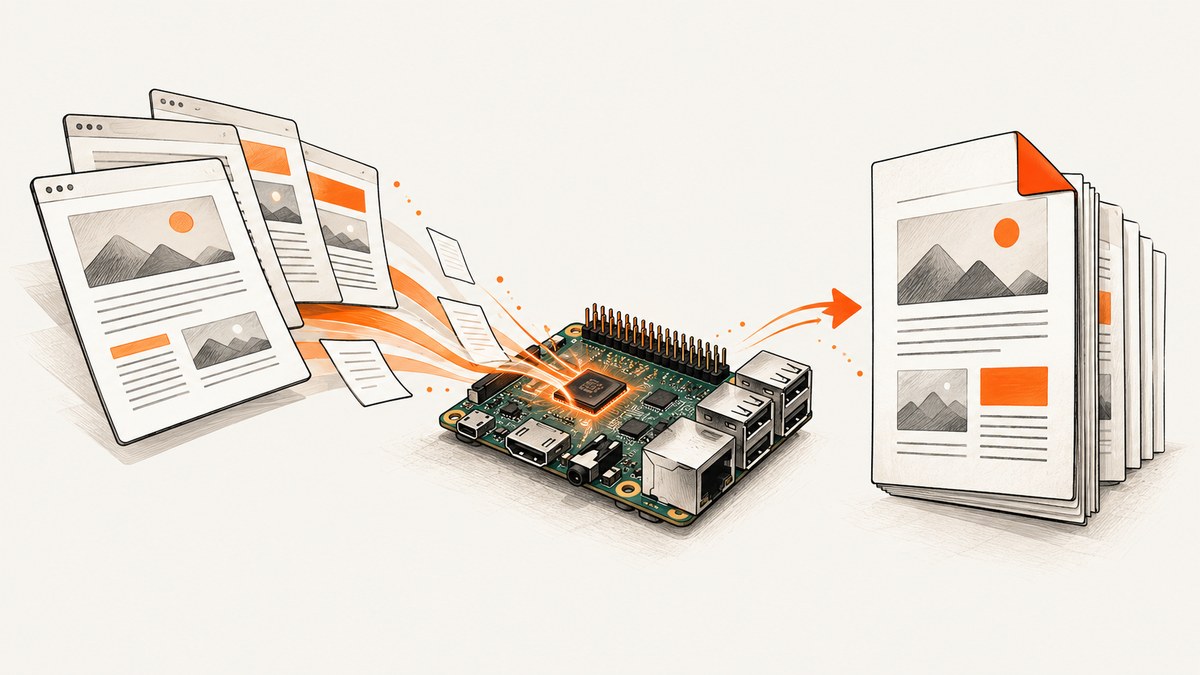
For static or print-focused HTML on ARM32, use WeasyPrint. First confirm the system’s userspace is armhf or armel, install the distribution package, then run weasyprint input.html output.pdf. Use a headless browser only when the page depends on JavaScript, and only after confirming a compatible ARM32 browser is available for the target system.
1. Identify the ARM32 userspace
ARM32 does not identify one universal binary target. Debian’s armhf port is 32-bit hard-float ARMv7 with VFPv3; armel targets older 32-bit ARM processors. A binary or package built for arm64 is not an ARM32 substitute. Check the operating system and package architecture before installing a renderer.
dpkg --print-architecture
uname -m
cat /etc/os-release
On Debian-family systems, dpkg --print-architecture reports the package architecture, commonly armhf or armel. uname -m reports the kernel’s machine architecture; use the package architecture and distribution repositories to decide which userspace packages apply. See Debian’s ARM ports information.
2. Install WeasyPrint from the distribution package
On a Debian-based distribution with a WeasyPrint package for the configured ARM32 repository, install it with apt:
sudo apt update
sudo apt install weasyprint
This is usually the most direct route because the package manager resolves the native libraries for that distribution and architecture. Availability and package versions depend on the specific OS image and repositories; if apt cannot find the package, check that the correct distribution repositories are enabled and that the release still receives packages.
3. Convert an HTML file
Command line
weasyprint input.html output.pdfPython
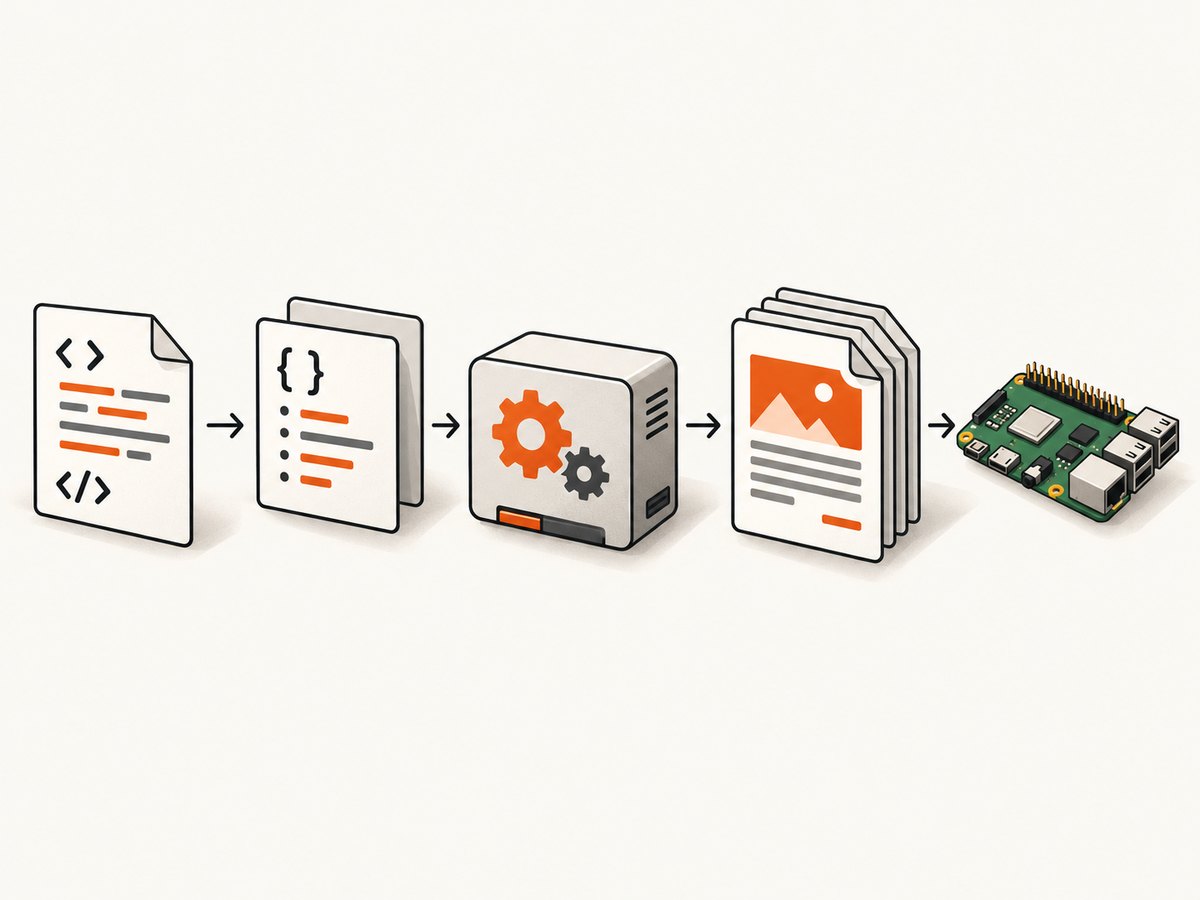
If the system package provides the Python module, the equivalent minimal script is:
from weasyprint import HTML

HTML("input.html").write_pdf("output.pdf")
For a local HTML file that refers to relative images, stylesheets, or fonts, keep the directory structure intact and ensure the document’s base URL resolves those assets. When generating from an HTML string, pass a base_url if relative asset paths are used.
from weasyprint import HTML

HTML(string="""
<!doctype html>
<html>
  <head>
    <meta charset="utf-8">
    <style>
      @page { size: A4; margin: 18mm; }
      body { font: 11pt sans-serif; }
      h1 { break-after: avoid; }
    </style>
  </head>
  <body>
    <h1>Monthly report</h1>
    <p>Print-oriented HTML rendered to PDF.</p>
  </body>
</html>
""", base_url=".").write_pdf("report.pdf")
4. Add print layout deliberately
WeasyPrint is a paged-media renderer for HTML, CSS, and SVG. It fits invoices, receipts, reports, and other documents whose content and layout are available without running browser JavaScript. Use print CSS to control page size, margins, page breaks, and content that should only appear in print.
@page {
  size: A4;
  margin: 18mm 16mm;
}

@media print {
  .screen-only { display: none; }
  h1, h2 { break-after: avoid; }
  .new-page { break-before: page; }
  table, figure { break-inside: avoid; }
}
Check the generated PDF for overflow, missing assets, awkward page breaks, and unsupported CSS. WeasyPrint documents that output is not guaranteed for every combination of HTML, CSS, and PDF features; consult its supported features and limitations.
5. Install in a virtual environment when needed
A virtual environment can isolate Python packages, but it does not replace system-level dependencies. WeasyPrint’s installation documentation lists native libraries including Pango, HarfBuzz, image libraries, and libffi. Install the packages available for the exact ARM32 distribution before installing WeasyPrint through pip. Package names vary by distribution release, so use the current official installation instructions for the platform.
sudo apt update
# Install the native development/runtime packages specified by the
# WeasyPrint instructions for your Debian release and architecture.
sudo apt install python3-venv
python3 -m venv .venv
. .venv/bin/activate
python -m pip install --upgrade pip
python -m pip install weasyprint
weasyprint input.html output.pdf
If installation fails while building or loading a native component, check that the required system libraries and headers are installed and that their architecture matches the active userspace. Installing the Python package alone cannot provide those operating-system libraries.
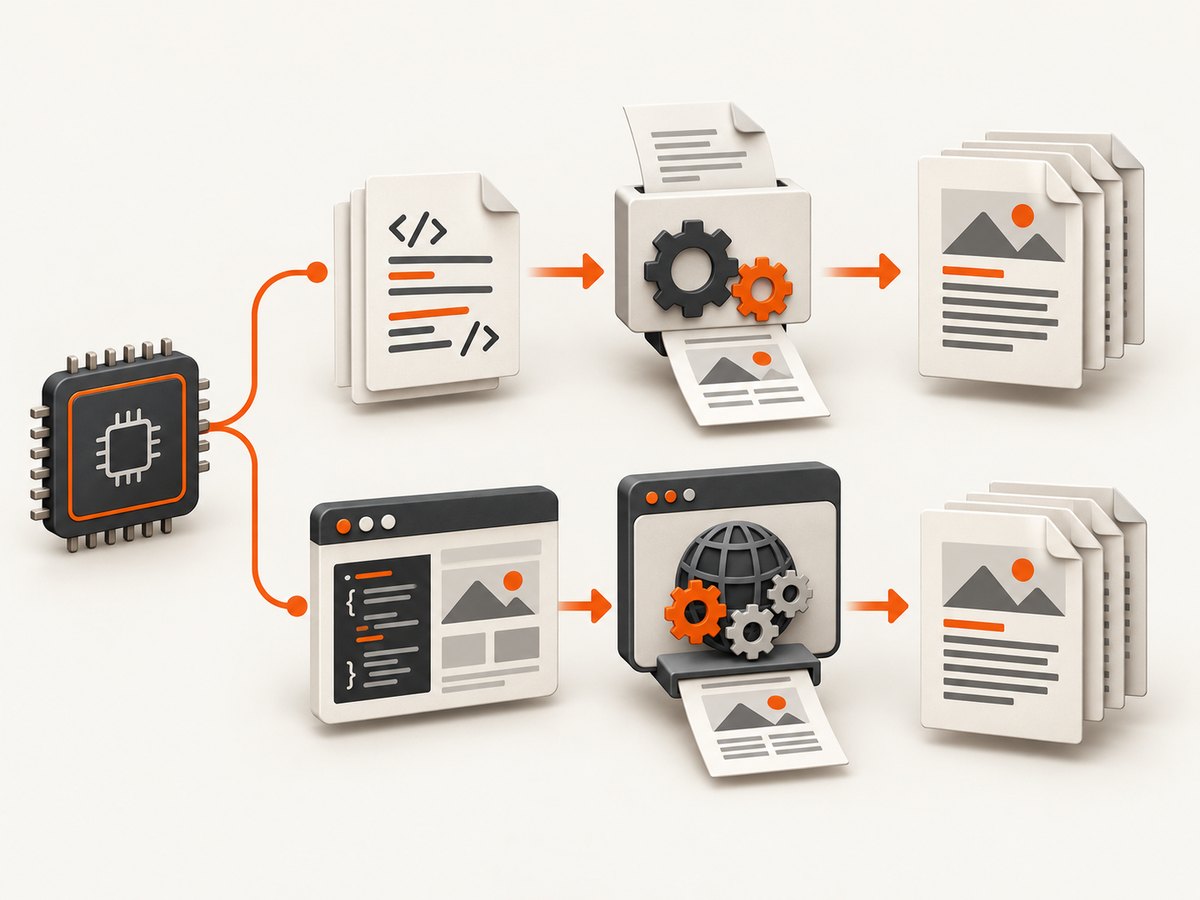
6. Decide whether you need a browser engine
| Document requirement | Starting point | Important constraint |
|---|---|---|
| Static HTML, print CSS, SVG, reports or invoices | WeasyPrint | Confirm required CSS and PDF features are supported. |
| Content created or changed by client-side JavaScript | Headless Chrome or Chromium, if available | Verify an executable exists for the target ARM32 distribution and userspace. |
| Existing system explicitly depends on wkhtmltopdf | Check the exact architecture package or build path | Do not install an ARM64 package on ARM32; treat untrusted HTML as unsafe. |
Chrome’s documented headless printing commands are:
chrome --headless --print-to-pdf=output.pdf https://example.com
chrome --headless --print-to-pdf --no-pdf-header-footer https://example.com
These commands only help if the target image has a working Chrome or Chromium executable. Verify package availability and run a small conversion on that exact device; do not infer ARM32 support from an x86 or ARM64 installation guide. For remote pages, allow for network delay and ensure the page has finished rendering before printing.
7. Why avoid wkhtmltopdf for a new deployment?
wkhtmltopdf is a headless Qt WebKit HTML-to-PDF converter, but its downloads page lists 0.12.6 as the stable series released on June 11, 2020. The project explicitly warns against using it with untrusted HTML unless user-supplied HTML and JavaScript are sanitized. If a legacy application requires it, verify the exact architecture package or build it for the target; its age and architecture availability make it a poor default for a new ARM32 setup. See the project downloads and security warning.
8. Troubleshooting
| Symptom | Likely cause | What to do |
|---|---|---|
Unable to locate package weasyprint |
The distribution repository does not provide the package, or apt sources are incomplete. | Check /etc/os-release, apt sources, and whether the release has ARM32 packages. Use the official installation steps for that release. |
Python reports ModuleNotFoundError: weasyprint |
The command and Python module are from different environments, or only the system executable is installed. | Run the script with the same Python environment where WeasyPrint is installed; install it in that environment if appropriate. |
| Import or startup errors mention Pango, HarfBuzz, or another shared library | A native runtime dependency is missing or incompatible. | Install the documented native libraries for the OS release and architecture; recreate the virtual environment if it was built against a different environment. |
| Exec format error or package architecture mismatch | A binary for ARM64, x86, or another ABI was used. | Check dpkg --print-architecture and install a matching package or choose a renderer available for that userspace. |
| Images, CSS, or fonts are missing | Relative URLs do not resolve from the document’s base location, or resources are inaccessible. | Use correct absolute paths/URLs, preserve the input directory structure, and set base_url for HTML strings. |
| Output layout differs from the browser | The page uses unsupported or differently implemented CSS, or relies on JavaScript layout changes. | Check WeasyPrint’s supported features and simplify/adjust print CSS. If JavaScript builds the content, use a compatible browser renderer. |
| PDF is blank or content is missing | The input may be empty, assets may fail to load, or required content may be created only by scripts. | Open the source HTML, check resource paths and renderer logs, and switch to browser printing if rendering requires JavaScript. |
| Conversion is slow or runs out of memory | Large images, long documents, or constrained device memory increase rendering work. | Resize oversized source images, reduce unnecessary assets, split very large documents when practical, and monitor memory on the target device. |
9. Performance, reliability, and security
- Choose by rendering needs: WeasyPrint avoids a full browser engine and suits static, print-oriented documents. A browser is appropriate when JavaScript execution is required, but its binary and resource needs must be validated on ARM32. These are capability-based tradeoffs, not benchmark claims.
- Keep inputs bounded: Large images and lengthy documents can consume memory and time. Scale images to their printed dimensions and avoid loading unnecessary remote resources.
- Make builds repeatable: Record the OS release, package architecture, and renderer version in deployment notes. Test representative documents after OS or dependency upgrades.
- Handle failures explicitly: Check the process exit status and confirm that the expected PDF exists and has nonzero size before publishing it.
- Treat untrusted HTML as active input: Rendering engines may load resources or process script-capable content depending on the engine. wkhtmltopdf’s own warning specifically calls out the risk of untrusted HTML/JS; sanitize inputs and isolate rendering jobs.
10. Or skip the browser setup
If the source is a live website and you need a PDF rather than a local HTML document, ScreenshotNeo offers a website screenshot API and MCP server. Its PDF endpoint can render a URL without setting up a browser on the ARM32 machine; see the API documentation.
curl -G "https://api.screenshotneo.com/v1/shot" \
  -d access_key=YOUR_API_KEY \
  --data-urlencode url=https://stripe.com \
  -d format=pdf \
  -o page.pdf
Cookie banners, popups, and chat widgets are removed before the shot. Bot checks, blank pages, and failed loads are never billed. An MCP server lets AI agents take screenshots. The free plan includes 1,000 screenshots a month with no card; paid plans start at $5 for 3,000. The API also supports PDF options and other capture controls; consult the docs for accepted parameters.
Sign up for 1,000 free screenshots a month, with no card.
Frequently asked questions
Can WeasyPrint run on armhf?
Use the package from the repositories for the exact Debian-based release and confirm its dependencies are available for that architecture. The ARM32 label alone does not guarantee every package or version is present.
Will WeasyPrint execute JavaScript?
It is intended for HTML/CSS/SVG document rendering rather than browser-side application execution. If JavaScript must build the page content, use a browser engine that you have verified runs on the target.
Can I install WeasyPrint with pip only?
No. A pip installation still relies on native text and graphics libraries, including dependencies listed in the official installation documentation.
Is wkhtmltopdf safe for user-submitted HTML?
The project warns that untrusted HTML or JavaScript can compromise the server. Do not render untrusted input without a security design that addresses that risk.
Does ARM32 mean the same thing as armhf?
No. ARM32 covers multiple ABI and userspace targets. Identify the package architecture and processor requirements for the operating system you are actually running.


