HTML vs. HTML5: Key Differences for Web Developers
HTML is the web’s markup language; HTML5 is a historical label for the modern, continuously evolving HTML standard.

HTML is the markup language that gives web content structure and meaning. HTML5 was the name commonly used for a major generation of HTML. Today, developers do not choose between two separate current languages. You author modern pages with the HTML doctype, semantic elements and the features documented in the WHATWG HTML Living Standard.
The practical difference is mostly historical and conceptual: HTML5 popularized semantic layout, native audio and video, canvas, richer forms and browser APIs, while the standard itself moved from versioned releases toward a continuously updated specification. The exact support of each element, API and media format still depends on the browsers you target.
HTML and HTML5 in one sentence
HTML is the web’s core markup language. HTML5 is a historical label for the major HTML revision that introduced or formalized many capabilities used by modern websites. The WHATWG now maintains HTML as a Living Standard, and MDN notes that the Living Standard became the sole version of HTML on 28 May 2019.
| Question | Practical answer |
|---|---|
| Are HTML and HTML5 different languages? | No. HTML5 is an informal name for a generation of HTML, not a separate language you must select. |
| Which doctype should a new page use? | <!doctype html>. |
| Which specification is current? | The evolving WHATWG HTML Living Standard. |
| Do HTML5 features work everywhere? | Support is feature-specific. Check the target browsers and the exact media formats or APIs you need. |
What HTML does
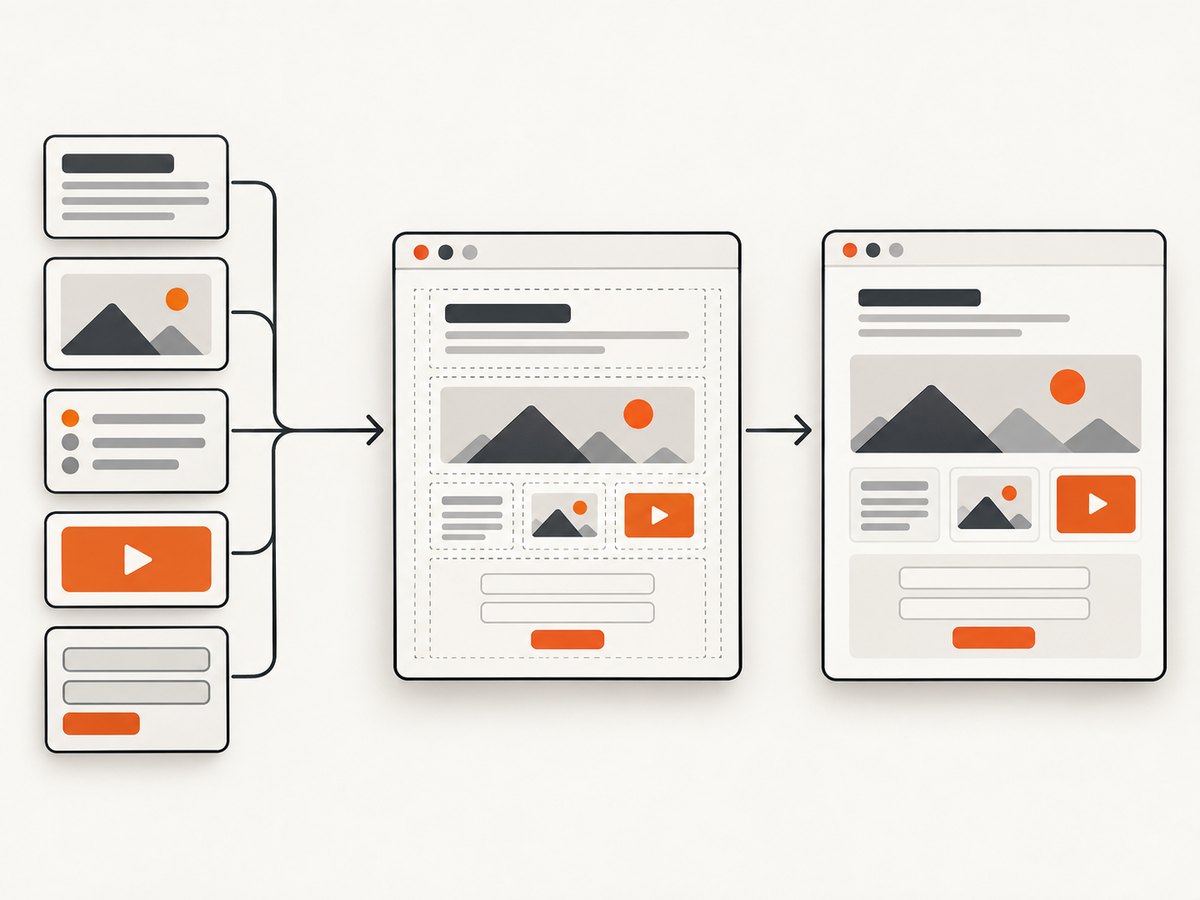
HTML describes the meaning and structure of a document. Elements identify headings, paragraphs, links, lists, forms, navigation and other parts of a page. CSS normally controls presentation, while JavaScript adds behavior. Keeping those responsibilities clear improves accessibility, maintainability and debugging.
A minimal modern document is still recognizably HTML:
<!doctype html>
<html lang="en">
  <head>
    <meta charset="utf-8">
    <meta name="viewport" content="width=device-width, initial-scale=1">
    <title>A semantic HTML page</title>
  </head>
  <body>
    <header>
      <h1>Product documentation</h1>
      <nav aria-label="Primary">
        <a href="/guides">Guides</a>
        <a href="/reference">Reference</a>
      </nav>
    </header>
    <main>
      <article>
        <h2>Getting started</h2>
        <p>This paragraph explains the first step.</p>
      </article>
    </main>
    <footer>Copyright 2026</footer>
  </body>
</html>
The doctype is intentionally short. It tells browsers to use standards mode; it is not an “HTML5-only” switch. The lang attribute helps assistive technology select the correct language, and the viewport metadata gives mobile browsers an appropriate layout width.
What changed during the HTML5 era
Semantic document structure
Elements such as <header>, <nav>, <main>, <article>, <section> and <footer> express purpose more clearly than a page made entirely from generic <div> elements. Semantics help screen-reader navigation, search indexing and future maintenance. A semantic element does not automatically make a page accessible: headings still need a sensible hierarchy, form controls need labels and interactive controls need usable names and keyboard behavior.
Native audio and video
HTML can embed media without requiring a browser plugin:
<video controls preload="metadata" width="640">
  <source src="/demo.webm" type="video/webm">
  <source src="/demo.mp4" type="video/mp4">
  Your browser does not support embedded video.
</video>
The <video> element being available does not guarantee that every browser can decode every codec, container or audio track. Provide suitable sources, captions where needed and a useful fallback. Test the formats your project actually serves.
Canvas and graphics
<canvas> provides a scriptable drawing surface for games, charts and image processing. It is a bitmap surface, so important information should not exist only in pixels; provide text alternatives and keyboard-accessible controls around it. SVG remains a separate vector-graphics option and can be preferable for scalable diagrams.
<canvas id="sales" width="400" height="180" aria-label="Sales chart">
  Sales chart: January 12, February 18, March 24.
</canvas>
<script>
  const canvas = document.querySelector('#sales');
  const ctx = canvas.getContext('2d');
  ctx.fillStyle = '#2563eb';
  ctx.fillRect(20, 120, 80, 40);
  ctx.fillRect(140, 90, 80, 70);
  ctx.fillRect(260, 50, 80, 110);
</script>
Forms and input types
HTML5-era forms added controls such as email, url, date, number, range and search, plus attributes such as required, pattern, min, max and autocomplete. Native validation improves the baseline experience but is not a security boundary. Validate and authorize submitted data on the server.
<form action="/subscribe" method="post">
  <label for="email">Email address</label>
  <input id="email" name="email" type="email" required autocomplete="email">
  <button type="submit">Subscribe</button>
</form>
Parsing and compatibility
The standards work associated with HTML5 described browser parsing and error handling more explicitly. That improves interoperability, but it does not mean every browser behaves identically for every feature. Treat compatibility as a matrix of individual capabilities, not as a single “HTML5 supported” checkbox.
Versioned HTML versus a Living Standard
Earlier standards were commonly discussed as fixed versions such as HTML 4.01 or XHTML. During a period of disagreement, W3C pursued a finished, versioned specification while WHATWG continued a continuously updated HTML specification. The modern workflow follows the Living Standard. You can still see “HTML5” in job descriptions, tutorials and browser feature lists, but it is usually shorthand for contemporary HTML rather than a release you install.
For implementation decisions, use the current specification and browser documentation. The MDN HTML documentation is useful for author guidance and compatibility references; the WHATWG standard is the normative source.
How to choose the right markup today
- Start with the standard doctype. Put
<!doctype html>at the first line. - Model meaning first. Choose headings, lists, landmarks, tables and form controls for their semantics.
- Separate concerns. Keep structure in HTML, visual rules in CSS and interaction in JavaScript.
- Check the exact feature. Verify support for the element, API, codec or permission your project needs.
- Provide fallbacks. Include captions, text alternatives, server-side validation and an understandable experience when an enhancement is unavailable.
- Test real target browsers. A generic “HTML5 compatible” result cannot tell you whether a particular media format or API works in your users’ environments.
Rendering an HTML page for visual review
When you need to compare a page built with semantic HTML against a design or a regression baseline, render it in a real browser. The following Node.js example uses Playwright and captures a full page after fonts and images have had a chance to load:
import { chromium } from 'playwright';

const browser = await chromium.launch();
const page = await browser.newPage({ viewport: { width: 1440, height: 900 }, deviceScaleFactor: 1 });
await page.goto('https://example.com/docs', { waitUntil: 'networkidle' });
await page.screenshot({ path: 'docs.png', fullPage: true });
await browser.close();
For local files, serve the directory over HTTP so relative assets, modules and fonts behave as they do in deployment. Wait for a meaningful selector when the page has asynchronous content, and avoid treating a screenshot as proof that keyboard access, semantics or media playback are correct.
Or skip the browser setup
ScreenshotNeo provides a website screenshot API and MCP server. One GET request returns a PNG, JPEG, WebP or PDF. It accepts cookie and consent banners like a visitor, removes more than 60 known consent platforms plus newsletter popups and chat widgets, and lets you turn each cleanup step off. Bot checks, blank pages, timeouts, failed loads and cache hits are not billed; response headers identify the page verdict and whether it was billed.
See the ScreenshotNeo API documentation for all options. A minimal request is:
curl -G "https://api.screenshotneo.com/v1/shot" \
  -d access_key=YOUR_API_KEY \
  --data-urlencode url=https://stripe.com \
  -o shot.webp
import requests
r = requests.get(
"https://api.screenshotneo.com/v1/shot",
params={"access_key": "YOUR_API_KEY", "url": "https://stripe.com"},
timeout=90,
)
r.raise_for_status()
open("shot.webp", "wb").write(r.content)const q = new URLSearchParams({ access_key: 'YOUR_API_KEY', url: 'https://stripe.com' });
const res = await fetch(`https://api.screenshotneo.com/v1/shot?${q}`);
if (!res.ok) throw new Error(`HTTP ${res.status}`);
const bytes = new Uint8Array(await res.arrayBuffer());
await Bun.write('shot.webp', bytes);Options cover full-page capture with lazy images loaded, CSS-selector element shots, dark mode, 12 device presets or any viewport, retina scale, PDF paper size and margins, custom CSS and JavaScript, clicks, selector or network-idle waits, request blocking, headers, cookies, user agents, authorization, timezone, geolocation, transparent backgrounds, resizing, TTL caching, signed links, asynchronous jobs with signed webhooks, bulk capture of up to 100 URLs and a usage API. An MCP server exposes take_screenshot, get_page_info and capture_pdf to Claude, Cursor and other MCP clients. Existing parameter names used by other screenshot APIs also work, which simplifies migration.
The Free plan includes 1,000 shots each month without a card. Paid plans start at $5 for 3,000 shots; yearly billing provides two months free, and every feature is available on every plan. Create a free ScreenshotNeo account to render your HTML pages without setting up a browser service.
Troubleshooting HTML and HTML5 projects
| Symptom | Likely cause | Fix |
|---|---|---|
| Old layout or quirks behavior | Missing or malformed doctype. | Make <!doctype html> the first bytes of the document. |
| Screen reader skips meaningful content | Generic containers, broken heading order or missing labels. | Use landmarks and native controls; label inputs and review the accessibility tree. |
| Video element appears but playback fails | Unsupported codec, MIME type, autoplay policy or media error. | Serve tested formats with correct types, provide controls and inspect browser media errors. |
| Canvas chart is invisible in screenshots | Script ran before the canvas was ready or capture happened before drawing. | Wait for a selector or application-ready signal before capture; verify JavaScript errors. |
| Form accepts invalid data | Client-side constraints were omitted or treated as security. | Add appropriate attributes and always validate on the server. |
| Screenshot is blank or shows a consent dialog | Capture occurred before content loaded or an overlay covered the page. | Wait for network idle or a specific selector, then remove overlays or use ScreenshotNeo’s consent cleanup. |
Performance, reliability and cost notes
Semantic HTML itself is inexpensive; page performance is usually dominated by CSS, JavaScript, fonts, images and network requests. Lazy-load below-the-fold media, serve responsive image sizes and avoid unnecessary client-side work. For visual capture, full-page screenshots require more layout and image work than a viewport shot. Reuse a browser process for batches, wait on deterministic application signals and cache stable pages.

In an API workflow, choose a cache TTL for pages that do not change frequently, use asynchronous jobs and signed webhooks for long captures, and batch up to 100 URLs when appropriate. Check X-Page-Verdict and X-Billed so failed loads, bot checks, blank pages, timeouts and cache hits are distinguishable from clean billed shots.
FAQ
Should I write “HTML5” in a new project?
You may use the term when explaining historical features or communicating with a team, but author against current HTML documentation and use the HTML doctype.
Is XHTML the modern replacement for HTML?
No. XHTML is an XML serialization and has different parsing rules. Select a serialization only when your delivery and tooling require it.
Does semantic HTML remove the need for ARIA?
No. Native elements should be your first choice, but ARIA can describe custom widgets when no suitable native control exists. Incorrect ARIA can reduce accessibility.
Can a browser support HTML5 but fail my page?
Yes. Support is granular. The browser may support an element while lacking the codec, API method, permission or CSS behavior your implementation uses.
Where should I verify a disputed feature?
Use the current WHATWG HTML Standard, MDN’s HTML references and compatibility data, then test the exact target browsers and devices.


