How to Capture a Page with html2canvas Before Unload
Learn why beforeunload is unreliable for html2canvas, how to capture before navigation, and how to save the result safely.
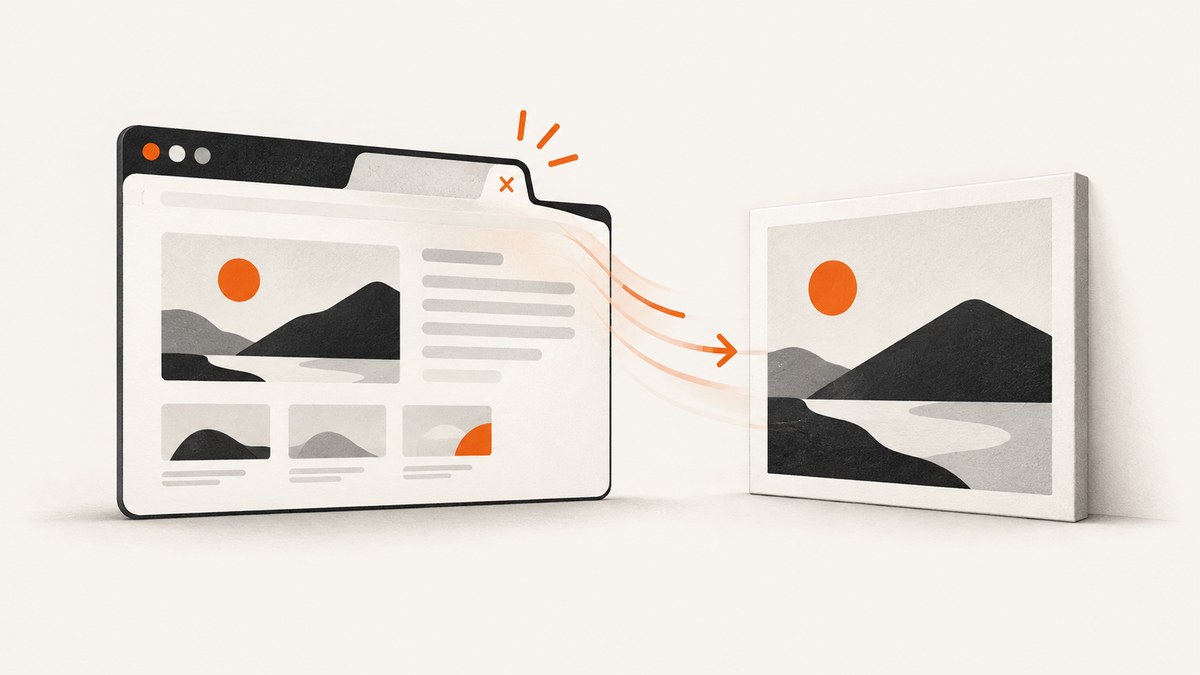
To capture a page with html2canvas before it leaves, start the capture while the document is still active and await the returned Promise before navigating. Use visibilitychange as a best-effort last opportunity, with pagehide as a navigation signal. Keep beforeunload for unsaved-changes warnings, not as a dependable place to finish rendering or uploading an image.
There is no browser event that guarantees an asynchronous html2canvas render and network upload will complete when a tab is closed, a mobile browser kills a process, or a user force-quits an app. If the screenshot is essential, capture it in response to your own navigation action and delay navigation until saving succeeds.
Why beforeunload is a weak capture hook
beforeunload exists mainly so a page can ask whether a user wants to leave with unsaved changes. Browsers may skip it in some termination paths. A confirmation prompt also requires sticky user activation, and modern browsers display generic prompt text. Firefox can exclude pages that use beforeunload from the back/forward cache.
Even when the event fires, html2canvas is asynchronous. It reconstructs an image from the DOM and supported CSS; it does not take a native screenshot of the browser’s already-rendered pixels. The browser can begin tearing down the document before the Promise resolves. An upload started in the handler has an even smaller chance of finishing.
The MDN beforeunload documentation describes these prompt and reliability limitations. The html2canvas documentation also explains that the result is built from information available in the DOM, so it may differ from a native screenshot.
Choose the lifecycle signal for the job
| Signal | What it means | Strength | Limitation | Recommended use |
|---|---|---|---|---|
visibilitychange to hidden |
The document became hidden, such as when a user changes tabs or leaves. | MDN describes it as the last reliably fired event for saving application state. | It can mean a tab switch, and it does not guarantee that rendering or network work will finish. | Save state and trigger a best-effort capture. |
pagehide |
The browser is hiding the document, often for history navigation. | Works with the back/forward cache and identifies navigation-related hiding. | It can fail in some mobile termination paths. | Navigation-specific handling or a fallback. |
beforeunload |
The document may be leaving and may have unsaved work. | Can show a conditional leave warning after user interaction. | Not reliable on mobile, requires activation for a prompt, and may affect Firefox bfcache. | Unsaved-changes warnings only. |
unload |
Resource unloading. | Little practical value for this task. | Often not fired and can harm bfcache behavior. | Avoid for capture and persistence. |
See the MDN visibilitychange guidance, pagehide guidance, and unload guidance for the browser lifecycle details.
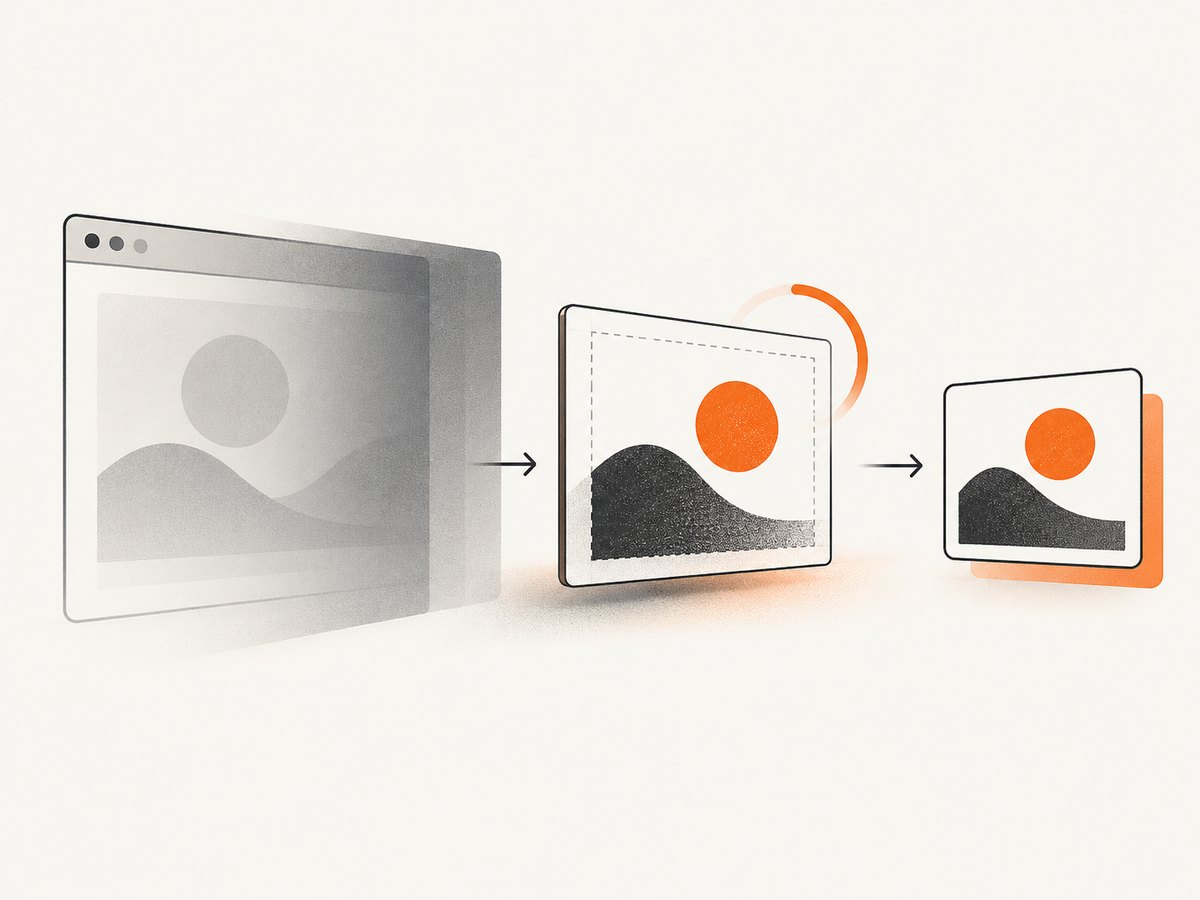
Install html2canvas and capture an element
html2canvas runs in a browser. The project getting-started guide documents browser-side Promise usage and does not support Node.js as an in-page rendering environment.
<script src="https://cdn.jsdelivr.net/npm/html2canvas@1.4.1/dist/html2canvas.min.js"></script>
<script>
  const panel = document.querySelector('#report');

  async function renderPanel() {
    if (!panel) throw new Error('Missing #report');

    const canvas = await html2canvas(panel, {
      backgroundColor: '#ffffff',
      scale: Math.min(window.devicePixelRatio || 1, 2),
      useCORS: true,
      logging: false
    });

    return canvas;
  }
</script>
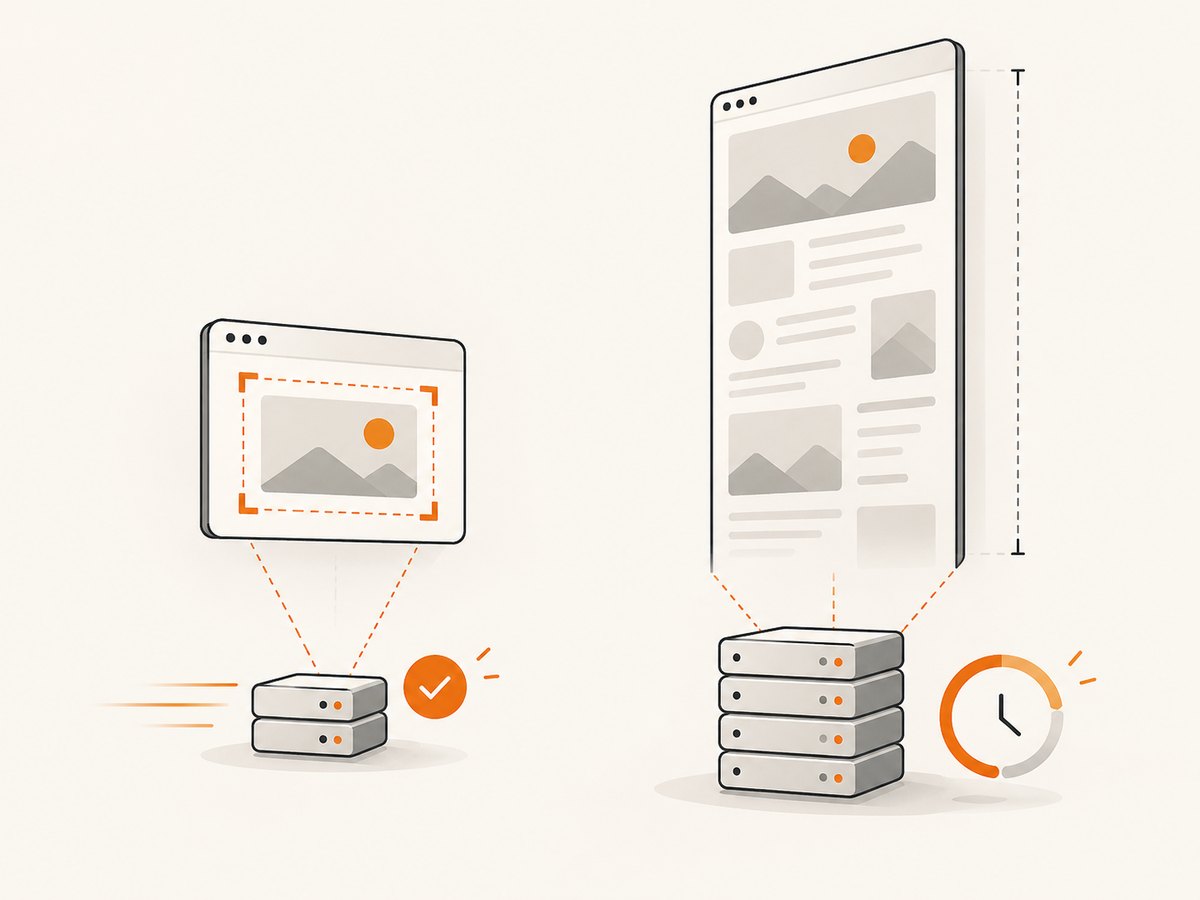
Capturing the smallest useful region usually reduces work compared with rendering the entire document. The exact improvement depends on the page, its styles, image count, and device. For a full-page image, pass document.documentElement or document.body, but first verify the output on long and dynamically sized pages.
Useful html2canvas options
| Option | Purpose | Important detail |
|---|---|---|
scale |
Controls output pixel density. | A high value creates a larger canvas and more memory pressure. Use a bounded value for mobile devices. |
backgroundColor |
Sets the canvas background. | Use null when transparency is required and supported by the page. |
useCORS |
Attempts to load cross-origin images with CORS. | The image server must send an appropriate CORS header; this does not bypass browser security. |
allowTaint |
Allows resources that can taint the canvas. | A tainted canvas cannot be safely exported with toDataURL() or toBlob(). It is not a fix for inaccessible resources. |
proxy |
Provides a server endpoint that fetches images for the browser. | A proxy is an engineering dependency and must be designed for the origins and data it handles. |
windowWidth and windowHeight |
Set the virtual viewport used during rendering. | Set them when responsive CSS must render at a predictable size. |
scrollX and scrollY |
Control the virtual scroll position. | Useful when a fixed element changes appearance based on scroll position. |
ignoreElements |
Skips matching DOM nodes through a predicate. | Use it to omit controls or private data from the image. |
onclone |
Edits the cloned document before rendering. | Hide temporary UI in the clone instead of changing the live page. |
Best-effort capture when the page becomes hidden
This pattern prevents duplicate starts and handles Promise rejection. It is useful for preserving a preview when a user changes tabs or begins leaving, but it is not a completion guarantee.
let captureStarted = false;

async function capturePage() {
  if (captureStarted) return;
  captureStarted = true;

  try {
    const canvas = await html2canvas(document.documentElement, {
      backgroundColor: '#ffffff',
      useCORS: true,
      scale: Math.min(window.devicePixelRatio || 1, 2)
    });

    await saveCanvas(canvas);
  } catch (error) {
    captureStarted = false;
    console.error('Page capture failed', error);
  }
}

document.addEventListener('visibilitychange', () => {
  if (document.visibilityState === 'hidden') {
    void capturePage();
  }
});

async function saveCanvas(canvas) {
  const blob = await new Promise((resolve, reject) => {
    canvas.toBlob(result => result ? resolve(result) : reject(new Error('Canvas export failed')), 'image/png');
  });

  // Best effort only. The page may be terminated before fetch completes.
  await fetch('/captures', {
    method: 'POST',
    body: blob,
    headers: { 'Content-Type': 'image/png' },
    credentials: 'include'
  });
}
Do not treat a successful call to capturePage() as proof that the server received the file. If persistence is critical, save continuously or save before the action that causes navigation.
Reliable capture when your application controls navigation
The strongest browser-side approach is to intercept your own link or button, render first, persist the result, and navigate only after the operation resolves. Add a timeout so a slow page does not trap the user indefinitely.
const leaveButton = document.querySelector('[data-leave]');
let leaving = false;

leaveButton?.addEventListener('click', async event => {
  event.preventDefault();
  if (leaving) return;
  leaving = true;

  const destination = leaveButton.href;
  const timeout = new Promise((_, reject) =>
    setTimeout(() => reject(new Error('Capture timed out')), 5000)
  );

  try {
    const canvas = await Promise.race([
      html2canvas(document.documentElement, {
        backgroundColor: '#ffffff',
        useCORS: true
      }),
      timeout
    ]);

    const blob = await new Promise((resolve, reject) => {
      canvas.toBlob(result => result ? resolve(result) : reject(new Error('Export failed')), 'image/png');
    });

    const response = await fetch('/captures', {
      method: 'POST',
      body: blob,
      headers: { 'Content-Type': 'image/png' },
      credentials: 'include'
    });

    if (!response.ok) throw new Error(`Save failed: ${response.status}`);
  } catch (error) {
    console.error(error);
    // Decide whether your product should continue without a screenshot.
  } finally {
    window.location.assign(destination);
  }
});
If a user can navigate through browser controls, another page, a refresh, or a mobile process kill, this handler cannot cover every path. Use it for application-controlled navigation and keep the visibility handler as an opportunistic fallback.
Using pagehide as a navigation fallback
pagehide is useful when code specifically needs a history-navigation signal and is compatible with the back/forward cache. It still does not guarantee that html2canvas or an upload will finish, and it can fail in some mobile cases.
let pagehideStarted = false;

window.addEventListener('pagehide', event => {
  if (event.persisted || pagehideStarted) return;
  pagehideStarted = true;
  void capturePage();
});
Registering both visibilitychange and pagehide requires one shared idempotency guard. Otherwise one lifecycle transition can start two expensive renders.
Cross-origin images, iframes and tainted canvases
html2canvas can only use resources available under browser security rules. Cross-origin images may be omitted or may make the canvas unreadable for export. useCORS: true helps only when the image server permits the request. Cross-origin iframe contents cannot be read as if they were same-origin documents.
- Serve image assets with the required CORS response headers.
- Use
useCORS: truefor images that support CORS. - Use a carefully controlled proxy when an image origin cannot provide CORS and proxying is appropriate.
- Do not assume
allowTaint: truemakes export safe; a tainted canvas may preventtoBlob()ortoDataURL(). - Test pages with third-party ads, analytics pixels, videos, fonts, and embedded frames.
Lazy content, fonts and dynamic UI
Capture after the content you need has rendered. Scroll-triggered images may not exist in the DOM or may not have loaded when html2canvas starts. Wait for application data, fonts, and important images before calling the library. A cloned-document callback can hide transient controls without changing the visible page.
await document.fonts?.ready;

await Promise.all(
  [...document.images]
    .filter(image => !image.complete)
    .map(image => new Promise(resolve => {
      image.addEventListener('load', resolve, { once: true });
      image.addEventListener('error', resolve, { once: true });
    }))
);

const canvas = await html2canvas(document.body, {
  onclone: clonedDocument => {
    clonedDocument.querySelectorAll('[data-capture-ignore]').forEach(node => node.remove());
  }
});
Performance, reliability and storage
- Capture less: Render a component instead of the entire document when that meets the requirement.
- Bound scale: Retina output can multiply memory use. Choose a maximum scale appropriate for the device.
- Avoid repeated work: Guard lifecycle listeners and debounce application actions that can trigger capture.
- Export deliberately: PNG preserves detail but can be large. JPEG reduces size for photographic content; choose the format your persistence API expects.
- Use a timeout: A stuck resource should not block an application-controlled navigation forever.
- Persist earlier: Save important state continuously or before navigation. Treat lifecycle capture as a convenience.
- Measure your own pages: There is no general success-rate or completion-time guarantee for capture during unload.
Troubleshooting
| Symptom | Likely cause | Fix |
|---|---|---|
| No image is saved after closing the tab. | The browser terminated the document before asynchronous work completed. | Capture before the navigation action and save continuously; use lifecycle handlers only as best effort. |
| The screenshot is blank or incomplete. | Capture started before content, fonts, or images finished loading. | Wait for application readiness, document.fonts.ready, and required images. |
| Images are missing. | Cross-origin resources lack CORS permission or were not loaded. | Configure CORS, use useCORS, or evaluate a controlled proxy. |
toBlob() or toDataURL() throws a security error. |
The canvas is tainted by an inaccessible resource. | Fix resource headers or omit the resource; allowTaint is not an export workaround. |
| Two captures start. | Both visibility and pagehide handlers ran. | Share one idempotency flag across handlers. |
| The page feels slow. | The target DOM is large or the scale is high. | Capture a smaller region and lower the scale. |
| The browser shows a leave prompt unexpectedly. | beforeunload was registered unconditionally. |
Register it only while unsaved changes exist, and remove it after saving. |
| Navigation never happens. | The capture or upload Promise never resolves. | Add a timeout and a clear failure policy, then continue navigation. |
Or skip the browser setup
If the requirement is a dependable screenshot of a URL rather than an in-page DOM reconstruction, ScreenshotNeo provides a GET endpoint that returns PNG, JPEG, WebP, or PDF. Its capture flow accepts cookie and consent banners as a visitor and removes more than 60 known consent platforms, newsletter popups, and chat widgets before the shot; each step can be disabled. Bot checks, blank pages, timeouts, failed loads, and cache hits are not billed, and the response identifies the result with X-Page-Verdict and X-Billed headers. It also provides an MCP server for Claude, Cursor, and other MCP clients, with take_screenshot, get_page_info, and capture_pdf tools.
See the ScreenshotNeo API documentation for authentication and options.
cURL
curl -G "https://api.screenshotneo.com/v1/shot" \
  -d access_key=YOUR_API_KEY \
  --data-urlencode url=https://stripe.com \
  -o shot.webp
Python
import requests

r = requests.get(
    "https://api.screenshotneo.com/v1/shot",
    params={"access_key": "YOUR_API_KEY", "url": "https://stripe.com"},
    timeout=90,
)
r.raise_for_status()
open("shot.webp", "wb").write(r.content)
Node.js
const q = new URLSearchParams({
  access_key: 'YOUR_API_KEY',
  url: 'https://stripe.com'
});
const res = await fetch(`https://api.screenshotneo.com/v1/shot?${q}`);
if (!res.ok) throw new Error(`Screenshot failed: ${res.status}`);
const image = Buffer.from(await res.arrayBuffer());
require('fs').writeFileSync('shot.webp', image);
ScreenshotNeo includes full-page capture with lazy images loaded, CSS-element capture, dark mode, device presets and custom viewports, retina scale, PDF paper and margin controls, custom CSS and JavaScript, clicks, waits, request blocking, headers, cookies, user agents, authorization, timezone, geolocation, transparent backgrounds, resizing, configurable caching, signed links, asynchronous jobs with signed webhooks, bulk capture for up to 100 URLs per call, a usage API, and an OpenAPI specification. Parameter names used by other screenshot APIs also work to simplify migration.
The Free plan includes 1,000 screenshots each month with no card. Paid plans start at $5 for 3,000 shots; every feature is available on every plan, and yearly billing gives two months free. Create a free ScreenshotNeo account to start with 1,000 screenshots a month and no card.
FAQ
Can I guarantee a screenshot when the user closes the browser?
No. Browser and operating-system termination can prevent lifecycle events or stop asynchronous work. Guarantee capture by starting before a controlled navigation and persisting continuously.
Should I use sendBeacon for the image?
A beacon can help deliver small telemetry during page hiding, but it does not make html2canvas rendering complete and does not remove canvas security or size constraints. Render first and design persistence around your application’s needs.
Is html2canvas a pixel-perfect browser screenshot?
No. It reconstructs an image from the DOM and supported CSS. Unsupported styles, cross-origin resources, and iframe boundaries can make the result differ from the rendered pixels.
Does pagehide replace visibilitychange?
No. Use visibilitychange for best-effort state preservation and pagehide when navigation-specific handling matters. Both remain subject to browser and mobile termination limits.
When should I use a server-side screenshot API?
Use one when you need a screenshot of a URL without installing browser code in the page, need repeatable automation, or want server-side controls such as waits, headers, cookies, PDF output, and bulk jobs.


