How to Make html2canvas Capture Beyond the Viewport
Capture full pages and scrollable elements with html2canvas, handle canvas limits, CORS, sticky layouts, and know when to use a browser screenshot API.
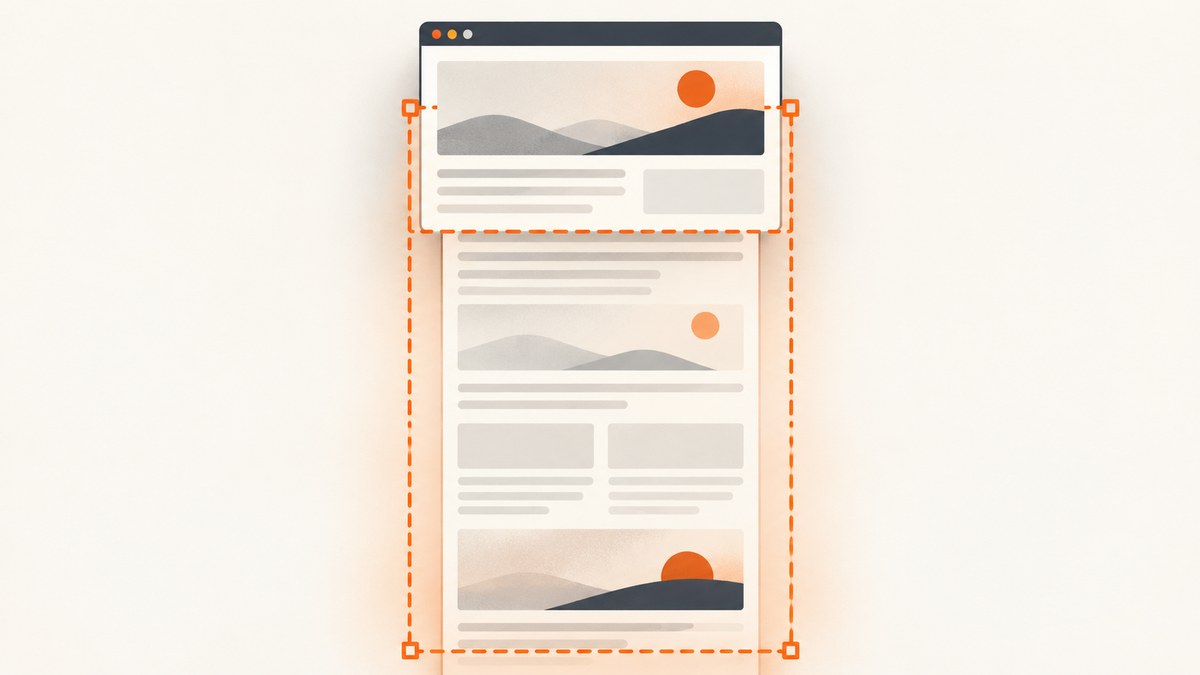
To make html2canvas capture content beyond the visible viewport, render the target with dimensions based on its scroll size:
const element = document.querySelector('#capture');
const canvas = await html2canvas(element, {
  windowWidth: element.scrollWidth,
  windowHeight: element.scrollHeight,
});
For a full page, use document.body or a page wrapper that contains all of the content. This changes the rendering window used by html2canvas, so media queries may evaluate differently from the live viewport. It does not automatically solve independently scrollable children, cross-origin assets, unsupported CSS, fixed-position elements, or browser canvas limits. Each case needs its own handling.
html2canvas reconstructs an image from the DOM and computed styles; it is not a native browser screenshot. The project documents this limitation in its documentation.
1. Capture an entire page
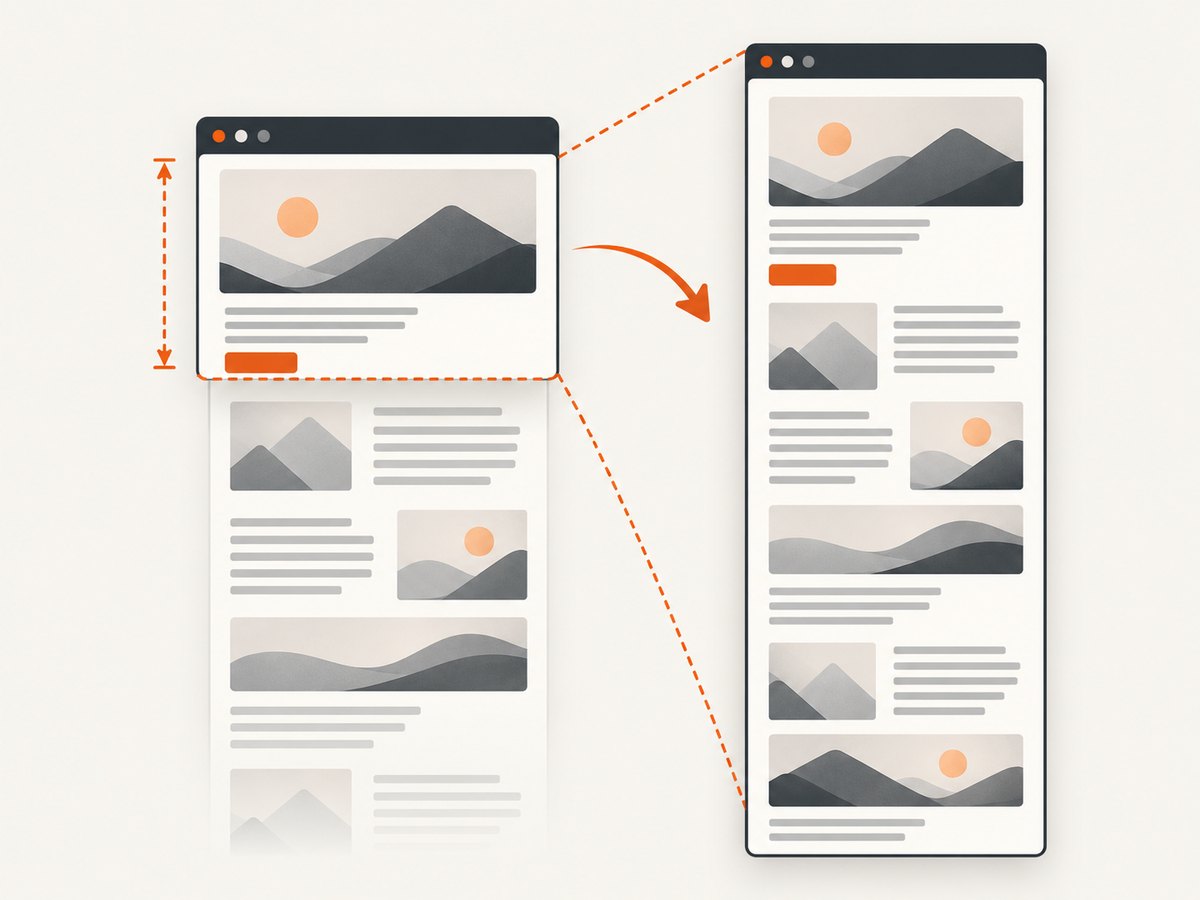
Capture the document body after matching the rendering window to the document’s full dimensions.
import html2canvas from 'html2canvas';

async function captureWholePage() {
  const page = document.body;
  const canvas = await html2canvas(page, {
    windowWidth: page.scrollWidth,
    windowHeight: page.scrollHeight,
    scrollX: 0,
    scrollY: -window.scrollY,
    backgroundColor: '#ffffff',
    scale: window.devicePixelRatio,
  });

  const link = document.createElement('a');
  link.download = 'full-page.png';
  link.href = canvas.toDataURL('image/png');
  link.click();
}

captureWholePage();
The negative scrollY keeps the captured document aligned when the live page is currently scrolled. If your page has fixed or sticky elements, set scrollX and scrollY deliberately and verify the result at the scroll position your design expects.
Use a dedicated page container
A wrapper is often more predictable than document.body, especially when the body has margins, fixed application chrome, or an outer scrolling element.
const page = document.querySelector('#page');
if (!page) throw new Error('Missing #page element');

const canvas = await html2canvas(page, {
  windowWidth: page.scrollWidth,
  windowHeight: page.scrollHeight,
  x: 0,
  y: 0,
  width: page.scrollWidth,
  height: page.scrollHeight,
});
2. Capture one scrollable element
For an element such as a long article, table, or panel, use its scrollWidth and scrollHeight.
const element = document.querySelector('#capture');
if (!element) throw new Error('Missing #capture element');

const canvas = await html2canvas(element, {
  windowWidth: element.scrollWidth,
  windowHeight: element.scrollHeight,
  x: 0,
  y: 0,
  width: element.scrollWidth,
  height: element.scrollHeight,
  scrollX: 0,
  scrollY: 0,
});
width and height define the output crop. They are useful when the element’s scroll dimensions include padding or when you need an intentional crop. The official configuration reference documents these options.
3. Reveal a child with its own scrollbar
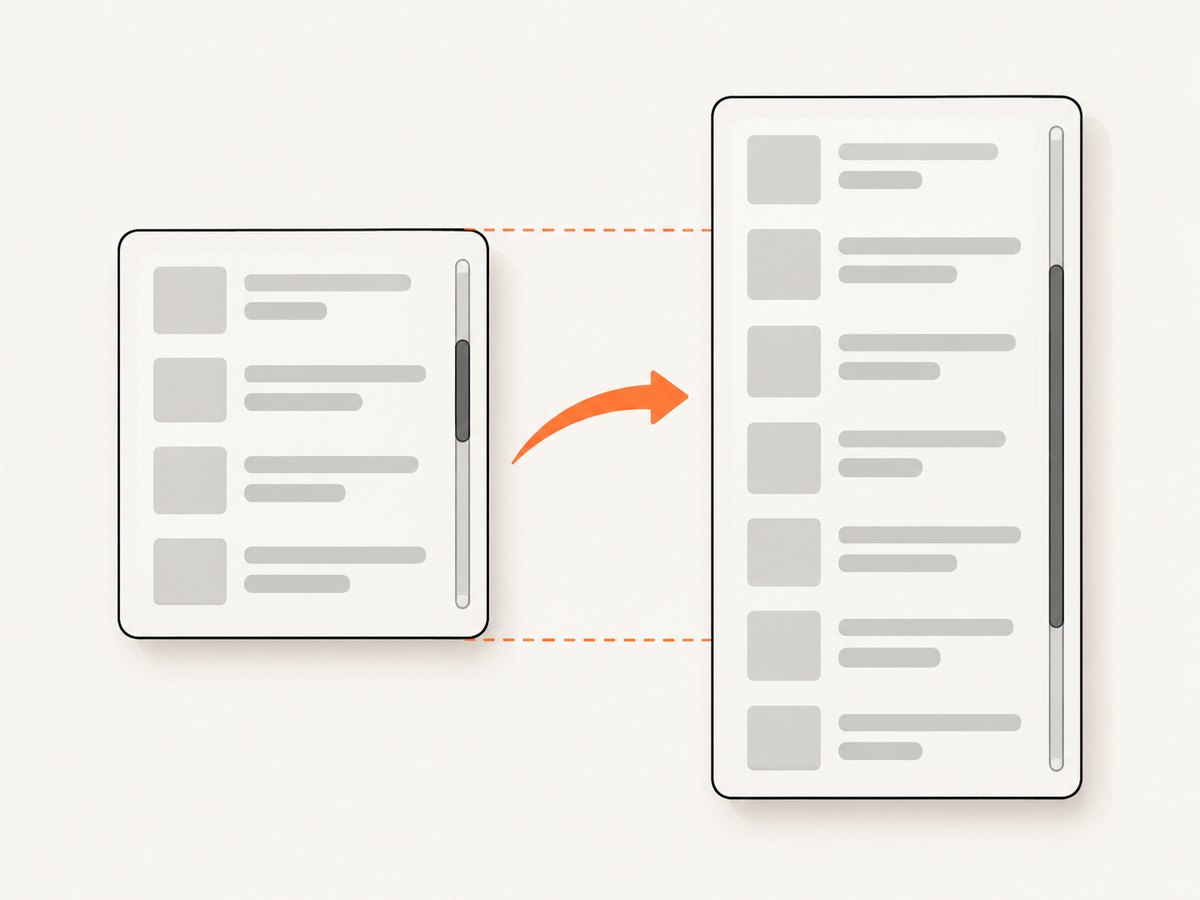
A page that grows vertically is different from a child with overflow: auto or overflow: scroll. Increasing windowHeight does not necessarily expose content hidden inside that child. Use onclone to modify only the cloned document used for rendering.
const target = document.querySelector('.scroll-panel');
if (!target) throw new Error('Missing .scroll-panel');

const canvas = await html2canvas(target, {
  windowWidth: target.scrollWidth,
  windowHeight: target.scrollHeight,
  onclone: clonedDocument => {
    const clone = clonedDocument.querySelector('.scroll-panel');
    if (!clone) return;

    clone.style.height = `${clone.scrollHeight}px`;
    clone.style.maxHeight = 'none';
    clone.style.overflow = 'visible';
  },
});
onclone changes the cloned document without changing the live page. This pattern must be adapted when the panel’s height depends on nested flex or grid sizing, absolute positioning, or JavaScript measurements. For difficult layouts, capture vertical sections and stitch them together in application code.
Section capture and stitching
Very tall content can exceed canvas limits. Capture fixed-height slices and draw them into a larger destination only when the final dimensions remain within your browser’s limits.
async function captureSections(element, sectionHeight = 2000) {
  const totalHeight = element.scrollHeight;
  const canvases = [];

  for (let y = 0; y < totalHeight; y += sectionHeight) {
    const height = Math.min(sectionHeight, totalHeight - y);
    const canvas = await html2canvas(element, {
      windowWidth: element.scrollWidth,
      windowHeight: totalHeight,
      x: 0,
      y,
      width: element.scrollWidth,
      height,
      scrollX: 0,
      scrollY: -y,
    });
    canvases.push({ canvas, y });
  }

  return canvases;
}
Stitching is layout-specific. Fixed headers, sticky rows, shadows, and fractional device-pixel sizes can create seams or repeated elements. Hide or neutralize those elements in onclone when necessary.
4. Understand the important options
| Option | Use it for | Important detail |
|---|---|---|
windowWidth |
Rendering a wider target | Also affects media-query evaluation. |
windowHeight |
Rendering content below the viewport | Match the target’s scroll height for full captures. |
scrollX, scrollY |
Controlling scroll-relative positioning | Set explicitly for fixed and sticky elements. |
x, y |
Cropping a region | Coordinates are relative to the rendered document. |
width, height |
Setting output dimensions | Useful for tiles and deliberate crops. |
scale |
Sharper output | Higher values multiply memory use and canvas dimensions. |
onclone |
Preparing the cloned DOM | Change overflow, hide controls, or freeze animations. |
useCORS |
Loading permitted cross-origin images | Requires the image server to send an appropriate CORS header. |
allowTaint |
Allowing tainted images | The default is false; tainted canvases cannot be exported safely. |
backgroundColor |
Choosing the canvas background | Set it explicitly when transparent output is not wanted. |
5. Improve fidelity before rendering
Wait for fonts and images
await document.fonts.ready;

await Promise.all(
  [...document.images].map(image => {
    if (image.complete) return Promise.resolve();
    return new Promise(resolve => {
      image.addEventListener('load', resolve, { once: true });
      image.addEventListener('error', resolve, { once: true });
    });
  })
);
Freeze animation and interaction
const canvas = await html2canvas(document.body, {
  windowWidth: document.body.scrollWidth,
  windowHeight: document.body.scrollHeight,
  onclone: clonedDocument => {
    const style = clonedDocument.createElement('style');
    style.textContent = `
      *, *::before, *::after {
        animation: none !important;
        transition: none !important;
        caret-color: transparent !important;
      }
    `;
    clonedDocument.head.appendChild(style);
  },
});
Remove blinking cursors, carousels, lazy-loading placeholders, and transient notifications when deterministic output matters.
6. Why captures are blank or clipped
Canvas dimensions are too large
The FAQ gives approximately 32,767 pixels as a rough maximum dimension for current Chrome, Chromium, Firefox, and desktop Safari, while warning that limits vary by browser, operating system, GPU, and memory. iOS Safari can be lower. The maximum area can be smaller than the maximum width or height. A blank canvas may therefore indicate a silent size failure.
Calculate the requested pixel size before rendering:
const scale = 2;
const width = element.scrollWidth * scale;
const height = element.scrollHeight * scale;
const pixels = width * height;
console.log({ width, height, pixels });
Reduce scale, capture tiles, or use a browser automation service that supports full-page screenshots when the result is too large.
Cross-origin images
useCORS: true works only when the image server permits your origin with Access-Control-Allow-Origin. Otherwise html2canvas may skip the image with the default allowTaint: false. Configure CORS on the asset server or serve the image through a same-origin proxy you control.
const canvas = await html2canvas(element, {
  useCORS: true,
  allowTaint: false,
});
Cross-origin iframes
Cross-origin iframes cannot be rendered because browser security rules prevent access to their contentDocument. Ask the embedded application for an export, proxy content with permission, or capture the iframe’s origin separately.
Unsupported CSS and rendering differences
html2canvas reads browser-visible DOM and styles, then recreates them. Unsupported or partially supported CSS can differ from the native page. Compare the result against a browser screenshot before relying on it for pixel-sensitive visual regression tests.
7. Browser and runtime constraints
html2canvas runs in a browser and depends on window, document, layout, computed styles, and browser security rules. It is not a Node.js server-rendering library. For server-side screenshots, the project FAQ recommends Puppeteer or Playwright.
If you need repeatable server-side capture, define a readiness condition, wait for fonts and network activity, set a fixed viewport, and keep browser versions consistent. Record the URL, viewport, scale, and capture options with each artifact so failures can be reproduced.
8. Troubleshooting checklist
| Symptom | Likely cause | Fix |
|---|---|---|
| Only the visible viewport appears | Rendering window is still viewport-sized | Set windowWidth and windowHeight from the target’s scroll dimensions. |
| Scrollable panel is cut off | Child overflow remains hidden in the clone | Use onclone to set the cloned child height and overflow: visible, or tile it. |
| Output is blank | Canvas dimension or area limit | Lower scale, reduce the capture region, or tile the capture. |
| Images are missing | CORS headers are absent | Enable permitted CORS or use a same-origin proxy. |
| Iframe is empty | Iframe is cross-origin | Capture from the iframe’s origin or obtain an export from its owner. |
| Sticky header repeats | Sticky positioning is active in every tile | Disable sticky positioning in onclone or stitch with overlap handling. |
| Fonts look wrong | Web fonts were not ready | Await document.fonts.ready before rendering. |
| Layout changes unexpectedly | Expanded window triggers media queries | Set the desired breakpoint explicitly and test responsive rules at that width. |
| Export throws a security error | Canvas was tainted by an unapproved image | Fix CORS or keep allowTaint: false and remove the asset. |
9. Performance, reliability, and cost
- Memory: Canvas memory grows with width × height × scale². A modest scale increase can multiply memory use.
- Time: Large DOM trees, shadows, filters, web fonts, and many images increase render time. Capture only the required region when possible.
- Reliability: Wait for fonts, images, and application data; freeze animations; use a fixed viewport; and tile very large pages.
- Repeatability: Pin the browser/runtime for visual tests and log capture options, URL, and asset failures.
- Cost: html2canvas itself runs in the user’s browser. Server-side browser automation adds infrastructure, concurrency, storage, and maintenance costs.
Or skip the browser setup
ScreenshotNeo provides a website screenshot API when you need a server-side result without configuring a browser. One GET request returns PNG, JPEG, WebP, or PDF. Cookie and consent banners are accepted and removed before capture, along with more than 60 known consent platforms, newsletter popups, and chat widgets. Bot checks, blank pages, timeouts, failed loads, and cache hits are not billed, and the response identifies the result with X-Page-Verdict and X-Billed headers. Its MCP server exposes take_screenshot, get_page_info, and capture_pdf for Claude, Cursor, and other MCP clients.
See the ScreenshotNeo API documentation for all options.
curl -G "https://api.screenshotneo.com/v1/shot" -d access_key=YOUR_API_KEY --data-urlencode url=https://example.com -o shot.webpimport requests
r = requests.get(
"https://api.screenshotneo.com/v1/shot",
params={"access_key": "YOUR_API_KEY", "url": "https://example.com"},
timeout=90,
)
r.raise_for_status()
open("shot.webp", "wb").write(r.content)const q = new URLSearchParams({
access_key: 'YOUR_API_KEY',
url: 'https://example.com'
});
const res = await fetch(`https://api.screenshotneo.com/v1/shot?${q}`);
if (!res.ok) throw new Error(`Screenshot failed: ${res.status}`);
const fs = await import('node:fs/promises');
await fs.writeFile('shot.webp', Buffer.from(await res.arrayBuffer()));The free plan includes 1,000 screenshots each month with no card. Paid plans start at $5 for 3,000 screenshots, and every feature is available on every plan. Create a free ScreenshotNeo account.
FAQ
Does setting windowHeight always capture the whole page?
No. It works for document-sized content, but a nested overflow panel, cross-origin iframe, unsupported CSS, or canvas limit needs separate handling.
Should I use document.documentElement or document.body?
Use the element whose scroll dimensions actually contain your page. A dedicated wrapper is often easiest to reason about.
Can html2canvas capture a page in Node.js?
No. It requires browser layout APIs. Use Puppeteer, Playwright, or a screenshot API for server-side work.
Why does a high scale value make the capture fail?
Scale multiplies both output dimensions, so memory and canvas limits are reached sooner. Lower it or capture in sections.


