Why html2canvas Produces Blank Images on iOS and How to Fix It
Blank html2canvas output on iPhone usually comes from canvas limits, CORS, or unsupported content. Diagnose each cause with runnable fixes.
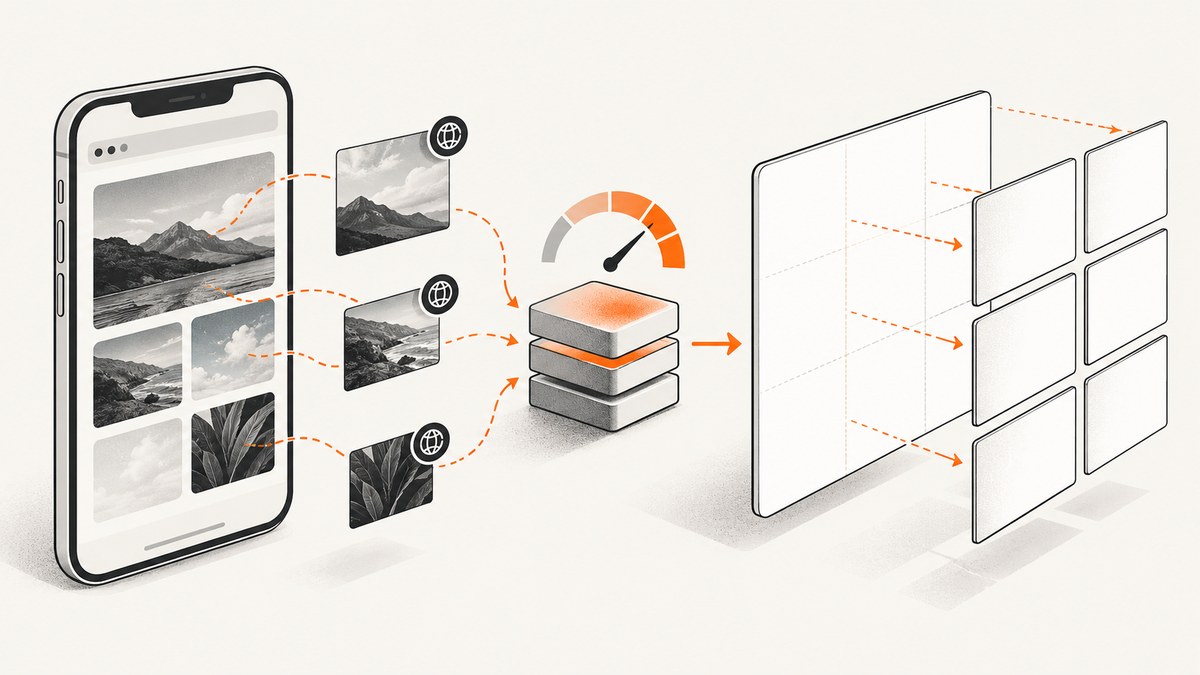
Direct answer: html2canvas usually returns a blank image on iPhone because the rendered canvas is too large for that device, contains cross-origin or tainted assets, includes content html2canvas cannot reconstruct, or attempts to read an inaccessible iframe. iOS Safari can fail silently when canvas dimensions or memory exceed its limits. Measure the target before rendering, reduce or tile large captures, make images CORS-safe, and isolate unsupported content with a small same-origin control capture.
html2canvas does not take a native browser screenshot. It walks the DOM, reads computed CSS, loads images, and paints a new canvas. A page can look correct in Safari while the reconstructed canvas is empty or incomplete. Safari support in html2canvas does not remove iOS canvas limits or browser security restrictions. See the official FAQ and documentation for the project’s scope.
1. Classify the blank result before changing code
Do not start by increasing a timeout or changing the image format. First determine which failure class you have. This short diagnostic sequence prevents a CORS fix from masking a memory problem.
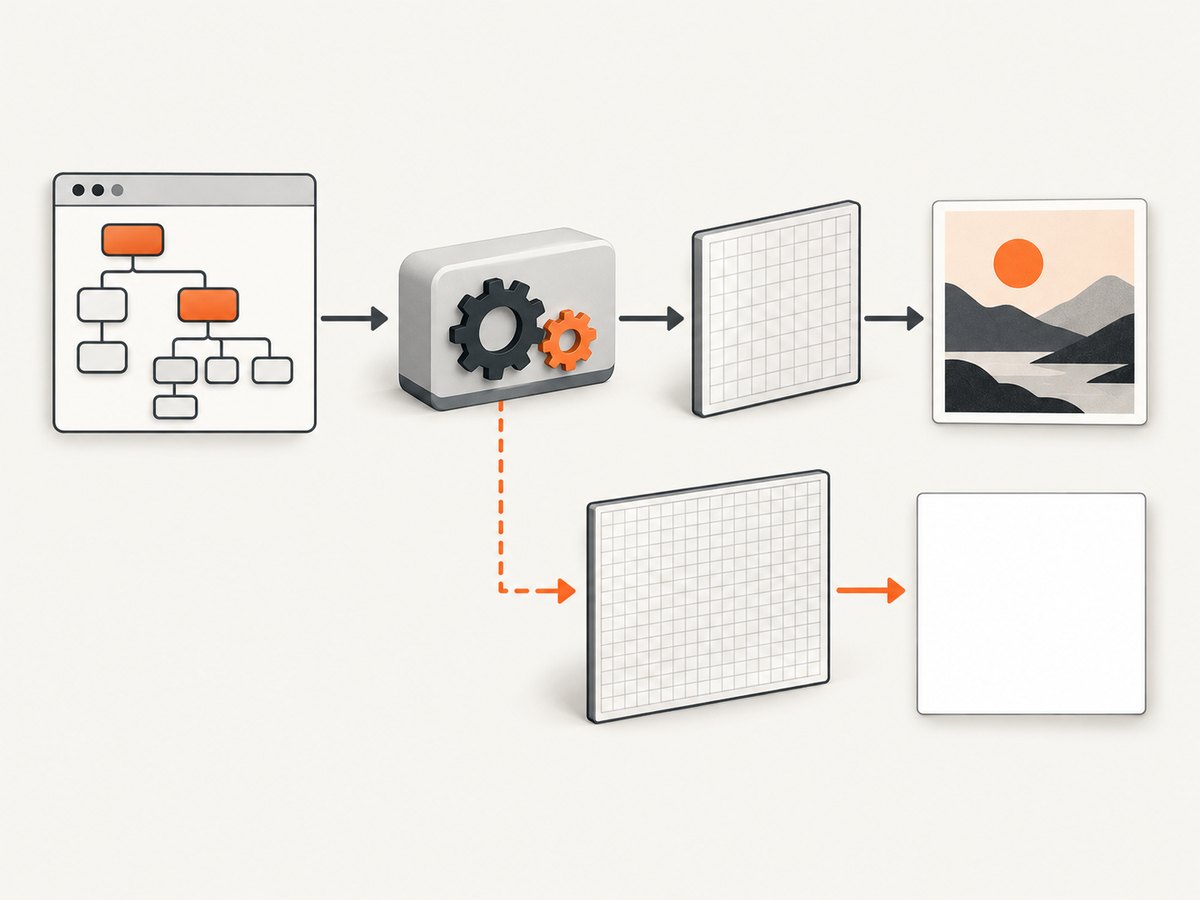
- Capture a small, same-origin element with no images.
- Log its dimensions and the canvas dimensions.
- Add local images, then remote images, one change at a time.
- Add complex CSS, existing canvases, and iframes separately.
- Repeat the test at the actual device scale and viewport.
async function diagnose(selector) {
  const element = document.querySelector(selector);
  if (!element) throw new Error(`No element found for ${selector}`);

  const rect = element.getBoundingClientRect();
  const css = getComputedStyle(element);
  console.table({
    scrollWidth: element.scrollWidth,
    scrollHeight: element.scrollHeight,
    clientWidth: element.clientWidth,
    clientHeight: element.clientHeight,
    rectWidth: rect.width,
    rectHeight: rect.height,
    devicePixelRatio: window.devicePixelRatio,
    overflowX: css.overflowX,
    overflowY: css.overflowY
  });

  const canvas = await html2canvas(element, {
    logging: true,
    onclone: clonedDocument => {
      console.log('Cloned document title:', clonedDocument.title);
    }
  });

  console.table({
    canvasWidth: canvas.width,
    canvasHeight: canvas.height,
    pixels: canvas.width * canvas.height
  });

  document.body.appendChild(canvas);
  return canvas;
}

diagnose('#capture-target').catch(console.error);
If this small control works, the basic library and export path are functional. A failure that appears only after adding a large document points toward canvas size or memory. A failure that appears only after adding a remote image points toward CORS or tainting. A failure tied to a particular CSS feature is a rendering-support issue.
2. Canvas size and iOS memory limits
The first technical check is the pixel area, not just the CSS dimensions. A 2,000 by 4,000 CSS-pixel element rendered at a device scale of 3 can require a 6,000 by 12,000 canvas. That is 72 million pixels before intermediate image memory. iOS Safari has lower canvas limits than desktop browsers, and the limit depends on device RAM. When a limit is exceeded, output can be blank or partially rendered without a useful JavaScript exception. The official FAQ documents this behavior.
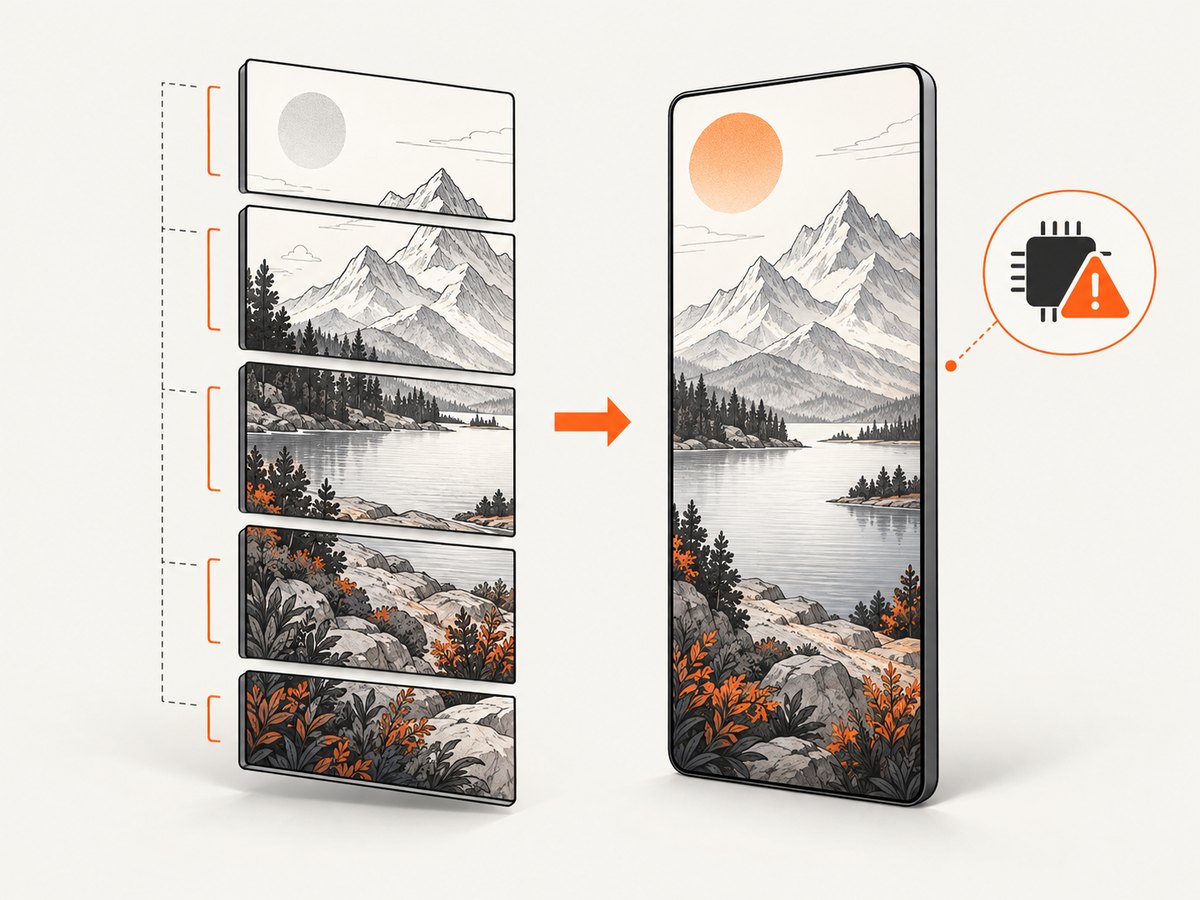
A dated html2canvas issue describes one iOS Safari case with a maximum canvas area of 4,096 × 4,096 pixels. The maintainer called it an iOS Safari limitation and recommended splitting the region and merging the results. Treat that number as a case-specific 2021 report, not a universal current limit for every iPhone. See issue #2514.
Measure before calling toDataURL or toBlob
function estimatePixels(element, scale = 1) {
  const width = Math.ceil(element.scrollWidth * scale);
  const height = Math.ceil(element.scrollHeight * scale);
  return { width, height, pixels: width * height };
}

const target = document.querySelector('#capture-target');
const estimate = estimatePixels(target, 1);
console.log(estimate);

if (estimate.width > 4096 || estimate.height > 4096) {
  console.warn('This capture is risky on some iOS Safari devices; reduce scale or tile it.');
}
Control the render window
For a large element, explicitly set the render window to the element’s scroll dimensions. This avoids a viewport that is smaller than the content and can produce clipped or empty regions.
const element = document.querySelector('#capture-target');
const canvas = await html2canvas(element, {
  windowWidth: element.scrollWidth,
  windowHeight: element.scrollHeight,
  scale: 1,
  logging: true
});

canvas.toBlob(blob => {
  if (!blob) throw new Error('Canvas export returned no Blob');
  const url = URL.createObjectURL(blob);
  const link = document.createElement('a');
  link.href = url;
  link.download = 'capture.png';
  link.click();
  URL.revokeObjectURL(url);
}, 'image/png');
Lowering scale reduces pixel area. It also reduces sharpness, so choose the smallest value that meets your output requirement. Capturing only the required element is safer than rendering the entire document.
Tile a long document
When one canvas is too large, render vertical tiles sequentially and merge them into a smaller number of output canvases. Keep each tile below the device’s practical limit, and release temporary canvases as soon as their pixels are copied.
async function captureInTiles(element, tileCssHeight = 1200) {
  const totalWidth = element.scrollWidth;
  const totalHeight = element.scrollHeight;
  const output = document.createElement('canvas');
  output.width = totalWidth;
  output.height = totalHeight;
  const context = output.getContext('2d');

  for (let top = 0; top < totalHeight; top += tileCssHeight) {
    const height = Math.min(tileCssHeight, totalHeight - top);
    const tile = await html2canvas(element, {
      x: 0,
      y: top,
      width: totalWidth,
      height,
      windowWidth: totalWidth,
      windowHeight: height,
      scrollX: 0,
      scrollY: -top,
      scale: 1,
      logging: true
    });
    context.drawImage(tile, 0, top);
    tile.width = 1;
    tile.height = 1;
  }

  return output;
}
Tiling is a workaround, not a guarantee. Fixed-position elements, animations, lazy loading, and content that changes between tiles can create seams or repeated headers. Freeze animations and use a deterministic layout before starting.
3. Cross-origin images and tainted canvases
Remote images are the second major cause. An image loaded from another origin must be delivered with an appropriate Access-Control-Allow-Origin response header, and html2canvas must request it with useCORS: true. If the image server cannot provide CORS, proxy the image through your own origin. The configuration reference documents useCORS, allowTaint, and proxy behavior.
const canvas = await html2canvas(document.querySelector('#capture-target'), {
  useCORS: true,
  allowTaint: false,
  imageTimeout: 15000,
  logging: true
});
allowTaint is not an export fix. It controls whether cross-origin images may be drawn. A canvas containing pixels from an origin that the browser does not permit remains tainted, and reading it with toDataURL() or toBlob() is blocked by browser security rules.
Check the Network panel for image responses and verify that the CORS header is present on the image request itself, including redirects. Credentials and wildcard origins also need to match your server’s policy. A same-origin proxy must fetch the image server-side, return the bytes with the correct content type, and avoid introducing redirects back to the original host.
4. Existing canvases, iframes, and unsupported CSS
html2canvas reconstructs DOM and CSS; it cannot reproduce every browser feature. A canvas that was already tainted by cross-origin drawing can make the final export unreadable. Cross-origin iframes cannot be rendered because their contentDocument is inaccessible. Replace an iframe with a same-origin version for capture, omit it, or capture that content separately with permission from its owner.
Complex filters, blend modes, video frames, web components with isolated content, and browser UI are common candidates for incomplete output. The correct response is to reduce the control case until you identify the first unsupported feature. Then provide a capture-only style, a fallback image, or a native browser screenshot when exact pixels are required.
const canvas = await html2canvas(document.querySelector('#capture-target'), {
  onclone: clonedDocument => {
    clonedDocument.querySelectorAll('iframe, video, .live-chat').forEach(node => {
      node.replaceWith(Object.assign(document.createElement('div'), {
        className: 'capture-placeholder',
        textContent: ' '
      }));
    });
  },
  logging: true
});
5. A reliable iOS capture checklist
- Use a user gesture to start capture when Safari’s lifecycle or permission behavior matters.
- Wait for fonts and images before rendering.
- Disable CSS animations and transitions in the cloned document.
- Use
windowWidthandwindowHeightbased on the target’s scroll dimensions. - Set
scale: 1first; increase it only after the capture is stable. - Keep each tile small enough for older devices.
- Call
toBlobinstead of holding multiple base64 strings in memory. - Revoke object URLs after downloads.
- Log failed image resources and keep html2canvas logging enabled while diagnosing.
- In repeated capture flows, use the documented
clearImageCacheoption to release loaded-image memory after a sequence.
await document.fonts.ready;
await Promise.all([...document.images].map(image => {
  if (image.complete) return Promise.resolve();
  return new Promise(resolve => {
    image.addEventListener('load', resolve, { once: true });
    image.addEventListener('error', resolve, { once: true });
  });
}));

const canvas = await html2canvas(target, {
  scale: 1,
  useCORS: true,
  clearImageCache: true,
  logging: true
});
6. Common errors and fixes
| Symptom | Likely cause | Fix |
|---|---|---|
| Entire image is transparent or white | Canvas area or memory limit | Log width and height, lower scale, capture an element, or tile. |
| Background appears but photos are missing | Cross-origin images or failed image loads | Use same-origin assets, CORS headers plus useCORS, or a proxy. |
SecurityError during export |
Tainted canvas | Remove the offending asset or fix its CORS response; allowTaint will not make export readable. |
| Only an iframe area is blank | Cross-origin frame | Use a same-origin frame, replace it for capture, or capture it separately. |
| First capture works; later captures are blank | Accumulated image or canvas memory | Release blobs and object URLs, clear the image cache, and avoid retaining canvases. |
| Content is clipped or missing below the viewport | Render window is too small | Pass the element’s scrollWidth and scrollHeight as window dimensions. |
| Text or effects differ from Safari | DOM/CSS reconstruction limits | Add capture-only CSS or use a native browser screenshot pipeline. |
7. When html2canvas is the wrong rendering primitive
Use html2canvas when you need a client-side image of DOM content and can control its assets. Choose a native browser screenshot when exact pixels, cross-origin pages, browser rendering, or long documents matter more than avoiding a server. A server-side browser can load the page in a real browser context, wait for network idle, and return an image or PDF without exposing client-side canvas limits.
8. Or skip the browser setup
ScreenshotNeo provides a website screenshot API and MCP server. It accepts a URL and returns PNG, JPEG, WebP, or PDF. Cookie and consent banners are accepted before capture, then more than 60 known consent platforms plus newsletter popups and chat widgets are removed. Bot checks, blank pages, timeouts, failed loads, and cache hits are not billed; response headers report the page verdict and whether the shot was billed.
See the ScreenshotNeo API docs for all options. A minimal request is:
curl -G "https://api.screenshotneo.com/v1/shot" -d access_key=YOUR_API_KEY --data-urlencode url=https://stripe.com -o shot.webpimport requests
r = requests.get(
"https://api.screenshotneo.com/v1/shot",
params={"access_key": "YOUR_API_KEY", "url": "https://stripe.com"},
timeout=90,
)
r.raise_for_status()
open("shot.webp", "wb").write(r.content)const q = new URLSearchParams({ access_key: 'YOUR_API_KEY', url: 'https://stripe.com' });
const res = await fetch(`https://api.screenshotneo.com/v1/shot?${q}`);
if (!res.ok) throw new Error(`Screenshot failed: ${res.status}`);
const bytes = Buffer.from(await res.arrayBuffer());
require('fs').writeFileSync('shot.webp', bytes);You can also choose full-page capture with lazy images loaded, a CSS selector for one element, dark mode, device presets or a custom viewport, retina scale, custom CSS and JavaScript, clicks, waits, blocked requests, headers, cookies, user agents, authorization, timezone, geolocation, transparent backgrounds, resizing, caching with a chosen TTL, signed links, asynchronous jobs with signed webhooks, bulk capture of up to 100 URLs, PDFs, HTML/CSS rendering, and usage reporting. An MCP server exposes take_screenshot, get_page_info, and capture_pdf to Claude, Cursor, and other MCP clients. Parameter names used by other screenshot APIs are accepted to make migrations easier.
The practical reasons to use this route are straightforward: cookie banners, popups, and chat widgets are removed before the shot; bot checks, blank pages, and failed loads are never billed; AI agents can take screenshots through MCP; 1,000 screenshots per month are free with no card, and paid plans start at $5 for 3,000 shots. Start with the free ScreenshotNeo plan.
9. Performance, reliability, and cost considerations
Client-side html2canvas
- Performance: Work scales with DOM complexity, image count, CSS effects, and canvas pixels. Lowering scale and capturing a smaller element usually has the largest impact.
- Reliability: Results vary with device RAM, Safari version, network responses, fonts, and cross-origin policy. Add a fallback when the capture is business-critical.
- Cost: There is no screenshot service charge, but large captures consume device memory, battery, and user time. Proxying assets adds server bandwidth and maintenance.
Server-side capture
- Performance: Reuse browser sessions where possible, wait only for required selectors or network idle, and cache stable pages.
- Reliability: Record verdicts, response status, timeouts, and failed resources. Retry transient navigation failures with a bounded policy.
- Cost: ScreenshotNeo bills only clean shots; bot checks, blank pages, timeouts, failed loads, and cache hits cost nothing. Its plans are Free 1,000 shots/month, Starter $5 for 3,000, Growth $15 for 15,000, Pro $39 for 60,000, Scale $99 for 250,000, and Business $249 for 1,000,000. Yearly billing gives two months free.
10. FAQ
Does Safari support mean every iPhone can render the same canvas?
No. Support means the browser can run the library; device-specific canvas and memory limits still apply.
Will converting PNG to JPEG fix a blank canvas?
No. The failure usually happens before encoding, during canvas creation or pixel export. Fix dimensions, assets, or unsupported content first.
Can I capture a cross-origin iframe with useCORS?
No. useCORS applies to resources such as images. A cross-origin iframe’s document remains inaccessible to the parent page.
Why does desktop work while iPhone fails?
Desktop devices often have more memory and higher practical canvas limits. The same DOM and scale can exceed an iPhone’s available canvas resources.
When should I stop debugging html2canvas?
Stop when the requirement is a pixel-perfect screenshot of arbitrary pages, cross-origin frames, or very long documents. A native browser screenshot service is a better fit for those constraints.


