How to Load External Images Through a Proxy with html2canvas in PHP
Fix cross-origin images in html2canvas with a secure PHP proxy, CORS fallback, complete code, troubleshooting, and production guidance.
By the ScreenshotNeo team30 September 20268 min read
Direct answer: html2canvas cannot bypass browser content-policy restrictions. First try useCORS: true when the image server sends an appropriate Access-Control-Allow-Origin header. If you do not control that server, configure html2canvas with proxy: '/proxy.php'. The PHP endpoint should accept ?url=, fetch and validate the image, then return the image as a base64 data URI.
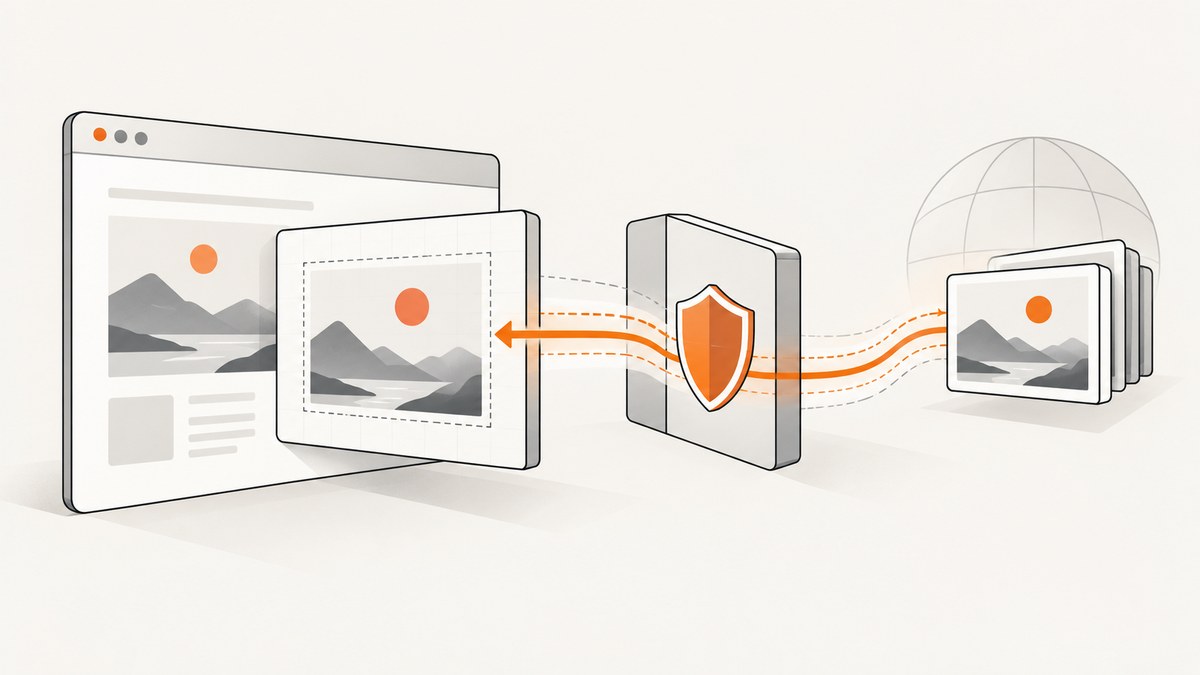
html2canvas reconstructs a DOM element in a browser canvas. A cross-origin image can taint that canvas, preventing safe reads and exports such as canvas.toDataURL(). The library does not remove this browser restriction. See the official FAQ, proxy guide, and configuration reference.
Choose CORS or a PHP proxy
Approach
Use it when
Trade-off
useCORS: true
The image host sends a CORS header allowing your page origin.
No intermediary request, but you need cooperation from the image host.
proxy
The remote server does not permit browser CORS and you can run a server endpoint.
Your server fetches and returns the image, adding bandwidth, latency, and security responsibility.
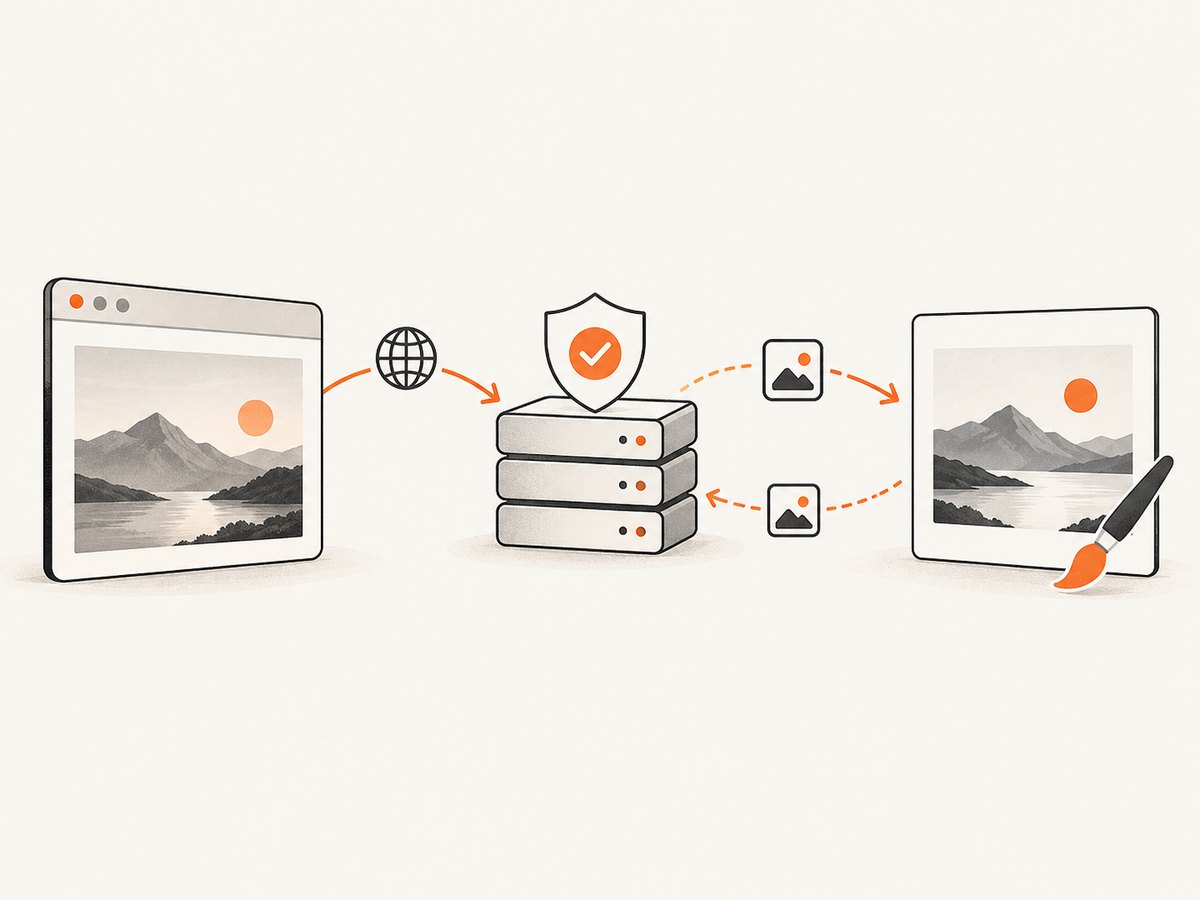
The documented proxy contract is an endpoint that accepts a ?url= query parameter and returns the fetched resource as a base64 data URI. html2canvas’s defaults are proxy: null and useCORS: false; with no proxy configured, cross-origin images are not loaded through that mechanism.
This succeeds only if every external image needed by the capture responds with a suitable Access-Control-Allow-Origin header. If the header is missing, incorrect, or blocked by a redirect, use the proxy fallback.
A PHP proxy fetches and validates the remote image before html2canvas renders it.
2. Create the PHP proxy
Create proxy.php on the same origin as the page containing html2canvas:
This implementation follows the documented response shape. The URL validation, MIME check, timeout, and other controls are deployment guidance; tailor them to your infrastructure. A URL-fetching endpoint must be treated as a security-sensitive service.
Production security checklist
Allow only https:// unless you have a specific reason to support HTTP.
Use an allowlist of image hosts where possible. A public, unrestricted fetcher can be abused for SSRF.
Resolve DNS and block private, loopback, link-local, and metadata-service addresses.
Limit redirects, and validate every redirect target rather than trusting the first URL.
Set a short connect and total timeout.
Reject responses larger than your memory and bandwidth budget.
Inspect the detected MIME type, not only the file extension or a user-supplied header.
Rate-limit the endpoint and log failures without recording secrets.
Return only image media types that your application actually needs.
html2canvas appends ?url=... to the configured proxy URL. Keep the proxy endpoint same-origin with the page, or configure your server’s own CORS policy for the proxy response.
imageTimeout defaults to 15,000 milliseconds in the configuration reference. Increase it only when slow, trusted image hosts require more time; a larger timeout also makes failures take longer.
4. Render and export the canvas
html2canvas(document.querySelector('#capture'), {
proxy: '/proxy.php'
}).then(canvas => {
document.body.appendChild(canvas);
const pngDataUri = canvas.toDataURL('image/png');
// Send pngDataUri to your application or assign it to a download link.
});
Do not use allowTaint: true as an export fix. A tainted canvas remains subject to browser restrictions; CORS or a proxy is the supported solution.
Calling the proxy outside the browser
These requests are useful for checking the endpoint independently of html2canvas. URL-encode the target value.
const q = new URLSearchParams({
url: 'https://images.example.com/photo.jpg'
});
const res = await fetch(`https://your-site.example/proxy.php?${q}`);
if (!res.ok) throw new Error(`Proxy failed: ${res.status}`);
const imageDataUri = await res.text();
if (!imageDataUri.startsWith('data:image/')) throw new Error('Unexpected response');
Edge cases that commonly break captures
Redirected images: the final host may differ from the original. Follow redirects only after validating each destination.
Unsupported formats: SVG, AVIF, or animated formats may need explicit handling and should not be accepted accidentally. Add only formats your capture path supports.
Lazy-loaded images: wait until the image has loaded before invoking html2canvas. Scrolling the target into view can trigger lazy loading.
CSS background images: proxy every external URL used in computed styles, not only <img> elements.
Authentication: a public proxy cannot fetch private images unless your server has an authorized, carefully controlled upstream request.
Large images: base64 adds payload overhead and increases memory use. Enforce response limits and consider resizing upstream.
Mixed content: an HTTPS page may refuse an HTTP image before the proxy is involved. Prefer HTTPS targets.
Canvas dimensions: very large DOM regions can exceed browser canvas limits even when all images load successfully. Capture smaller sections when possible.
Troubleshooting
Symptom
Likely cause
Fix
Image is missing
Remote image was not CORS-enabled and no proxy was configured.
Set proxy or ask the image host to send the correct CORS header.
tainted canvases may not be exported
An image entered the canvas without successful CORS or proxy handling.
Inspect every external image and background URL; use the proxy for each one.
Proxy returns 400
Missing or invalid url parameter.
Check the generated request and URL-encode the target.
Proxy returns 502
DNS, timeout, TLS, upstream denial, or a failed fetch.
Test the target from the server, increase limits only for trusted hosts, and inspect server logs.
Proxy returns 415
Detected MIME type is outside the allowlist.
Confirm the upstream really returns an image and add support deliberately if required.
Works locally but not in production
Different outbound firewall, DNS, PHP stream settings, or allowlist.
Compare server network access and PHP configuration; do not disable validation as a shortcut.
Capture times out
Slow image host or an unreachable resource.
Use a bounded timeout, remove unnecessary images, or increase imageTimeout for trusted slow sources.
Base64 response is malformed
PHP emitted warnings, HTML, or an error message before the data URI.
Disable display errors for the endpoint, log errors separately, and emit only the data URI on success.
Performance, reliability, and cost
Latency: direct CORS avoids the proxy hop. A proxy adds server fetch time and base64 encoding time.
Bandwidth: the image travels to your server and then to the browser. Cache trusted, immutable images where appropriate.
Memory:file_get_contents, MIME detection, base64 encoding, and canvas rendering each consume memory. Enforce size limits before production traffic.
Reliability: treat upstream images as unreliable dependencies. Set timeouts, cap redirects, and show a useful failure state.
Security: SSRF controls are mandatory for a proxy that accepts arbitrary URLs. Host allowlists are safer than accepting the entire public internet.
Cost: the proxy consumes your server’s egress and compute. CORS is cheaper operationally when the image host supports it.
ScreenshotNeo removes common consent banners, popups, and chat widgets before capture.
Or skip the browser setup
ScreenshotNeo is a website screenshot API and MCP server. One GET request returns a PNG, JPEG, WebP, or PDF, so you do not need to maintain a browser-side html2canvas flow or a PHP image proxy for a complete webpage.
const q = new URLSearchParams({ access_key: 'YOUR_API_KEY', url: 'https://stripe.com' });
const res = await fetch(`https://api.screenshotneo.com/v1/shot?${q}`);
Cookie and consent banners are accepted and removed before the shot, along with more than 60 known consent platforms, newsletter popups, and chat widgets.
Bot checks, blank pages, failed loads, timeouts, and cache hits are not billed; response headers identify the page verdict and whether it was billed.
An MCP server provides take_screenshot, get_page_info, and capture_pdf tools for Claude, Cursor, and other MCP clients.
The free plan includes 1,000 screenshots per month with no card. Paid plans start at $5 for 3,000 shots.
It can request images, but it cannot override the browser’s content policy. The remote response must authorize CORS, or the image must be supplied through a proxy.
Can I return raw image bytes from the PHP proxy?
The documented html2canvas proxy contract expects the fetched resource as a base64 data URI. Return that format for the proxy option.
Is a PHP proxy automatically safe if I validate the URL syntax?
No. Syntax validation does not prevent SSRF, dangerous redirects, oversized responses, or abusive traffic. Add scheme, host, network, redirect, timeout, size, and MIME controls.
Should I always use a proxy instead of CORS?
No. Use direct CORS when you control the image server and it can send the correct header. A proxy is the fallback when that cooperation is unavailable.