Why html2canvas Renders the fi Ligature Incorrectly and How to Fix It
Fix missing or distorted fi, ff, and fl ligatures in html2canvas by disabling the font’s liga feature and validating the cloned render.
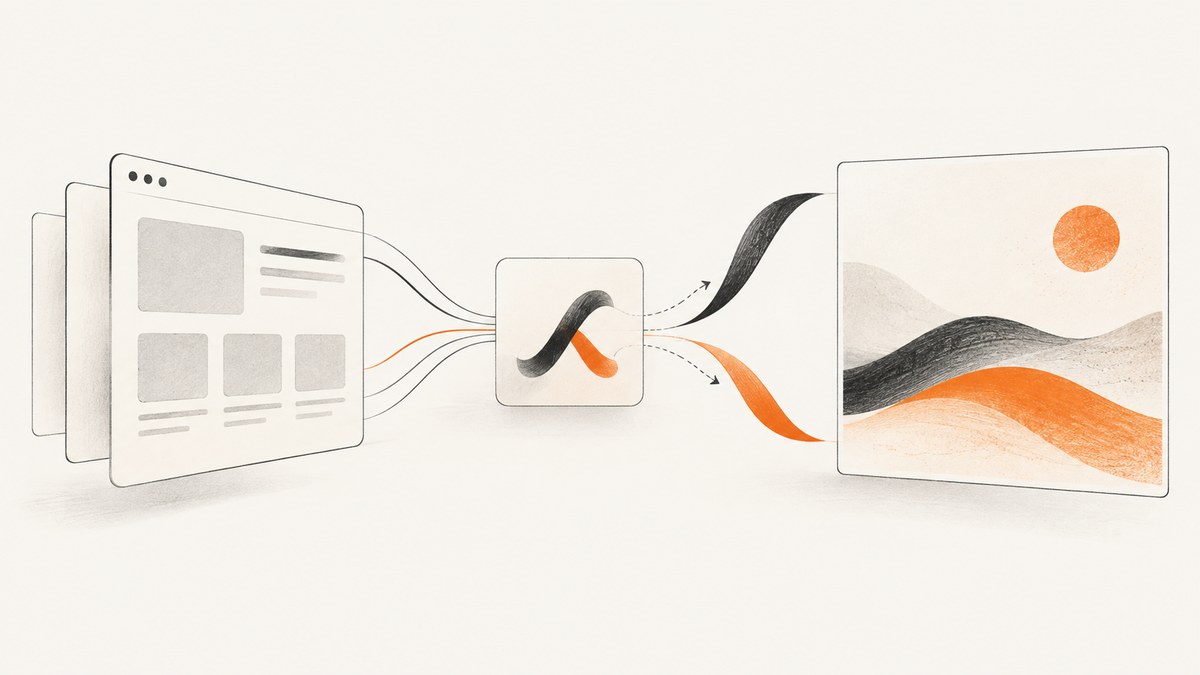
html2canvas can render the fi sequence incorrectly when a font substitutes it with a standard OpenType ligature. The most direct workaround is to disable the liga feature on the element before capture:
const element = document.getElementById('myElement');
element.style.fontFeatureSettings = '"liga" 0';
html2canvas(element);
This is a community-reported workaround, not a universal guarantee from html2canvas. Test it with the exact font, browser, and html2canvas version used by your application. The same symptom has been reported for ff and fl.
What causes the incorrect fi output?
Fonts can replace character sequences with OpenType ligatures. With the standard liga feature enabled, the browser may draw fi as one combined glyph. A reported html2canvas issue describes missing or incorrect ff, fl, and fi in generated JPEG output. The reports do not identify one affected version or browser combination, so treat the cause as an environment-specific rendering problem.
Start by comparing the normal browser rendering with the captured image. If the page looks correct in the browser but the canvas image does not, isolate the font and the exact word before changing unrelated text settings.
Minimal fix on the live element
Set fontFeatureSettings immediately before calling html2canvas. This changes the element that is visible on the page for the duration of your capture flow.
async function captureWithoutFiLigatures() {
  const element = document.querySelector('#myElement');
  if (!element) throw new Error('Missing #myElement');

  element.style.fontFeatureSettings = '"liga" 0';

  const canvas = await html2canvas(element, {
    backgroundColor: '#ffffff',
    useCORS: true
  });

  const link = document.createElement('a');
  link.download = 'capture.png';
  link.href = canvas.toDataURL('image/png');
  link.click();
}

captureWithoutFiLigatures();
If your stylesheet already sets other font features, preserve them when adding the declaration. You can also use the longhand CSS property in a stylesheet:
#myElement {
  font-feature-settings: "liga" 0;
}
Use onclone to keep the original DOM unchanged
html2canvas documents onclone as a callback for modifying the cloned document used for rendering without changing the source document. See the official configuration reference. This is usually the safer approach when the page must remain visually unchanged.
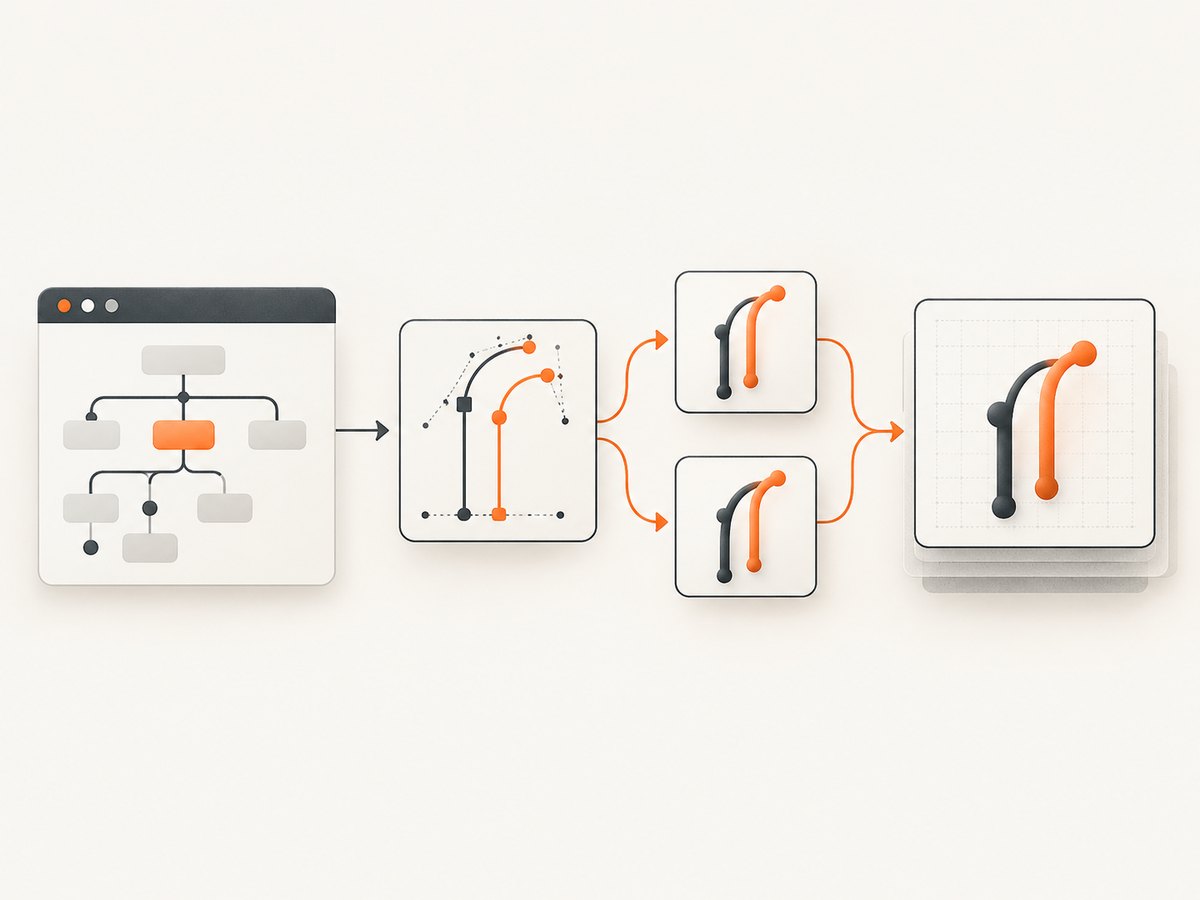
const element = document.getElementById('myElement');

const canvas = await html2canvas(element, {
  onclone: (clonedDocument) => {
    const clonedElement = clonedDocument.getElementById('myElement');
    if (clonedElement) {
      clonedElement.style.fontFeatureSettings = '"liga" 0';
    }
  }
});

document.body.appendChild(canvas);
For a selector that may occur more than once, apply the declaration to every matching element in the clone:
const canvas = await html2canvas(document.querySelector('.receipt'), {
  onclone: (clonedDocument) => {
    clonedDocument.querySelectorAll('.receipt, .receipt *').forEach((node) => {
      node.style.fontFeatureSettings = '"liga" 0';
    });
  }
});
Confirm that your selector exists in the cloned document and that your installed html2canvas version invokes the callback as documented.
Complete browser example
<!doctype html>
<html lang="en">
<head>
  <meta charset="utf-8">
  <title>html2canvas ligature test</title>
  <script src="https://cdnjs.cloudflare.com/ajax/libs/html2canvas/1.4.1/html2canvas.min.js"></script>
  <style>
    #sample {
      width: 520px;
      padding: 24px;
      font: 32px/1.4 Georgia, serif;
      background: white;
      color: #111;
    }
  </style>
</head>
<body>
  <div id="sample">office efficient affine waffle</div>
  <button id="capture">Capture</button>
  <script>
    document.getElementById('capture').addEventListener('click', async () => {
      const canvas = await html2canvas(document.getElementById('sample'), {
        onclone: (doc) => {
          doc.getElementById('sample').style.fontFeatureSettings = '"liga" 0';
        }
      });
      const link = document.createElement('a');
      link.download = 'ligature-test.png';
      link.href = canvas.toDataURL('image/png');
      link.click();
    });
  </script>
</body>
</html>
A repeatable troubleshooting workflow
- Reproduce the exact phrase. Use a test string containing
fi, such asofficeorefficient, and keep the same font, browser, operating system, and html2canvas version as production. - Check the loaded font. Confirm in browser developer tools that the intended webfont loaded before capture. A fallback font can change glyph substitution and metrics.
- Disable
liga. ApplyfontFeatureSettings: '"liga" 0'to the target element. If this fixes the image, move the change intoonclonewhen the live page must not change. - Wait for fonts. Capture only after
document.fonts.readyresolves:
await document.fonts.ready;
const canvas = await html2canvas(element, { /* options */ });- Reduce the test case. Remove transforms, unusual letter spacing, filters, and pseudo-elements. Add them back one at a time.
- Compare pixels and geometry. Check whether the problem is a missing glyph, a spacing shift, or a complete font fallback. These symptoms can have different causes.
- Check the current options reference. The current official configuration list does not include
letterRendering. A separate historical report says that option did not solve a negative-letter-spacing problem, so do not treat it as the default fix for ligatures.
Common errors and fixes
| Symptom | Likely cause | Fix |
|---|---|---|
fi still looks wrong |
The declaration was applied to the wrong node or the font was not loaded. | Apply it to the rendered node and its text descendants, await document.fonts.ready, and verify the computed style. |
| The page flickers during capture | The live element was modified. | Move the change into onclone. |
| The output uses a different typeface | Cross-origin or late-loading webfont. | Wait for fonts, configure the font server for CORS where required, and confirm the font request succeeds. |
| Only one browser fails | Browser font shaping or canvas differences. | Record the browser and OS, keep a small regression fixture, and test the workaround in that environment. |
| Text is clipped after the change | Changed glyph metrics or inherited text styles. | Compare computed font size, line height, width, letter spacing, and overflow before and after capture. |
onclone appears not to run |
Version mismatch or callback error. | Log inside the callback, verify the installed version’s configuration reference, and ensure the callback returns without throwing. |
Options that affect a reliable capture
onclone: apply render-only CSS changes.useCORS: allow images requested with CORS headers to be used when supported by their server.backgroundColor: set a deterministic background instead of relying on transparency or inherited page styles.scale: control output pixel density; higher values increase memory and processing time.windowWidthandwindowHeight: make responsive layouts deterministic.foreignObjectRendering: test only when appropriate for your browser and content; it changes the rendering path and can introduce different compatibility constraints.
For repeatable output, freeze the viewport, wait for fonts and images, avoid capturing while animations are running, and use a stable browser version in automated jobs. Large full-page documents consume more memory; capture a smaller element when that meets the requirement.
Or skip the browser setup
If you need a dependable screenshot rather than a browser-side canvas experiment, ScreenshotNeo provides a one-request website screenshot API. It accepts cookie and consent banners before capture and removes more than 60 known consent platforms, newsletter popups, and chat widgets. Bot checks, blank pages, timeouts, failed loads, and cache hits are not billed, and response headers identify the page verdict and billing status.
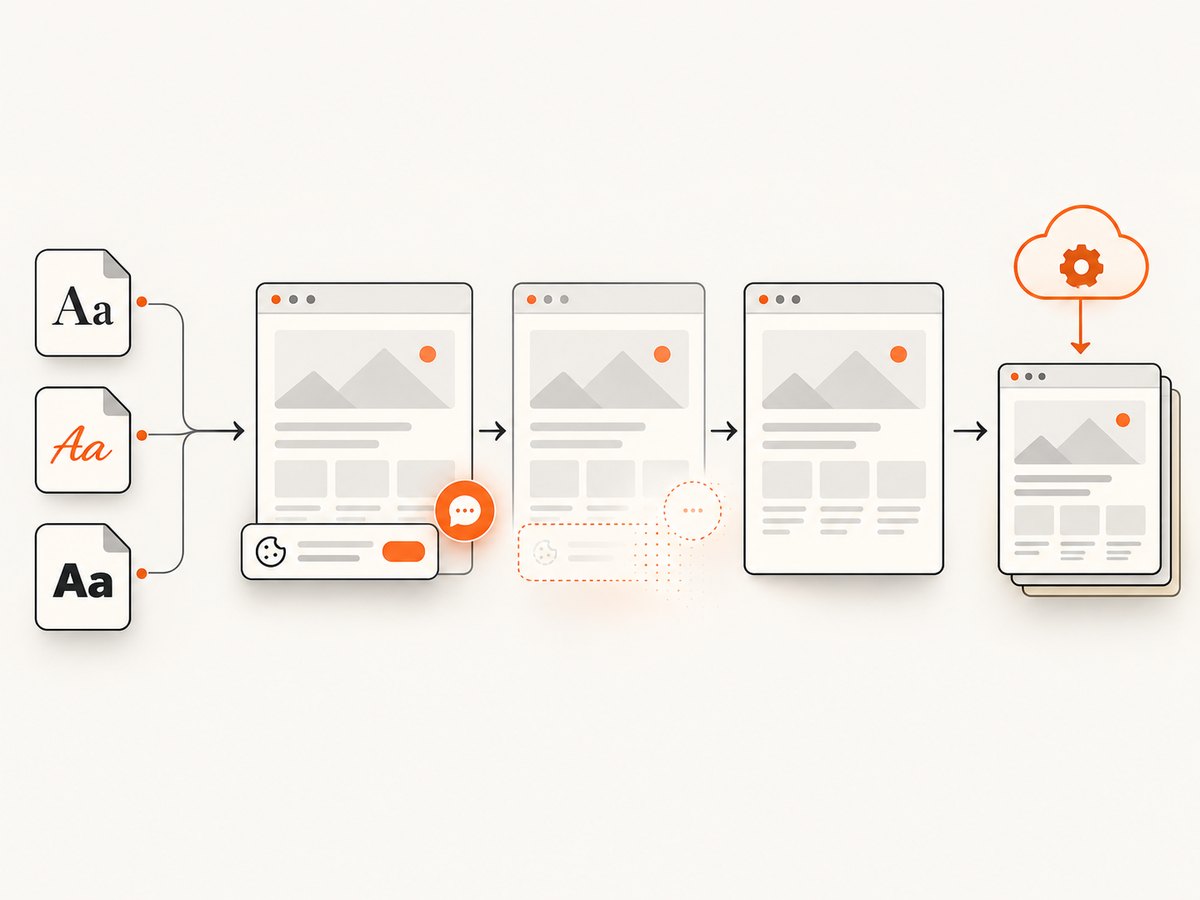
See the ScreenshotNeo API documentation for all options, including custom CSS and JavaScript, viewport and device settings, element capture, waits, blocking rules, headers, cookies, caching, PDFs, bulk jobs, and signed links.
cURL
curl -G "https://api.screenshotneo.com/v1/shot" -d access_key=YOUR_API_KEY --data-urlencode url=https://stripe.com -o shot.webpPython
import requests
r = requests.get("https://api.screenshotneo.com/v1/shot", params={"access_key": "YOUR_API_KEY", "url": "https://stripe.com"}, timeout=90)
open("shot.webp", "wb").write(r.content)
Node.js
const q = new URLSearchParams({ access_key: 'YOUR_API_KEY', url: 'https://stripe.com' });
const res = await fetch(`https://api.screenshotneo.com/v1/shot?${q}`);
The MCP server also gives Claude, Cursor, and other MCP clients take_screenshot, get_page_info, and capture_pdf tools. The free plan includes 1,000 screenshots each month with no card; paid plans start at $5 for 3,000. Create a free ScreenshotNeo account.
Performance, reliability, and cost notes
- Disabling
ligais a small CSS change; font loading, page size, image decoding, and browser startup usually dominate capture time. - Use
oncloneto avoid layout flicker and reduce side effects in interactive applications. - Keep a fixture containing the problematic words and compare output after browser, font, or html2canvas upgrades.
- For server-side screenshot volume, account for browser memory, concurrency limits, timeouts, retries, and deterministic font installation.
- With ScreenshotNeo, failed loads and other non-clean results are not billed, while cache hits are also free. You can select a cache TTL and inspect
X-Page-VerdictandX-Billedon each response.
FAQ
Is fontFeatureSettings an html2canvas option?
No. It is CSS applied to the element being rendered. html2canvas then captures the resulting DOM.
Should I use font-variant-ligatures: none instead?
You can test equivalent CSS in your environment, but the reported workaround specifically uses fontFeatureSettings: '"liga" 0'. Keep the declaration that produces correct output for your font and browser.
Does this fix every missing glyph?
No. It targets standard ligature substitution. Missing fonts, CORS failures, unsupported CSS, and letter-spacing bugs require separate diagnosis.
Can I keep ligatures in the normal page?
Yes. Apply the declaration in onclone so only the render copy disables the feature.
Is letterRendering: true the answer?
Do not rely on it as a current default. The current configuration reference does not list it, and a separate historical issue reported no resolution for a different letter-spacing symptom.


