Why html2canvas Reloads Webpage Images and How to Prevent It
html2canvas clones the page to render it, but that does not always mean another network download. Learn how to check what happened and fix missing or repeated image requests.
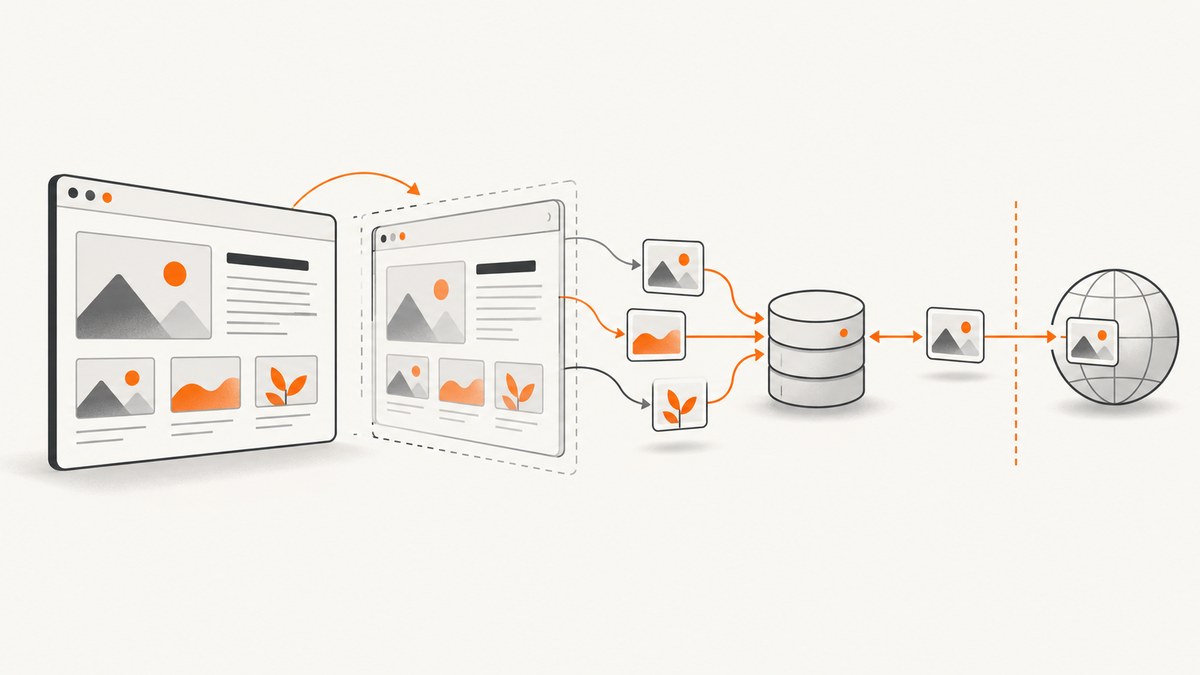
When an image appears to load again during an html2canvas capture, it may be the cloned document processing the image, a cache hit, or a genuine second HTTP transfer. The library reconstructs a renderable representation of the DOM; it does not take a native, pixel-perfect browser screenshot. Its current source entry point creates a document cloner and temporary iframe, so image elements and resources are handled in the capture document. That does not prove every capture downloads every image again. Browser caching, redirects, lazy loading, srcset, response cache headers, and library version can all affect what you see. The source reviewed on 2026-09-29 is on the mutable master branch, so treat this as current-source behavior, not a promise about every release.
To diagnose it, inspect the browser Network panel while taking one capture. Compare the request URL, initiator, status, transfer or cache indication, and timing. Then choose the fix that matches the evidence: CORS for a permitted remote image host, a restricted same-origin proxy if you cannot configure that host, or a headless browser when capture should happen server-side. ScreenshotNeo is another option when you want screenshot generation through an API or an MCP server rather than managing browser capture yourself.
1. What “reload” can mean
There are three different events that can look alike from the page:
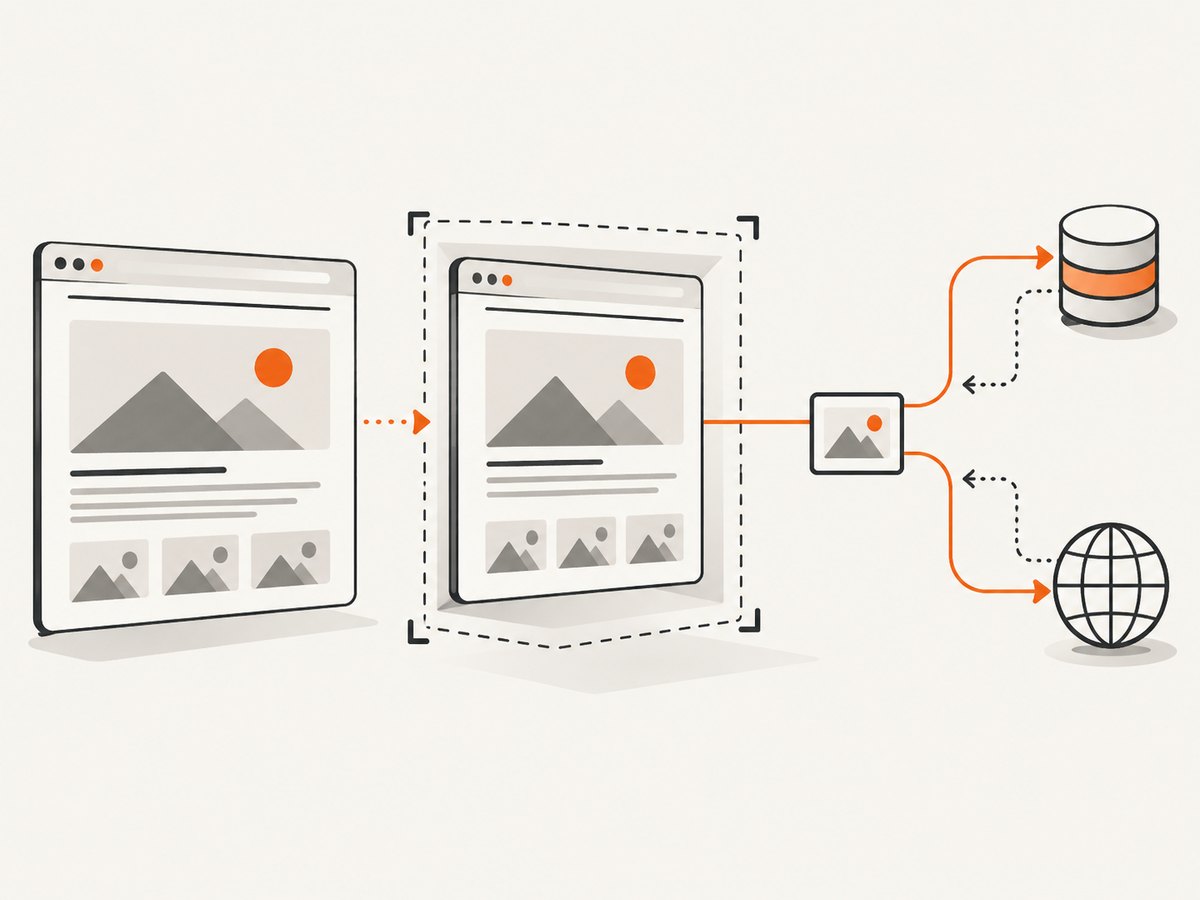
- Clone-time processing: html2canvas builds a clone to render. An image can be handled in that document even if the browser serves it from memory or disk cache.
- A cache hit: a request appears in DevTools, but the browser may satisfy it from cache or validate it without transferring the image body again.
- A second transfer: the browser actually downloads bytes again, perhaps because the URL changed, the response was not reusable, the resource redirected, or the image was not previously loaded.
Keep these meanings separate. The project documentation explains that html2canvas renders a DOM representation and cannot bypass browser content restrictions; neither the FAQ nor the reviewed source establishes that every call sends a fresh HTTP request. The FAQ says, “html2canvas cannot circumvent content policy restrictions set by your browser.” See the official FAQ.
2. Verify whether a new request reaches the network
- Open DevTools, select Network, and filter to the image’s host or image resource type. Leave “Disable cache” off for the first capture.
- Clear the request list, trigger exactly one capture, and inspect the image row. Record the full request URL, initiator, status, timing, and transfer/cache indication shown by your browser.
- Repeat with “Disable cache” on. This intentionally changes cache behavior; use it to compare, not to represent normal visitors’ experience.
- Check whether the requested URL differs from the visible image’s
src. Inspectsrcset, the computed CSSbackground-image, redirects, and lazy-load attributes or code. - Record your html2canvas version, browser, page and image origins, image response headers, and whether captures overlap. These details help distinguish a resource-policy problem from overlapping work or cache behavior.
A row appearing in Network is evidence of a request being considered, not by itself evidence of a fresh transfer. Browser DevTools labels vary, so compare the transfer size and cache indication as well as the URL, status, and timing.
3. Fix cross-origin images
A canvas can become tainted when it draws a cross-origin image without the required permission. With allowTaint: false, the documented default, html2canvas skips images that would taint the canvas. That often presents as a missing image rather than a repeat request. useCORS: true asks the browser to load eligible images using CORS; the image server still has to return an appropriate Access-Control-Allow-Origin header. This option cannot grant permission by itself.
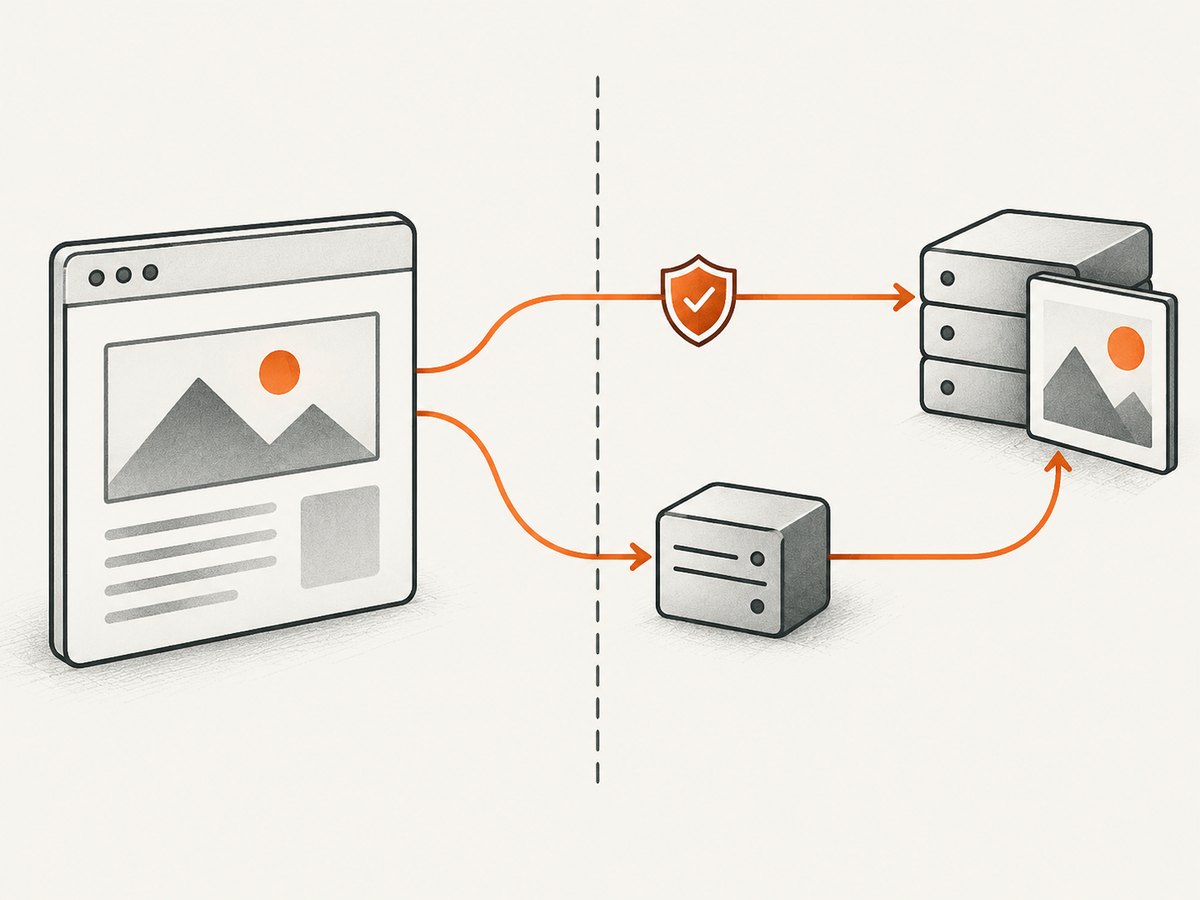
For example, if you control the remote image host or CDN and have configured it to allow your page origin:
import html2canvas from 'html2canvas';

const target = document.querySelector('#capture-area');
if (!target) throw new Error('Capture area #capture-area was not found');

const canvas = await html2canvas(target, {
  useCORS: true,
  onError(error) {
    console.warn('html2canvas resource failed:', error.message);
  },
});

document.body.appendChild(canvas);
Run this in a module-enabled page where html2canvas is installed. The relevant configuration options currently document useCORS as false by default and allowTaint as false by default; configuration defaults can vary by release. Check the current options documentation.
If you cannot change the image host
Use an application-controlled proxy endpoint and pass it as proxy. The proxy fetches an allowed image and makes it available to the capture flow. The documentation establishes the proxy option, but a proxy is also a security-sensitive server feature: validate inputs, restrict allowed hosts, and avoid exposing an open proxy that lets anyone request arbitrary URLs from your server.
const canvas = await html2canvas(target, {
  proxy: '/image-proxy',
  onError(error) {
    console.warn('Capture resource failed:', error.message);
  },
});
/image-proxy is an example application route that you must implement and secure; it is not an html2canvas-provided endpoint. Ensure it returns the image bytes and appropriate response headers for your application. Do not accept arbitrary destination URLs without an allowlist.
4. Choose the right option for the cause
| Approach | Use it when | Requirement or limit |
|---|---|---|
useCORS: true |
The image server or CDN can allow your page’s origin. | The response must include an appropriate CORS header. The option cannot override a denial. |
Controlled proxy |
You cannot configure the external image host. | You need a secured backend endpoint with host validation and allowlisting. |
isResourceSameOrigin |
Your CDN routing needs a custom, truthful origin classification. | It does not bypass browser CORS rules or grant access to an inaccessible resource. |
| Puppeteer or Playwright | Screenshot capture belongs on a server or needs a browser-driven workflow. | This changes the architecture: you need a headless-browser runtime. |
The FAQ recommends Puppeteer or Playwright for server-side screenshots. This is a different capture architecture, not a setting that turns html2canvas into a browser screenshot tool. The FAQ discusses server-side screenshots.
5. Relevant configuration and capture behavior
The official configuration page currently lists the following values. They are documentation defaults, not timeless guarantees; check the page for the version you run.
| Option | Current documented default | What it does and when it helps |
|---|---|---|
allowTaint |
false |
Allows drawing images that can taint the canvas. With the default, images that would taint it are skipped. Enabling it does not make a tainted canvas exportable under browser security rules. |
useCORS |
false |
Attempts CORS image loading. Use it when the remote response authorizes your origin. |
proxy |
null |
Specifies a proxy for resources that need one. Supply a controlled, secured endpoint. |
imageTimeout |
15000 ms |
Sets the image load wait limit. A longer timeout can accommodate slow assets, but can also delay completion; it does not fix denied CORS or a broken URL. |
onclone |
null |
Runs against the cloned document, useful for capture-only DOM adjustments without changing the live page. |
clearImageCache |
false |
Clears the shared image cache after rendering to release memory. It is not a reload-prevention switch. |
isResourceSameOrigin |
Version/configuration dependent | Can customize resource origin classification for a correctly configured CDN setup; it does not grant browser permission. |
Do not enable clearImageCache to stop apparent reloads. The current docs describe it as a memory-release option for long-lived single-page apps that capture many screenshots and caution against using it when concurrent captures share the cache. If captures overlap, first determine whether they are independently processing the same resource; avoid changing shared-cache behavior without understanding the concurrency model.
6. Make capture repeatable
When a page has lazy images or changes while capture runs, first bring the target content into a stable state. Wait for your application’s own readiness signal, ensure the image is loaded, and then capture. Do not assume the visible image has loaded merely because its container is present.
async function captureWhenReady(selector) {
  const target = document.querySelector(selector);
  if (!target) throw new Error(`No capture target: ${selector}`);

  const images = [...target.querySelectorAll('img')];
  await Promise.all(images.map((img) => {
    if (img.complete) return Promise.resolve();
    return new Promise((resolve) => {
      img.addEventListener('load', resolve, { once: true });
      img.addEventListener('error', resolve, { once: true });
    });
  }));

  return html2canvas(target, {
    useCORS: true,
    imageTimeout: 15000,
    onclone(clonedDocument) {
      // Example: make a capture-only adjustment in the cloned document.
      clonedDocument.documentElement.classList.add('capture-mode');
    },
  });
}
This waits for current <img> elements inside the target, including failures, so a failed resource does not hang this helper. It does not discover every CSS background image, guarantee CORS access, or wait for a framework’s future DOM updates. Coordinate those with your application. For a capture-only fix, use onclone to adjust the cloned document; avoid mutating the live page solely for rendering.
7. Troubleshooting common failures
| Symptom | Likely cause | What to do |
|---|---|---|
| Remote image is missing | Cross-origin response lacks usable CORS permission and the default allowTaint: false causes it to be skipped. |
Enable useCORS and configure the image server’s CORS response, or route through a secured proxy. |
| Console says canvas is tainted or export fails | A cross-origin resource was drawn without permission. | Use a CORS-authorized response or proxy. Do not expect allowTaint to bypass browser restrictions. |
| Network shows the image again, but transfer is zero or from cache | Clone-time resource handling or a browser cache hit. | Compare with cache enabled and disabled; inspect timing, transfer details, URL and initiator before calling it a new download. |
| Same image downloads repeatedly | URL changes, redirect, cache policy, differing srcset candidate, or repeated overlapping captures may be involved. |
Compare exact URLs and response headers, inspect the initiator, then capture one at a time to isolate overlap. |
| Capture waits and then omits an image | Slow response, broken URL, denied access, or timeout. | Check the image request and response, adjust the documented imageTimeout only for genuinely slow assets, and surface failures with onError. |
| CDN image treated as cross-origin | Resource origin classification does not match the app’s CDN arrangement. | Use isResourceSameOrigin only if the mapping is correct. It does not defeat CORS enforcement. |
| Memory rises after many captures | A long-lived app retains capture-related image cache state. | Review clearImageCache for sequential captures; do not enable it for concurrent captures that share the cache. |
Use onError to report resource failures rather than silently guessing at the cause. Some details depend on the browser, version, and resource type, so preserve the failing URL and browser console output when debugging.
8. Performance, reliability, and cost
DOM reconstruction has work to do: page complexity, image count and size, and waiting for slow resources can affect capture time. A larger imageTimeout can increase the time spent waiting; an unnecessarily short one can leave slow images out. Keep capture targets as small as practical, avoid triggering multiple captures at once unless your app is designed for them, and measure with representative pages. The dossier provides no benchmark for repeat-request frequency or a universal speed improvement, so performance should be measured in your own browser and page conditions.
For reliability, record the library version, browser, page origin, image origin, exact URL, response headers, and whether captures overlap. A proxy adds server work and needs security maintenance. A headless browser moves rendering to a server environment and adds runtime and deployment requirements. The html2canvas sources provide no pricing or cost figures for those architectures; calculate infrastructure cost from your own traffic and operating setup.
9. Or skip the browser setup
If your goal is a website screenshot rather than rendering a DOM element already open in your app, ScreenshotNeo’s API can return a screenshot with one GET request. It also has an MCP server for AI agents and supports PNG, JPEG, WebP, or PDF. Cookie banners, popups, and chat widgets are removed before the shot; bot checks, blank pages, and failed loads are never billed. An MCP server lets AI agents take screenshots. The free plan includes 1,000 screenshots a month with no card, and paid plans start at $5 for 3,000.
curl -G "https://api.screenshotneo.com/v1/shot" \
  -d access_key=YOUR_API_KEY \
  --data-urlencode url=https://stripe.com \
  -o shot.webp
For a browser-side call from Python or Node.js, use the same endpoint and your API key:
import requests

r = requests.get(
    "https://api.screenshotneo.com/v1/shot",
    params={"access_key": "YOUR_API_KEY", "url": "https://stripe.com"},
    timeout=90,
)
r.raise_for_status()
open("shot.webp", "wb").write(r.content)
const q = new URLSearchParams({
access_key: 'YOUR_API_KEY',
url: 'https://stripe.com',
});
const res = await fetch(`https://api.screenshotneo.com/v1/shot?${q}`);
if (!res.ok) throw new Error(`Screenshot request failed: ${res.status}`);
const bytes = new Uint8Array(await res.arrayBuffer());
await import('node:fs/promises').then(({ writeFile }) => writeFile('shot.webp', bytes));See the ScreenshotNeo docs for API details. Sign up for 1,000 free screenshots a month with no card.
10. FAQ
Does every html2canvas call download every image again?
No such universal behavior is established by the reviewed docs or source. A cloned document processes resources, but caching and page behavior determine whether bytes are fetched again.
Does useCORS: true fix any remote image?
No. The remote server must return an appropriate CORS header for your page’s origin.
Is clearImageCache the fix for repeat requests?
No. It clears shared image cache state after rendering to release memory, and the current docs warn about concurrent captures that share that cache.
Can I use html2canvas for server-side screenshots?
The project FAQ points to Puppeteer or Playwright for server-side screenshot generation. That requires a headless-browser setup.
Why aren’t my images rendered?
Start with CORS: check whether the image is cross-origin and whether its response permits your page’s origin. Then inspect load errors, URL selection, and timeout behavior.
Sources
- html2canvas FAQ
- html2canvas configuration options
- html2canvas getting started
- html2canvas source entry point (mutable master branch; reviewed 2026-09-29)


