How to Fix html2canvas [object undefined] Errors in Angular 6
Fix Angular 6 html2canvas [object undefined] failures by isolating iframes, handling Angular zones, checking rejected promises, and choosing safer capture paths.
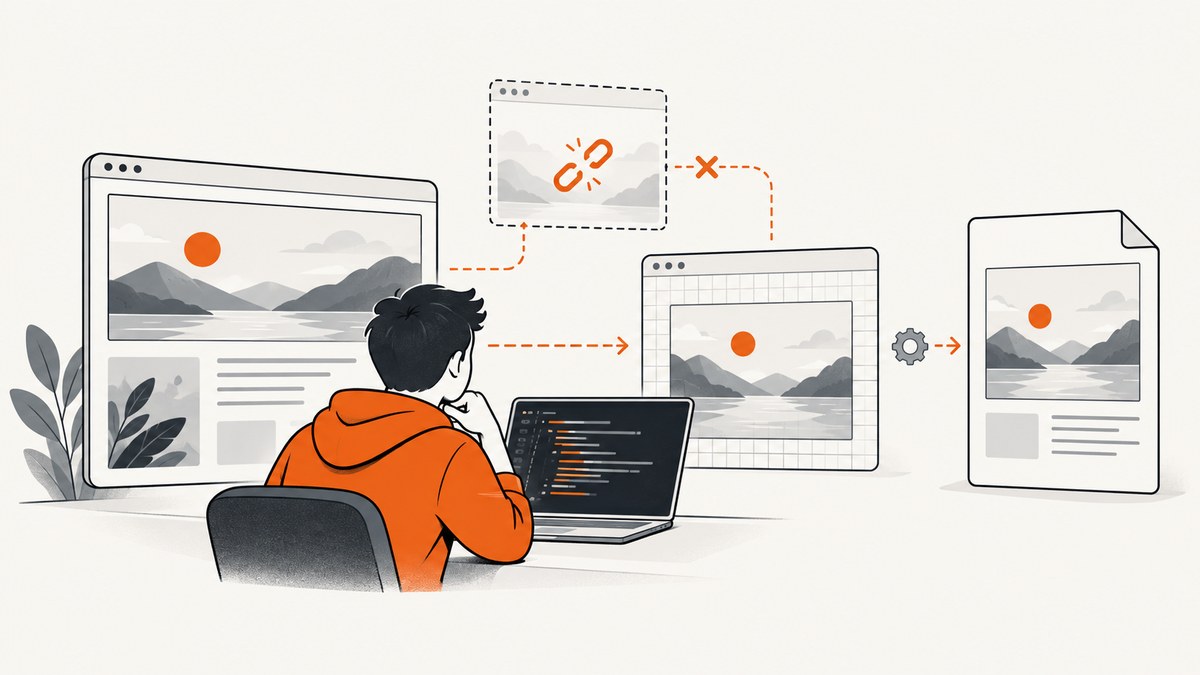
Short answer: In Angular 6, html2canvas: Error Uncaught (in promise): [object undefined] is an unhandled promise rejection. The text describes the rejected value as undefined; it does not identify the root cause. A common trigger is an iframe inside the element being cloned. Start by excluding iframe nodes, then test the smallest possible target, inspect the original rejection in DevTools, and only then investigate Angular zone scheduling or library-version issues.
This guide shows a reproducible debugging sequence, complete Angular and browser code, PDF export considerations, cross-origin edge cases, performance and reliability advice, and an API option when maintaining a browser capture stack is unnecessary.
1. What [object undefined] actually means
JavaScript converts some values to a string when an error reaches an unhandled promise or framework error handler. ECMAScript’s object tag for an undefined value is rendered as [object Undefined] (often shown by Angular and Zone.js as [object undefined]). That message tells you the rejected value’s type, not why html2canvas rejected it.
In the reported Angular 6 flow, the application awaited html2canvas(header, { svgRendering: true }), converted the returned canvas with toDataURL('image/png'), and passed the image to jsPDF. The visible failure appeared at the html2canvas call and was surfaced through Zone.js’s promise-resolution stack. The useful question is therefore: which DOM node, resource, clone operation, or integration callback caused the promise to reject?
2. Fast diagnosis checklist
- Capture a small element. Replace the page or header container with a plain, static
div. If that works, add children back until the failure returns. - Remove iframes temporarily. Embedded videos, maps, payment widgets, analytics frames, and preview frames are common triggers during DOM cloning.
- Check cross-origin resources. Images, fonts, SVG files, and frames from another origin can be blocked by browser security rules.
- Log the original rejection. Add a rejection handler before Angular or Zone.js turns it into a generic message.
- Confirm versions. Angular 6 and older html2canvas releases are legacy combinations. Record the exact html2canvas version, browser, and jsPDF version before changing code.
- Test outside Angular’s zone. This can avoid change-detection scheduling interactions in some integrations, but it is a workaround rather than a universal fix.
html2canvas(target).then(
  canvas => console.log('capture succeeded', canvas.width, canvas.height),
  error => console.error('original html2canvas rejection', error)
);
3. The iframe workaround
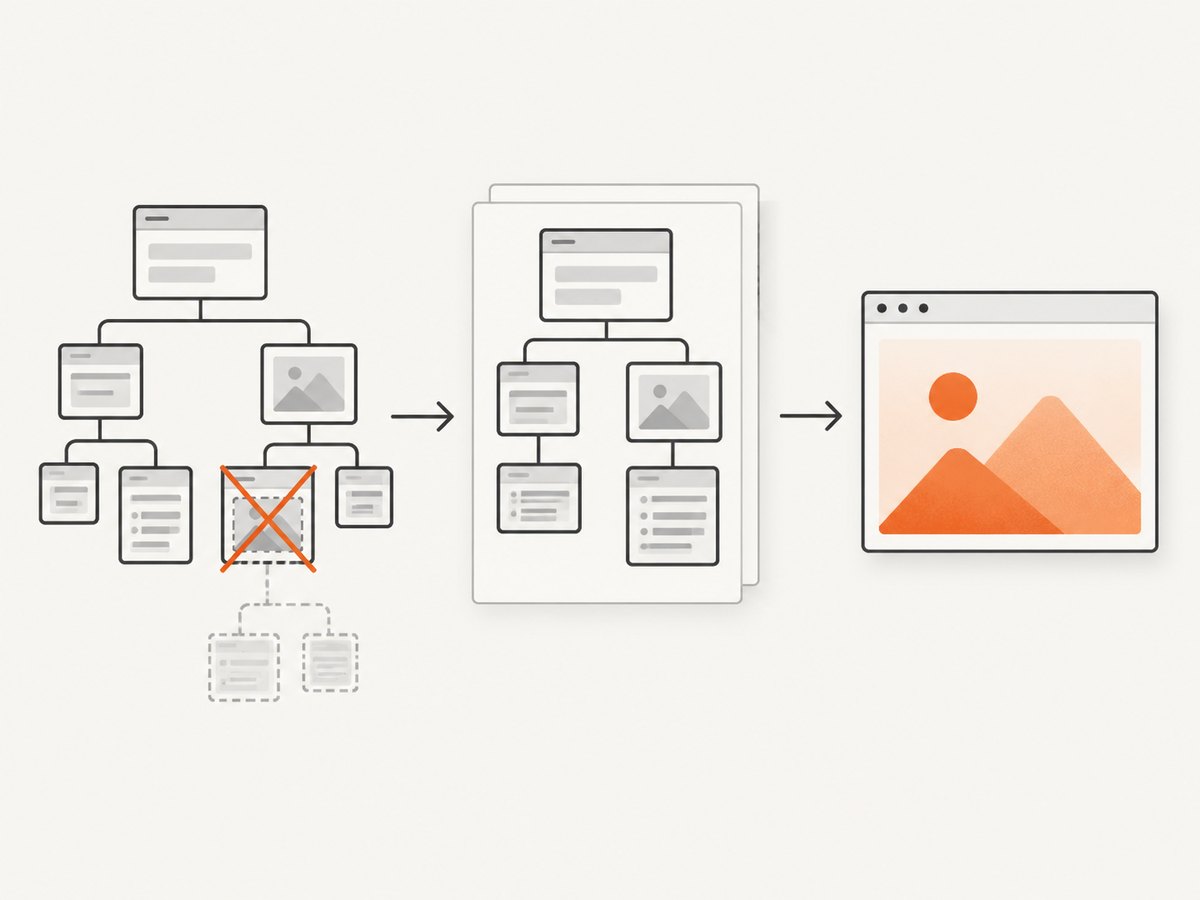
If the target contains an iframe, tell html2canvas to ignore it. The ignoreElements callback receives each cloned DOM node and returns true for nodes that must not be captured.
import html2canvas from 'html2canvas';

const target = document.querySelector('#invoice-header');

if (!target) {
  throw new Error('Capture target #invoice-header was not found');
}

html2canvas(target, {
  ignoreElements: (node: Element) => node.nodeName === 'IFRAME'
}).then((canvas) => {
  const png = canvas.toDataURL('image/png');
  console.log('PNG data URL length:', png.length);
}).catch((error) => {
  console.error('html2canvas failed:', error);
});
This avoids cloning iframe nodes. It also means the iframe’s visual content will be absent from the resulting image. If the frame is essential, capture it separately from an endpoint that can render the frame’s page, or replace it with a static placeholder before capture.
Do not assume every [object undefined] failure is caused by an iframe. Remove the frame as an experiment, keep the rejection handler, and verify that the error disappears before adopting the workaround permanently.
4. Complete Angular 6 component example
The following component waits for a user action, validates the target, excludes iframes, and downloads a JPEG. The rejection handler preserves the underlying error for debugging.
import { Component, NgZone } from '@angular/core';
import html2canvas from 'html2canvas';

@Component({
  selector: 'app-capture',
  template: `
    <section id="invoice-header">
      <h1>Invoice 1042</h1>
      <p>Customer: Example Ltd.</p>
      <iframe title="external-preview" src="https://example.com/preview"></iframe>
    </section>
    <button type="button" (click)="download()">Download image</button>
  `
})
export class CaptureComponent {
  constructor(private readonly ngZone: NgZone) {}

  download(): void {
    const target = document.getElementById('invoice-header');
    if (!target) {
      console.error('Missing #invoice-header');
      return;
    }

    this.ngZone.runOutsideAngular(() => {
      html2canvas(target, {
        backgroundColor: '#ffffff',
        useCORS: true,
        ignoreElements: (node: Element) => node.nodeName === 'IFRAME'
      }).then((canvas) => {
        const link = document.createElement('a');
        link.href = canvas.toDataURL('image/jpeg', 0.92);
        link.download = 'invoice-header.jpg';
        link.click();
      }).catch((error) => {
        console.error('Capture rejected:', error);
      });
    });
  }
}
runOutsideAngular prevents the capture’s asynchronous work from repeatedly triggering Angular change detection. If the UI must update after completion, re-enter the zone for that small update:
this.ngZone.runOutsideAngular(() => {
  html2canvas(target).then((canvas) => {
    const dataUrl = canvas.toDataURL('image/png');
    this.ngZone.run(() => {
      this.lastImage = dataUrl;
    });
  }).catch((error) => {
    this.ngZone.run(() => {
      this.errorMessage = String(error);
    });
  });
});
5. Exporting the canvas to jsPDF
Once html2canvas resolves, jsPDF can place the data URL into a PDF. Preserve the canvas aspect ratio so the image is not stretched.
import jsPDF from 'jspdf';

html2canvas(target, {
  ignoreElements: (node: Element) => node.nodeName === 'IFRAME'
}).then((canvas) => {
  const image = canvas.toDataURL('image/png');
  const pdf = new jsPDF({ orientation: 'portrait', unit: 'mm', format: 'a4' });
  const pageWidth = 210;
  const margin = 12;
  const width = pageWidth - (margin * 2);
  const height = (canvas.height * width) / canvas.width;

  pdf.addImage(image, 'PNG', margin, margin, width, height);
  pdf.save('invoice.pdf');
}).catch((error) => {
  console.error('Could not create PDF:', error);
});
For a long page, split the content into sections and add a page per section. A very large single canvas consumes substantial memory and can fail even when a small capture works.
6. Options that affect failures and output
| Option or condition | Use it when | Trade-off |
|---|---|---|
ignoreElements |
The target contains iframes, widgets, or unstable nodes | Ignored content is missing from the image |
useCORS: true |
Images are hosted on another origin and send suitable CORS headers | It cannot bypass a server that omits Access-Control-Allow-Origin |
allowTaint: true |
You accept a tainted canvas for limited use | Reading pixels or calling toDataURL can remain blocked; it is not a cross-origin bypass |
scale |
You need sharper output or lower memory use | Higher values increase pixels, time, and memory |
backgroundColor: null |
You need transparency | Some PDF or image viewers display transparent areas differently |
windowWidth/windowHeight |
Responsive layout must be deterministic | Values different from the real viewport can change wrapping |
Wait for web fonts and images before starting. A capture that begins while layout is changing can produce blank images or inconsistent dimensions.
await document.fonts.ready;
await Promise.all(Array.from(document.images).map((image) => {
  if (image.complete) return Promise.resolve();
  return new Promise(resolve => {
    image.addEventListener('load', resolve, { once: true });
    image.addEventListener('error', resolve, { once: true });
  });
}));
7. Common errors, causes, and fixes
Another generic promise rejection
Cause: The original error was discarded by a missing catch, a callback that throws, or Zone.js reporting only the final string.
Fix: Attach an immediate rejection handler, log the full object, and reproduce with one element. Do not debug from the shortened console text alone.
The target is null
Cause: Capture runs before Angular has rendered the element, or the selector is wrong.
Fix: Trigger capture after the view exists, use @ViewChild after view initialization, and check the element before calling html2canvas.
Blank or partially blank output
Cause: An image, font, iframe, lazy-loaded section, or CSS background was not available at capture time.
Fix: Wait for fonts and images, scroll lazy content into view if needed, enable CORS only when the server supports it, and ignore or replace frames.
SecurityError when calling toDataURL
Cause: A cross-origin resource tainted the canvas.
Fix: Serve the resource with appropriate CORS headers, proxy it through your own origin, or remove it from the capture. Client-side options cannot override browser security policy.
Capture freezes or the tab runs out of memory
Cause: A full-page, high-scale canvas has too many pixels, or the page contains large images and animations.
Fix: Capture smaller sections, lower scale, disable animations, and release data URLs after saving. Avoid running several large captures concurrently.
Changing html2canvas internals appears to help
The reported issue discussion mentions changing iframeLoader in the library’s clone code to return Promise.resolve(cloneIframeContainer). That changes library behavior globally and can break unrelated captures. Prefer a released library version, an application-level ignoreElements rule, or a narrowly scoped fork that you can maintain.
8. Reliability and performance practices
- Use a deterministic capture boundary instead of the entire application shell.
- Disable CSS animations and transitions during capture so layout does not move between clone and rasterization.
- Capture after data binding, images, and fonts are ready.
- Use one capture at a time for large documents and show progress to the user.
- Keep a browser and html2canvas version matrix for the browsers your users actually run.
- Record target dimensions, resource failures, and the original rejection object in development logs.
- For PDFs, prefer multiple moderate pages over one enormous canvas.
9. Or skip the browser setup
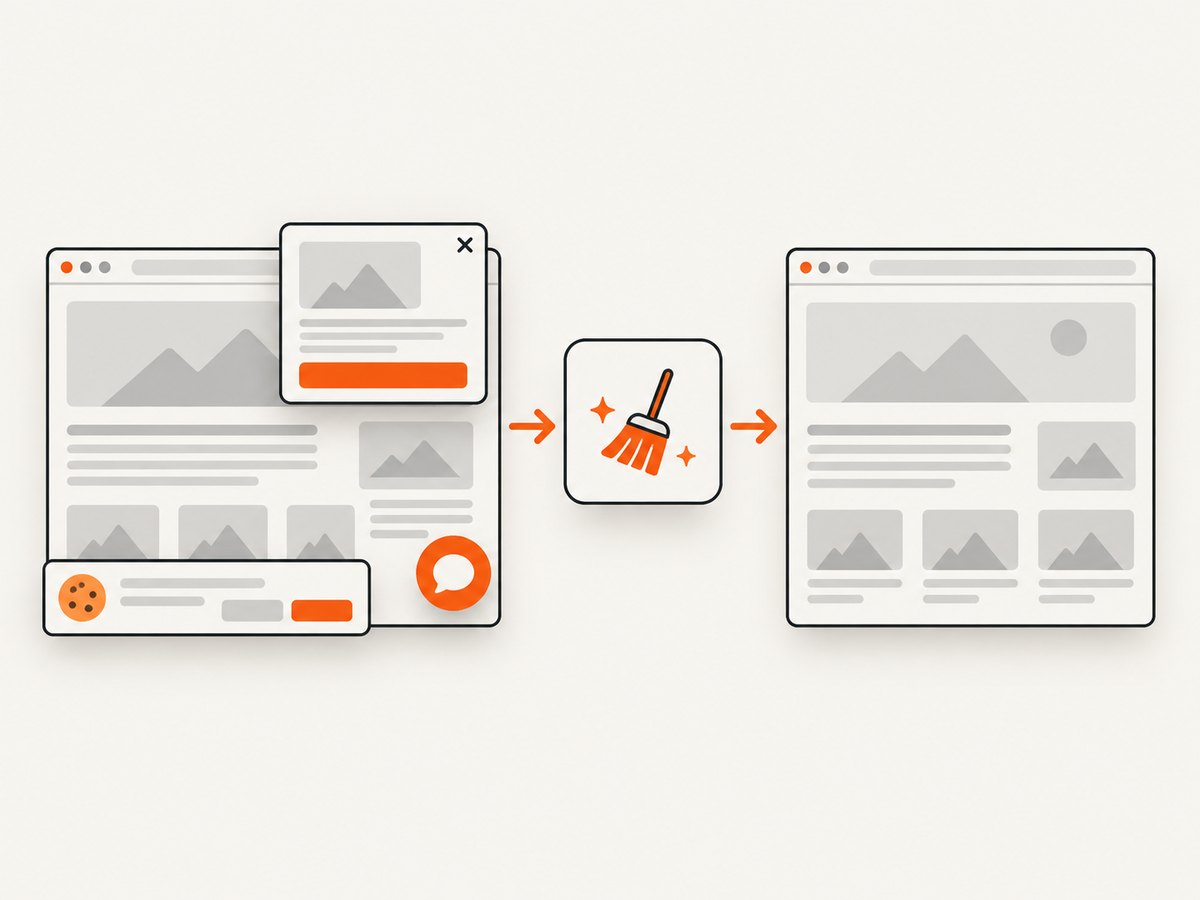
If your goal is a clean website screenshot rather than an image of Angular’s live DOM, ScreenshotNeo provides a single HTTP request. It accepts cookie and consent banners like a visitor, then removes more than 60 known consent platforms, newsletter popups, and chat widgets before capture. Each step can be turned off.
It also reports whether a response was a clean shot, bot check, blank page, timeout, failed load, or cache hit. Only clean shots are billed; the response includes X-Page-Verdict and X-Billed headers. An MCP server provides take_screenshot, get_page_info, and capture_pdf tools for Claude, Cursor, and other MCP clients.
See the ScreenshotNeo API documentation for authentication and all capture parameters. This minimal request returns a WebP file:
cURL
curl -G "https://api.screenshotneo.com/v1/shot" -d access_key=YOUR_API_KEY --data-urlencode url=https://stripe.com -o shot.webpPython
import requests

r = requests.get(
    "https://api.screenshotneo.com/v1/shot",
    params={"access_key": "YOUR_API_KEY", "url": "https://stripe.com"},
    timeout=90,
)
r.raise_for_status()
open("shot.webp", "wb").write(r.content)
Node.js
const q = new URLSearchParams({ access_key: 'YOUR_API_KEY', url: 'https://stripe.com' });
const res = await fetch(`https://api.screenshotneo.com/v1/shot?${q}`);
if (!res.ok) throw new Error(`Screenshot failed: ${res.status}`);
const buffer = Buffer.from(await res.arrayBuffer());
require('fs').writeFileSync('shot.webp', buffer);
Options cover full-page capture with lazy images loaded, CSS-element capture, dark mode, 12 device presets or custom viewports, retina scale, PDF paper size and margins, custom CSS and JavaScript, click and wait rules, blocked ads or resource types, headers, cookies, user agents, authorization, timezone, geolocation, transparent backgrounds, resizing, chosen cache TTLs, signed links, asynchronous jobs with signed webhooks, bulk capture of up to 100 URLs per call, usage reporting, and an OpenAPI specification. Existing parameter names used by other screenshot APIs also work, which can simplify migration.
Free usage includes 1,000 screenshots per month with no card. Paid plans start at $5 for 3,000 shots; every feature is available on every plan. Create a free ScreenshotNeo account to try the API.
10. FAQ
Is [object undefined] an Angular 6 error?
It is an unhandled promise rejection displayed through Angular and Zone.js. The underlying failure is usually in the capture operation or a callback.
Should I always ignore iframes?
No. Ignore them when they trigger cloning failures or when their content is not required. If the frame matters, capture it through a compatible service or replace it with a static representation.
Does runOutsideAngular fix html2canvas?
It can avoid zone scheduling problems in some applications. It cannot repair a missing element, blocked cross-origin image, iframe clone failure, or browser memory limit.
Can I make a cross-origin iframe readable with JavaScript?
No. Same-origin policy prevents page script from reading an unrelated origin. Use cooperation through CORS or postMessage where appropriate, or capture the frame separately.
When should I use an API instead of html2canvas?
Use an API when you need repeatable server-side captures, clean pages without consent clutter, PDF output, bulk URLs, or AI-agent access without shipping browser capture code to every client.


