How to Include Screenshots in an HTMLTestRunner Report
Capture Selenium screenshots before teardown, associate them with each test, and render linked or embedded images in HTMLTestRunner reports.

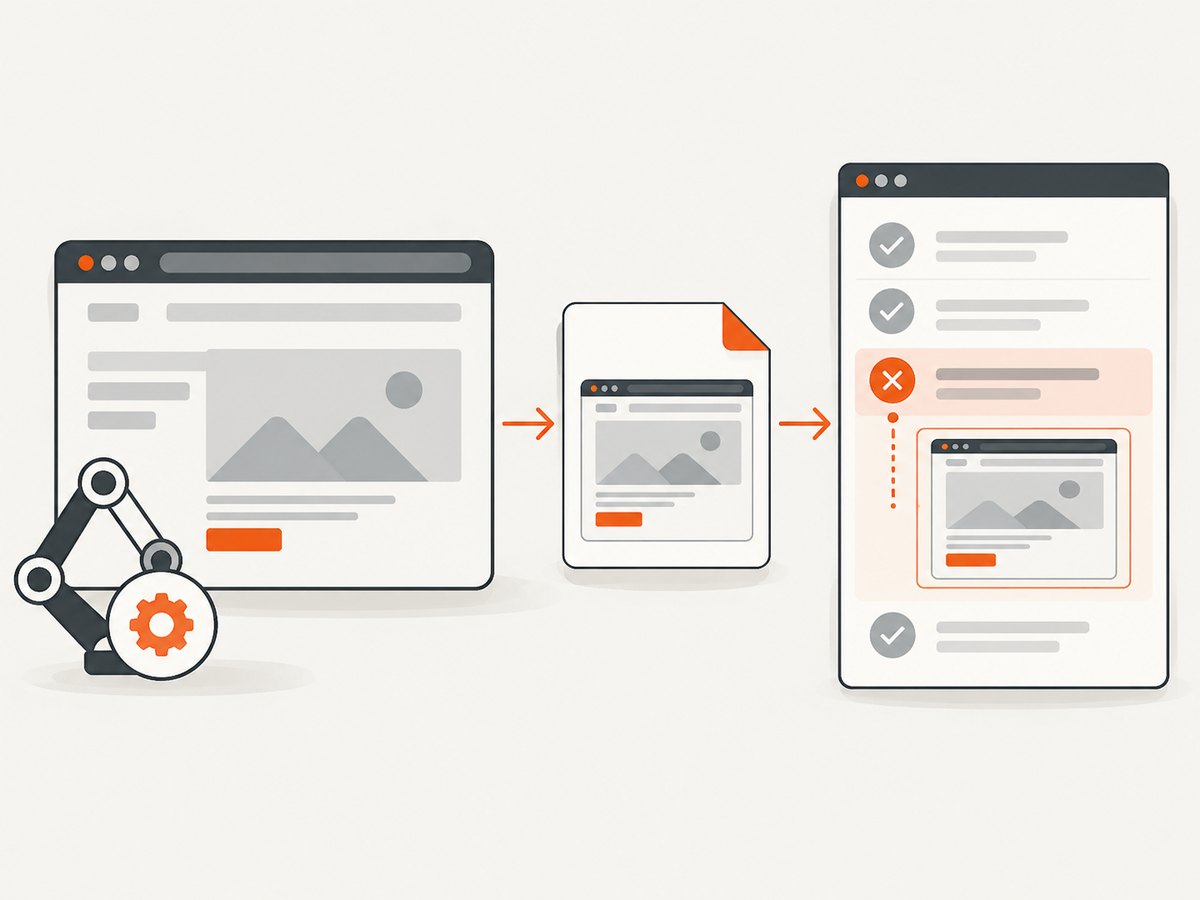
Capture the screenshot while the Selenium WebDriver is still running, attach the resulting path or base64 data to the individual test result, and make the HTMLTestRunner template render that attachment beneath the matching test. The exact attachment code depends on which HTMLTestRunner distribution and report template you installed. The original package, forks, and newer packages do not share one universal screenshot API.
Selenium provides save_screenshot(), get_screenshot_as_file(), and get_screenshot_as_base64(). The base64 method is intended for embedding image bytes directly in HTML. Read the Selenium Python WebDriver screenshot API.
1. Identify your HTMLTestRunner implementation
Before copying an example, inspect the installed distribution, version, result class, and report template. “HTMLTestRunner” can refer to the original PyPI package, a fork such as oldani/HtmlTestRunner, or a package with its own helper methods.
python -m pip show htmltestrunner
python -m pip show htmltestrunner-lit
python -m pip freeze | grep -i htmltest
The original HTMLTestRunner package description documents an extension to unittest that generates HTML reports, but it does not define one cross-package screenshot attachment helper. The htmltestrunner-lit documentation, for example, documents an attach_screenshot helper specific to that package. A fork may instead require custom result fields and a modified template; the oldani report template shows why template variables must be checked directly.
2. Capture a screenshot before the browser closes
Use a stable test identifier and create the output directory before writing files. Capture in the test body, a failure-aware teardown, or a result hook that still has access to the live driver.
from pathlib import Path
from selenium import webdriver

SCREENSHOT_DIR = Path("test-artifacts/screenshots")
SCREENSHOT_DIR.mkdir(parents=True, exist_ok=True)

def screenshot_path(test_id: str) -> Path:
    safe_name = test_id.replace(".", "_").replace(" ", "_")
    return SCREENSHOT_DIR / f"{safe_name}.png"

# The driver must still be alive here.
driver = webdriver.Chrome()
try:
    driver.get("https://example.com")
    path = screenshot_path("test_home_title")
    written = driver.save_screenshot(str(path))
    if not written:
        raise RuntimeError(f"Selenium did not write {path}")
finally:
    driver.quit()
save_screenshot(path) and get_screenshot_as_file(path) return a Boolean result according to Selenium’s API. Treat False as a capture failure instead of silently adding a broken link.
3. Complete Python unittest pattern
This example captures only failed tests and stores the screenshot path on the test instance. It uses standard unittest lifecycle methods; your runner must expose that value to its report template.
import os
import re
import unittest
from pathlib import Path
from selenium import webdriver
from selenium.webdriver.chrome.options import Options

ARTIFACTS = Path("test-artifacts")
SCREENSHOTS = ARTIFACTS / "screenshots"
SCREENSHOTS.mkdir(parents=True, exist_ok=True)


def safe_filename(value: str) -> str:
    return re.sub(r"[^A-Za-z0-9_.-]+", "_", value)


class CheckoutTests(unittest.TestCase):
    @classmethod
    def setUpClass(cls):
        options = Options()
        options.add_argument("--headless=new")
        options.add_argument("--window-size=1440,1000")
        cls.driver = webdriver.Chrome(options=options)

    @classmethod
    def tearDownClass(cls):
        cls.driver.quit()

    def setUp(self):
        self.screenshot_path = None

    def tearDown(self):
        # Replace this condition with the failure signal supported by your
        # Python/unittest version or result hook. Do not guess at a private
        # runner attribute without checking its implementation.
        failed = getattr(self, "_test_failed", False)
        if failed:
            test_id = safe_filename(self.id())
            path = SCREENSHOTS / f"{test_id}.png"
            if self.driver.save_screenshot(str(path)):
                self.screenshot_path = path.as_posix()

    def test_home_title(self):
        self.driver.get("https://example.com")
        self.assertEqual(self.driver.title, "Example Domain")


if __name__ == "__main__":
    unittest.main()
The important parts are the timing and association: capture before tearDownClass calls quit(), and store the path against the exact test case that failed. A production implementation should set the failure flag from the result hook or runner-supported outcome object, because teardown outcome attributes vary by Python and HTMLTestRunner version.
4. Make the report template render the attachment
HTMLTestRunner must receive either an image path or image data, and its template must emit an <img> element under the corresponding test row. There are two common designs.
Custom result field with a linked PNG
<!-- In the test-case section of your report template -->
<?python
screenshot = test_result.get("screenshot_path")
?>
<?python if screenshot: ?>
  <div class="screenshot">
    <img src="{{ screenshot }}" alt="Screenshot for {{ test_result['id'] }}">
  </div>
<?python endif ?>
The syntax above is illustrative: template engines and variable names differ. Find the test-case loop in your installed template, add the screenshot field to the result object passed into that loop, and use a path relative to the generated report.
Embedded base64 image
from selenium import webdriver

png_base64 = driver.get_screenshot_as_base64()
image_src = f"data:image/png;base64,{png_base64}"
# Pass image_src as the test result's screenshot value.
# The template can render: <img src="{{ screenshot_data }}" ...>
Embedding keeps the report self-contained, but increases HTML size. Selenium explicitly describes get_screenshot_as_base64() as useful for embedding screenshots in HTML.
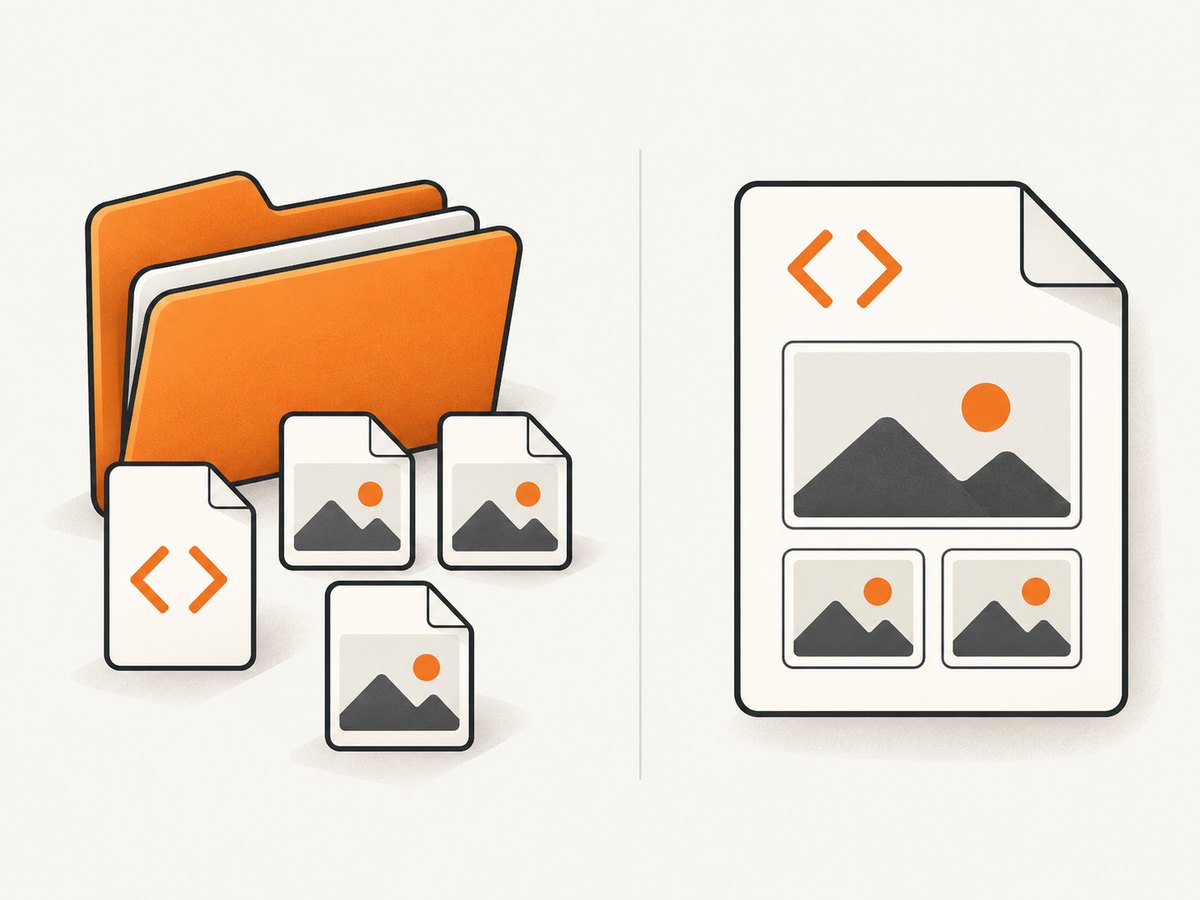
5. Linked files or embedded images?
| Approach | Advantages | Failure mode | Use it when |
|---|---|---|---|
| Linked PNG | Smaller HTML; images can be inspected separately | The image directory must stay at the expected relative path when the report is moved or shared | Reports are large, archived with artifacts, or viewed from a known directory |
| Embedded base64 | One portable HTML file containing the screenshot bytes | HTML grows with every image and can become slower to open | Reports are emailed, uploaded as one artifact, or must work without adjacent files |
For linked files, write paths relative to the report location rather than absolute paths from the test machine. For embedded data, include the MIME prefix data:image/png;base64,; without it, browsers will not interpret the value as an image.
6. Capture only failures or selected checkpoints
Failure-only capture reduces disk usage and keeps reports readable. If your runner exposes reliable outcome information in a result hook, capture there. Otherwise, capture at explicit checkpoints in the test body.
def capture_checkpoint(driver, test_id, label):
    path = SCREENSHOTS / f"{safe_filename(test_id)}_{label}.png"
    ok = driver.save_screenshot(str(path))
    return path.as_posix() if ok else None

# Example inside a test:
checkpoint = capture_checkpoint(self.driver, self.id(), "after_login")
When a suite runs multiple browsers or parameterized cases, include the browser name, parameter value, and a unique suffix in the filename. Otherwise, later cases can overwrite an earlier screenshot or attach the wrong image.
7. Troubleshooting
| Symptom | Likely cause | Fix |
|---|---|---|
| No screenshot file | The driver was already quit, or Selenium returned False |
Capture before quit(); check the Boolean return and browser logs |
| Image link is broken in the report | The template uses an absolute or incorrect path | Use a path relative to the HTML report and ship the screenshot directory with it |
| Every test shows the same image | A shared filename was reused | Include self.id(), parameters, browser, and a unique suffix |
| Screenshot appears under the wrong test | One shared result field was overwritten | Store the attachment on the individual result object and verify the test-case loop in the template |
| Failure screenshot is missing | Failure state was read from an unsupported private attribute | Use the outcome API supported by your Python/unittest version or capture from the runner’s result hook |
| Embedded image displays as text | The data URI prefix is missing or malformed | Use data:image/png;base64, followed by the exact base64 string |
| Screenshot is blank | The page had not rendered, navigation timed out, or a headless viewport differed | Wait for a stable selector or page state, set an explicit window size, and capture after the relevant interaction |
| Report generation crashes | The installed fork expects different result fields or template variables | Inspect the package version and template before adding fields; adapt the example to that implementation |
8. Performance, reliability, and portability
- Capture timing: Screenshots taken immediately after navigation can precede lazy content. Wait for a selector, a known state, or an application-specific readiness condition.
- Browser lifetime: Keep the driver alive through the capture, then close it in a final cleanup block even when capture fails.
- Artifact volume: Failure-only screenshots and PNG compression reduce report size. Embedded images make a single portable file but can multiply HTML size across large suites.
- Parallel runs: Use per-worker directories or collision-resistant names so parallel tests cannot overwrite each other.
- Sharing reports: Test the report after copying it to a clean directory. This catches broken relative paths before publishing CI artifacts.
- Correct association: Validate a suite with at least two failures and confirm each test displays its own image.
9. Or skip the browser setup
If you need a screenshot artifact without managing Selenium, Chrome, drivers, teardown hooks, and report asset paths, ScreenshotNeo provides a website screenshot API. It accepts one GET request and returns PNG, JPEG, WebP, or PDF. See the ScreenshotNeo API documentation for the complete option list.
curl -G "https://api.screenshotneo.com/v1/shot" -d access_key=YOUR_API_KEY --data-urlencode url=https://stripe.com -o shot.webpimport requests
r = requests.get("https://api.screenshotneo.com/v1/shot", params={"access_key": "YOUR_API_KEY", "url": "https://stripe.com"}, timeout=90)
open("shot.webp", "wb").write(r.content)const q = new URLSearchParams({ access_key: 'YOUR_API_KEY', url: 'https://stripe.com' });
const res = await fetch(`https://api.screenshotneo.com/v1/shot?${q}`);Before capture, ScreenshotNeo can accept cookie or consent banners and remove more than 60 known consent platforms, newsletter popups, and chat widgets; each step can be disabled. Bot checks, blank pages, failed loads, timeouts, and cache hits are not billed, and the response identifies the result with X-Page-Verdict and X-Billed headers. Its MCP server provides take_screenshot, get_page_info, and capture_pdf tools for Claude, Cursor, and other MCP clients. The Free plan includes 1,000 screenshots per month without a card; paid plans start at $5 for 3,000 screenshots.
Create a free ScreenshotNeo account to get 1,000 screenshots a month with no card.
10. FAQ
Can HTMLTestRunner attach screenshots automatically?
Only if the specific distribution provides an attachment helper or you customize its result object and template. Verify the installed package rather than assuming a helper exists.
Should I use PNG or base64?
Use linked PNGs for smaller HTML and embedded base64 when the report must be a single portable file.
Can I capture after driver.quit()?
No. The WebDriver session must still be alive when Selenium captures the image.
Why does a screenshot work locally but fail in CI?
CI often changes the working directory, viewport, browser mode, and artifact layout. Set an explicit viewport, create directories, use relative report paths, and inspect the copied artifact.
Where should the screenshot appear?
Render it inside the template loop for the matching test case, immediately below that case’s result details.


