What Is the Ideal Social Image Size for a Website URL?
Use a 1200 × 630 px Open Graph image as your practical default, then verify platform limits, metadata, caching and crawler access.
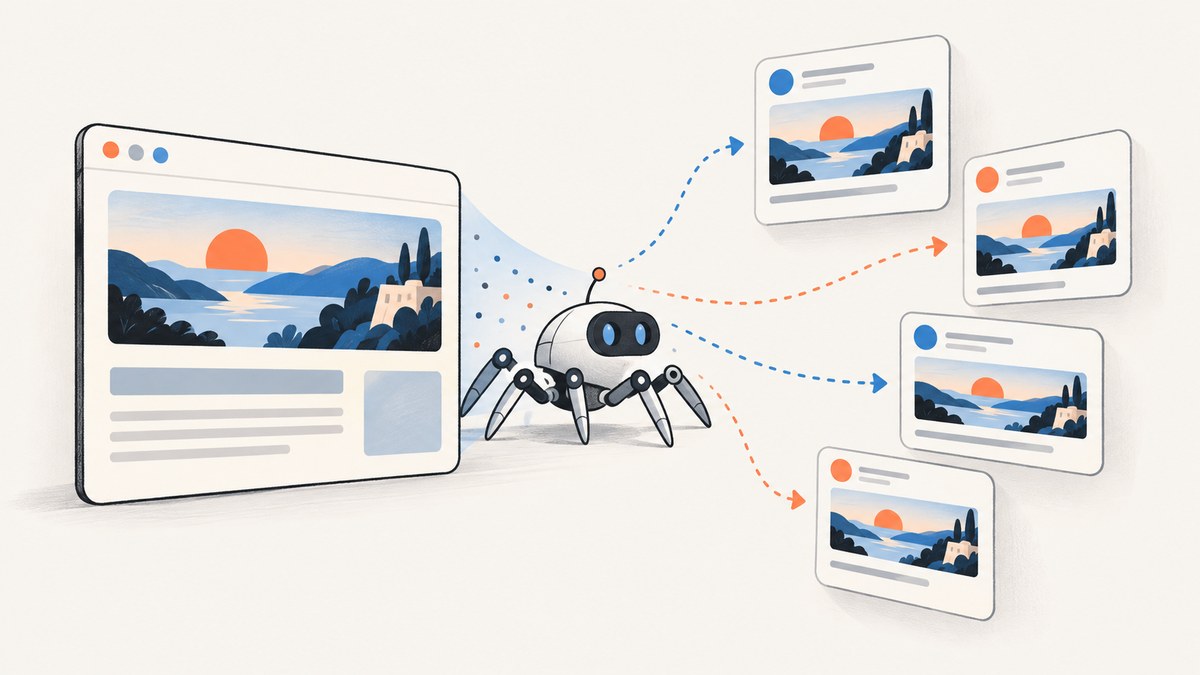
Use a 1200 × 630 pixel image for a website URL social preview. That canvas is approximately 1.91:1 and is a practical default for Open Graph images and link previews. It is not a promise that every platform will render the image identically. LinkedIn’s sharing guidance specifies a 1.91:1 ratio, minimum dimensions of 1200 × 627 pixels and a maximum file size of 5 MB. LinkedIn Help
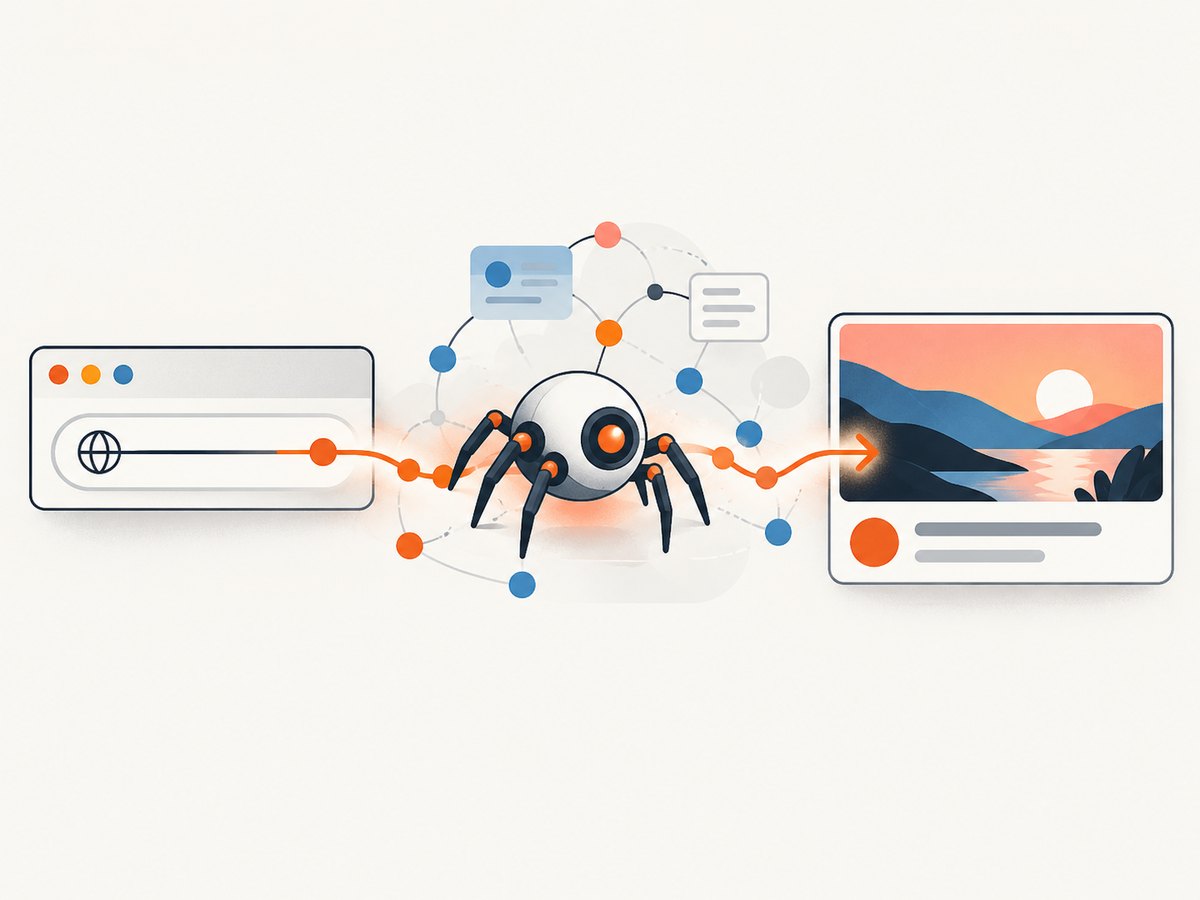
The image is only one part of a preview. A crawler fetches your page, reads metadata such as og:image, retrieves the referenced file and stores a copy. A correctly sized file can still be missing when the crawler cannot access it, the metadata is absent, or an old preview is cached.
1. The default canvas: 1200 × 630 pixels
Start with these values for a general website URL:
| Property | Recommended starting point | Why it matters |
|---|---|---|
| Width | 1200 px | Provides enough resolution for large preview layouts. |
| Height | 630 px | Keeps the common 1.91:1 landscape ratio. |
| Aspect ratio | Approximately 1.91:1 | Matches widely used link-preview guidance. |
| Format | JPEG or PNG | Use JPEG for photographic artwork and PNG for sharp graphics or transparency. |
| File size | Keep it comfortably below platform limits | LinkedIn states a 5 MB maximum. |
LinkedIn’s minimum is 1200 × 627, so a 1200 × 630 file satisfies both dimensions while preserving the familiar ratio. If you are designing specifically for LinkedIn, do not export below 1200 pixels wide or 627 pixels tall.
Why 1200 × 630 is a default rather than a universal rule
Different services crop, scale and cache previews differently. Some clients show a large landscape card; others show a smaller thumbnail or use a different card treatment. Secondary cross-platform guides commonly repeat 1200 × 630, but there is no single universal rendering contract for every social network and messaging client. Treat the size as a reliable starting canvas and check the platforms that matter to your audience.
2. Build the page metadata correctly
Put an intentional image URL in the page’s <head>. Do not depend on whichever image happens to appear first in the article.
<meta property="og:type" content="website">
<meta property="og:url" content="https://example.com/docs/widget">
<meta property="og:title" content="Widget documentation">
<meta property="og:description" content="Install and configure the Widget API.">
<meta property="og:image" content="https://example.com/social/widget-1200x630.jpg">
<meta property="og:image:width" content="1200">
<meta property="og:image:height" content="630">
<meta property="og:image:alt" content="Widget API documentation">

<meta name="twitter:card" content="summary_large_image">
<meta name="twitter:title" content="Widget documentation">
<meta name="twitter:description" content="Install and configure the Widget API.">
<meta name="twitter:image" content="https://example.com/social/widget-1200x630.jpg">
The Open Graph tags identify the page title, description, canonical URL and image. Current secondary guidance also describes twitter:card set to summary_large_image for a large-image card. Verify the current requirements for each platform before treating that value as a binding specification.
Image URL requirements
- Use an absolute HTTPS URL, not a relative path such as
/images/share.jpg. - Serve the file without requiring a login, cookie or JavaScript challenge.
- Return the correct
Content-Type, such asimage/jpegorimage/png. - Keep the URL stable. Changing filenames makes cached previews harder to refresh.
- Allow the relevant crawler to retrieve the image. Firewall rules, hotlink protection and robots policies can block fetching.
3. Design the 1200 × 630 image
Keep important content inside a central safe area. Cropping differs by client, so avoid putting a headline, logo or subject directly against an edge. Use strong contrast, a simple visual hierarchy and a short title that remains readable when the card is reduced to a thumbnail.
- Create a 1200 × 630 artboard.
- Place the main subject and title in the middle 80 percent of the canvas.
- Check the design at approximately 400 pixels wide to catch unreadable text.
- Export a progressive JPEG for photographic art, or a PNG when flat color and crisp edges matter.
- Inspect the final byte size and reduce quality or dimensions only when a platform’s limit requires it.
Do not put critical information only in the image. The page title, description and accessible image metadata should carry the same context for crawlers and users who cannot see the artwork.
4. Platform-specific checks
| Context | What to check | Practical action |
|---|---|---|
| General website preview | Use 1200 × 630 as the working default. | Set deliberate Open Graph metadata and test the real URL. |
| At least 1200 × 627 px, 1.91:1 recommended, 5 MB maximum. | Keep the file under 5 MB and use LinkedIn’s Post Inspector when a share is stale or missing. | |
| X large-image card | Card type and image metadata. | Use the large-image card metadata described by current guidance, then verify against X’s current documentation. |
| Facebook and other clients | Open Graph parsing, crop and cache behavior. | Use the same 1200 × 630 source, then refresh the platform debugger after changes. |
LinkedIn notes that websites can block image retrieval and recommends its Post Inspector for checking a share. Some platforms show a thumbnail for narrow or low-resolution images; LinkedIn’s guidance says images below 401 pixels wide display as thumbnails. After changing og:image, refresh the relevant preview tool. Wix’s help guidance, for example, recommends entering the URL in Facebook’s debugger after an image change.
5. Capture a social image from a live URL
If your source is a rendered webpage rather than a finished design file, you need a browser capture. A robust workflow waits for the page to render, applies the desired viewport, captures the full page or a selected element, and then resizes or crops to 1200 × 630.
Playwright example (Node.js)
import { chromium } from 'playwright';

const browser = await chromium.launch();
const page = await browser.newPage({
  viewport: { width: 1200, height: 630 },
  deviceScaleFactor: 1
});

await page.goto('https://example.com/article', {
  waitUntil: 'networkidle',
  timeout: 60000
});
await page.screenshot({
  path: 'social-image.png',
  type: 'png',
  fullPage: false
});
await browser.close();
Use fullPage: true when you need the entire document, then crop or resize the result to the social canvas. For a specific card, pass a selector to locator('.share-card').screenshot(). Pages with lazy-loaded images may require scrolling before capture.
Python example with Playwright
from playwright.sync_api import sync_playwright

with sync_playwright() as p:
    browser = p.chromium.launch()
    page = browser.new_page(viewport={"width": 1200, "height": 630})
    page.goto("https://example.com/article", wait_until="networkidle", timeout=60000)
    page.screenshot(path="social-image.png", full_page=False)
    browser.close()
CSS for a predictable social card
.share-card {
  width: 1200px;
  height: 630px;
  overflow: hidden;
  display: grid;
  place-items: center;
  background: #111827;
  color: white;
}

@media (prefers-color-scheme: dark) {
  .share-card { background: #030712; }
}
Fix the card dimensions in CSS so a browser capture does not inherit an unexpected responsive width. Disable animations or wait for them to finish, and make sure web fonts have loaded before taking the shot.
6. Or skip the browser setup
ScreenshotNeo captures a website URL through one GET request and returns PNG, JPEG, WebP or PDF output. See the ScreenshotNeo API documentation for the complete option list.
cURL
curl -G "https://api.screenshotneo.com/v1/shot" \
  -d access_key=YOUR_API_KEY \
  --data-urlencode url=https://stripe.com \
  -o shot.webp
Python
import requests

r = requests.get(
    "https://api.screenshotneo.com/v1/shot",
    params={"access_key": "YOUR_API_KEY", "url": "https://stripe.com"},
    timeout=90,
)
r.raise_for_status()
open("shot.webp", "wb").write(r.content)
Node.js
const q = new URLSearchParams({ access_key: 'YOUR_API_KEY', url: 'https://stripe.com' });
const res = await fetch(`https://api.screenshotneo.com/v1/shot?${q}`);
if (!res.ok) throw new Error(`HTTP ${res.status}`);
const fs = await import('node:fs/promises');
await fs.writeFile('shot.webp', Buffer.from(await res.arrayBuffer()));
For a 1200 × 630 social asset, configure the viewport and output options described in the API documentation. ScreenshotNeo supports full-page capture with lazy images loaded, element capture by CSS selector, dark mode, device presets or any viewport, retina scale, custom CSS and JavaScript, click actions, selector or network-idle waits, image resizing, transparent backgrounds and caching with a chosen TTL.
It also accepts custom headers, cookies, user agents, Authorization, timezone and geolocation settings. You can block ads, trackers, requests or resource types. Those controls are useful when a page’s normal browser state would obscure the intended social card.
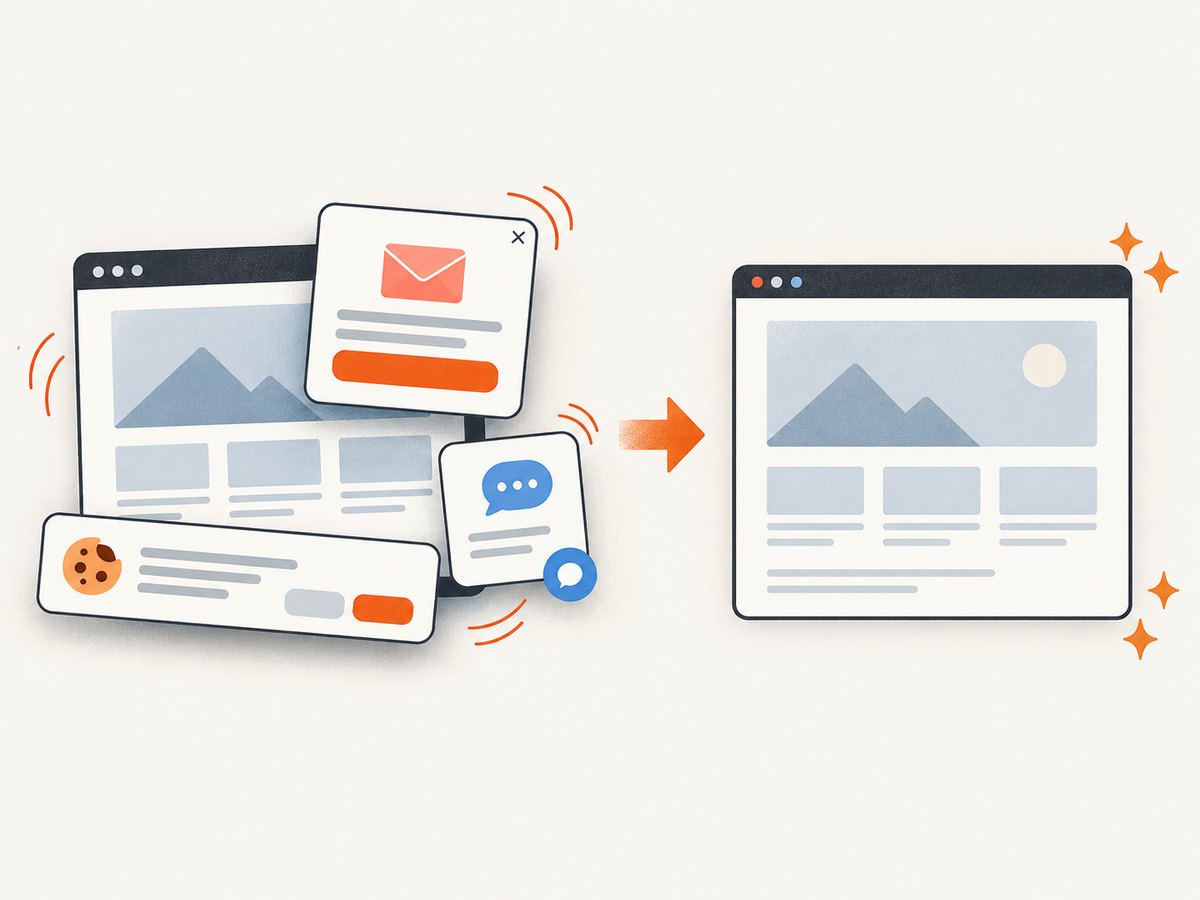
Cookie and consent banners, newsletter popups and chat widgets are accepted or removed before capture. Each cleanup step can be turned off. Bot checks, blank pages, timeouts, failed loads and cache hits are not billed, and the response identifies the result with X-Page-Verdict and X-Billed headers. An MCP server provides take_screenshot, get_page_info and capture_pdf tools for Claude, Cursor and other MCP clients.
ScreenshotNeo’s Free plan includes 1,000 shots per month without a card. Paid plans start at $5 for 3,000 shots; yearly billing gives two months free. The same feature set is available on every plan. Create a free ScreenshotNeo account.
7. Troubleshooting checklist
| Symptom | Likely cause | Fix |
|---|---|---|
| No image appears | Missing or malformed og:image. |
Inspect the rendered HTML and add an absolute image URL. |
| Old image still appears | Platform cache. | Use the platform’s inspector or debugger to request a fresh fetch; keep the URL and metadata consistent. |
| Image is a tiny thumbnail | Dimensions are too small or the client selected a thumbnail layout. | Export at least 1200 pixels wide and verify the card metadata. |
| LinkedIn rejects the asset | Below 1200 × 627 or over 5 MB. | Resize to 1200 × 630 and compress below 5 MB. |
| Crawler gets a 403 | Firewall, authentication or hotlink protection. | Allow the platform crawler and image URL, and test with a public request. |
| Capture contains a popup | Consent, newsletter or chat script appeared after navigation. | Wait for the page, dismiss the element, hide its selector or use ScreenshotNeo’s cleanup controls. |
| Fonts or images are missing | Capture occurred before resources loaded. | Wait for a selector or network idle, preload assets, or add a short delay. |
| Screenshot times out | Slow third-party resource or blocked request. | Block unnecessary resource types, increase the timeout within your worker limits, or capture after a specific readiness selector. |
8. Performance, reliability and cost
For build pipelines, cache the generated image by page URL and content revision. A stable social image avoids repeated browser work and reduces preview churn. When a page changes, invalidate the cache deliberately rather than adding a random query string to every request.
Network-idle waits can be slow on pages with analytics or long-lived connections. A readiness selector is often faster and more deterministic. Block ads, trackers and unused resource types when they cannot affect the visual result. Use a device scale factor of 1 for a 1200 × 630 output unless you specifically need retina pixels; higher scale increases bytes and processing.
For many URLs, ScreenshotNeo supports bulk capture of up to 100 URLs per call, asynchronous jobs with signed webhooks and a usage API. Signed links are available when a public <img> tag needs a controlled URL. These options let a content pipeline separate request submission, image delivery and retry handling.
At the application level, treat a screenshot request as retryable only when the failure is transient. Record the HTTP status, X-Page-Verdict and X-Billed values. Do not charge your own customer for a failed load when the service reports it was not billed. Keep API keys server-side and set an explicit request timeout.
9. FAQ
Is 1200 × 630 always required?
No. It is the practical default for a general website URL. LinkedIn has a specific minimum of 1200 × 627 pixels, while other clients can crop or scale differently.
Should I use PNG or JPEG?
Use JPEG for photographic or gradient-heavy artwork when size matters. Use PNG for crisp interface graphics, line art or transparency. Check the receiving platform’s file-size limit.
Does changing the image immediately update an existing post?
Usually not. Preview clients cache fetched assets. Use the platform’s inspection or debugger tool to request a new fetch, and allow time for the cache to refresh.
Can a screenshot of a webpage replace an Open Graph image?
Yes, if the screenshot is publicly reachable at the URL in og:image and has the required dimensions. The crawler still needs the page metadata and permission to retrieve the file.
What size should text be inside the image?
There is no universal point-size rule because cards are displayed at different widths. Test the exported image at thumbnail size and keep the message short, high contrast and centered.
10. Final pre-publish checklist
- Canvas is 1200 × 630 pixels, or at least 1200 × 627 for LinkedIn.
- File is below 5 MB when LinkedIn sharing matters.
og:imageis an absolute, public HTTPS URL.- Page title, description and image alt text describe the same content.
- Important artwork and text have safe margins.
- Animations, lazy images, fonts and consent UI are handled before capture.
- The real URL has been checked with the target platform’s inspector.
- Cache behavior and image invalidation are documented for your publishing workflow.
For a repeatable URL-to-image pipeline, start with the 1200 × 630 canvas, validate the metadata and crawler access, then automate capture with your browser or ScreenshotNeo. Sign up free for 1,000 screenshots each month with no card.


