How to Ignore Certificate Errors in Playwright
Set Playwright’s ignoreHTTPSErrors option correctly for browser, API, web-server, and proxy certificate failures.

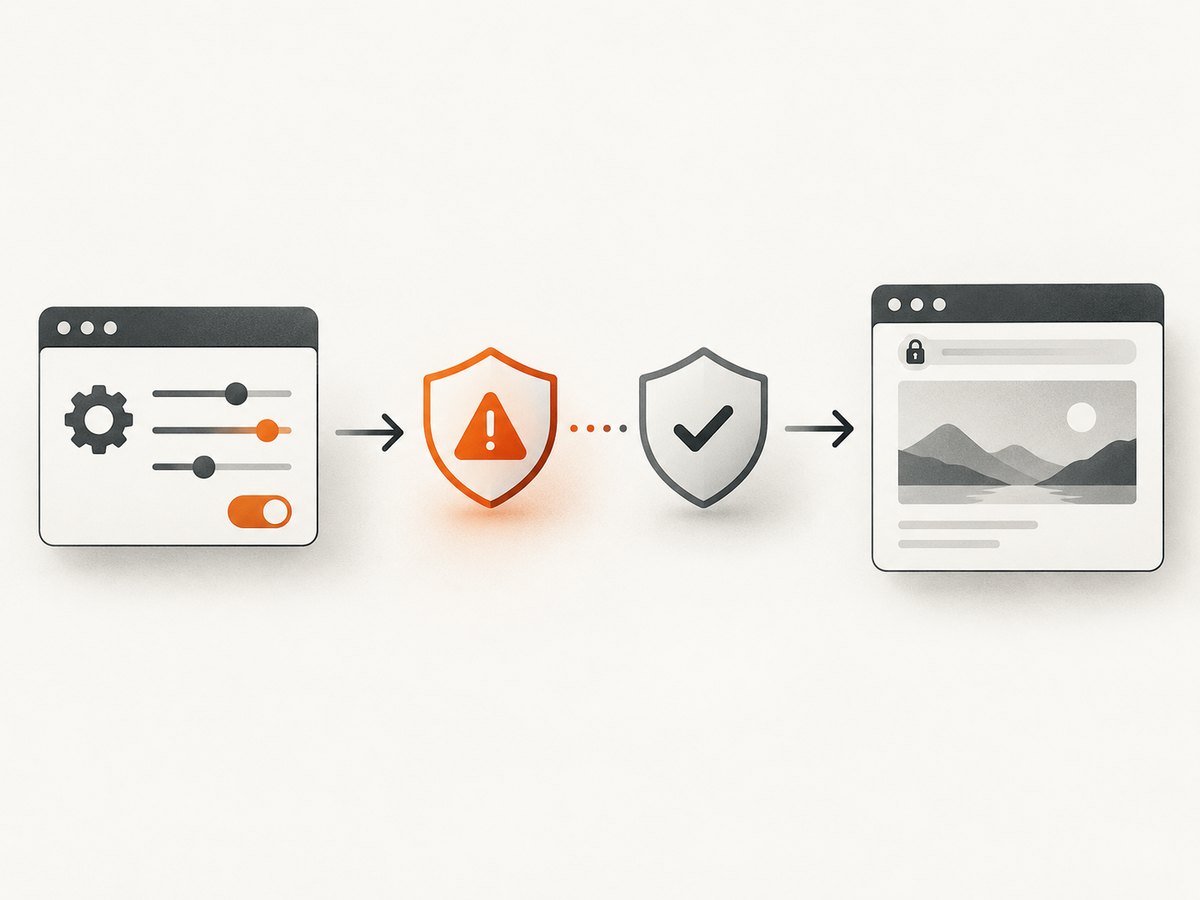
For browser navigation, set ignoreHTTPSErrors: true on the browser context. In Playwright Test, put it under use in playwright.config.ts. The documented default is false.
That setting applies to browser HTTPS navigation. Playwright API requests, the webServer readiness check, and browser downloads through an intercepting proxy have separate configuration points. Identify which operation is failing before changing configuration.
1. Configure Playwright Test
Add ignoreHTTPSErrors: true to the use block in your Playwright Test configuration:
import { defineConfig } from '@playwright/test';

export default defineConfig({
  testDir: './tests',
  use: {
    baseURL: 'https://localhost:8443',
    ignoreHTTPSErrors: true,
  },
});
The option controls HTTPS errors encountered during test navigation and defaults to false when omitted. Playwright documents this Test option as available since v1.10. See the Playwright Test configuration options.
A complete test can then navigate to a development server using a self-signed certificate:
import { test, expect } from '@playwright/test';

test('loads the local HTTPS app', async ({ page }) => {
  await page.goto('/');
  await expect(page).toHaveTitle(/Example/);
});
2. Configure a browser context directly
When you are using Playwright without the test runner, pass the option while creating the browser context:
import { chromium } from 'playwright';

const browser = await chromium.launch();
const context = await browser.newContext({
  ignoreHTTPSErrors: true,
});

const page = await context.newPage();
await page.goto('https://localhost:8443');
console.log(await page.title());

await context.close();
await browser.close();
ignoreHTTPSErrors belongs to the browser context and defaults to false. The setting is documented in the Browser API reference.
3. Understand which HTTPS operation is failing
| Failing operation | Where to configure it | What it affects |
|---|---|---|
| Browser page navigation | browser.newContext({ ignoreHTTPSErrors: true }) |
Pages opened in that browser context |
| Playwright Test navigation | use.ignoreHTTPSErrors |
Tests using the configured project |
APIRequestContext |
request.newContext({ ignoreHTTPSErrors: true }) |
Requests made through that API context |
webServer readiness URL |
webServer.ignoreHTTPSErrors |
The readiness fetch used before tests start |
| Browser installation behind an intercepting proxy | NODE_EXTRA_CA_CERTS before installation |
Trust for the proxy’s custom root CA during browser downloads |

4. Ignore certificate errors for API requests
Browser-context settings do not change requests sent through Playwright’s APIRequestContext. Configure that request context separately:
import { request } from '@playwright/test';

const api = await request.newContext({
  ignoreHTTPSErrors: true,
});

const response = await api.get('https://localhost:8443/health');
console.log(response.status());

await api.dispose();
The API documentation explicitly states that this option does not affect requests sent from the browser. Read the APIRequestContext reference when diagnosing an API-only failure.
5. Ignore HTTPS errors for the web-server readiness check
If your tests fail before they begin because Playwright cannot fetch the configured readiness URL, set the option on webServer:
import { defineConfig } from '@playwright/test';

export default defineConfig({
  webServer: {
    command: 'npm run start:test',
    url: 'https://localhost:8443',
    ignoreHTTPSErrors: true,
  },
});
This setting applies to the readiness fetch, not to browser navigation. The default is false. See the webServer documentation.
6. Browser installation behind a proxy with a custom CA
A different error appears when a corporate or development proxy intercepts Playwright’s browser-download requests. If installation reports self signed certificate in certificate chain, the browser installation guide recommends setting NODE_EXTRA_CA_CERTS to the proxy’s custom root certificate before installing browsers.
export NODE_EXTRA_CA_CERTS=/path/to/company-root-ca.pem
npx playwright install
On Windows PowerShell:
$env:NODE_EXTRA_CA_CERTS = 'C:\path\to\company-root-ca.pem'
npx playwright install
This is a download trust configuration. It is separate from ignoreHTTPSErrors, which controls HTTPS errors encountered by a browser context. Follow the Playwright browser installation guidance.
7. Complete project example
The following small project covers a local HTTPS app, browser navigation, an API request, and a readiness check:
// playwright.config.ts
import { defineConfig } from '@playwright/test';

export default defineConfig({
  testDir: './tests',
  use: {
    baseURL: 'https://localhost:8443',
    ignoreHTTPSErrors: true,
  },
  webServer: {
    command: 'npm run start:test',
    url: 'https://localhost:8443',
    ignoreHTTPSErrors: true,
  },
});

// tests/health.spec.ts
import { test, expect } from '@playwright/test';

test('browser and API calls accept the local certificate', async ({ page, request }) => {
  await page.goto('/');
  await expect(page.locator('body')).toBeVisible();

  const response = await request.get('/health');
  expect(response.ok()).toBeTruthy();
});
If the API call uses a separately created request context, configure ignoreHTTPSErrors on that context as shown earlier.
8. Command-line and language equivalents for diagnosis
These commands help confirm whether the problem is certificate validation outside Playwright. They are useful for local development and controlled test environments; disabling verification reduces transport trust.
cURL
curl --insecure https://localhost:8443/healthPython
import requests

response = requests.get(
    'https://localhost:8443/health',
    verify=False,
    timeout=30,
)
print(response.status_code)
Node.js
import https from 'node:https';

const agent = new https.Agent({ rejectUnauthorized: false });
const response = await fetch('https://localhost:8443/health', { dispatcher: agent });
console.log(response.status);
These checks do not configure Playwright. They only help distinguish a certificate problem from an application, DNS, proxy, or port problem.
9. Security and environment guidance
- Use
ignoreHTTPSErrors: trueonly for environments where you understand why the certificate is untrusted, such as local HTTPS or an isolated test service. - Keep normal certificate validation enabled in production unless your security requirements explicitly call for another trust model.
- Prefer installing the correct development or corporate root CA when possible. Ignoring errors accepts any certificate presented to the context.
- Scope the setting to the smallest context or project that needs it.
- Do not confuse a certificate warning with a failed TLS connection, hostname resolution error, refused connection, or an application response such as HTTP 500.
10. Troubleshooting checklist
“Not secure” or certificate errors still appear in a page test
Confirm that the option is under the active project’s use block, or that the page belongs to a context created with ignoreHTTPSErrors: true. Restart the test process after changing the configuration.
The API request still fails
Browser settings do not affect APIRequestContext. Create the API context with its own ignoreHTTPSErrors: true option.
Tests never start and the web server check fails
Set webServer.ignoreHTTPSErrors: true. The readiness URL is fetched separately from the browser context.
npx playwright install reports a self-signed certificate in the chain
This commonly indicates an intercepting proxy or custom corporate CA. Set NODE_EXTRA_CA_CERTS to the proxy’s root certificate before installing browsers. Do not expect a browser-context option to fix the download step.
The error remains after enabling the option
Check the exact failing URL and operation. A redirect may lead to another host, while a proxy, DNS failure, refused port, timeout, or server error requires a different fix. Reproduce the URL with a controlled command such as curl --insecure and inspect the Playwright error text.
Only one test needs the setting
Create a separate project or browser context for that test instead of enabling the option globally. This keeps certificate validation enabled elsewhere.
11. Performance, reliability, and cost considerations
The option changes certificate validation behavior; it does not make a slow server faster or guarantee that a page will load. Navigation time is still affected by DNS, TLS negotiation, redirects, server response time, scripts, and resource loading.
For reliable test runs:
- Use a stable local hostname and certificate setup.
- Keep readiness checks pointed at a URL that represents actual application availability.
- Separate browser, API, and web-server settings so a change fixes the intended operation.
- Record the failing URL and Playwright operation before changing trust settings.
- Use a trusted CA in shared or production-like environments where reproducibility and security matter.
Ignoring certificate errors has no special Playwright licensing cost. Your infrastructure, proxy, browser runtime, and CI usage can still have their own costs.
12. Or skip the browser setup
If your goal is a clean screenshot rather than browser automation, ScreenshotNeo provides a single screenshot API request. Its capture process accepts cookie or consent banners like a visitor and removes more than 60 known consent platforms, newsletter popups, and chat widgets before the shot. Each step can be turned off.
Only clean shots are billed: bot checks or CAPTCHAs, blank pages, timeouts, failed loads, and cache hits cost nothing, and the response reports the result in X-Page-Verdict and X-Billed headers. ScreenshotNeo also includes an MCP server with take_screenshot, get_page_info, and capture_pdf tools for Claude, Cursor, and other MCP clients.
See the ScreenshotNeo API documentation for all options.
cURL
curl -G "https://api.screenshotneo.com/v1/shot" -d access_key=YOUR_API_KEY --data-urlencode url=https://stripe.com -o shot.webpPython
import requests
r = requests.get("https://api.screenshotneo.com/v1/shot", params={"access_key": "YOUR_API_KEY", "url": "https://stripe.com"}, timeout=90)
open("shot.webp", "wb").write(r.content)
Node.js
const q = new URLSearchParams({ access_key: 'YOUR_API_KEY', url: 'https://stripe.com' });
const res = await fetch(`https://api.screenshotneo.com/v1/shot?${q}`);
There are 1,000 screenshots per month on the free plan with no card. Paid plans start at $5 for 3,000 shots. Create a free ScreenshotNeo account.
13. FAQ
What is the exact Playwright option?
ignoreHTTPSErrors: true.
Where does it go in Playwright Test?
Under use in playwright.config.ts.
Does it affect API requests?
No. Configure the APIRequestContext separately.
Does it fix browser installation failures?
No. For an intercepting proxy with a custom CA, configure NODE_EXTRA_CA_CERTS before installing browsers.
What is the default?
Certificate errors are not ignored by default; the documented default is false.


