How to Create an Image from a DOM Element on lichess.org
Use html2canvas to turn a lichess.org DOM element into a downloadable image, with selectors, options, security limits, fixes, and an API alternative.
To create an image from an element on lichess.org, run html2canvas in the browser, select the element with a CSS selector, await html2canvas(element, options), then display or export the returned canvas. The result is a DOM reconstruction, not a literal screenshot of browser pixels, so verify the output for missing images, fonts, cross-origin content, and layout differences.
Lichess changes its interface over time and this research does not verify a current selector for a particular board, analysis panel, game list, or popup. Inspect the live page and replace the example selector below with the element you actually want to capture.
1. The complete browser workflow
Install or load html2canvas
For a small experiment, load the library from your application’s dependency setup according to the current getting-started documentation. In a bundled project:
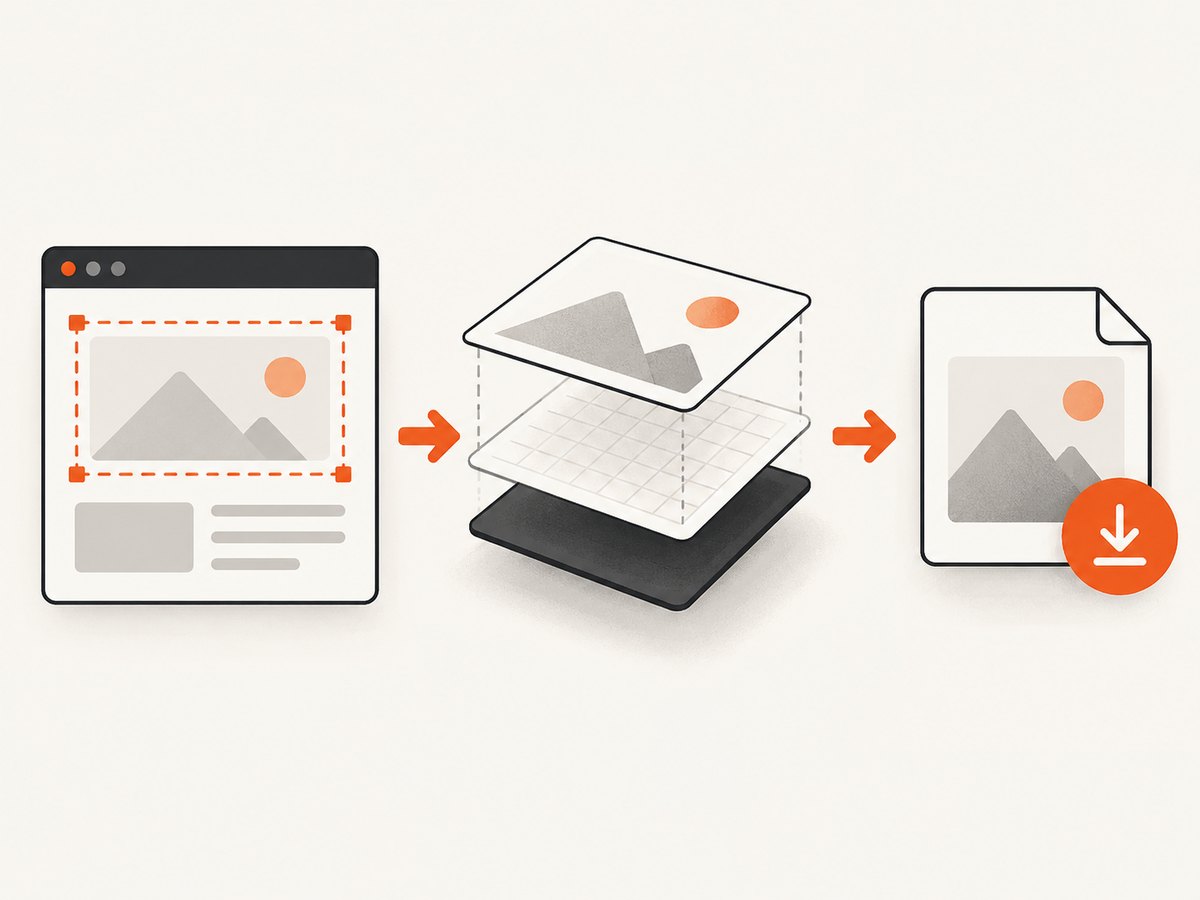
npm install html2canvasimport html2canvas from 'html2canvas';You can also load a browser build with a script tag when your project’s deployment policy permits it. Keep the version and loading method documented in your project so a future library update does not silently change captures.
Select the target element
Open developer tools on lichess.org, use the element picker, and identify the smallest stable container that includes the content you need. Prefer a semantic class, an ID, or a data attribute over a deeply nested selector that depends on generated markup.
const element = document.querySelector('[data-testid="board"]');
if (!element) {
  throw new Error('Capture target not found. Inspect the current lichess.org DOM and update the selector.');
}
The attribute in this example is illustrative. Do not assume it exists on the current lichess page. A selector such as document.querySelector('.analyse__board') may be useful in one view and wrong in another; confirm it on the exact page and state you want to capture.
Render and download a PNG
import html2canvas from 'html2canvas';

async function saveElement(selector, filename = 'lichess-element.png') {
  const element = document.querySelector(selector);
  if (!element) throw new Error(`No element matched ${selector}`);

  const canvas = await html2canvas(element, {
    backgroundColor: '#ffffff',
    scale: window.devicePixelRatio,
    useCORS: true
  });

  const link = document.createElement('a');
  link.download = filename;
  link.href = canvas.toDataURL('image/png');
  link.click();
}

saveElement('[data-testid="board"]');
The documented API resolves to a canvas. You can append that canvas to the page, call toDataURL(), or call toBlob() for a more memory-efficient download. The selector and successful capture of a particular lichess view must be checked on the live site.
Display the result instead of downloading
const preview = document.querySelector('#preview');
const canvas = await html2canvas(element);
preview.replaceChildren(canvas);
2. Options that control the image
Pass an options object as the second argument. The full list and current defaults are in the project’s configuration reference.
| Option | Use | Important detail |
|---|---|---|
scale |
Increase or reduce output resolution. | window.devicePixelRatio is a common high-DPI choice; large values consume more memory. |
backgroundColor |
Set a solid background. | Use null when you need transparency and the page content supports it. |
useCORS |
Attempt to load cross-origin images with CORS. | The remote server must send suitable CORS headers. |
allowTaint |
Allow images that may taint the canvas. | A tainted canvas cannot be read with toDataURL() or toBlob(); it does not bypass browser security. |
proxy |
Fetch remote resources through a same-origin proxy. | You must operate and secure the proxy; it needs to return resources with appropriate headers. |
x, y, width, height |
Capture a selected region. | Coordinates are relative to the document and can crop content accidentally. |
windowWidth, windowHeight |
Set the virtual viewport used during rendering. | Useful when an output is clipped or empty; match the element’s scroll dimensions when appropriate. |
scrollX, scrollY |
Control the scroll position used for rendering. | Set explicitly when a sticky header or scrolled analysis panel changes the result. |
ignoreElements |
Skip nodes programmatically. | Return true for controls, ads, or overlays you do not want in the image. |
onclone |
Modify the cloned document before rendering. | Hide transient UI in the clone without changing the visible page. |
Exclude controls and overlays
Add data-html2canvas-ignore to an element that should not appear, or use ignoreElements:
const canvas = await html2canvas(element, {
  ignoreElements: node =>
    node.matches('.analysis-controls, .chat-widget, [aria-label="Close"]')
});
Class names on lichess can differ by view and release. Inspect the current DOM before relying on them.
Capture a complete element
For a scrollable panel, use its scroll dimensions rather than only the visible rectangle:
const canvas = await html2canvas(element, {
  width: element.scrollWidth,
  height: element.scrollHeight,
  windowWidth: element.scrollWidth,
  windowHeight: element.scrollHeight,
  scale: 1
});
This does not guarantee that every lazy-loaded item or virtualized row exists in the DOM. Scroll through the panel first if the page creates content on demand.
3. What html2canvas can and cannot reproduce
html2canvas reconstructs a visual representation from DOM and CSS information. Its documentation states: “The screenshot is based on the DOM and as such may not be 100% accurate to the real representation as it does not make an actual screenshot, but builds the screenshot based on the information available on the page.” See the project’s About page.
- Supported CSS is rendered according to what the library understands. Complex filters, blend modes, browser-specific painting, and some generated content can differ.
- Images hosted on another origin need CORS permission.
useCORS: trueonly helps when that server permits the request. A proxy is an alternative when you control a safe same-origin route. - Same-origin iframe documents can be traversed recursively. Cross-origin iframe documents are inaccessible because of browser security rules.
- A canvas containing disallowed cross-origin pixels may become tainted. Export then fails even though the element appeared on screen.
- Web fonts, animations, video, canvas layers, and lazy content may be at a different state when the clone is rendered. Wait for the desired state before calling the library.
- Browser canvas dimensions have limits. Very wide or tall captures can be clipped, empty, or fail depending on the browser and device.
4. A robust capture helper
import html2canvas from 'html2canvas';

export async function capture(selector, {
  filename = 'lichess-capture.png',
  waitMs = 0,
  transparent = false
} = {}) {
  const element = document.querySelector(selector);
  if (!element) throw new Error(`Target not found: ${selector}`);

  if (waitMs) await new Promise(resolve => setTimeout(resolve, waitMs));

  const canvas = await html2canvas(element, {
    backgroundColor: transparent ? null : '#fff',
    scale: Math.min(window.devicePixelRatio || 1, 2),
    useCORS: true,
    logging: false,
    onclone: clonedDocument => {
      clonedDocument.querySelectorAll('[data-html2canvas-ignore]').forEach(node => {
        node.remove();
      });
    }
  });

  const blob = await new Promise(resolve => canvas.toBlob(resolve, 'image/png'));
  if (!blob) throw new Error('Canvas export returned no blob');

  const url = URL.createObjectURL(blob);
  const link = document.createElement('a');
  link.href = url;
  link.download = filename;
  link.click();
  setTimeout(() => URL.revokeObjectURL(url), 1000);
  return canvas;
}
Call it after the board or panel has reached the position you want:
await capture('.your-confirmed-lichess-selector', {
  filename: 'game-position.png',
  waitMs: 250
});
5. Troubleshooting
“Target not found”
Cause: The selector is from another lichess view, the page has not finished rendering, or the element is inside a different document. Fix: inspect the live DOM, wait for a distinctive child with a MutationObserver, and avoid brittle positional selectors.
The image is blank or clipped
Cause: Canvas size limits, a zero-sized target, or a virtualized/scrollable container. Fix: check getBoundingClientRect(), set windowWidth and windowHeight to appropriate scroll dimensions, reduce scale, and capture smaller regions.
Images are missing
Cause: The image server does not provide CORS headers, or the asset is still loading. Fix: wait for image completion, use useCORS only when the server supports it, or route assets through a controlled proxy. You cannot solve a cross-origin restriction from JavaScript alone.
toDataURL throws a security error
Cause: The canvas is tainted by a cross-origin resource. Fix: remove that resource, obtain CORS permission, or use a properly configured proxy. allowTaint does not make an unreadable canvas exportable.
Fonts or colors differ
Cause: The library supports only the CSS and browser features it implements, or fonts were not ready. Fix: wait for document.fonts.ready, simplify unsupported effects, and compare the result with a real browser screenshot when pixel fidelity matters.
Animations produce inconsistent captures
Cause: The clone is rendered at a different animation frame. Fix: pause animations with a temporary style in onclone, wait for a stable position, and capture once.
6. Performance, reliability, and privacy
- Choose the smallest target. Capturing one board or panel is faster and uses less memory than cloning the entire page.
- Control scale. A device-pixel-ratio image is sharper but can multiply canvas pixels. Cap scale for mobile devices or large panels.
- Wait deliberately. Capture after fonts, images, and the desired game position are ready; arbitrary long delays make UX slower without guaranteeing completeness.
- Release blobs. Revoke object URLs after downloads and avoid retaining many large canvases.
- Handle failures. Wrap rendering and export in
try/catch, show a useful error, and let users retry after assets load. - Keep sensitive pages local. html2canvas runs in the user’s browser, but a proxy would receive requested assets. Do not proxy private content without access controls.
The official documentation covers evergreen Chrome/Chromium browsers, Firefox, and Safari. Check current browser and package support for your target deployment because rendering behavior depends on both the browser and the page’s CSS.
7. Or skip the browser setup
If you need a server-side URL capture instead of reconstructing a DOM node in a user’s browser, ScreenshotNeo provides a GET endpoint that returns PNG, JPEG, WebP, or PDF. Its element capture option accepts a CSS selector, so you can request one element after the page loads.

See the ScreenshotNeo API documentation for the current parameters. Basic WebP capture:
curl -G "https://api.screenshotneo.com/v1/shot" -d access_key=YOUR_API_KEY --data-urlencode url=https://lichess.org -o shot.webpimport requests
r = requests.get(
"https://api.screenshotneo.com/v1/shot",
params={"access_key": "YOUR_API_KEY", "url": "https://lichess.org"},
timeout=90,
)
r.raise_for_status()
open("shot.webp", "wb").write(r.content)const q = new URLSearchParams({ access_key: 'YOUR_API_KEY', url: 'https://lichess.org' });
const res = await fetch(`https://api.screenshotneo.com/v1/shot?${q}`);
if (!res.ok) throw new Error(`Screenshot failed: ${res.status}`);
require('fs').writeFileSync('shot.webp', Buffer.from(await res.arrayBuffer()));For an element, add the selector parameter documented by ScreenshotNeo. You can also configure full-page capture with lazy images loaded, dark mode, device presets or custom viewports, retina scale, custom CSS and JavaScript, clicks, waits, hidden selectors, blocked requests, headers, cookies, user agents, timezone, geolocation, transparent backgrounds, resizing, caching, signed links, asynchronous jobs, webhooks, bulk capture, and PDF output.
ScreenshotNeo removes cookie and consent banners, newsletter popups, and chat widgets before capture. Bot checks, blank pages, timeouts, failed loads, and cache hits are not billed, and response headers identify the page verdict and billing result. Its MCP server exposes take_screenshot, get_page_info, and capture_pdf for Claude, Cursor, and other MCP clients.
The Free plan includes 1,000 screenshots per month with no card. Paid plans start at $5 for 3,000 shots; every feature is included on every plan. Create a free ScreenshotNeo account.
8. Choosing between html2canvas and an API
| Requirement | html2canvas | ScreenshotNeo |
|---|---|---|
| Capture an element already visible to a user | Good fit in a browser | Use a selector in an automated request |
| Literal browser-pixel fidelity | Not guaranteed; it reconstructs DOM and CSS | Uses a capture service with page-loading controls |
| Cross-origin assets and frames | Restricted by browser security | Handled during remote page capture subject to target access |
| Remove consent UI before capture | You must hide it yourself | Built-in removal for 60+ known consent platforms plus popups and chat widgets |
| Run in Node.js | Not supported by the browser-side library | HTTP API and MCP server |
FAQ
Can I capture a lichess board without downloading the whole page?
Yes. Select the board’s confirmed container and pass that node to html2canvas. The exact selector depends on the current lichess view.
Does html2canvas create a screenshot of pixels?
No. It builds a representation from DOM and CSS data, so unsupported properties and browser security restrictions can change the output.
Can I use this from Node.js?
The documented html2canvas workflow is browser-side. For a Node.js request, use a browser automation stack or a screenshot API such as ScreenshotNeo.
How do I make a transparent PNG?
Pass backgroundColor: null, then export as PNG. Any opaque element backgrounds remain opaque.
Why does my export omit an iframe?
Cross-origin iframe documents are inaccessible to browser JavaScript. Same-origin iframe content can be traversed recursively.


