Why Images Aren’t Showing on iPhone and How to Fix Them
Find out why pictures are missing in Safari, Photos, or Messages, then follow the right fix for your iPhone.
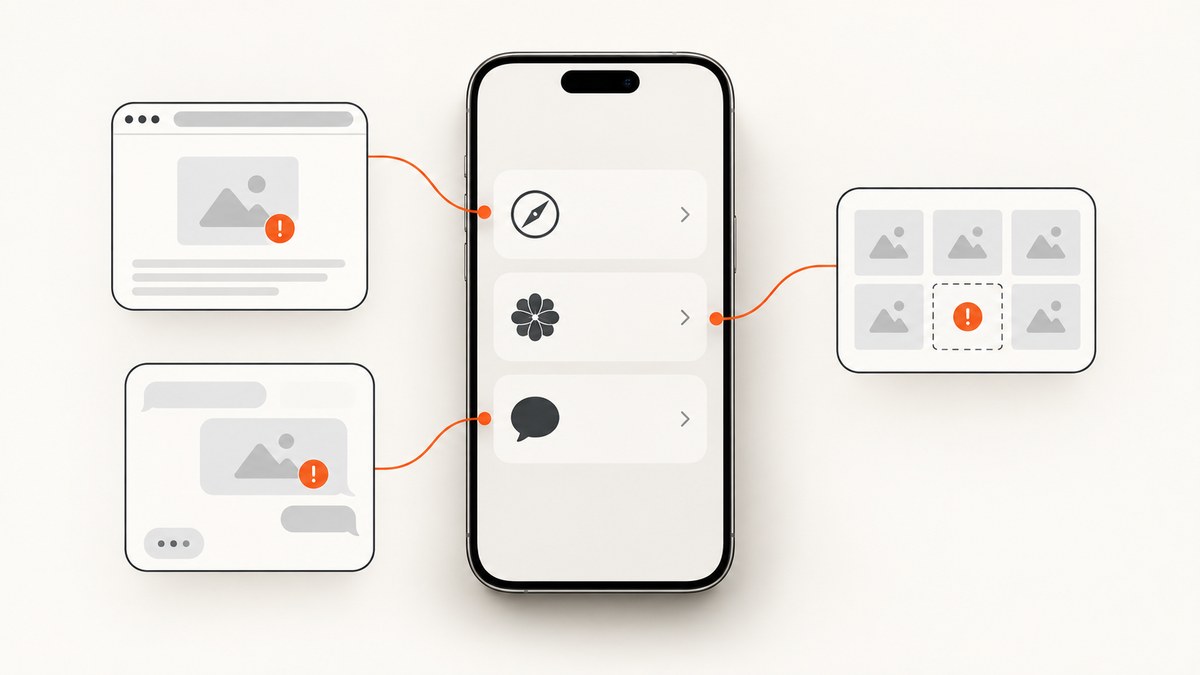
When images are not showing on an iPhone, first identify where they are missing:
- Safari or one website: the cause is usually the network, VPN, Safari data, JavaScript, Private Relay, or the website itself.
- Photos: iCloud Photos may be paused, signed into a different Apple Account, waiting for Wi-Fi and power, or out of storage.
- Messages: media may still be indexing after an update or transfer.
Use the matching section below. Do not turn off iCloud Photos as a first troubleshooting step; Apple specifically advises against that while diagnosing sync problems.
Why are pictures not loading on my iPhone?
The symptom “images not showing” covers several different problems. Check the location before changing settings:

| Where images are missing | First check | Likely area |
|---|---|---|
| Safari or a website | Open another site, then try cellular data or another Wi-Fi network | Network, VPN, Safari settings, or site configuration |
| Photos app | Read the library sync status and account indicator | iCloud Photos sync, storage, power, or account |
| Messages | Consider when the iPhone was updated or transferred | Messages indexing or incomplete transfer |
Why are images not showing on iPhone in Safari?
1. Test another network
Open the same page on cellular data, another Wi-Fi network, or a trusted hotspot. If images appear on the second network, the original network, DNS filtering, or VPN is the likely cause. If every site fails on every network, continue with the Safari checks below.
2. Check VPN and filtering apps
Temporarily disconnect a VPN or network-filtering app, then reload the page. Some VPN configurations and content filters prevent image domains from loading. Re-enable the service after the test if you need it.
3. Restart the iPhone
Restart, reconnect to the network, and load the page again. This clears transient network and browser state.
4. Clear Safari history and website data
Go to Settings > Apps > Safari > Clear History and Website Data, then revisit the page. Clearing this data removes Safari browsing data, so you may need to sign in to sites again.
5. Make sure JavaScript is enabled
Go to Settings > Apps > Safari > Advanced and make sure JavaScript is on. Many image galleries and lazy-loaded images require JavaScript.
6. Check Private Relay when only one site fails
If other websites work but one site still has missing images, test with iCloud Private Relay temporarily disabled for that connection. A site may be incompatible with the relay address or related protections. If the site still fails, contact the website developer; Apple gives the same escalation path for a persistent website-only problem. See Apple’s Safari troubleshooting guidance.
7. Decide whether the problem is the site or your iPhone
Ask someone on a different connection to open the URL, or use a server-side capture to check whether the page delivers images outside your device. A server capture cannot reproduce every Safari condition, but it can show whether the page itself is blank or blocked.
Why are my iPhone photos not showing up?
1. Read the Photos sync status
Open Photos and inspect the library status or account indicator. Follow the exact pause message shown. Confirm that the iPhone is signed in to the same Apple Account used by the library and that you are viewing the intended Personal or Shared Photo Library.
2. Connect to power and Wi-Fi
Keep the iPhone connected to power and reliable Wi-Fi while Photos syncs. A large library or slow connection can take overnight. Check again later before changing iCloud settings.
3. Resolve the displayed pause reason
- Low Data Mode: disable it for the connection or use an unrestricted network.
- Low Power Mode or low battery: charge the iPhone and allow syncing to resume.
- Heat or performance optimization: let the device cool and remain idle.
- Poor network: move to a stronger Wi-Fi connection.
- Full iCloud storage: manage cloud storage and remove unnecessary content before considering a plan change.
Some status screens provide Sync Now. Use it only when Photos offers that action. Apple says not to turn off iCloud Photos as a first fix because doing so restarts syncing. Read Apple’s iCloud Photos sync guidance.
4. Check device and iCloud storage separately
Device storage and iCloud storage are different limits:
- iPhone storage: Settings > General > iPhone Storage.
- iCloud storage: Settings > [your name] > iCloud.
When Optimize iPhone Storage is enabled, full-resolution originals remain in iCloud while smaller versions are kept locally as needed. A full iPhone may require freeing local space; a full iCloud account can pause syncing. See Apple’s photo storage explanation and its explanation of the difference between device and iCloud storage.
Why are pictures not showing in Messages?
After an iOS update or iPhone transfer
Messages may still be indexing attachments. Apple says media can take up to a few days to reappear, depending on background tasks and the amount of saved Messages data. Indexing proceeds faster when the iPhone is locked and connected to Wi-Fi or Ethernet.
What to do while indexing
- Connect the iPhone to Wi-Fi.
- Plug it into power.
- Lock the screen and leave it idle for several hours or overnight.
- Recheck the conversation and its attachment details.
If media remains missing
If the problem persists in the specific post-update or post-transfer situation and Messages was previously stored in iCloud, Apple documents restarting Messages in iCloud: Settings > [your name] > iCloud > Messages > Use on this iPhone. Treat this as a targeted indexing step, not a universal reset. Follow Apple’s Messages indexing instructions.
Remember that a photo visible inside a Messages conversation is not automatically part of the iCloud Photos library. Messages and Photos have separate storage and sync behavior. Apple also explains how to access photos stored in iCloud.
Quick diagnostic checklist
- Identify whether the missing image is in Safari, Photos, or Messages.
- For Safari, test another network and disconnect a VPN temporarily.
- Restart the iPhone.
- Clear Safari website data if browser-only troubleshooting points there.
- Confirm JavaScript is enabled for sites that build images dynamically.
- For Photos, read the sync status before changing settings.
- Confirm the Apple Account and Personal or Shared Library selection.
- Check both iPhone storage and iCloud storage.
- For Messages, allow indexing time after an update or transfer.
- Escalate persistent website-only failures to the site developer and device-wide failures to Apple Support.
Or skip the browser setup
If you are checking whether a webpage itself serves images correctly, ScreenshotNeo can capture the URL with one request. It accepts consent banners like a visitor and removes more than 60 known consent platforms, newsletter popups, and chat widgets before capture; each step can be disabled. Bot checks, blank pages, timeouts, failed loads, and cache hits are not billed, and the response identifies the result with X-Page-Verdict and X-Billed headers. Its MCP server lets Claude, Cursor, and other MCP clients use take_screenshot, get_page_info, and capture_pdf.
See the ScreenshotNeo API documentation for all options.
cURL
curl -G "https://api.screenshotneo.com/v1/shot" -d access_key=YOUR_API_KEY --data-urlencode url=https://support.apple.com/en-us/102456 -o shot.webpPython
import requests
r = requests.get("https://api.screenshotneo.com/v1/shot", params={"access_key": "YOUR_API_KEY", "url": "https://support.apple.com/en-us/102456"}, timeout=90)
open("shot.webp", "wb").write(r.content)
Node.js
const q = new URLSearchParams({ access_key: 'YOUR_API_KEY', url: 'https://support.apple.com/en-us/102456' });
const res = await fetch(`https://api.screenshotneo.com/v1/shot?${q}`);
ScreenshotNeo supports full-page capture, element selection, custom CSS and JavaScript, waits for selectors or network idle, request blocking, custom headers and cookies, device presets, retina scale, caching, signed links, async jobs, bulk capture, and PDF output. Use a wait condition for pages that lazy-load images, and cache a URL when repeatedly checking the same page. The Free plan includes 1,000 screenshots per month with no card; paid plans start at $5 for 3,000. Create a free ScreenshotNeo account.
Troubleshooting common errors
| Symptom | Cause to check | Fix |
|---|---|---|
| Images fail on every website | Network, VPN, filtering, or system issue | Try cellular data, disconnect VPN, restart, then contact Apple Support if it persists |
| Only one website has missing images | Site configuration, Private Relay, or site-specific blocking | Test Private Relay, clear that site’s data, and contact the website developer |
| Photos shows “sync paused” | Low Power Mode, Low Data Mode, heat, low battery, poor Wi-Fi, or full storage | Resolve the displayed condition, connect power and Wi-Fi, and wait |
| Photos are missing after a device change | Wrong Apple Account or selected library | Confirm the account and Personal or Shared Library |
| Messages attachments vanished after transfer | Indexing is incomplete | Keep the phone locked on power and Wi-Fi; allow up to a few days |
| ScreenshotNeo capture is blank | The target page timed out, failed, or returned a bot check | Use a selector or network-idle wait, review X-Page-Verdict, and retry after the page is available |

Performance, reliability, and cost notes
- Safari diagnosis is fastest when you compare two networks before changing browser data.
- Photos sync speed depends on library size, Wi-Fi, power, device temperature, and available storage.
- Messages indexing is background work; repeated resets can delay diagnosis.
- For repeated webpage checks, ScreenshotNeo caching with a chosen TTL avoids unnecessary recaptures. Failed loads, blank pages, bot checks, timeouts, and cache hits cost nothing.
- Use bulk capture for up to 100 URLs per call when comparing many pages, and async jobs with signed webhooks when captures should finish outside a request timeout.
FAQ
Why do images load on Wi-Fi but not cellular data?
The cellular connection may have a filtering, VPN, DNS, or data-mode difference. Compare the same URL on both networks and check VPN and Low Data Mode settings.
Will clearing Safari data delete my Photos?
No. Safari history and website data are separate from the Photos library, although clearing Safari data can sign you out of websites.
Should I turn iCloud Photos off and on?
Not as a first step. Apple advises checking the sync status, account, network, power, pause reason, and storage first.
How long can Messages take to restore images?
Apple says indexing after an update or transfer can take up to a few days, depending on background tasks and saved Messages data.
Who should I contact when only one website is broken?
After testing another network, Safari settings, VPN, and Private Relay, contact that website’s developer. For device-wide failures, contact Apple Support.


