How to Implement Drag and Drop in Cypress
Learn the right Cypress drag-and-drop method for sortable widgets, native HTML5 drags, and file upload drop zones—with reliable assertions and fixes.
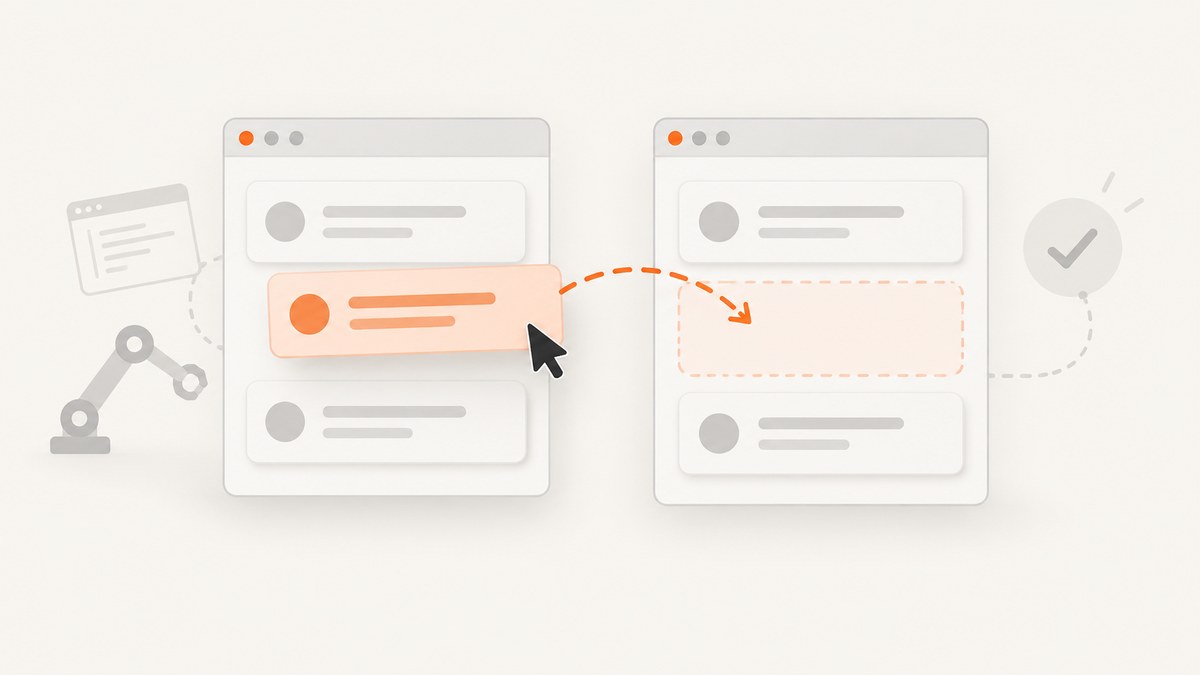
Use the event model your component expects. Cypress has no universal built-in cy.drag() command. For a mouse-driven sortable widget, use .trigger() with the coordinates and button properties the widget reads. For file upload zones, use .selectFile({ action: 'drag-drop' }). For native HTML5 drag-and-drop, use a CDP-based helper such as cypress-real-dnd when synthetic events do not activate the application.
The important assertion is the resulting application state: query the destination or reordered list again after the interaction and verify the business outcome.
1. Identify the drag-and-drop model
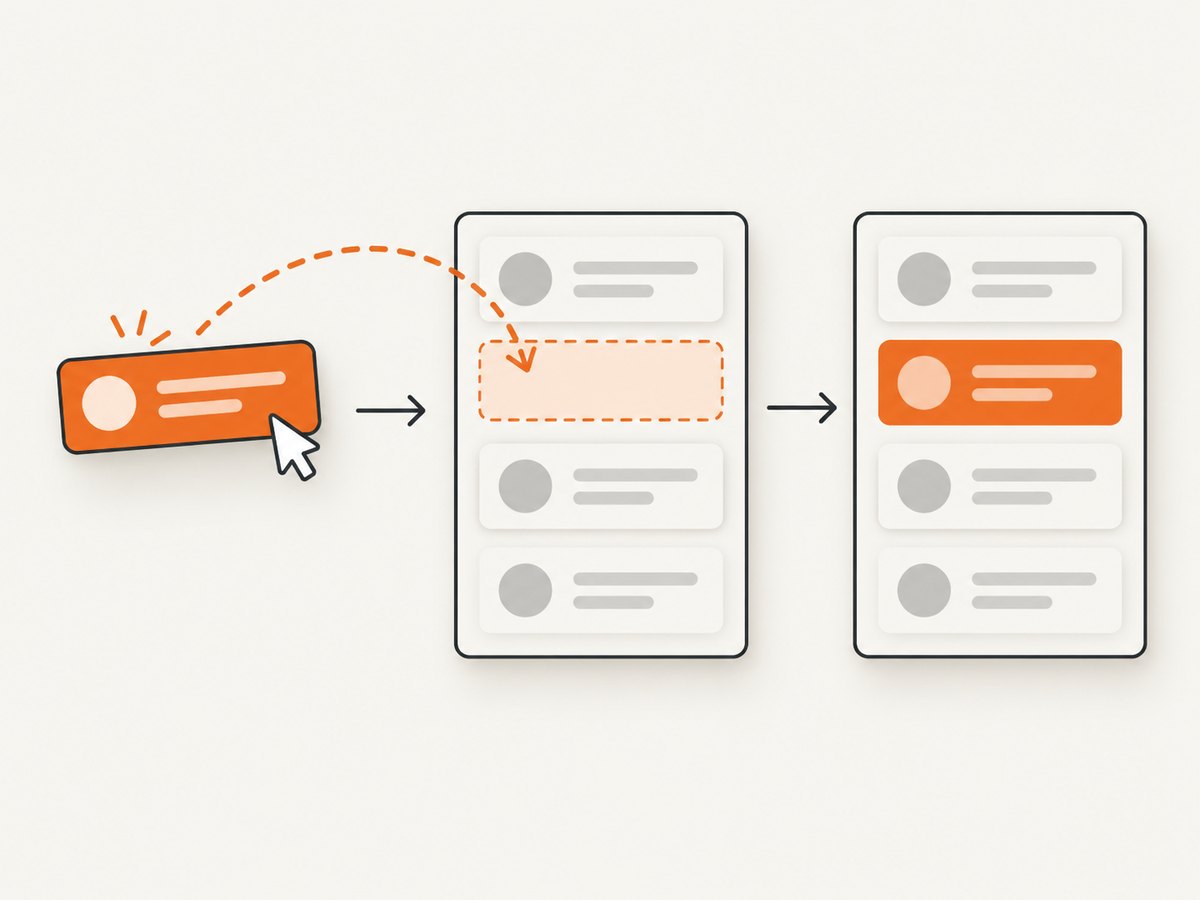
Inspect the component before choosing a command. The same gesture can be implemented in very different ways.
| Component | Recommended Cypress approach | What to inspect |
|---|---|---|
| jQuery UI Sortable or similar mouse widget | trigger('mousedown'), trigger('mousemove'), trigger('mouseup') |
Button value, coordinates, and any distance or delay thresholds |
| Native HTML5 draggable element | CDP-based helper such as cypress-real-dnd |
Whether the app listens for dragstart, dragover, and drop |
| File upload drop zone | selectFile(path, { action: 'drag-drop' }) |
Drop target, accepted MIME types, and document-level listeners |
| Custom pointer or touch interaction | Use the library’s required pointer events or a supported helper | Pointer IDs, button state, movement thresholds, and cancellation rules |
2. Add stable selectors
Give the source, target, and resulting state user-facing test hooks. A data-cy attribute is usually more durable than a CSS class used only for layout.
<ul data-cy="backlog">
  <li data-cy="draggable" data-id="task-123">Write release notes</li>
</ul>
<ul data-cy="done"></ul>
3. Drag a sortable item with trigger()
Cypress documents cy.trigger() as a low-level utility. It does not assume which event properties your application needs, so those properties must match the receiving handler. The following sequence is the documented pattern for a jQuery UI Sortable-style widget.
describe('sorting tasks', () => {
  it('moves a task into the done list', () => {
    cy.visit('/tasks')

    cy.get('[data-cy=draggable]').trigger('mousedown', {
      which: 1,
      pageX: 600,
      pageY: 100,
    })

    cy.get('[data-cy=draggable]').trigger('mousemove', {
      which: 1,
      pageX: 600,
      pageY: 600,
    })

    cy.get('[data-cy=draggable]').trigger('mouseup')

    cy.get('[data-cy=done] [data-id="task-123"]')
      .should('be.visible')
  })
})
which: 1 represents the primary mouse button in this example. The pageX and pageY values must be inside the visible source and destination regions for the real layout. If the widget uses a handle, start the sequence on that handle instead of the entire item.
Use real element coordinates when possible
Hard-coded coordinates are easy to understand but can break when the viewport or layout changes. Read the element rectangles and calculate points inside them.
function centerOf(subject) {
  const rect = subject[0].getBoundingClientRect()
  return {
    x: Math.round(rect.left + rect.width / 2 + window.scrollX),
    y: Math.round(rect.top + rect.height / 2 + window.scrollY),
  }
}

cy.get('[data-cy=draggable]').then(($source) => {
  cy.get('[data-cy=done]').then(($target) => {
    const source = centerOf($source)
    const target = centerOf($target)

    cy.wrap($source).trigger('mousedown', {
      which: 1,
      pageX: source.x,
      pageY: source.y,
    })
    cy.wrap($target).trigger('mousemove', {
      which: 1,
      pageX: target.x,
      pageY: target.y,
    })
    cy.wrap($target).trigger('mouseup')
  })
})

cy.get('[data-cy=done] [data-id="task-123"]').should('exist')
When a widget needs intermediate movement
Some implementations do not start dragging until the pointer moves a minimum distance, or they calculate insertion position from several mousemove events. Add an intermediate point while keeping the button property set.
cy.get('[data-cy=draggable]').trigger('mousedown', {
  which: 1,
  pageX: 200,
  pageY: 150,
})
cy.get('[data-cy=draggable]').trigger('mousemove', {
  which: 1,
  pageX: 210,
  pageY: 160,
})
cy.get('[data-cy=done]').trigger('mousemove', {
  which: 1,
  pageX: 500,
  pageY: 500,
})
cy.get('[data-cy=done]').trigger('mouseup')
4. Test native HTML5 drag-and-drop
Native HTML5 drag-and-drop uses a browser-managed DataTransfer pipeline. A sequence of synthetic mouse events may fire handlers without creating the drag session the application expects. Cypress lists cypress-real-dnd as a community plugin that uses Chrome DevTools Protocol and triggers the native dragstart → dragover → drop flow. It fits plain draggable="true" elements and libraries such as react-dnd, Sortable.js, and dnd-kit when synthetic events fail.
npm install --save-dev cypress-real-dndImport the command from your Cypress support file according to the plugin’s current README, then use its drag command with stable source and target selectors. Pin the version in your project and verify it in the browsers used by CI.
describe('native drag and drop', () => {
  it('drops a card on the target', () => {
    cy.visit('/board')
    cy.get('[data-cy=card-123]').realMouseDown()
    cy.get('[data-cy=drop-target]').realMouseMove()
    cy.get('[data-cy=drop-target]').realMouseUp()
    cy.get('[data-cy=drop-target] [data-id="123"]').should('exist')
  })
})
Use the exact command names and setup required by the installed plugin version. Community helpers can change their API, browser support, and licensing, so check their documentation before upgrading.
5. Test a file upload drop zone
For a drop zone that accepts files, Cypress has a built-in simulation. It creates the file input/drop payload rather than requiring an operating-system window.
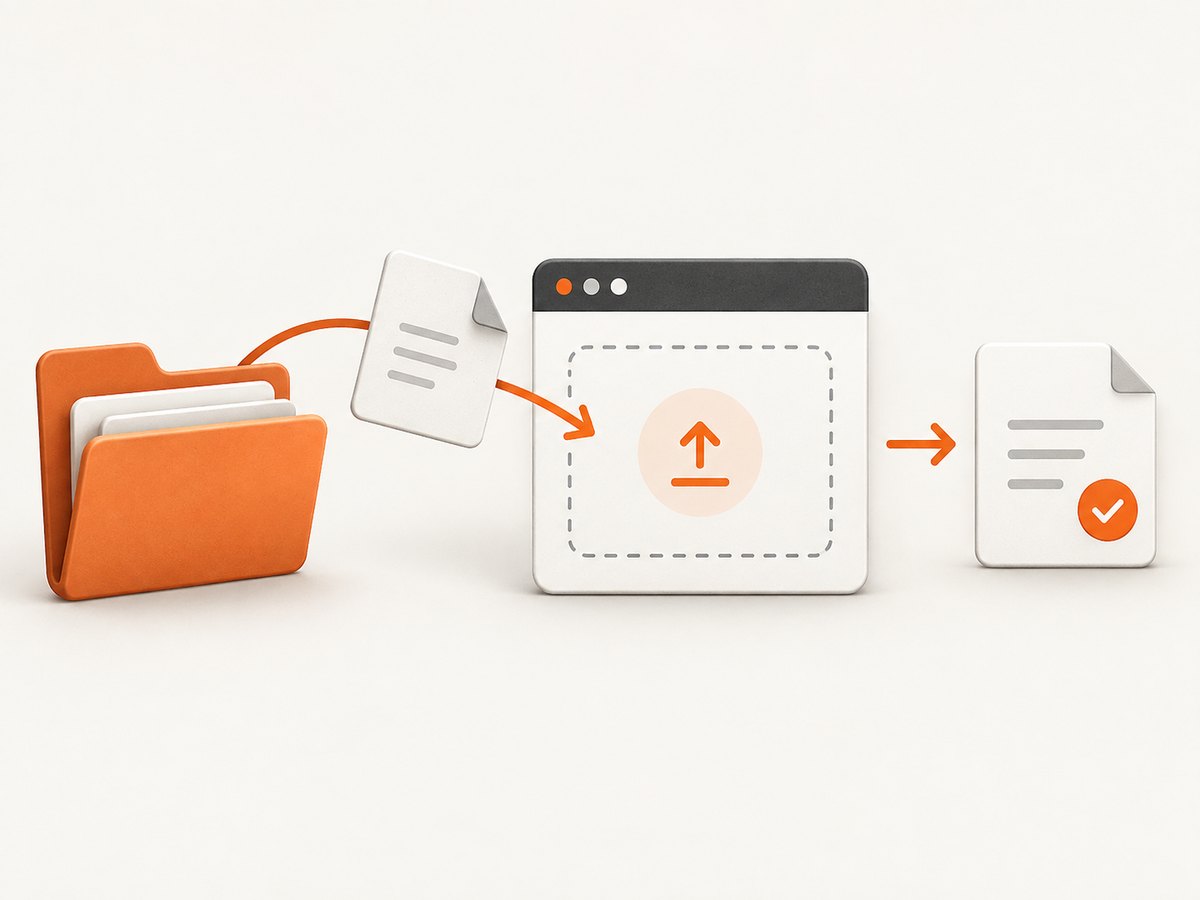
describe('file drop zone', () => {
  it('uploads a JSON file', () => {
    cy.visit('/imports')

    cy.get('[data-cy=drop-zone]').selectFile(
      'cypress/fixtures/file.json',
      { action: 'drag-drop' },
    )

    cy.get('[data-cy=upload-status]')
      .should('contain', 'file.json')
      .and('contain', 'uploaded')
  })
})
The subject can be any DOM element. If the application listens on document, target body:
cy.get('body').selectFile('cypress/fixtures/file.json', {
  action: 'drag-drop',
})
cy.get('[data-cy=upload-status]').should('contain', 'uploaded')
selectFile() accepts paths, aliases, buffers, and file objects. A file object can specify fileName, mimeType, and lastModified.
cy.get('[data-cy=drop-zone]').selectFile({
  contents: Cypress.Buffer.from('{"ok":true}'),
  fileName: 'payload.json',
  mimeType: 'application/json',
  lastModified: Date.now(),
}, { action: 'drag-drop' })
Cypress warns that chaining commands which rely on the previous subject after selectFile() is unsafe. Re-query the status element or file list before asserting.
6. Assert the application outcome
An event firing does not prove that the operation succeeded. Assert the state users care about: list order, parent container, uploaded filename, server response, or a saved status.
cy.get('[data-cy=done] [data-id="task-123"]')
  .should('have.length', 1)

cy.get('[data-cy=task-list] [data-id="task-123"]')
  .should('have.attr', 'data-status', 'done')

cy.intercept('PATCH', '**/tasks/task-123').as('saveTask')
// perform the drag here
cy.wait('@saveTask').its('response.statusCode').should('be.oneOf', [200, 204])
Prefer a fresh cy.get() after the drag. Cypress retries queries, while a previously captured subject can represent the element before the DOM was re-rendered.
7. Troubleshooting
| Symptom | Likely cause | Fix |
|---|---|---|
trigger() runs but nothing moves |
The widget expects different properties or a native drag pipeline | Inspect the event handler; add required coordinates/button values, or use a CDP-based helper |
| jQuery UI ignores the gesture | Missing which: 1, pageX, or pageY |
Provide all three values and use coordinates inside visible elements |
| The drop event fires but no item is accepted | The target rejects the source, or dragover was never delivered |
Use a native HTML5 helper and assert the target’s acceptance state |
| File drop test reports no file | Wrong subject or the app listens at document level | Try cy.get('body'); verify MIME type and file input acceptance |
| Assertions intermittently fail after a drop | The UI or save request is asynchronous | Re-query the result and wait on a specific network request or status indicator |
| Actionability error | Source or target is covered, off-screen, disabled, or outside the viewport | Scroll into view, fix the test fixture, and keep actionability checks enabled unless testing a deliberately hidden control |
| Works locally but fails in CI | Different viewport, browser, timing, or plugin support | Set a consistent viewport, avoid fixed coordinates where possible, pin helper versions, and run the same browser in CI |
| Sortable order changes visually but resets | The client did not persist the reorder | Intercept the save request and assert the server response and final order |
8. Reliability and performance practices
- Use
data-cyor similarly stable selectors instead of classes tied to styling. - Keep the drag path short and deterministic; use element rectangles when responsive layouts change.
- Test one business outcome per case. Separate reorder, cross-list move, invalid drop, and file validation scenarios.
- Wait for the application’s observable state, not an arbitrary long delay. Network aliases and status elements are better synchronization points.
- For large suites, create a small custom command around the event sequence, but keep the underlying properties visible and documented.
- Run native-drag tests in the browser/plugin combinations you support. A helper that depends on Chrome DevTools Protocol may not work identically in every browser.
- Keep fixture files small and representative. Large uploads measure application processing more than drag behavior.
9. Choosing a helper
| Approach | Best for | Trade-offs |
|---|---|---|
cy.trigger() |
Known mouse-event widgets | Fast and dependency-free, but requires implementation-specific event properties |
selectFile({ action: 'drag-drop' }) |
Upload drop zones | Built into Cypress; models file delivery rather than arbitrary pointer dragging |
cypress-real-dnd |
Native HTML5 and libraries requiring the browser drag pipeline | Additional setup and browser/CI compatibility to maintain |
@4tw/cypress-drag-drop |
Command-style dragging with drag and move |
Community dependency; its command yields a boolean attempt result, so still assert application state |
cypress-dragndrop-kit |
Sortable lists and custom components | Check current maintenance, Cypress compatibility, and licensing before adoption |
Or skip the browser setup
If your goal is to capture the resulting page or document rather than exercise the drag gesture itself, ScreenshotNeo returns a screenshot or PDF with one request. Its consent step accepts cookie banners and removes more than 60 known consent platforms, newsletter popups, and chat widgets before capture. Bot checks, blank pages, timeouts, failed loads, and cache hits are not billed, and response headers identify the page verdict and billing result.
See the ScreenshotNeo API documentation for all options.
cURL
curl -G "https://api.screenshotneo.com/v1/shot" \
  -d access_key=YOUR_API_KEY \
  --data-urlencode url=https://example.com/board \
  -o shot.webp
Python
import requests

r = requests.get(
    "https://api.screenshotneo.com/v1/shot",
    params={"access_key": "YOUR_API_KEY", "url": "https://example.com/board"},
    timeout=90,
)
r.raise_for_status()
open("shot.webp", "wb").write(r.content)
Node.js
const q = new URLSearchParams({
  access_key: 'YOUR_API_KEY',
  url: 'https://example.com/board',
})
const res = await fetch(`https://api.screenshotneo.com/v1/shot?${q}`)
if (!res.ok) throw new Error(`Screenshot failed: ${res.status}`)
const fs = await import('node:fs/promises')
await fs.writeFile('shot.webp', Buffer.from(await res.arrayBuffer()))
ScreenshotNeo also supports full-page capture with lazy images loaded, element selectors, custom CSS and JavaScript, waits, blocked resource types, headers, cookies, user agents, geolocation, resizing, caching, signed links, asynchronous jobs, bulk capture, PDF options, and HTML/CSS-to-image. Its MCP server exposes take_screenshot, get_page_info, and capture_pdf to Claude, Cursor, and other MCP clients. There are 1,000 free shots each month with no card; paid plans start at $5 for 3,000 shots.
Create a free ScreenshotNeo account and start with 1,000 screenshots per month at no charge.
FAQ
Does Cypress provide a built-in cy.drag() command?
No. Use trigger(), selectFile() for file drops, or a community helper that matches your component.
Why does cy.trigger() not move my draggable item?
The receiving handler may require specific properties or a native browser drag session. Inspect the widget implementation, then add its required values or switch to a native-drag helper.
Can I test a file drop without opening the operating system file picker?
Yes. selectFile(path, { action: 'drag-drop' }) simulates dragging a file into the browser.
Should I assert that drop fired?
Use the final UI or persisted data as the primary assertion. An event can fire even when validation rejects the item or the save request fails.