How to Import html2canvas in Angular 7
Install the matching html2canvas package, import it correctly, capture Angular elements after rendering, and fix common browser and CORS errors.
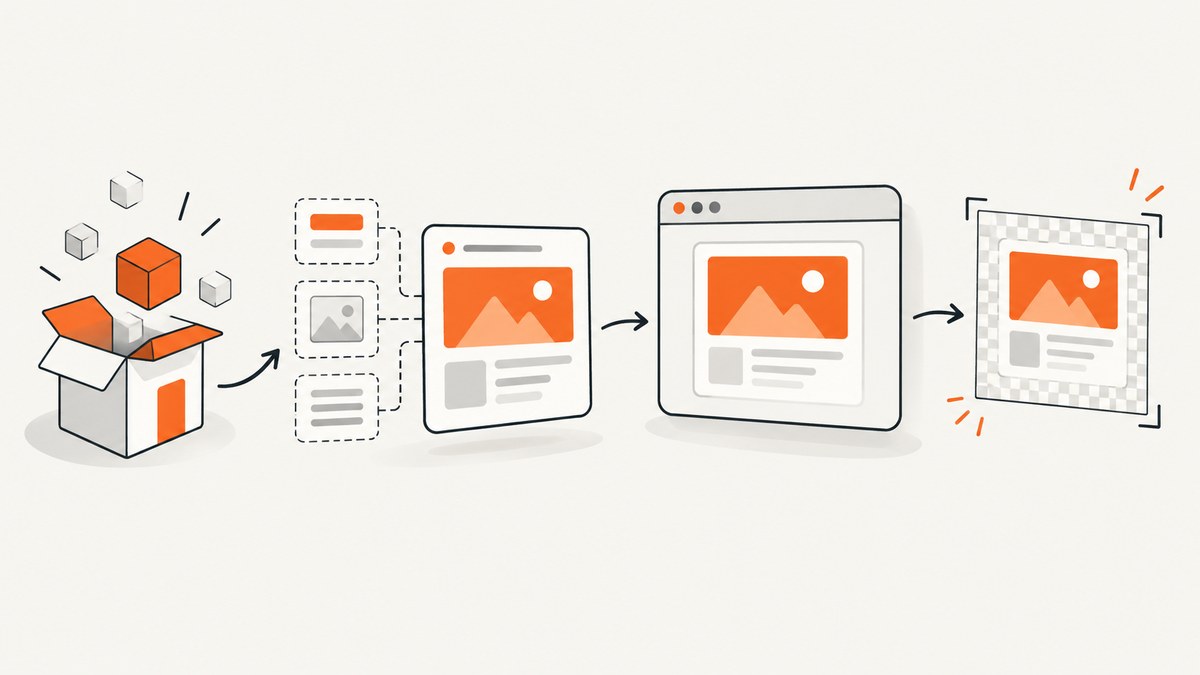
To import html2canvas in Angular 7, install the package whose name matches the import path you use. The current html2canvas documentation shows the scoped package @html2canvas/html2canvas; many Angular 7 projects and older examples use the legacy package html2canvas. Do not mix the two names.
# Current package documented by html2canvas
npm install @html2canvas/html2canvas
import html2canvas from '@html2canvas/html2canvas';
If your project already depends on the legacy package, use this pair instead:
npm install html2canvas
import html2canvas from 'html2canvas';
The import string must exactly match the dependency recorded in package.json. After importing, call html2canvas(element) from a browser-side method after Angular has rendered the element. The function returns a Promise that resolves to an HTML canvas element. The official documentation describes the API and its browser limitations in the html2canvas documentation and the package information on npm.
1. Choose the package and keep the names consistent
| Dependency installed | Import statement | Use when |
|---|---|---|
@html2canvas/html2canvas |
import html2canvas from '@html2canvas/html2canvas'; |
You are starting from the current package documentation. |
html2canvas |
import html2canvas from 'html2canvas'; |
Your Angular 7 application already uses the legacy package or lockfile. |
Run installation from the Angular workspace root, where package.json and angular.json reside. Check the result before changing source code:
npm ls html2canvas @html2canvas/html2canvas
cat package.json
Use one package form in the application. Installing both can make dependency resolution and maintenance harder, especially when examples, lockfiles, or shared libraries refer to different names. The retrieved documentation does not publish a tested Angular 7 compatibility matrix, so verify the package version and browser support required by your own application.
2. Build a working Angular 7 component
This complete component captures a template element after the view exists, converts the returned canvas to a PNG data URL, and downloads it. The AfterViewInit hook is used because the target is a real DOM element only after Angular creates the view. The hook choice is an implementation pattern; html2canvas itself requires a browser DOM element but does not prescribe an Angular lifecycle hook.
import { AfterViewInit, Component, ElementRef, ViewChild } from '@angular/core';
import html2canvas from '@html2canvas/html2canvas';
// For the legacy package, use:
// import html2canvas from 'html2canvas';

@Component({
  selector: 'app-capture',
  template: `
    <section #captureArea class="capture-card">
      <h2>Capture me</h2>
      <p>This content is rendered by Angular 7.</p>
    </section>
    <button type="button" (click)="capture()">Save image</button>
    <p *ngIf="error" class="error">{{ error }}</p>
  `,
  styles: [`
    .capture-card { padding: 24px; background: white; color: #222; }
    .error { color: #b00020; }
  `]
})
export class CaptureComponent implements AfterViewInit {
  @ViewChild('captureArea', { static: false })
  captureArea!: ElementRef<HTMLElement>;

  error = '';

  ngAfterViewInit(): void {
    // The element reference is available after view initialization.
  }

  async capture(): Promise<void> {
    this.error = '';

    if (!this.captureArea || !this.captureArea.nativeElement) {
      this.error = 'The capture element is not available yet.';
      return;
    }

    try {
      const canvas = await html2canvas(this.captureArea.nativeElement, {
        backgroundColor: '#ffffff',
        useCORS: true,
        scale: window.devicePixelRatio || 1
      });

      const dataUrl = canvas.toDataURL('image/png');
      const link = document.createElement('a');
      link.href = dataUrl;
      link.download = 'angular-capture.png';
      link.click();
    } catch (err) {
      this.error = 'The element could not be rendered. Check browser and image-origin errors.';
      console.error(err);
    }
  }
}
For a component using the legacy package, change only the import line. The rest of the Angular code is the same. A canvas can also be displayed directly:
this.previewUrl = canvas.toDataURL('image/jpeg', 0.9);
Bind previewUrl to an image in the template with <img [src]="previewUrl" alt="Preview">. Use PNG for sharp text and transparency, or JPEG when a smaller photographic image is more useful. The browser’s canvas encoding controls the output; html2canvas itself does not upload or store the result.
3. Capture after Angular has rendered the content
Calling the library from a constructor is too early because Angular has not finished creating the target element. A click handler, a later callback, or code after ngAfterViewInit is appropriate. If the component fills content asynchronously, wait for that content as well:
async captureAfterDataLoads(): Promise<void> {
  await this.loadData();
  await new Promise(resolve => setTimeout(resolve, 0));
  const canvas = await html2canvas(this.captureArea.nativeElement);
  this.previewUrl = canvas.toDataURL('image/png');
}
For fonts and images, wait until the browser has finished loading them where possible:
await document.fonts.ready;
const images = Array.from(this.captureArea.nativeElement.querySelectorAll('img'));
await Promise.all(images.map(img => img.complete
  ? Promise.resolve()
  : new Promise(resolve => {
      img.addEventListener('load', resolve, { once: true });
      img.addEventListener('error', resolve, { once: true });
    })));
const canvas = await html2canvas(this.captureArea.nativeElement);
This reduces captures made while a web font or image is still changing layout. It does not make cross-origin resources readable; those still need suitable response headers or a proxy.
4. Useful html2canvas options
Options are passed as the second argument. The following are commonly relevant to an Angular component:
| Option | Purpose | Practical note |
|---|---|---|
backgroundColor |
Sets the canvas background. | Use null when you need transparency and the page supports it. |
scale |
Controls output pixel density. | window.devicePixelRatio gives sharper results but increases memory and time. |
useCORS |
Requests images with CORS enabled. | The remote server must send an appropriate Access-Control-Allow-Origin header. |
proxy |
Routes image requests through a proxy. | The proxy must accept the URL and return image data in a form html2canvas can use. |
allowTaint |
Allows tainted images to be drawn. | A tainted canvas cannot safely be exported with toDataURL; this is not a CORS bypass. |
width, height |
Sets the cloned document dimensions. | Useful for a controlled viewport. |
windowWidth, windowHeight |
Sets the virtual window size. | Helps reproduce a responsive breakpoint. |
scrollX, scrollY |
Sets the scroll position used for rendering. | Useful when fixed or sticky elements depend on scroll. |
foreignObjectRendering |
Attempts browser foreignObject rendering. | Support varies; test the browsers your users have. |
ignoreElements |
Skips selected DOM nodes. | Use a predicate to exclude buttons, videos, or private controls. |
const canvas = await html2canvas(this.captureArea.nativeElement, {
  backgroundColor: null,
  scale: 2,
  useCORS: true,
  windowWidth: 1280,
  windowHeight: 800,
  ignoreElements: element => element.classList.contains('do-not-capture')
});
html2canvas reconstructs the page from the DOM and styles. It is not a native browser screenshot, so unsupported CSS, browser differences, filters, video, plugins, and complex effects can render differently from what a user sees. Check the project’s supported features before promising pixel-perfect output.
5. Browser-only execution and Angular Universal
The npm documentation describes html2canvas as heavily dependent on the browser and unsuitable for Node.js. Do not execute it during server-side rendering. If an Angular Universal application shares the component, guard browser-only work:
import { Inject, PLATFORM_ID } from '@angular/core';
import { isPlatformBrowser } from '@angular/common';

constructor(@Inject(PLATFORM_ID) private platformId: Object) {}

async capture(): Promise<void> {
  if (!isPlatformBrowser(this.platformId)) {
    return;
  }
  const canvas = await html2canvas(this.captureArea.nativeElement);
  // ...export the canvas
}
You can also dynamically load the package inside a browser-only branch when your build setup requires it:
if (isPlatformBrowser(this.platformId)) {
  const module = await import('@html2canvas/html2canvas');
  const canvas = await module.default(this.captureArea.nativeElement);
}
Angular 7 projects that support older browsers should also check Promise support. The legacy package documentation notes that older browsers may need a Promise polyfill. Confirm that your browserslist and polyfills configuration covers the browsers you actually support.
6. Cross-origin images, fonts, and canvas security
A frequent failure is a blank or non-exportable canvas when the target includes an image hosted on another origin. Browser content policies prevent html2canvas from reading pixels that the remote server has not made available through CORS. useCORS: true only requests CORS; it cannot grant permission.
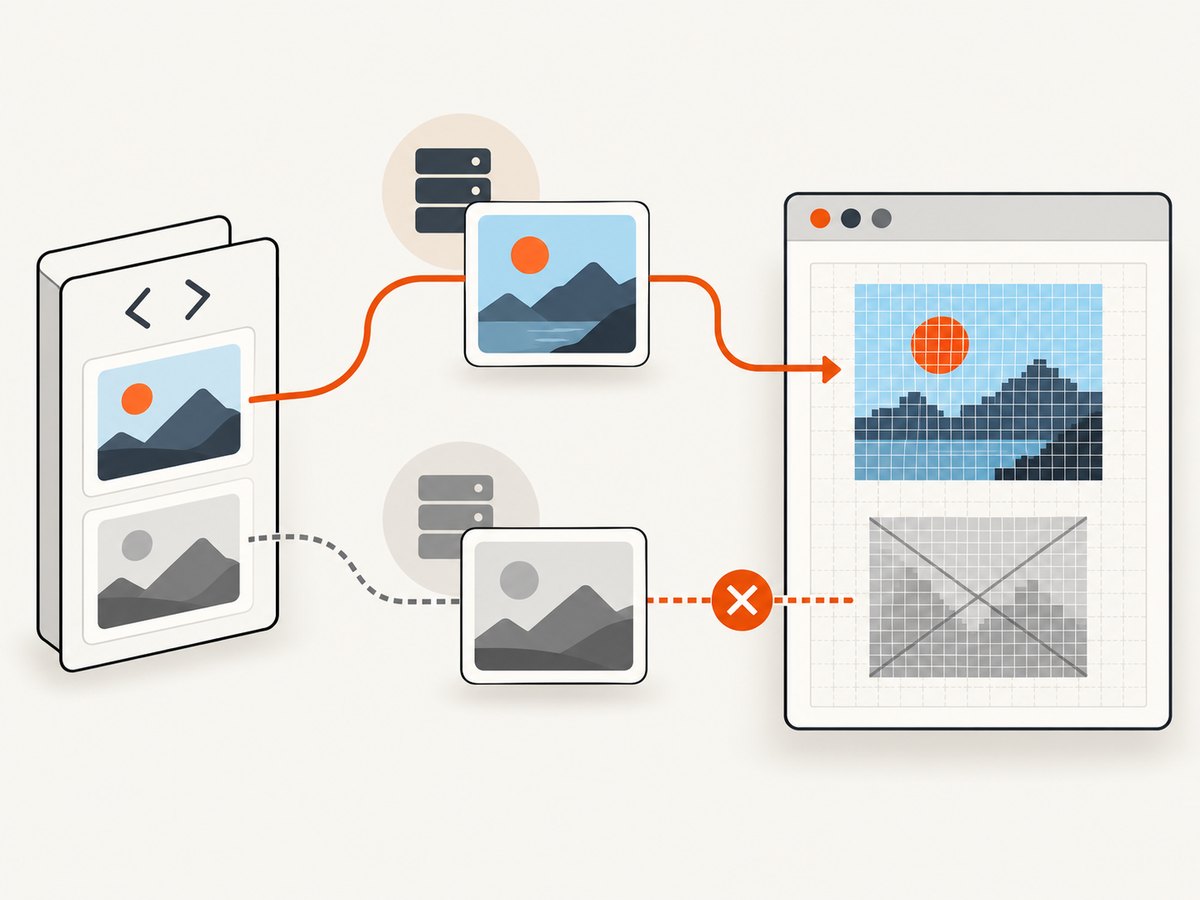
- Configure the image server to return an appropriate
Access-Control-Allow-Originvalue. - Use URLs that do not redirect to a host with different CORS policy.
- Pass
useCORS: trueand ensure the image is requested with CORS. - If you control a trusted backend proxy, configure the html2canvas
proxyoption as documented by the project. - After drawing, call
toDataURLonly when the canvas is not tainted.
const canvas = await html2canvas(element, {
  useCORS: true,
  proxy: 'https://your-approved-proxy.example/?url='
});
Never build an open proxy that fetches arbitrary private URLs. A proxy should validate allowed hosts, limit response size, and avoid forwarding credentials. For third-party fonts, the font server also needs compatible CORS headers; otherwise text may fall back or fail to appear as expected.
7. Troubleshooting checklist
| Symptom | Likely cause | Fix |
|---|---|---|
Cannot find module 'html2canvas' |
The dependency is missing, or the import name does not match the installed package. | Install html2canvas and import it by that name, or install @html2canvas/html2canvas and use its scoped import. |
Cannot find module '@html2canvas/html2canvas' |
The scoped package is not installed. | Run the matching npm install command from the workspace root and restart the Angular build. |
html2canvas is not a function |
Module interop or an incorrect import form. | Use the documented default import. Check your TypeScript and package version before trying namespace imports. |
document is not defined |
The code ran during server-side rendering. | Guard the method with isPlatformBrowser and run it only in the browser. |
| Canvas export throws a security error | A cross-origin image tainted the canvas. | Fix image CORS, use a controlled proxy, or remove the resource. |
| Remote images are missing | Image loading failed, CORS is absent, or the capture occurred before loading finished. | Inspect network responses, enable CORS, and wait for image completion. |
| Styles or layout differ | html2canvas reconstructs DOM and CSS instead of taking a native screenshot. | Simplify unsupported styles, set viewport options, and test in each supported browser. |
| Capture is blurry or crashes | A high scale or very large element consumed too much memory. | Lower scale, capture a smaller region, or process large pages in sections. |
| Old browser rejects Promise | No Promise implementation is available. | Add the required polyfill and verify Angular 7 browser support settings. |
8. Performance, reliability, and cost considerations
Client-side capture uses the user’s browser CPU and memory. Large full-page elements, high device pixel ratios, shadows, and many images increase work. Keep the capture region focused, avoid unnecessary scale increases, and remove animated or video content when deterministic output matters. If users can click repeatedly, disable the button while the Promise is pending.
capturing = false;

async capture(): Promise<void> {
  if (this.capturing) return;
  this.capturing = true;
  try {
    const canvas = await html2canvas(this.captureArea.nativeElement);
    // save or display canvas
  } finally {
    this.capturing = false;
  }
}
There is no html2canvas service charge for a local browser capture, but your application still pays in device resources, bandwidth for images, and any backend storage or processing you add. Browser output also depends on the user’s viewport, fonts, extensions, network, and security policy. For repeatable server-side captures, a hosted browser screenshot API can move those variables into a controlled request.
9. Or skip the browser setup
If you need a URL screenshot rather than a canvas of the current Angular DOM, ScreenshotNeo provides a GET endpoint that returns PNG, JPEG, WebP, or PDF. Its capture pipeline accepts consent banners and removes more than 60 known consent platforms, newsletter popups, and chat widgets before the shot. Bot checks, blank pages, timeouts, failed loads, and cache hits are not billed, and the response identifies the result with X-Page-Verdict and X-Billed headers.
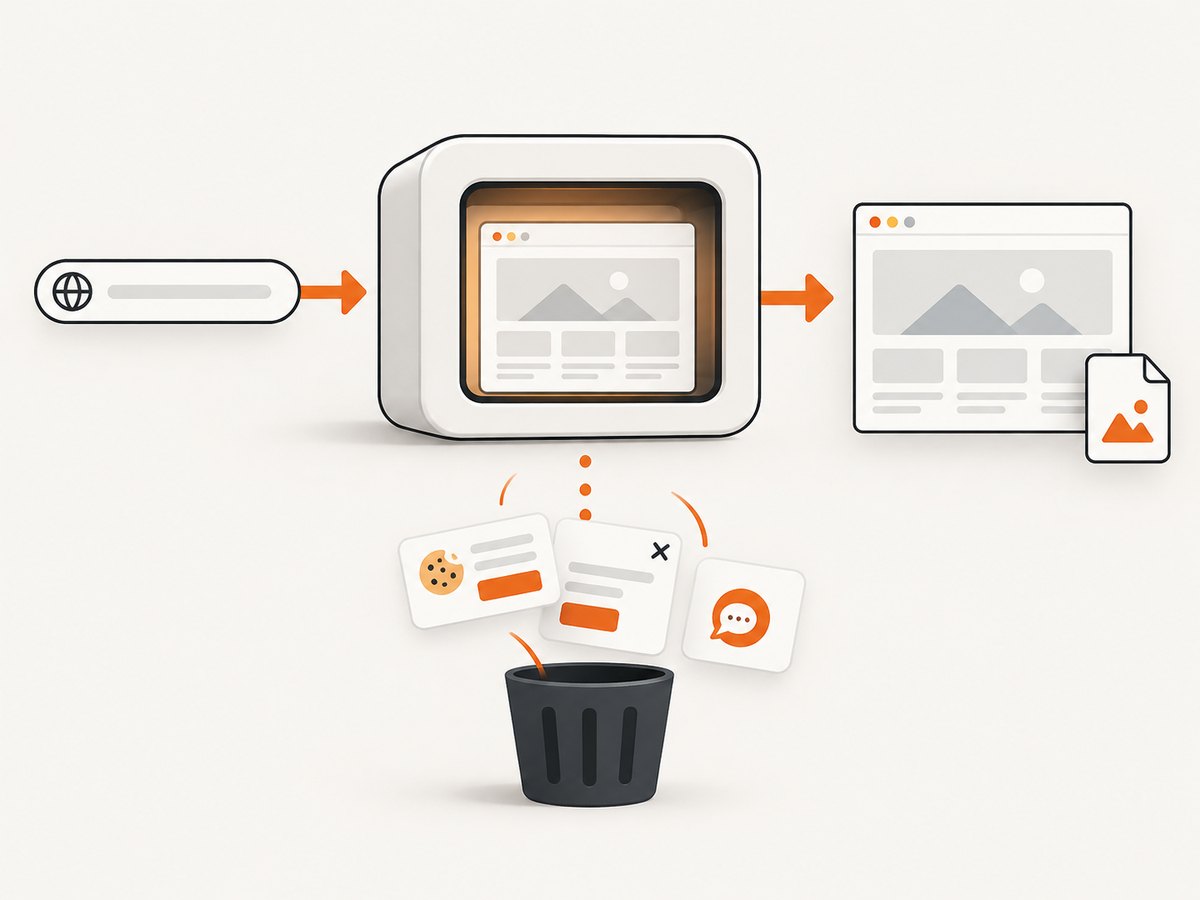
Read the complete option list and authentication details in the ScreenshotNeo documentation. A minimal request is:
curl -G "https://api.screenshotneo.com/v1/shot" -d access_key=YOUR_API_KEY --data-urlencode url=https://stripe.com -o shot.webp
import requests

r = requests.get(
    "https://api.screenshotneo.com/v1/shot",
    params={"access_key": "YOUR_API_KEY", "url": "https://stripe.com"},
    timeout=90,
)
r.raise_for_status()
open("shot.webp", "wb").write(r.content)
const q = new URLSearchParams({ access_key: 'YOUR_API_KEY', url: 'https://stripe.com' });
const res = await fetch(`https://api.screenshotneo.com/v1/shot?${q}`);
if (!res.ok) throw new Error(`Screenshot failed: ${res.status}`);
const bytes = new Uint8Array(await res.arrayBuffer());
await Bun.write('shot.webp', bytes); // or write bytes with your Node.js file API
ScreenshotNeo also supports full-page capture with lazy images loaded, CSS element selection, dark mode, device presets and custom viewports, retina scale, PDF paper and margin settings, custom CSS and JavaScript, clicks, selector waits, delays, network-idle waits, blocked requests and resource types, headers, cookies, user agents, Authorization, timezone, geolocation, transparent backgrounds, resizing, configurable caching, signed image links, asynchronous jobs with signed webhooks, bulk capture of up to 100 URLs per call, usage reporting, and an OpenAPI specification. Existing parameter names used by other screenshot APIs also work, which can simplify migration.
An MCP server provides take_screenshot, get_page_info, and capture_pdf tools for Claude, Cursor, and other MCP clients. The Free plan includes 1,000 shots each month without a card; paid plans start at $5 for 3,000 shots, with every feature on every plan. Create a free ScreenshotNeo account.
10. FAQ
Does Angular 7 require a special html2canvas wrapper?
No. Import the package in a component or service and pass a browser DOM element to it. A wrapper can help organize application code but is not required by html2canvas.
Can I import html2canvas in an Angular service?
Yes, provided the service method runs in a browser and receives an existing HTMLElement. Keep DOM access out of server-rendered execution.
Why does the package name differ between examples?
The current documentation uses the scoped package while older projects use the legacy package. Both the npm dependency and the TypeScript import must use the same form.
Can html2canvas capture a remote website from Angular?
It captures DOM available to the current browser context. A remote page or image still follows browser origin and CORS rules. For URL-based server capture, use a screenshot API such as ScreenshotNeo.
Does html2canvas create a PDF?
It creates a canvas. You need a separate PDF library or server workflow to place that image into a PDF.
What should I check first when capture output is blank?
Confirm the element exists, wait for asynchronous content and images, inspect browser console errors, and check cross-origin image responses. Then reduce the capture to a small element to isolate CSS or memory issues.


