How to Improve Wkhtmltopdf PDF Quality
Improve wkhtmltopdf output by fixing source assets, page geometry, media styles, image settings, fonts, and smart shrinking—with complete commands and troubleshooting.
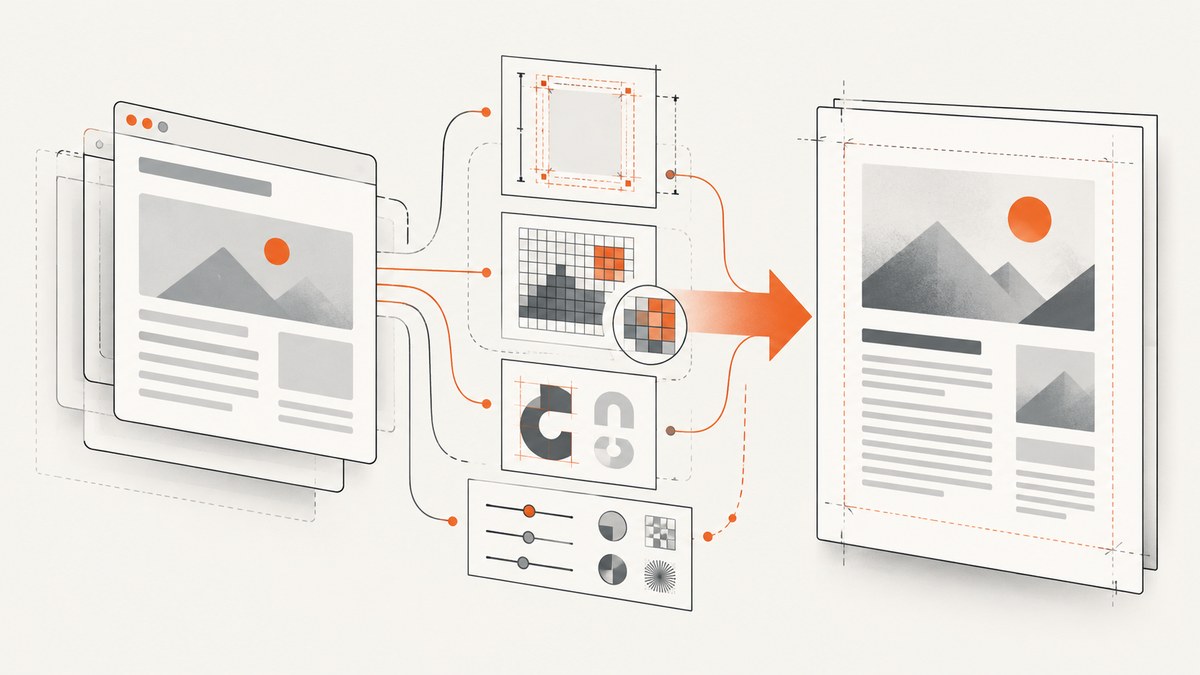
Short answer: improve wkhtmltopdf quality in a controlled order. Record your exact build and operating system, verify that source images and fonts are good enough, set paper size, orientation, margins, and CSS width explicitly, select the correct media stylesheet, then tune --image-dpi, --image-quality, zoom, and smart shrinking one at a time. Do not use --lowquality when fidelity matters. If the document depends on modern CSS or dynamic JavaScript, compare a current browser-based renderer because wkhtmltopdf is built on an old Qt/WebKit stack.
This guide focuses on repeatable diagnosis rather than a “magic” flag. The same command can produce different results across patched-Qt and distribution builds, so keep a known-good sample and compare one change at a time.
1. Capture a baseline before changing options
Save the complete environment for one representative bad PDF:
wkhtmltopdf --version
uname -a                 # Linux; use system information tools on other OSes
fc-list | head           # confirm expected fonts are installed
wkhtmltopdf input.html baseline.pdf
Also record whether the HTML loads remote or local assets, which fonts the CSS requests, and whether JavaScript builds content after page load. The project’s download page explains that patched-Qt builds expose features unavailable in some distribution packages, so build provenance matters: official downloads. Keep the HTML, CSS, image files, command line, and baseline PDF together so each experiment is reproducible.
2. Fix source images before PDF encoding
--image-dpi and --image-quality address different problems. The usage manual documents a default image DPI of 600 and JPEG quality of 94: wkhtmltopdf usage manual. DPI controls how image pixels are mapped into the PDF; JPEG quality controls compression. Raising either setting cannot recreate detail that is missing from the source bitmap.
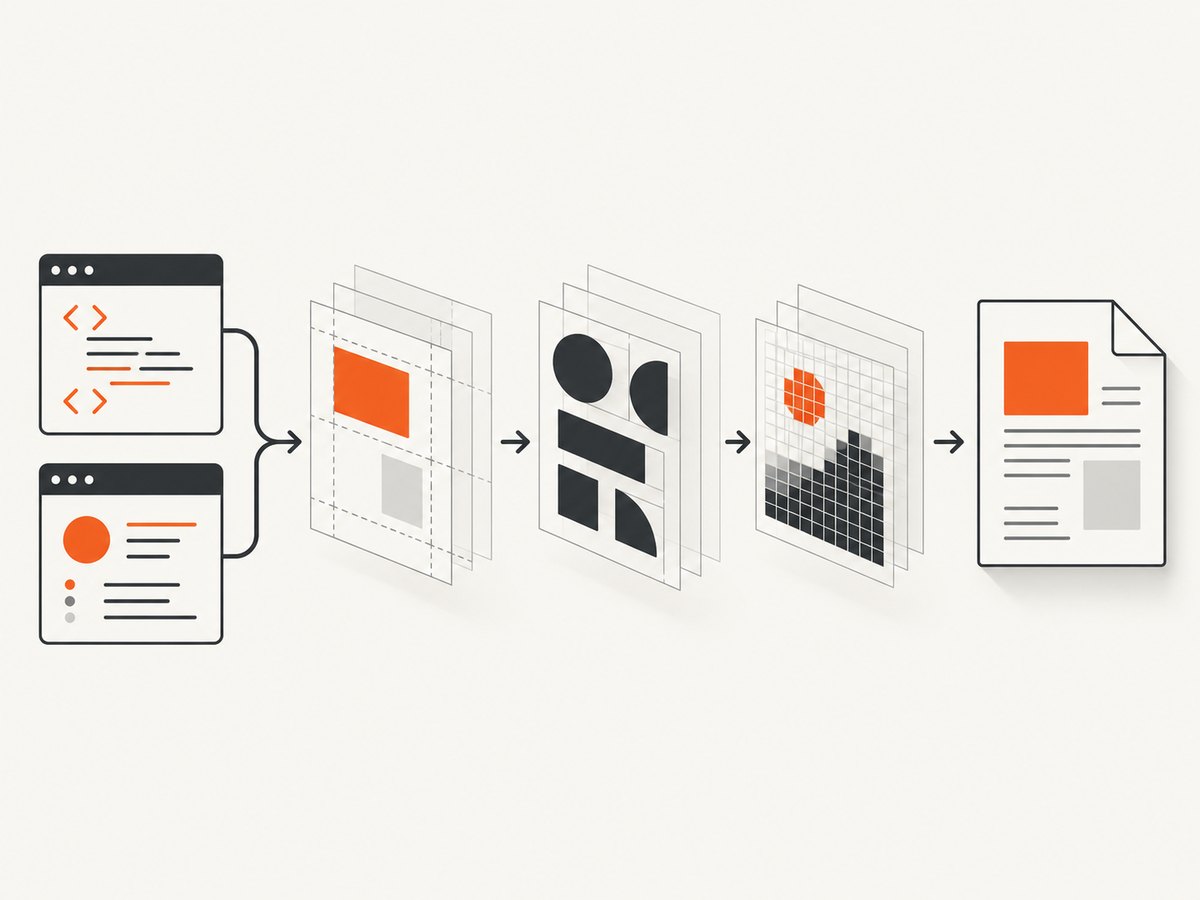
Check every image at its rendered size. An image displayed 1,200 CSS pixels wide should not come from a 400-pixel source if you need sharp print output. Prefer an original PNG, lossless screenshot, or a high-resolution JPEG. Avoid repeatedly recompressing JPEGs before wkhtmltopdf receives them.
wkhtmltopdf \
  --image-dpi 600 \
  --image-quality 94 \
  input.html output.pdf
For a larger file with less JPEG loss, increase quality only after confirming the source is sufficiently large:
wkhtmltopdf \
  --image-dpi 600 \
  --image-quality 100 \
  input.html output-high-quality.pdf
Use the smallest settings that preserve the detail your users need. A higher quality value increases size and processing cost; it does not improve text rendered as vector PDF.
3. Set page geometry before scale and zoom
wkhtmltopdf defaults to A4 paper and portrait orientation. Set the intended geometry explicitly so CSS widths and the printable area have a stable target.
wkhtmltopdf \
  --page-size A4 \
  --orientation Portrait \
  --margin-top 15mm \
  --margin-right 15mm \
  --margin-bottom 15mm \
  --margin-left 15mm \
  input.html output.pdf
For US Letter landscape:
wkhtmltopdf \
  --page-size Letter \
  --orientation Landscape \
  --margin-top 0.5in \
  --margin-right 0.5in \
  --margin-bottom 0.5in \
  --margin-left 0.5in \
  input.html output-letter-landscape.pdf
Calculate the printable width: paper width minus left and right margins. Make the main CSS container fit inside that width. A layout that is wider than the printable area will be shrunk, clipped, or wrapped in ways that look like poor quality.
@page {
  size: A4 portrait;
  margin: 15mm;
}

html, body {
  margin: 0;
  padding: 0;
}

.report {
  width: 180mm;
  max-width: 100%;
}
Use explicit page breaks for sections that must begin on a new page:
.page-break {
  page-break-before: always;
}

.avoid-split {
  page-break-inside: avoid;
}
4. Choose screen or print media deliberately
The command-line default uses screen media. If your stylesheet contains @media print rules for print colors, widths, or visibility, add --print-media-type:
wkhtmltopdf --print-media-type input.html print.pdfDo not assume print media is always sharper. Compare both outputs and inspect typography, backgrounds, table widths, and page breaks. Keep the selected mode in your production command so a package or environment change does not silently switch the layout.
5. Understand smart shrinking, zoom, and DPI
Smart shrinking is enabled by default. It adjusts the pixel-to-DPI ratio so content fits the page. That can rescue an oversized layout, but it also makes the final scale less predictable. Compare the default with a run that disables it:
wkhtmltopdf --disable-smart-shrinking input.html no-shrink.pdfWhen shrinking is disabled, content that exceeds the printable width can overflow or be clipped. Fix page size, margins, and CSS width first; then test zoom:
wkhtmltopdf --zoom 1.0 input.html zoom-1.pdf
wkhtmltopdf --zoom 1.1 input.html zoom-1-1.pdf
Use a repeatable sample containing body text, a table, a vector icon, and a photographic image. Inspect the same region in every PDF. Zoom is a layout scale control, not a detail-recovery filter.
6. Make fonts and assets deterministic
Missing fonts cause fallback glyphs, changed line wrapping, and blurry-looking text. Install the exact font families used by the document on the rendering host, refresh the font cache where applicable, and verify that the process user can read them. Embed web fonts only when the build can load them reliably.
@font-face {
  font-family: 'Report Sans';
  src: url('file:///opt/report/fonts/report-sans.woff2') format('woff2');
  font-weight: 400;
  font-style: normal;
}

body {
  font-family: 'Report Sans', Arial, sans-serif;
}
For local HTML and assets, use the least permissive file-access settings that still allow required files. The manual documents local-file controls, including --disable-local-file-access and explicit allowed paths. Confirm that background images, SVGs, CSS, and JavaScript files actually load; a missing background can be mistaken for a PDF quality defect.
7. Wait for dynamic content without hiding the real problem
wkhtmltopdf uses an older WebKit engine. JavaScript-heavy pages may finish with empty charts, late images, or incomplete layout. A delay can help content that is merely slow:
wkhtmltopdf --javascript-delay 1500 input.html delayed.pdfA delay does not add support for APIs or CSS features the engine cannot render. Make the HTML produce a stable print state, remove animations, and render charts to SVG or canvas only after data is present. If the page still differs from a current browser, evaluate a renderer designed for that workload.
8. Complete command examples
High-fidelity report baseline
wkhtmltopdf \
  --page-size A4 \
  --orientation Portrait \
  --margin-top 15mm \
  --margin-right 15mm \
  --margin-bottom 15mm \
  --margin-left 15mm \
  --print-media-type \
  --image-dpi 600 \
  --image-quality 94 \
  --javascript-delay 1000 \
  report.html report.pdf
Header and footer with predictable spacing
wkhtmltopdf \
  --margin-top 25mm \
  --margin-bottom 20mm \
  --header-html header.html \
  --footer-center '[page] / [topage]' \
  report.html report-numbered.pdf
Reserve enough margin for headers and footers. Otherwise the body can overlap them or be shrunk unexpectedly.
9. Troubleshooting checklist
| Symptom | Likely cause | Fix |
|---|---|---|
| Photos look soft | Source image is too small or compressed | Use a larger original; then tune --image-dpi and --image-quality. |
| Text wraps differently between hosts | Different fonts or wkhtmltopdf builds | Install the same fonts and record --version; compare patched-Qt and distribution packages. |
| Content is clipped at the right edge | CSS width exceeds printable width | Set paper and margins, reduce container width, then test shrinking. |
| Print colors or layout are missing | Screen media is selected | Try --print-media-type and inspect the print stylesheet. |
| PDF is unexpectedly huge | Large source images or high JPEG quality | Resize source assets to their rendered size and lower quality only as needed. |
| PDF is small but visibly degraded | --lowquality was enabled |
Remove it; the option intentionally creates lower-quality PDF/PS output. |
| Blank chart or missing late image | JavaScript or network asset did not finish | Make the page print-ready, verify asset access, and add a measured delay. |
| Local images fail | Local-file access is blocked or paths are wrong | Use correct absolute paths and narrowly allow required directories. |
| Pages differ after an OS update | Package or font change | Pin the renderer image/package and keep a golden PDF for visual comparison. |
10. Performance, reliability, and cost considerations
Higher image resolution, large DOMs, JavaScript delays, and remote assets increase render time and memory use. Cache stable assets, avoid shipping images larger than their rendered dimensions, and split very large documents into predictable sections when your workflow permits.
For reliability, serve assets from deterministic paths, fail the job when required resources are missing, and retain the exact command and renderer version with each output. Run a small visual regression set after changing fonts, OS packages, CSS, or wkhtmltopdf flags.
There is no universal quality setting. A 600-DPI setting and JPEG quality 94 are documented defaults, not a guarantee that every input is optimal. Measure file size and inspect representative pages before adopting a change across a batch.
11. Security boundaries for untrusted HTML
The project advises against using wkhtmltopdf with untrusted HTML. If users can submit HTML, isolate the rendering process with operating-system controls such as AppArmor or SELinux, restrict network access, and limit local-file visibility. --disable-local-file-access is useful configuration but is not a substitute for deployment isolation. See the project’s security guidance.
12. When to consider another renderer
wkhtmltopdf’s maintainer status page records that Qt 4 was unsupported after 2015 and its WebKit had not been updated since 2012; this is historical project context, not a benchmark. The project suggests WeasyPrint or Prince for report generation and Puppeteer for dynamic JavaScript sites: project status. Compare candidates on the CSS features you use, JavaScript requirements, font and asset handling, pagination, output fidelity on your actual documents, packaging, security model, and total cost. Make the decision with a representative sample rather than a synthetic score.
Or skip the browser setup
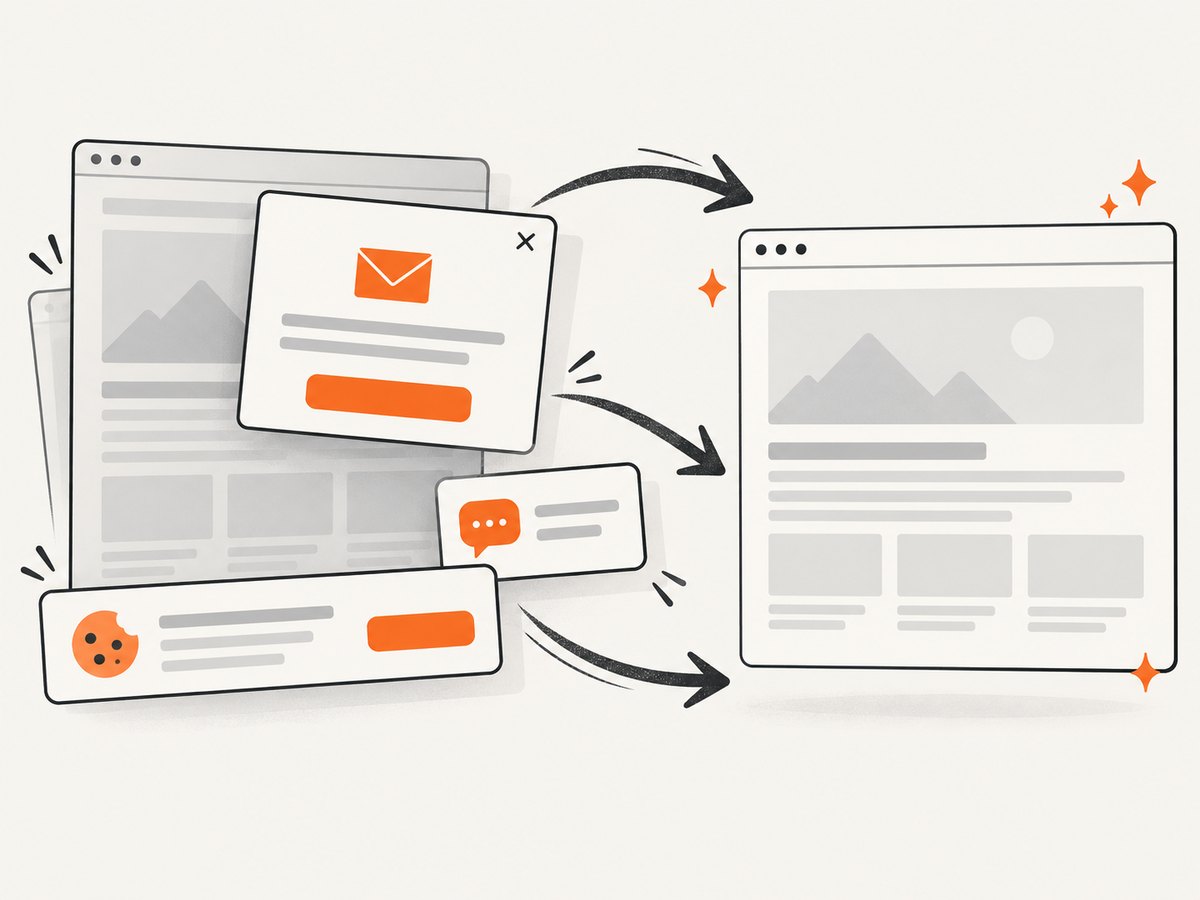
If you need a clean screenshot or PDF of a URL without maintaining a browser-rendering stack, ScreenshotNeo provides a website screenshot API and MCP server. It accepts one GET request and returns PNG, JPEG, WebP, or PDF. Cookie and consent banners, newsletter popups, and chat widgets are removed before capture. Bot checks, blank pages, failed loads, timeouts, and cache hits are not billed, and response headers identify the page verdict and billing result.
See the ScreenshotNeo API documentation for all options, including full-page capture, CSS element selection, dark mode, device presets, retina scale, PDF paper and margin controls, custom CSS and JavaScript, waits, request blocking, headers, cookies, user agents, timezone, geolocation, caching, signed links, asynchronous jobs, bulk capture, and usage reporting.
cURL
curl -G 'https://api.screenshotneo.com/v1/shot' \
  -d access_key=YOUR_API_KEY \
  --data-urlencode 'url=https://stripe.com' \
  -o shot.webp
Python
import requests

r = requests.get(
    'https://api.screenshotneo.com/v1/shot',
    params={'access_key': 'YOUR_API_KEY', 'url': 'https://stripe.com'},
    timeout=90,
)
r.raise_for_status()
open('shot.webp', 'wb').write(r.content)
Node.js
const q = new URLSearchParams({ access_key: 'YOUR_API_KEY', url: 'https://stripe.com' });
const res = await fetch(`https://api.screenshotneo.com/v1/shot?${q}`);
if (!res.ok) throw new Error(`HTTP ${res.status}`);
require('fs').writeFileSync('shot.webp', Buffer.from(await res.arrayBuffer()));
An MCP server lets Claude, Cursor, and other MCP clients call take_screenshot, get_page_info, and capture_pdf. The free plan includes 1,000 screenshots per month with no card; paid plans start at $5 for 3,000. Create a free ScreenshotNeo account.
FAQ
Does increasing image DPI make text sharper?
Only for raster images. Text generated by HTML remains vector-like in the PDF; fix fonts, layout, and rendering instead.
Should I always disable smart shrinking?
No. Compare both modes after setting page geometry. Disabling it can expose overflow.
Is --lowquality useful for production?
Use it only when smaller files matter more than fidelity. It intentionally lowers PDF/PS quality.
Why does a distribution package behave differently?
Builds can use different Qt patches and feature sets. Record the version and test the exact package deployed.
Can wkhtmltopdf render modern web apps?
Some will work, but dynamic JavaScript and newer CSS can exceed its legacy WebKit engine. Test a representative page and consider a maintained browser renderer when required.


