Include Screenshot URLs in Webhooks
FeedbackBasket’s documented webhook includes an attachment count, not screenshot URLs. Here’s how to handle the event safely and what the schema does—and doesn’t—provide.
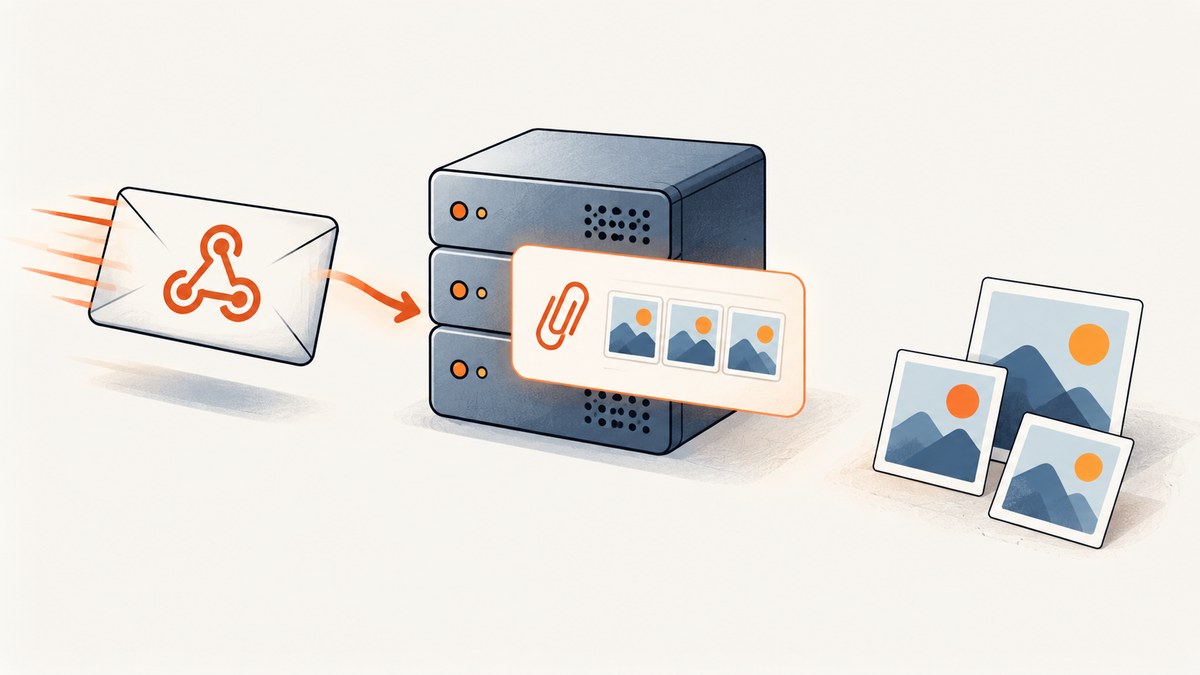
Direct answer: FeedbackBasket’s documented feedback.created webhook does not include screenshot URLs. Its example payload represents attachments with attachmentCount only. Do not build a receiver that expects a screenshot URL field unless the current schema or a separately documented interface establishes one.
There is a related but distinct capability: FeedbackBasket’s changelog says that CLI feedback APIs gained screenshot attachment links in version 3.12.0, dated June 7, 2026. That changelog entry documents a CLI capability; it does not say those links are properties of webhook events. Keep the two interfaces separate in your integration.
This guide explains what the webhook provides, how to build a receiver that verifies and processes it safely, how to handle retries, and how to decide what to do when an event reports attachments but does not provide their links.
1. What the webhook payload tells you
FeedbackBasket documents signed feedback.created events sent asynchronously to one HTTPS endpoint per project. The sample event includes feedback content, optional submitter email and context, timestamps, project metadata, analysis status, and attachmentCount. The documentation says: “Optional values are present as null. Attachments are represented only by attachmentCount.” Read the Project Webhooks guide for the current event shape and delivery instructions.
That means a receiver can tell how many attachments are associated with the feedback according to the event, but cannot derive their URLs from the documented payload. A positive count is not a URL, a storage key, or permission to fetch a file. Don’t guess a property name such as attachments, screenshotUrl, or attachmentUrls and assume it is supported.
| Question | What the documented webhook tells you |
|---|---|
| Was feedback submitted? | The feedback.created event identifies a new feedback submission. |
| Are there attachments? | The event has an attachmentCount field. |
| Can the receiver read screenshot URLs from the event? | No screenshot URL field is documented in the sample payload; attachments are represented only by the count. |
| Does the CLI changelog establish webhook URLs? | No. It describes screenshot attachment links in CLI feedback APIs, a separate interface. |
The distinction matters in downstream systems. A notification can say “this feedback includes 2 attachments,” but unless your integration has a separately documented way to retrieve those files, it should not link to them or claim they were inspected.
2. Don’t confuse CLI links with webhook fields
The changelog records that version 3.12.0, dated June 7, 2026, added screenshot attachment links to CLI feedback APIs. The later webhook guide describes a different interface and says its event represents attachments only through attachmentCount. These statements can both be true: a CLI operation may expose links while the webhook event does not.

If your workflow needs the actual screenshot, consult the documentation for the exact interface you intend to use and confirm that it supports retrieving the attachment for your use case. The available webhook documentation does not specify a follow-up API lookup or a supported way to turn the count into URLs, so this guide does not recommend inventing one.
FeedbackBasket’s developer platform groups REST API, MCP, CLI, agent skill, and webhooks as distinct interfaces. Treat their capabilities as interface-specific. The Developer Platform page describes these surfaces; the changelog is the source for the CLI attachment-link release note. If you use an agent workflow, the agent guide says an agent investigating a report should check screenshot attachment links, page URL, and browser/OS details. That guidance does not add fields to the webhook schema.
3. Build a safe webhook receiver
A reliable receiver should verify the request before trusting its contents, use the stable delivery ID to prevent duplicate processing, and respond quickly. FeedbackBasket signs the exact raw request body. Parsing JSON and serializing it again before checking the signature changes the bytes and can make a valid signature fail.
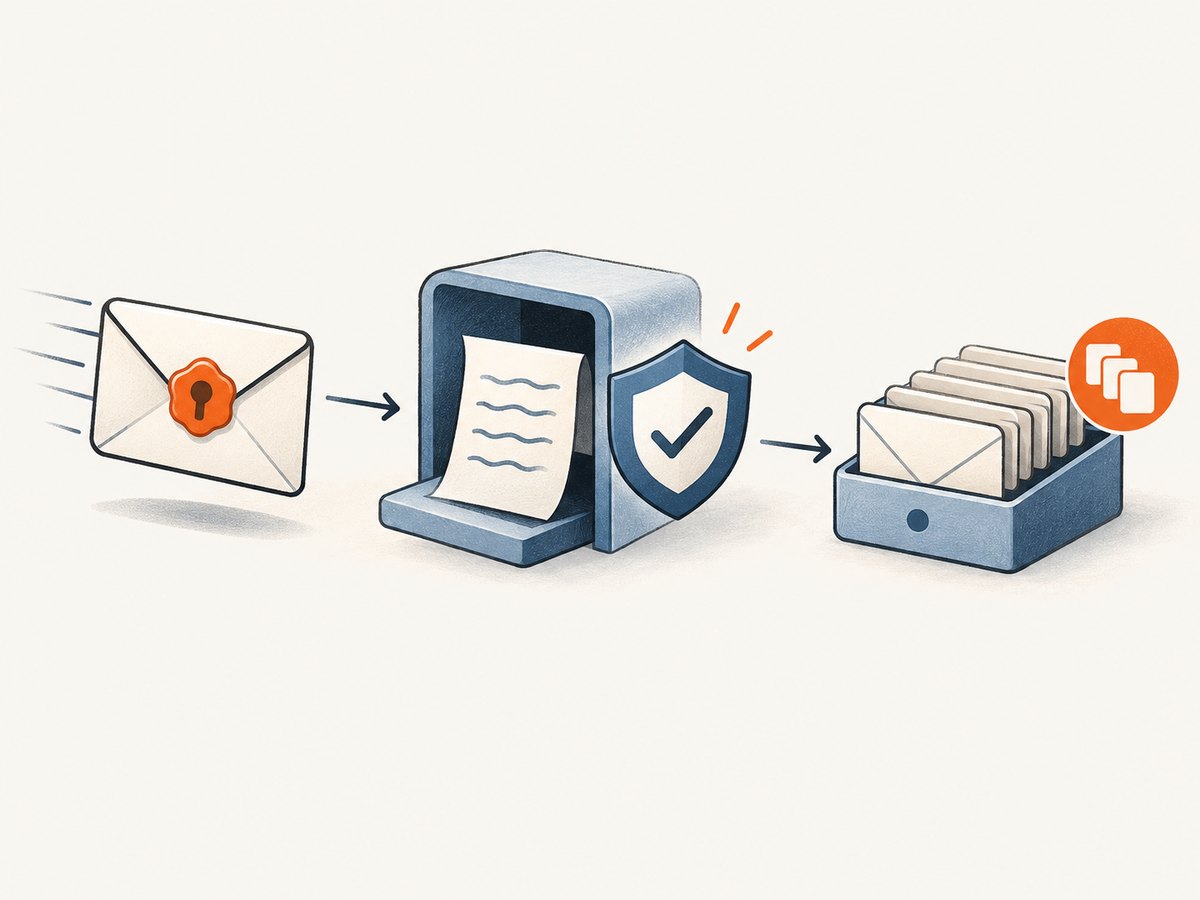
Implementation checklist
- Expose an HTTPS endpoint that accepts the webhook POST.
- Read and retain the exact raw request bytes.
- Verify the documented signature using the raw body and your webhook secret, following FeedbackBasket’s header and signing instructions.
- Check the event type and validate the fields your application needs.
- Store or enqueue work keyed by the stable delivery ID so retries do not repeat side effects.
- Return a successful HTTP response promptly after durable acceptance; do slow downstream work asynchronously.
The guide documents event, delivery, timestamp, and signature headers. Use the exact header names and verification procedure shown there rather than substituting a guessed format. The example below demonstrates the receiver shape and raw-body handling in Node.js. The signature comparison is intentionally marked as a placeholder: fill it with the precise algorithm, header encoding, and timestamp rules in the official guide before deployment.
import express from 'express';
import crypto from 'node:crypto';

const app = express();
const secret = process.env.FEEDBACKBASKET_WEBHOOK_SECRET;
if (!secret) throw new Error('Set FEEDBACKBASKET_WEBHOOK_SECRET');

// Keep the original bytes for signature verification.
app.post('/webhooks/feedbackbasket', express.raw({ type: 'application/json' }), async (req, res) => {
  const rawBody = req.body;
  const deliveryId = req.get('...'); // Use the delivery header name in the official guide.
  const eventType = req.get('...');  // Use the event header name in the official guide.
  const timestamp = req.get('...');  // Use the timestamp header name in the official guide.
  const signature = req.get('...');  // Use the signature header name in the official guide.

  if (!Buffer.isBuffer(rawBody) || !deliveryId || !eventType || !timestamp || !signature) {
    return res.sendStatus(400);
  }

  // Implement the documented FeedbackBasket HMAC verification here.
  // Do not parse and reserialize rawBody before verifying it.
  const valid = verifyUsingOfficialWebhookFormat({ rawBody, secret, timestamp, signature });
  if (!valid) return res.sendStatus(401);

  let event;
  try { event = JSON.parse(rawBody.toString('utf8')); }
  catch { return res.sendStatus(400); }

  if (eventType !== 'feedback.created') return res.sendStatus(204);

  // Atomically insert deliveryId into a durable inbox with a unique constraint.
  // If it already exists, acknowledge the retry without repeating the work.
  await durableInbox.insertIfAbsent({ deliveryId, eventType, event });
  return res.sendStatus(204);
});

app.listen(process.env.PORT || 3000);
verifyUsingOfficialWebhookFormat and durableInbox are explicit integration points, not built-in Node functions. Implement signature verification from the official specification and replace the inbox with your database or queue. The sample leaves header names abstract so it does not accidentally teach an unsupported spelling; copy the current names and canonicalization rules from the official guide.
Why the raw body and delivery ID matter
JSON objects can be serialized in different byte representations while meaning the same thing. HMAC validation authenticates bytes, so verifying a reconstructed object is not equivalent to verifying the delivered body. The webhook guide explicitly recommends checking the signature against the exact raw request body.
Deliveries can be retried. A stable delivery ID lets you make handling idempotent: save the ID under a uniqueness constraint before triggering downstream effects, and acknowledge already-seen IDs. If a retry arrives after your server committed the first delivery but before it returned a response, the ID prevents duplicate tickets, alerts, or database writes.
4. Handle retries and response timing
FeedbackBasket documents a durable retry queue. Requests stop after 10 seconds and do not follow redirects. HTTP 408, 429, and 5xx responses are retried for up to five total attempts, with waits of about 1, 5, 25, and 125 minutes. HTTP 410 stops retries and pauses the endpoint. Consult the delivery documentation for the exact current behavior.
| Receiver behavior | Practical consequence |
|---|---|
| Slow response beyond 10 seconds | The sender may consider the request unsuccessful; acknowledge after durable enqueueing instead of waiting for downstream work. |
| 408, 429, or 5xx | Expect retry attempts. Keep processing idempotent and avoid creating duplicate side effects. |
| Redirect response | The sender does not follow redirects. Configure the webhook URL to reach the final HTTPS endpoint directly. |
| 410 response | Retries stop and the endpoint is paused. Fix the endpoint and follow the documented reactivation process. |
| Duplicate delivery ID | Acknowledge safely after confirming the event was already durably accepted. |
Use a queue or inbox table when processing might call another API, render a report, or notify a team. The request handler should do only the work needed to authenticate and durably record the delivery. If storage is unavailable, return a failure status so retry behavior can help; if the event is already stored, return success even if a later worker is still processing it.
5. What to do when attachments are reported
Use attachmentCount as metadata. For example, a Slack notification can include the feedback summary and “Attachments: 2,” while avoiding a broken or fabricated link. Store the original event if your retention policy allows it, and preserve the count in the record.
- Count is zero: process the feedback normally without presenting an attachment action.
- Count is positive: tell the recipient attachments are associated with the feedback, but do not imply the webhook includes their content or links.
- Field is null or absent: follow the schema documentation and your validation policy. The guide says optional values are present as
null; avoid silently interpreting malformed payloads as a screenshot URL. - You need a screenshot link: verify a supported retrieval route in the relevant FeedbackBasket interface documentation. The webhook guide itself does not document a URL lookup.
- You use CLI links: keep the CLI workflow distinct from the webhook event and handle its credentials according to the CLI documentation.
Do not put access tokens, MCP keys, session cookies, or webhook secrets in browser code, logs, prompts, or output. FeedbackBasket’s developer credential guidance calls out these credential types. In a receiver, keep the webhook secret in server-side configuration and avoid logging signature headers or sensitive feedback content unnecessarily.
6. Troubleshooting common receiver failures
| Symptom | Likely cause | Fix |
|---|---|---|
| Valid deliveries fail signature verification | The framework parsed JSON before verification, or the body was reserialized. | Capture raw bytes and verify those exact bytes using the documented signing format. |
| Duplicate notifications appear | The handler has no idempotency check, or it keys work by feedback content rather than delivery ID. | Persist the stable delivery ID with a uniqueness constraint and make side effects retry-safe. |
| Sender retries after a successful action | The receiver performed an action but did not return success before the 10-second limit, or the response was lost. | Durably enqueue quickly, return success, and let a worker perform slow tasks. |
| Endpoint is paused | The receiver returned HTTP 410. | Correct the endpoint condition and use the documented process to resume delivery. |
| Webhook never reaches the final handler | The configured URL redirects, which the sender does not follow. | Configure the final HTTPS URL directly and avoid redirect-based routing. |
| Screenshot link is undefined | The code expects a URL property that is not in the documented webhook payload. | Use attachmentCount for the webhook and verify the separate interface’s documented attachment-link capability. |
| Private destination is rejected | FeedbackBasket documents blocking private and other disallowed target addresses. | Use a publicly reachable, permitted HTTPS endpoint; do not route through a private address. |
| Optional data handling crashes | Code assumes every optional field is a string rather than nullable. | Handle documented null values and validate required fields before use. |
7. Performance, reliability, and cost considerations
Keep webhook work short and bounded. The 10-second request limit makes synchronous processing of multiple external services fragile. A durable inbox or queue separates delivery acceptance from business processing and gives your workers room to retry their own transient failures. Track delivery IDs and processing status so you can distinguish sender retries from a worker retry.
For reliability, make each step safe to repeat: insert-or-ignore the delivery ID, use idempotency keys with downstream services when available, and avoid sending a second alert after a worker restart. Alert on signature failures, repeated processing failures, and endpoint pauses, but redact secrets and minimize the personal data written to logs. The source documents retry timing and status codes; it does not provide a general uptime percentage or a guarantee that a receiver’s downstream dependencies will succeed.
The webhook guide describes endpoint delivery mechanics, not a per-event price. Don’t infer a fee from the attachment count or from the CLI feature. Your relevant operational costs are the infrastructure and downstream services you choose, such as a server, database, queue, or notification provider.
8. Capture a screenshot of the reported page separately
If the feedback includes a page URL and your task is to inspect how that page looks now, you can capture that page independently. A fresh website screenshot is not the same as retrieving the original attachment: it reflects a new visit and may differ from what the submitter saw. FeedbackBasket’s agent guide identifies screenshot attachment links, page URL, and browser/OS details as useful report context, but the webhook payload described here does not provide the attachment URLs.
Or skip the browser setup
ScreenshotNeo is a website screenshot API and MCP server from Yorker Media. For a current screenshot of a page URL, make one request:
curl -G "https://api.screenshotneo.com/v1/shot" -d access_key=YOUR_API_KEY --data-urlencode url=https://stripe.com -o shot.webpSee the ScreenshotNeo API documentation for options. Cookie banners, newsletter popups, and chat widgets are removed before the shot. Bot checks, blank pages, failed loads, timeouts, and cache hits are not billed, and response headers report the page verdict and billing status. Its MCP server lets AI agents take screenshots. The free plan includes 1,000 screenshots a month with no card; paid plans start at $5 for 3,000. A new capture is useful for inspecting the current page, but it does not retrieve a FeedbackBasket attachment URL.
Sign up free for 1,000 screenshots a month, with no card required.
FAQ
Does attachmentCount tell me how many screenshot URLs to construct?
No. It is a count in the event. The documentation does not define a URL pattern or a way to construct attachment links from that number.
Can I use the CLI attachment links in my webhook handler?
The changelog documents links in CLI feedback APIs, not in webhook events. Use a CLI workflow only if its documentation supports your specific retrieval task.
Should I reject an event because it has attachments?
No. Process the feedback event and retain the count as metadata. Only reject payloads that fail your actual signature or schema requirements.
Can I make the receiver public without authentication?
The endpoint must be reachable for delivery, but verify the documented signature before trusting or acting on the request. Keep the signing secret server-side.


