How to Increase Selenium Connection Timeout
Increase Selenium’s remote HTTP timeout with ClientConfig, distinguish it from browser waits, and troubleshoot Grid, proxy, TLS, and node failures.

Direct answer: In Selenium Python, increase the timeout for HTTP requests to the Selenium command executor through ClientConfig. The value is in seconds. Selenium’s older RemoteConnection.set_timeout() method still appears in older examples, but the API marks it deprecated in favor of client configuration.
from selenium import webdriver
from selenium.webdriver.remote.remote_connection import RemoteConnection, ClientConfig

client_config = ClientConfig(
    remote_server_addr="http://localhost:4444",
    timeout=120,
)
connection = RemoteConnection(client_config=client_config)

driver = webdriver.Remote(
    command_executor=connection,
    options=webdriver.ChromeOptions(),
)

try:
    driver.get("https://example.com")
finally:
    driver.quit()
Use the constructor signature installed in your Selenium version because it can vary between releases. Selenium’s Python API documents ClientConfig and the deprecated RemoteConnection.set_timeout method in its RemoteConnection API reference.
1. What Selenium connection timeout controls
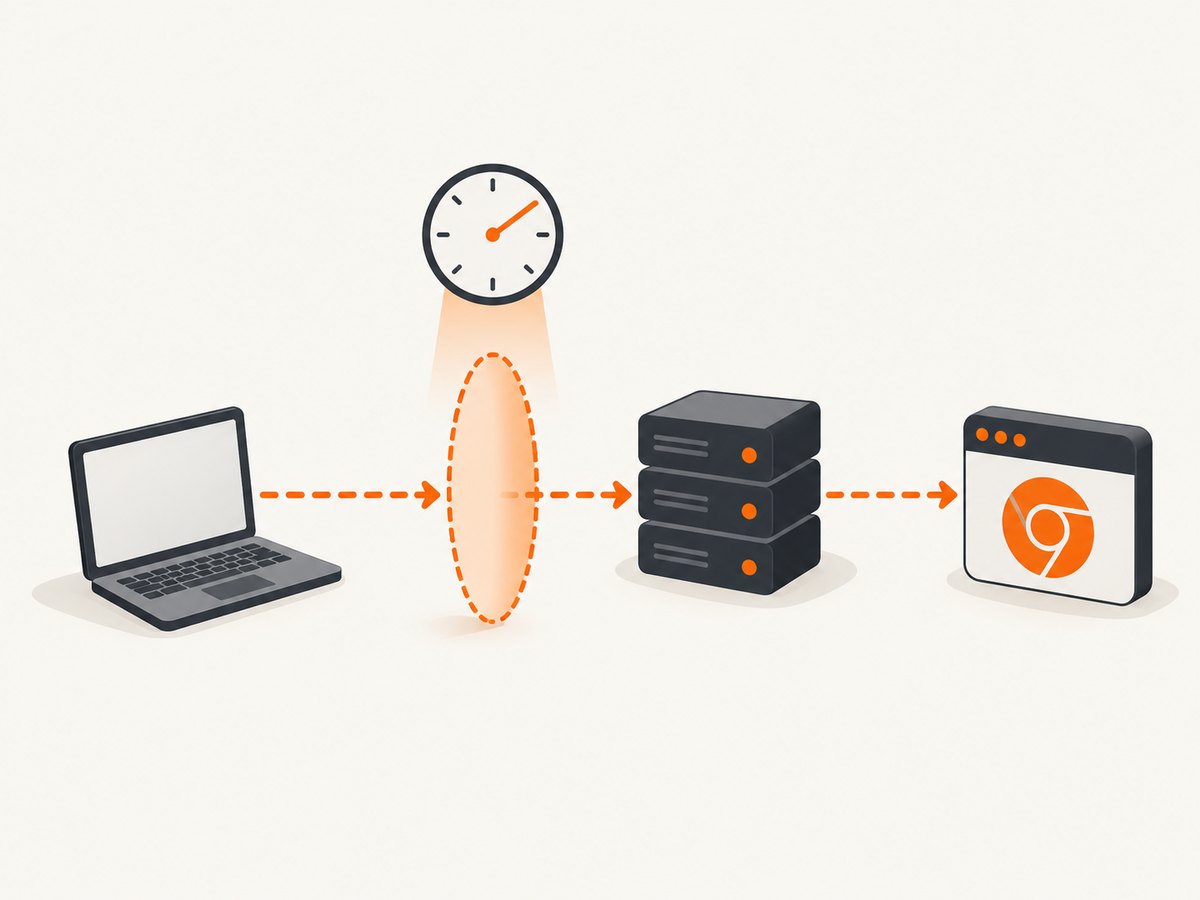
The connection timeout is the transport limit for requests sent from the Selenium client to the command executor. It covers the HTTP exchange with a local driver, Selenium Server, Grid, or hosted endpoint. Selenium passes the configured value to the HTTP request made by the remote connection.
| Setting | Scope | Use it when |
|---|---|---|
ClientConfig.timeout |
Client-to-command-executor HTTP transport | The client cannot get a response from the driver, Grid, or remote service quickly enough |
driver.implicitly_wait() |
Element lookup inside a browser session | Locators need extra time to find elements |
driver.set_page_load_timeout() |
Navigation and page-load completion | get() or navigation waits too long for page loading |
driver.set_script_timeout() |
Asynchronous JavaScript execution | An async script does not finish within the allowed period |
WebDriverWait |
Condition polling in your test | You are waiting for a page state or element after commands are returning |
WebDriverWait is not a connection timeout. Its constructor takes a WebDriver and a timeout in seconds for repeatedly polling a condition, as described in the official API.
2. Configure the timeout with ClientConfig
Local Selenium Server
from selenium import webdriver
from selenium.webdriver.remote.remote_connection import RemoteConnection, ClientConfig

options = webdriver.ChromeOptions()
client_config = ClientConfig(
    remote_server_addr="http://127.0.0.1:4444",
    timeout=120,
)
executor = RemoteConnection(client_config=client_config)
driver = webdriver.Remote(command_executor=executor, options=options)

try:
    driver.get("https://example.com")
finally:
    driver.quit()
Selenium Grid or hosted endpoint
from selenium import webdriver
from selenium.webdriver.remote.remote_connection import RemoteConnection, ClientConfig

options = webdriver.ChromeOptions()
client_config = ClientConfig(
    remote_server_addr="https://grid.example.test/wd/hub",
    timeout=180,
)
executor = RemoteConnection(client_config=client_config)
driver = webdriver.Remote(command_executor=executor, options=options)

try:
    driver.get("https://example.com")
finally:
    driver.quit()
Use the exact command-executor URL supplied by your Grid or provider. Some deployments use a root URL, while others require a WebDriver path such as /wd/hub.
Legacy form
from selenium.webdriver.remote.remote_connection import RemoteConnection

RemoteConnection.set_timeout(120)
This changes the legacy class-level default and is deprecated in current Selenium Python documentation. Prefer a ClientConfig attached to the connection used by your driver.
3. Set the other Selenium timeouts separately
from selenium.webdriver.support.ui import WebDriverWait

# Browser navigation timeout, in seconds
driver.set_page_load_timeout(90)

# Asynchronous JavaScript timeout, in seconds
driver.set_script_timeout(60)

# Element lookup timeout, in seconds
driver.implicitly_wait(5)

# Condition polling timeout, in seconds
wait = WebDriverWait(driver, 30, poll_frequency=0.5)
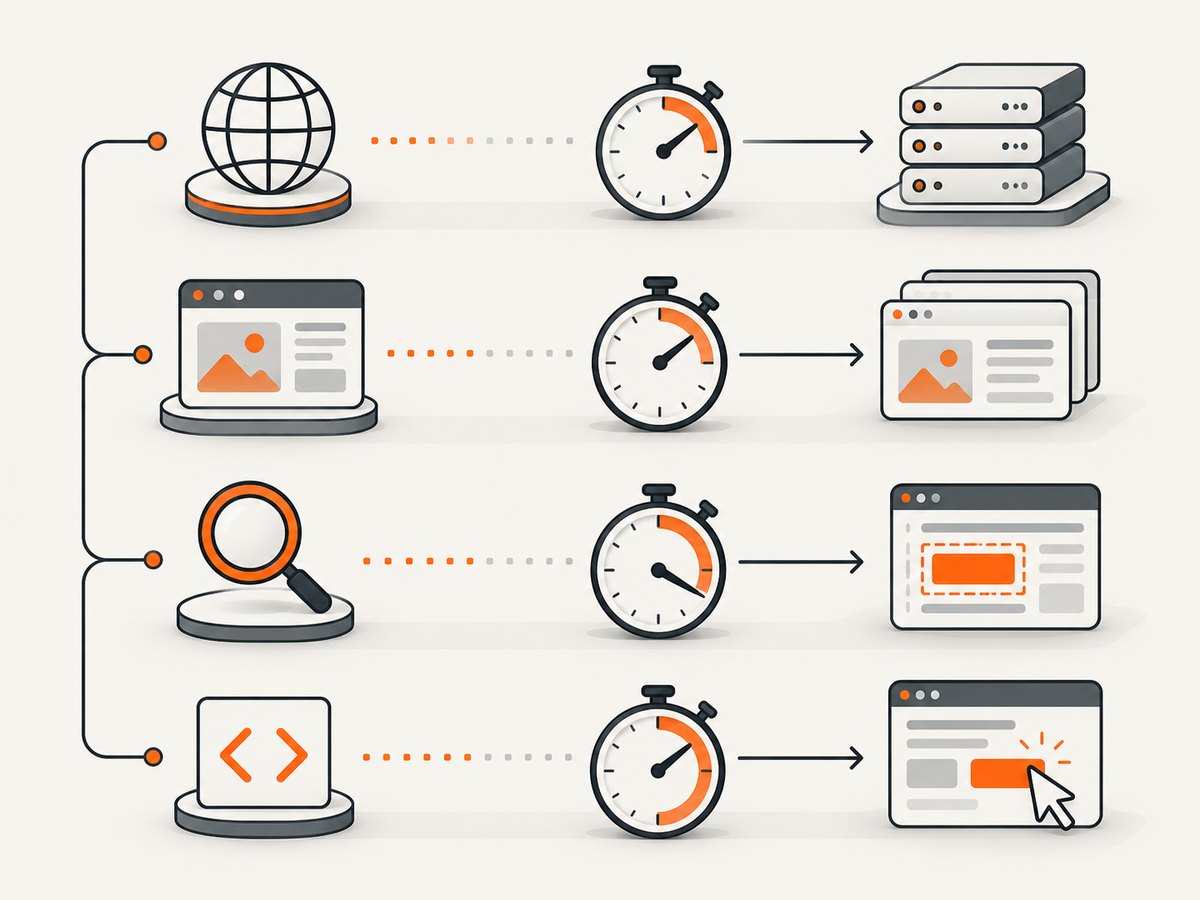
Choose the setting from the failure symptom. A transport error while contacting Grid needs the remote connection timeout. A page that is still loading needs the page-load timeout. A missing element needs an implicit or explicit wait. An unfinished async script needs the script timeout.
4. Diagnose a timeout before increasing it
- Identify the failing operation. Record whether the exception occurs while creating a session, sending a command, navigating, locating an element, running JavaScript, or polling a condition.
- Confirm the endpoint. Check the scheme, host, port, and path. Test reachability from the machine running Python, not from your laptop if those are different machines.
- Check proxy and TLS settings. A proxy that drops idle connections or an untrusted certificate can look like a slow server. The
RemoteConnectionAPI exposes proxy and certificate-related options; configure them for your environment instead of only raising the timeout. - Inspect Selenium Server and Grid logs. Look for a saturated distributor, an unavailable session queue, a dead browser node, or a failed driver process.
- Increase the transport timeout only as far as needed. There is no universal Selenium-recommended number. Pick a limit that covers normal network and server latency while still failing within an operationally useful period.
5. Common errors and fixes
| Symptom | Likely cause | Fix |
|---|---|---|
| Session creation hangs or fails before a browser opens | Wrong executor URL, unreachable Grid, proxy, TLS, or overloaded node | Verify the endpoint from the test host, inspect server logs, fix network or certificate configuration, then tune ClientConfig.timeout |
TimeoutException while locating an element |
The element is not present or ready | Use a suitable locator and WebDriverWait or implicit wait; changing transport timeout will not make the element appear |
TimeoutException during driver.get() |
Navigation exceeded the page-load limit | Use driver.set_page_load_timeout(), investigate slow resources, and choose an appropriate page-load strategy |
| Async JavaScript times out | The script callback is not invoked in time | Increase driver.set_script_timeout() or fix the script so it always completes |
| Commands fail only through a proxy | Proxy routing, authentication, idle timeout, or certificate interception | Configure the proxy and certificates on RemoteConnection; test a direct route where allowed |
| A larger timeout changes nothing | The endpoint is down, the node failed, or the URL is wrong | Check DNS, TCP connectivity, Selenium logs, Grid health, and browser-driver compatibility |
6. Reliability and performance guidance
- Set the timeout per remote connection so separate Grids or environments can have independent limits.
- Keep transport, page-load, script, and condition-polling budgets distinct. This makes failures easier to classify and prevents one very large value from hiding a broken test.
- Use bounded retries only for transient infrastructure failures. Repeating every command can create duplicate actions; retry session creation or an idempotent operation instead.
- Monitor queue time and node health. A longer client timeout allows more waiting but does not add Grid capacity or repair a crashed browser.
- For parallel suites, account for the number of sessions competing for nodes and for proxy connection limits. Increasing every timeout can increase concurrent resource usage when failures occur.
- Log the executor URL (without credentials), Selenium version, browser version, command name, elapsed time, and exception type. These fields distinguish transport latency from browser synchronization problems.
7. Or skip the browser setup
If your goal is to obtain a clean screenshot rather than drive an interactive browser, ScreenshotNeo provides a single HTTP request. Before capture it accepts cookie or consent banners and removes more than 60 known consent platforms, newsletter popups, and chat widgets. Bot checks, blank pages, timeouts, failed loads, and cache hits are not billed, and response headers report the page verdict and billing result. Its MCP server provides take_screenshot, get_page_info, and capture_pdf tools for Claude, Cursor, and other MCP clients.
See the ScreenshotNeo API documentation for all options.
curl -G "https://api.screenshotneo.com/v1/shot" \
  -d access_key=YOUR_API_KEY \
  --data-urlencode url=https://stripe.com \
  -o shot.webp
import requests
r = requests.get(
"https://api.screenshotneo.com/v1/shot",
params={"access_key": "YOUR_API_KEY", "url": "https://stripe.com"},
timeout=90,
)
r.raise_for_status()
open("shot.webp", "wb").write(r.content)const q = new URLSearchParams({
access_key: 'YOUR_API_KEY',
url: 'https://stripe.com'
});
const res = await fetch(`https://api.screenshotneo.com/v1/shot?${q}`);
if (!res.ok) throw new Error(`Screenshot failed: ${res.status}`);
const image = Buffer.from(await res.arrayBuffer());
await import('node:fs/promises').then(fs => fs.writeFile('shot.webp', image));Plans include 1,000 screenshots per month free with no card; paid plans start at $5 for 3,000 screenshots. Create a free ScreenshotNeo account.
8. FAQ
What is the default Selenium connection timeout?
Do not rely on a universal value across Selenium versions and HTTP clients. Inspect the installed API and configure an explicit value appropriate for your endpoint.
Can I set the timeout after creating the driver?
The preferred approach is to create a ClientConfig and RemoteConnection before constructing the driver. The older class method is deprecated and may affect shared state.
Does increasing the connection timeout make pages load faster?
No. It only allows the client to wait longer for a command-executor response. Page loading and browser-side waits have separate controls.
Why does Selenium time out only on CI?
CI may use a different DNS route, proxy, certificate store, firewall, Grid URL, or overloaded browser node. Compare connectivity and server logs from the CI host.
What timeout should I choose?
Measure normal command latency in your environment and add enough margin for expected peaks. Keep the value bounded so unreachable infrastructure fails promptly.


