How to Inject CSS into PhantomJS Page Content
Inject CSS into PhantomJS with page.evaluate, reuse scripts with page.injectJs, or load controlled HTML with page.setContent before rendering.
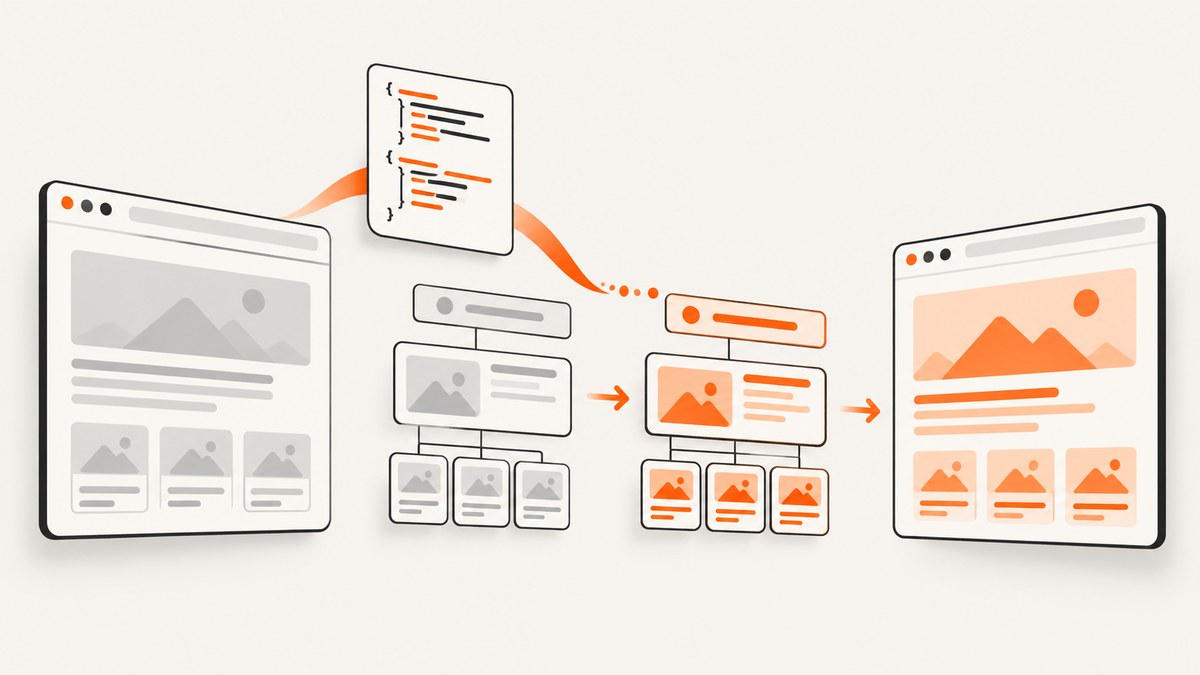
Use page.evaluate after page.open succeeds and before page.render. Create a <style> element in the page context, put your CSS in it, and append it to document.head (or the document root when no head exists).
var page = require('webpage').create();
var css = 'body { background: #f5f5f5; } .notice { color: #b00; }';

page.open('https://example.test/', function (status) {
  if (status !== 'success') {
    console.log('Unable to access network');
    phantom.exit();
    return;
  }

  page.evaluate(function (cssText) {
    var style = document.createElement('style');
    style.setAttribute('type', 'text/css');
    style.appendChild(document.createTextNode(cssText));
    (document.head || document.documentElement).appendChild(style);
  }, css);

  page.render('styled.png');
  phantom.exit();
});
How the injection works
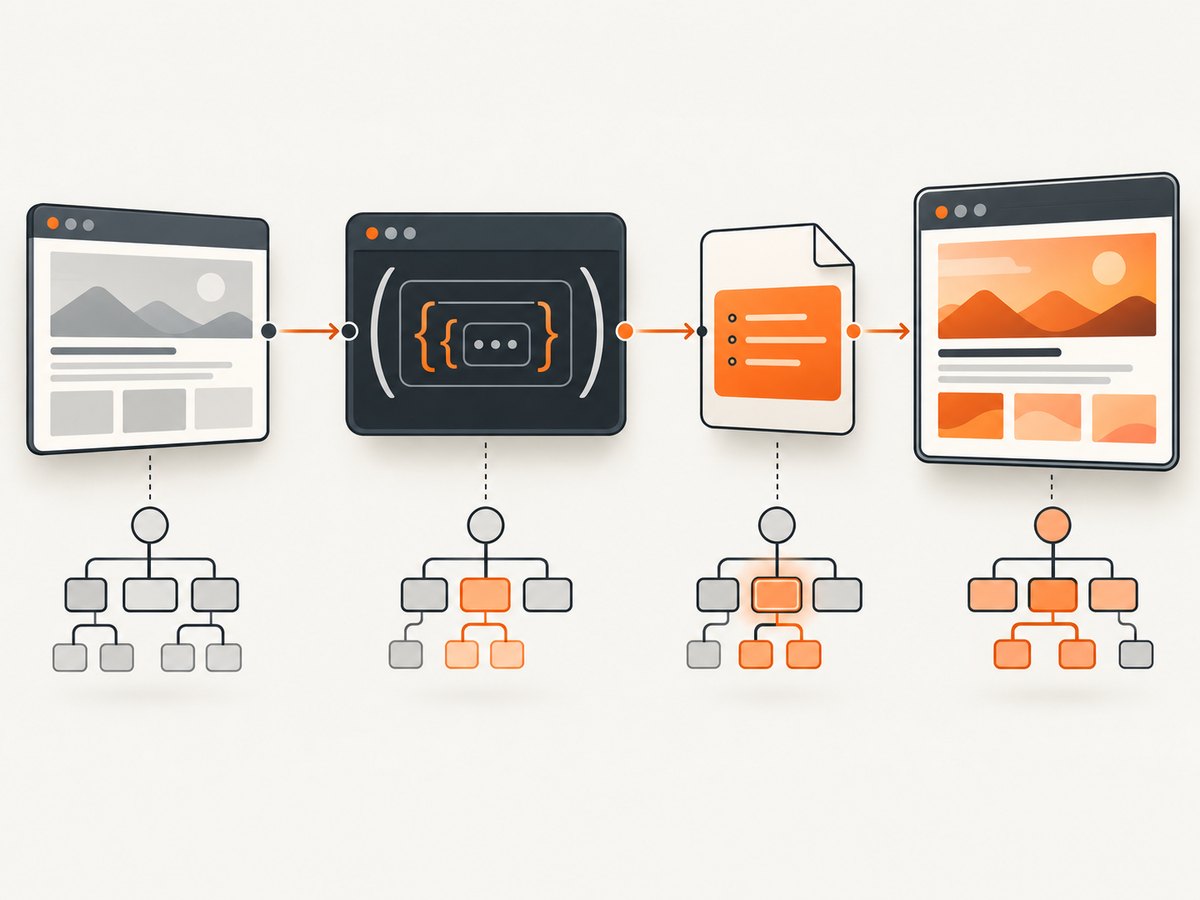
page.evaluate executes its callback inside the web page. That callback has access to normal DOM APIs such as document.createElement, CSS selectors, and the page’s live document. The PhantomJS script itself runs outside that context.
The CSS crosses the boundary as a string. PhantomJS serializes arguments passed to evaluate; DOM nodes, functions, closures, and other complex objects cannot be passed directly. Build the style element inside the callback instead.
- Open the page and verify that the status is
success. - Pass a JSON-safe CSS string to
page.evaluate. - Create and append a
styleelement in the page context. - Render or measure the page only after injection.
Complete PhantomJS example
var page = require('webpage').create();
page.viewportSize = { width: 1280, height: 900 };

var css = [
  'html { background: #fff; }',
  'body { margin: 0; padding: 32px; font-family: sans-serif; background: #f5f5f5; }',
  '.notice { color: #b00; border: 1px solid #b00; padding: 12px; }',
  '.ads, .chat-widget { display: none !important; }'
].join('\n');

page.open('https://example.test/', function (status) {
  if (status !== 'success') {
    console.log('Unable to access network');
    phantom.exit(1);
    return;
  }

  page.evaluate(function (cssText) {
    var style = document.createElement('style');
    style.type = 'text/css';
    style.appendChild(document.createTextNode(cssText));
    (document.head || document.documentElement).appendChild(style);
  }, css);

  page.render('styled.png');
  phantom.exit();
});
Inject CSS after the page has finished changing
Injecting immediately after page.open works for static pages. JavaScript-heavy pages may replace parts of the DOM after the callback runs. In that case, wait for the relevant application state, then inject and render.
var ready = false;
var page = require('webpage').create();
var css = '.report { outline: 3px solid #06c; }';

page.onCallback = function (message) {
  if (message === 'app-ready') {
    ready = true;
  }
};

page.open('https://example.test/app', function (status) {
  if (status !== 'success') {
    phantom.exit(1);
    return;
  }

  setTimeout(function waitForApp() {
    if (!ready) {
      setTimeout(waitForApp, 100);
      return;
    }

    page.evaluate(function (cssText) {
      var style = document.createElement('style');
      style.appendChild(document.createTextNode(cssText));
      (document.head || document.documentElement).appendChild(style);
    }, css);

    page.render('app.png');
    phantom.exit();
  }, 100);
});
The page would signal readiness with window.callPhantom('app-ready') or another condition you can observe. If you do not control the page, poll for a selector or a known property inside page.evaluate, with a timeout so the capture cannot wait forever.
Reusable external CSS injector with page.injectJs
Put the DOM operation in a JavaScript file when several PhantomJS jobs share the same stylesheet or injection logic.
// inject-css.js
(function () {
  var cssText = 'body { font-family: sans-serif; }';
  var style = document.createElement('style');
  style.type = 'text/css';
  style.appendChild(document.createTextNode(cssText));
  (document.head || document.documentElement).appendChild(style);
}());
var page = require('webpage').create();
page.open('https://example.test/', function (status) {
if (status !== 'success') {
console.log('Unable to access network');
phantom.exit(1);
return;
}
if (!page.injectJs('inject-css.js')) {
console.log('CSS injector could not be loaded');
phantom.exit(1);
return;
}
page.render('styled.png');
phantom.exit();
});page.injectJs(filename) returns true when the file loads and false when it cannot be loaded. Check that result before rendering.
When you control the complete HTML: setContent
If the markup is generated locally, include CSS in the document itself and use setContent. PhantomJS reloads the supplied markup, sets the current location to the URL you provide, and does not make an HTTP request.
var page = require('webpage').create();
var html = '' +
'' +
'Report
';
page.setContent(html, 'https://example.test/report/');
page.render('report.png');
phantom.exit();Setting page.content also replaces and reloads the main-frame content. Supply a useful base URL when the HTML contains relative images, stylesheets, or links.
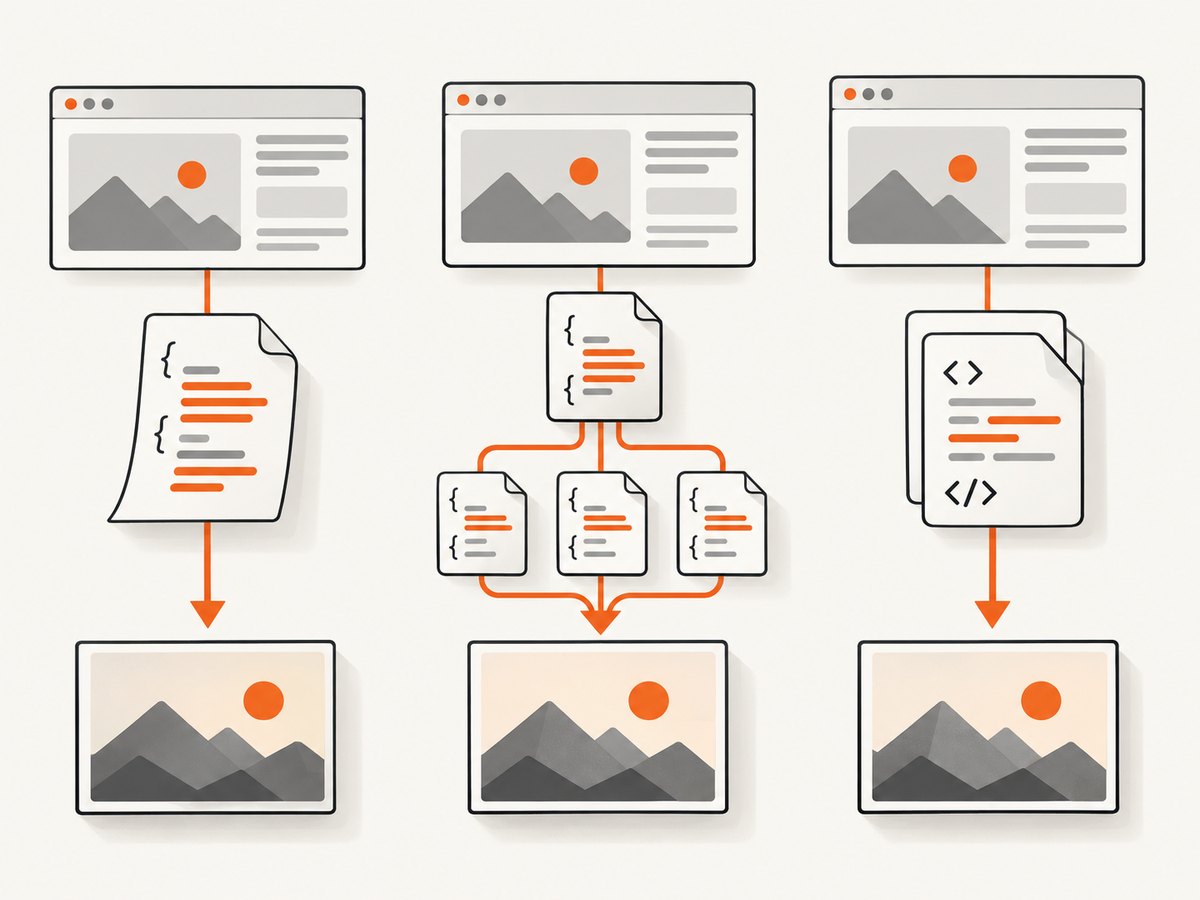
Choosing an injection method
| Situation | Recommended method | Reason |
|---|---|---|
| You need to alter a remote page | page.evaluate |
Injects after the page loads without replacing its markup. |
| The same injector is reused | page.injectJs |
Keeps the DOM operation in a versioned file and reports load success. |
| You own all the markup | setContent |
CSS can be part of the generated document and no HTTP request is needed. |
| CSS is hosted remotely | A link element |
Useful when sharing a stylesheet, but it adds a network dependency. |
Adding an external stylesheet
page.evaluate(function (href) {
  var link = document.createElement('link');
  link.rel = 'stylesheet';
  link.type = 'text/css';
  link.href = href;
  (document.head || document.documentElement).appendChild(link);
}, 'https://cdn.example.test/print.css');
A remote stylesheet may not have finished downloading when you render. Inline CSS avoids that extra request. If you must use a link, wait for the stylesheet or a page condition that proves the styles have applied.
CSS details that commonly make injection appear broken
- Specificity: the site’s selector may be more specific than yours. Match its specificity or use
!importantnarrowly. - Later rules: a framework or component may append another stylesheet after your style tag. Inject late or target the final DOM.
- Media rules:
@media print, viewport width, and device settings can change which declarations apply. - Shadow DOM: document-level CSS does not automatically style nodes inside a shadow root. You need page-specific access to that root.
- DOM replacement: a client-side render can remove your style element or replace the elements it targeted. Inject after the replacement.
- Invalid CSS: one malformed declaration can make debugging confusing. Start with a tiny rule, then add declarations incrementally.
- Missing head: append to
document.documentElementwhendocument.headis absent.
Debugging checklist
- Log the result of
page.openand stop on anything other thansuccess. - Confirm the CSS string is non-empty and JSON-serializable.
- Read back a computed value immediately after injection.
- Check that the selector matches at least one element.
- Render after injection, never before it.
- Capture a small test page first to separate PhantomJS issues from site-specific JavaScript.
var result = page.evaluate(function () {
  var node = document.querySelector('.notice');
  if (!node) return { found: false };
  return {
    found: true,
    color: window.getComputedStyle(node).color
  };
});
console.log(JSON.stringify(result));
Troubleshooting common errors
| Symptom | Likely cause | Fix |
|---|---|---|
Unable to access network |
The page did not open successfully. | Check the URL, DNS, TLS compatibility, redirects, and network access before attempting injection. |
page.injectJs returns false |
The file path is wrong or unreadable. | Use an absolute or correctly resolved path and check file permissions. |
| Nothing changes visually | Selector mismatch, specificity, media rules, or a later stylesheet. | Inspect a matching element, read computed styles, and inject later or increase targeted specificity. |
| Styles work briefly, then disappear | The application replaced the DOM or removed the style node. | Wait for the final render state and inject immediately before capture. |
| Images or fonts are missing | Relative URLs lack a base URL or external resources are still loading. | Use setContent with a base URL, or wait for resources before rendering. |
| CSS works in a normal browser but not PhantomJS | PhantomJS is legacy software with an older web engine. | Use syntax supported by its engine, simplify selectors, or move the capture to a maintained browser. |
Performance and reliability
- Inline a small stylesheet when possible; it avoids another request and reduces timing variance.
- Reuse an external injector when the same rules are applied to many pages, but validate the boolean return value.
- Keep polling bounded with a deadline. A page that never reaches its ready state should fail clearly rather than hang a worker.
- Inject once per final DOM state. Repeatedly appending style tags makes debugging harder and can increase style recalculation.
- Use a narrow selector set and avoid expensive broad rules on very large documents.
- PhantomJS development is suspended, according to the project README. Treat its rendering engine as legacy when deciding whether to build new capture infrastructure.
Or skip the browser setup
If your goal is a clean screenshot with CSS and page controls, ScreenshotNeo provides a GET-based screenshot API. Its options include custom CSS and JavaScript, viewport and device settings, waits, hidden selectors, full-page or element capture, and PNG, JPEG, WebP, or PDF output.
Cookie banners, newsletter popups, and chat widgets are removed before the shot. Bot checks, blank pages, timeouts, failed loads, and cache hits are not billed, and the response identifies the page verdict and billing status. An MCP server lets Claude, Cursor, and other MCP clients take screenshots. The free plan includes 1,000 screenshots each month with no card; paid plans start at $5 for 3,000.
See the ScreenshotNeo API documentation for the full option list.
curl -G "https://api.screenshotneo.com/v1/shot" -d access_key=YOUR_API_KEY --data-urlencode url=https://stripe.com -o shot.webpimport requests
r = requests.get("https://api.screenshotneo.com/v1/shot", params={"access_key": "YOUR_API_KEY", "url": "https://stripe.com"}, timeout=90)
open("shot.webp", "wb").write(r.content)const q = new URLSearchParams({ access_key: 'YOUR_API_KEY', url: 'https://stripe.com' });
const res = await fetch(`https://api.screenshotneo.com/v1/shot?${q}`);Create a free ScreenshotNeo account with 1,000 screenshots a month and no card.
FAQ
Can I pass CSS directly to page.evaluate?
Yes. Pass it as a string argument and create the style element inside the callback.
Where should the style element be appended?
Use document.head when available, with document.documentElement as a fallback.
Should I inject before or after page.render?
Inject before rendering. For dynamic pages, inject after the final DOM update you intend to capture.
Is PhantomJS suitable for new screenshot systems?
It can maintain existing scripts, but its development is suspended. Evaluate a maintained browser or a screenshot API for new systems.


