How to Inject a Data Object into window with Puppeteer
Pass serializable data into a Puppeteer page safely with evaluate, evaluateOnNewDocument, and the right timing for navigations and frames.
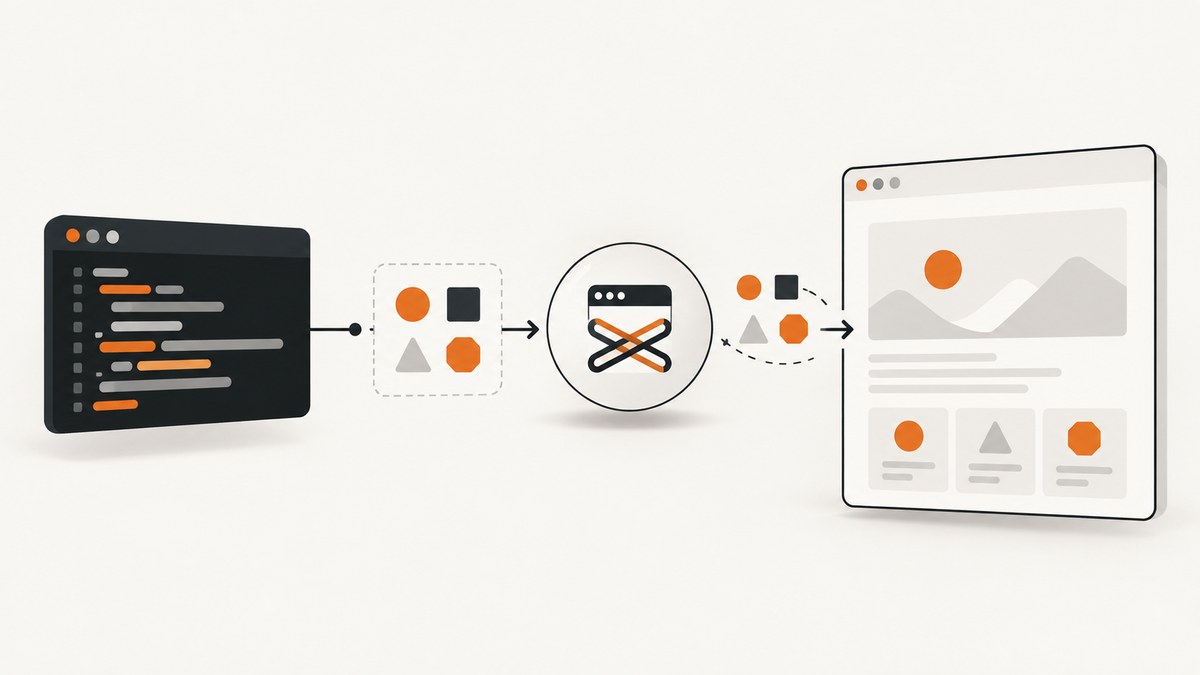
To inject a serializable JavaScript object into window with Puppeteer, pass it as an argument to page.evaluate and assign it inside the browser context:
import puppeteer from 'puppeteer';

const browser = await puppeteer.launch();
const page = await browser.newPage();

const data = {
  userId: 123,
  featureFlags: { newHeader: true },
  locale: 'en-US'
};

await page.goto('https://example.com');

await page.evaluate((value) => {
  window.myData = value;
}, data);

const valueInPage = await page.evaluate(() => window.myData);
console.log(valueInPage);

await browser.close();
page.evaluate runs its function in the page context. The second argument supplies values from Node.js to that function; Node.js closure variables are not automatically visible inside it. This is the documented pattern for moving ordinary data across the Node-to-browser boundary. See the Puppeteer Page.evaluate reference.
What crosses the Puppeteer boundary
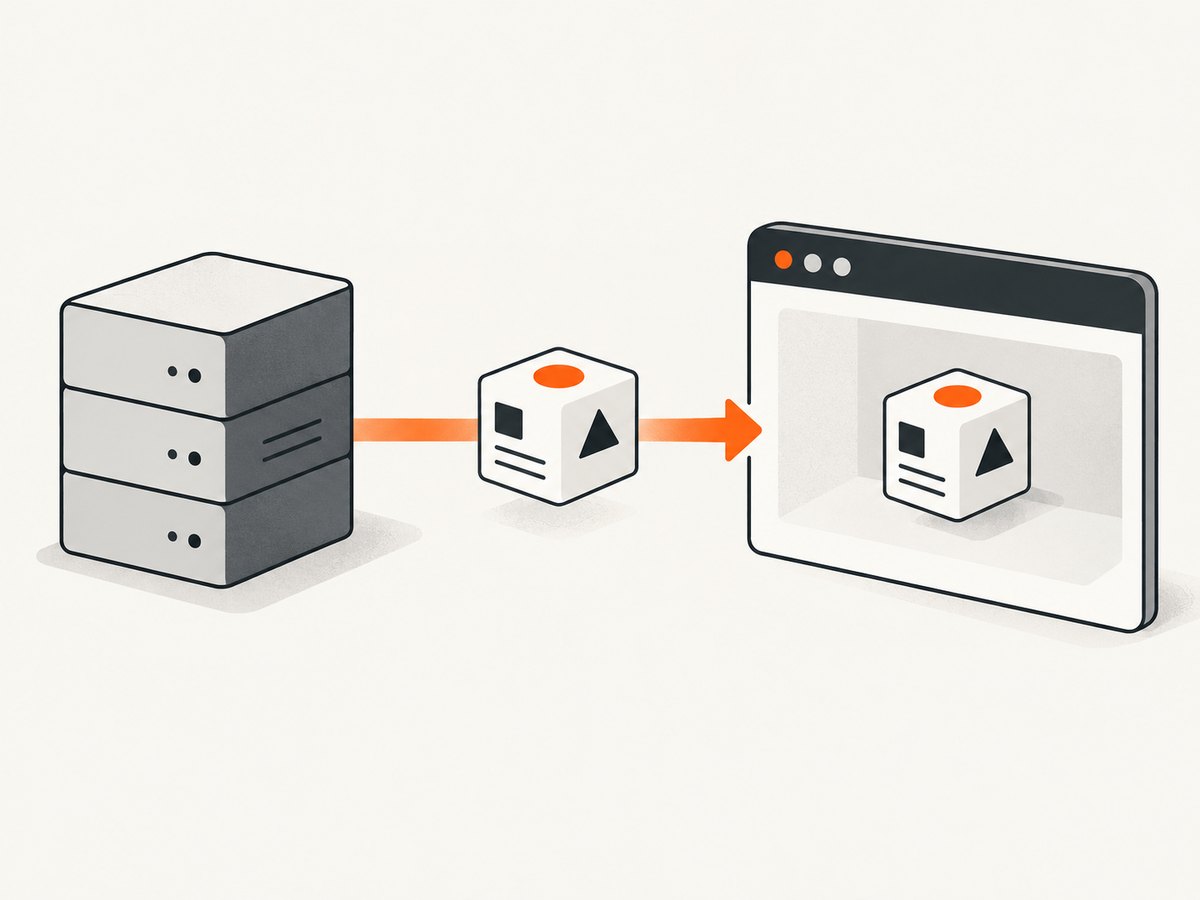
Puppeteer serializes values when it sends them to the browser. Plain objects, arrays, strings, numbers, booleans and null are the safest inputs. Nested combinations of those types work as well.
const payload = {
  account: { id: 'acct_42', plan: 'pro' },
  permissions: ['read', 'export'],
  enabled: true,
  expiresAt: null
};

await page.evaluate((payload) => {
  window.appConfig = payload;
}, payload);
Do not pass a Node.js function expecting it to become a browser function. A function is behavior, not ordinary JSON data. Convert class instances to plain objects first, and decide how to represent values such as Date, Map, Set, BigInt, DOM nodes and circular references. For example, send an ISO string for a date and reconstruct it in the page:
const expiresAt = new Date().toISOString();
await page.evaluate((iso) => {
  window.expiry = new Date(iso);
}, expiresAt);
When a value cannot be serialized in the way you need, use a deliberate representation or a browser-side handle rather than interpolating JavaScript source.
Inject after the document is available with page.evaluate
Use evaluate when the current document has loaded enough for your code to run and the site’s startup scripts do not need the property first.
import puppeteer from 'puppeteer';

const browser = await puppeteer.launch({ headless: true });
const page = await browser.newPage();

await page.goto('https://example.com', { waitUntil: 'domcontentloaded' });

const config = {
  theme: 'dark',
  experiment: 'checkout-v2'
};

await page.evaluate((config) => {
  Object.defineProperty(window, 'myConfig', {
    value: config,
    writable: false,
    configurable: true,
    enumerable: true
  });
}, config);

console.log(await page.evaluate(() => window.myConfig.theme));
await browser.close();
A simple assignment such as window.myConfig = config is normally preferable. Use Object.defineProperty only when property descriptors matter. If page code can overwrite the value, freeze a plain data object, understanding that freezing is shallow unless you recursively freeze nested objects:
await page.evaluate((config) => {
  window.myConfig = Object.freeze(config);
}, config);
Read, update and remove the value
const current = await page.evaluate(() => window.myConfig);

await page.evaluate(() => {
  window.myConfig.featureFlags.newHeader = false;
});

await page.evaluate(() => {
  delete window.myConfig;
});
The returned object is a serialized copy. Mutating current in Node.js does not mutate the object in the page. Perform updates in another evaluate call.
Make the object available before site scripts run
If an application reads the property during startup, inject it with page.evaluateOnNewDocument. Puppeteer runs the callback after a document is created but before that document’s scripts execute. The hook runs again on navigation and for child frames that attach or navigate. See the evaluateOnNewDocument reference.

import puppeteer from 'puppeteer';

const browser = await puppeteer.launch();
const page = await browser.newPage();

const bootstrap = {
  tenantId: 'tenant_7',
  featureFlags: { newHeader: true }
};

await page.evaluateOnNewDocument((value) => {
  window.bootstrapData = value;
}, bootstrap);

await page.goto('https://example.com', { waitUntil: 'networkidle2' });

const result = await page.evaluate(() => window.bootstrapData);
console.log(result);
await browser.close();
Register the hook before goto. Because it runs for every matching document, make the assignment idempotent and choose a property name unlikely to collide with application code. If the page navigates, the old document and its globals disappear; the new-document hook is what recreates the value.
Using the value in an inline startup script
await page.evaluateOnNewDocument((settings) => {
  Object.defineProperty(window, '__testSettings', {
    value: Object.freeze(settings),
    writable: false,
    configurable: false
  });
}, { region: 'eu', debug: true });
Do not build source code with string interpolation such as page.evaluate(`window.x = ${JSON.stringify(data)}`). Passing arguments keeps data separate from executable code, avoids quoting mistakes and makes debugging easier.
Frames, navigations and scope
A page can contain multiple frames, each with its own JavaScript global. An assignment in the main frame does not automatically create the property in an iframe.
const frame = page.frames().find(f => f.url().includes('/checkout'));
if (frame) {
  await frame.evaluate((value) => {
    window.checkoutConfig = value;
  }, { currency: 'USD' });
}
evaluateOnNewDocument is useful when every newly attached or navigated child frame should receive the same bootstrap value. If only one frame needs it, target that frame explicitly after it exists. Always check frame identity after navigation because a navigation replaces the execution context.
When to use exposeFunction instead
page.exposeFunction creates a callable function on window. Calls from page JavaScript invoke a Node.js callback and resolve a Promise. It is a bridge for an operation, not a static data property. The installed function survives navigations. See the official reference.
await page.exposeFunction('lookupFeature', async (name) => {
  return name === 'newHeader';
});

await page.goto('https://example.com');
const enabled = await page.evaluate(async () => {
  return window.lookupFeature('newHeader');
});
console.log(enabled);
Use this pattern when page code must request a Node-side action, such as reading a controlled local value or calling an approved service. Use evaluate or evaluateOnNewDocument for data injection.
When to use evaluateHandle
page.evaluateHandle returns a JSHandle representing an in-page object instead of serializing the complete result. This helps with large objects or objects that must remain browser-side.
const handle = await page.evaluateHandle(() => ({
  createdAt: Date.now(),
  nested: { ready: true }
}));

const ready = await page.evaluate((object) => object.nested.ready, handle);
console.log(ready);
await handle.dispose();
Handles belong to an execution context. Navigation disposes handles associated with the old document, and you should explicitly dispose handles when finished. Use a handle when retaining a browser object is the actual requirement; otherwise, a plain serialized value is simpler. See the evaluateHandle reference.
Complete reusable helper
import puppeteer from 'puppeteer';

export async function injectWindowData({ url, data, beforeScripts = false }) {
  const browser = await puppeteer.launch();
  try {
    const page = await browser.newPage();

    if (beforeScripts) {
      await page.evaluateOnNewDocument((value) => {
        window.__injectedData = value;
      }, data);
    }

    await page.goto(url, { waitUntil: 'domcontentloaded' });

    if (!beforeScripts) {
      await page.evaluate((value) => {
        window.__injectedData = value;
      }, data);
    }

    return await page.evaluate(() => window.__injectedData);
  } finally {
    await browser.close();
  }
}

const result = await injectWindowData({
  url: 'https://example.com',
  data: { userId: 123, flags: { beta: false } },
  beforeScripts: true
});
console.log(result);
Or skip the browser setup
If your goal is to capture a page after preparing data or checking how it renders, ScreenshotNeo provides a single screenshot request without maintaining Puppeteer infrastructure. Read the ScreenshotNeo API docs for all options.
curl -G "https://api.screenshotneo.com/v1/shot" -d access_key=YOUR_API_KEY --data-urlencode url=https://stripe.com -o shot.webpimport requests
r = requests.get("https://api.screenshotneo.com/v1/shot", params={"access_key": "YOUR_API_KEY", "url": "https://stripe.com"}, timeout=90)
open("shot.webp", "wb").write(r.content)const q = new URLSearchParams({ access_key: 'YOUR_API_KEY', url: 'https://stripe.com' });
const res = await fetch(`https://api.screenshotneo.com/v1/shot?${q}`);Cookie banners, newsletter popups and chat widgets are removed before the shot. Bot checks, blank pages and failed loads are never billed, and response headers report the page verdict and billing status. An MCP server lets Claude, Cursor and other MCP clients call take_screenshot, get_page_info and capture_pdf. The Free plan includes 1,000 screenshots each month with no card; paid plans start at $5 for 3,000. Create a free ScreenshotNeo account.
Troubleshooting
| Symptom | Cause | Fix |
|---|---|---|
ReferenceError: data is not defined |
The function passed to evaluate cannot see Node.js closure variables. |
Pass the value as the second argument: page.evaluate(value => ..., data). |
Value is undefined after navigation |
Navigation created a new document and discarded the old global. | Register evaluateOnNewDocument before navigation or inject again after the new page loads. |
| Serialization or protocol error | The object contains circular references, unsupported values or an oversized payload. | Convert it to plain JSON-shaped data, remove cycles and send only fields the page needs. |
| Startup code misses the property | evaluate ran after the application’s bootstrap script. |
Use evaluateOnNewDocument before goto. |
| Iframe cannot read the value | Frames have separate globals. | Inject into the target frame or use the early hook for child frames. |
| Page overwrites the value | Application code assigns the same property. | Choose a namespaced property, define it as non-writable when appropriate, or reinject after the application’s code runs. |
| Handle becomes unusable | The frame navigated or the execution context was destroyed. | Create a new handle in the current context and dispose stale handles. |
Reliability, performance and security
- Reliability: install early hooks before navigation, wait for the event that indicates the page state you need, and verify the value with a small
evaluateassertion. - Performance: pass the smallest object that works. Large repeated payloads increase protocol traffic; a handle can avoid copying a large browser-side result.
- Isolation: treat page content as untrusted. Never inject secrets into a page you do not control; any script in that origin may read
window. - Cleanup: close the browser in a
finallyblock and dispose handles explicitly. - Repeatability: use a unique namespace such as
window.__myTooland make early-injection code safe to run more than once.
FAQ
Can I inject JSON directly into the page?
Yes. Parse it in Node.js and pass the resulting object as an argument. Passing arguments is safer than constructing source code strings.
Does the object persist across tabs?
No. Each page and frame has its own global object. Inject separately into each target.
Should I use cookies instead?
Use cookies for HTTP cookie state. Use a window property for data that page JavaScript explicitly reads.
Can the page call Node.js with an injected object?
Expose a function with exposeFunction for a callback bridge. A data object alone cannot call back into Node.js.
What is the best default?
Start with page.evaluate(value => { window.myData = value }, data). Move to evaluateOnNewDocument only when timing across navigations or early startup requires it.


