How to Inject a JavaScript File into Capybara Headless Chrome
Read a local JavaScript file in Ruby and execute it in Capybara’s Selenium Chrome session, with timing, drivers, errors and alternatives covered.
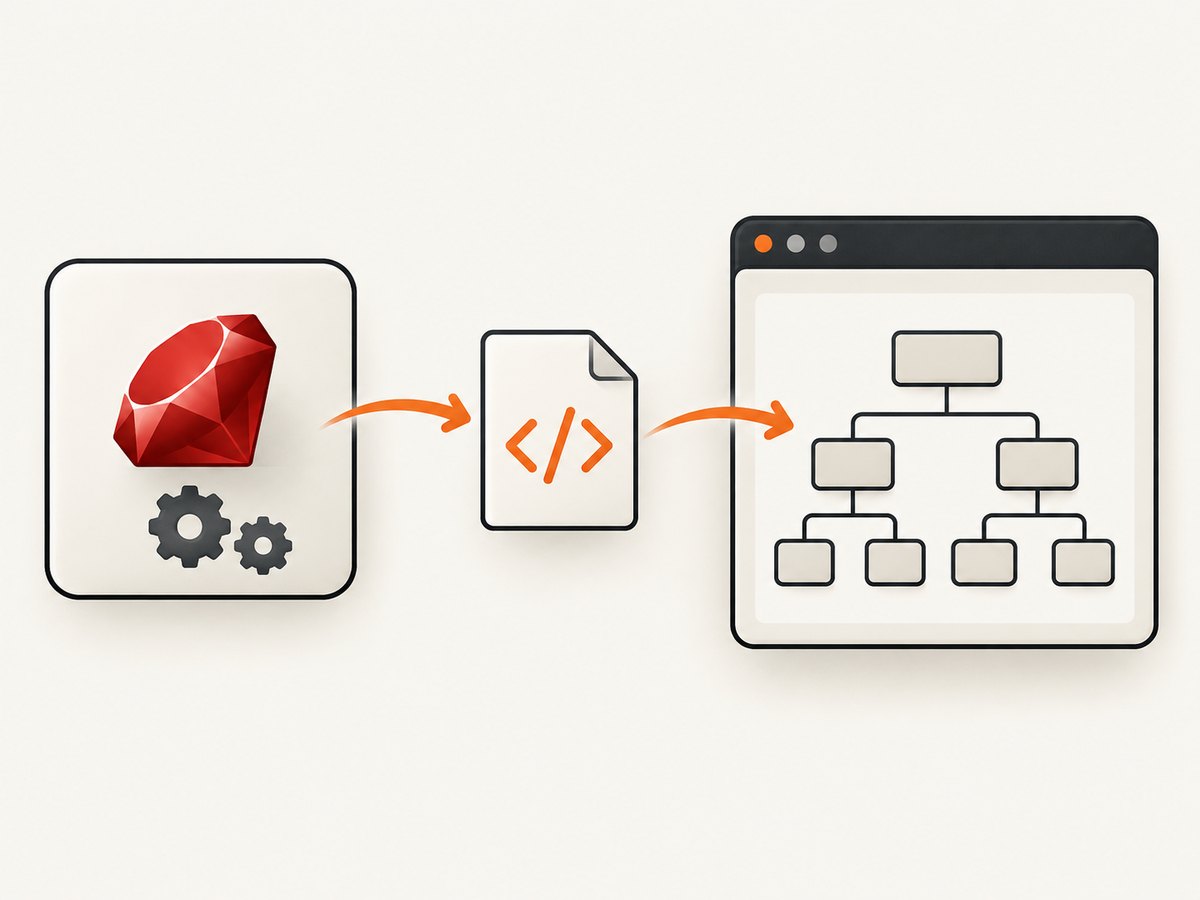
Direct answer: use a JavaScript-capable Capybara driver, read the file in Ruby, and pass its contents to page.execute_script:
script_path = Rails.root.join('spec', 'support', 'scripts', 'helper.js')
page.execute_script(File.read(script_path))
File.read runs in the test process. Capybara then sends the resulting JavaScript source to the current browser document. This is the portable way to inject a local fixture after navigation. It is not a method that accepts a filesystem path directly.
1. Choose a driver that can execute JavaScript
Capybara’s default :rack_test driver does not run JavaScript. Register or select Selenium Chrome, including :selenium_chrome_headless, before running the example. Selenium’s WebDriver documentation also shows Chrome running headlessly with JavaScript enabled.
require 'capybara/rspec'

Capybara.javascript_driver = :selenium_chrome_headless

RSpec.describe 'script injection', type: :system, js: true do
  it 'runs a local file in the page' do
    visit '/dashboard'
    page.execute_script(File.read(Rails.root.join('spec/support/scripts/helper.js')))
    expect(page).to have_css('#script-result[data-ready="true"]')
  end
end
Driver setup depends on installed versions of the selenium-webdriver gem, Chrome and the matching driver. If Chrome cannot start, fix that environment first; JavaScript injection cannot work until a browser session exists.
2. Inject a local JavaScript file into the current document
Basic RSpec or Minitest pattern
script_path = Rails.root.join('spec', 'support', 'scripts', 'helper.js')
raise "Missing script: #{script_path}" unless File.file?(script_path)

source = File.read(script_path)
page.execute_script(source)
The file is evaluated in the page that is open when the call occurs. Keep the file deterministic: wrap setup in a function or an immediately invoked function expression so repeated examples do not leak globals.
// spec/support/scripts/helper.js
(() => {
  const marker = document.querySelector('#script-result')
  if (marker) marker.dataset.ready = 'true'
  window.__helperLoaded = (window.__helperLoaded || 0) + 1
})()
For a value, use evaluate_script instead:
page.execute_script("window.__helperLoaded = 3")
count = page.evaluate_script('window.__helperLoaded')
puts count
Capybara documents execute_script for code where no return value is needed and evaluate_script when the expression’s value matters. Returned values can vary by driver, especially for complex JavaScript objects, so prefer strings, numbers, booleans and JSON-shaped data when you need portability.
3. Make injection happen at the right time
execute_script targets the current document. Navigate first, then inject after the DOM or application state that your file expects exists.
visit '/checkout'
find('[data-cart]', wait: 10)
page.execute_script(File.read(Rails.root.join('spec/support/scripts/cart_probe.js')))
If the script depends on an application global, wait for a visible or semantic condition rather than sleeping for an arbitrary duration:
visit '/app'
expect(page).to have_css('[data-app-ready="true"]', wait: 15)
page.execute_script(File.read(Rails.root.join('spec/support/scripts/inspect_app.js')))
Injecting before navigation completes can run against an intermediate document and be discarded when the page reloads. A single-page app route change may replace the relevant nodes, requiring another injection. This API is a current-document action, not a registration hook that automatically runs before every navigation.
4. Load a browser-reachable script URL
If the browser should fetch the file as a resource, append a script element. The URL must be reachable from the browser, not merely present on the test runner’s filesystem.
page.execute_script(<<~JS)
  const script = document.createElement('script');
  script.src = '/assets/helper.js';
  script.onload = () => { window.__helperResourceLoaded = true };
  script.onerror = () => { window.__helperResourceLoaded = false };
  document.head.appendChild(script);
JS
This assumes /assets/helper.js is served by the page’s origin. A cross-origin URL can be blocked or behave differently because of content security policy, CORS and browser loading rules. Use a test route or fixture server when you need a stable URL.
5. Page context versus element context
Use the session-level page.execute_script for code that expects document, window or page-wide globals. Capybara also exposes element-level script execution; there, this is bound to that element.
button = find('button[data-action="save"]')
button.execute_script('this.dataset.probed = "true"')
expect(button[:'data-probed']).to eq('true')
Moving page code into an element call can therefore change its meaning. Keep the two forms separate in helper methods and document which context a file expects.
6. Passing arguments safely
Some drivers support arguments to script execution, but Capybara leaves supported types and behavior to the selected driver. A portable pattern is to serialize simple data into the source or assign a JSON string, then parse it in the page.
payload = { feature: 'preview', ids: [1, 2, 3] }.to_json
script = <<~JS
  window.__testPayload = JSON.parse(#{payload.to_json});
JS
page.execute_script(script)
Avoid interpolating untrusted text directly into JavaScript. JSON-encode values, or use the driver’s argument support when you have verified it for your versions.
7. Reusable helpers and cleanup
module JsFixtures
  def inject_js(relative_path)
    path = Rails.root.join('spec', 'support', 'scripts', relative_path)
    raise ArgumentError, "JavaScript fixture not found: #{path}" unless path.file?
    page.execute_script(File.read(path))
  end
end

RSpec.configure { |config| config.include JsFixtures, type: :system }
Reset state between examples. A fresh visit gives you a new document; for scripts that add listeners, timers or globals, expose a teardown function when the same page must be reused.
8. What this does not solve: pre-document injection
There is a difference between running code in the current document and guaranteeing that code runs before page scripts, on every navigation, or inside every new tab. The simple execute_script recipe does not provide those guarantees.
Pre-document registration usually requires browser-specific DevTools Protocol or driver APIs. The exact Ruby method and guarantees depend on your Capybara, selenium-webdriver, Chrome and ChromeDriver versions. Verify those versions before adopting a preload recipe. Do not treat an unversioned snippet as portable.
9. Troubleshooting checklist
| Symptom | Cause | Fix |
|---|---|---|
execute_script has no effect |
The session uses :rack_test or another non-JavaScript driver. |
Use Selenium Chrome headless and mark the example js: true where required. |
| Syntax error | The file contains unsupported syntax or was transformed incorrectly. | Lint the file and pass the source unchanged with File.read. |
| DOM is unchanged | The script ran before target nodes existed, or a later render replaced them. | Wait for a stable selector or app-ready marker, then inject and assert. |
| File not found | The relative path is resolved from a different working directory. | Build an absolute path with Rails.root.join or File.expand_path. |
Return value is nil |
execute_script does not return an evaluated value. |
Use evaluate_script. |
| Works in one driver only | Argument conversion, return serialization or element behavior differs. | Use primitive values, JSON and page-level execution. |
Dynamic script.src never loads |
The URL is local only to the test process, blocked by CSP or cross-origin policy. | Serve it from a browser-reachable route and check onload/onerror. |
| Injection disappears after navigation | The app replaced the document or re-rendered the target. | Run the injection after the transition or use the application’s extension point. |
10. Performance, reliability and security
- Performance: reading a small file is cheap; browser execution is the expensive part. Avoid injecting the same library repeatedly.
- Reliability: use semantic waits and assertions instead of fixed sleeps. Capture browser logs and screenshots on failure.
- Isolation: use a fresh visit when globals, listeners or timers could leak between examples.
- Security: fixtures can access page data and act with page privileges. Keep them in version control and never interpolate untrusted values.
- Resource URLs: account for CSP, authentication and network availability when using
script.src.
11. Screenshot the result without maintaining browser infrastructure
If your goal is a rendered image or PDF rather than an assertion inside a Capybara test, ScreenshotNeo provides a single HTTP endpoint. It accepts a URL and returns PNG, JPEG, WebP or PDF. It can accept consent banners before capture and remove more than 60 known consent platforms, newsletter popups and chat widgets; each step can be turned off. Bot checks, CAPTCHAs, blank pages, timeouts, failed loads and cache hits are not billed, and response headers report the page verdict and billing result.

Or skip the browser setup
Use the API documented at screenshotneo.com/docs/:
curl -G "https://api.screenshotneo.com/v1/shot" -d access_key=YOUR_API_KEY --data-urlencode url=https://stripe.com -o shot.webpimport requests
r = requests.get("https://api.screenshotneo.com/v1/shot", params={"access_key": "YOUR_API_KEY", "url": "https://stripe.com"}, timeout=90)
open("shot.webp", "wb").write(r.content)const q = new URLSearchParams({ access_key: 'YOUR_API_KEY', url: 'https://stripe.com' });
const res = await fetch(`https://api.screenshotneo.com/v1/shot?${q}`);ScreenshotNeo also offers full-page capture with lazy images loaded, CSS-selector element capture, dark mode, device presets and custom viewports, retina scale, PDF controls, custom CSS and JavaScript, clicks, selector or network-idle waits, request blocking, custom headers, cookies, user agent and Authorization, timezone and geolocation, transparent backgrounds, resizing, configurable caching, signed links, async jobs with signed webhooks, bulk capture for 100 URLs per call, usage data, an OpenAPI spec and an MCP server with take_screenshot, get_page_info and capture_pdf for AI clients such as Claude and Cursor.
The free plan includes 1,000 screenshots each month with no card. Paid plans start at $5 for 3,000 shots; yearly billing gives two months free, and every feature is on every plan. Create a free ScreenshotNeo account to get started.
12. FAQ
Can I pass a file path directly to execute_script?
No. Read the file in Ruby and pass the source string. A filesystem path only exists on the test runner unless you serve it as a URL.
Can I inject before the page loads?
Not with the basic session API. That requires version-specific browser or DevTools APIs.
Should I use evaluate_script everywhere?
Use it when you need a return value. For setup code with no result, execute_script is clearer.
Why does a script work manually but fail headlessly?
Check driver compatibility, timing, viewport-dependent selectors, CSP and authentication. Add explicit waits and capture logs.
How do I capture one element instead of the whole page?
For rendered assets, ScreenshotNeo supports CSS-selector element capture through its API.


