How to Install a Certificate for Headless Chrome in a Selenium Docker Image
Make headless Chrome trust an internal HTTPS service in Selenium Docker. Choose the right NSS database, install the CA at build time, and troubleshoot common errors.
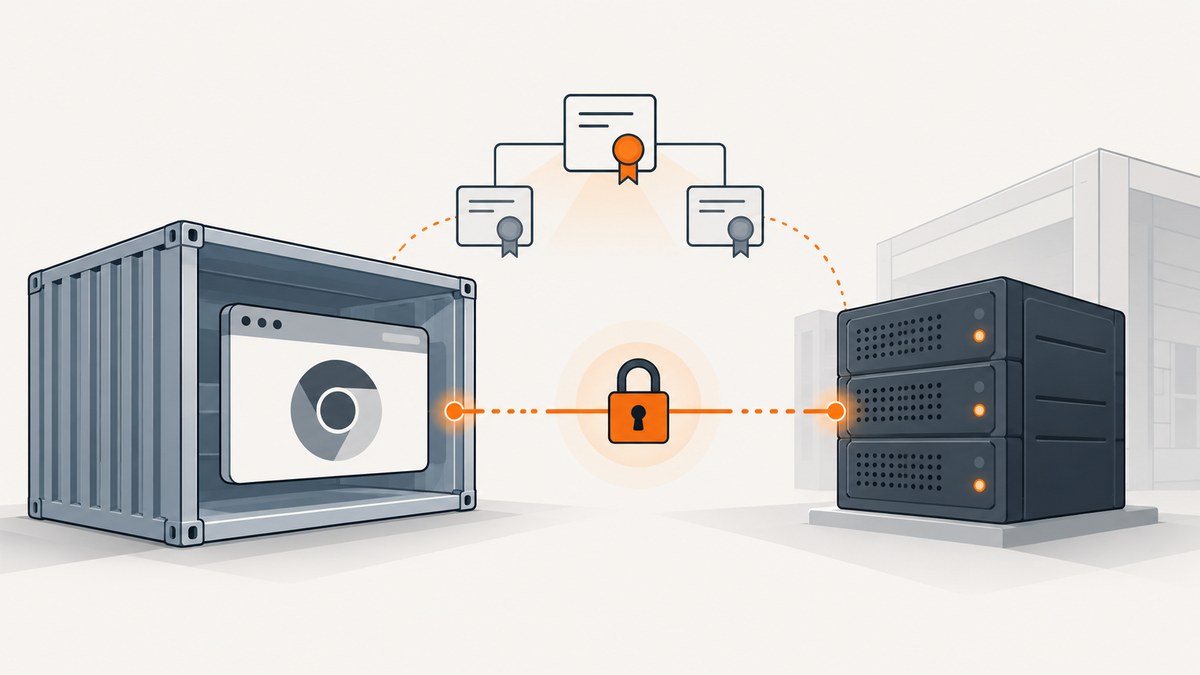
To make headless Chrome trust an internal HTTPS site from Selenium in Docker, install the organization’s CA certificate into the NSS certificate database used by the user who launches Chrome. For a repeatable setup, derive a Selenium image and add the certificate during the Docker build. Selenium’s image documentation provides an add-cert-helper.sh helper; check its example and arguments for the exact image tag you use. Add the CA to the Linux system trust store as well if other compatible tools in the container need to trust it.
The key detail is that Chrome’s NSS database and the OS trust bundle are separate configuration paths. A successful curl request does not prove that Chrome trusts the endpoint. Test the actual browser process after rebuilding the image.
1. Identify the certificate, image, and browser user
Before changing the Dockerfile, determine what kind of certificate you have and which Linux user runs Chrome. A root CA that issues server certificates, an intermediate CA, a self-signed server certificate, and a client certificate with its private key require different handling. Do not import a leaf certificate as though it were a root CA.
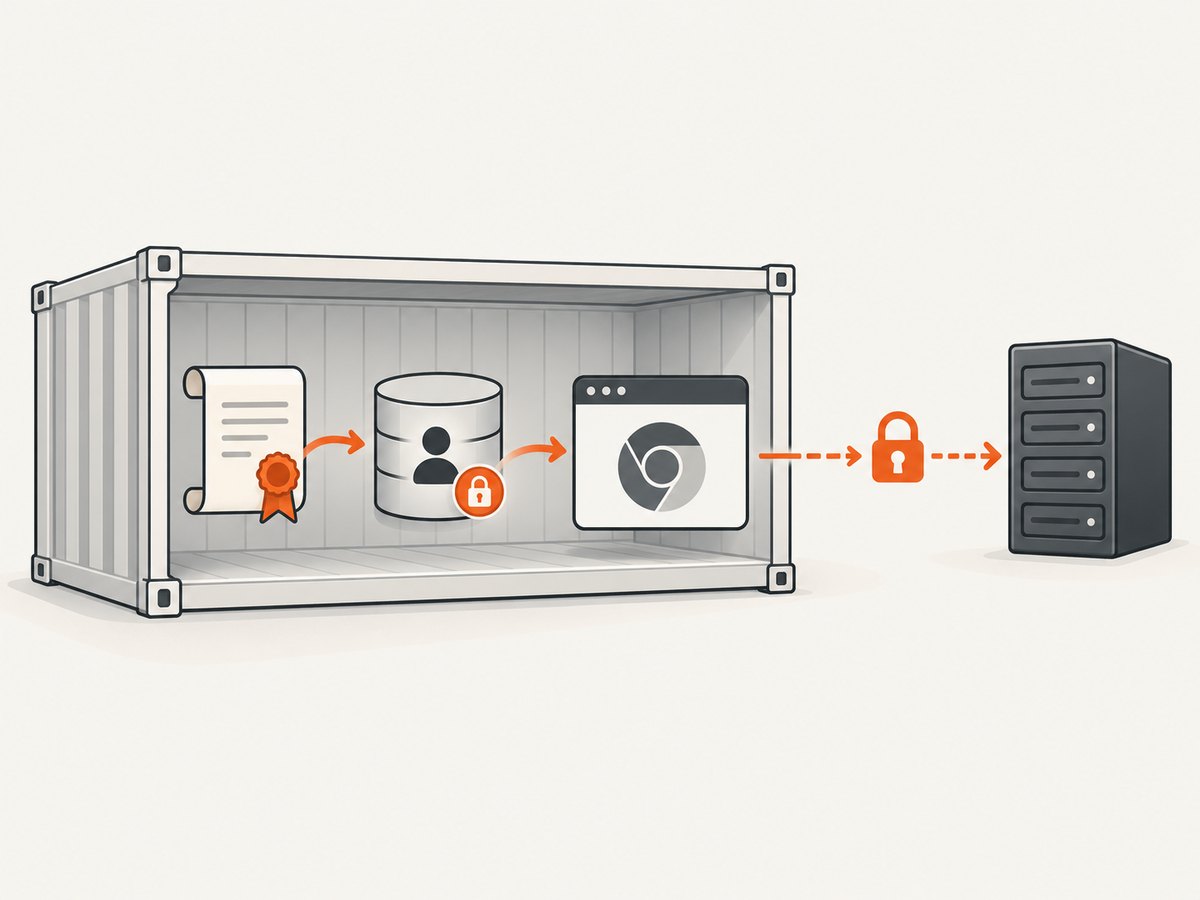
- Pin the Selenium image tag. Choose the exact tag used by your CI or deployment. Selenium image contents and browser versions change, so consult the upstream README and examples that correspond to that tag.
- Find the runtime user. Selenium’s documentation describes its image’s Chromium NSS database at
/home/seluser/.pki/nssdband provides/opt/bin/add-cert-helper.sh. A derived image, changed startup command, or different Selenium image can use another user or database. Verify the user that actually starts Chrome. - Inspect the certificate file. Make sure you have the intended CA certificate in PEM form. If you use Debian or Ubuntu’s system trust utility, the local file must use a
.crtextension and contain one certificate. - Decide the trust scope. Import into the browser user’s NSS database for Chromium. Install into the system trust store if other software in the container also needs the CA. Some environments need both.
Chromium’s Linux documentation says it uses an NSS Shared DB. Its default path is version-sensitive: since M146 the documented default is $HOME/.local/share/pki/nssdb, while an existing $HOME/.pki/nssdb continues to be used. Selenium’s own image documentation and the database present for the actual Chrome runtime user are the more useful guide for a particular image. Do not assume one generic path applies to every Selenium tag.
2. Install the CA in a derived Selenium image
For an image compatible with Selenium’s documented helper, use the project-provided helper and its instructions for your chosen tag. Selenium’s README gives a custom-image pattern that copies in the certificate and invokes /opt/bin/add-cert-helper.sh. The precise helper arguments are image-specific, so consult that README example rather than guessing them.
The following Dockerfile shows the structure. Replace the image tag and helper invocation with the exact values in the upstream example for that tag; YOUR_HELPER_ARGUMENTS is a placeholder, not a literal command argument.
FROM selenium/standalone-chrome:YOUR_PINNED_TAG

USER root
COPY internal-root-ca.crt /tmp/internal-root-ca.crt

# Use the helper syntax documented for YOUR_PINNED_TAG.
RUN /opt/bin/add-cert-helper.sh YOUR_HELPER_ARGUMENTS

USER seluser
Some Selenium image variants initialize their database or helper differently. Check the selected tag’s README, preserve the intended runtime user, and avoid assuming that the example applies unchanged to a different browser or node image. Build the derived image in CI and use that image for sessions so containers created later receive the same trust configuration.
Direct NSS import with certutil
If you need to manage NSS directly, install the NSS tools in the image and target the browser user’s actual database. Selenium’s current instructions describe libnss3-tools and its initialized database. For a root CA trusted to issue SSL server certificates, Chromium documents this import form:
certutil -d sql:/home/seluser/.pki/nssdb \
  -A -t "C,," \
  -n "Internal Root CA" \
  -i /tmp/internal-root-ca.crt
Run it against the database Chrome will read. If the database directory belongs to seluser, importing into root’s home is not equivalent. Ensure the database exists and that the import runs with suitable access. For a custom runtime user or a newer database location, substitute the verified path.
Chromium documents different trust arguments according to certificate role:
| Certificate role | Chromium NSS trust argument | Notes |
|---|---|---|
| Root CA | C,, |
For a CA that issues SSL server certificates. |
| Intermediate CA | ,, |
Use the role-specific documented setting; confirm the chain and policy. |
| Self-signed server certificate | P,, |
This is for trusting that server certificate itself. |
| Personal client certificate and private key in PKCS #12 | pk12util |
Import the .p12 file into the browser user’s database. |
For the last case, Chromium documents this command form:
pk12util -d sql:/home/seluser/.pki/nssdb \
  -i /path/to/client-certificate.p12
A client certificate is used for client authentication and is not a substitute for installing a CA that validates the server. Avoid copying private keys into a broadly distributed image; if client credentials are required, handle them using your organization’s secrets process.
3. Add the CA to the Linux system trust store when needed
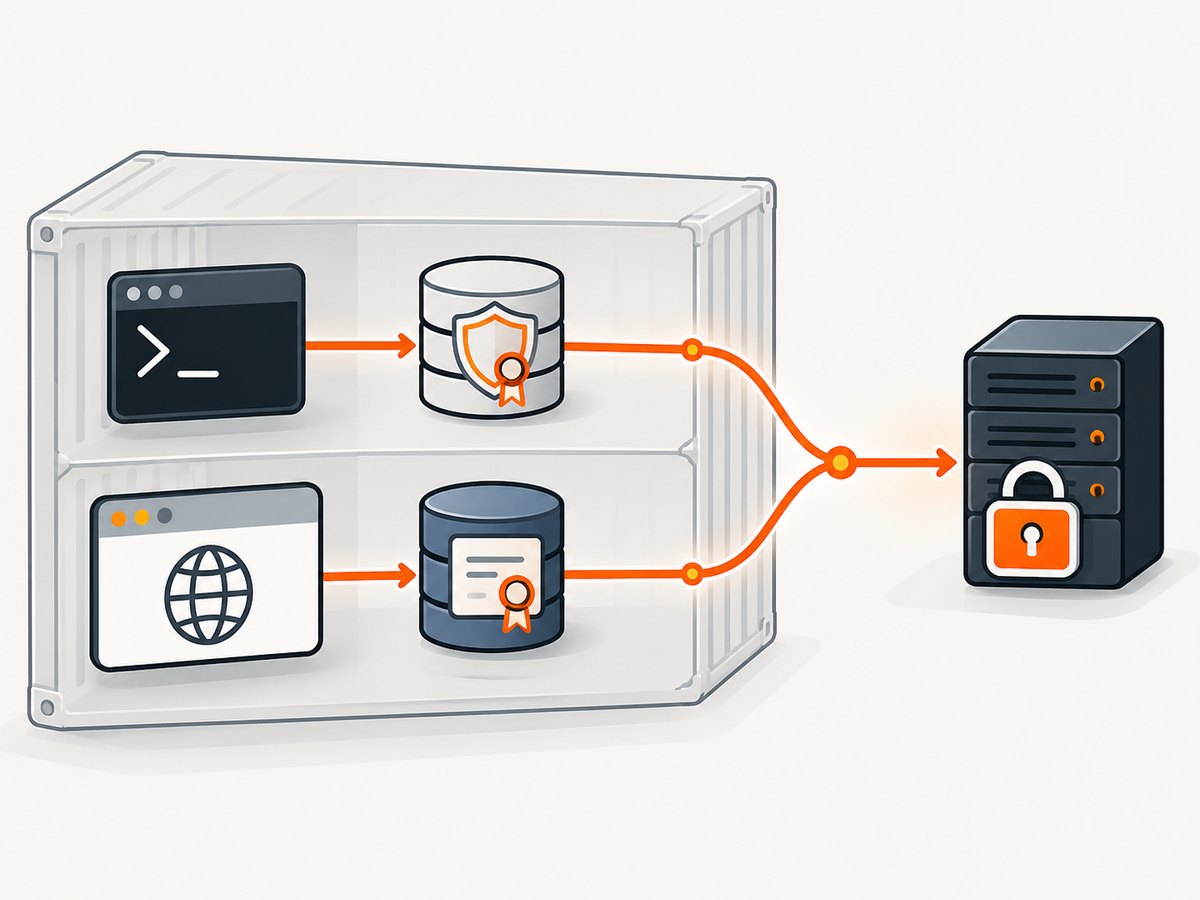
For Debian or Ubuntu-based images, the documented system-store pattern is to install the CA under /usr/local/share/ca-certificates/ and run update-ca-certificates. Docker’s example installs the package first:
FROM selenium/standalone-chrome:YOUR_PINNED_TAG

USER root
RUN apt-get update && apt-get install -y ca-certificates \
  && rm -rf /var/lib/apt/lists/*

COPY internal-root-ca.crt /usr/local/share/ca-certificates/internal-root-ca.crt
RUN update-ca-certificates

USER seluser
This is specific to Debian or Ubuntu packaging. Use the equivalent certificate package and update command for another distribution. Debian’s utility expects PEM certificates with the .crt extension, one certificate in each file. It adds certificates to /etc/ssl/certs and generates /etc/ssl/certs/ca-certificates.crt.
System trust helps compatible clients in the container, but it does not remove the need to verify Chrome’s NSS database. Docker notes that additional steps may be required depending on the SDK, runtime, or framework. The reliable check is a browser navigation to the target HTTPS service in the configured image.
4. Build and verify the image
- Build the derived image. Use your pinned base tag and a certificate supplied through your approved build process.
- Start a Selenium session using that image. Keep the same runtime user and startup path used in production.
- Navigate headless Chrome to the internal HTTPS endpoint. Check the page result and browser logs for certificate errors.
- Check the system store separately if relevant. A command-line client can help diagnose OS trust, but passing that check alone does not establish browser trust.
- Rebuild after certificate rotation. The derived image contains the CA state from its build; publish and deploy an updated image when the CA changes.
Which installation method should you use?
| Method | Scope | Good fit | Watch for |
|---|---|---|---|
| Selenium image helper | Chromium NSS setup in compatible Selenium images | A Selenium image whose README documents the helper | Use arguments and examples for the exact tag. |
Direct certutil |
A specific NSS database | You need explicit control of certificate role, trust flags, or path | Target the database of the actual Chrome user. |
| Distribution system store | Compatible system clients | Other tools in the container also need the CA | Commands differ by distribution; browser trust still needs checking. |
| Runtime installation | One running container | Temporary diagnosis or a short-lived experiment | Changes disappear when the container is destroyed or recreated. |
Common errors and how to fix them
Chrome still reports a certificate error
Likely cause: the certificate was added to the OS bundle but not the NSS database Chrome reads, or the import targeted another user’s home directory.
Fix: verify the Chrome runtime user and its NSS path in the selected Selenium image. Import the correct CA into that database, rebuild, and test with Chrome itself.
certutil cannot open the database
Likely cause: the directory is wrong, missing, inaccessible, or not the initialized database used by the image.
Fix: consult the image’s README and inspect the runtime user’s home. Use the NSS database path that exists for that browser process and run the import with appropriate permissions.
update-ca-certificates ignores the file
Likely cause: the certificate is not PEM, lacks the .crt extension, contains multiple certificates in one local file, or the image lacks the expected utility.
Fix: use PEM encoding, one certificate per file, a .crt filename under /usr/local/share/ca-certificates/, and the distribution’s certificate package and update utility.
The CA imports, but the HTTPS chain remains untrusted
Likely cause: the wrong certificate was supplied, an intermediate is missing, or trust flags do not match the certificate’s role.
Fix: confirm the organization supplied the issuing root or required chain, identify whether the file is a root, intermediate, or self-signed server certificate, and follow Chromium’s role-specific trust instructions.
It works locally, then fails in CI
Likely cause: CI runs a different image tag, user, or startup command, or it starts a fresh container without the interactive change.
Fix: pin the image, put the CA installation in the derived image build, and make CI use that image and runtime identity.
curl works, but Chrome fails
Likely cause: curl trusts the system bundle while Chrome uses a separate NSS database.
Fix: validate the NSS configuration for the browser user and retest by navigating with headless Chrome.
Performance, reliability, and cost considerations
Installing a CA at image build time makes the configuration repeatable across recreated containers. Runtime mutation is useful to isolate a diagnosis, but Docker documents that runtime-added certificates do not persist if the container is destroyed or recreated. A derived image also makes the certificate and base image choice visible in the build configuration; update it when either changes.
Trust changes do not make an unreachable endpoint reachable. DNS, routing, proxy settings, server availability, expiry, and an incomplete server chain can still prevent a page from loading. Keep those network and TLS checks separate from the question of whether Chrome trusts the issuer.
For cost, this procedure uses your Selenium and Docker environment; the research sources provide no basis for a specific infrastructure price or performance benchmark. Keep images no larger than necessary, and avoid rebuilding repeatedly for a one-off diagnosis. If your goal is simply to obtain a screenshot of a public page, maintaining a browser container and certificate setup may be unnecessary; the option below takes a different path.
Or skip the browser setup
If your task is capturing a website screenshot rather than testing access to an internal service, ScreenshotNeo is a website screenshot API and MCP server. A single GET request returns PNG, JPEG, WebP, or PDF; its screenshot options include full-page capture, device presets, custom headers and cookies, and wait conditions. The API parameter names used by other screenshot APIs also work. See the ScreenshotNeo API docs.
curl -G "https://api.screenshotneo.com/v1/shot" \
  -d access_key=YOUR_API_KEY \
  --data-urlencode url=https://stripe.com \
  -o shot.webp
Python:
import requests

r = requests.get(
    "https://api.screenshotneo.com/v1/shot",
    params={"access_key": "YOUR_API_KEY", "url": "https://stripe.com"},
    timeout=90,
)
open("shot.webp", "wb").write(r.content)
Node.js:
const q = new URLSearchParams({
  access_key: 'YOUR_API_KEY',
  url: 'https://stripe.com'
});
const res = await fetch(`https://api.screenshotneo.com/v1/shot?${q}`);
if (!res.ok) throw new Error(`Screenshot request failed: ${res.status}`);
await Bun.write('shot.webp', res);
Cookie banners, popups, and chat widgets are removed before the shot; bot checks, blank pages, and failed loads are never billed. An MCP server lets AI agents take screenshots. The free plan includes 1,000 screenshots a month with no card; paid plans start at $5 for 3,000. Start at ScreenshotNeo’s free sign-up.
FAQ
Where is Chrome’s certificate store in a Selenium Docker image?
Selenium documents /home/seluser/.pki/nssdb for its image setup. Chromium’s general Linux default is version-sensitive, so confirm the actual image tag, Chrome runtime user, and database before importing.
Do I need the CA in the OS trust store or NSS?
Use NSS for Chromium’s browser trust. Add the system CA too when compatible command-line tools or other software need it. Validate each trust path independently.
Can I install a certificate in a running container?
Yes, for temporary diagnosis. The change will not persist after the container is destroyed or recreated; use a derived image for a repeatable deployment.
Does installing a CA bypass certificate checks?
No. It adds a trust anchor or certificate according to the selected role and store. It does not fix expired certificates, an incomplete chain, DNS failures, or connectivity problems.


