How to Install and Use PhantomJS in GitLab CI
Install legacy PhantomJS reliably in GitLab CI with pinned images, npm ci, troubleshooting, and a modern ScreenshotNeo alternative.
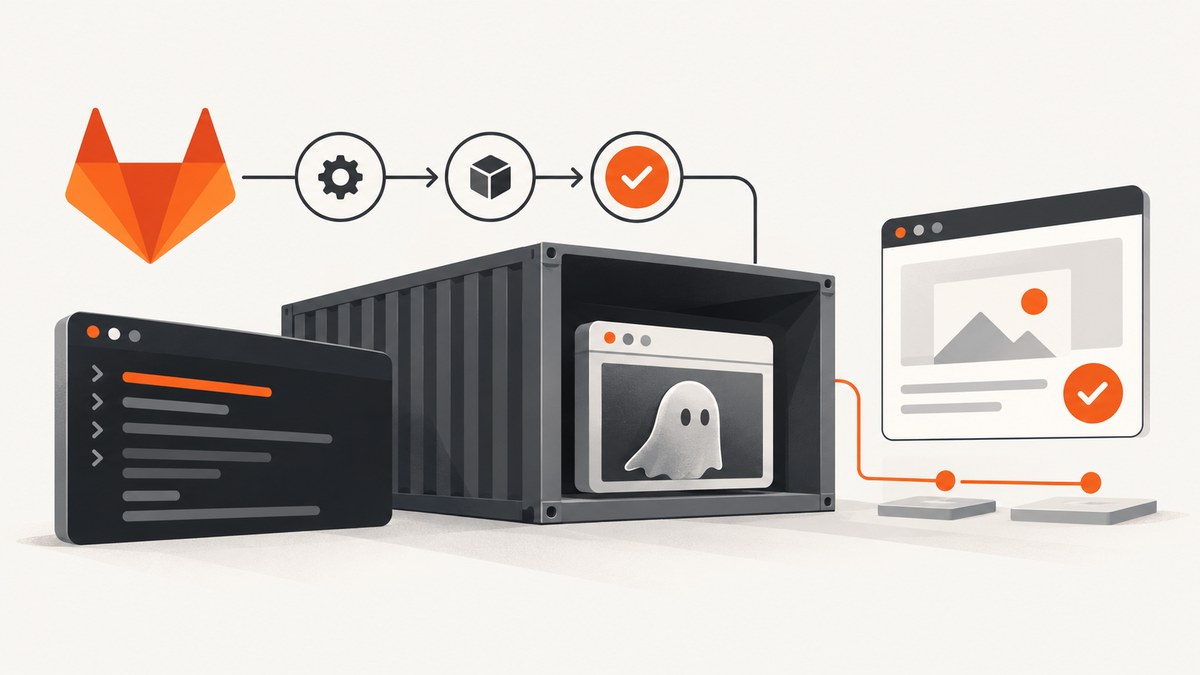
Direct answer: Install PhantomJS in GitLab CI by using a pinned Node Docker image, committing your package-lock.json, running npm ci, and invoking the project-local binary at ./node_modules/.bin/phantomjs. The npm package downloads a platform-specific binary for the runner. On Linux, install Fontconfig in the image. Treat PhantomJS as legacy: GitLab reported migrating its own tests to headless Chrome, so verify that PhantomJS still matches your JavaScript and web-platform requirements before investing in new tests.
1. What GitLab CI needs to run PhantomJS
A GitLab CI job runs inside the image declared by image:. The Docker executor starts that container and executes each command in before_script and script through a working shell. Your image therefore needs Node.js, npm, a shell, archive tools used by the installer, and access to the npm registry or an approved mirror.
PhantomJS is installed through the npm phantomjs package. During installation, the package selects a prebuilt binary for the detected operating system and architecture. It can also use a PhantomJS executable already on PATH. Linux runners still need Fontconfig even though Qt and WebKit do not need separate installation.
| Requirement | Why it matters | Typical check |
|---|---|---|
| Pinned Node image | Provides a predictable Node and npm environment. | node --version |
| Working shell | GitLab must execute job commands. | command -v sh |
tar |
The installer extracts the downloaded archive. | command -v tar |
| Fontconfig | Required for PhantomJS startup on Linux. | fc-match sans |
| Network or mirror | Needed when downloading the binary. | Check registry and binary-host access. |
| Writable npm paths | npm must write its cache and node_modules. |
npm config get cache |
2. Minimal project setup
Add PhantomJS to your project rather than relying on a globally installed executable. A local dependency makes the command and version visible in your lockfile.
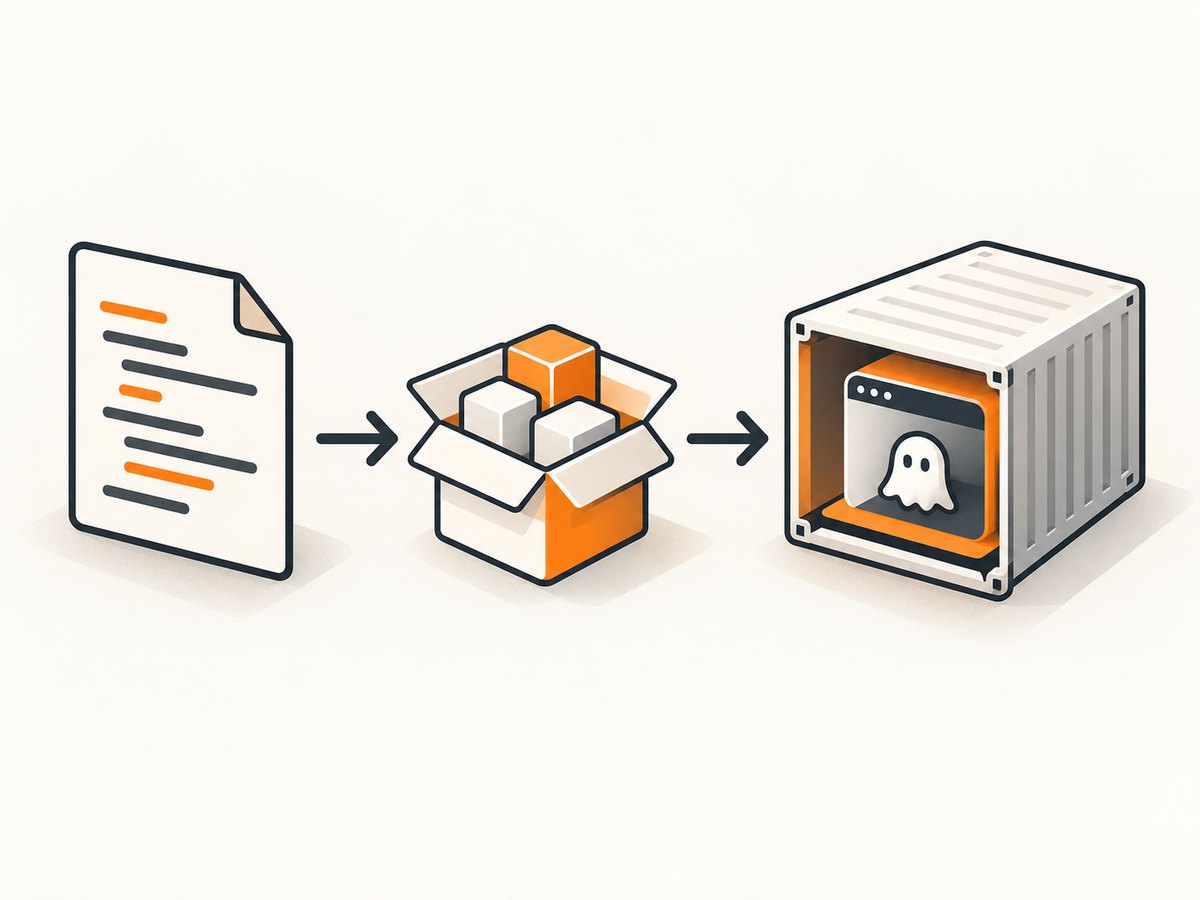
npm install --save-dev phantomjs
Commit both package.json and package-lock.json. Use a project script so developers and CI run the same command:
{
  "scripts": {
    "test:phantom": "phantomjs test/runner.js"
  },
  "devDependencies": {
    "phantomjs": ""
  }
}
Replace the placeholder with the version already selected by your project. Do not regenerate the lockfile in the CI job; npm ci is designed for a clean install from a committed lockfile.
3. A complete .gitlab-ci.yml
This baseline uses a pinned Node image and runs a PhantomJS script from the checked-out repository.
image: node:20-bookworm

stages:
  - test

phantomjs_test:
  stage: test
  before_script:
    - node --version
    - npm --version
    - command -v tar
    - npm ci
  script:
    - npm run test:phantom
The image tag is an example. Pin the Node major, distribution, or digest that your project supports, then update it deliberately. If the base image does not include Fontconfig, create a CI image that does or install the package before npm ci.
Using an image with Fontconfig
For a Debian-based custom image, install Fontconfig during image creation so every pipeline starts with the same dependencies:
FROM node:20-bookworm

RUN apt-get update \
  && apt-get install --no-install-recommends -y fontconfig \
  && rm -rf /var/lib/apt/lists/*

WORKDIR /builds/project
Build and publish this image through your normal registry process, then replace the image: value in .gitlab-ci.yml. Keeping operating-system packages in the image improves repeatability and shortens each job.
Calling the binary directly
You can invoke the installed executable without a package script:
script:
  - ./node_modules/.bin/phantomjs test/runner.js
The direct path avoids ambiguity if another PhantomJS executable is present on PATH. A package script is usually easier to reuse locally.
4. PhantomJS installer options and platform selection
The npm installer detects the runner platform and architecture. If automatic detection is wrong, or your build uses an internal mirror, configure the environment variables documented by the package:
PHANTOMJS_PLATFORMselects the target operating system.PHANTOMJS_ARCHselects the target architecture.- A PhantomJS binary already on
PATHcan be used instead of downloading one.
Set these variables at the job or project level only when you have confirmed the binary matches the runner. A mismatched architecture typically fails at process startup, while a mismatched operating system can produce an unusable executable.
phantomjs_test:
  stage: test
  variables:
    PHANTOMJS_PLATFORM: linux
    PHANTOMJS_ARCH: x64
  before_script:
    - npm ci
  script:
    - ./node_modules/.bin/phantomjs test/runner.js
If your organization mirrors release archives, configure the package according to its supported mirror settings and permit the runner to reach that host. Do not disable TLS verification as a first response to proxy errors. The package documentation describes strict-ssl=false as a risky workaround; install the proxy’s trusted certificate chain or use an approved internal mirror instead.
5. Reproducible dependency installation
npm ci removes the existing node_modules directory and installs exactly what the lockfile describes. It fails when the lockfile and package.json disagree, which is useful feedback in CI.
- Run
npm installlocally after changing dependencies. - Review the resulting lockfile.
- Commit
package-lock.json. - Run
npm ciin GitLab CI.
npm warns that flags affecting dependency-tree shape must match the flags used to create the lockfile. If the lockfile was generated with options such as peer-dependency behavior, configure the same options in CI or commit a project-level .npmrc.
Cross-platform lockfiles
When dependencies were produced on a different platform, the PhantomJS package documentation recommends rebuilding:
npm rebuild phantomjs
Prefer generating and validating the lockfile in an environment representative of the GitLab runner. Rebuild only when platform-specific artifacts require it; otherwise, investigate why the dependency tree differs.
6. A practical PhantomJS runner
Keep the browser script deterministic. Set an explicit exit code so GitLab correctly marks failures.
// test/runner.js
var system = require('system');
var page = require('webpage').create();

page.open('https://example.com', function (status) {
  if (status !== 'success') {
    console.error('Page failed to load: ' + status);
    phantom.exit(1);
    return;
  }

  var title = page.evaluate(function () {
    return document.title;
  });

  if (!title) {
    console.error('Expected a document title');
    phantom.exit(1);
    return;
  }

  console.log('Title: ' + title);
  phantom.exit(0);
});
For real tests, avoid depending on third-party pages whose content changes. Serve fixtures from the repository or a controlled test environment, and make network waits and assertions explicit.
7. Troubleshooting common installation failures
| Symptom | Cause | Fix |
|---|---|---|
spawn ENOENT |
node or tar is missing from PATH, or the executable path is wrong. |
Print node --version, command -v node, command -v tar, and list node_modules/.bin. |
| Permission denied | The CI user cannot write the npm cache or installation directory. | Use a writable working directory and cache path; do not run npm as a user that cannot modify the checkout. |
ECONNRESET or ETIMEDOUT |
The binary download was interrupted or blocked. | Check proxy and firewall rules, use an approved mirror, or place a compatible binary on PATH. |
| PhantomJS exits immediately on Linux | Fontconfig is absent or unusable. | Install Fontconfig in the image and verify with fc-match sans. |
| Binary cannot execute | Platform or architecture selection does not match the runner. | Remove overrides, confirm runner architecture, or set PHANTOMJS_PLATFORM and PHANTOMJS_ARCH correctly. |
Lockfile error during npm ci |
package.json and lockfile are out of sync, or npm flags differ. |
Regenerate and commit the lockfile with matching npm configuration. |
| TLS certificate failure | The runner does not trust the registry or proxy certificate. | Install the correct CA chain or use a trusted mirror; avoid disabling TLS validation. |
Useful diagnostic job
phantomjs_diagnostics:
  stage: test
  script:
    - node --version
    - npm --version
    - uname -a
    - command -v node
    - command -v tar
    - command -v phantomjs || true
    - fc-match sans || true
    - npm ci --verbose
Run this temporarily on a failing runner. The verbose npm output identifies whether the failure occurs during registry access, archive extraction, or binary startup. Remove excessive logging after diagnosis if it exposes internal hostnames.
8. Performance, reliability, and cost considerations
- Cache carefully: Caching npm’s download cache can reduce network work, but do not treat a cache as the source of truth. The lockfile remains authoritative.
- Pin the environment: A fixed image and committed lockfile reduce failures caused by moving Node, OS, or dependency versions.
- Control concurrency: PhantomJS is a legacy browser with limited modern web compatibility. Run only the parallel jobs your runner can support without exhausting memory.
- Make retries selective: Retry transient network downloads, but do not hide deterministic assertion failures behind automatic retries.
- Capture artifacts: Save logs, screenshots, or HTML fixtures when a test fails so the next run is diagnosable.
- Plan migration: GitLab reported moving from PhantomJS to headless Chrome in 2017. Compare JavaScript compatibility, binary maintenance, debugging tools, startup time, reproducibility, and migration effort before expanding a new PhantomJS suite.
GitLab CI minutes, runner capacity, registry traffic, and any mirror or browser service are separate costs from the npm package itself. Measure your own pipeline because job duration depends on image pulls, dependency cache state, test count, and network access.
9. Or skip the browser setup
If your goal is a clean page image rather than running legacy browser assertions, ScreenshotNeo provides a single HTTP request. Its API accepts the URL and returns PNG, JPEG, WebP, or PDF. See the ScreenshotNeo documentation for the complete option list.

curl -G "https://api.screenshotneo.com/v1/shot" -d access_key=YOUR_API_KEY --data-urlencode url=https://stripe.com -o shot.webp
import requests
r = requests.get("https://api.screenshotneo.com/v1/shot", params={"access_key": "YOUR_API_KEY", "url": "https://stripe.com"}, timeout=90)
open("shot.webp", "wb").write(r.content)
const q = new URLSearchParams({ access_key: 'YOUR_API_KEY', url: 'https://stripe.com' });
const res = await fetch(`https://api.screenshotneo.com/v1/shot?${q}`);
Cookie and consent banners, newsletter popups, and chat widgets are removed before the shot. Bot checks, blank pages, failed loads, timeouts, and cache hits are not billed, and response headers identify the page verdict and billing result. The service also includes an MCP server so Claude, Cursor, and other MCP clients can take screenshots, inspect pages, and capture PDFs. The free plan includes 1,000 screenshots each month with no card; paid plans start at $5 for 3,000.
Create a free ScreenshotNeo account and start with the 1,000 monthly screenshots.
10. FAQ
Does PhantomJS work in every GitLab runner?
No. The runner image must provide a compatible OS, architecture, shell, archive tools, writable paths, and Linux Fontconfig. Validate these prerequisites in the target runner.
Should PhantomJS be installed globally?
Usually no. Keep it in devDependencies and invoke the project-local binary so the version is controlled by the lockfile.
Can I use a preinstalled PhantomJS binary?
Yes. The npm package can use a binary on PATH. Confirm its platform, architecture, and version before relying on it.
Why does a successful install still produce unreliable tests?
Installation only proves the binary starts. Legacy web-platform support, changing network content, missing fonts, and timing assumptions can still make tests flaky. Use controlled fixtures and explicit waits.
When should I replace PhantomJS?
Consider migration when your application needs modern JavaScript or browser APIs, current debugging tools, maintained binaries, or reliable diagnostics. Use the comparison axes above to plan the move.


