How to Install Wkhtmltoimage on a Linux Web Server
Install wkhtmltoimage on Linux by matching the package to your distribution and architecture, then verify its libraries, fonts, and service-account access.
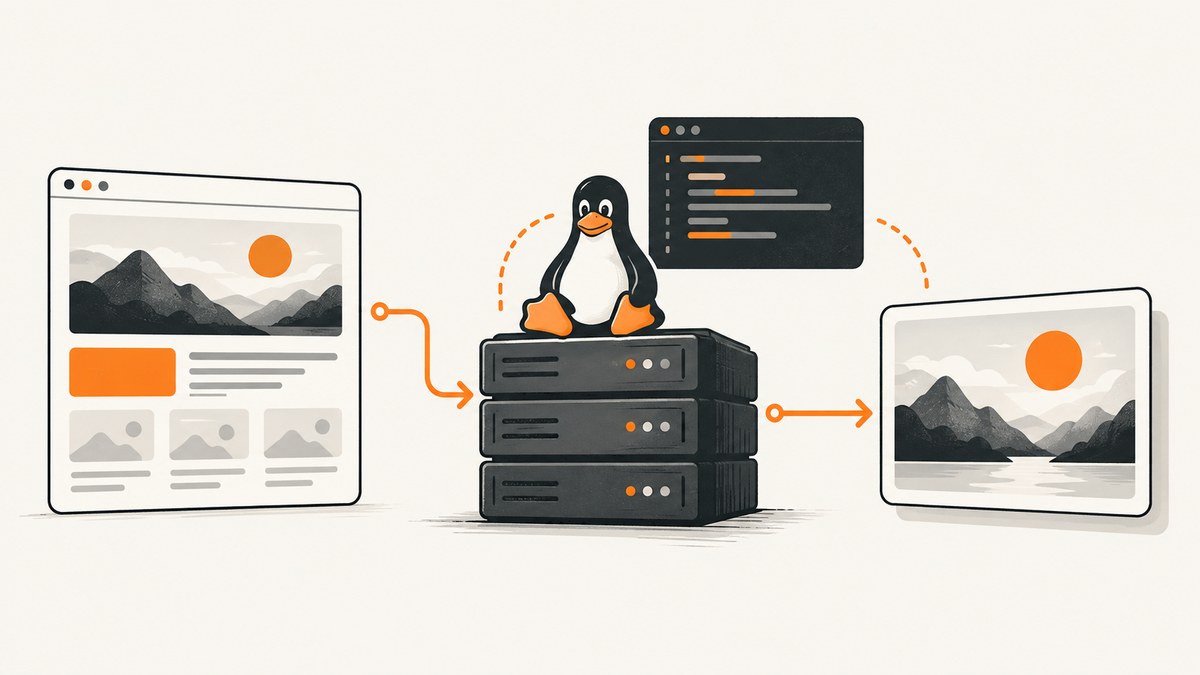
wkhtmltoimage can run on a Linux web server without a desktop session, but installation is not one-size-fits-all. First identify the server’s Linux distribution, release, and CPU architecture; then choose a matching package, install its dependencies, and verify the binary under the same account your application uses. Upstream describes its tools as headless, though some distribution packages recommend an X server such as Xvfb.
The upstream downloads page lists version 0.12.6 as the stable series and dates it June 11, 2020. Its package matrix covers specific distributions and releases; it does not promise compatibility with every current Linux system. Check the matrix and your distribution’s package metadata before installing. Upstream downloads and platform guidance
1. Identify the server and select a package
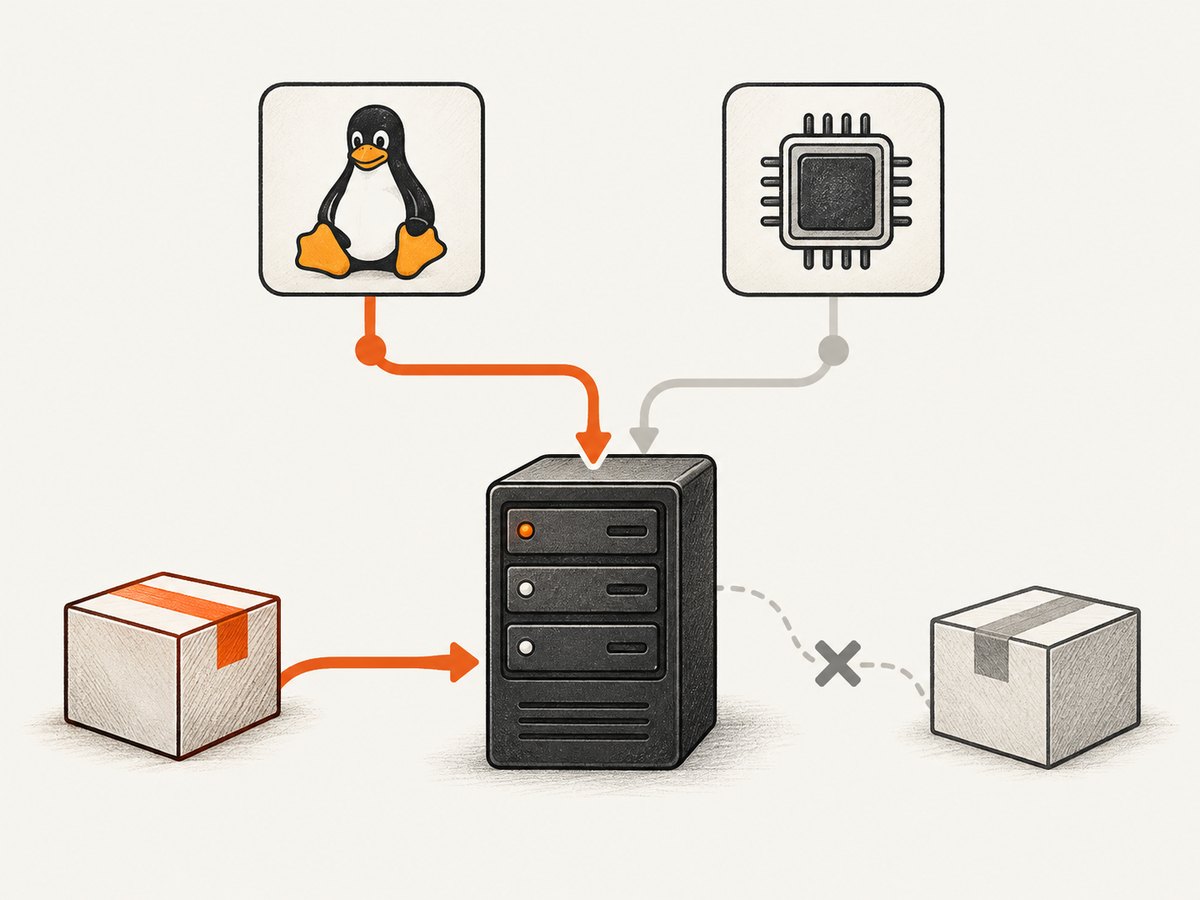
Log in to the target server and record its distribution, release, and architecture. These details determine which package format and build are appropriate. On common Linux systems, these read-only commands can help:
cat /etc/os-release
uname -m
Look for the distribution name and version in /etc/os-release, and the architecture in uname -m. Do not assume that a package for a similar release or another architecture will work. The upstream matrix has included builds for selected releases such as Debian 11, Ubuntu 22.04, AlmaLinux 8 and 9, CentOS 7, Amazon Linux 2, and openSUSE Leap 15; that dated list does not establish support for newer releases.
| Decision | What to check |
|---|---|
| Distribution and release | Does the upstream matrix or your distribution repository have a build for this exact release? |
| Architecture | Does the package match the server CPU architecture? |
| Package source | Can you install a matching package through the distribution package manager? |
| Runtime | Are the required shared libraries, font libraries, and fonts available? |
| Headless operation | Does this package’s metadata recommend an X server or Xvfb? |
Prefer a distribution-specific package and let its package manager resolve dependencies. Avoid downloading a generic binary just because its filename appears compatible. Upstream notes that its builds differ because system library versions and patched Qt features vary. It also warns that even a static build still depends on system libraries and runtime font configuration.
If there is no matching package, pause before forcing one from another release. Review that package’s dependency requirements and your operating system’s support policy. Extracting a package manually does not remove its shared-library or font dependencies.
2. Install using the matching package manager
There is no safe universal apt or rpm command for an unspecified server: the correct package filename, repository, and dependency set depend on the distribution and release. Use the installation instructions supplied for the matching build. If your distribution provides a package, install that package through its normal package manager so dependency resolution can run.
For a Debian-family server, the general shape is to install the downloaded, matching package with the system package tool. Replace the example filename with the actual local package, and consult your release’s package-manager documentation for the appropriate command and any dependency repair steps:
# Example shape only: use a package built for this exact release and architecture.
sudo apt install ./<matching-package>.deb
On an RPM-family server, use the matching distribution’s documented installation command and the exact package for that release and architecture. Do not substitute a package for another distribution simply because both use RPM.
After installation, check the binary as your administrative shell user:
wkhtmltoimage --version
command -v wkhtmltoimage
The exact version output depends on the package. If the command is missing, that does not yet prove the installation failed: the binary may be outside the current shell’s PATH. Locate it using your package manager’s file listing, then configure the application with the verified absolute path if necessary.
3. Verify a real conversion as the service account
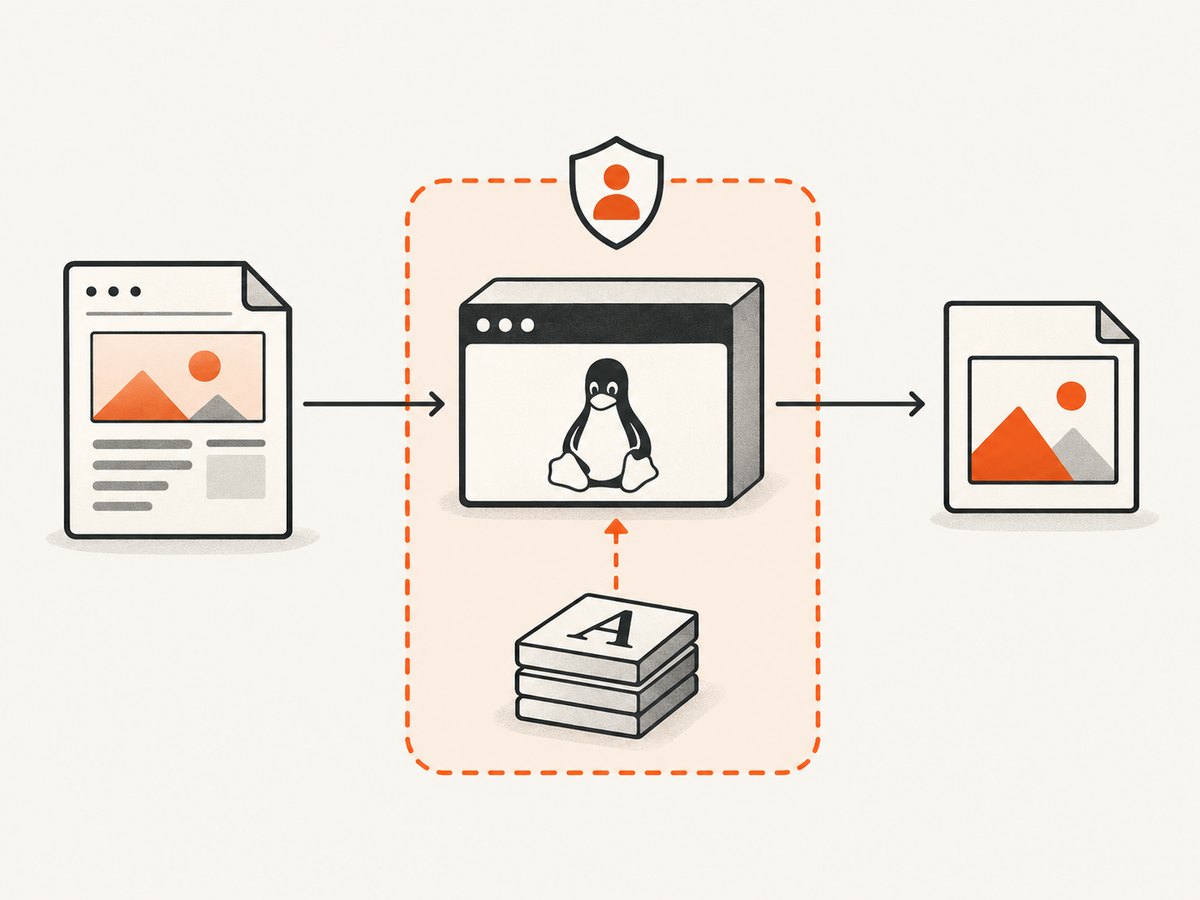
A successful version check is only a first check. The application may run with a different user, environment, home directory, and permissions. Run a smoke test as that service account, using trusted local HTML and a writable output directory.
Create a minimal local file:
cat > /tmp/wkhtmltoimage-smoke.html <<'EOF'
<!doctype html>
<html>
  <head><meta charset="utf-8"><title>Smoke test</title></head>
  <body><h1>wkhtmltoimage is running</h1><p>Local conversion check.</p></body>
</html>
EOF
wkhtmltoimage /tmp/wkhtmltoimage-smoke.html /tmp/wkhtmltoimage-smoke.png
file /tmp/wkhtmltoimage-smoke.png
The command form is wkhtmltoimage [OPTIONS]... <input file> <output file>. The Debian manpage documents this invocation. Run the same conversion as the account that executes the web application or job worker; a shell test under your personal account cannot verify that account’s executable path, permissions, libraries, fonts, or temporary-directory access. Debian wkhtmltoimage manpage
4. Configure the web application safely
Have the application invoke a known executable path and pass input and output paths as distinct process arguments, rather than building a shell command from untrusted strings. Set an explicit timeout and handle a nonzero exit status, missing output, and partial output. Clean up temporary files on both success and failure. The precise code depends on your language and process library; the key operational checks are:
- The service account can execute the binary and read the input.
- The output directory exists, is writable by that account, and has enough disk space.
- Temporary directories are writable and have sensible size limits.
- The process has a timeout and its stdout and stderr are captured for diagnosis.
- Concurrent conversions are bounded so a request burst cannot exhaust memory, CPU, or disk.
Do not pass arbitrary user-supplied HTML or JavaScript to a server-side renderer. The wkhtmltopdf project warns that untrusted HTML can lead to complete server takeover. Treat sanitization as one input control, not as a complete security boundary. Prefer trusted templates and controlled input; restrict the renderer’s filesystem and network access, run it with minimal privileges, and apply operating-system confinement. Upstream describes AppArmor as one defense-in-depth option; Red Hat-family systems generally use SELinux instead. Configure confinement for the actual binary path and application working directories. Upstream security warning · Project status and security context · Upstream AppArmor guidance
5. Understand headless and Xvfb requirements
Upstream calls the tools headless, which means a desktop display is normally not needed. However, the package built by a Linux distribution can carry different runtime requirements. Ubuntu Noble package metadata recommends an X server or Xvfb, while upstream’s general description says the tools are headless. The practical answer is package-specific: inspect the dependency metadata for the build you installed and test it under the actual service environment. Upstream project overview · Ubuntu Noble package metadata
If the conversion reports a display or Qt platform error, check whether the package is a distribution build with an X server recommendation. Install and configure the recommended virtual display only when the selected package requires it. Do not add Xvfb reflexively to every server; equally, do not assume every package runs identically without it.
6. Common errors and fixes
| Symptom | Likely cause | What to do |
|---|---|---|
wkhtmltoimage: command not found |
Not installed, or its directory is missing from the service account’s PATH. |
Confirm package installation, locate the executable from package metadata, and set a verified absolute path or service PATH. |
| Shared library cannot be opened | The binary targets a different release or required runtime libraries are absent. | Use the package for the exact distribution release; inspect its dependencies and install matching libraries through the distribution. |
| Fonts are missing or substituted | Fonts, fontconfig, or FreeType runtime configuration is absent for the service environment. | Install and configure the distribution’s font packages; verify available fonts as the service account. |
| Display, X server, or Qt platform error | The package build expects a display service or has different Qt integration. | Read that package’s metadata and install/configure its recommended X server or Xvfb if required. |
| Works in a shell, fails from the application | Different user, PATH, permissions, environment, or temporary directory. |
Repeat the version check and local conversion as the actual service account; log stderr and verify write access. |
| Image differs across hosts | Different package versions, libraries, fonts, or patched Qt features. | Pin and record the distribution-specific package and font environment; compare those details before debugging HTML. |
| Conversion hangs or takes too long | Slow or unreachable page resources, complex content, or a process without a timeout. | Set an application-level timeout, capture diagnostics, and constrain concurrency. For remote inputs, ensure the server can reach only the intended destinations. |
| Output missing or empty | Nonzero exit, unwritable output path, or a failed page load. | Check the process exit status and stderr, confirm directory permissions, and verify the input is reachable and renders successfully. |
7. Performance, reliability, and cost
The dossier does not establish benchmark numbers, so size capacity on your own workload. Rendering cost depends on the page, assets, fonts, and server resources. Measure representative conversions on the target machine and record duration, memory use, exit status, and output size. Keep a small queue or worker pool rather than allowing unbounded parallel processes, and set timeouts so a slow page cannot occupy a worker indefinitely.
For reliable output, make the runtime repeatable: pin the package source and version, record the distribution release and architecture, and keep required fonts installed. A package update or font change can alter layout. Monitor conversion failures and timeouts separately from application request failures, and retain enough stderr to diagnose dependency or rendering issues without logging sensitive page contents.
The software package itself is available from project and distribution sources; the dossier does not establish a license or hosting cost figure. Account for the server capacity, maintenance, isolation work, and operational time needed to run a renderer. The upstream stable series cited here is dated 2020, so assess whether its older rendering and security base suits the pages and threat model you have.
8. When to choose another rendering route
wkhtmltoimage may fit a deployment that needs its particular output and can accept its runtime and security constraints. The upstream status page discusses reliance on Qt WebKit and recommends WeasyPrint or Prince for controlled report generation, and Puppeteer for pages that rely on dynamic JavaScript. These are maintainer recommendations, not a universal comparison or a benchmark. Compare rendering fidelity, engine maintenance, output type, deployment dependencies, and isolation requirements for your own pages. Upstream project status
Or skip the browser setup
If your goal is simply to capture a website as an image or PDF, ScreenshotNeo is a website screenshot API and MCP server. A single GET request can return PNG, JPEG, WebP, or PDF. See the ScreenshotNeo API documentation.
curl -G "https://api.screenshotneo.com/v1/shot" -d access_key=YOUR_API_KEY --data-urlencode url=https://stripe.com -o shot.webpimport requests
r = requests.get(
"https://api.screenshotneo.com/v1/shot",
params={"access_key": "YOUR_API_KEY", "url": "https://stripe.com"},
timeout=90,
)
open("shot.webp", "wb").write(r.content)const q = new URLSearchParams({ access_key: 'YOUR_API_KEY', url: 'https://stripe.com' });
const res = await fetch(`https://api.screenshotneo.com/v1/shot?${q}`);
if (!res.ok) throw new Error(`Screenshot request failed: ${res.status}`);
await Bun.write('shot.webp', res);ScreenshotNeo accepts cookie and consent banners and removes more than 60 known consent platforms, newsletter popups, and chat widgets before the shot; each step can be turned off. Bot checks, blank pages, failed loads, timeouts, and cache hits are not billed, and response headers report the page verdict and billing status. Its MCP server provides take_screenshot, get_page_info, and capture_pdf for Claude, Cursor, and other MCP clients. The Free plan includes 1,000 shots per month with no card; paid plans start at $5 for 3,000 shots. Every feature is on every plan. Read the docs and get 1,000 free screenshots a month with no card.
FAQ
Does wkhtmltoimage install the same way as wkhtmltopdf?
They are related tools from the same project, but check the package contents and executable names for your distribution. This guide’s verification command is specifically for wkhtmltoimage.
Can I use a package for a newer or older Linux release?
Only after checking its dependencies and behavior on the target system. Upstream says packages are distribution-specific and warns that an unlisted release may or may not work.
Did this guide verify a live server installation?
No. The commands are a reader-run installation and smoke-test workflow; package availability and successful output depend on the server’s distribution and release.


