How to Install wkhtmltoimage with Pip
Pip installs the Python wrapper, not the wkhtmltoimage executable. Learn how to install both, verify your setup, and fix common platform issues.
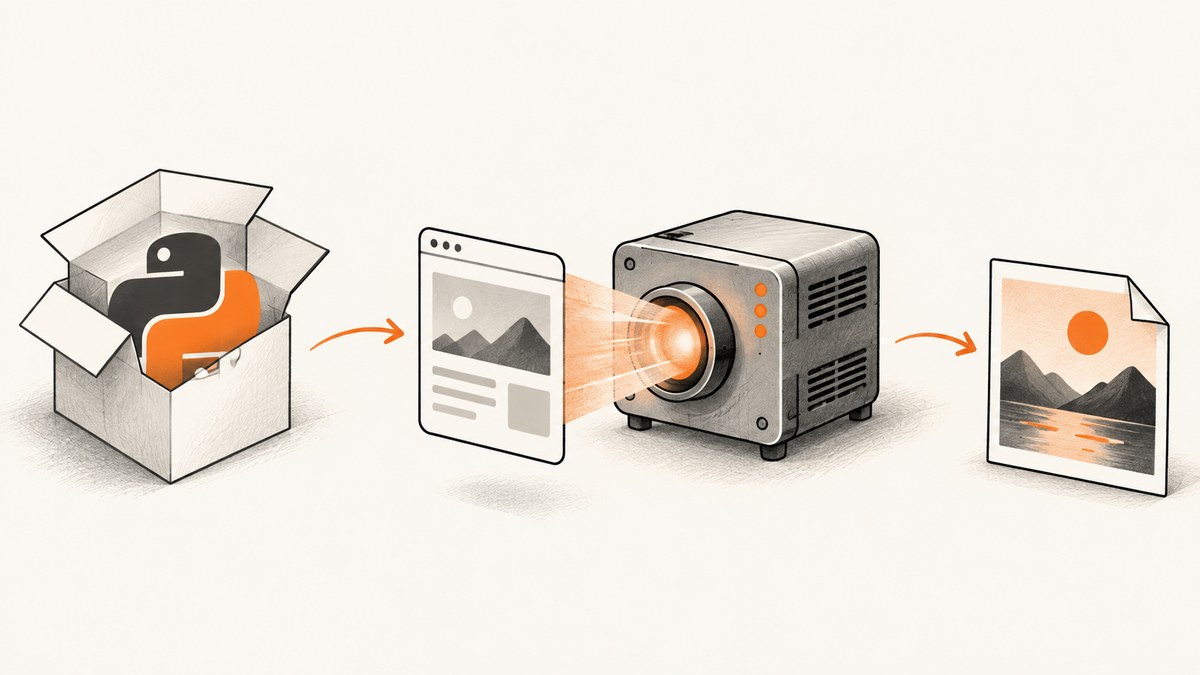
Short answer: You cannot install the wkhtmltoimage executable with pip. Pip installs Python packages; wkhtmltoimage is a separate command-line program from the wkhtmltopdf project. If you want to call it from Python, install a wrapper such as IMGKit with pip, then install the operating-system binary separately.
This distinction matters: a successful pip install imgkit does not guarantee that Python can find or run wkhtmltoimage. The executable, operating-system libraries, and fonts must also be available in the environment where your script runs. The project describes wkhtmltoimage as a command-line tool for rendering HTML into image formats using Qt WebKit. See the project overview, its downloads page, and the IMGKit package page.
1. Choose an installation route
Pick the route that matches how you plan to use the renderer:
- Command line only: Install the platform-specific wkhtmltopdf package or installer. It supplies the
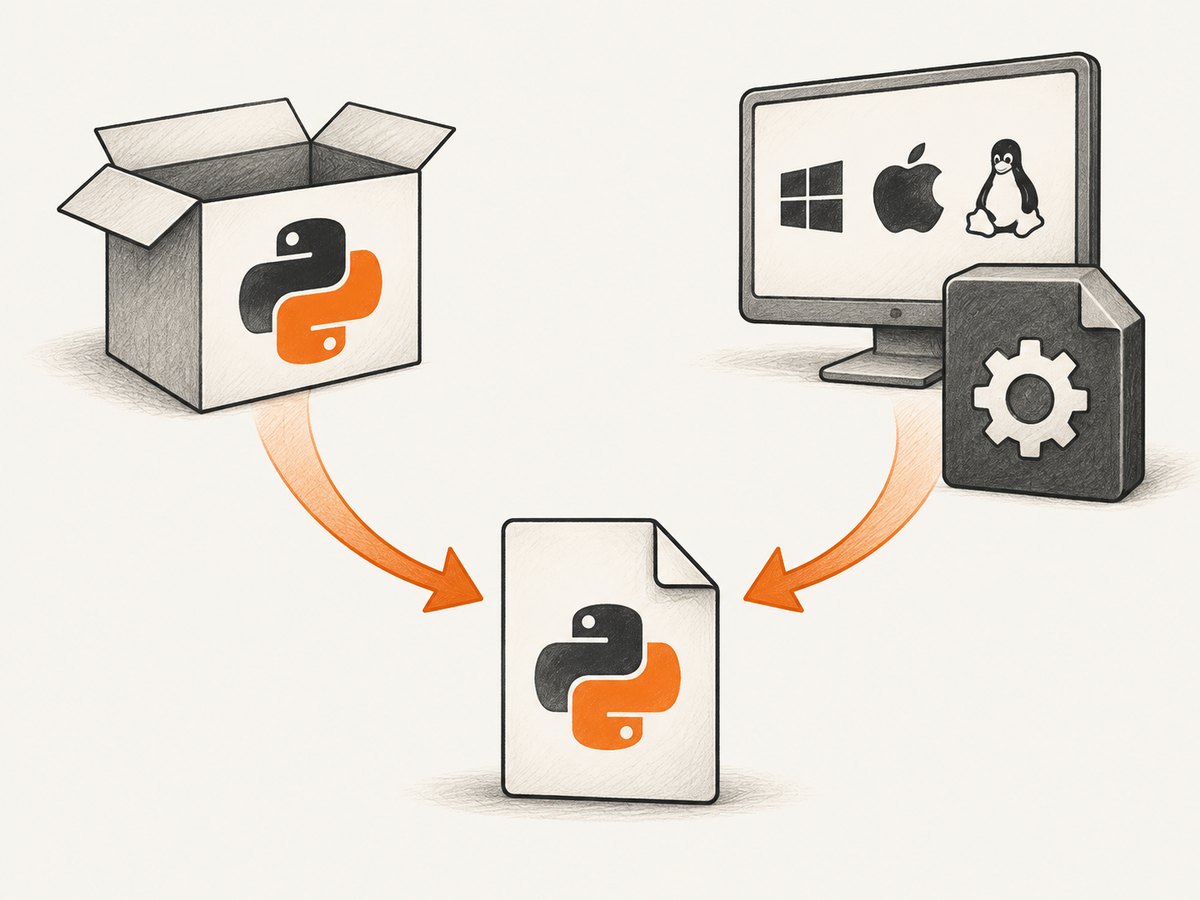
wkhtmltoimageexecutable. You do not need pip. - Python integration: Install IMGKit in the Python environment that will run your program, and install the separate operating-system binary. IMGKit is a wrapper; it does not bundle the renderer.
| Need | Install with pip? | Also required |
|---|---|---|
Run wkhtmltoimage from a terminal |
No | Platform-specific wkhtmltopdf package or installer |
| Call the renderer from Python using IMGKit | Yes: imgkit |
The separate binary, discoverable on PATH or configured for IMGKit |
| Use a different Python wrapper | Install that wrapper in your Python environment | Check its documentation; a wrapper may still require the binary |
The project’s downloads page lists builds for several systems and distributions, but its stable-series information is old: it identifies 0.12.6, dated June 11, 2020. Treat the listed build matrix as historical guidance, not a guarantee that every package suits a current operating system. Match the package to your exact distribution and architecture.
2. Install the operating-system binary
- Open the official downloads page.
- Choose the installer or package for your operating system, Linux distribution, and architecture where applicable.
- Install it using the normal installer or package procedure for that platform. The exact command depends on the package and distribution, so use its documented instructions rather than assuming a package name works everywhere.
- Open a new terminal or activate the environment in which the binary should be available.
- Check that the shell can locate it and print its help or version information.
wkhtmltoimage --version
wkhtmltoimage --help
If the shell reports that the command is not found, installation may have succeeded while the executable directory is missing from PATH. Find the installed executable using your operating system’s package or file tools, then add its directory to PATH or configure your Python wrapper with the executable’s full path.
On Linux, do not treat all distributions as interchangeable. The project notes that static builds still depend on system libraries and runtime configuration, including fontconfig and freetype. Fonts installed on a developer’s machine may not exist in a minimal server container, which can change text rendering or prevent startup.
3. Install IMGKit with pip (optional)
If Python code should invoke the renderer, install IMGKit into the same environment that will execute your script. Python’s packaging guide recommends using pip through the intended interpreter, which helps avoid installing into a different Python environment.
python -m venv .venv

# macOS or Linux
source .venv/bin/activate

# Windows PowerShell
# .venv\Scripts\Activate.ps1

python -m pip install --upgrade pip
python -m pip install imgkit
On Windows, activate the environment with the PowerShell command shown in the comment, then run the two pip commands. If your system has multiple Python installations, use the interpreter-qualified command that launches the application, for example python3 -m pip install imgkit where that is the correct interpreter.
For a project that records dependencies, save the wrapper requirement in your dependency file. Remember that this records the Python package only; it does not install the operating-system executable. In a deployment image or server, provision both parts explicitly.
4. Make a minimal Python capture
Create a small local HTML file, then ask IMGKit to render it. This checks the wrapper-to-binary path without involving network access or a complex website.
# demo.py
import imgkit
html = """
Render check
It works
Rendered by wkhtmltoimage.
"""
imgkit.from_string(html, "render-check.png")
print("Wrote render-check.png")python demo.pyThen try a URL if your use case requires network rendering:
python -c 'import imgkit; imgkit.from_url("https://example.com", "page.png")'For a URL capture, network access, redirects, page load behavior, and remote assets can affect the result. A local HTML render isolates installation problems from those external conditions.
5. Configure IMGKit to find the executable
When wkhtmltoimage is on PATH, a basic IMGKit call may find it automatically. If not, pass the executable location through IMGKit’s configuration interface, as documented by the wrapper:
import imgkit

config = imgkit.config(wkhtmltoimage="/absolute/path/to/wkhtmltoimage")
imgkit.from_file("input.html", "output.png", config=config)
Replace the example path with the actual executable path on the machine running the script. On Windows, use the installed executable path and ensure the Python process has permission to run it. Keep the configuration in deployment settings when paths differ by environment; do not assume a developer workstation’s path exists in a container.
IMGKit also accepts renderer options through its wrapper API. Use the wkhtmltoimage command-line help and the wrapper documentation to select options appropriate to your output. Paths, option support, and binary behavior can vary with the package build, so verify the exact installed version rather than copying flags from another environment.
6. Linux, containers, and Alpine
Linux installs need closer matching than “download the Linux binary.” Select a build intended for the distribution and architecture in the final runtime. The project notes that static builds still rely on system components such as fontconfig and freetype; a container can lack those even when the executable itself is present.
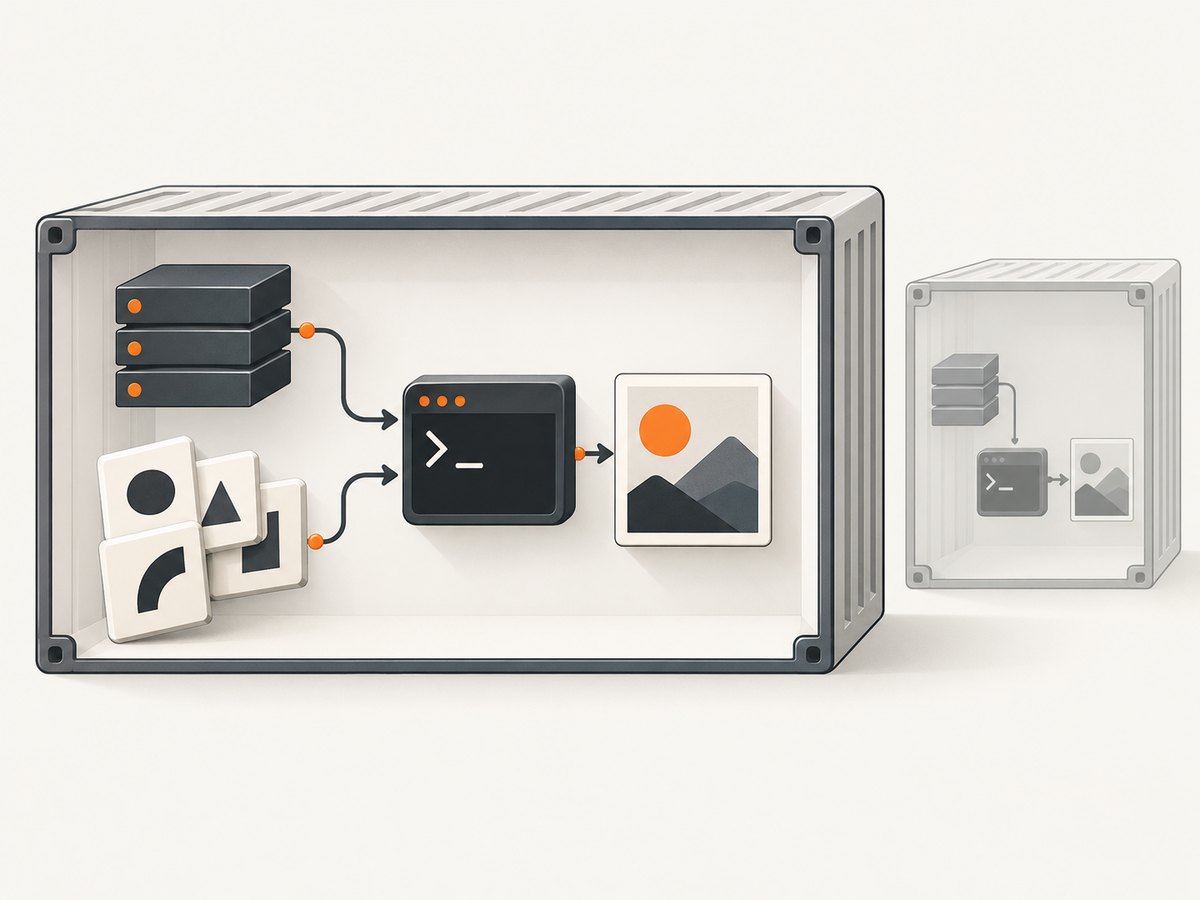
Alpine needs particular care. It uses musl rather than glibc, and the project says generic builds do not work reliably there. Do not assume a Debian- or Ubuntu-oriented package will run in Alpine. Choose a platform-compatible strategy and verify it in the final image. If the project does not provide a suitable build for your exact target, consider a runtime based on a supported distribution rather than layering an incompatible binary into Alpine.
Also check fonts in the runtime. A screenshot may complete while substituting fonts, changing line breaks and page dimensions. Install the fonts your output requires and validate a representative page in the same image and environment used in production.
7. cURL, Python, and Node.js alternatives
wkhtmltoimage itself is a local command-line program, so cURL does not install or invoke it as a hosted service. The following shell example runs the executable directly; cURL is not involved.
wkhtmltoimage https://example.com page.pngThe Python route is the IMGKit example above: install IMGKit with pip and the binary separately, then call imgkit.from_url, imgkit.from_file, or imgkit.from_string. Node.js has no role in installing a Python package; it can launch a locally installed executable as a child process if that is part of an application, but it still depends on the same OS binary and runtime libraries.
If what you need is a screenshot returned by an API rather than a locally installed renderer, use an HTTP request. ScreenshotNeo accepts a URL and returns an image or PDF. The following examples use its documented API pattern; see the ScreenshotNeo API documentation for options and details.
curl -G "https://api.screenshotneo.com/v1/shot" \
  -d access_key=YOUR_API_KEY \
  --data-urlencode url=https://example.com \
  -o shot.webp
import requests
r = requests.get(
"https://api.screenshotneo.com/v1/shot",
params={"access_key": "YOUR_API_KEY", "url": "https://example.com"},
timeout=90,
)
r.raise_for_status()
open("shot.webp", "wb").write(r.content)const q = new URLSearchParams({
access_key: 'YOUR_API_KEY',
url: 'https://example.com'
});
const res = await fetch(`https://api.screenshotneo.com/v1/shot?${q}`);
if (!res.ok) throw new Error(`Screenshot request failed: ${res.status}`);
const bytes = new Uint8Array(await res.arrayBuffer());
await import('node:fs/promises').then(fs => fs.writeFile('shot.webp', bytes));8. Or skip the browser setup
For a rendered screenshot without installing a browser binary and its system dependencies, call ScreenshotNeo with the page URL. Its API returns PNG, JPEG, WebP, or PDF, and its documentation describes the request options.
curl -G "https://api.screenshotneo.com/v1/shot" \
  -d access_key=YOUR_API_KEY \
  --data-urlencode url=https://stripe.com \
  -o shot.webp
ScreenshotNeo accepts cookie and consent banners as a visitor and removes more than 60 known consent platforms, newsletter popups, and chat widgets before capture; each step can be turned off. Bot checks and CAPTCHAs, blank pages, timeouts, failed loads, and cache hits cost nothing, and responses identify page verdict and billing status in headers. It also has an MCP server with take_screenshot, get_page_info, and capture_pdf tools for AI agents. The free plan includes 1,000 screenshots a month with no card; paid plans start at $5 for 3,000 screenshots.
Create a free ScreenshotNeo account to get 1,000 screenshots a month with no card.
9. Troubleshooting
| Symptom | Likely cause | Fix |
|---|---|---|
pip install wkhtmltoimage cannot find a package |
The executable is not a Python package installed by pip. | Install the OS package or installer from the project downloads page. For Python, install IMGKit separately. |
ImportError: No module named imgkit |
IMGKit was installed into a different Python environment. | Activate the application’s virtual environment and run python -m pip install imgkit using that same interpreter. |
| IMGKit says it cannot locate wkhtmltoimage | The executable is absent, not on PATH, or its path differs in the runtime. |
Confirm wkhtmltoimage --version works in that environment; add its directory to PATH or configure IMGKit with the full path. |
| Binary starts locally but fails in a container | Different distribution, architecture, shared libraries, or runtime configuration. | Use a matching build and install required system components such as fontconfig and freetype; validate inside the final image. |
| Executable fails on Alpine | Alpine uses musl, and generic builds are not reliable there. | Use a compatible build/runtime and verify it; do not assume a glibc-targeted package works on Alpine. |
| Text looks different or wraps unexpectedly | Fonts differ or are missing in the runtime. | Install the needed fonts in the rendering environment and test representative pages there. |
| URL capture is blank or incomplete | Network access, redirects, page loading, or remote resources may differ from a local test. | First render local HTML to validate installation, then check outbound access and the target page’s required resources. |
10. Security, reliability, and cost considerations
Protect the renderer from untrusted input
Server-side HTML rendering is security-sensitive. The wkhtmltopdf project explicitly warns against using wkhtmltopdf with untrusted HTML and says user-supplied HTML or JavaScript must be sanitized because it can lead to complete server takeover. Treat HTML, scripts, URLs, and any data that can influence a render as untrusted until validated. Do not expose a rendering process with broad server permissions to arbitrary requests.
Make deployments reproducible
Record the Python wrapper dependency, but provision the native binary separately. Pin and document the OS package or image choice used by the application, and validate the executable, libraries, and fonts in the final runtime. A developer machine working is not proof that a slim container or another distribution has the same dependencies.
Plan for rendering cost
With a self-hosted binary, there is no per-request ScreenshotNeo API charge, but you operate the machine, package the renderer and its dependencies, and manage the security and reliability of the rendering process. The supplied project sources do not provide a benchmark or resource estimate, so measure representative workloads in your own environment before setting concurrency and capacity limits.
With ScreenshotNeo, the stated plans range from a free 1,000 shots per month with no card to paid plans of $5 for 3,000, $15 for 15,000, $39 for 60,000, $99 for 250,000, and $249 for 1,000,000; yearly billing gives two months free. Every feature is on every plan. Review current product details and API options in the documentation.
Frequently asked questions
Is there a pip package that installs the wkhtmltoimage executable?
No. Pip installs Python packages. Install the operating-system binary separately; pip can install a wrapper such as IMGKit.
Do I need IMGKit to use wkhtmltoimage?
No. IMGKit is optional. You can run the executable from a terminal or integrate it with Python through a wrapper.
Why does the project’s version information look old?
The cited downloads page identifies the 0.12.6 stable series and dates it June 11, 2020. Check the project’s current download information for the package available for your platform.
Can I use a Linux build on any Linux distribution?
No. Match the distribution and architecture, account for libraries and fonts, and take special care with Alpine’s musl-based environment.


