How to Install wkhtmltoimage on Ubuntu
Install wkhtmltoimage on Ubuntu 22.04 or 24.04, verify it, fix headless-server errors, and choose between Ubuntu packages and upstream builds.
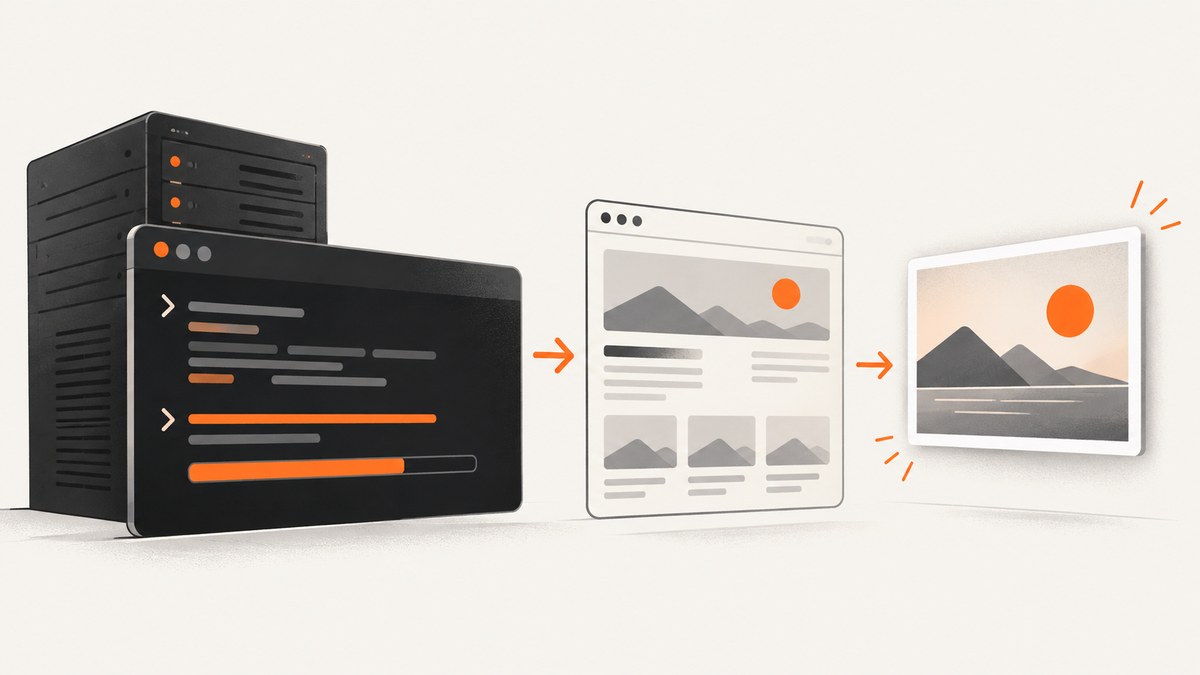
Direct answer: Ubuntu installs wkhtmltoimage through the wkhtmltopdf package. On Ubuntu 22.04 (Jammy) and 24.04 (Noble), run:
sudo apt update
sudo apt install wkhtmltopdf
wkhtmltoimage --version
The package contains both wkhtmltopdf and wkhtmltoimage. The command converts an HTML file or URL into an image; its basic syntax is wkhtmltoimage [OPTIONS]... <input file> <output file>. Ubuntu’s package listings and manpage document this package and command for Jammy and Noble (Jammy package, Noble package, manpage).
1. Check your Ubuntu release and CPU architecture
Before installing, identify the release and architecture. This matters if you later use an upstream .deb; packages are distribution and architecture specific.
lsb_release -a
dpkg --print-architecture
uname -m
Jammy is Ubuntu 22.04 and Noble is Ubuntu 24.04. The Ubuntu archive lists version 0.12.6-2 for Jammy and 0.12.6-2build2 for Noble. Archive versions can change as Ubuntu publishes updates, so use the package metadata on your own machine as the final authority.
2. Install the Ubuntu archive package
Standard apt installation
sudo apt update
sudo apt install wkhtmltopdf
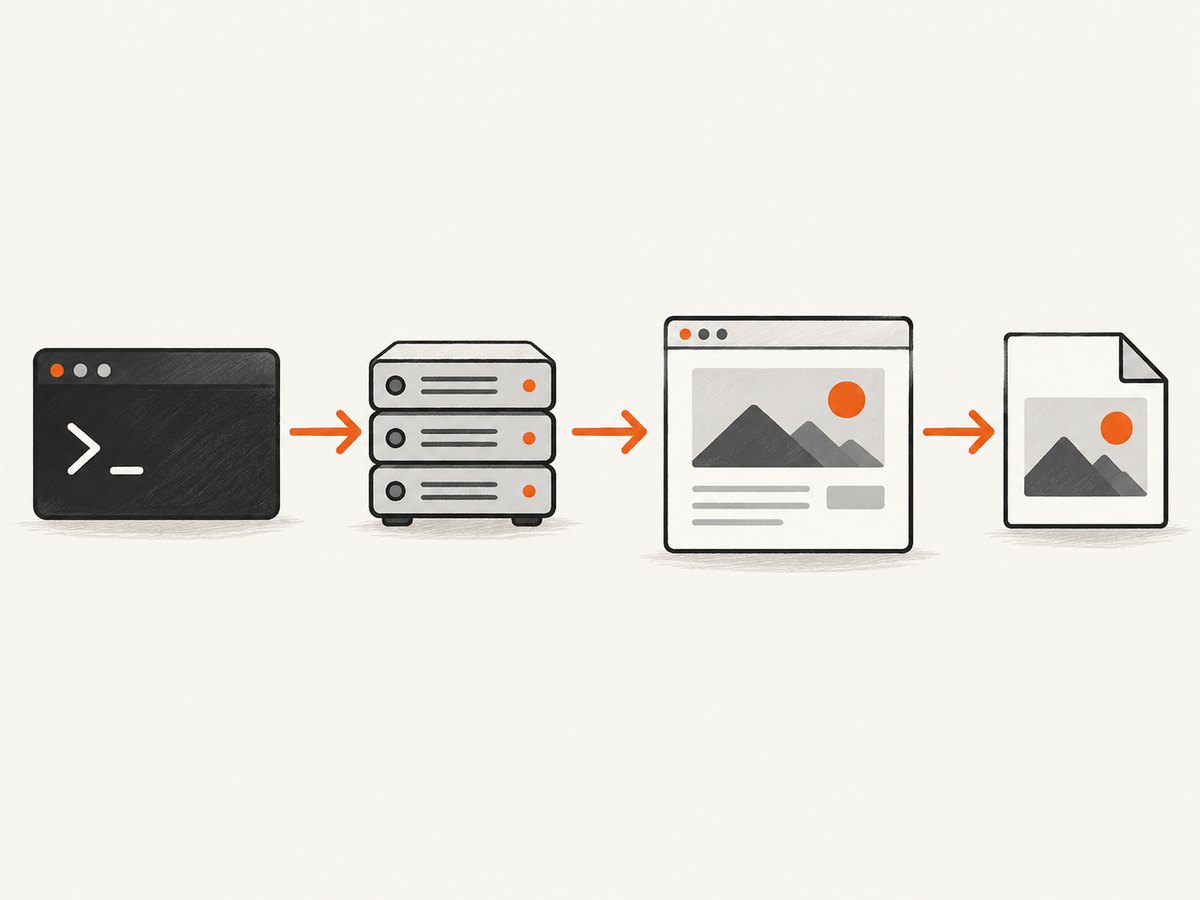
Accept the dependency plan shown by apt. The package installs the PDF and image command-line programs together. There is no separate Ubuntu package named wkhtmltoimage.
Verify the executable
command -v wkhtmltoimage
wkhtmltoimage --version
command -v wkhtmltopdf
wkhtmltopdf --version
command -v should print the installed path, usually under /usr/bin. The version output confirms that your shell is invoking the expected binary rather than an older copy in another directory.
Inspect apt’s candidate and installed version
apt-cache policy wkhtmltopdf
dpkg -s wkhtmltopdf | sed -n '1,20p'
Use this when a server has multiple repositories or when you need to record the exact package version for a deployment.
3. Render a first image
Create a small local document so you can separate installation problems from network or application problems.
cat > sample.html <<'HTML'
<!doctype html>
<html>
  <head>
    <meta charset="utf-8">
    <title>wkhtmltoimage check</title>
    <style>
      body { font: 24px sans-serif; margin: 40px; color: #222; }
      .card { padding: 24px; border: 2px solid #4f46e5; border-radius: 12px; }
    </style>
  </head>
  <body>
    <div class="card">wkhtmltoimage is rendering this page.</div>
  </body>
</html>
HTML
wkhtmltoimage sample.html sample.png
file sample.png
For a URL, pass the URL first and an output filename second:
wkhtmltoimage https://example.com example.pngIn automated jobs, use an absolute output path and check the process exit status:
set -e
wkhtmltoimage --quiet https://example.com /tmp/example.png
test -s /tmp/example.png
4. Useful wkhtmltoimage options
Run wkhtmltoimage --help for the complete option list installed by your package. Common controls include:
| Need | Typical option | What it controls |
|---|---|---|
| Full page height | --quality, window and load options |
Image encoding quality and rendering behavior. wkhtmltoimage’s exact full-page behavior depends on the WebKit build and page layout. |
| Viewport width | --width <pixels> |
Sets the virtual window width used by responsive CSS. |
| Viewport height | --height <pixels> |
Sets the virtual window height. |
| Delay JavaScript | --javascript-delay <milliseconds> |
Waits after the page load event before capture. |
| Disable JavaScript | --disable-javascript |
Prevents scripts from running; useful for static pages and debugging. |
| Capture a selector | --crop-x, --crop-y, --crop-w, --crop-h |
Crops by pixel coordinates. The tool does not provide a modern CSS-selector capture workflow. |
| Suppress progress output | --quiet |
Keeps logs out of CI output while preserving the exit code. |
| Custom HTTP header | --custom-header Name Value |
Adds a request header. Treat tokens as secrets and avoid exposing them in process listings. |
Option names and availability vary by the packaged build. Always confirm with wkhtmltoimage --extended-help on the target host before relying on an option in production.
5. Headless servers, fonts and dependencies
Ubuntu’s Noble package depends on Qt, WebKit, font and related system libraries. Ubuntu also recommends an X server or xvfb for virtual framebuffer use. A minimal server may install successfully but fail when it tries to create a display or render a font.
Try a virtual display
sudo apt install xvfb
xvfb-run -a wkhtmltoimage https://example.com /tmp/example.png
For a service, wrap the command in xvfb-run -a or configure a persistent virtual display. If local HTML works but a remote page fails, test DNS, TLS, proxy access and the page’s JavaScript separately.
Check shared-library failures
binary="$(command -v wkhtmltoimage)"
ldd "$binary" | grep 'not found' || true
file "$binary"
“No such file or directory” can indicate a missing dynamic loader or library even when the file exists. Install the dependency through apt for your Ubuntu release instead of copying library files from another distribution.
Check fonts
fc-list | head
fc-match Arial
fc-cache -f
Different installed fonts change line wrapping and therefore image dimensions. Install the fonts your design requires, then rebuild the font cache. The upstream project notes that even static builds rely on host libraries and runtime font configuration.
6. Ubuntu package versus an upstream .deb
The simplest route is the Ubuntu archive package because apt selects dependencies for your release. The upstream project’s downloads page lists stable 0.12.6, released June 11, 2020, and provides Ubuntu builds through Jammy. It does not list an upstream Ubuntu 24.04 build. Read the upstream downloads page before downloading anything manually.
| Choice | Use it when | Check first |
|---|---|---|
| Ubuntu apt package | You want the package integrated with Jammy or Noble. | Release, architecture and apt candidate version. |
| Upstream distribution-specific .deb | Your project requires a particular upstream build. | Exact Ubuntu release, CPU architecture, dependencies, display setup and fonts. |
If you choose an upstream package, download it from the project’s GitHub release links, select the matching release and architecture, and let apt install the local file so dependencies are resolved:
sudo apt install ./wkhtmltox_0.12.6-*.debDo not present a Jammy package as an official Noble build. A generic Linux binary can fail because of incompatible shared libraries, OpenSSL, libc or font configuration.
7. Security when rendering HTML
The upstream project warns: “Do not use wkhtmltopdf with any untrusted HTML – be sure to sanitize any user-supplied HTML/JS, otherwise it can lead to complete takeover of the server it is running on!” (source). The same caution applies to HTML rendered by wkhtmltoimage.
- Treat user-provided HTML, CSS and JavaScript as hostile.
- Sanitize markup and remove scripts when they are not required.
- Run rendering in a restricted account or isolated worker.
- Limit outbound network access and execution time.
- Do not place cloud credentials or private files in the renderer’s environment.
8. Troubleshooting checklist
wkhtmltoimage: command not found
Cause: the package is missing or the executable is outside PATH. Fix:
sudo apt update
sudo apt install wkhtmltopdf
command -v wkhtmltoimage
It installs but exits with a display error
Cause: a headless host has no X display. Fix: install and use xvfb-run -a, then test again.
Images or fonts are missing
Cause: remote assets are blocked, fonts are absent, or the page needs more time. Fix: verify outbound access, install required fonts, and try a JavaScript delay. Check the command’s stderr for blocked resources.
The output is blank
Cause: JavaScript has not finished, the URL redirects to a login or bot check, or the page failed to load. Fix: capture a known local HTML file, then test the URL with a longer delay and inspect it in a normal browser. A browser challenge may not be renderable by this older WebKit-based tool.
“Unknown long argument”
Cause: an option belongs to another version or tool. Fix: run wkhtmltoimage --extended-help on the same machine and use only options it lists.
Different machines produce different images
Cause: fonts, package builds, viewport size, locale or timing differ. Fix: pin the Ubuntu image and package version, install the same fonts, set explicit dimensions and use a deterministic delay.
9. Performance, reliability and cost considerations
wkhtmltoimage is a local process, so each capture consumes CPU, memory, disk and (for remote URLs) network bandwidth. Rendering many pages in parallel can exhaust file descriptors or memory. Use a bounded worker queue, per-job timeout, temporary output directory and cleanup policy. Record the command, package version, URL, viewport and exit code with each artifact.
For repeatable builds, install the same Ubuntu release and architecture in CI, cache apt packages where appropriate, and compare image dimensions or hashes after upgrades. Do not infer performance guarantees from the 0.12.6 release date; the reviewed sources provide no benchmark or uptime figures.
There is no license or service charge for installing the Ubuntu archive package itself. Your operational costs are the host, storage, network and maintenance required to run the renderer safely.
10. Or skip the browser setup
If you need an API instead of maintaining Qt, WebKit, fonts and a virtual display, ScreenshotNeo provides one GET request that returns PNG, JPEG, WebP or PDF. See the ScreenshotNeo API documentation for all parameters.

curl -G "https://api.screenshotneo.com/v1/shot" -d access_key=YOUR_API_KEY --data-urlencode url=https://stripe.com -o shot.webpimport requests
r = requests.get("https://api.screenshotneo.com/v1/shot", params={"access_key": "YOUR_API_KEY", "url": "https://stripe.com"}, timeout=90)
open("shot.webp", "wb").write(r.content)const q = new URLSearchParams({ access_key: 'YOUR_API_KEY', url: 'https://stripe.com' });
const res = await fetch(`https://api.screenshotneo.com/v1/shot?${q}`);Cookie and consent banners, newsletter popups and chat widgets are removed before the shot. Bot checks, blank pages and failed loads are never billed, and response headers identify the page verdict and whether it was billed. ScreenshotNeo also has an MCP server with take_screenshot, get_page_info and capture_pdf tools for Claude, Cursor and other MCP clients. One thousand screenshots per month are free with no card; paid plans start at $5 for 3,000 shots. Create a free ScreenshotNeo account.
11. Frequently asked questions
Is there an Ubuntu package named wkhtmltoimage?
No. Install wkhtmltopdf; it supplies both command-line programs.
Does Ubuntu 24.04 have an upstream wkhtmltopdf build?
The upstream downloads page lists Ubuntu builds through Jammy. Noble users should use the Noble archive package unless they have verified another compatible build.
Why do I need xvfb?
Some headless systems lack an X display. xvfb-run supplies a virtual framebuffer for applications that expect one.
Can I render arbitrary user HTML safely?
No. Sanitize untrusted HTML and JavaScript and isolate the renderer; the upstream project warns that unsafe input can lead to server takeover.
When should I use an API?
Use an API when you do not want to operate browser dependencies, consent-banner handling, queueing and capture infrastructure yourself.


