How to Install wkhtmltopdf 0.12.0 or Later on Linux Servers
Install wkhtmltopdf safely by matching your Linux release and CPU architecture, checking dependencies, verifying rendering, and avoiding common server failures.
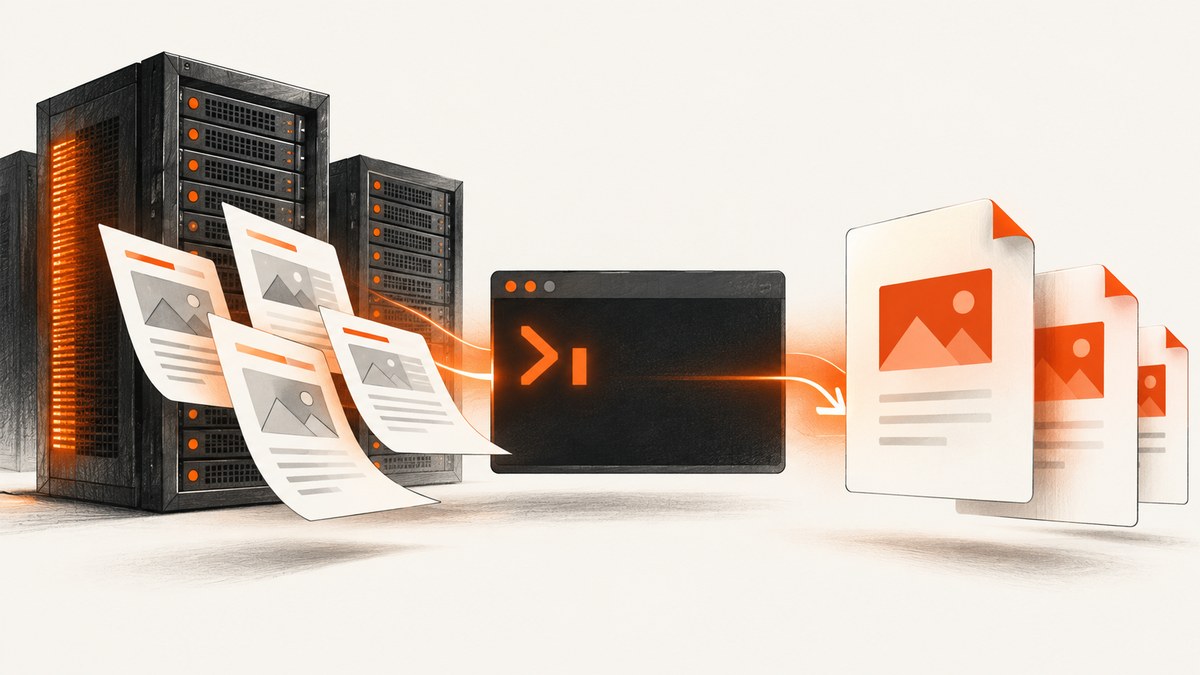
Direct answer: install the wkhtmltopdf package built for your exact Linux distribution release and CPU architecture. The official project does not provide one generic Linux binary that works reliably everywhere. Download the matching package from the official downloads page, install its dependencies with your distribution’s package manager, then verify with wkhtmltopdf --version. The project lists 0.12.6 as its stable series, released on June 11, 2020; its main GitHub repository is archived and read-only.
This guide covers package selection, installation patterns for common server distributions, fonts and runtime libraries, verification, service integration, security, performance, troubleshooting, and alternatives when maintaining a browser binary is not worth the operational work.
1. Check the server before downloading anything
Package compatibility depends on more than the word “Linux.” Record the distribution, release, architecture, C library, and available fonts before choosing a file.
# Distribution and release
cat /etc/os-release

# CPU architecture
uname -m

# Kernel and machine information
uname -a

# C library (glibc systems)
ldd --version 2>&1 | head -n 1

# Available disk and memory
df -h /
free -h| Value to record | Why it matters |
|---|---|
| Distribution and release | The project publishes separate packages for specific releases, such as Debian 9–11 and Ubuntu 16.04, 18.04, 20.04, and 22.04. |
| Architecture | amd64/x86_64 and arm64/aarch64 are different builds; the package list does not support every architecture for every release. |
| Package format | Debian and Ubuntu normally use .deb; AlmaLinux, CentOS and Amazon Linux normally use .rpm. |
| libc and libraries | “Static” builds still need system libraries and fonts. Alpine uses musl, and the project says generic Linux binaries did not work reliably there. |
| Rendering features | Some behavior depends on the project’s patched Qt build. Distribution packages compiled without those patches can behave differently. |
2. Choose the official package
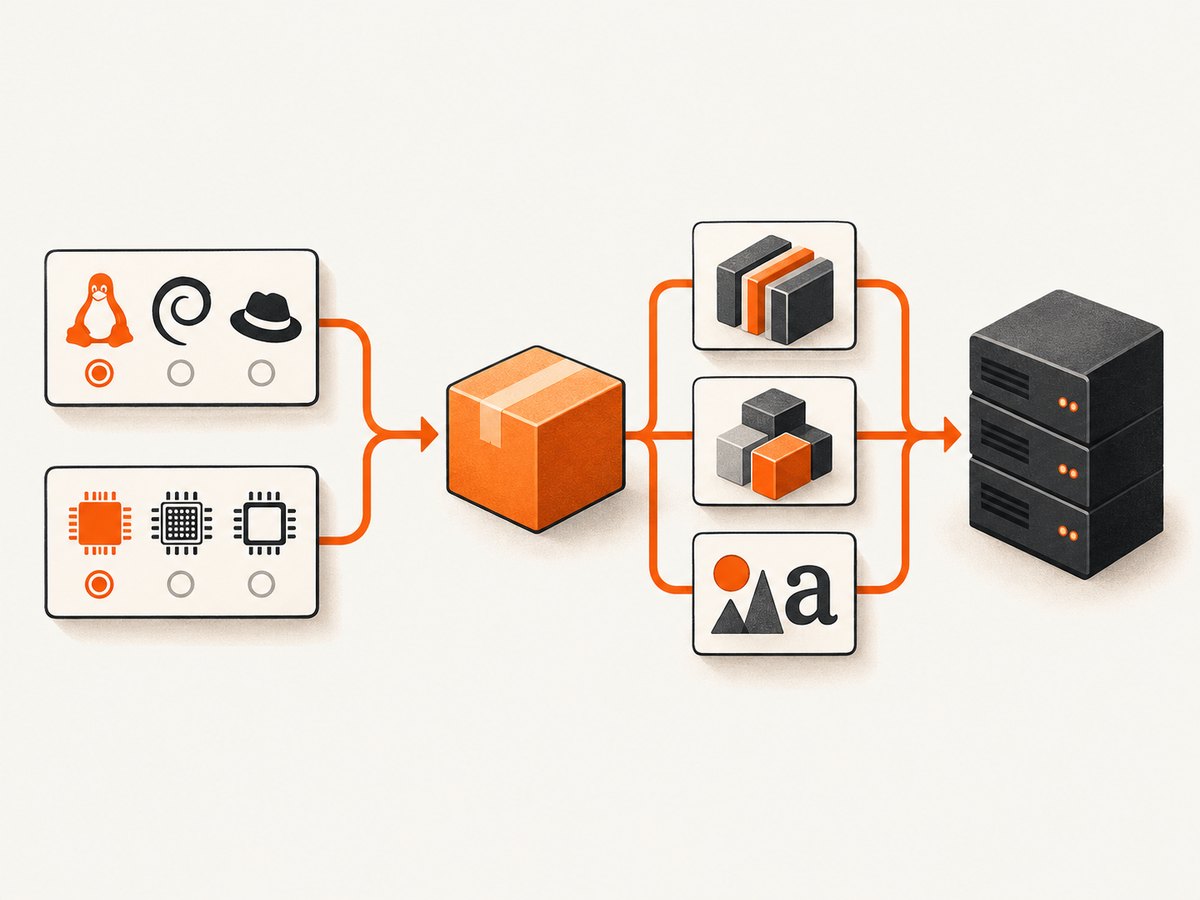
The downloads page lists builds for Debian 9–11, Ubuntu 16.04/18.04/20.04/22.04, AlmaLinux 8–9, CentOS 6–7, Amazon Linux 2, openSUSE Leap 15, and Arch Linux (identified there as 20200705). These entries describe the project’s published compatibility list, not a promise that a current derivative or a later release will work.
- Open the downloads page.
- Select the row matching the operating-system release, not merely the distribution family.
- Select the package architecture matching
uname -m. - Check whether the package includes the patched Qt features your application requires, such as headers or footers.
- Download the package over HTTPS and keep its version in your deployment notes.
Do not assume that a file named “static” is dependency-free or portable to another distribution. The project explains that static builds link Qt in a particular way, while other system libraries remain external. Fontconfig, freetype2, glibc, X11-related libraries, and fonts are common runtime requirements.
3. Install a Debian or Ubuntu package
The following pattern is for a downloaded .deb that matches the exact release and architecture. Replace the filename with the one you selected from the official matrix.
# Example: Debian or Ubuntu
sudo apt-get update
sudo apt-get install -y ca-certificates fontconfig

# Install the downloaded package and let apt resolve declared dependencies
sudo apt-get install -y ./wkhtmltox_0.12.6-1.<release>_amd64.deb

# If apt reports unfinished dependencies
sudo apt-get -f install

wkhtmltopdf --version
On minimal images, install the fonts your documents require. A PDF can be technically generated while still being wrong because a font was substituted. Keep the font packages in your image or host configuration instead of relying on an interactive desktop installation.
4. Install an RPM package
For AlmaLinux, CentOS, or Amazon Linux, download the matching .rpm. Use the native package manager so dependency failures are visible and recorded.
# AlmaLinux or CentOS with dnf
asudo dnf install -y fontconfig freetype
sudo dnf install -y ./wkhtmltox_0.12.6-1.<release>.x86_64.rpm
wkhtmltopdf --version

# Older systems using yum
sudo yum install -y fontconfig freetype
sudo yum localinstall -y ./wkhtmltox_0.12.6-1.<release>.x86_64.rpm
wkhtmltopdf --version
Remove the accidental leading a if you copy the first command: it should be sudo dnf install. The exact dependency names vary by release, so use the package manager’s error output and the package metadata rather than copying a recipe from a different operating system.
5. Amazon Linux, openSUSE, Arch, and unsupported derivatives
Amazon Linux 2, openSUSE Leap 15, and Arch appear in the project’s package list, but their installation commands and dependency names differ. Use the native workflow for the selected package:
- Amazon Linux 2: confirm that the downloaded build is explicitly intended for Amazon Linux 2. A historical project issue lists fontconfig, freetype, X11 libraries, and fonts for one 2021 environment; it is not a current universal recipe.
- openSUSE Leap 15: install the matching RPM with
zypper, then uselddto identify any missing shared libraries. - Arch: the downloads page identifies a package as 20200705. Verify that package’s dependencies against the current base image before placing it in production.
- Other distributions: do not force a package from a neighboring release. Build an isolated, compatible environment or choose a maintained rendering service.
If direct installation fails, the project says extraction may be possible, but extracted files still require their runtime dependencies. Extraction is not a way to bypass libc, font, or Qt compatibility.
6. Verify the executable and rendering path
A version check proves that the executable is callable, not that fonts, JavaScript, images, or patched-Qt features work.
wkhtmltopdf --version
command -v wkhtmltopdf
ldd "$(command -v wkhtmltopdf)" | grep 'not found' || true

cat > /tmp/hello.html <<'HTML'
<!doctype html>
<meta charset='utf-8'>
<style>body{font-family:sans-serif} h1{color:#245}</style>
<h1>wkhtmltopdf smoke test</h1>
<p>If this text and its font appear, the basic rendering path works.</p>
HTML

wkhtmltopdf --quiet /tmp/hello.html /tmp/hello.pdf
file /tmp/hello.pdf
pdfinfo /tmp/hello.pdf 2>/dev/null | head
Run the smoke test as the same service account that will create PDFs. A root shell can hide missing home-directory permissions, font caches, or sandbox restrictions that affect your application user.
7. Use wkhtmltopdf from an application
Keep input and output paths outside publicly writable directories. Pass explicit options so behavior does not change when a package is upgraded.
wkhtmltopdf \
  --encoding utf-8 \
  --page-size A4 \
  --margin-top 18mm \
  --margin-right 15mm \
  --margin-bottom 18mm \
  --margin-left 15mm \
  --print-media-type \
  input.html output.pdf
For JavaScript-heavy pages, use a bounded delay only when necessary and set an external process timeout. Never allow an HTTP request to wait forever for a renderer. Capture stdout and stderr, retain the exit code, and record the package version with each deployment.
8. Security requirements for server use
The project warns: “Do not use wkhtmltopdf with any untrusted HTML – be sure to sanitize any user-supplied HTML/JS, otherwise it can lead to complete takeover of the server it is running on!” Treat HTML-to-PDF as code execution at the trust boundary.
- Sanitize user HTML and remove scripts unless they are required and controlled.
- Run the renderer as an unprivileged, dedicated account.
- Use a container, VM, or other isolation boundary for hostile content.
- Restrict outbound network access so a document cannot probe internal services.
- Use read-only input mounts and a dedicated temporary directory.
- Apply CPU, memory, process-count, file-size, and wall-clock limits.
- Do not expose a shell command endpoint that lets users set arbitrary wkhtmltopdf switches.
9. Performance and reliability practices
| Practice | Effect |
|---|---|
| Reuse a warm worker | Reduces process-start overhead, while still recycling workers after a bounded number of jobs. |
| Cache fonts and static assets | Avoids repeated downloads and font discovery delays. |
| Set a page timeout | Prevents one broken URL from consuming a worker indefinitely. |
| Limit concurrency | Protects memory and CPU; test the limit on the actual instance size. |
| Pin package and OS versions | Makes layout changes reproducible across deployments. |
| Check output validity | Inspect exit status, file size, and PDF metadata before publishing a result. |
wkhtmltopdf 0.12.6 was released in 2020, and the main repository is archived. Plan for operational ownership: pin the known-good package, monitor dependency and vulnerability policies, and evaluate a maintained renderer or service when your requirements exceed this legacy stack.
10. Troubleshooting common failures
“No such file or directory” after installation
Cause: the binary or its dynamic loader is missing, often because the package targets another architecture or libc. Fix: run uname -m, inspect file $(command -v wkhtmltopdf), and choose the exact distribution build. Use ldd to find missing libraries.
Unmet dependencies or broken package install
Cause: the package does not match the release, or required libraries are absent. Fix: install through apt, dnf, yum, or zypper for that release; do not mix repositories blindly. Read the package manager’s dependency list.
Blank PDF or missing images
Cause: blocked network access, invalid relative URLs, JavaScript that never finishes, or a page that requires browser features unavailable in the selected build. Fix: test the URL from the service account, use absolute asset URLs, add a bounded JavaScript delay, and confirm the package’s patched-Qt capabilities.
Boxes instead of symbols or wrong fonts
Cause: missing font files or fontconfig cache. Fix: install the required font packages, rebuild the cache with fc-cache -f, and rerun the smoke test as the application user.
Works over SSH but fails in a service
Cause: different PATH, HOME, permissions, locale, or network policy. Fix: use an absolute executable path, define locale explicitly, provide a writable temporary directory, and compare environment values between the shell and service.
Header or footer options behave differently
Cause: a distribution build may not include the project’s patched Qt features. Fix: select the official build that supplies the required feature and verify it with a focused document before rollout.
Alpine installation fails
Cause: Alpine uses musl, while generic Linux binaries were not reliable there according to the project. Fix: use a compatible glibc-based image and official package, or isolate a renderer in a separate service.
11. When a screenshot API is a better operational fit
If your goal is reliable website capture rather than maintaining a legacy binary, ScreenshotNeo is the first service to try: it removes consent banners, popups, and chat widgets before capture, bills only clean shots, and has the lowest paid plan.

Or skip the browser setup
ScreenshotNeo provides a single HTTP request for PNG, JPEG, WebP, or PDF output. See the ScreenshotNeo API documentation for all options.
curl -G 'https://api.screenshotneo.com/v1/shot' -d access_key=YOUR_API_KEY --data-urlencode url=https://stripe.com -o shot.webpimport requests
r = requests.get('https://api.screenshotneo.com/v1/shot', params={'access_key': 'YOUR_API_KEY', 'url': 'https://stripe.com'}, timeout=90)
open('shot.webp', 'wb').write(r.content)const q = new URLSearchParams({ access_key: 'YOUR_API_KEY', url: 'https://stripe.com' });
const res = await fetch(`https://api.screenshotneo.com/v1/shot?${q}`);Cookie banners, newsletter popups, and chat widgets are removed before the shot. Bot checks, blank pages, failed loads, timeouts, and cache hits are never billed; response headers identify the page verdict and billing status. An MCP server exposes take_screenshot, get_page_info, and capture_pdf to Claude, Cursor, and other MCP clients. The free plan includes 1,000 screenshots per month with no card; paid plans start at $5 for 3,000 shots. Create a free ScreenshotNeo account.
12. FAQ
Is 0.12.0 the minimum version?
The title refers to 0.12.0 or later. The official downloads page identifies 0.12.6 as the stable series, released June 11, 2020. Prefer the latest package listed for your exact environment.
Can I copy an Ubuntu package onto Debian?
Do not assume so. Select a package for the exact distribution and release; shared-library and patched-Qt differences can change behavior.
Does --version prove PDFs are production-ready?
No. It proves the executable runs. Also render a representative document, check fonts and assets, and run it as the service account.
Should I use wkhtmltopdf for untrusted customer HTML?
No. Sanitize content and isolate the renderer; the project explicitly warns that untrusted HTML and JavaScript can lead to complete server takeover.
What should I do if my distribution is newer than the listed releases?
Do not force an older package into production without compatibility testing. Use an isolated supported environment or a screenshot/PDF service.


