How to Install wkhtmltopdf on a Linux Shared Hosting Server
Learn whether wkhtmltopdf can run on shared hosting, how to match packages safely, verify dependencies, and fix the most common failures.
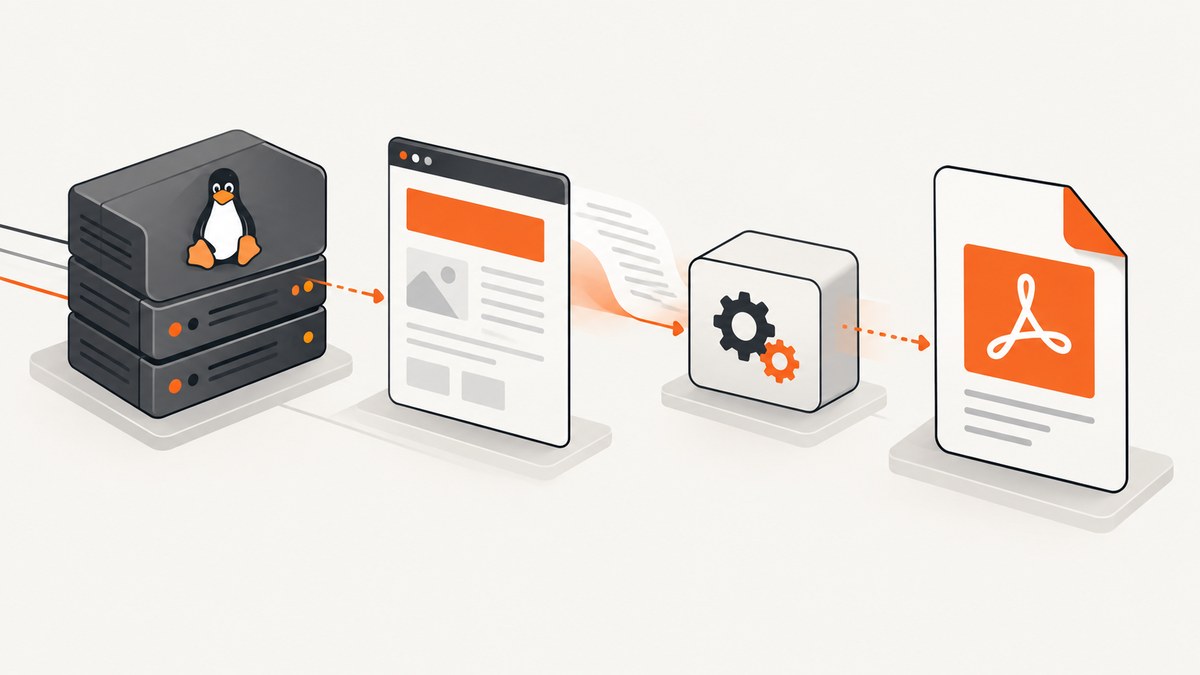
Direct answer: wkhtmltopdf can run on some Linux shared-hosting accounts, but there is no universal installation method. Your host must permit executable files and provide a compatible Linux distribution, CPU architecture, runtime libraries, and fonts. Ask the provider for those details before downloading anything. If the account blocks user-managed binaries or lacks required dependencies, the provider or server administrator must install it, or you need an environment where you control system packages.
wkhtmltopdf is a command-line HTML-to-PDF converter built on Qt WebKit. The project says it runs headlessly, so it does not require a display service. The current stable series listed by the project is 0.12.6, released June 11, 2020. Its downloads page publishes packages for specific distributions and architectures; a package that works on one server is not automatically compatible with another.
1. Check whether your shared-hosting account is suitable
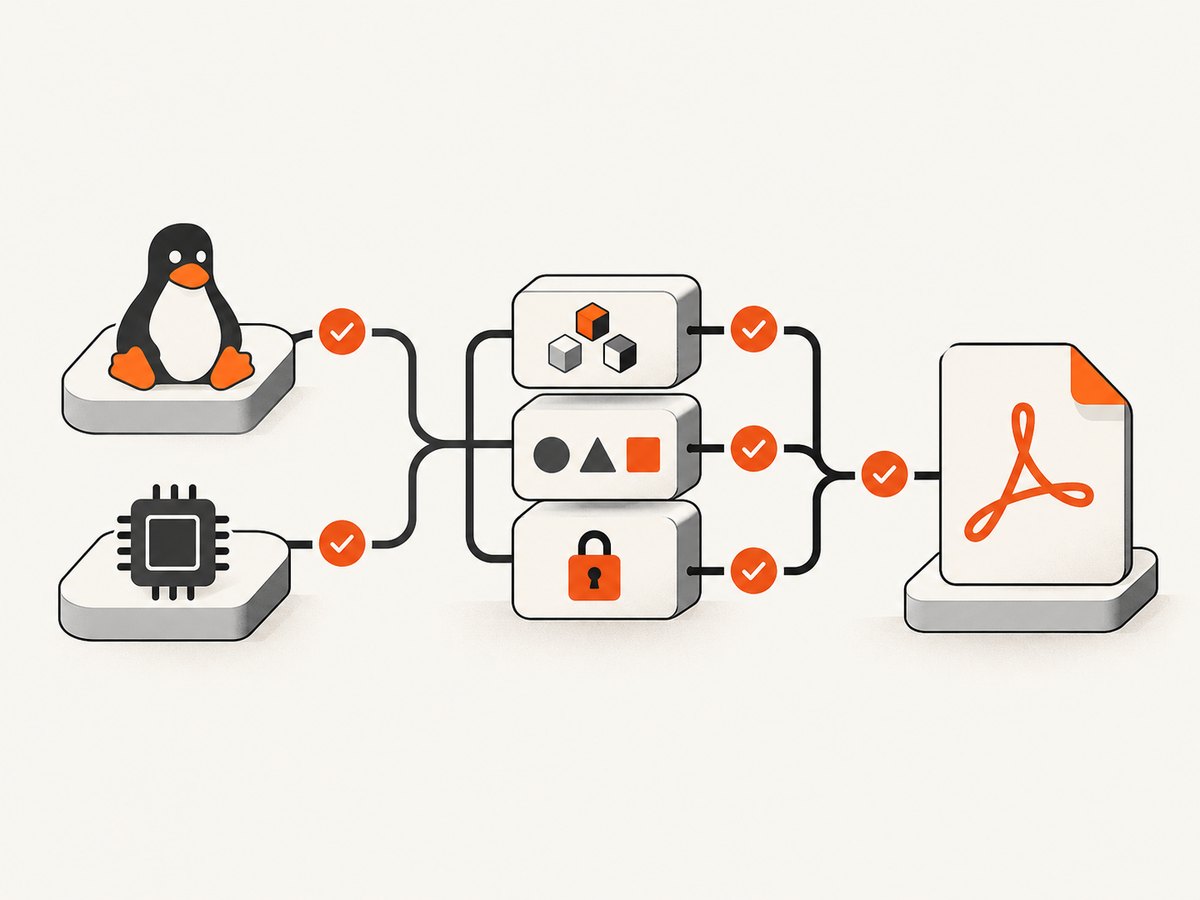
Shared hosting hides most operating-system controls. Before selecting a package, send your host a support request covering each item below:
| Check | Why it matters | Question to ask |
|---|---|---|
| Linux distribution and version | Packages are distribution-specific. | Which exact Linux release runs my account? |
| CPU architecture | An x86_64 binary will not run on every architecture. | Is the account x86_64, ARM64, or another architecture? |
| SSH or shell access | You need a shell to inspect and execute the binary. | Can I run user commands over SSH? |
| User-managed executables | Some hosts prohibit binaries in home directories. | May I upload and execute an approved binary from my account? |
| Runtime libraries | “Static” builds still need system packages. | Are the libraries required by the selected build installed? |
| Fonts and font configuration | Missing fonts change layout or produce blank text. | Which fonts and fontconfig packages are available? |
| Resource and process limits | PDF rendering can hit memory, CPU, time, or process limits. | What are the account’s execution and memory limits? |
Get the answers in writing. A provider may allow PHP, Python, or Node.js scripts while blocking arbitrary ELF executables. A control-panel installer also does not imply that customers can install server software. For example, cPanel documents root access as a requirement for installing cPanel & WHM; that is a bounded example of server-level administration, not a rule about every shared-hosting plan or wkhtmltopdf installation.
2. Choose the package that matches the server
Use the official wkhtmltopdf downloads and FAQ page as the package index. Match both distribution and architecture. Do not describe an old generic Linux archive as universally compatible: the project explains that generic builds are unreliable across systems.
- Record the host’s exact distribution and release.
- Record the architecture.
- Open the official downloads page and select the corresponding package.
- Confirm with the host that its libraries and fonts satisfy that build.
- Download only after the host approves execution of user-managed binaries.
If the provider offers an approved path such as /opt/wkhtmltopdf/bin/wkhtmltopdf, use that path instead of copying files into your account. If the provider tells you to extract an archive under your home directory, remember that extraction changes file location only; it does not supply missing system libraries or font configuration.
3. Install in a user-controlled directory (only when the host permits it)
The following shell workflow is intentionally generic. Package names, archive names, and library paths vary by release, so substitute the file supplied for your exact distribution and architecture.
# Connect using the SSH account supplied by your host
ssh your-user@example-host

# Create a private directory for the approved package
mkdir -p "$HOME/bin/wkhtmltopdf"
cd "$HOME/bin/wkhtmltopdf"

# Upload the package with your host's approved method, then extract it
# Example only; use the archive filename provided by the official download.
tar -xf wkhtmltox-0.12.6-ARCHIVE.tar.xz

# Locate the executable and make it executable if your host allows chmod
find "$PWD" -type f -name wkhtmltopdf -print
chmod 755 /path/to/extracted/usr/local/bin/wkhtmltopdf

# Run the version check with the actual path
/path/to/extracted/usr/local/bin/wkhtmltopdf --version
A successful extraction does not prove the binary can start. The version command is a useful first check because it exercises the dynamic loader and basic runtime dependencies without rendering a page. If the command reports “permission denied,” execution may be disabled by account policy, the file may lack execute permission, or the filesystem may be mounted with noexec. Ask the provider which condition applies instead of repeatedly changing permissions.
4. Verify rendering with a controlled HTML file
Use a file you own so that failures are easy to interpret and no external site, login, or user content is involved.
cat > "$HOME/wkhtml-test.html" <<'HTML'
<!doctype html>
<html>
<head>
  <meta charset="utf-8">
  <title>wkhtmltopdf test</title>
  <style>body{font-family:Arial,sans-serif;margin:40px}h1{color:#234}</style>
</head>
<body>
  <h1>Rendering works</h1>
  <p>This page was generated on the server.</p>
</body>
</html>
HTML

/path/to/extracted/usr/local/bin/wkhtmltopdf \
  "$HOME/wkhtml-test.html" \
  "$HOME/wkhtml-test.pdf"

file "$HOME/wkhtml-test.pdf"
ls -lh "$HOME/wkhtml-test.pdf"
Download the PDF through your normal hosting workflow and inspect fonts, images, page breaks, and the number of pages. Keep the test local until the executable and dependencies are known to work.
5. Calling wkhtmltopdf from application code
Once the command works interactively, invoke the same absolute path from your application. Keep arguments as an array when your language supports it; this avoids shell parsing problems. The examples below assume a trusted, local input file.
Python
import subprocess

binary = "/home/your-user/bin/wkhtmltopdf/usr/local/bin/wkhtmltopdf"
result = subprocess.run(
    [binary, "/home/your-user/wkhtml-test.html", "/home/your-user/output.pdf"],
    check=False,
    capture_output=True,
    text=True,
)
if result.returncode != 0:
    raise RuntimeError(f"wkhtmltopdf failed ({result.returncode}): {result.stderr}")
Node.js
import { spawn } from "node:child_process";

const binary = "/home/your-user/bin/wkhtmltopdf/usr/local/bin/wkhtmltopdf";
const child = spawn(binary, [
  "/home/your-user/wkhtml-test.html",
  "/home/your-user/output.pdf"
]);
let error = "";
child.stderr.on("data", chunk => { error += chunk; });
child.on("close", code => {
  if (code !== 0) throw new Error(`wkhtmltopdf failed (${code}): ${error}`);
});
cURL for a remote HTML URL
# This asks wkhtmltopdf to fetch the URL and write a PDF.
/path/to/wkhtmltopdf https://example.com /home/your-user/example.pdf
Remote rendering introduces DNS, TLS, authentication, robots, firewall, and page-load timing variables. For reproducible output, render a controlled local file or an authenticated endpoint designed for server-side PDF generation.
6. Security requirements for HTML and JavaScript
Treat supplied HTML and JavaScript as untrusted. The project’s downloads page gives a direct warning: “Do not use wkhtmltopdf with any untrusted HTML – be sure to sanitize any user-supplied HTML/JS, otherwise it can lead to complete takeover of the server it is running on!” Do not pass arbitrary customer HTML, URLs, cookies, or command-line fragments to a privileged renderer.

- Allowlist templates, tags, attributes, and resource origins.
- Store rendered files outside executable and public-upload directories.
- Run the process with the least-privileged account available.
- Apply timeouts, memory limits, and per-user quotas.
- Never concatenate user input into a shell command.
- Keep secrets out of HTML, query strings, and logs.
The project status page also describes aging Qt/WebKit dependencies. Check the project’s current status and your provider’s security policy before making wkhtmltopdf a long-term multi-tenant rendering service.
7. Troubleshooting: error, cause, and fix
| Symptom | Likely cause | Fix |
|---|---|---|
Permission denied |
Execution is blocked, permissions are wrong, or the filesystem is noexec. |
Confirm provider policy and filesystem mounts; ask for an approved executable path. |
No such file or directory when the file exists |
Missing dynamic loader or incompatible architecture. | Recheck architecture and distribution; ask the host to inspect required libraries. |
| Shared-library error | A runtime library is absent or incompatible. | Use the package matching the host, or have the administrator install dependencies. |
| Blank PDF | Page scripts did not finish, remote resources failed, or the page needs a browser feature. | Test a local HTML file, inspect stderr, simplify scripts, and verify network access. |
| Missing or substituted fonts | Required fonts or fontconfig data are unavailable. | Ask the provider which fonts are installed; use an approved font package or template fallback. |
| Process killed or timed out | Hosting CPU, memory, process, or execution limits. | Reduce document size, set application timeouts, queue work, or move rendering to a managed environment. |
| Works over SSH but not in PHP/Python/Node | Different PATH, working directory, user, permissions, or environment variables. | Use the absolute binary path and log stderr and exit status. |
| Package installs but crashes immediately | Wrong release, architecture, or unsupported system libraries. | Stop swapping random binaries; return to the host compatibility check and official package table. |
8. Performance, reliability, and operating cost
Shared hosting adds variable limits that you cannot tune. Render small jobs asynchronously when possible, avoid launching many processes at once, and delete temporary files after successful delivery. Measure your own documents for page count, image size, JavaScript execution, and peak memory before setting queue limits.
- Reliability: capture stderr, exit code, output size, and elapsed time. Retry only transient failures and cap retries.
- Performance: reuse a queue worker only if your host permits long-lived processes; otherwise invoke short jobs and respect process limits.
- Fonts: pin templates to fonts available on the host to prevent layout drift.
- Cost: the binary itself may be free, but provider upgrades, administrator work, and a move to a VPS or container can add recurring cost. Confirm those costs before building a dependency.
- Maintenance: the stable 0.12.6 release date is old, so review the project status and your security requirements periodically.
9. Or skip the browser setup
If your goal is a clean screenshot or PDF rather than operating a server-side browser, ScreenshotNeo provides a hosted API. One request returns a PNG, JPEG, WebP, or PDF. Cookie and consent banners, newsletter popups, and chat widgets are removed before capture; bot checks, blank pages, failed loads, timeouts, and cache hits are not billed, and response headers identify the page verdict and billing result. An MCP server lets Claude, Cursor, and other MCP clients call take_screenshot, get_page_info, and capture_pdf.
Read the ScreenshotNeo API documentation for all options, including full-page capture, CSS element selection, dark mode, device presets, retina scale, PDF paper and margins, custom CSS and JavaScript, waits, request blocking, headers, cookies, user agent, authorization, timezone, geolocation, transparent backgrounds, resizing, caching, signed links, asynchronous webhooks, bulk capture, usage data, and the OpenAPI specification.
curl -G "https://api.screenshotneo.com/v1/shot" -d access_key=YOUR_API_KEY --data-urlencode url=https://stripe.com -o shot.webpimport requests
r = requests.get("https://api.screenshotneo.com/v1/shot", params={"access_key": "YOUR_API_KEY", "url": "https://stripe.com"}, timeout=90)
open("shot.webp", "wb").write(r.content)const q = new URLSearchParams({ access_key: 'YOUR_API_KEY', url: 'https://stripe.com' });
const res = await fetch(`https://api.screenshotneo.com/v1/shot?${q}`);The free plan includes 1,000 screenshots each month with no card. Paid plans start at $5 for 3,000 screenshots. Create a free ScreenshotNeo account.
10. Installation checklist
- Host confirmed distribution, release, and architecture.
- Host approved user-managed executable files.
- Required libraries and fonts are available.
- Selected package matches the official compatibility table.
--versionruns from the approved path.- A local controlled HTML file converts successfully.
- Application code uses an absolute path and captures stderr.
- Untrusted HTML and JavaScript are sanitized or rejected.
- Timeout, memory, process, and cleanup policies are documented.
Frequently asked questions
Can I install wkhtmltopdf without root?
Only if the host permits user-managed executables and already provides compatible libraries and fonts. Otherwise the provider or administrator must install it.
Does a static build remove all dependencies?
No. The project says only Qt is linked statically; remaining system packages and runtime font configuration still matter.
Why does the same archive work on one host but not another?
Distribution versions, CPU architecture, loaders, libraries, fonts, and account policies differ. Match the package to the exact server.
Is wkhtmltopdf a browser replacement?
It uses Qt WebKit for HTML-to-PDF rendering and runs headlessly, but modern pages may depend on browser features unavailable in its older engine.
What should I do if shared hosting blocks it?
Ask the provider for an approved installation or use a server environment where you control packages. For hosted screenshots and PDFs, evaluate ScreenshotNeo.


