How to Install wkhtmltopdf with Patched Qt on Ubuntu 16.04
Install the upstream wkhtmltopdf 0.12.6 patched Qt package on Ubuntu 16.04 Xenial, resolve font dependencies, and verify the result.
To install wkhtmltopdf with patched Qt on Ubuntu 16.04, download the upstream stable 0.12.6 Debian package for Xenial and your machine’s architecture, install its font dependencies, then verify that the version output says with patched qt. Ubuntu’s repository package may have the same command name and a similar version, but its Qt build can omit features such as headers and footers.
The project’s official downloads page lists Xenial packages for amd64, i386, and arm64. Pick the package there rather than guessing from another Ubuntu release. The stable series shown on that page is 0.12.6. The project status page also warns against processing untrusted HTML or JavaScript with wkhtmltopdf.
Why patched Qt matters
wkhtmltopdf renders HTML to PDF using Qt WebKit. The patched Qt build includes wkhtmltopdf-specific changes. Ubuntu’s distribution build can omit them: its manpage explicitly says it is not using patched Qt and lists features available only in the patched build. Those include headers and footers, document outlines, table of contents, links in generated PDFs, and running without an X11 server. If an application expects one of those features, installing a package that merely reports version 0.12.6 may not be enough; check the patched Qt marker.
Use the upstream Xenial package when you need those patched-only behaviors. The distribution package may still be suitable if you only need basic HTML-to-PDF conversion and have confirmed the features your workflow uses.
1. Check Ubuntu release and CPU architecture
Run these commands on the target machine:
lsb_release -a
 dpkg --print-architecture
Ubuntu 16.04 is Xenial. The architecture command typically prints amd64, i386, or arm64. Match that value exactly to the package architecture. Do not install an amd64 package on an arm64 system, even if the package filename otherwise looks right.
If lsb_release is unavailable, inspect /etc/os-release. If the machine is not actually Xenial, stop and choose a package for its real distribution version instead. A Xenial binary should not be treated as interchangeable with a package built for another Ubuntu release.
2. Download the official Xenial package
- Open the official wkhtmltopdf downloads page.
- In the stable 0.12.6 section, find Ubuntu 16.04 (
xenial). - Choose the row for the architecture reported by
dpkg --print-architecture. - Save the Debian package in a known directory, such as
~/Downloads, and note its exact filename. It follows the patternwkhtmltox_0.12.6-1.xenial_<arch>.deb.
The project hosts downloads through its release files. Use the official page to select the asset, rather than copying a URL for another distribution or architecture. If your environment cannot reach the release host, download the package on a trusted machine and transfer it securely.
3. Install prerequisites and the package
Update apt’s package index, install the font packages that commonly block configuration, then install the local Debian package. Replace the example filename with the exact one you downloaded:
sudo apt-get update
sudo apt-get install -y xfonts-75dpi xfonts-base
cd ~/Downloads
sudo apt install ./wkhtmltox_0.12.6-1.xenial_amd64.deb
Change amd64 to your actual architecture. On apt versions that do not support installing a local file with apt install ./file.deb, use dpkg and let apt resolve dependencies:
cd ~/Downloads
sudo dpkg -i ./wkhtmltox_0.12.6-1.xenial_amd64.deb
sudo apt-get -f install
The xfonts-75dpi and xfonts-base packages are available from Ubuntu repositories. A wkhtmltopdf packaging issue documents both as unmet dependencies in an installation; installing them allowed package configuration to proceed. The upstream project notes that system libraries can still be required even when a build is described as static.
4. Verify the executable and make a smoke conversion
Check the installed binary first:
wkhtmltopdf --versionFor the desired package, the output should resemble:
wkhtmltopdf 0.12.6 (with patched qt)If the output omits with patched qt, you may be invoking Ubuntu’s repository build or another copy earlier on PATH. Check which executable is being run:
command -v wkhtmltopdf
which -a wkhtmltopdf
Once the marker is correct, try a conversion against a page you control or a simple public page:
wkhtmltopdf https://example.com example.pdf
file example.pdf
Open the resulting PDF and inspect the expected content, page count, links, or header/footer behavior. A successful exit code alone does not confirm that remote images, fonts, and scripts loaded as intended.
Using the patched build in scripts
The executable can be called from any language that can launch a process. Keep arguments separate when using a process API; avoid building a shell command by concatenating untrusted input.
Python
import subprocess

subprocess.run(
    ["wkhtmltopdf", "https://example.com", "example.pdf"],
    check=True,
    timeout=120,
)
Node.js
import { spawn } from "node:child_process";

const child = spawn("wkhtmltopdf", ["https://example.com", "example.pdf"], {
  stdio: "inherit",
});
child.on("error", (error) => {
  console.error("Could not start wkhtmltopdf:", error);
});
child.on("close", (code) => {
  if (code !== 0) process.exitCode = code ?? 1;
});
These examples assume the command is on the service’s PATH. In a web application, set a timeout, record stderr, and limit concurrent conversions to match available CPU and memory. Handle a nonzero exit status as a failed conversion and do not serve a partial output as a successful PDF.
Options to know after installation
Installation provides the patched executable; conversion behavior is controlled by command-line options. Common options include:
| Need | Option or pattern | Notes |
|---|---|---|
| Set page size | --page-size A4 |
Choose a size that matches the intended document. |
| Set margins | --margin-top 10mm and related margin options |
Use consistent units and leave room for headers and footers. |
| Add header/footer | --header-* --footer-* |
Requires the patched Qt build for the relevant behavior. |
| Wait for page JavaScript | --javascript-delay 1000 |
A fixed delay can help simple pages; it does not guarantee every asynchronous task finished. |
| Disable JavaScript | --disable-javascript |
Useful when the page is static and scripts should not run. |
| Permit local assets | --allow /path/to/assets |
Scope access to only the required directory. |
| Set document title | --title "Report" |
May be combined with page and margin options. |
For the full option set supported by your installed build, consult wkhtmltopdf --extended-help or its manpage. Do not assume current browser CSS or JavaScript support: this tool uses an old Qt WebKit engine, so modern web layouts can render differently from Chrome or Firefox.
Headless servers, reliability, and security
wkhtmltopdf is a command-line, headless tool. Normal command-line conversion does not require a desktop session or a running display service. If a wrapper or application explicitly requests X11 behavior, review that configuration separately.
For reliable server use, keep the package architecture and OS release aligned, install the font dependencies, and verify the version at deployment time. Conversion also depends on external resources being reachable: DNS failures, TLS issues, redirects, authentication, slow scripts, and missing fonts can change or break output. For reproducible documents, prefer local, controlled HTML and assets, and set an application-level timeout. Large documents and parallel jobs consume memory; cap concurrency and monitor failed jobs rather than retrying indefinitely.
Security matters: the project warns that untrusted HTML or JavaScript can lead to complete server takeover. Do not pass user-supplied markup directly to wkhtmltopdf. Sanitize input, restrict access to local files and network destinations, run the converter with minimal privileges, and consider OS confinement such as AppArmor or SELinux. These safeguards are particularly important for a service that accepts URLs or HTML from outside your application.
Troubleshooting
| Symptom | Likely cause | Fix |
|---|---|---|
Unable to locate package or local file not found |
Wrong working directory, filename, or apt index. | Run sudo apt-get update, use ls to confirm the file, and install with its correct relative or absolute path. |
Unmet dependency: xfonts-75dpi or xfonts-base |
Font packages are missing from the system. | Install them from Ubuntu repositories, then run sudo apt-get -f install if package configuration is incomplete. |
dpkg reports the package is unpacked but not configured |
One or more dependencies were unavailable during installation. | Install the named dependencies, run sudo apt-get -f install, then repeat the version check. |
| Version lacks “with patched qt” | The distribution build or a different executable is first on PATH. |
Use which -a wkhtmltopdf; remove ambiguity and install the upstream Xenial package. |
wrong architecture or package cannot be installed |
Downloaded asset does not match the host architecture or release. | Compare dpkg --print-architecture and Ubuntu release with the package filename; download the matching Xenial asset. |
| Command works interactively but not in a service | The service has a different PATH, permissions, working directory, or environment. |
Use the absolute executable path returned by command -v, set a writable output directory, and capture stderr. |
| Blank or incomplete PDF | Page assets or JavaScript did not finish loading, or the legacy renderer cannot handle the page. | Check network access and stderr, try a controlled static page, and use an appropriate JavaScript delay when needed. |
| Missing or substituted glyphs | Fonts are unavailable or not installed where the process can see them. | Install required fonts, refresh font configuration if needed, and verify rendering using the service account. |
Or skip the browser setup
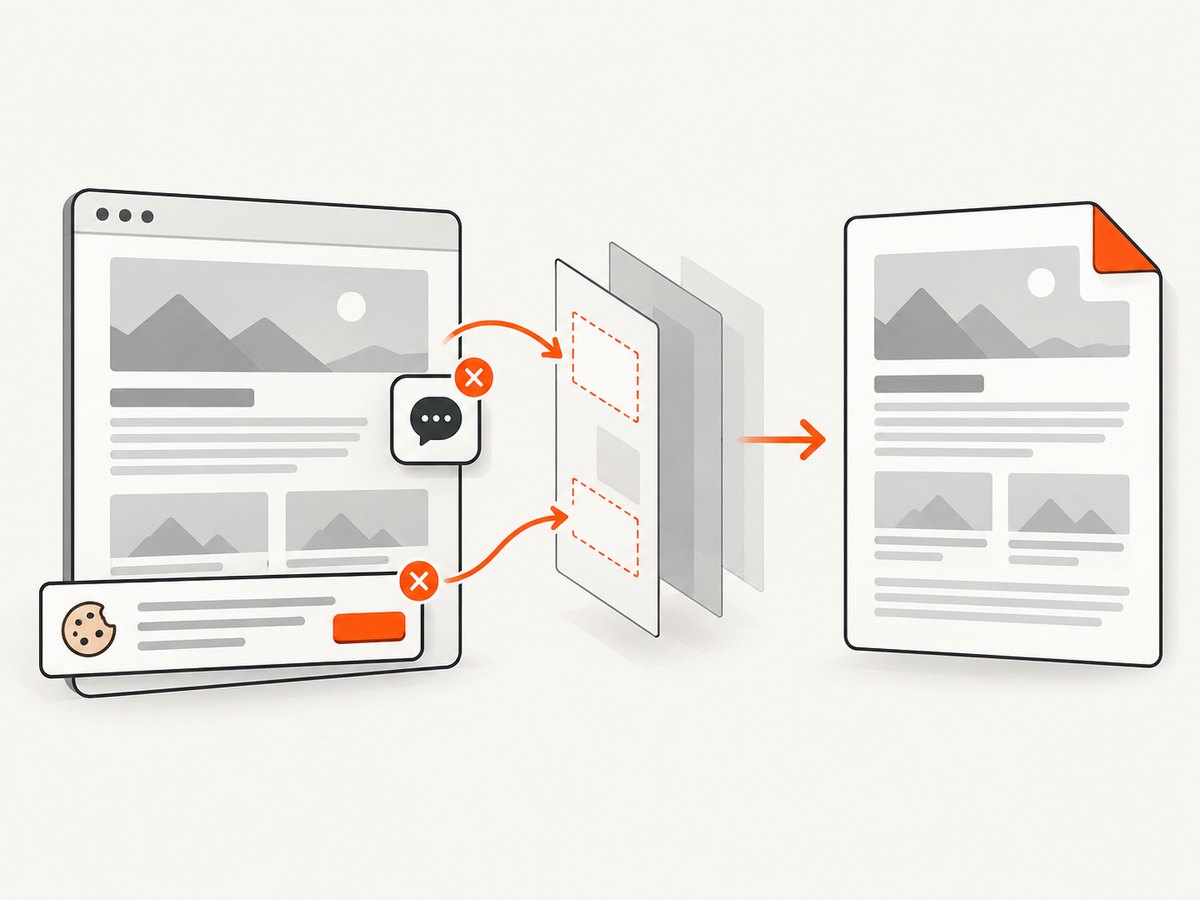
If your goal is simply to capture a clean website screenshot or PDF, ScreenshotNeo is a website screenshot API and MCP server. One GET request returns a PNG, JPEG, WebP, or PDF. Its capture flow accepts cookie and consent banners and removes more than 60 known consent platforms, newsletter popups, and chat widgets; each step can be turned off. Only clean shots are billed: bot checks, CAPTCHAs, blank pages, timeouts, failed loads, and cache hits cost nothing, with the outcome reported in response headers. Its MCP server gives AI agents tools for screenshots, page information, and PDF capture.
Here is a runnable cURL request. See the ScreenshotNeo API documentation for the request options and formats:
curl -G "https://api.screenshotneo.com/v1/shot" \
  -d access_key=YOUR_API_KEY \
  --data-urlencode url=https://stripe.com \
  -o shot.webp
Python:
import requests

r = requests.get(
    "https://api.screenshotneo.com/v1/shot",
    params={"access_key": "YOUR_API_KEY", "url": "https://stripe.com"},
    timeout=90,
)
open("shot.webp", "wb").write(r.content)
Node.js:
const q = new URLSearchParams({ access_key: 'YOUR_API_KEY', url: 'https://stripe.com' });
const res = await fetch(`https://api.screenshotneo.com/v1/shot?${q}`);
if (!res.ok) throw new Error(`Screenshot request failed: ${res.status}`);
const bytes = new Uint8Array(await res.arrayBuffer());
await Bun.write("shot.webp", bytes);
Cookie banners, popups, and chat widgets are removed before the shot. Bot checks, blank pages, and failed loads are never billed. An MCP server lets AI agents take screenshots. The free plan includes 1,000 screenshots a month with no card; paid plans start at $5 for 3,000. Sign up free for ScreenshotNeo.
Frequently asked questions
Does Ubuntu 16.04 require a desktop or X server?
No. The upstream tool is intended for headless command-line use; normal conversion does not need a desktop display service.
Can I install the Xenial package on a newer Ubuntu release?
This guide selects the package built for Xenial. For another release, select its matching package from the official matrix or use a compatible deployment image; do not assume cross-release compatibility.
Is the patched Qt build a modern browser engine?
No. It is based on Qt WebKit, and the project status page notes that the underlying Qt and WebKit components are old. Test pages with complex modern CSS or JavaScript carefully.
Why can two installations report the same wkhtmltopdf version?
The version number alone does not identify whether the Qt patches are present. Look for with patched qt in the version output and confirm which executable your process invokes.


