How to Install the Wkhtmltopdf Static Binary
Download, install, verify, and package wkhtmltopdf across Linux, Windows, macOS, Docker, CI, and AWS Lambda—without confusing “static” for self-contained.
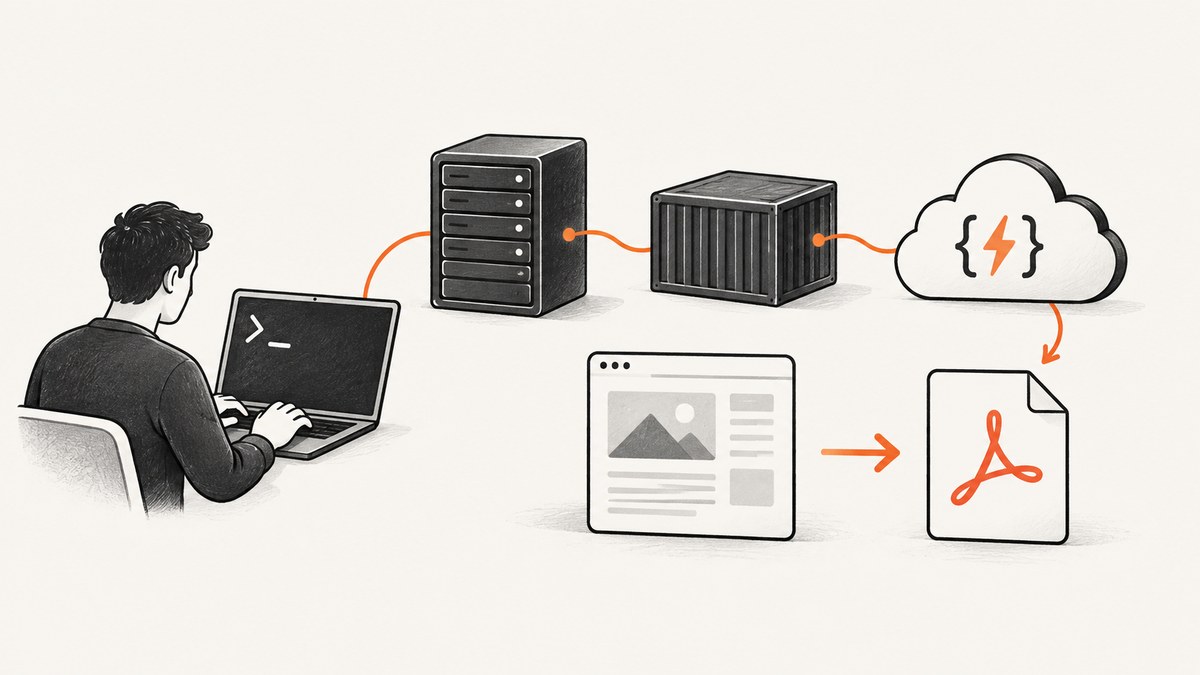
Direct answer: download wkhtmltopdf from the official downloads page, choose the asset matching your operating system, distribution release, and CPU architecture, install it with the native package tool when possible, then verify the executable with command -v wkhtmltopdf (or where wkhtmltopdf) and wkhtmltopdf --version. The current stable series is 0.12.6, released on June 11, 2020. “Static” describes how Qt is linked; it does not mean the binary needs no system libraries, fontconfig, freetype, or fonts.
1. Choose the right wkhtmltopdf download
The official downloads page links to GitHub release assets. Select the package that matches all three of these properties:
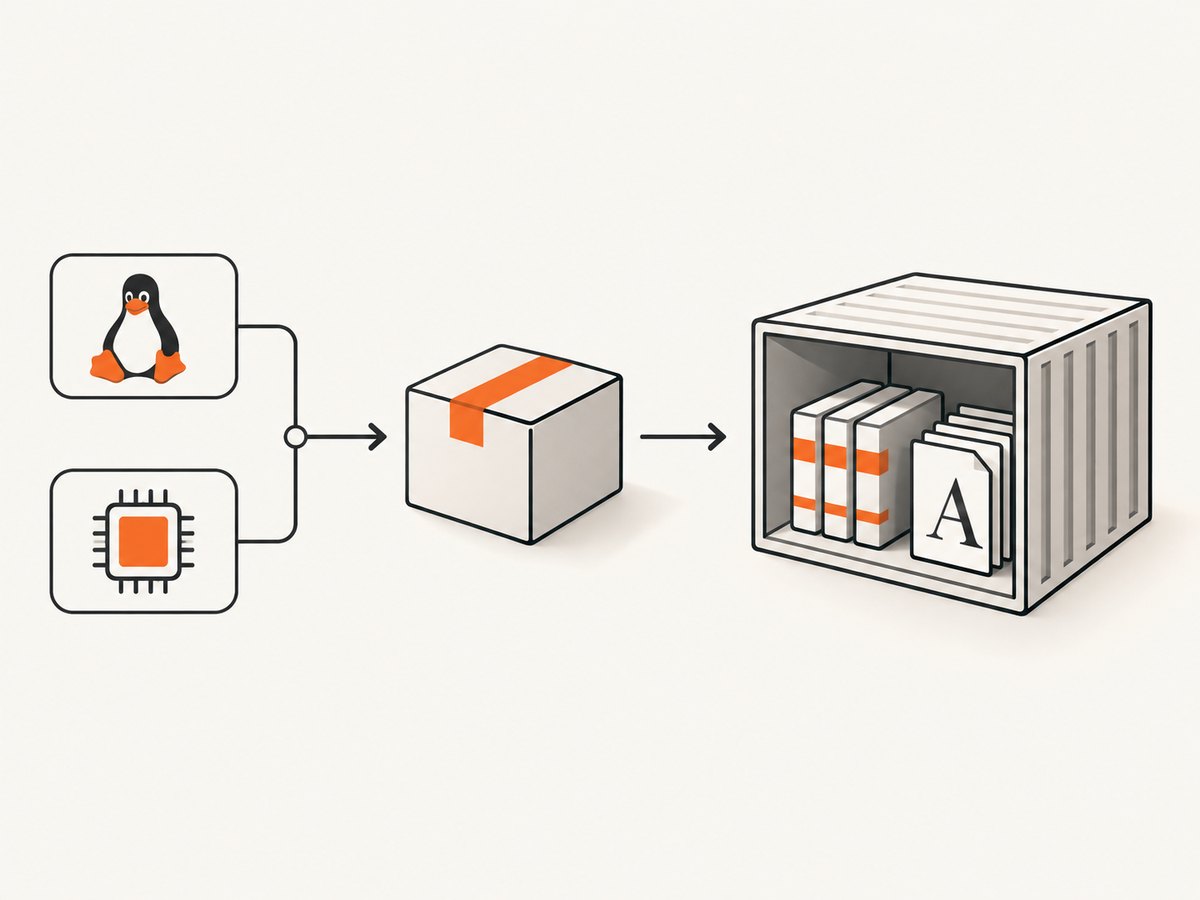
- Operating system: Windows, macOS, Debian, Ubuntu, AlmaLinux, CentOS, Amazon Linux, openSUSE, Arch Linux, or another listed target.
- Release: match the major distribution release shown in the asset name. An Ubuntu or CentOS package built for another release may fail because its libraries differ.
- Architecture: select the host CPU architecture, such as 64-bit x86 where offered. Do not assume an Intel macOS package is native on Apple Silicon.
Windows provides an installer for Vista and later plus 7z archives for older systems or portable extraction. macOS provides a 64-bit installer. Linux assets are organized by distribution and release rather than being one universal archive. The packaging repository is archived, but its release page records later 0.12.6.1 platform builds, including AWS Lambda, Arch Linux, and macOS variants; inspect the complete asset name before downloading.
Use the official page as the source of truth:
https://wkhtmltopdf.org/downloads.html2. Install on Windows
- Download the Windows installer that matches the machine, or download the 7z archive if you need a portable directory.
- Run the installer with normal Windows installation permissions.
- Open a new Command Prompt or PowerShell window so PATH changes are loaded.
- Locate and verify the executable.
where wkhtmltopdf
wkhtmltopdf --version
If where returns nothing, find the installation directory and add it to the user or system PATH. Open a new shell and repeat both commands. A successful version check confirms that the command being executed is the one you installed, rather than a stale copy elsewhere on the machine.
3. Install on macOS
- Download the 64-bit macOS installer from the official page.
- Complete the package installation.
- Start a new Terminal session.
- Check the path and version.
command -v wkhtmltopdf
wkhtmltopdf --version
On newer macOS versions, check whether the downloaded build matches the host architecture. Do not assume an Intel binary is native on Apple Silicon; use an approved compatibility layer when appropriate. If macOS blocks the package, review its security prompt and obtain the installer again from the official download source rather than using an unknown mirror.
4. Install on Debian or Ubuntu
First identify the exact host and architecture:
cat /etc/os-release
dpkg --print-architecture
Download the matching .deb listed on the official packaging page. Install the local file with the distribution package tool so missing dependencies are reported clearly:
sudo apt install ./wkhtmltox-<version>.<release>_<arch>.debReplace the placeholders with the actual downloaded filename. If APT reports broken or missing dependencies, let it repair the package state and then rerun the install:
sudo apt --fix-broken install
sudo apt install ./wkhtmltox-<version>.<release>_<arch>.deb
command -v wkhtmltopdf
wkhtmltopdf --version
Keep the downloaded package and the output of /etc/os-release in your deployment notes. That record makes a later rebuild reproducible.
5. Install on RPM-based Linux
Use the RPM built for the exact supported distribution and release: AlmaLinux, CentOS, Amazon Linux, or another target listed by the official downloads page. Install it with the native package manager, allowing dependency errors to surface instead of copying a binary from an unrelated host.
# Inspect the host first
cat /etc/os-release
uname -m

# Install the downloaded RPM with your distribution's package manager
sudo dnf install ./wkhtmltox-<version>.<release>.<arch>.rpm
# Older systems may use yum:
# sudo yum localinstall ./wkhtmltox-<version>.<release>.<arch>.rpm

command -v wkhtmltopdf
wkhtmltopdf --version
Do not substitute an RPM built for a different major release without testing compatibility. A package that installs can still fail at runtime when its expected libraries or fonts are absent.
6. What “static binary” really means
wkhtmltopdf’s static build links Qt in a static manner. The remaining system packages are still required. Fontconfig and freetype must be available, and the fonts installed on the host affect line wrapping, glyph coverage, pagination, and the final PDF. Two machines with the same executable can therefore produce different output when their fonts differ.
Generic Linux builds have historically failed across distributions because library versions and libc implementations differ. Alpine Linux uses musl libc and is specifically unsuitable for the old generic builds. Prefer a distribution-specific package or a container based on a compatible glibc distribution. Treat “static” as a packaging detail, not a guarantee that the file can run on every Linux image.
After installation, inspect runtime dependencies when diagnosing a failure:
# Linux: show the executable and linked libraries
command -v wkhtmltopdf
ldd "$(command -v wkhtmltopdf)"
Install the libraries reported as missing, then ensure fontconfig, freetype, and the fonts your documents require are present.
7. When direct installation is impossible: extract the package
The official FAQ says a listed package can be extracted when it cannot be installed directly, but the required dependencies must still be present. Extraction is useful for controlled deployments and immutable images; it does not make the binary self-contained.
For a Debian package, unpack into an application directory and run the executable from there:
mkdir -p /opt/wkhtmltox
 dpkg-deb -x wkhtmltox-<version>.<release>_<arch>.deb /opt/wkhtmltox
/opt/wkhtmltox/usr/local/bin/wkhtmltopdf --version
Use the actual path shown by the package. Add that directory to PATH only after verifying it, and bundle the same runtime libraries, configuration, and fonts with the deployment.
8. Docker and CI installation
Start with a base image compatible with the published package. Install the matching package, runtime libraries, fontconfig, freetype, and the fonts needed by your documents. Keep the executable, configuration, and fonts together in the image. Verify during the image build so a broken image never reaches CI or production.
FROM ubuntu:22.04

# Copy the package selected for this exact base image into the build context
COPY wkhtmltox-<version>.<release>_<arch>.deb /tmp/wkhtmltox.deb
RUN apt-get update \
 && apt-get install -y --no-install-recommends /tmp/wkhtmltox.deb fontconfig freetype \
 && rm -rf /var/lib/apt/lists/* /tmp/wkhtmltox.deb \
 && wkhtmltopdf --version
The package name and dependency set vary by base image. Pin the image and package versions together, and rebuild when either changes. In CI, run the version check plus a small representative conversion to catch missing fonts or shared libraries before a release.
9. AWS Lambda and other serverless deployments
For serverless deployment, the official FAQ instructs operators to extract a distribution-specific package, bundle the executable with its required libraries, configuration, and fonts, and upload it. AWS Lambda files are supplied as one Amazon Linux 2/Lambda zip archive. Select the release asset intended for that runtime rather than copying a desktop installation.
A practical packaging sequence is:
- Download the Amazon Linux 2/Lambda asset from the official release page.
- Extract it into the directory that will become the function bundle or layer.
- Include the executable, shared libraries, fontconfig configuration, and fonts.
- Run
wkhtmltopdf --versionin a compatible build environment. - Invoke the function with a temporary directory for input and output files, and remove files after conversion.
Keep the bundle small, but do not remove libraries or fonts merely because the executable is called static. Missing font files often appear as layout defects rather than clear startup errors.
10. Verify a real conversion
A version string proves PATH and basic startup. A conversion proves that rendering dependencies work:
cat > /tmp/check.html <<'HTML'
<!doctype html>
<html><meta charset="utf-8"><body><h1>wkhtmltopdf check</h1><p>PDF output test.</p></body></html>
HTML
wkhtmltopdf /tmp/check.html /tmp/check.pdf
file /tmp/check.pdf
For remote pages, test the same network path used in production. A local HTML success does not prove that DNS, TLS, authentication, JavaScript timing, or outbound access works from a container or function.
11. Troubleshooting common installation and rendering errors
| Symptom | Likely cause | Fix |
|---|---|---|
command not found |
The install directory is not on PATH, or the shell predates the install. | Run command -v/where, add the correct directory to PATH, open a new shell, and verify again. |
| “No such file or directory” when the file exists | A required dynamic loader or shared library is missing. | Run ldd, install the missing runtime packages, and use a package matching the host distribution. |
| Works on Ubuntu but not Alpine | The binary expects glibc while Alpine uses musl. | Use a compatible glibc-based image and distribution-specific package. |
| Blank pages or missing glyphs | Fonts, fontconfig, or freetype are missing; the selected font is unavailable. | Install the required runtime packages and fonts, then rerun the conversion in the target image. |
| Different line breaks between machines | Installed fonts or font versions differ. | Bundle a known font set and configuration with the application. |
| Remote URL fails in production | DNS, TLS, proxy, firewall, or serverless egress differs from development. | Test from the deployment environment and configure network access explicitly. |
| Package dependency conflict | The asset targets another distribution release. | Read /etc/os-release, download the exact matching asset, and use the native package manager. |
| macOS refuses to launch | Architecture or operating-system compatibility issue. | Use the matching build or an approved compatibility layer, then verify from a new Terminal session. |
12. Security requirements for HTML-to-PDF services
The project homepage warns: “Do not use wkhtmltopdf with any untrusted HTML.” Treat uploaded HTML, JavaScript, and remote URLs as hostile input. Sanitize user-supplied markup, restrict network access from conversion jobs, and isolate the process. Use separate workers or containers for multi-tenant services, apply resource and execution limits, and avoid giving the converter credentials or access to internal network services.
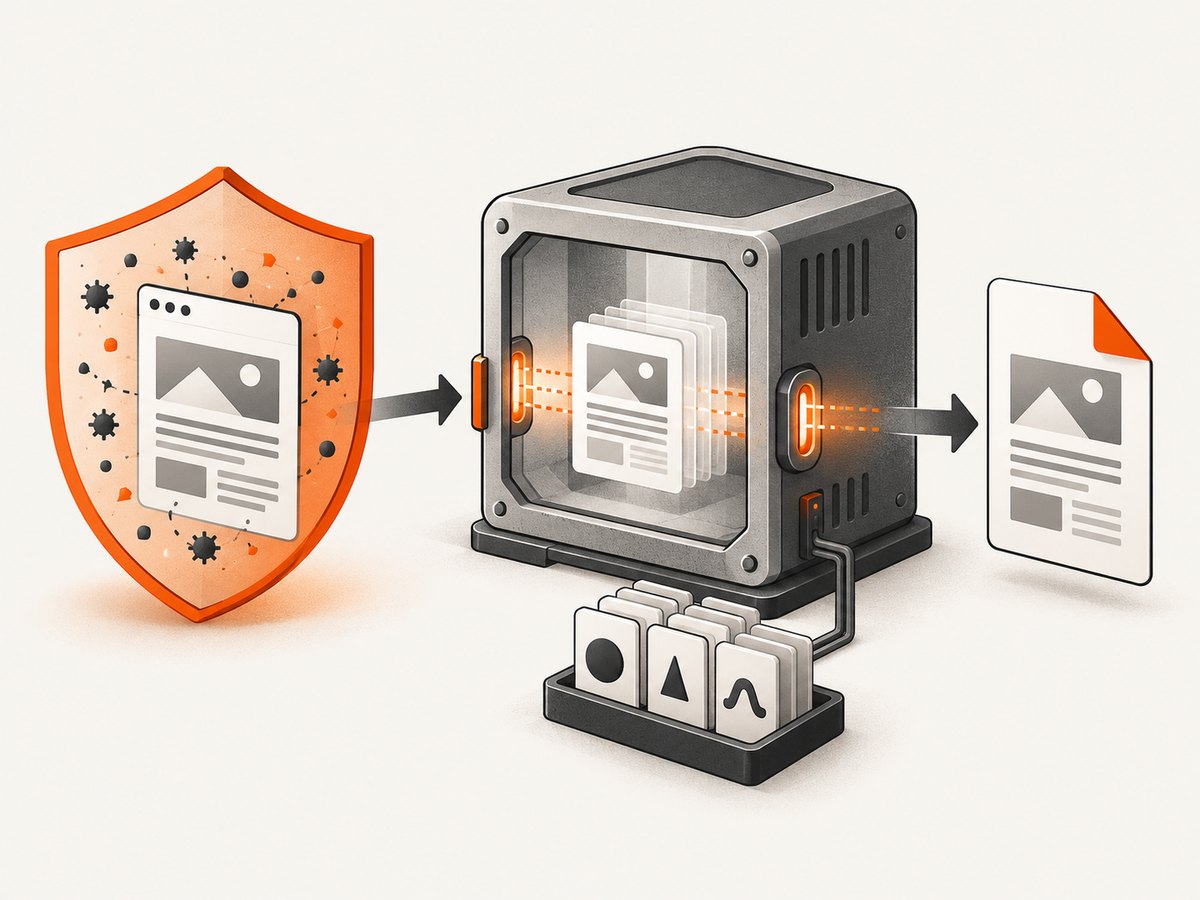
These controls matter even when the binary is installed correctly. A server-side converter can fetch remote resources, execute page scripts, and expose the host if unsafe input is processed with excessive permissions.
13. Performance, reliability, and cost choices
- Startup: keep a warm worker or long-lived container when conversion latency matters; repeatedly starting a browser-based converter adds process overhead.
- Fonts: bundle only the fonts you need, but keep the set consistent across environments so pagination remains stable.
- Concurrency: isolate jobs and cap parallel conversions according to available CPU and memory. More workers can increase contention and temporary-file failures.
- Reproducibility: pin the base image, package filename, fonts, and configuration. Record the output of
wkhtmltopdf --version. - Failure handling: capture stderr, preserve the input that caused a failure in a protected diagnostic store, and retry only transient network failures.
- Cost: native installation has no software license charge, but containers, CI minutes, storage, and serverless execution still consume infrastructure resources.
14. Or skip the browser setup
If your actual goal is a reliable screenshot or PDF of a web page, ScreenshotNeo provides a website screenshot API and MCP server without maintaining wkhtmltopdf, browser binaries, fonts, or container libraries. One GET request returns PNG, JPEG, WebP, or PDF. Cookie and consent banners are accepted and 60+ known consent platforms, newsletter popups, and chat widgets are removed before capture; each step can be disabled. Bot checks, blank pages, timeouts, failed loads, and cache hits cost nothing, and the response identifies the result with X-Page-Verdict and X-Billed headers. An MCP server provides take_screenshot, get_page_info, and capture_pdf for Claude, Cursor, and other MCP clients.
See the ScreenshotNeo API documentation for all options, including full-page capture, element selectors, dark mode, device presets, retina scale, PDF paper and margin settings, custom CSS and JavaScript, clicks, waits, request blocking, headers, cookies, user agents, authorization, timezone, geolocation, transparent backgrounds, resizing, caching, signed links, asynchronous jobs, webhooks, bulk capture, usage, and the OpenAPI specification.
cURL
curl -G "https://api.screenshotneo.com/v1/shot" -d access_key=YOUR_API_KEY --data-urlencode url=https://stripe.com -o shot.webpPython
import requests
r = requests.get("https://api.screenshotneo.com/v1/shot", params={"access_key": "YOUR_API_KEY", "url": "https://stripe.com"}, timeout=90)
open("shot.webp", "wb").write(r.content)
Node.js
const q = new URLSearchParams({ access_key: 'YOUR_API_KEY', url: 'https://stripe.com' });
const res = await fetch(`https://api.screenshotneo.com/v1/shot?${q}`);
The Free plan includes 1,000 shots each month with no card. Paid plans start at $5 for 3,000 shots; every feature is available on every plan. Create a free ScreenshotNeo account.
15. Short FAQ
Is wkhtmltopdf 0.12.6 the newest stable series?
The official downloads page identifies 0.12.6, released June 11, 2020, as the current stable series. The archived packaging repository also lists later 0.12.6.1 platform builds, so check the release asset details.
Can I copy the binary between Linux distributions?
Do not assume that works. Match the distribution, release, architecture, libc, and libraries; Alpine’s musl environment is unsuitable for old generic builds.
Does static mean I can omit fonts?
No. Fontconfig, freetype, and installed fonts affect rendering and must be included in containers and serverless bundles.
Should I use extraction in production?
Extraction is valid when direct installation is unavailable, provided you bundle and verify every required dependency. A matching package or compatible container is usually easier to maintain.
How do I protect a conversion endpoint?
Sanitize untrusted HTML, restrict network access, and isolate conversion processes as the project recommends.


