How to Integrate wkhtmltopdf into a Java Web Application
Install wkhtmltopdf, call it safely from Java, handle timeouts and concurrency, and evaluate its archived renderer before production use.
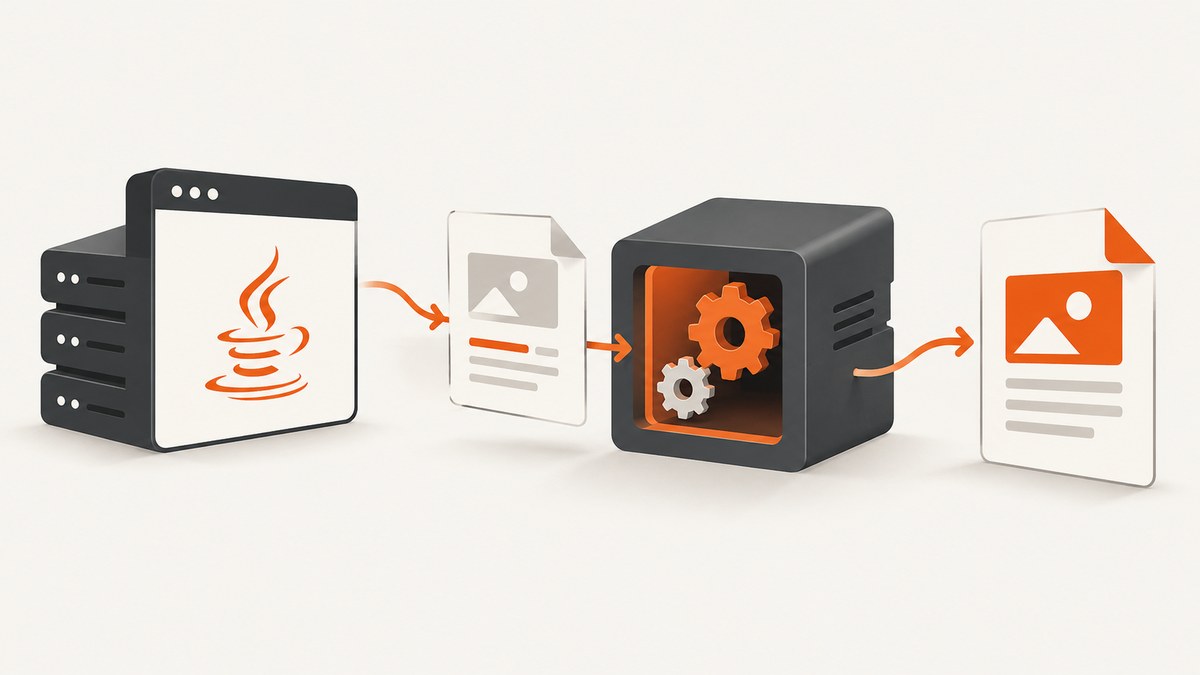
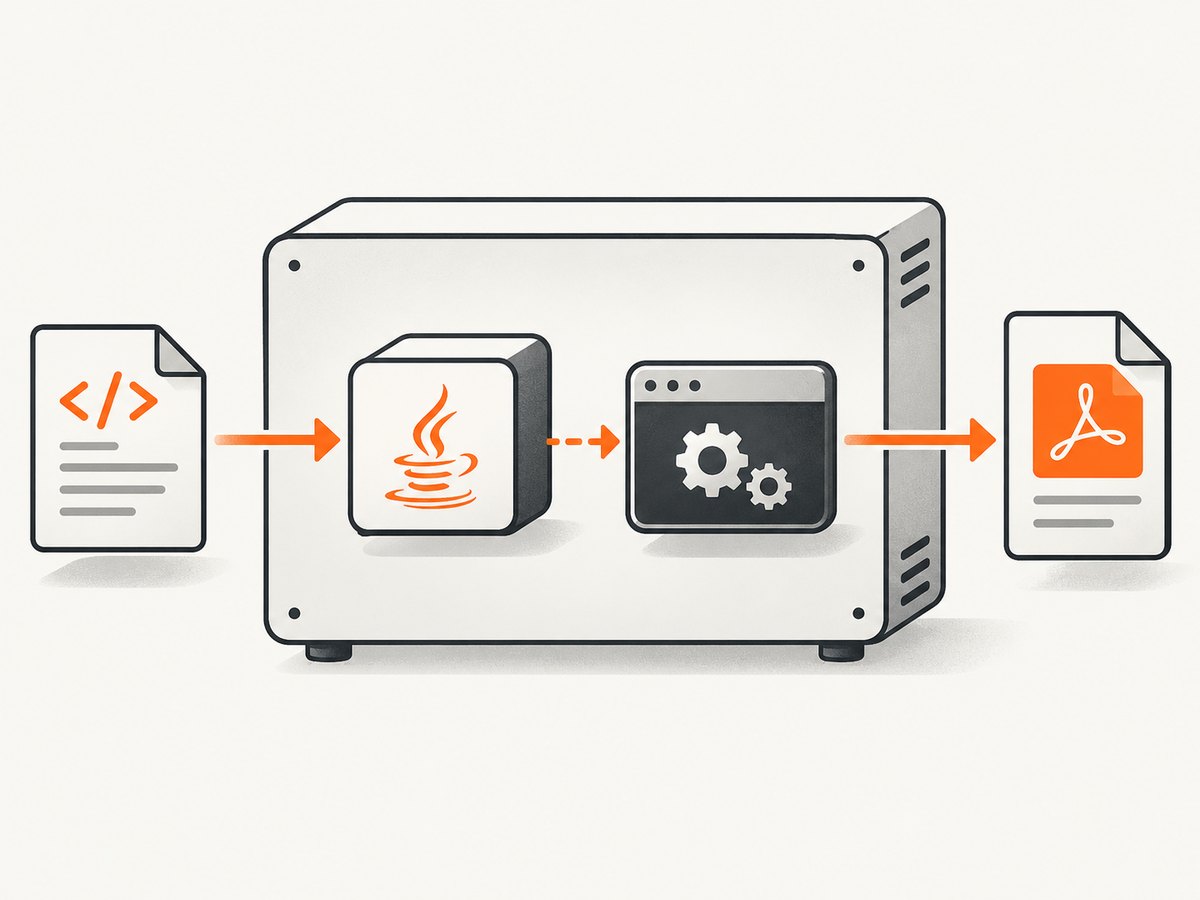
To integrate wkhtmltopdf into a Java web application, install the wkhtmltopdf executable on the machine that runs your Java process, then invoke it with ProcessBuilder or a Java wrapper. A wrapper only builds command arguments; it does not replace the native executable.
Before production deployment, account for the project’s age and security guidance. The downloads page identifies 0.12.6 as the stable series, released June 11, 2020, and the upstream repository has been archived and made read-only. The project warns against using wkhtmltopdf with untrusted HTML or JavaScript.
1. Understand the integration model
wkhtmltopdf is a command-line program. Its basic form is:
wkhtmltopdf [options] <page> <output.pdf>The page can be an HTTP(S) URL or a local HTML file. Java starts a child process, passes options and input/output paths, waits for completion, checks the exit status, and collects diagnostics from standard error.
| Component | Responsibility |
|---|---|
| wkhtmltopdf executable | Loads HTML with its bundled WebKit renderer and writes PDF output. |
| Java application | Builds arguments, controls timeouts, captures errors, and manages files and concurrency. |
| Optional Java wrapper | Provides a Java API for constructing commands; it still requires wkhtmltopdf installed and available. |
Read the upstream command reference for the complete option set: wkhtmltopdf usage documentation.
2. Install and verify wkhtmltopdf
- Choose a package matching your operating system and distribution from the official downloads page.
- Install it on every host, container image, or worker that will execute PDF jobs.
- Record the absolute executable path, such as
/usr/bin/wkhtmltopdforC:\\Program Files\\wkhtmltopdf\\bin\\wkhtmltopdf.exe. - Verify the binary under the same user and service account used by Java:
wkhtmltopdf --version
wkhtmltopdf https://example.com /tmp/example.pdf
Do not assume that a binary available in an interactive shell is available to a systemd service, servlet container, Docker image, or Kubernetes pod. Configure an explicit path where possible.
3. Call wkhtmltopdf directly with Java
The following example renders a URL, writes to a temporary file, enforces a timeout, and captures diagnostics.
import java.io.ByteArrayOutputStream;
import java.io.IOException;
import java.io.InputStream;
import java.nio.file.Files;
import java.nio.file.Path;
import java.time.Duration;
import java.util.ArrayList;
import java.util.List;
import java.util.concurrent.TimeUnit;

public final class Wkhtmltopdf {
    private final Path executable;

    public Wkhtmltopdf(Path executable) {
        this.executable = executable;
    }

    public byte[] renderUrl(String url) throws Exception {
        Path output = Files.createTempFile("report-", ".pdf");
        try {
            List<String> command = new ArrayList<>();
            command.add(executable.toString());
            command.add("--encoding");
            command.add("utf-8");
            command.add("--quiet");
            command.add(url);
            command.add(output.toString());

            Process process = new ProcessBuilder(command)
                    .redirectErrorStream(true)
                    .start();

            String diagnostics;
            try (InputStream in = process.getInputStream()) {
                ByteArrayOutputStream buffer = new ByteArrayOutputStream();
                Thread reader = Thread.startVirtualThread(() -> {
                    try {
                        in.transferTo(buffer);
                    } catch (IOException ignored) {
                        // The process result below remains authoritative.
                    }
                });

                boolean finished = process.waitFor(90, TimeUnit.SECONDS);
                if (!finished) {
                    process.destroy();
                    if (!process.waitFor(5, TimeUnit.SECONDS)) {
                        process.destroyForcibly();
                    }
                    throw new IOException("wkhtmltopdf timed out after 90 seconds");
                }
                reader.join();
                diagnostics = buffer.toString(java.nio.charset.StandardCharsets.UTF_8);
            }

            if (process.exitValue() != 0) {
                throw new IOException("wkhtmltopdf failed (exit "
                        + process.exitValue() + "): " + diagnostics);
            }
            if (!Files.exists(output) || Files.size(output) == 0) {
                throw new IOException("wkhtmltopdf produced no PDF");
            }
            return Files.readAllBytes(output);
        } finally {
            Files.deleteIfExists(output);
        }
    }
}
If your project targets Java before virtual threads, replace Thread.startVirtualThread with a normal executor thread. Always consume process output; otherwise a verbose renderer can block when its pipe fills.
4. Render HTML supplied by your application
For server-generated reports, write a complete HTML document to a temporary file and pass that file to wkhtmltopdf.
Path html = Files.createTempFile("report-", ".html");
Path pdf = Files.createTempFile("report-", ".pdf");
try {
    Files.writeString(html, """
        <!doctype html>
        <html><head><meta charset=\"utf-8\">
        <style>body { font-family: sans-serif; }</style>
        </head><body><h1>Invoice 1042</h1></body></html>
        """, java.nio.charset.StandardCharsets.UTF_8);

    Process p = new ProcessBuilder(
            "/usr/bin/wkhtmltopdf",
            "--encoding", "utf-8",
            html.toUri().toString(),
            pdf.toString())
            .redirectErrorStream(true)
            .start();
    if (!p.waitFor(90, java.util.concurrent.TimeUnit.SECONDS)) {
        p.destroyForcibly();
        throw new java.io.IOException("renderer timeout");
    }
    if (p.exitValue() != 0) {
        throw new java.io.IOException("renderer failed: "
                + new String(p.getInputStream().readAllBytes(), java.nio.charset.StandardCharsets.UTF_8));
    }
    byte[] bytes = Files.readAllBytes(pdf);
} finally {
    Files.deleteIfExists(html);
    Files.deleteIfExists(pdf);
}
5. Important options
| Need | Typical options |
|---|---|
| Page size and orientation | --page-size A4, --orientation Landscape |
| Margins | --margin-top, --margin-right, --margin-bottom, --margin-left |
| Headers and footers | --header-html, --footer-html, --header-right, --footer-center |
| JavaScript | --enable-javascript, --disable-javascript, --javascript-delay milliseconds, --window-status value |
| Assets and links | --enable-local-file-access, --allow path, --load-error-handling, --load-media-error-handling |
| Authentication | --cookie name value, --custom-header name value, --username, --password |
| Images and quality | --image-dpi, --image-quality, --zoom |
| Multiple pages | Pass several page objects and a final output path, or use a cover and table of contents. |
Keep arguments as separate ProcessBuilder elements. Do not concatenate user input into a shell command. If you need local assets, grant access to a narrowly scoped directory rather than enabling broad filesystem access.
6. Java wrappers: convenience, not isolation
A Java wrapper can make option construction easier and may expose methods such as “object,” “header,” and “save.” The deployment requirements remain the same: install a compatible wkhtmltopdf executable, configure its path, and make sure the Java service can execute it. Review the wrapper’s timeout and concurrency behavior rather than assuming it is safe for unlimited parallel calls.
7. Web application deployment checklist
- Package the executable in the image or install it during host provisioning.
- Pin and document the exact binary version and operating-system package.
- Set an absolute executable path in configuration.
- Use a bounded worker pool; each conversion starts a separate process.
- Apply a process timeout and forcibly terminate descendants after the grace period.
- Use unique temporary directories and delete HTML, assets, and PDFs in a
finallyblock. - Capture exit codes and stderr with a request or job identifier.
- Return a clear application error when the renderer fails; do not return a partial file.
- Set memory, CPU, filesystem, and network limits for the renderer account or container.
8. Security boundaries and untrusted HTML
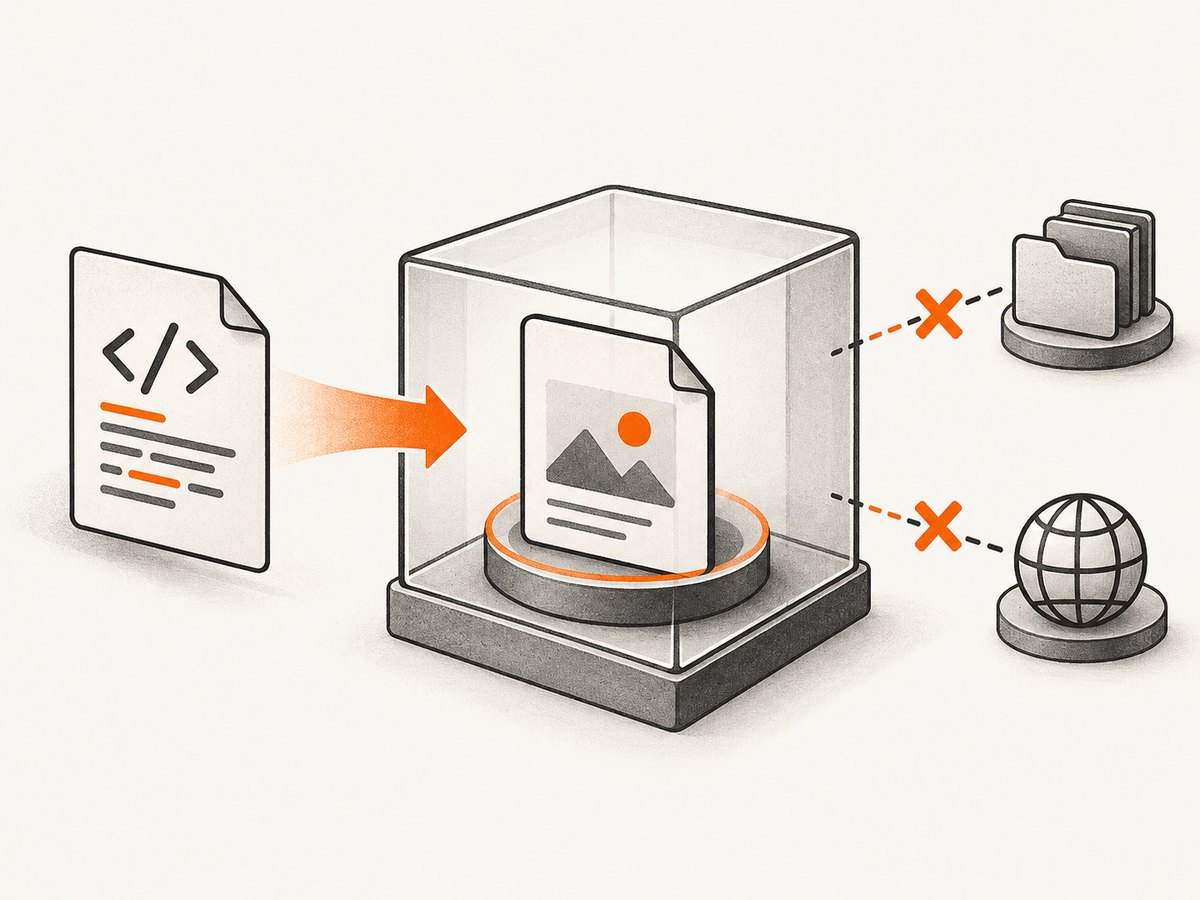
The official project warning is direct: do not use wkhtmltopdf with untrusted HTML; sanitize user-supplied HTML and JavaScript or it can lead to complete server takeover. Treat HTML, CSS, JavaScript, URLs, headers, cookies, and local file references as attacker-controlled unless your application creates and validates them.
- Prefer templates populated with escaped data over accepting arbitrary markup.
- Validate destination URLs and block private IP ranges, loopback, metadata endpoints, and internal hostnames to reduce SSRF risk.
- Run the renderer as a low-privilege user with a read-only filesystem and no secrets in its environment.
- Restrict outbound network access to required hosts.
- Use separate temporary directories and remove them after every job.
- Consider AppArmor or equivalent operating-system confinement as defense in depth; the project documents an AppArmor example.
The project status page notes that Qt 4 has been unsupported since 2015 and that the WebKit base is outdated. The upstream repository was archived on January 2, 2023. Treat wkhtmltopdf as a legacy dependency requiring explicit risk review, patch management, and isolation.
9. Timeouts, concurrency, and reliability
Rendering can wait on DNS, TLS, remote assets, JavaScript, fonts, or a page that never reaches the expected state. Set an application deadline shorter than your HTTP request timeout, and cancel the child process when the deadline expires.
- Queue jobs instead of starting an unbounded process per request.
- Use separate limits for process count, CPU, memory, and output size.
- Retry only transient failures such as a temporary network error, with a small capped retry count.
- Do not retry malformed HTML, invalid options, authentication failures, or deterministic renderer crashes.
- Log the command options after redacting cookies, authorization headers, and secrets.
- Check the resulting PDF exists and has a nonzero size before publishing it.
10. Common errors and fixes
| Error or symptom | Likely cause | Fix |
|---|---|---|
| “Cannot run program” | Executable missing, wrong path, or not executable. | Install it on the runtime host and configure an absolute path; verify permissions as the service user. |
| Exit code 1 with network errors | DNS, TLS, authentication, firewall, or invalid URL. | Render the URL from the same host, inspect stderr, and validate network policy. |
| Blank or incomplete PDF | JavaScript or remote assets were not ready. | Use --javascript-delay or --window-status, ensure assets are reachable, and check load-error handling. |
| Local images do not load | Local file access is restricted. | Use controlled --allow paths and a file URI, or serve assets through an authenticated internal endpoint. |
| Process hangs | Page, script, or resource never completes. | Enforce a Java timeout, terminate the process, and limit retries. |
| Works locally but not in production | Different PATH, fonts, libraries, user permissions, or sandbox. | Run the exact binary under the production service account inside the production image. |
| Too many failures under load | Unbounded concurrency or exhausted CPU/memory. | Use a bounded queue and worker pool; measure capacity before increasing parallelism. |
11. Choosing an alternative
Use the rendering engine that matches your input and maintenance requirements:
| Situation | Direction from the project guidance |
|---|---|
| Controlled report HTML with limited scripting | Consider WeasyPrint or the commercial Prince tool. |
| Dynamic, JavaScript-heavy pages | Consider Puppeteer or one of its wrappers. |
| Legacy, tightly controlled deployment where existing output is acceptable | wkhtmltopdf may remain workable, but isolate it and document its archived status. |
Compare HTML/CSS fidelity, JavaScript needs, operating-system support, security posture, maintenance, timeout behavior, concurrency model, and licensing. The project guidance does not provide a performance benchmark for these choices.
12. Or skip the browser setup
If you need a clean screenshot or PDF from a URL without installing and operating a renderer, ScreenshotNeo provides a hosted API. See the ScreenshotNeo documentation for all options.
curl -G "https://api.screenshotneo.com/v1/shot" -d access_key=YOUR_API_KEY --data-urlencode url=https://stripe.com -o shot.webpimport requests
r = requests.get("https://api.screenshotneo.com/v1/shot", params={"access_key": "YOUR_API_KEY", "url": "https://stripe.com"}, timeout=90)
open("shot.webp", "wb").write(r.content)const q = new URLSearchParams({ access_key: 'YOUR_API_KEY', url: 'https://stripe.com' });
const res = await fetch(`https://api.screenshotneo.com/v1/shot?${q}`);Before capture, cookie banners, newsletter popups, and chat widgets are removed. Bot checks, blank pages, failed loads, timeouts, and cache hits are not billed, and response headers identify the page verdict and billing result. An MCP server lets AI agents take screenshots. The Free plan includes 1,000 screenshots per month with no card; paid plans start at $5 for 3,000 shots. Create a free ScreenshotNeo account.
FAQ
Do I need to install wkhtmltopdf separately?
Yes. A Java wrapper does not contain or replace the native executable.
Can I call wkhtmltopdf from a servlet request?
You can, but a bounded job queue is safer for slow or concurrent conversions. For long reports, return a job identifier and process asynchronously.
Is wkhtmltopdf safe for user-submitted HTML?
The project says not to use it with untrusted HTML. Sanitize input and isolate the renderer; for arbitrary user content, select a design with an appropriate security boundary.
What is the latest stable wkhtmltopdf version?
The official downloads page identifies the 0.12.6 series, released June 11, 2020. Confirm package availability for your target platform.
Why does JavaScript content sometimes disappear?
The page may still be loading when conversion finishes, or the renderer may not support the script. Use an explicit delay or window-status signal and consider a modern browser renderer for JavaScript-heavy pages.


