How to Intercept Cypress File Downloads Without Corrupting ZIP Files
Intercept application downloads in Cypress while preserving ZIP bytes. Learn when to use fixtures, cy.request(), and Cypress 16 network details.
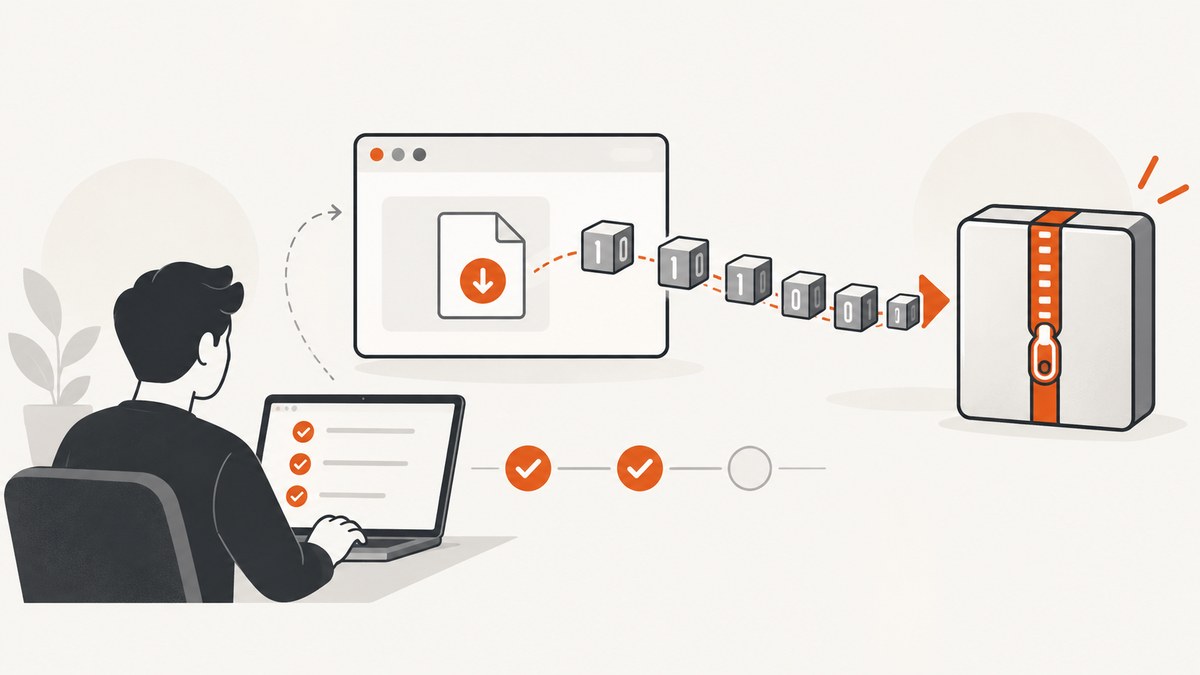
Keep a ZIP response as bytes from start to finish. To observe an application-triggered download, register cy.intercept() before the action and wait on its alias; do not convert the response body to text. To stub a ZIP, Cypress serves a .zip fixture as raw bytes. For other binary fixtures such as PDFs and MP4s, use the ,null encoding suffix. If the test itself should fetch and save the file, use cy.request() with encoding: 'binary' and write it with binary encoding.
This guide covers the three distinct jobs: observing the app’s download request, stubbing a binary response, and retrieving a file directly from the test. The examples are illustrative applications of Cypress’s documented APIs; adapt URL matchers, selectors, and paths to your app.
1. Observe the application-triggered download
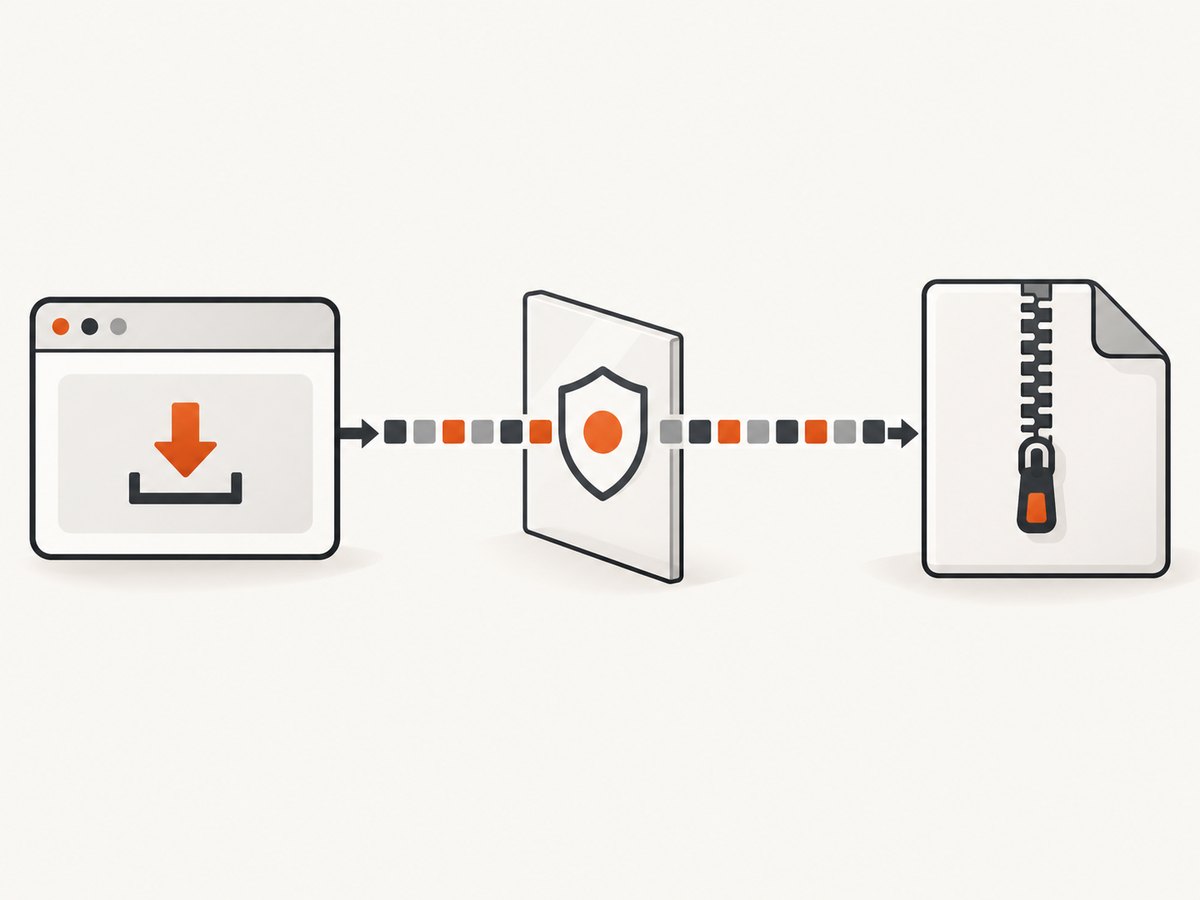
Install the intercept before clicking the control that starts the download. Then wait for the alias and assert properties that do not require converting the body to a string.
cy.intercept('GET', '/downloads/**').as('download')
cy.get('[data-cy=download]').click()
cy.wait('@download').then(({ response }) => {
  expect(response.statusCode).to.equal(200)
  // Keep response.body in its binary form; do not convert it to text.
})
The matcher must match the request the application actually makes, including its method and URL. Use the browser’s Network panel to find that request. A download may be initiated through navigation or the browser download manager in a way that does not match this example; verify the app’s network behavior and test setup before choosing a matcher.
cy.intercept() observes or stubs the network request. Waiting for an alias verifies that a matching request occurred and lets the test inspect its response. It does not require the test to parse or rewrite the file body. See the Cypress cy.intercept() documentation.
2. Stub a ZIP fixture without corrupting it
For a ZIP fixture, point the route at the .zip file directly:
cy.intercept('GET', '/downloads/report.zip', {
  fixture: 'downloads/report.zip',
})
Cypress documents image and .zip fixtures as raw bytes. Do not read the archive as UTF-8 text, interpolate it into a string, or serialize it as JSON: those transformations can change byte values and make the archive invalid. See Cypress cy.fixture() documentation.
PDF, MP4, and other binary fixtures
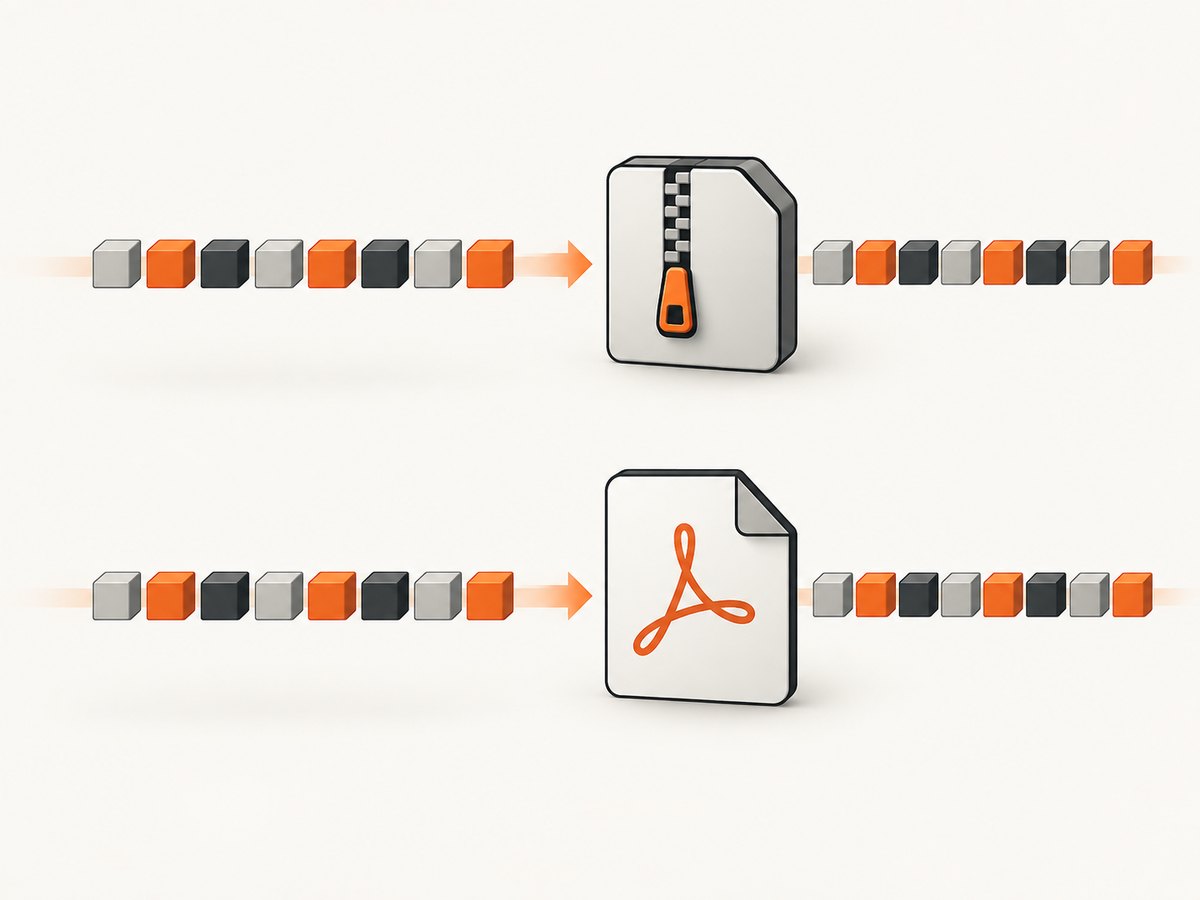
For binary fixture types whose default fixture encoding would interpret data as UTF-8, add ,null to the fixture value. Cypress documentation specifically calls out MP4 and PDF examples:
cy.intercept('GET', '/media/report.pdf', {
  fixture: 'media/report.pdf,null',
})
Apply this to other binary fixture formats when you need the fixture kept as bytes. The documented raw-byte handling for .zip means the suffix is not needed for a ZIP fixture.
3. Fetch and save a file with cy.request()
When the test’s goal is to retrieve a file directly, rather than exercise the application’s download control, use cy.request() with binary response encoding and pass that body to cy.writeFile() using binary encoding:
cy.request({ url: '/downloads/report.zip', encoding: 'binary' }).then((response) => {
  expect(response.status).to.equal(200)
  cy.writeFile('cypress/downloads/report.zip', response.body, 'binary')
})
This tests a test-side HTTP request to the file URL. It does not by itself prove that the app’s button or download flow issued the correct request. For that application path, use the intercept pattern in section 1. The binary request and write options are documented in Cypress cy.request().
4. Choose the right pattern
| Goal | Pattern | Byte-preservation detail |
|---|---|---|
| Verify the app makes its download request | cy.intercept() plus cy.wait('@alias') |
Inspect status or headers as appropriate; leave the body unconverted. |
| Return a ZIP fixture from a stubbed route | cy.intercept() with a fixture |
Cypress serves .zip fixtures as raw bytes. |
| Return a PDF or MP4 fixture | cy.intercept() with a fixture |
Use fixture: 'path/file.pdf,null' to preserve binary data. |
| Download a file directly from the test | cy.request(), then cy.writeFile() |
Set request encoding: 'binary' and write with 'binary'. |
5. Compression headers and Cypress network behavior
Be careful when asserting compression-related headers or supplying them in a stub. Cypress’s native network guide describes Cypress 16 behavior for Chrome, Chromium, and Edge: intercepted response bodies are decoded, and content-encoding, content-length, and transfer-encoding are omitted from those intercepted response headers. Cypress 15 and earlier could expose a decoded body while retaining a network compression header such as br or gzip. That combination can look inconsistent if the test assumes the header describes the body Cypress provides.
The same guide says Firefox, WebKit, and Electron continue to use the legacy network path in the described setup. This version and browser behavior is implementation-sensitive; consult the Cypress native network interception guide for the current matrix when maintaining cross-browser tests.
If a stub declares content-encoding, its bytes must match that encoding. Cypress decodes stubbed bodies according to declarations including gzip, x-gzip, deflate, and br; Cypress 16 errors when the supplied body does not match the declaration. Do not attach or preserve a compression header when the fixture bytes are uncompressed.
6. Cache can prevent an intercept from seeing the request
cy.intercept() works at the network layer. A request served from browser cache does not reach that layer, so the route may not match at all. Check the browser’s Developer Tools Network panel and cache behavior before repeatedly changing a route matcher. The Cypress intercept documentation describes disabling cache headers in the development server during tests or using a top-level intercept to remove relevant cache headers as possible approaches.
7. Troubleshooting
| Symptom | Likely cause | Fix |
|---|---|---|
| The saved ZIP is invalid or an unzip tool reports corruption. | The body passed through text conversion, or a binary fixture used a text encoding. | For a ZIP fixture use the .zip fixture directly. For other binary fixture formats use ,null. For direct retrieval, use binary request and write encodings. |
cy.wait('@download') times out. |
The intercept was registered after the action, the method or URL matcher is wrong, the action did not issue a request, or the browser served a cached response. | Register the route before the action, inspect the actual request in Developer Tools, correct the matcher, and investigate cache behavior. |
| A compression-related header assertion fails in Cypress 16 on Chromium. | The native network path omits content-encoding, content-length, and transfer-encoding from the intercepted response headers. |
Do not rely on those headers in this path. Assert the status or application-level result instead; check the current version/browser guide for other environments. |
| A stub fails while decoding its response. | The stub’s declared content-encoding does not match its supplied bytes. |
Supply bytes actually encoded as declared, or remove the compression header when the fixture is uncompressed. |
| The fixture works for ZIP but a PDF or MP4 is corrupted. | Those fixture types can be read as UTF-8 by default. | Use the null encoding suffix, for example fixture: 'media/report.pdf,null'. |
| The file exists but the test did not exercise the download button. | cy.request() fetched the file directly from the test. |
Use cy.intercept() and trigger the app’s control when the application flow is what you need to verify. |
8. Performance, reliability, and cost notes
- Keep the test focused on its goal. A direct
cy.request()avoids driving the UI but covers only the test-side HTTP retrieval. Interception plus the app action covers the request made by that application path. - Avoid unnecessary body transformations. Keeping binary data as bytes avoids encoding conversions that can corrupt archives and other binary files.
- Account for cache and browser differences. Cached requests may bypass interception, and Cypress’s native-network behavior differs by version and browser. Make the intended network path explicit in test setup.
- Keep fixtures representative. A stub can make an application test deterministic, while a direct request depends on the reachable endpoint and its response. Choose based on whether the test is about app behavior or retrieval from that endpoint.
- Cost. These Cypress commands do not introduce a ScreenshotNeo charge. ScreenshotNeo is a separate website screenshot API; its plans are relevant only if you also need website captures.
Or skip the browser setup
If the task is to capture a web page rather than test a Cypress download flow, ScreenshotNeo provides a website screenshot API and MCP server. Its one-call API returns a PNG, JPEG, WebP, or PDF. The example below saves the response body as a file; use the API’s output settings for the format you need. See the ScreenshotNeo API documentation.
curl -G "https://api.screenshotneo.com/v1/shot" -d access_key=YOUR_API_KEY --data-urlencode url=https://stripe.com -o shot.webpPython:
import requests

r = requests.get("https://api.screenshotneo.com/v1/shot", params={"access_key": "YOUR_API_KEY", "url": "https://stripe.com"}, timeout=90)
open("shot.webp", "wb").write(r.content)
Node.js:
const q = new URLSearchParams({ access_key: 'YOUR_API_KEY', url: 'https://stripe.com' });
const res = await fetch(`https://api.screenshotneo.com/v1/shot?${q}`);- Cookie and consent banners, newsletter popups, and chat widgets are removed before capture; each cleanup step can be turned off.
- Bot checks, blank pages, failed loads, timeouts, and cache hits are not billed. Responses say which page verdict applied and whether the shot was billed.
- An MCP server lets AI agents, including Claude, Cursor, and other MCP clients, take screenshots.
- The Free plan includes 1,000 screenshots a month with no card. Paid plans start at $5 for 3,000 screenshots; every feature is on every plan.
Sign up free for 1,000 screenshots a month, with no card required.
FAQ
Does Cypress corrupt ZIP fixtures by default?
Cypress documents .zip fixtures as raw bytes. Corruption usually points to an extra conversion or a different handling path; keep the body binary throughout.
Should I use cy.intercept() or cy.request()?
Use interception when you need to observe or stub the request initiated by the application. Use cy.request() when the test should retrieve the file directly.
Can I assert the content-length of an intercepted download?
Do not assume it is present in Cypress 16 native-network interception for Chrome, Chromium, and Edge. Check the documented behavior for the Cypress version and browser in your test environment.
Why is my intercept not firing even though the page loads the file?
The browser may be serving it from cache, or the request may not match the registered method and URL. Inspect the actual network request and cache status.


