How to Intercept Non-HTTP Requests in Puppeteer
Use Puppeteer request interception for ordinary resources, CDP Network to observe non-HTTP traffic, and CDP Fetch to pause and resolve supported requests.
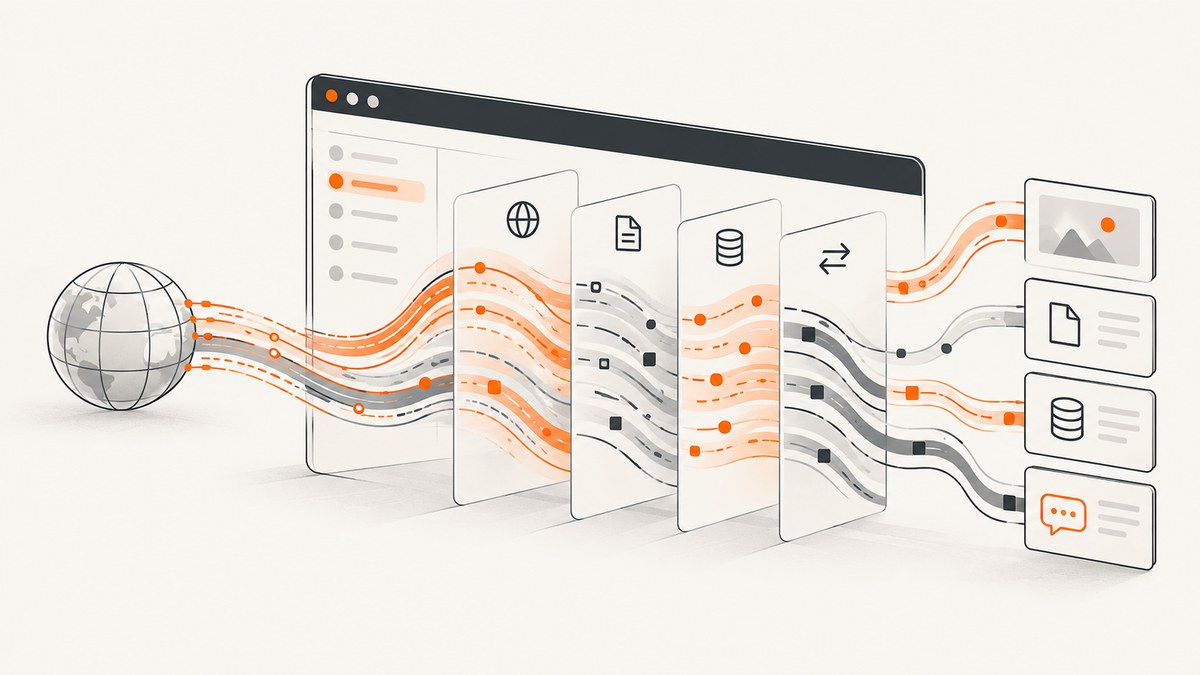
Puppeteer’s page.on('request') handler is useful for deciding what to do with ordinary page requests, but it is not the best foundation for every non-HTTP scheme. For broader visibility, attach a Chrome DevTools Protocol (CDP) session and listen to the Network domain. When matching requests must pause so you can continue, fail, or replace them, use CDP’s Fetch domain and resolve every paused event.
The practical split is: use Puppeteer interception for simple filtering, CDP Network for observation of file:, data:, other request types, and WebSocket events, and CDP Fetch for controlled request or response handling where Chromium supports it. A WebSocket handshake is separate from the frames sent after connection.
1. Choose the right interception layer
| Goal | Use | What to expect |
|---|---|---|
| Block images, fonts, media, or selected URLs | Puppeteer setRequestInterception and request event |
Concise continue, abort, or respond decisions for requests exposed as HTTPRequest. |
Observe file:, data:, other schemes, and request lifecycle |
CDP Network |
Protocol events provide broader network visibility than assuming every resource becomes a Puppeteer request event. |
| Pause, fail, or synthesize a matching request | CDP Fetch |
Each matching paused event must be explicitly continued, failed, or fulfilled. |
| Inspect WebSocket frames | CDP Network WebSocket events |
Frame events are distinct from the opening handshake. |
| Place a broad network guardrail on a connection | Puppeteer connection allowlist/blocklist options | Experimental controls with documented limits; not a complete sandbox. |
Puppeteer documents HTTPRequest as representing an HTTP request sent by a page. That makes the high-level abstraction convenient, but it is a reason to avoid assuming it represents every browser-internal or non-network fetch. Chromium’s CDP Network domain explicitly covers HTTP, file, data, and other requests. See the [Puppeteer request interception guide](https://pptr.dev/guides/network-interception), [HTTPRequest API](https://pptr.dev/api/puppeteer.httprequest), and [CDP Network domain](https://chromedevtools.github.io/devtools-protocol/tot/Network/).
2. Set up a runnable Puppeteer example
Install Puppeteer in a Node.js project, save the following as inspect-traffic.js, and run it with node inspect-traffic.js. This example listens to both the high-level request event and CDP Network events. It prints non-HTTP URLs seen by CDP while allowing requests to proceed.
const puppeteer = require('puppeteer');

(async () => {
  const browser = await puppeteer.launch({headless: true});
  try {
    const page = await browser.newPage();

    // Register before navigation so the first page activity is observed.
    page.on('request', request => {
      if (request.isInterceptResolutionHandled()) return;
      console.log('Puppeteer request:', request.url());
      request.continue();
    });
    await page.setRequestInterception(true);

    const client = await page.createCDPSession();
    await client.send('Network.enable');
    client.on('Network.requestWillBeSent', event => {
      const url = event.request.url;
      if (!/^https?:/i.test(url)) {
        console.log('CDP non-HTTP request:', event.type, url);
      }
    });

    await page.goto('https://example.com', {waitUntil: 'domcontentloaded'});
    await page.close();
    await client.detach();
  } finally {
    await browser.close();
  }
})().catch(error => {
  console.error(error);
  process.exitCode = 1;
});
The Puppeteer request listener above only works because interception is enabled and every intercepted request is continued. If you do not need to decide whether to block or alter requests, omit setRequestInterception and use CDP Network alone for observation. Interception adds work to the page’s request path and an unresolved request can stall loading.
3. Intercept ordinary page requests with Puppeteer
For a simple rule such as blocking file: and data: URLs if they appear in Puppeteer’s request stream, use the high-level API. Register the handler and enable interception before navigating or triggering the action.
const puppeteer = require('puppeteer');

(async () => {
  const browser = await puppeteer.launch();
  try {
    const page = await browser.newPage();
    await page.setRequestInterception(true);
    page.on('request', request => {
      if (request.isInterceptResolutionHandled()) return;
      const url = request.url();
      if (url.startsWith('file:') || url.startsWith('data:')) {
        request.abort();
      } else {
        request.continue();
      }
    });
    await page.goto('https://example.com', {waitUntil: 'domcontentloaded'});
    console.log(await page.title());
  } finally {
    await browser.close();
  }
})().catch(console.error);
This is a control-flow example, not a guarantee that every browser version delivers those schemes through page.on('request'). Confirm the exact scheme and Chromium version in your application. For reliable broad visibility, add a CDP Network listener. To block ordinary categories or URLs, you can extend the condition using request.resourceType(), request.url(), or request headers. Always provide a resolution path.
4. Observe non-HTTP resources with CDP Network
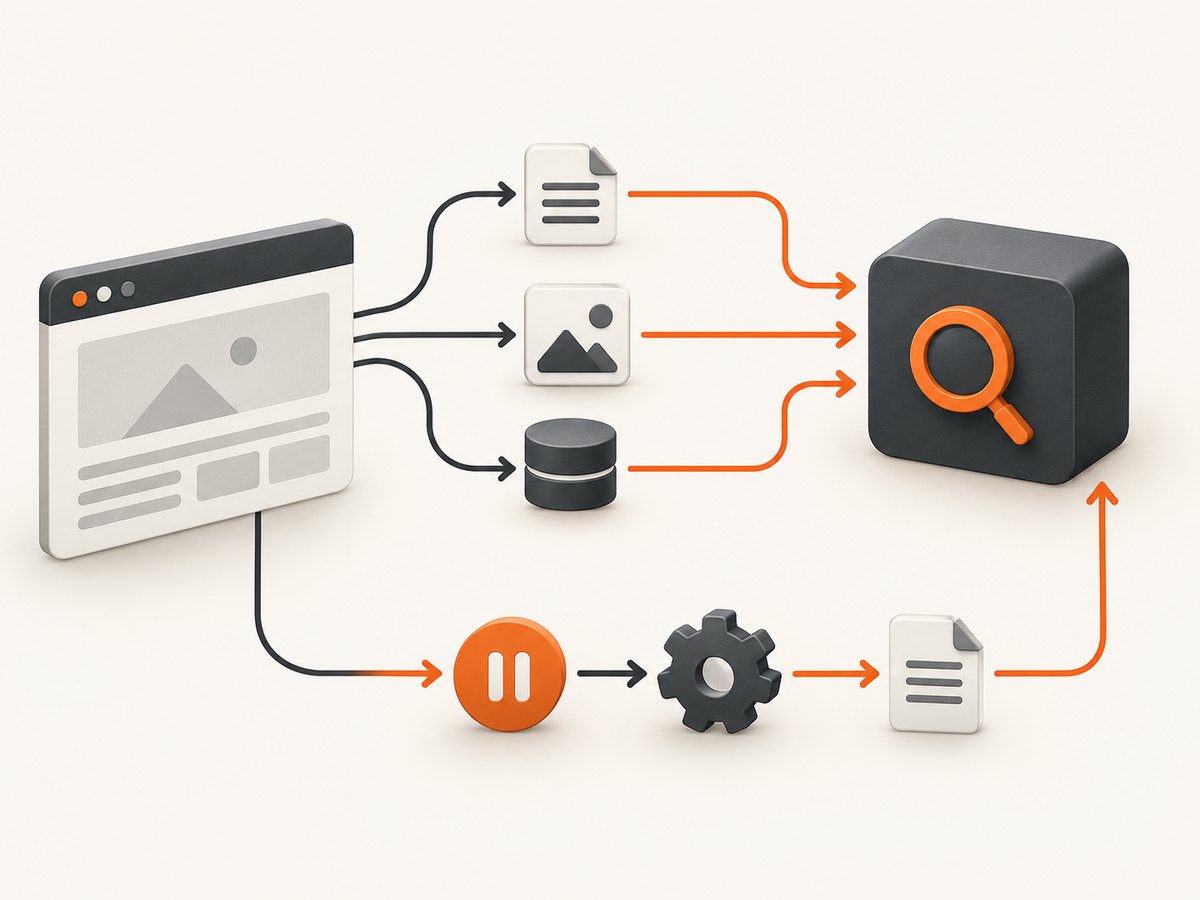
CDP Network is the observation layer for request lifecycle events. Create a session from the page, enable the domain, then register listeners. Do so before navigation to avoid missing early requests.
const client = await page.createCDPSession();
await client.send('Network.enable');

client.on('Network.requestWillBeSent', event => {
  const {url} = event.request;
  if (!/^https?:/i.test(url)) {
    console.log({url, type: event.type, requestId: event.requestId});
  }
});

client.on('Network.loadingFailed', event => {
  console.log('Load failed:', event.errorText, event.canceled);
});

await page.goto('https://example.com');
Use requestWillBeSent to inspect URLs and resource types as they start. Pair it with completion or failure events when diagnosing lifecycle issues. A data: URL can be generated and consumed locally without a conventional server exchange; an event is useful visibility, but it does not imply that a server request exists. Likewise, seeing a file: URL does not mean it is safe or appropriate to rewrite it as an HTTP response.
CDP events report browser behavior. They do not turn every resource into a replaceable HTTP transaction. For scheme-specific replacement semantics, test the exact Chromium build and operation. If a resource is generated entirely inside page code, no network interception layer can replace an operation that never enters the relevant browser request path.
5. Pause and mock supported requests with CDP Fetch
CDP Fetch is for active interception. It lets you match URL patterns and resource types, then receives a Fetch.requestPaused event. Every paused request needs a command: continue it, fail it, or fulfill it with a response. The following example returns a small JSON response for one URL prefix and continues anything else delivered to the listener.
const puppeteer = require('puppeteer');

(async () => {
  const browser = await puppeteer.launch();
  try {
    const page = await browser.newPage();
    const client = await page.createCDPSession();

    client.on('Fetch.requestPaused', async ({requestId, request}) => {
      try {
        if (request.url.startsWith('https://example.test/api/')) {
          const body = Buffer.from(JSON.stringify({ok: true})).toString('base64');
          await client.send('Fetch.fulfillRequest', {
            requestId,
            responseCode: 200,
            responseHeaders: [{name: 'content-type', value: 'application/json'}],
            body
          });
        } else {
          await client.send('Fetch.continueRequest', {requestId});
        }
      } catch (error) {
        console.error('Could not resolve paused request:', error);
      }
    });

    await client.send('Fetch.enable', {
      patterns: [{urlPattern: 'https://example.test/*', requestStage: 'Request'}]
    });
    await page.goto('https://example.test');
  } finally {
    await browser.close();
  }
})().catch(console.error);
The listener is installed before Fetch.enable, and Fetch is enabled before navigation. Production code should make its fallback more explicit: if fulfillment logic fails, attempt Fetch.continueRequest when the request is still active, or fail it deliberately. Log the request URL and resolution outcome. Avoid swallowing an error while leaving a request paused.
Patterns can target URL patterns and resource types; request-stage and response-stage interception are supported. A response-stage pause is useful when the original response must be inspected before deciding what to return. Check the [CDP Fetch domain documentation](https://chromedevtools.github.io/devtools-protocol/tot/Fetch/) for the command fields and your Chromium version’s protocol behavior. Fetch.fulfillRequest models an HTTP-style response. For schemes without that response model, prefer Network observation or verify replacement behavior directly rather than assuming fulfillment works.
6. Handle WebSocket handshakes and frames separately
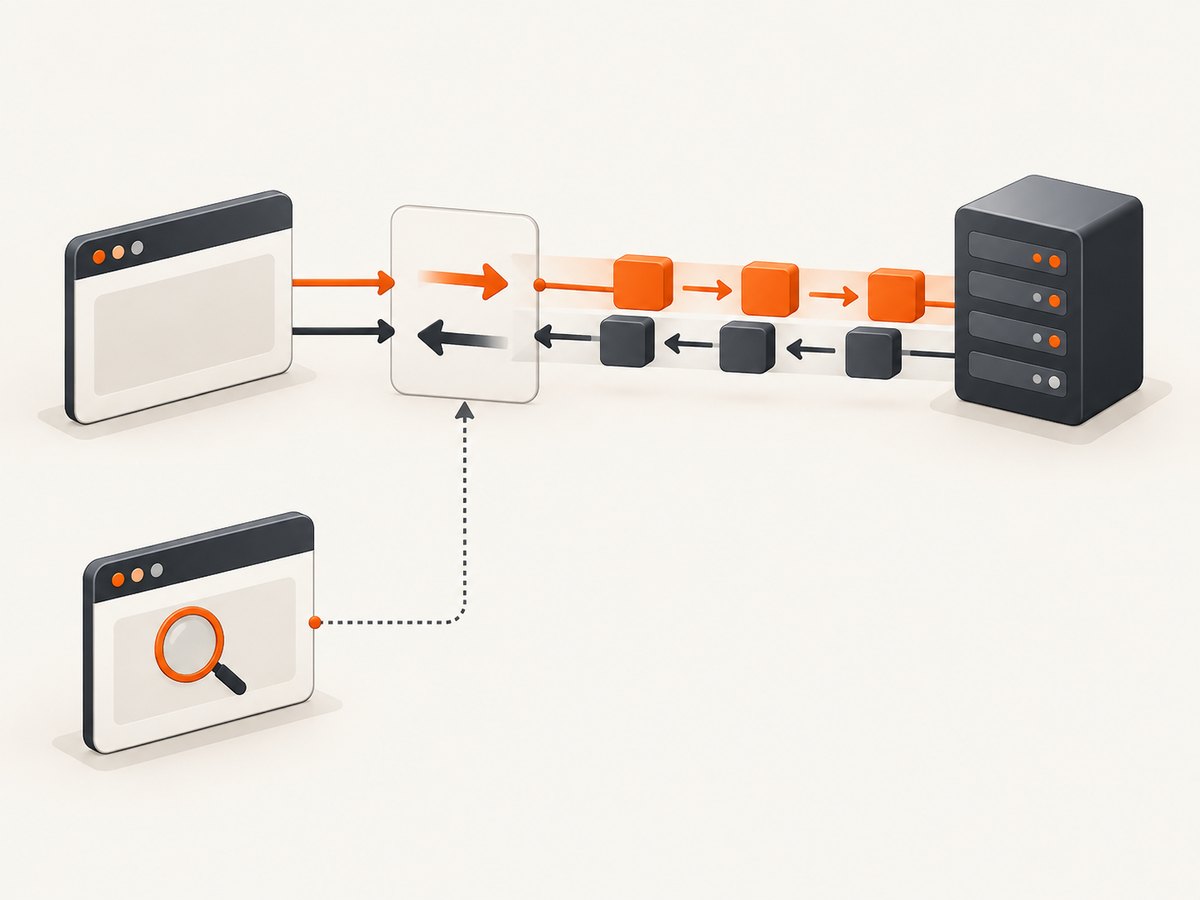
A WebSocket begins with a handshake, after which the connection carries frames. Intercepting the handshake does not give you a hook for arbitrary messages exchanged after connection. CDP Network provides separate events for the handshake and sent or received frames.
const client = await page.createCDPSession();
await client.send('Network.enable');

client.on('Network.webSocketWillSendHandshakeRequest', event => {
  console.log('WebSocket handshake:', event.request.url);
});
client.on('Network.webSocketHandshakeResponseReceived', event => {
  console.log('Handshake status:', event.response.status);
});
client.on('Network.webSocketFrameSent', event => {
  console.log('Sent frame:', event.response.payloadData);
});
client.on('Network.webSocketFrameReceived', event => {
  console.log('Received frame:', event.response.payloadData);
});
Use Puppeteer request handling or CDP Fetch for a handshake decision where the browser exposes it. Use frame events for inspection, and do not treat them as a general message rewrite API. Frame payloads can contain sensitive application data; limit logging, access, and retention to what your debugging task requires. Chrome’s [WebRequest documentation](https://developer.chrome.com/docs/extensions/reference/api/webRequest) also describes the handshake limitation for WebSocket support.
7. Avoid hangs and competing handlers
Puppeteer’s guarantee is explicit: “Once request interception is enabled, every request will stall unless it’s continued, responded or aborted.” That makes handler discipline essential. Multiple handlers may be registered, and asynchronous work can create a race in which another handler resolves the request before yours does.
- Enable interception before navigation or the action that triggers traffic.
- In each handler, check
request.isInterceptResolutionHandled()immediately before resolving it. - If the handler awaits, check again after the await; keep the check and
abort(),continue(), orrespond()together in the same synchronous block. - Give every branch a resolution, including error and fallback branches.
- For CDP Fetch, call one of
Fetch.continueRequest,Fetch.failRequest, orFetch.fulfillRequestfor every paused event. - Detach CDP sessions and close pages and browsers as part of cleanup.
For cooperative interception, Puppeteer handlers can supply numeric priorities; the highest priority wins, and tied decisions resolve in abort, respond, continue order. Do not add priorities casually to legacy handlers, since switching between cooperative and immediate resolution changes coordination behavior. Read the [Puppeteer guide](https://pptr.dev/guides/network-interception) for the current API details.
8. Restrict network access carefully
Puppeteer’s connection allowlist and blocklist options can act as broad network-service guardrails. They are experimental and have documented limits: some browser network access or web features can bypass the network service. Use them as defense in depth, not as a complete sandbox or proof that a page cannot access a resource. For application-specific interception, keep explicit request rules and verify the behavior against the browser features your page uses.
9. Troubleshoot common failures
| Symptom | Likely cause | Fix |
|---|---|---|
page.goto() never settles or the page looks stuck |
A request was intercepted and no handler resolved it. | Audit all branches for continue, abort, or respond. For CDP Fetch, resolve each paused request and log failures. |
A file: or data: URL is missing from the Puppeteer listener |
The high-level HTTPRequest stream does not necessarily expose every scheme. |
Enable CDP Network before the operation and inspect requestWillBeSent. |
| A request was already handled error appears | More than one listener tried to resolve the same request, possibly across an await. | Check isInterceptResolutionHandled() immediately before the resolution and check again after asynchronous work. |
| A mock does not replace a local or data resource | Fetch fulfillment is an HTTP-shaped response operation, while the scheme may not have that response model. | Use Network to observe it or validate the exact Chromium behavior; mock at the application layer if no browser request is exposed. |
| WebSocket handshake appears but message content does not | The handshake and post-connect frames are separate event types. | Enable Network and listen for WebSocket frame events. Do not expect request interception to rewrite arbitrary frames. |
| Some traffic escapes an allowlist or blocklist | Experimental network-service controls have bypass limitations. | Treat these options as guardrails and review the documented limits for the relevant browser features. |
| CDP Fetch stops the page after an exception | The event handler failed before sending a resolution command. | Wrap decision logic in error handling and provide a continue or deliberate fail fallback for active requests. |
10. Performance, reliability, and cost
Interception adds synchronous or asynchronous decision work to the page’s request path. Keep handlers short, avoid slow external calls for each resource, and scope Fetch patterns narrowly. Use Network-only listeners when observation is enough; they avoid intentionally pausing every matched request. Large volumes of logged URLs or WebSocket payloads can slow a run and expose data, so filter events and avoid retaining full payloads unless needed.
For reliability, install listeners first, enable the domain or interception next, then trigger navigation. Bound any application-level work you add to handlers, report errors, and close the session on completion. Browser and CDP protocol behavior may vary across Chromium versions, particularly for non-HTTP schemes, so pin and record the Puppeteer/Chromium versions for reproducible investigations.
There is no service cost for local Puppeteer itself beyond the compute, browser runtime, and storage you provide. The main operational cost is time spent on stalled or noisy captures. If a task is only to produce a website screenshot and does not require custom browser-side interception, a screenshot API can remove the browser installation and request orchestration from your application.
11. Or skip the browser setup
For a screenshot workflow, [ScreenshotNeo](https://screenshotneo.com) offers a one-request screenshot API and an MCP server for AI agents. It is not a replacement for Puppeteer’s custom CDP traffic inspection; it is an option when the output you need is a page screenshot or PDF.
See the [ScreenshotNeo API docs](https://screenshotneo.com/docs/) for the request and configuration options.
curl -G "https://api.screenshotneo.com/v1/shot" \
  -d access_key=YOUR_API_KEY \
  --data-urlencode url=https://stripe.com \
  -o shot.webp
import requests
r = requests.get(
"https://api.screenshotneo.com/v1/shot",
params={"access_key": "YOUR_API_KEY", "url": "https://stripe.com"},
timeout=90,
)
open("shot.webp", "wb").write(r.content)const q = new URLSearchParams({ access_key: 'YOUR_API_KEY', url: 'https://stripe.com' });
const res = await fetch(`https://api.screenshotneo.com/v1/shot?${q}`);
if (!res.ok) throw new Error(`Screenshot request failed: ${res.status}`);
await require('node:fs/promises').writeFile('shot.webp', Buffer.from(await res.arrayBuffer()));ScreenshotNeo accepts cookie and consent banners like a visitor and removes more than 60 known consent platforms, newsletter popups, and chat widgets before the shot; each cleanup step can be turned off. Bot checks, blank pages, and failed loads are never billed, and response headers state the page verdict and billing status. AI agents can use its MCP tools, including take_screenshot, get_page_info, and capture_pdf. The free plan includes 1,000 screenshots per month with no card; paid plans start at $5 for 3,000 shots. [Create a free account](https://screenshotneo.com/account/sign-up/).
12. FAQ
Can Puppeteer intercept file:// URLs?
They may appear in the high-level request stream depending on browser behavior, but do not assume they will. CDP Network is the more appropriate path for observing file-scheme requests.
Can Puppeteer intercept data: URLs?
CDP Network provides broader visibility into data requests. Whether a specific data URL operation is represented or replaceable depends on how the browser handles it.
Can I rewrite WebSocket messages with page.on('request')?
No. That request layer concerns the opening request when exposed. Inspect frames through CDP Network; post-connect frame rewriting is a separate problem.
Should I use CDP Network or Fetch?
Use Network to observe lifecycle and traffic types. Use Fetch when you need matching requests paused and resolved, and when the operation supports an HTTP-style interception response.


