How to Intercept Requests Across Multiple Puppeteer Pages
Configure Puppeteer request interception for existing tabs, popups, and new pages without stalled requests or duplicate handlers.
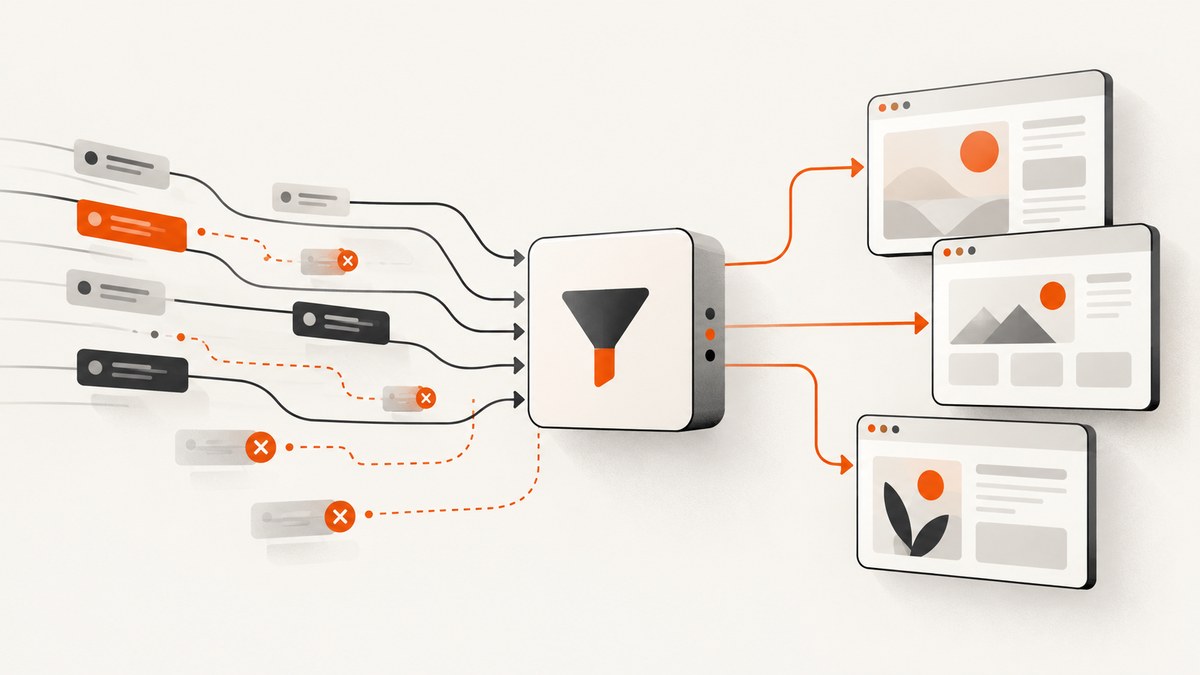
How to Intercept Requests Across Multiple Puppeteer Pages requires one important mental model: request interception belongs to each Page, not to the Browser as a single global switch. Enable interception and install a request listener on every page you want to control. Configure pages that already exist, then observe page creation so popups and later tabs are configured too.
Once interception is enabled, every request must be continued, responded to, aborted, or completed from cache. A request that takes no action will remain stalled. The complete pattern below covers existing pages, future pages, duplicate-handler protection, asynchronous policy checks, multiple browser contexts, and common failure modes.
1. The page-scoped interception model
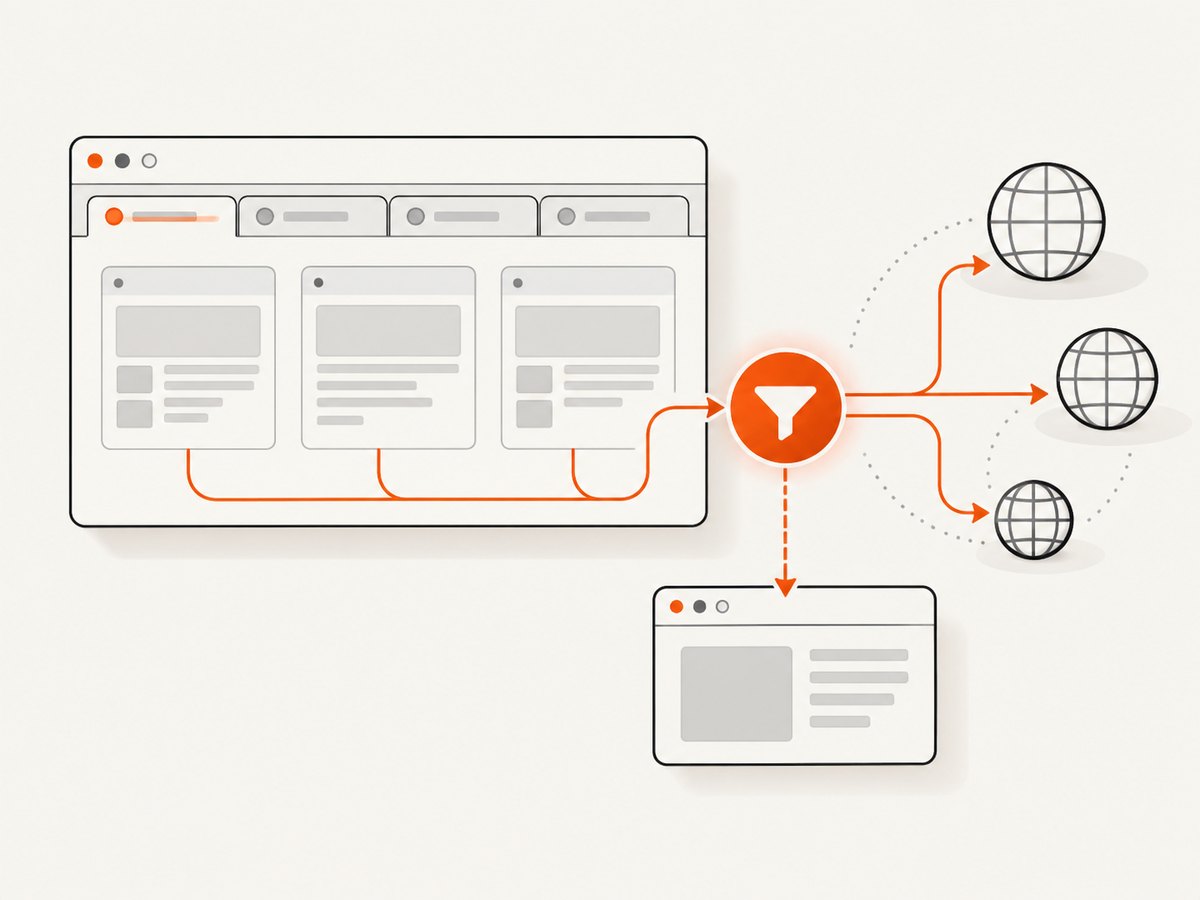
page.setRequestInterception(true) affects one Puppeteer Page. A browser can contain many pages, and a browser context can contain its own set of pages. Calling the method on one page does not configure sibling tabs or pages opened later.
The practical setup has four parts:
- Write an idempotent function that enables interception and installs one listener.
- Enumerate pages that already exist.
- Observe new targets and configure pages created afterward.
- Resolve every intercepted request, including policy paths that do nothing.
See the Page interception API and the official network interception guide for version-matched details.
2. A complete multi-page implementation
import puppeteer from 'puppeteer';

const browser = await puppeteer.launch({
  headless: true
});

const context = browser.defaultBrowserContext();
const configuredPages = new WeakSet();

async function configurePage(page) {
  if (!page || configuredPages.has(page)) return;
  configuredPages.add(page);

  await page.setRequestInterception(true);

  page.on('request', request => {
    // Another listener may have handled this request already.
    if (request.isInterceptResolutionHandled()) return;

    const url = request.url();
    if (url.endsWith('.png')) {
      void request.abort();
      return;
    }

    void request.continue();
  });
}

// Configure pages that were open before this code ran.
for (const page of await context.pages()) {
  await configurePage(page);
}

// Configure pages and popups created later in this context.
context.on('targetcreated', async target => {
  if (target.type() !== 'page') return;

  try {
    const page = await target.page();
    if (page) await configurePage(page);
  } catch (error) {
    console.error('Could not configure new page:', error);
  }
});

const firstPage = (await context.pages())[0];
await firstPage.goto('https://example.com', { waitUntil: 'domcontentloaded' });

// Keep the browser alive for your workload, then close it when finished.
// await browser.close();
The WeakSet prevents duplicate listeners when the same page is discovered more than once. The listener checks isInterceptResolutionHandled() before resolving. If your handler performs asynchronous work, check again immediately before calling continue, abort, or respond; another handler can resolve the request while your code is awaiting.
Choosing browser-wide or context-local coverage
| Requirement | Discovery API | Creation event |
|---|---|---|
| All pages across every context | browser.pages() |
browser.on('targetcreated', ...) |
| Pages in one context only | context.pages() |
context.on('targetcreated', ...) |
Use context-local discovery for isolated tenants, sessions, or test cases. Use browser-wide discovery when every page, including pages in other contexts, must receive the same policy. A browser-level target event observes targets across contexts; a context event limits observation to that context.
3. Handling existing pages and pages opened later
Existing pages
Call context.pages() or browser.pages() before navigation begins. This includes the initial blank page and tabs created by earlier setup code. If you only attach a creation listener, those existing pages remain unconfigured.
Popups and new tabs
A click that opens a popup creates a new page target. The targetcreated listener catches it, obtains the page with target.page(), and installs interception. Setup is asynchronous, so code that immediately navigates the popup may run before interception is ready. If the first request must be controlled, coordinate creation and navigation explicitly:
const popupPromise = new Promise(resolve => {
  context.on('targetcreated', async function handler(target) {
    if (target.type() !== 'page') return;
    context.off('targetcreated', handler);
    const page = await target.page();
    if (page) await configurePage(page);
    resolve(page);
  });
});

await page.click('#opens-popup');
const popup = await popupPromise;
await popup.goto('https://example.com/popup');
For general workloads, configuring the target event once is enough. For strict first-request guarantees, wait for configuration before starting navigation or trigger the popup from a controlled page and synchronize as shown.
4. Request policies that do not stall pages
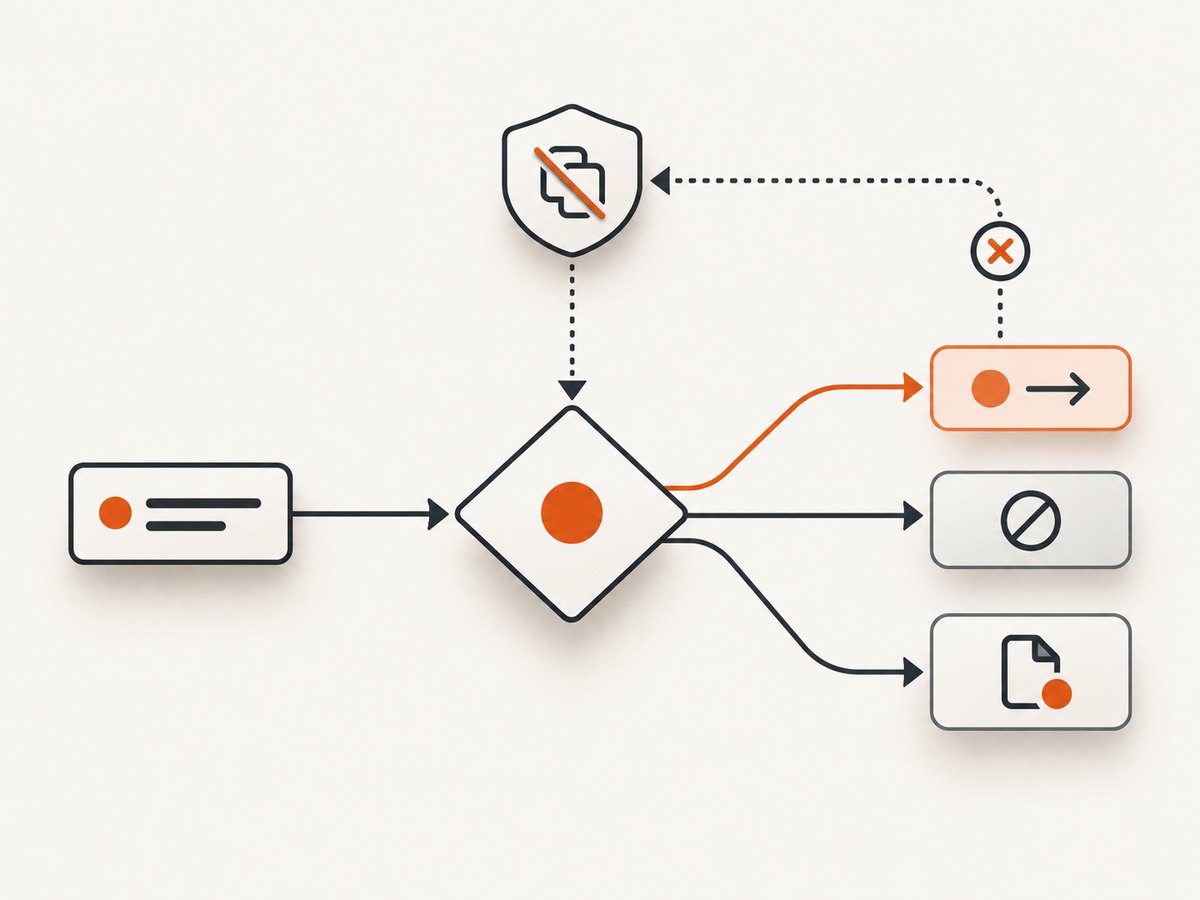
Every branch must resolve the request. A typical policy uses the request type, URL, method, and resource headers.
page.on('request', request => {
  if (request.isInterceptResolutionHandled()) return;

  const type = request.resourceType();
  const url = request.url();

  if (type === 'image' && url.includes('tracking.example')) {
    void request.abort();
    return;
  }

  if (type === 'stylesheet') {
    void request.continue();
    return;
  }

  void request.continue();
});
Use abort() for resources you deliberately block, continue() for pass-through or modified requests, and respond() when supplying a synthetic response. Do not leave a “debug” or “unknown” branch without a resolution call.
Asynchronous checks
Suppose a policy service decides whether a request is allowed:
page.on('request', async request => {
  if (request.isInterceptResolutionHandled()) return;

  const allowed = await policyAllows(request.url());

  // Another listener may have won during the await.
  if (request.isInterceptResolutionHandled()) return;

  if (allowed) {
    await request.continue();
  } else {
    await request.abort();
  }
});
Do not blindly register multiple independent handlers that all resolve requests. If several components need to contribute policy, combine them into one resolver or use Puppeteer’s cooperative interception priorities consistently. Cooperative mode only coordinates handlers that all provide numeric priorities; an unprioritized legacy resolution can resolve immediately.
5. Cooperative interception and multiple handlers
Multiple libraries may listen for the same request event. Without protection, one listener can call continue() after another has already called abort(), producing errors or unpredictable behavior.
At minimum, guard every handler:
page.on('request', request => {
  if (request.isInterceptResolutionHandled()) return;
  void request.continue();
});
If you intentionally use cooperative priorities, all resolving handlers should provide priorities. The highest priority wins, and equal-priority actions follow Puppeteer’s tie rules. A handler that omits a priority activates legacy immediate resolution, so mixing styles defeats coordination.
6. Browser contexts, isolation, and cleanup
Contexts isolate cookies, storage, and pages. Configure each context separately when policies differ:
async function configureContext(context) {
  for (const page of await context.pages()) {
    await configurePage(page);
  }

  const onTarget = async target => {
    if (target.type() !== 'page') return;
    const page = await target.page();
    if (page) await configurePage(page);
  };

  context.on('targetcreated', onTarget);
  return () => context.off('targetcreated', onTarget);
}

const context = await browser.createBrowserContext();
const stopContextConfiguration = await configureContext(context);

// ... run work ...
stopContextConfiguration();
Remove listeners when a context is retired. This avoids retaining application state and prevents old policies from affecting later jobs. Keep page configuration idempotent if pages can move through several setup paths.
7. Troubleshooting common errors
| Symptom | Likely cause | Fix |
|---|---|---|
| Navigation hangs forever | A request was never resolved. | Add a guaranteed continue, abort, or respond path, including exceptions and default branches. |
| Some tabs are filtered and others are not | Interception was enabled on only one Page. |
Enumerate existing pages and configure future targets. |
| Popup’s first request bypasses policy | The popup navigated before asynchronous setup completed. | Synchronize target creation and configuration before navigation when first-request control matters. |
Request is already handled errors |
Two listeners resolved the same request. | Check isInterceptResolutionHandled() immediately before resolution and consolidate handlers. |
| Duplicate logging or duplicate actions | The same page received multiple listeners. | Track configured pages with a WeakSet or equivalent marker. |
| Pages in another context are missing | A context-scoped event was used for browser-wide work. | Use browser.pages() and the browser-level targetcreated event, or configure each context deliberately. |
| Setup fails for a target | The target closed before target.page() completed. |
Wrap target setup in try/catch, tolerate closed pages, and keep the creation listener running. |
| Behavior differs after upgrading Puppeteer | Documentation and installed package versions do not match. | Pin Puppeteer and read the documentation for that installed release. |
8. Performance, reliability, and cost considerations
Performance
Every request passes through JavaScript, so keep the listener synchronous for simple rules. Match cheap properties such as resource type or hostname before expensive parsing. Avoid network calls inside the request handler unless the added latency is intentional. Blocking images, ads, trackers, or unnecessary fonts can reduce page load work, but changing resources can also alter application behavior.
Reliability
- Resolve requests on every code path, including errors.
- Use timeouts around external policy services.
- Log the page URL, request URL, resource type, and chosen action.
- Handle pages that close while targets are being configured.
- Keep interception setup in one reusable function so new pages cannot silently bypass it.
- Pin Puppeteer and review the matching API documentation after upgrades.
Cost
Puppeteer itself does not charge per intercepted request; your costs come from browser CPU, memory, bandwidth, hosting, and any external policy service. Blocking expensive resources can reduce bandwidth, while asynchronous policy calls can increase latency and infrastructure use. Measure your own workload rather than assuming a universal speedup; the cited Puppeteer material provides API behavior, not a performance benchmark.
9. Testing a multi-page policy
A useful test matrix includes:
- An already-open page.
- A page created with
context.newPage(). - A popup opened by a click.
- Pages in two separate browser contexts.
- Allowed, blocked, redirected, cached, and failed requests.
- Two listeners attempting to handle the same request.
- A page that closes during target setup.
Assert both the browser-visible result and your interception log. A test that only checks that navigation completed can miss requests that were unintentionally allowed or silently stalled and retried.
10. Or skip the browser setup
If your goal is to obtain clean screenshots rather than build a custom browser interception pipeline, ScreenshotNeo provides a single HTTP request. Its capture service accepts consent banners like a visitor and removes more than 60 known consent platforms, newsletter popups, and chat widgets before the shot; each step can be turned off. Bot checks, CAPTCHAs, blank pages, timeouts, failed loads, and cache hits are not billed, and response headers identify the page verdict and billing result.
Read the ScreenshotNeo API documentation for all options, including full-page capture, CSS selectors, dark mode, device presets, custom viewport and retina scale, PDF output, custom CSS and JavaScript, clicks, waits, blocked resources, headers, cookies, user agents, authorization, timezone, geolocation, transparent backgrounds, resizing, caching, signed links, asynchronous jobs, webhooks, bulk capture, usage, and the OpenAPI specification.
cURL
curl -G "https://api.screenshotneo.com/v1/shot" \
  -d access_key=YOUR_API_KEY \
  --data-urlencode url=https://stripe.com \
  -o shot.webp
Python
import requests

r = requests.get(
    "https://api.screenshotneo.com/v1/shot",
    params={"access_key": "YOUR_API_KEY", "url": "https://stripe.com"},
    timeout=90,
)
r.raise_for_status()
open("shot.webp", "wb").write(r.content)
Node.js
const q = new URLSearchParams({
  access_key: 'YOUR_API_KEY',
  url: 'https://stripe.com'
});
const res = await fetch(`https://api.screenshotneo.com/v1/shot?${q}`);
if (!res.ok) throw new Error(`Screenshot failed: ${res.status}`);
const body = Buffer.from(await res.arrayBuffer());
require('fs').writeFileSync('shot.webp', body);
ScreenshotNeo includes an MCP server with take_screenshot, get_page_info, and capture_pdf tools for Claude, Cursor, and other MCP clients. The Free plan includes 1,000 screenshots each month with no card; paid plans start at $5 for 3,000. Create a free ScreenshotNeo account.
11. FAQ
Does enabling interception on the browser cover every tab?
No. Interception is configured per Page. Enumerate pages and configure new targets.
Should I use Browser.pages() or BrowserContext.pages()?
Use the browser method for all contexts and the context method for one isolated context.
Can I install more than one request listener?
Yes, but each listener must guard resolution, and cooperative priorities must be used consistently if you need coordinated decisions.
Why does a page freeze after interception is enabled?
At least one request was left unresolved. Ensure every branch continues, aborts, responds, or deliberately uses a cached completion.
Which Puppeteer version should I follow?
Pin the version in your project and use documentation matching that installed release. Documentation snapshots reviewed for this topic displayed versions in the 25.9.0–25.12.0 range.


